HDMI vs Optical for Soundbar: Which Should You Use?

HDMI vs optical for soundbar setups usually sounds like a sound-quality decision, but for most TVs the bigger difference is what formats and control features your setup can actually pass. Many people swap cables expecting a major upgrade, only to find the sound is unchanged because standard HDMI ARC and optical often carry the same everyday TV audio.
The confusion happens because three different things get mixed together: standard HDMI, HDMI ARC, and HDMI eARC. If you do not separate them, it is easy to blame the cable when the real limit is your TV’s ARC port, your soundbar’s decoder, or a PCM setting buried in the TV menu.
The good news is that the choice is straightforward once you know what your TV and soundbar support. Below, you’ll see when HDMI genuinely beats optical, when optical is the smarter fallback, and which settings decide whether your bar gets stereo, Dolby Digital 5.1, or Atmos.
If your TV and soundbar only support standard ARC, HDMI and optical often sound the same with normal TV audio and Dolby Digital 5.1 content. HDMI ARC is still the better default because it adds TV-remote volume control and a cleaner one-cable setup.
HDMI clearly pulls ahead only when your gear supports eARC or Dolby Digital Plus and Atmos that optical cannot carry. Optical is still the smarter fallback when your TV has no ARC port or ARC/CEC causes dropouts, lip-sync issues, or power-control problems.
HDMI vs Optical for Soundbar: Does It Change Sound Quality?
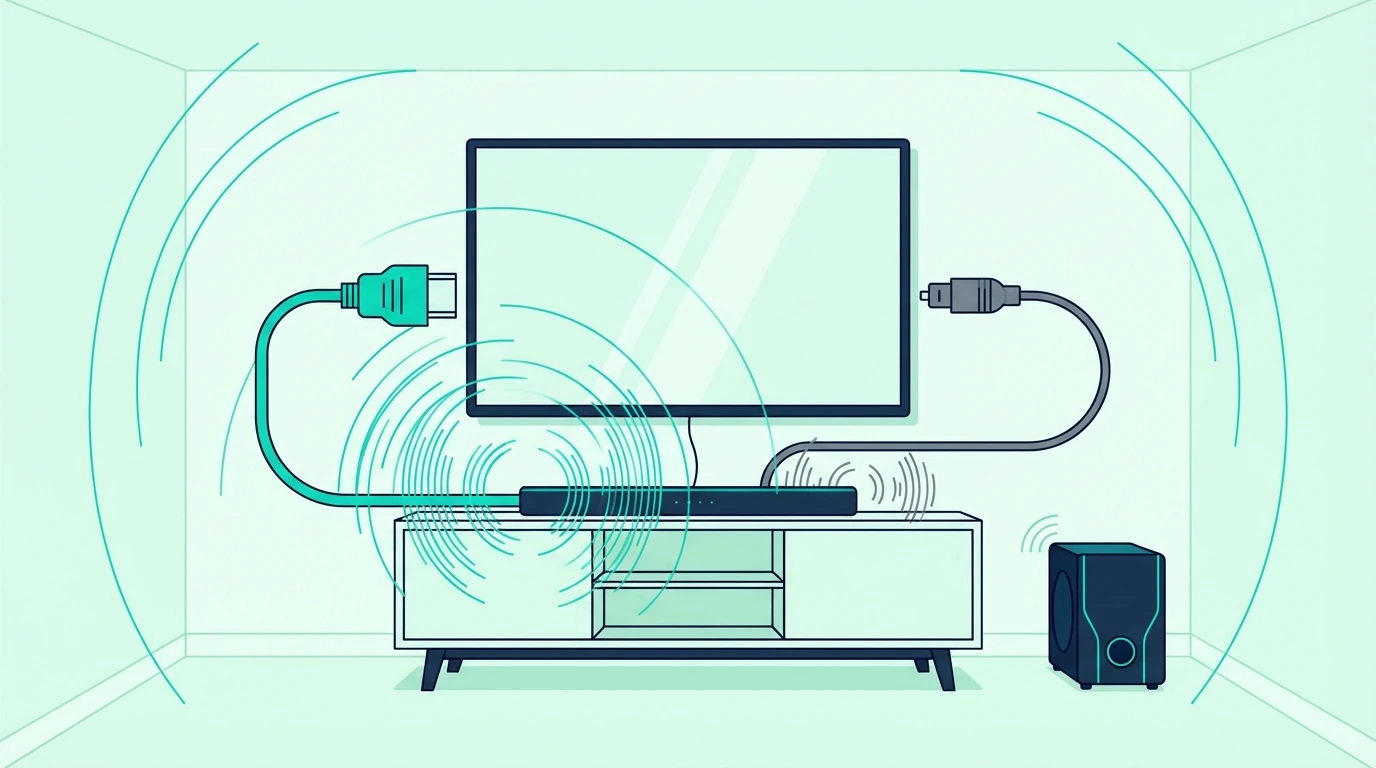
Most people ask this because they want to know whether one cable makes their soundbar sound better. The honest answer is sometimes, not always.
When they sound the same
If your TV is sending stereo PCM or standard Dolby Digital 5.1, standard HDMI ARC and optical can sound effectively identical on the same soundbar. In that situation, changing the cable does not create more detail, more bass, or wider surround by itself.
That is why a basic 2.1 or 3.1 bar often sounds the same over either connection once it is set up correctly. If you want the bigger picture on what your bar can even decode, our what is a soundbar guide breaks down the hardware inside the bar.
When HDMI really does sound better
HDMI starts to matter when the TV and soundbar can pass audio formats that optical cannot carry. That usually means Dolby Digital Plus from streaming apps, or full lossless formats and Dolby Atmos over eARC on newer gear.
Optical cannot be upgraded into Atmos with a better cable. If your bar supports immersive audio, our best Dolby Atmos soundbar guide shows which current models actually make better use of those extra formats.
What Does Each Connection Actually Do?
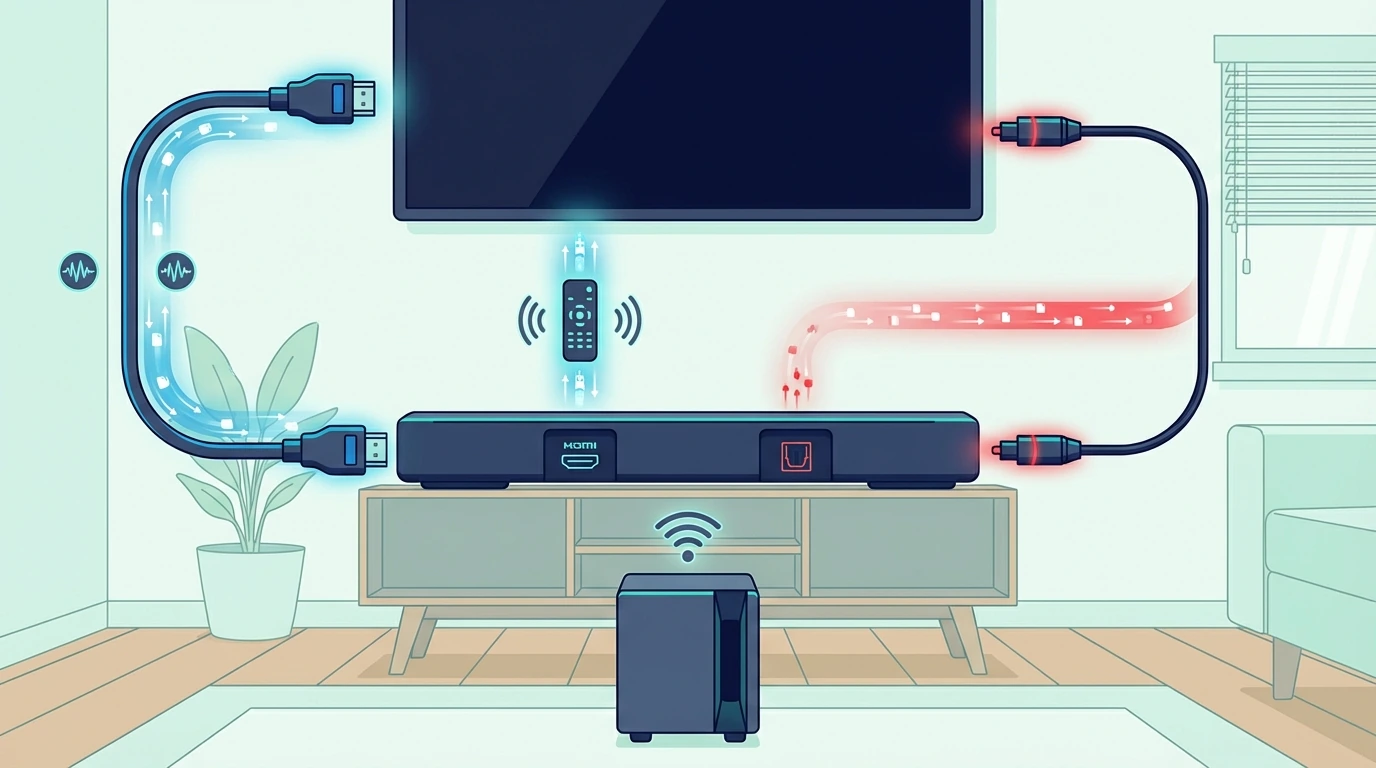
The root confusion is that people say “HDMI” when they often mean “HDMI ARC.” Those are not the same thing.
Standard HDMI
A regular HDMI port mostly sends audio and video from a source device to the TV. It does not automatically send TV audio back to the soundbar, which is why plugging a bar into the wrong HDMI port often produces no sound at all.
If that part still feels blurry, our HDMI ARC setup guide shows how to identify the right port and get TV audio flowing to the bar.
HDMI ARC and eARC
HDMI ARC adds the return path that sends TV audio back to the soundbar. It also adds CEC, which is what lets your TV remote change the soundbar volume and power state without a second remote.
eARC is the higher-bandwidth version on newer TVs and bars. A purpose-built Silkland ARC/eARC HDMI cable is a more on-point pick for that job, but the cable alone never overrides the port limits on your TV or soundbar.
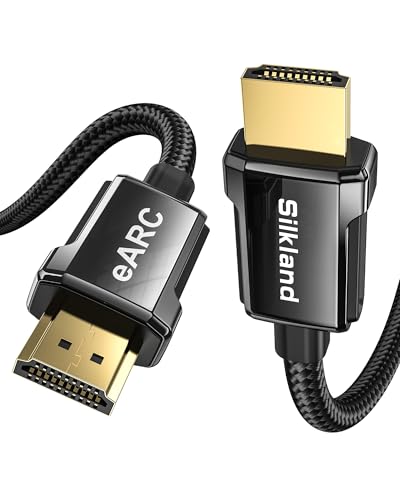
Silkland ARC/eARC HDMI cable
Optical
Optical is a digital audio link with no CEC and less bandwidth than eARC. It is excellent as a clean, simple fallback, but it tops out well before the newest surround formats.
A reliable KabelDirekt optical cable is fine if your TV has no ARC port or ARC is acting up, but it does not unlock anything beyond what the optical standard can already carry.
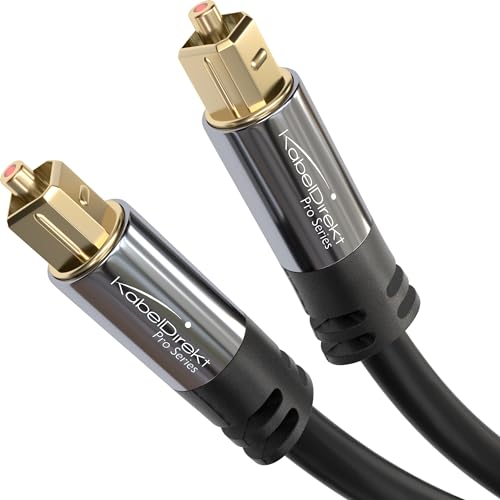
KabelDirekt optical cable
Get Studio Tips Weekly
Join 5,000+ creators getting acoustic treatment advice every week.
No spam. Unsubscribe anytime.Which Connection Should You Use for Your Setup?
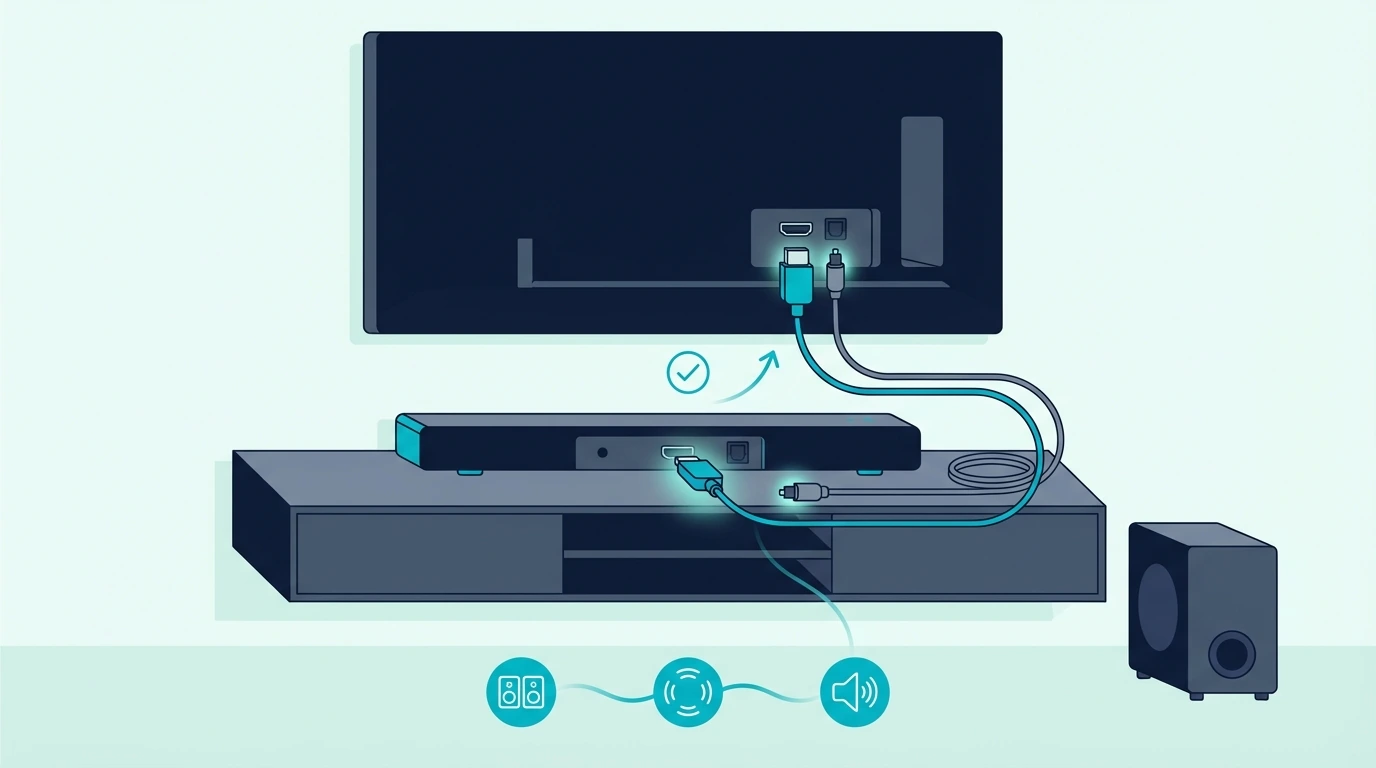
The best choice depends less on theory and more on the exact path your audio takes. Start with the setup you actually have, not the setup you wish you had.
For the full ranking, from eARC down to analog and Bluetooth, see our guide to the best connection for a soundbar.
Basic TV plus basic soundbar
If your bar is a simple 2.0, 2.1, or 3.1 model and your TV mostly feeds it streaming apps, cable, or broadcast TV, HDMI ARC is usually the right default. You get the same core TV audio you would get from optical, plus easier control through the TV remote.
If ARC gives you trouble, switching to optical is a practical fallback rather than a downgrade panic. Our soundbar to TV connection guide covers the physical setup for both paths.
Atmos soundbar plus newer TV
If your soundbar advertises Dolby Atmos or higher-end surround processing, the first question is whether both ends support eARC. If they do, use HDMI and keep eARC enabled, because optical cannot carry the formats that make that soundbar worth buying.
If your TV only has standard ARC, you may still get better format support than optical depending on the TV and app. That is also where our soundbar setup guide becomes important, because the wrong TV output setting can make a good HDMI connection behave like a limited one.
Older TV with no ARC
If the TV has no ARC port, optical is the right answer. There is no prize for forcing HDMI adapters and extra boxes into a setup that simply does not support ARC in the first place.
That kind of system can still sound good with standard Dolby Digital 5.1. If you are deciding whether a basic bar is enough or whether you have outgrown it, our best soundbar guide helps you compare the step-up options realistically.
Devices plugged into the soundbar instead of the TV
This is where many guides stay too generic. If you plug an Apple TV, console, or Blu-ray player directly into the soundbar and then pass video to the TV, the bar may get better audio than it would from the TV’s optical output because the TV is no longer the main bottleneck.
That is one reason connection advice changes depending on whether the TV is the hub or the soundbar is. For the broader tradeoff between soundbar convenience and a more expandable surround setup, our soundbar vs home theater guide is the better comparison.
When Is Optical the Smarter Choice?

Optical is older, but older does not mean useless. In a few common setups, it is the more stable decision. On Hisense TVs specifically, where the Digital Sound Out menu sits behind different paths in different model years, the optical setup steps with the exact Hisense menu sequence — bar set to Optical or D.IN, TV sound mode set to external, PCM format first is the brand-targeted reference rather than the brand-neutral comparison above.
ARC handshake or dropouts
If ARC keeps cutting out, losing audio after the TV wakes up, or failing to reconnect when you switch inputs, optical strips away a lot of the complexity. It gives up CEC and advanced formats, but it also removes the ARC handshake layer that causes many of those headaches.
When that happens, use optical first to restore stable sound and then diagnose ARC separately. Our soundbar no sound guide is the right troubleshooting path for that.
CEC conflicts you do not want
Sometimes ARC technically works, but CEC becomes the bigger problem. The TV turns the soundbar on at the wrong time, a console hijacks volume control, or family members keep landing on the wrong input.
Optical avoids all of that because it carries audio only. If you want simple, predictable behavior, optical can be the better real-world choice even when HDMI is theoretically more capable.
You do not gain anything from ARC on this bar
If the soundbar does not support Atmos, the TV only outputs basic formats, and you do not care about one-remote control, optical may not cost you anything that matters. In that setup, using HDMI because it sounds more modern is not the same thing as getting a better result.
Which Settings Make Good Connections Look Bad?
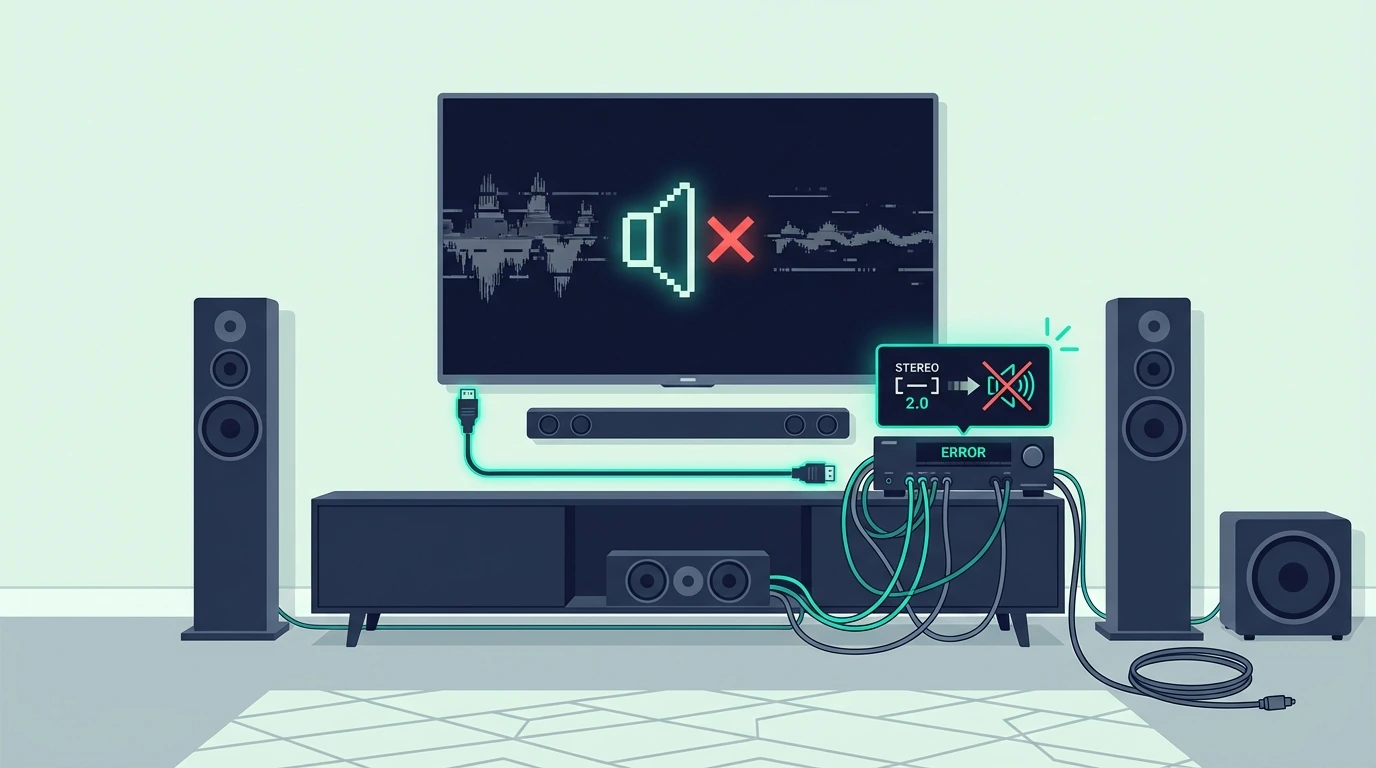
A lot of “HDMI sounds worse than optical” reports are really settings problems. The cable gets blamed because it is the easiest part to see.
TV output set to PCM
When the TV is locked to PCM, the soundbar may only receive stereo even if the content and connection support more. That makes HDMI look pointless when the real fix is changing the TV audio output to bitstream, auto, or passthrough, depending on the brand.
If you are not sure what those menu labels mean, start with our soundbar to TV connection guide before you replace anything.
Soundbar plugged into the wrong HDMI port
This is one of the most common setup mistakes. The cable is fine, but the soundbar is connected to a normal HDMI input instead of the port labeled ARC or eARC, so the TV never sends audio back.
That is why the difference between HDMI and ARC matters more than the difference between HDMI and optical for many users. Our HDMI ARC setup guide and soundbar setup guide walk through that menu and port check.
Both HDMI and optical connected at once
Many soundbars let you physically connect both, but that does not mean you should. Two live paths can confuse input switching, make the wrong source activate, or leave you thinking the soundbar changed formats when it actually changed inputs.
Pick one primary path and test with only that path connected. If you want a wireless backup or temporary workaround instead of a second wired path, our TV-to-soundbar Bluetooth guide is the better next step.
If you’re weighing cables against wireless altogether, this wired-or-wireless breakdown covers power, subwoofers and delay.
Do You Need a Better Cable?

Usually, no. Most cable problems are really compatibility or settings problems, not premium-cable problems.
If you are using eARC and lossless formats, a properly spec’d HDMI cable matters because the connection has to carry more data reliably. If you are using standard ARC or optical, replacing a working cable with an expensive one does not unlock hidden sound quality.
If you are trying to rule out more than one questionable HDMI lead in the chain, a JSAUX HDMI 2.1 2-pack is a more practical troubleshooting buy than gambling on one mystery cable.
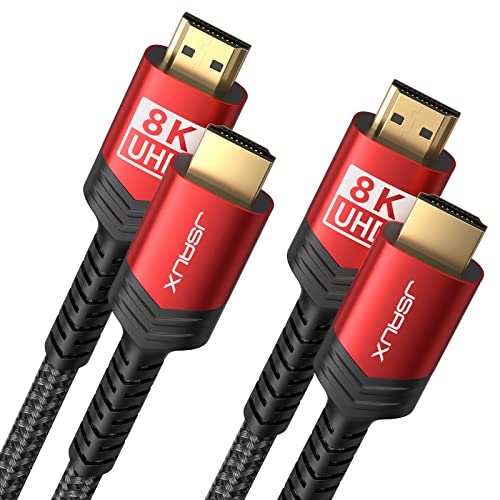
JSAUX HDMI 2.1 2-pack
What helps is using the right cable for the connection you already chose. Use HDMI when your setup can benefit from ARC or eARC, and keep optical as a clean fallback when simplicity matters more than features.
The Bottom Line
HDMI vs optical for soundbar decisions are simpler once you separate everyday TV audio from advanced format support. For many basic setups, standard HDMI ARC and optical sound effectively the same, but HDMI ARC is still the better default because it adds TV-remote control and cleaner setup.
HDMI becomes the clear winner when your TV and soundbar support eARC or when your apps and devices can pass formats optical cannot. Optical stays valuable because it is stable, simple, and often the fastest fix when ARC or CEC starts misbehaving.
If you are trying to decide whether those higher-end formats are worth chasing, our best Dolby Atmos soundbar guide shows which current bars actually make use of eARC. Our soundbar vs home theater guide covers when connection capability turns into a system-level advantage.
Frequently Asked Questions
Is HDMI ARC better than optical for sound quality?
If the TV is sending stereo PCM or standard Dolby Digital 5.1, the two can sound the same on the same soundbar. HDMI pulls ahead only when the setup can actually pass formats optical cannot, such as Dolby Digital Plus or full Atmos via eARC.
Can optical carry Dolby Atmos to a soundbar?
No. Optical does not have the bandwidth for Dolby Atmos, Dolby TrueHD, or other newer lossless surround formats.
Why does optical sometimes feel more reliable than HDMI ARC?
Because optical is simpler. It does not depend on ARC handshakes or CEC control, so there are fewer places for power, input, and communication bugs to appear.
Should I connect both HDMI and optical to my soundbar?
Usually no. Keeping both connected can create input confusion and make troubleshooting harder, because the bar may switch inputs without making the reason obvious.
If my TV has ARC but not eARC, should I still use HDMI?
Yes, in most cases. ARC is still the better default because it adds easier control and may support formats optical cannot, even though it does not reach the full capability of eARC.