The JBL One App Sets Up JBL Speakers, Soundbars and PartyBoxes
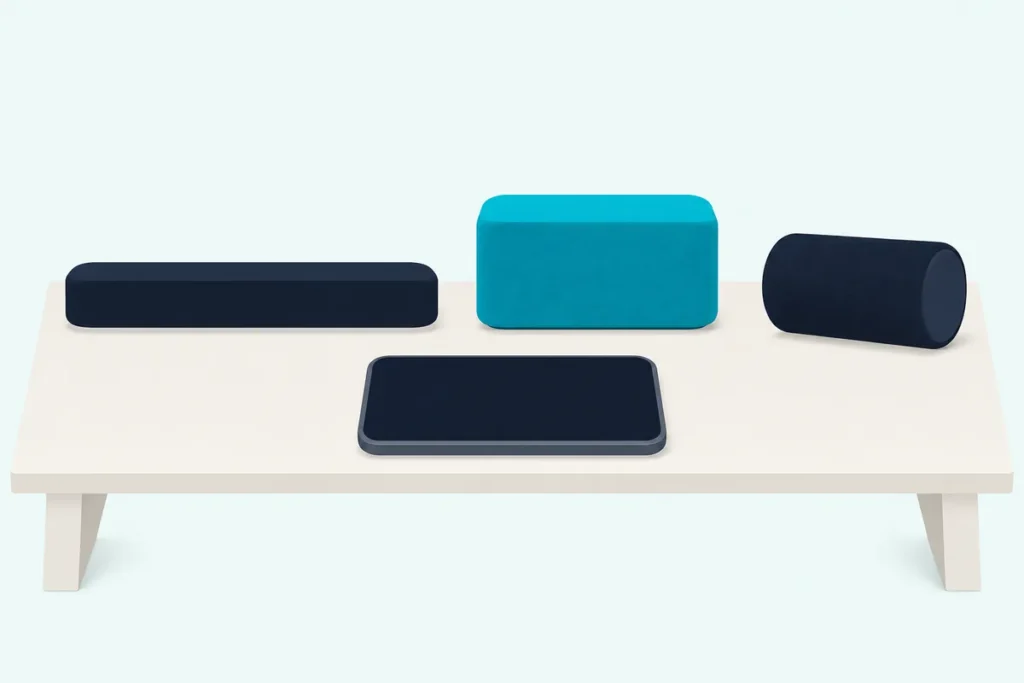
If your new JBL speaker or soundbar is asking for the JBL One app, that’s JBL’s official app for setting up and controlling its Wi-Fi and Bluetooth speakers, soundbars, PartyBox and BandBox products, though it isn’t the only JBL app in the stores.
Download the wrong one and your product may never show up, because JBL Portable, JBL PartyBox, JBL Headphones and JBL Pro Connect each cover their own lines.
Match the app to your model and your phone handles Wi-Fi, EQ, music services and software updates in one place.
The first table below sorts JBL’s product families, from JBL’s owner’s manuals and its App Store and Google Play listings, and the second sorts JBL’s apps.
After them come what the app does, setup for a soundbar and a speaker, JBL’s fixes when the app can’t find your product and the account and privacy notes.
What Is the JBL One App?
Start with JBL’s own words, since “JBL One” gets used for more than one thing. The JBL One app is “the official app for setting up and controlling JBL Wi-Fi & Bluetooth speakers, Soundbar, PartyBox and BandBox products,” according to its App Store listing, and Google Play carries the same line.
Both listings come from Harman: Harman International Industries on the App Store and Harman Consumer, Inc. on Google Play. Check for that name, since guides and remotes from other developers can sit beside it in a store search.
Download it from either store: the App Store version needs iOS 16 or later and is marked “Only for iPhone,” and Google Play carries the Android version.
It also changes often. The App Store history shows eight releases since November 2025, up to version 2.8.20 on October 13, 2026, so anything here about supported models is a snapshot from November 2026.
Which JBL Products Work With the JBL One App?
That one line covers a lot of hardware, and the listing’s description prints no list of compatible devices. JBL’s Bar 300 to Bar 1300X soundbars and their MK2 versions, its Authentics home speakers, its Wi-Fi portables and the PartyBox Ultimate all use it, and JBL names those models in two places: its owner’s manuals and the App Store’s update notes.
| Product family | Models JBL names | Where JBL names them |
|---|---|---|
| Soundbars | Bar 300, 500, 700, 800, 1000, 1300, 1300X | Owner’s manuals |
| MK2 soundbars | Bar 300MK2, 500MK2, 700MK2, 800MK2, 1000MK2, 1300MK2, 1300X MK2 | Owner’s manuals, update notes |
| Home speakers | Authentics 200, 300, 500; Horizon 3 | Owner’s manuals, update notes |
| Wi-Fi portables | Charge 5 Wi-Fi, Charge 5 Wi-Fi SE, Boombox 3 Wi-Fi | Update notes |
| PartyBox and lights | PartyBox Ultimate, PartyLight Beam, PartyLight Stick | Owner’s manual, update notes |
| BandBox | No model named | Listing description |
The descriptions come from JBL’s manuals and its app store listings.
The update notes stopped naming models after June 2025. Since then they’ve said only “Added support for new speakers” or “new products,” so no table can be complete, this one included.
That’s why your own manual is the better test: if it has a JBL One section, you’re in the right place. JBL’s Bar 5.0 MultiBeam manual, for example, names no JBL app and sends Wi-Fi setup through Google Home, AirPlay or Alexa, and the steps to connect Alexa to a soundbar show how that last route differs by brand.
Which JBL App Does Your Product Take?
A product missing from that table may simply belong to another app, since JBL splits its apps by product line. Use JBL One for the families above, JBL Portable for portable Bluetooth speakers, JBL PartyBox for most PartyBox speakers, JBL Headphones for headphones and earbuds, and JBL Pro Connect for PA speakers.
| JBL app | Made for | Models its listing names |
|---|---|---|
| JBL One | Wi-Fi and Bluetooth speakers, soundbars, PartyBox, BandBox | See the table above |
| JBL Portable | Portable speakers | Clip 5, Go 4, Grip, Flip 3 to 7, Charge 3 to 6, Pulse 2 to 5, Tuner 3, Xtreme, Boombox |
| JBL PartyBox | PartyBox speakers, party lights | PartyBox 110, 310, 520, 710, Stage 320, Club 120, Encore line, PartyLight Beam and Stick |
| JBL Headphones | Headphones, earbuds | Tune, Live, Tour, Club, Wave, Vibe and other lines |
| JBL BAR Setup | One soundbar | Bar 5.1 Surround |
| JBL Pro Connect | PA speakers | PRX ONE, EON700, EON ONE MK2, PRX 900 |
The word “One” in a product’s name doesn’t tell you the app. The PRX ONE and EON ONE MK2 are PA speakers on JBL Pro Connect’s list, and the Tour One headphones sit in the JBL Headphones listing.
PartyBox owners have one more check. The JBL PartyBox listing says it’s “Not compatible with” the PartyBox 100, 200, 300, 1000 or On-The-Go.
Is JBL One Replacing JBL Portable and JBL PartyBox?
Those app lists overlap more than they used to, which is where the “JBL One vs JBL Portable” question comes from. JBL One isn’t replacing them yet, as far as JBL has said: SoundGuys reported on August 19, 2026 that portable and PartyBox speakers were appearing in JBL One while both older apps kept working.
SoundGuys saw models from the Go 4 and Grip up to the Boombox 4 and PartyBox 720, with EQ, stereo pairing and lighting controls depending on the speaker. It also says JBL hasn’t said how long the older apps will be supported or which older speakers will move.
JBL’s listings fit that picture. JBL Portable’s listing still names the Go 4, Grip and Boombox 4 and was updated on August 17, 2026, and JBL PartyBox was updated on August 10, 2026.
The older apps have handed off Wi-Fi models before. JBL Portable’s May 2023 note adds “discovery and re-direction features for portable Wi-Fi speakers,” and JBL PartyBox’s August 2023 note does the same for the PartyBox Ultimate, though neither says where they lead.
So a speaker that works in JBL Portable or JBL PartyBox today can stay there; SoundGuys’ advice is that there’s no need to switch yet. If you want one app for everything, your speaker’s model decides whether JBL One will show it.
What Can You Do in the JBL One App?
Whichever speakers end up in it, the job list is the same on paper. JBL’s listing names setup, EQ, a device overview with connection status and battery level, stereo pairing and grouping, music playback, software updates and product support, with the note that “Feature availability depends on product model.”
- Sound: EQ with presets and custom settings. On the Authentics 200 and 500, the app and the speaker’s knobs stay synchronized.
- Music: an integrated player with streaming services, internet radio and podcasts. Which services appear varies by country, JBL’s manuals note.
- Grouping: stereo pairs, Immersive Audio on the Bar 300, Bar 500, Charge 5 Wi-Fi and Boombox 3 Wi-Fi with OneOS 2.1 software and above, and PartyTogether for Auracast speakers.
- Lights: PartyBox speakers connect with their companion lighting accessories.
A few jobs reach past the phone. The Moment button on the Bar 500, the Authentics speakers and the PartyBox Ultimate calls up a playlist and speaker settings you’ve personalized in the app, and the update notes add Night Listening “for JBL Bar 700 and above.”
Voice assistants start in the app too. On the Authentics 200 and 500 you set up Google Assistant, Alexa or both in JBL One right after connecting, then register them in the Google Home and Amazon Alexa apps for Chromecast built-in and Alexa Multi-Room Music.
Multi-room listening sits outside it. JBL’s Bar 500, Authentics and PartyBox Ultimate manuals build those groups in Google Home, AirPlay and the Alexa app, while the listing’s own grouping covers stereo pairs and multi-channel systems.
How Do You Set Up a JBL Soundbar in the JBL One App?
All of that waits on setup, and the soundbars show you where you are on their screens. JBL’s Bar 500 owner’s manual boils down to three steps, and the same pattern runs through the other bars’ manuals.
- Press any button to switch the soundbar on. One that hasn’t joined a network shows HELLO, then SETUP WIFI.
- Connect your Android phone or iPhone to your home Wi-Fi network and download the JBL One app.
- Follow the app’s instructions to finish, keeping the phone within the 10 m (33 ft) the manual’s diagram shows.
The manual’s pictures show the app connecting to the bar, asking you to press a button on it, then asking for your Wi-Fi password. An Ethernet cable is optional afterward, on the same network you used for setup.
After that, you can name the bar in the app. On an iPhone, you can also add it to the Apple Home app with your other AirPlay speakers.
How Do You Set Up a JBL Speaker in the JBL One App?
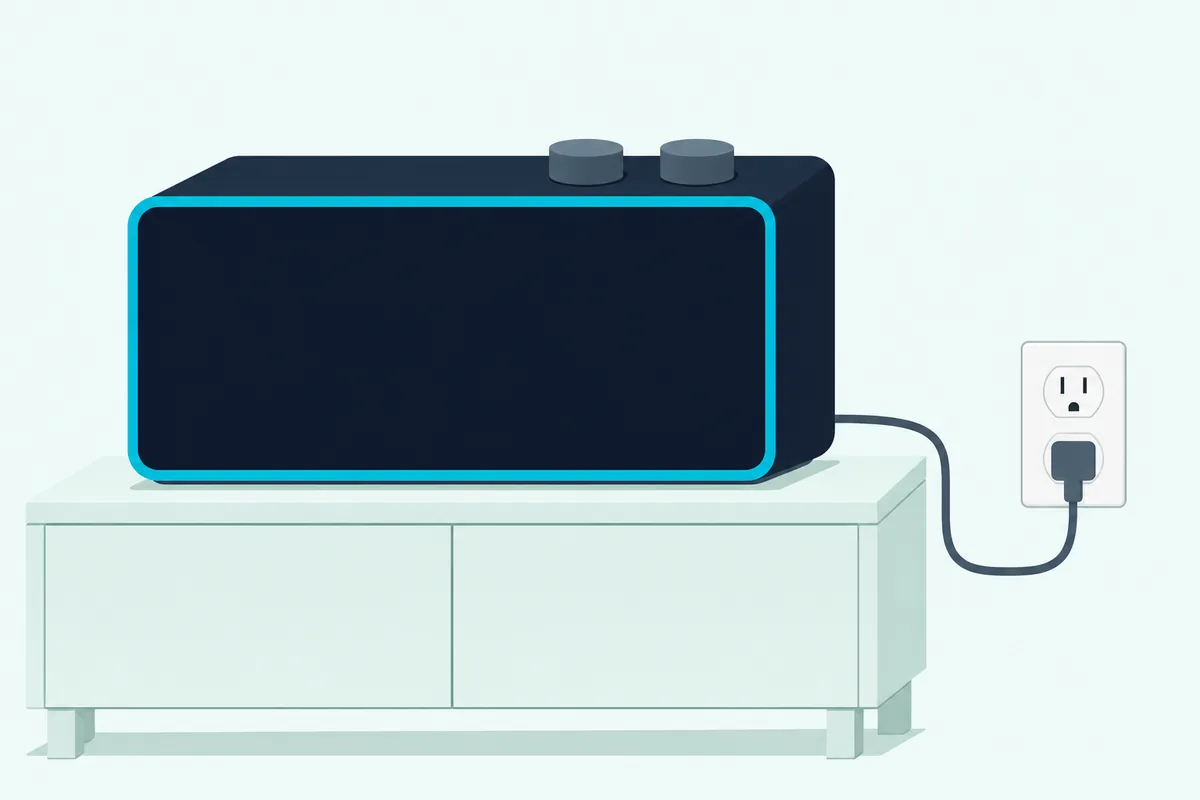
Speakers follow the same three moves, with a status light in place of a screen. JBL’s Authentics 200 and 500 owner’s manual has you power the speaker, put your phone on your home Wi-Fi, then launch JBL One.
- Plug the speaker in. It enters Wi-Fi setup mode by itself.
- Connect your Android phone or iPhone to your home Wi-Fi network and download the JBL One app.
- Launch the app and follow its instructions to complete setup.
The PartyBox Ultimate differs only at the start: press its power button to switch it on, and JBL’s manual for it gives the same app steps.
| Status light | What it means |
|---|---|
| Slow pulsing white | Wi-Fi setup mode, or network disconnected |
| Solid green | The JBL One app has found the speaker |
| Solid white | Connected to your network |
| Solid yellow | Weak Wi-Fi connection |
Green then white is what you want to see. On the PartyBox Ultimate the manual calls the first state “slow breathing white,” with the same meaning.
Bluetooth portables are the gap. The manuals above cover Wi-Fi models, so go by the app’s prompts and your own speaker’s manual; SoundGuys reports having no problem adding the models it tried.
Why Can’t the JBL One App Find Your Speaker?
If that green light never comes, JBL’s manuals run through the same short list. Put your phone and the product on the same Wi-Fi network, then send the product back into Wi-Fi setup mode so the app can find it.
First rule out the wrong app, using the second table above. Then work down this list.
- Same network: the Authentics manual asks for the speaker and phone on the same Wi-Fi network, and the Bar 500 manual says the same wireless LAN.
- Setup mode, speakers: on the Authentics 200 and 500 and the PartyBox Ultimate, hold Bluetooth and Moment together for more than 10 seconds.
- Setup mode, bars: hold + and − until SETUP WIFI appears on the Bar 500; on the Bar 500MK2, hold them for more than 10 seconds.
- Router: check the network name and password, keep the router on and in range, and set its security type to WPA2 or auto.
Other models use other button pairs, so check your manual. A band change isn’t on JBL’s list: the Authentics specs give 2.4 GHz and 5 GHz Wi-Fi, and the manual’s troubleshooting doesn’t ask you to pick one.
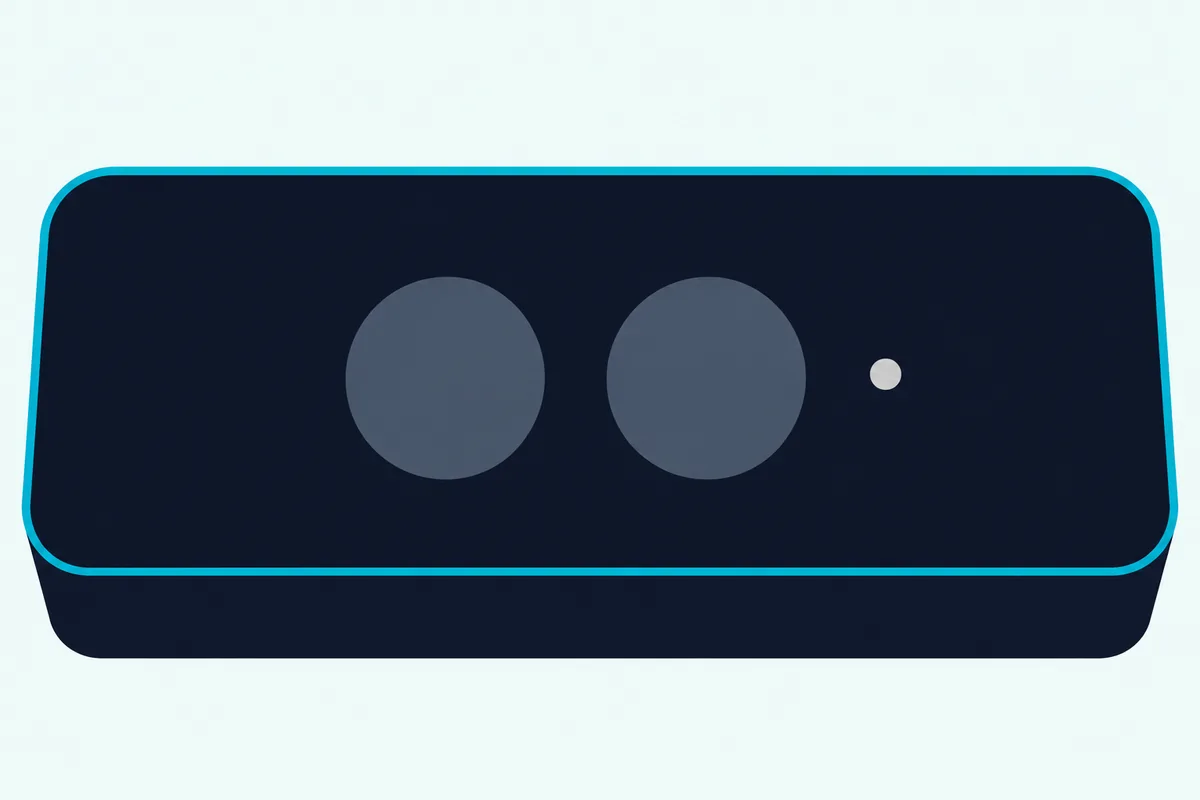
A factory reset comes last, because it wipes your personalized settings. On the Authentics 200 and 500 and the PartyBox Ultimate, hold Play and Moment together for more than 10 seconds; the Bar 500 uses its source, + and − buttons for more than 5 seconds.
A solid yellow light is a different problem: the app found the speaker, but the Wi-Fi connection is weak, so check that it’s within the router’s range. The guide to why a soundbar keeps cutting out covers other causes of dropouts.
Do You Need a JBL Account, and What Does the App Collect?
Setup is also where the sign-in question comes up. Neither store listing says an account is required: a July 2024 App Store note says a “JBL user account and product registration” are “newly supported,” depending on region and for JBL One compatible products only.
The Bar 500, Authentics and PartyBox Ultimate manuals name no JBL account in their setup steps. The logins they do mention are Google and Alexa accounts, for multi-room groups in those companies’ own apps.
The privacy labels read differently by store. The App Store label lists usage data and diagnostics as data not linked to you, and Apple says it hasn’t verified that information.
Google Play’s data safety section says no data is collected or shared with third parties, and that data is encrypted in transit. Both come from Harman, so read the one for your phone’s store.
Frequently Asked Questions
Is there a JBL One app for PC or Mac?
Neither listing names one. The App Store lists iPhone, iPod touch and Apple Vision, and Google Play carries the Android version, so setup happens on a phone. Once a bar is working, the Bar 500 manual says a PC can stream to it over Bluetooth, and Burton Acoustix’s PC soundbar guide covers the cable routes.
Do you need the JBL One app to use a JBL speaker or soundbar?
Not for Bluetooth or a soundbar’s TV connection. The Bar 500 and Authentics manuals pair phones over Bluetooth with no app step, so the usual pairing steps apply, and the Bar 500 connects to a TV by HDMI or optical cable. You need the app for Wi-Fi setup and for the music services and settings that live in it.
Does the JBL One app update my speaker’s firmware?
Yes, on the products it runs, though much of it happens by itself. JBL’s listing says the app keeps device software updated, and the Authentics and Bar 500 manuals say updates arrive automatically once the product is on your home network. SoundGuys also found new firmware waiting on some speakers it connected to JBL One.