How To Connect TV To Soundbar Via Bluetooth — Pairing Steps, Settings & Better Alternatives

How to connect TV to soundbar via Bluetooth sounds simple, but the wireless path only works when the TV can actually send Bluetooth audio to external speakers.
The usual failure looks the same every time: the soundbar shows up in the Bluetooth menu, the TV keeps using its own speakers, or the audio lags badly because the set supports Bluetooth accessories but not a stable Bluetooth audio output path.
Once you verify the output type, pairing mode, and final speaker selection in the right order, the connection becomes much cleaner and you know when Bluetooth is worth using at all.
Start by checking the TV’s audio output options before you pair anything, because that one menu tells you whether Bluetooth is a real path or a dead end.
Now that the Bluetooth path is clear, let us walk through how to connect TV to soundbar via Bluetooth step by step.
To connect a TV to a soundbar via Bluetooth, make sure the TV supports Bluetooth audio output, put the soundbar in pairing mode, and select it from the TV’s Bluetooth speaker list or external speakers menu. If the TV cannot send Bluetooth audio or the wireless connection keeps lagging, a dedicated Bluetooth transmitter can help, but optical or HDMI ARC is usually the more stable long-term solution.
Why Is Bluetooth TV Audio Trickier Than It Looks?
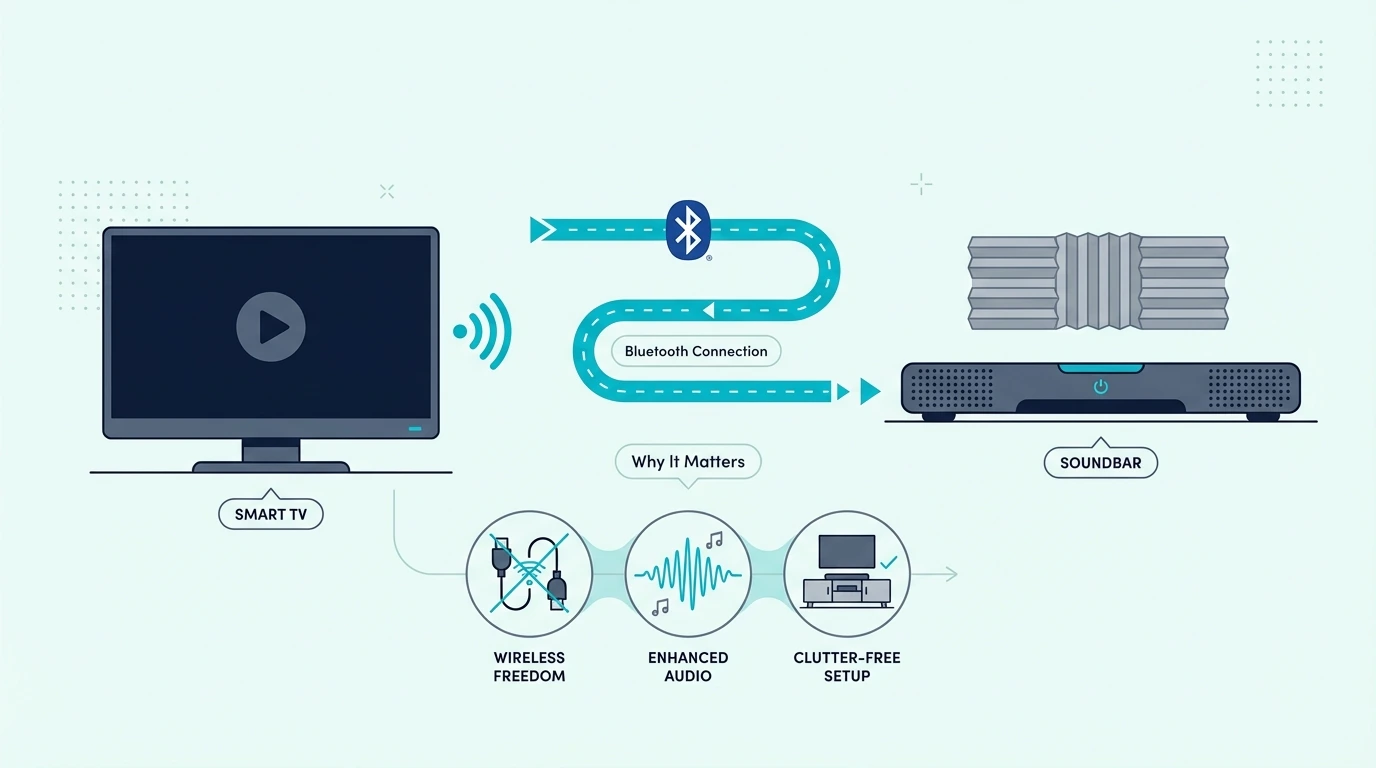
Now that the basic process is on the table, the real reason this topic matters is convenience. Bluetooth lets you skip a physical cable run between the TV and the soundbar, which can be useful in bedrooms, rental setups, or rooms where the soundbar sits away from the main TV stand.
That convenience only works if the TV can actually send Bluetooth audio to external speakers. Some TVs support Bluetooth for headphones, keyboards, or remotes but not for a soundbar, which is why checking the audio output options first saves so much frustration.
It also matters because Bluetooth is not the same as the wired connection advice in our how to connect soundbar to TV guide or the broader setup flow in the how to set up a sound bar guide. Wireless pairing solves a specific problem, but it is not always the best solution for everyday TV audio.
If you are still figuring out what kind of bar fits your room, this is also where the best soundbar roundup and the broader soundbar hub help, because simpler bars are often easier to pair and manage than large multi-piece systems.
Does Your TV Support Bluetooth Audio Output?

With the convenience trade-off clear, the first real step is confirming the TV can actually send Bluetooth audio. Many TVs support Bluetooth for remotes or headphones but not for external speakers.
If either side is missing that feature, the TV will never finish the connection no matter how many times you retry the menu.
The easiest way to check is in the TV settings. Look for menu labels like Sound Output, Bluetooth Speaker List, Audio Output, or External Speakers, because that tells you whether the TV can send sound to a Bluetooth soundbar instead of only pairing with accessories.
If the TV does not support Bluetooth audio output directly, a product like the Avantree Oasis Plus 2 Bluetooth TV Transmitter can bridge that gap by giving the TV a dedicated wireless audio path when built-in Bluetooth is missing or limited.
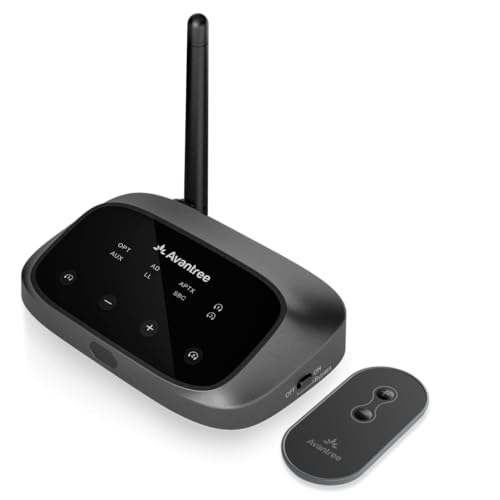
Avantree Oasis Plus 2 Bluetooth TV Transmitter
That makes the Bluetooth route more practical on older sets, but it is still worth comparing your setup against the easier everyday options in the best soundbars for Samsung TV guide, the best LG soundbar roundup, and the best Sony soundbar guide, because brand menus and Bluetooth support can vary more than people expect.
Get Studio Tips Weekly
Join 5,000+ creators getting acoustic treatment advice every week.
No spam. Unsubscribe anytime.How Do You Pair a TV to a Soundbar Over Bluetooth?
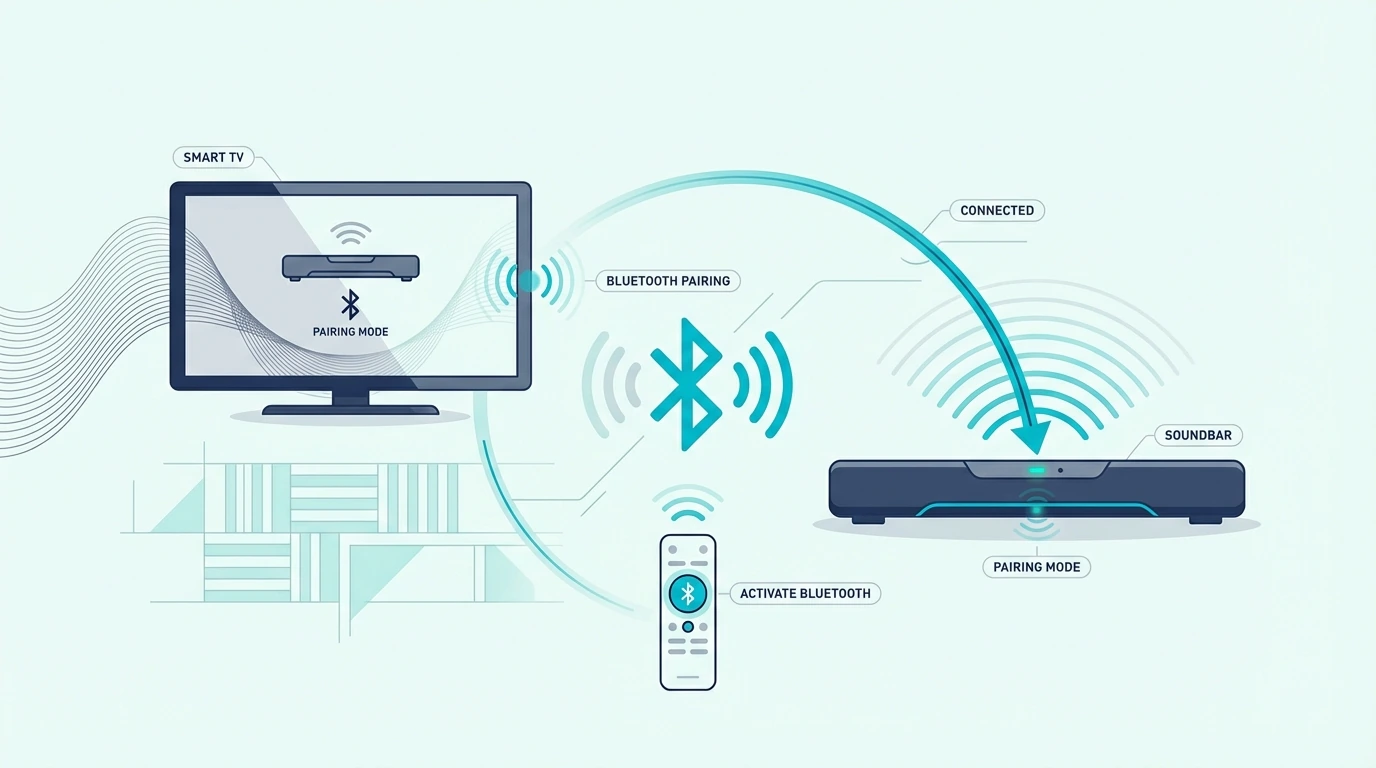
Once you know the TV can send Bluetooth audio, the next step is pairing mode. Turn on the soundbar first, switch it to Bluetooth input, and hold the pairing button or use the remote control until the bar enters discoverable mode.
Then open the TV sound settings and look for the Bluetooth device list. Select the soundbar when it appears, confirm the pairing request if the TV asks, and then change the final sound output to the newly paired soundbar instead of leaving audio on TV speakers.
If the soundbar pairs but audio still stays on the TV, go back into the sound menu and explicitly select the soundbar under external speakers or Bluetooth audio. This is the step many people miss, especially on smart TV interfaces that remember the pairing but not the active output.
When a TV needs an affordable external Bluetooth path rather than built-in wireless audio, the 1Mii B06TX Bluetooth 5.3 Transmitter is the kind of add-on that makes the wireless route possible on older TVs without forcing a full hardware change.
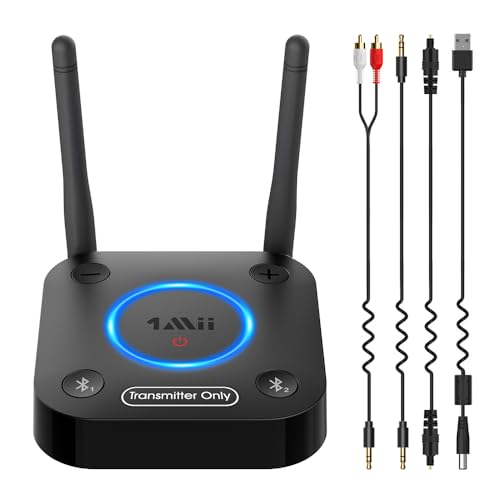
1Mii B06TX Bluetooth 5.3 Transmitter
If pairing still breaks, clear old Bluetooth devices from both sides, reboot the TV and soundbar, and repeat the process from scratch. That same reset-first mindset also helps when you are troubleshooting muted or unstable output in the how to fix no sound from soundbar using HDMI ARC guide.
Is Bluetooth Better Than Optical or HDMI for TV Audio?
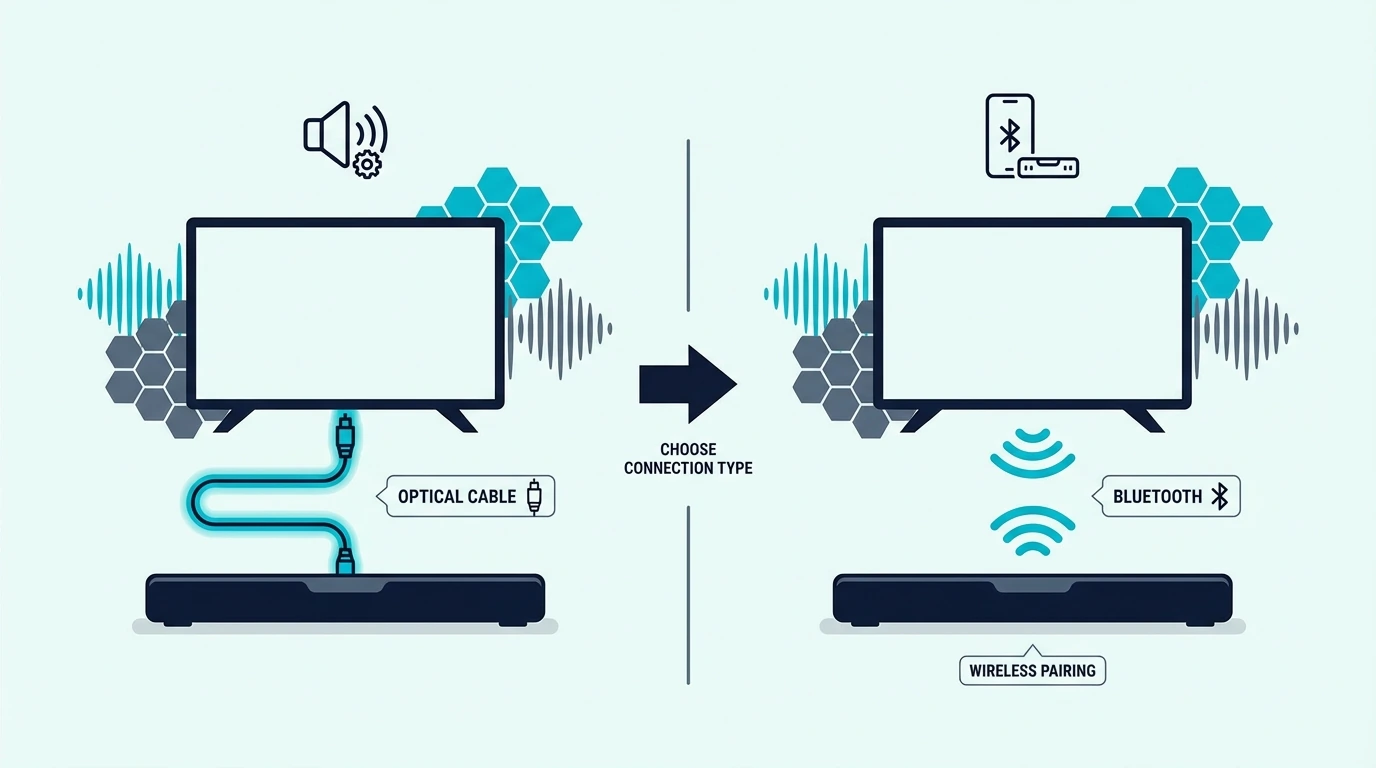
Once pairing is working, the bigger question is whether Bluetooth should stay as your daily TV connection. For pure convenience it wins, but for stable everyday viewing, optical or HDMI ARC usually wins.
Bluetooth is useful when you need a cable-free setup, the TV supports Bluetooth audio properly, and a little latency or compression is acceptable. That can work fine for casual TV use, bedroom setups, or temporary room layouts.
Optical is usually the better answer when you want stable audio output with fewer pairing issues. That is especially true if the TV and the soundbar sit close enough that a physical connection is easy and you do not want to fight reconnect behavior every time the TV powers on.
The optical fallback
A simple fallback like the KabelDirekt TOSLINK Optical Audio Cable makes more sense than endless re-pairing when the TV already has optical output and the soundbar supports it.
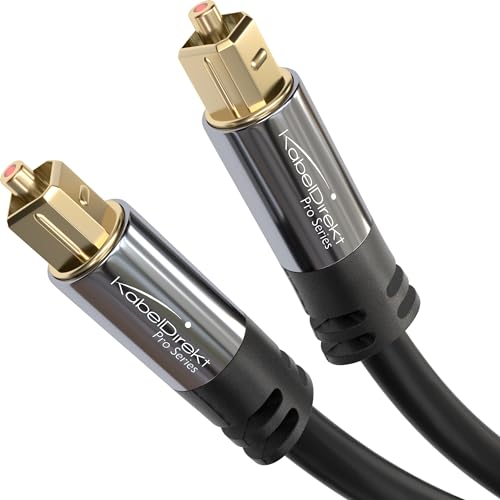
KabelDirekt TOSLINK Optical Audio Cable
If both the TV and the soundbar support ARC or eARC, that is often even better than optical because it keeps the connection cleaner and more integrated. A reliable option like the Silkland 8K HDMI ARC/eARC Cable fits that more stable daily-use path.
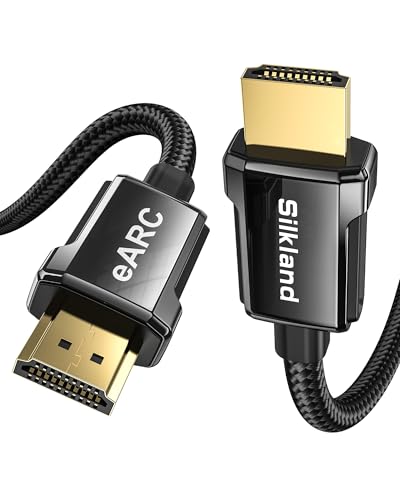
Silkland 8K HDMI ARC/eARC Cable
That is why the real comparison is not Bluetooth versus one cable. It is convenience versus reliability, and most people care more about reliable TV audio after the first day than they care about keeping the setup fully wireless.
Can You Pair a TV to a Soundbar Without the Remote?
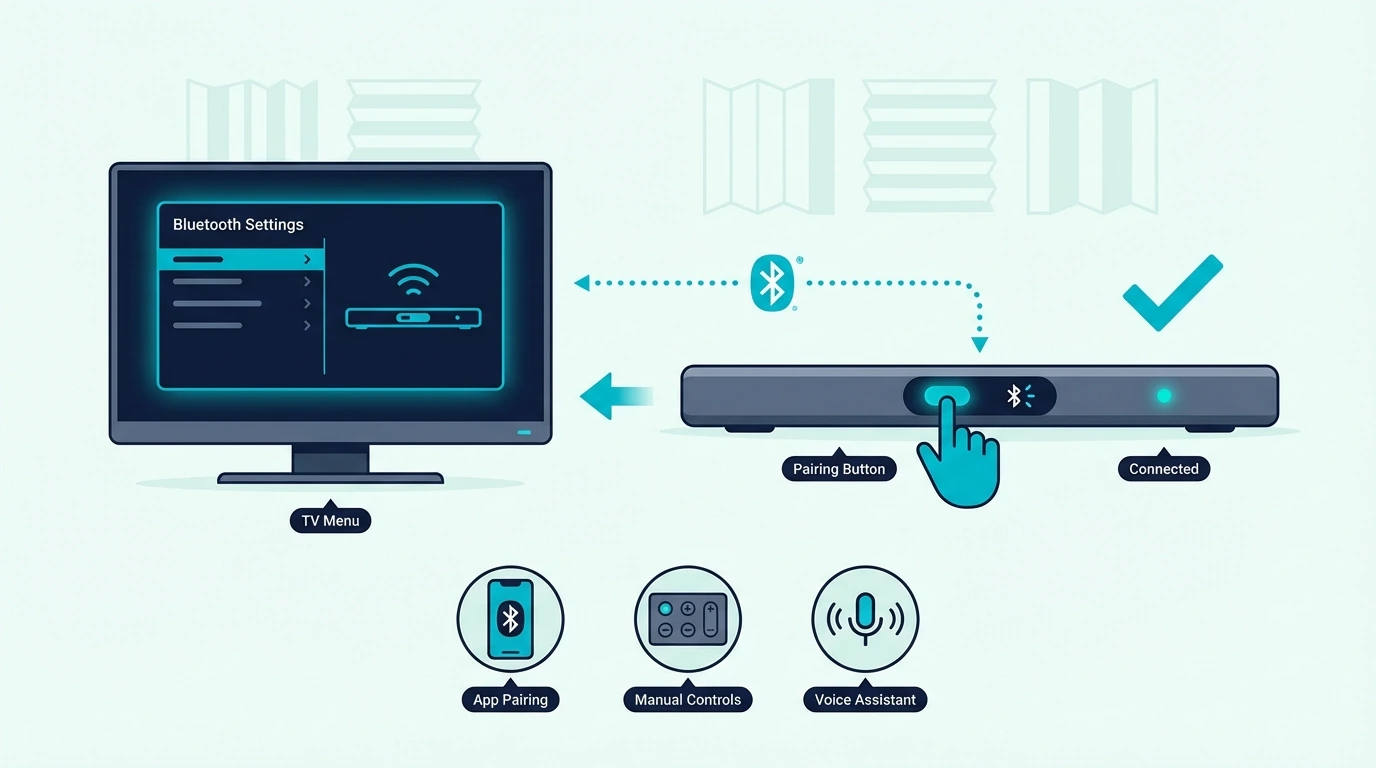
The stability comparison above assumes you can control the soundbar normally, but pairing gets harder without the remote. Without the remote control, you need the soundbar’s physical buttons to enter pairing mode, and not every model exposes the same controls clearly on the top panel or side panel.
Start by pressing the Input, Source, or dedicated Bluetooth button on the soundbar until it enters pairing mode. Then open the TV Bluetooth menu, look for the soundbar in the device list, and connect it there just like you would with the remote.
If the TV or soundbar has already stored too many old Bluetooth devices, clear them first before trying again. That matters because stale pairings often block new connections more than the missing remote itself.
If this still feels inconsistent, the safer long-term move is usually to abandon Bluetooth and switch to optical or HDMI instead of forcing a wireless method that your hardware handles poorly. Shoppers who care mostly about speech clarity often gravitate to the best soundbars for dialogue guide, where easier control and daily usability matter just as much as raw feature lists.
The Bottom Line
How to connect TV to soundbar via Bluetooth comes down to three checks: the TV has to support Bluetooth audio output, the soundbar has to enter pairing mode properly, and the TV still has to switch its final sound output to the paired device. When those three pieces line up, the wireless path can work well.
But Bluetooth is still a convenience method more than a best-practice method. If the TV lacks Bluetooth audio, if lag becomes distracting, or if pairing drops keep returning, optical or HDMI ARC is usually the better long-term answer.
If you want help choosing a soundbar that will be easier to live with after the initial pairing, the best next pages are the best soundbar roundup and the broader soundbar hub.
Frequently Asked Questions
How to connect TV to sound bar without HDMI?
If the TV and soundbar both support Bluetooth audio, you can pair them wirelessly through the TV sound settings. If Bluetooth is unavailable or unreliable, optical is usually the cleanest wired fallback.
How do I know if my TV has Bluetooth?
Check the TV settings for menu labels like Bluetooth Speaker List, Audio Output, or External Speakers. If the TV only shows Bluetooth options for remotes or accessories, it may not support Bluetooth audio output to a soundbar.
How To Connect Soundbar To TV With Bluetooth Without Hdmi?
Put the soundbar in Bluetooth pairing mode, open the TV Bluetooth audio settings, and select the soundbar as the active audio device. If the TV cannot send Bluetooth audio directly, you will need an external Bluetooth transmitter or a wired connection instead.
How To Connect Soundbar To Samsung Tv Using Optical Cable?
Connect the optical cable from the Samsung TV’s Optical Out port to the soundbar, switch the soundbar to optical input, and then change the TV sound output to external speakers. This is usually more stable than Bluetooth for everyday TV watching.