Do You Need a Soundbar for a Smart TV? Usually, Yes [2026]

Do you need a soundbar for smart tv viewing? The short answer: no — your TV works without one.
But every smart TV made in the last five years ships with speakers that are physically too thin to produce real bass, separate dialogue from effects, or create any stereo width worth hearing.
That hard ceiling exists because TV manufacturers optimize for screen size and slim bezels, and the small speakers crammed into the back or bottom of the panel are the tradeoff.
If you’ve turned up the volume during a movie and found dialogue muddy while explosions blast too loud, that’s the limitation a soundbar fixes.
Bass, clarity, and width from a single device and one HDMI cable, so you can stop fighting your remote every scene change.
Below, we cover what smart TV speakers struggle with, what a soundbar actually changes, which TV brands pair best with which bars, and when the built-in speakers are good enough to skip the upgrade.
If your smart TV is the main screen for movies, sports, music, or everyday streaming, a soundbar is usually the best upgrade you can make.
It fixes bass, dialogue clarity, and width all at once.
If the TV is a low-volume bedroom or background set, you can often skip it.
The decision comes down to room use, not whether the TV is technically “smart.”Why Smart TV Speakers Fall Short
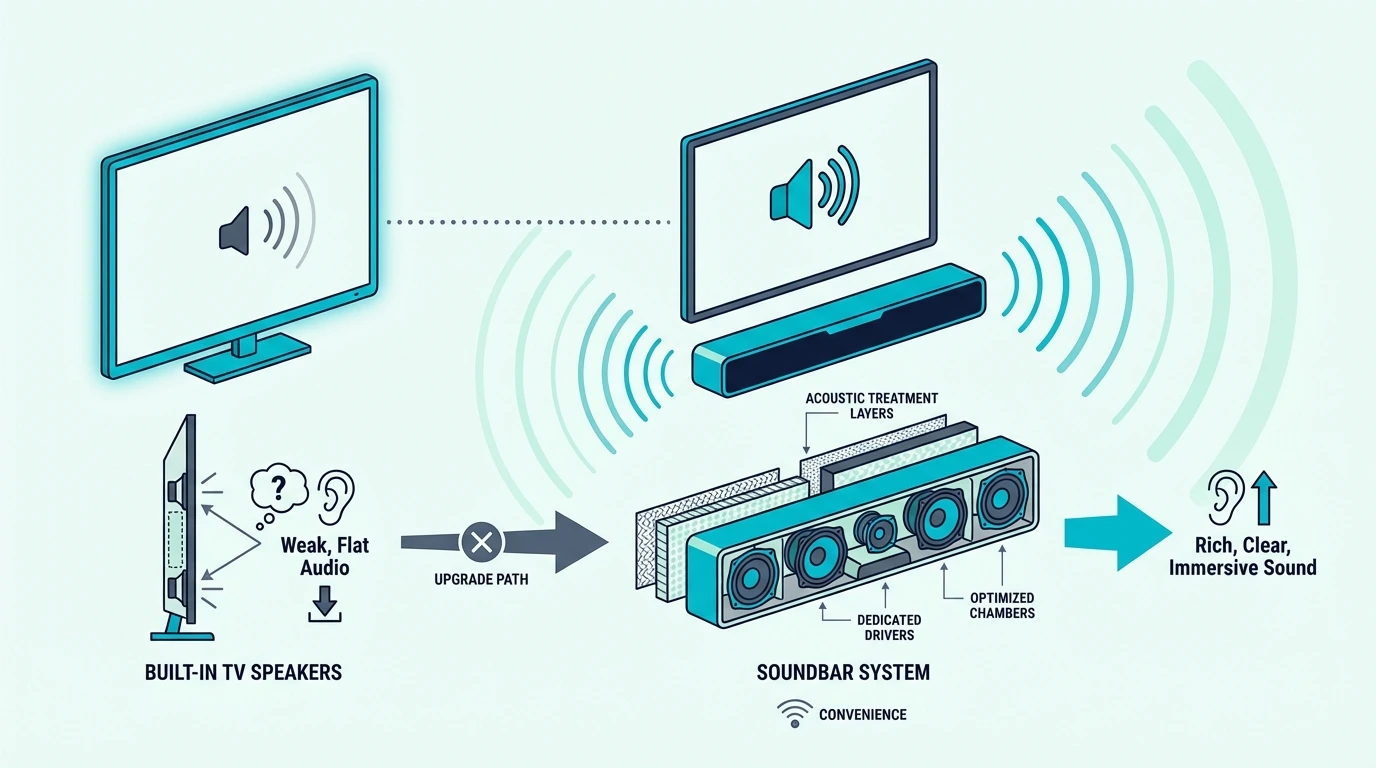
The audio problem isn’t a quality control issue — it’s a physics issue. TV manufacturers prioritize screen real estate and thin profiles, and speaker performance is what they sacrifice.
The Physical Constraint
A typical smart TV has two downward-firing or rear-firing speakers rated between 8 and 20 watts total.
The drivers measure roughly 40mm across — small enough to fit inside a panel that’s 10-15mm thick, but nowhere near large enough to move serious air.
Bass requires moving large volumes of air. A 40mm driver physically cannot reproduce frequencies below about 150 Hz with any authority — everything below that point is either absent or so faint you’d never notice it.
That’s where movie explosions, music bass lines, thunder, and crowd rumble actually live.
A soundbar with a wireless subwoofer extends response down to 40-50 Hz, closing a gap the TV speakers can’t touch regardless of EQ settings or sound modes.
No firmware update fixes this. The limitation is physical — the drivers are too small and the enclosure is too thin — and it applies to every brand at every price point.
For the hardware fundamentals, our what is a soundbar guide explains how soundbar drivers differ from TV speakers.
The Dialogue Problem
The most common complaint about TV speakers is muddy dialogue — voices sound thin, get buried behind music and effects, and are hard to follow at normal volume.
This happens because movie audio is mixed for speaker systems with separate channels for dialogue, effects, and bass.
TV speakers collapse all of that into two tiny drivers, so voices compete with every other sound in the scene for the same output.
A soundbar with a center channel — any 3.0 or 3.1 configuration — dedicates specific drivers to voice frequencies. The result is dialogue that stays clear even during complex scenes with explosions, music, and ambient sound playing simultaneously.
Our channel configuration guide breaks down what those numbers (2.0, 2.1, 3.1, 5.1.2) mean in practice and which configuration matches which use case.
The Atmos Decoding Myth
Many newer smart TVs advertise Dolby Atmos support. The fine print: this is Atmos decoding, not Atmos reproduction.
Your TV can receive an Atmos signal from Netflix or Disney+.
But it cannot reproduce the spatial height effects that Atmos content is mixed for — the speakers are flat and forward-facing, with no way to bounce sound off the ceiling.
A soundbar with Atmos and upfiring drivers creates the actual height channels that spatial content is designed around.
Rain falls from above, helicopters pass overhead — effects that flat TV speakers produce as standard stereo no matter what the settings menu says.
For the full spatial audio breakdown, our soundbar vs surround sound guide covers what each system type delivers and when Atmos actually matters.
What Does a Soundbar Add to a Smart TV?
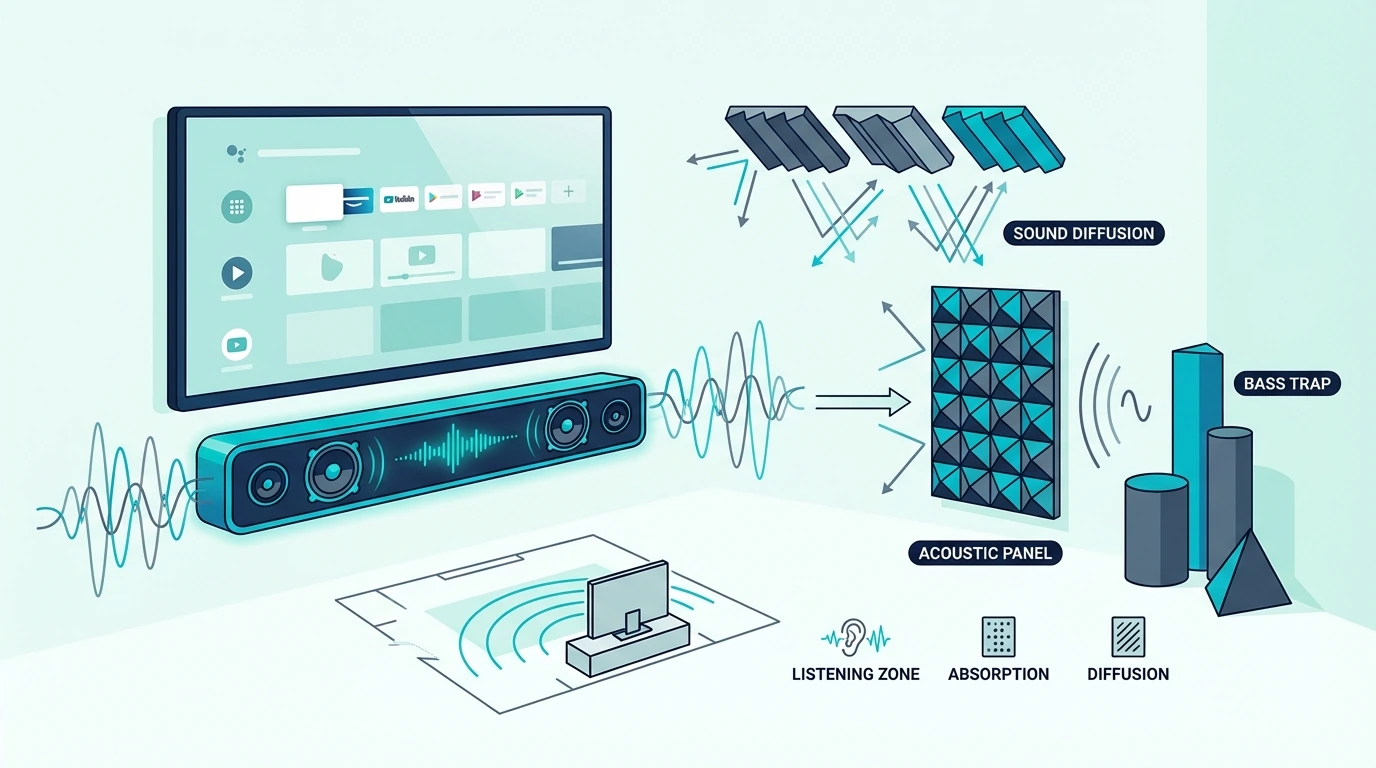
The physics problem is clear — now here’s what actually changes when you add a bar. The upgrade isn’t subtle, and it doesn’t require a complicated setup.
Bass and Subwoofer Extension
The single biggest change is bass. A wireless subwoofer handles frequencies below 100-150 Hz in a separate cabinet, freeing the soundbar’s drivers to focus on mids and highs without distortion.
The subwoofer doesn’t need to sit next to the TV.
It connects wirelessly, so it can go beside the TV stand, next to the couch, or in a corner — no speaker wire across the living room.
Even a bar-only model like the Amazon Fire TV Soundbar improves stereo width and clarity, though adding a wireless subwoofer is what makes the upgrade feel transformative rather than incremental.
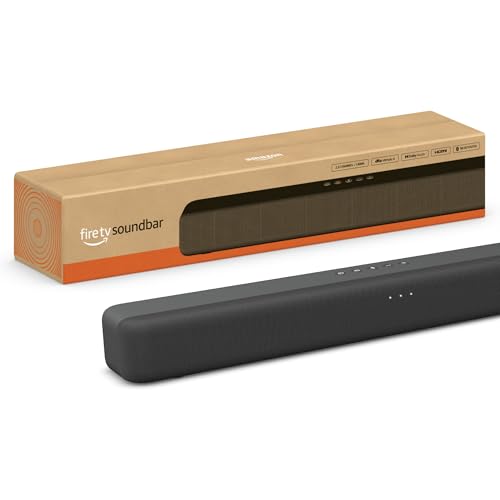
Amazon Fire TV Soundbar
The frequency gap matters more than the wattage number on the box. A TV speaker that can’t go below 150 Hz still misses the entire low-end range regardless of power output.
A soundbar with a subwoofer reaching 40 Hz delivers the bass that actually matters for movies and music.
Dialogue Clarity and Spatial Audio
A center channel dedicates specific drivers to voice frequencies, so dialogue doesn’t compete with explosions, music, or crowd noise for the same two speakers.
This is the fix for the “I can hear the soundtrack but not what they’re saying” problem.
Spatial audio takes it further. A soundbar with Dolby Atmos and upfiring drivers creates height channels that make overhead effects work — rain, aircraft, ambient atmosphere — which flat TV speakers produce as standard stereo regardless of the source format.
If you’re comparing formats, think in tiers.
A 2.0 bar improves clarity and width, a 2.1 adds the bass TV speakers miss, a 3.1 adds a dedicated center channel for voices, and a 3.1.2 or 5.1.2 Atmos bar adds height effects for movies and streaming.
Bluetooth streaming is a bonus most people overlook. Every modern soundbar doubles as a wireless speaker for phone music, podcasts, and audiobooks — better audio from your phone than what most TVs produce through their built-in Bluetooth passthrough.
For connecting your bar, our connect soundbar to TV guide walks through HDMI ARC, optical, and Bluetooth setup step by step.
Get Studio Tips Weekly
Join 5,000+ creators getting acoustic treatment advice every week.
No spam. Unsubscribe anytime.Which Smart TVs Work Best with Soundbars?
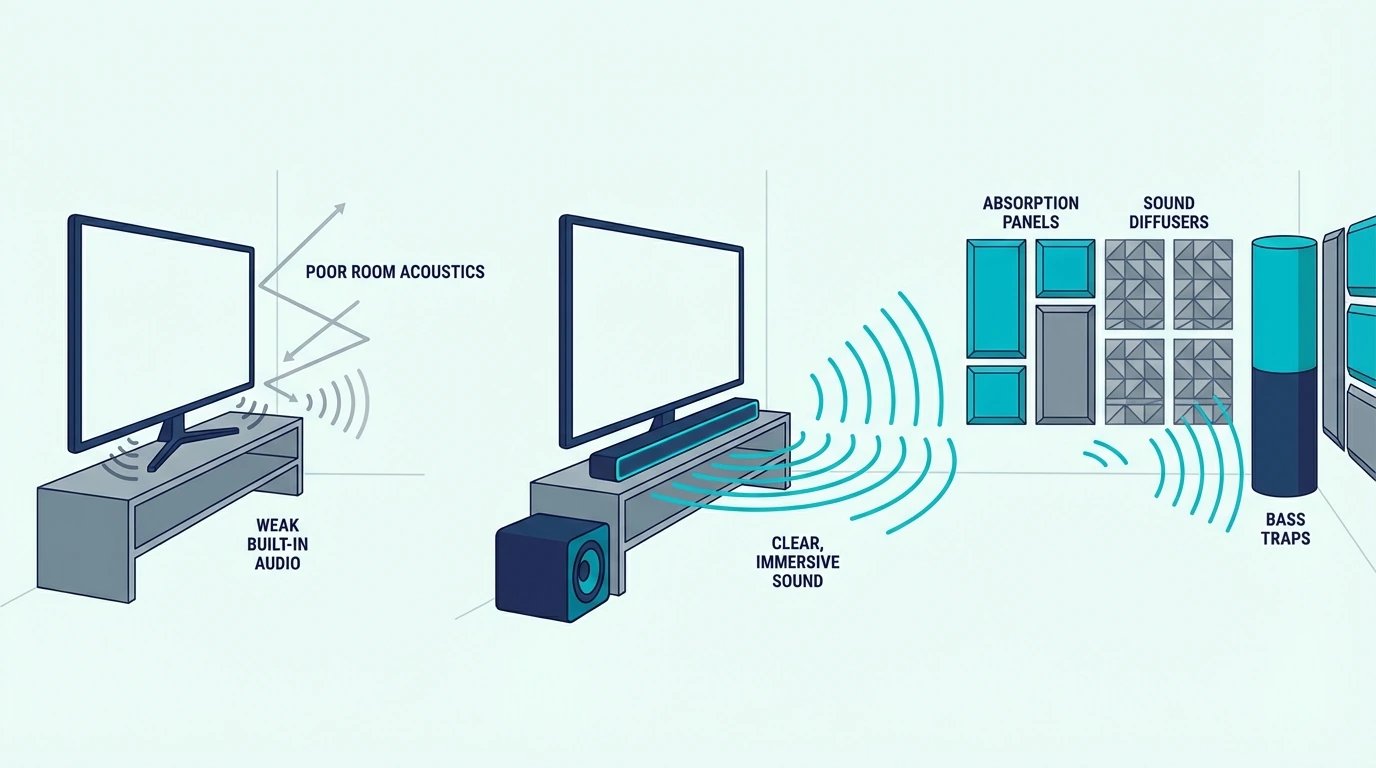
Every smart TV made in the last decade works with a soundbar through HDMI ARC or optical. But the three biggest brands each have proprietary features that unlock extra performance when you pair their TVs with their own bars.
Brand-Specific Pairing Features
Samsung’s Q-Symphony runs the TV speakers and a Samsung soundbar at the same time for a wider sound field — extra drivers means a bigger stage without buying rear speakers.
This only works with Samsung-branded bars, and it’s one of the few cases where TV speakers contribute something useful alongside a soundbar.
LG’s WOW Orchestra does the same for LG TVs paired with LG soundbars — the TV and bar coordinate their drivers so the sound expands beyond the width of the bar alone.
Our best soundbar for LG TV guide has the full compatibility list.
Sony’s Acoustic Center Sync uses the TV’s speakers as a dedicated center channel while the soundbar handles left, right, and surround. The approach specifically targets dialogue by routing voice frequencies through the TV panel itself.
A mid-range system like the Samsung HW-C450 pairs with Q-Symphony TVs and adds a wireless subwoofer for bass that the TV speakers alone can’t produce.
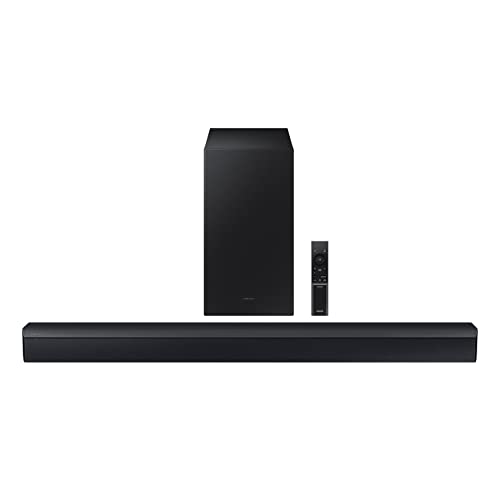
Samsung HW-C450
Our best Samsung soundbar guide covers the full range of compatible models.
Universal Compatibility
None of these brand features are required. Any soundbar with HDMI ARC connects to any smart TV with an ARC-labeled HDMI port — Samsung bar on a TCL TV, Bose bar on a Hisense TV, any combination works.
HDMI ARC passes audio from the TV to the soundbar through a single cable.
eARC adds support for lossless Dolby TrueHD and DTS-HD Master Audio. Standard ARC still handles Dolby Digital and Atmos-over-Dolby-Digital-Plus without issue.
If your TV doesn’t have HDMI ARC, optical audio is the fallback — slightly lower quality ceiling, but more than adequate for stereo and basic surround formats.
For setup details, our HDMI vs optical guide covers which connection type your TV supports and how to configure it.
When a Soundbar Makes the Biggest Difference
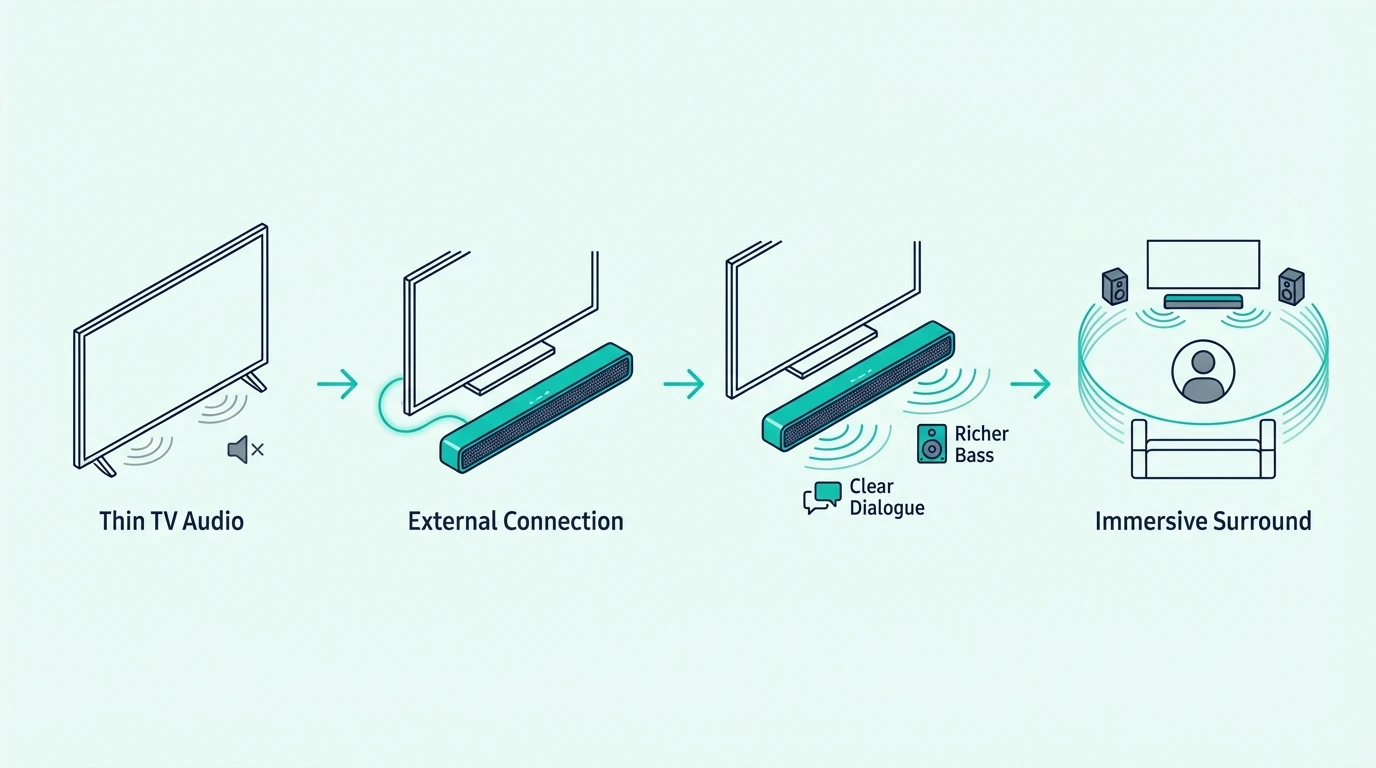
Brand features aside, the real question is whether your watching habits justify the upgrade.
The gap between TV speakers and a soundbar varies depending on content type, room size, and how you listen.
Living Room Movies and Streaming
This is where the upgrade delivers the most obvious payoff.
Movie audio is mixed for speaker systems — dialogue on the center channel, effects on the surrounds, bass on the subwoofer — and TV speakers collapse all of that into two small drivers facing the wrong direction.
A 3.1.2 system like the Polk Audio Signa S4 restores the channel separation that movies are mixed for — dedicated center for voices, Atmos upfiring for height effects, and a wireless subwoofer for everything below 100 Hz.
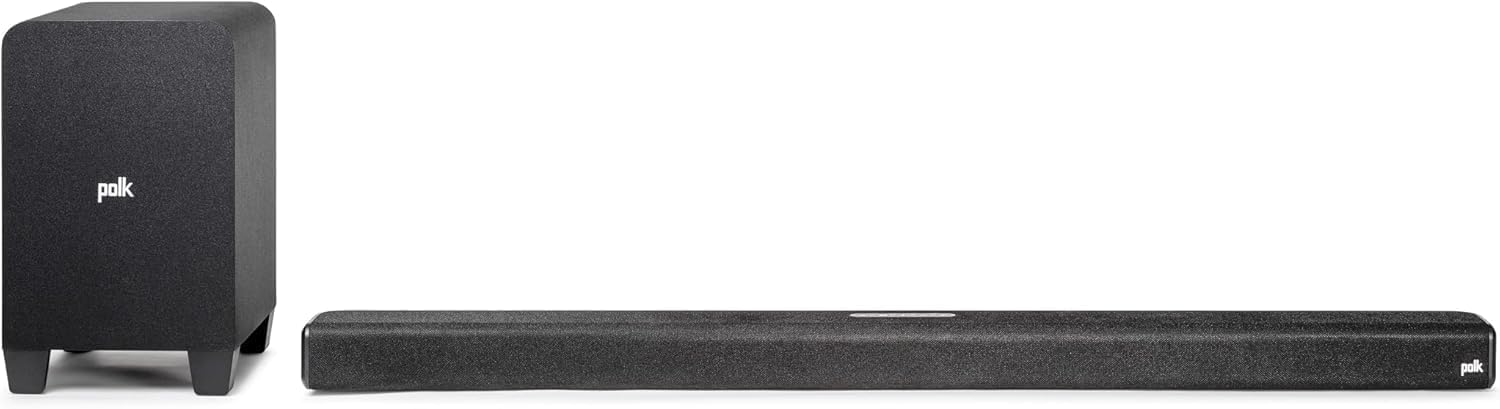
Polk Audio Signa S4
The difference from TV speakers isn’t gradual. Most people notice it within the first scene of the first movie they watch after setting up the bar.
Streaming services like Netflix and Disney+ encode most original content in Dolby Atmos. Without a compatible soundbar, that Atmos track gets downmixed to stereo and the spatial detail disappears.
Our is a soundbar worth it guide breaks down the cost-to-benefit analysis across price tiers.
Sports, Music, and Dialogue-Heavy Content
Sports benefit because crowd noise, commentary, and on-field audio occupy different frequency ranges that TV speakers muddle together.
A soundbar spreads those frequencies across a wider driver array, so the commentator stays intelligible over the crowd without cranking volume to uncomfortable levels.
Music playback improves for the same reason — songs are mixed for stereo separation, and a soundbar delivers that width at a physical level that two speakers tucked behind a TV panel cannot match.
Gaming benefits for the same reason. A soundbar with virtual surround or Atmos makes footsteps, gunfire, and ambient cues easier to place than the flat center-screen output you get from TV speakers.
News, podcasts, and talk shows are the clearest test of whether you need a bar at all.
If voices still sound thin or tiring at normal volume, forward-firing drivers and dialogue modes fix that faster than repeatedly raising the volume.
The improvement matters most for older viewers or anyone with mild hearing loss.
The Bose TV Speaker has a dedicated dialogue mode that boosts voice frequencies without raising the overall volume — a feature TV speakers can’t offer because they lack the driver separation to isolate voices from effects.
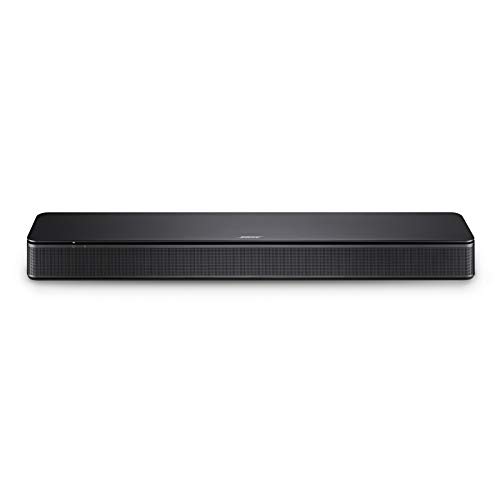
Bose TV Speaker
Our soundbar vs speakers guide covers when a full speaker system outperforms a bar, especially for music-focused setups where stereo imaging is the priority.
When You Don’t Need a Soundbar
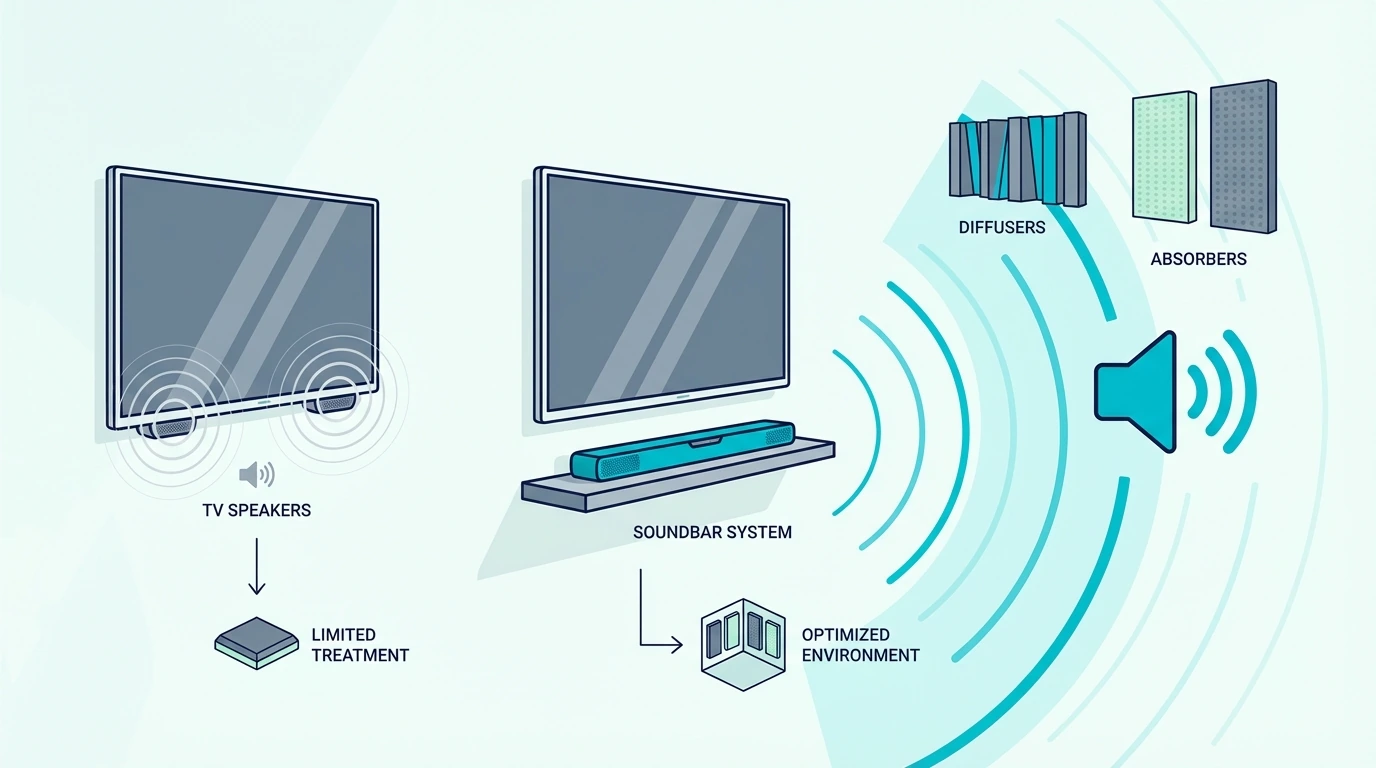
Not every TV justifies an external speaker. Knowing when to skip the upgrade saves money and avoids gear that sits underused.
The other mistake is expecting a soundbar to solve problems it is not designed for. Bad source audio, outside noise, or a loud HVAC system will not disappear — you will just hear those flaws through better speakers.
Bedroom and Background TV
A bedroom TV at low volume is the strongest case for skipping a soundbar.
You’re sitting closer to the screen, the content is often simpler — news, YouTube, casual shows — and the shorter listening distance compensates for the TV’s limited soundstage.
The same applies to a TV in a kitchen, gym, or home office where audio is background noise. Built-in speakers handle ambient listening adequately because you’re not focused on dialogue clarity or bass response during those activities.
If you’re on the fence, the Sony S100F is a reasonable save-up target if bedroom dialogue clarity bothers you — it improves on TV speakers without the footprint of a full 2.1 system.

Sony S100F
For small rooms where you do want an upgrade, our small room soundbar guide covers compact options that don’t overwhelm tight spaces.
When You Already Own a Speaker System
If you have a stereo receiver with bookshelf speakers or a full 5.1 surround setup, a soundbar would be a downgrade. Soundbars exist to replace TV speakers, not compete with dedicated separates.
The exception is a second TV in another room where running speaker wire isn’t practical. A soundbar gives you most of the upgrade with zero wiring and a single HDMI connection.
If you’re weighing a soundbar against a full surround system for your main TV, our soundbar vs home theater guide covers when discrete speakers justify the extra cost and complexity.
For most people with a single living room TV and no existing speaker setup, a soundbar is the right answer. For anyone who already invested in separates, it isn’t.
The Bottom Line
A soundbar isn’t required for your smart TV to function — but it fixes the three things TV speakers can’t: bass, dialogue clarity, and stereo width.
If your living room TV handles movies, sports, or music, a soundbar is the single biggest quality-of-life upgrade you can make.
Skip the upgrade if your TV lives in a bedroom at low volume or you already own real speakers.
For everything else, the gap between built-in TV speakers and even a budget soundbar is large enough to notice within minutes.
For placement and setup, our soundbar mounting guide covers hardware and positioning once you’ve chosen a bar.
Frequently Asked Questions
Do I need a soundbar if my TV has Dolby Atmos?
Your TV decodes the Atmos signal but can’t reproduce the spatial height effects — the speakers are flat and forward-facing with no way to create height channels. A soundbar with Atmos and upfiring drivers creates those channels.
Without them, the Atmos badge in your TV settings is cosmetic.
Do I need a soundbar with a Samsung TV?
Samsung TVs have the same thin-speaker limitations as every other brand.
Q-Symphony lets you combine TV speakers with a Samsung soundbar for wider coverage, but the TV speakers alone still lack bass, dialogue separation, and stereo width.
A soundbar is recommended for any Samsung TV used for movies or music.
Do all smart TVs support soundbars?
Every smart TV with an HDMI ARC port — which includes virtually every model made since 2015 — works with any HDMI ARC soundbar regardless of brand. Older TVs without ARC can use an optical audio cable instead.
Brand matching is optional, not required.
Is a soundbar better than a Bluetooth speaker for TV?
For TV audio, yes.
Bluetooth speakers add latency that causes lip-sync issues, have no HDMI ARC for automatic TV control, and aren’t tuned for dialogue-heavy content.
A soundbar connects via HDMI with zero latency and is designed for voice frequencies, surround processing, and subwoofer bass that Bluetooth speakers don’t offer.
Where should I put a soundbar with a wall-mounted TV?
Mount the soundbar directly below the TV, centered with the screen. Most soundbars include wall-mount brackets, or they can sit on a shelf beneath the TV.
Placing the bar above the TV shifts the audio origin point higher than the on-screen action, which creates a disconnect between what you see and where the sound comes from.
Our mounting guide covers the hardware and positioning options.