Can You Use Two MIDI Controllers at the Same Time?
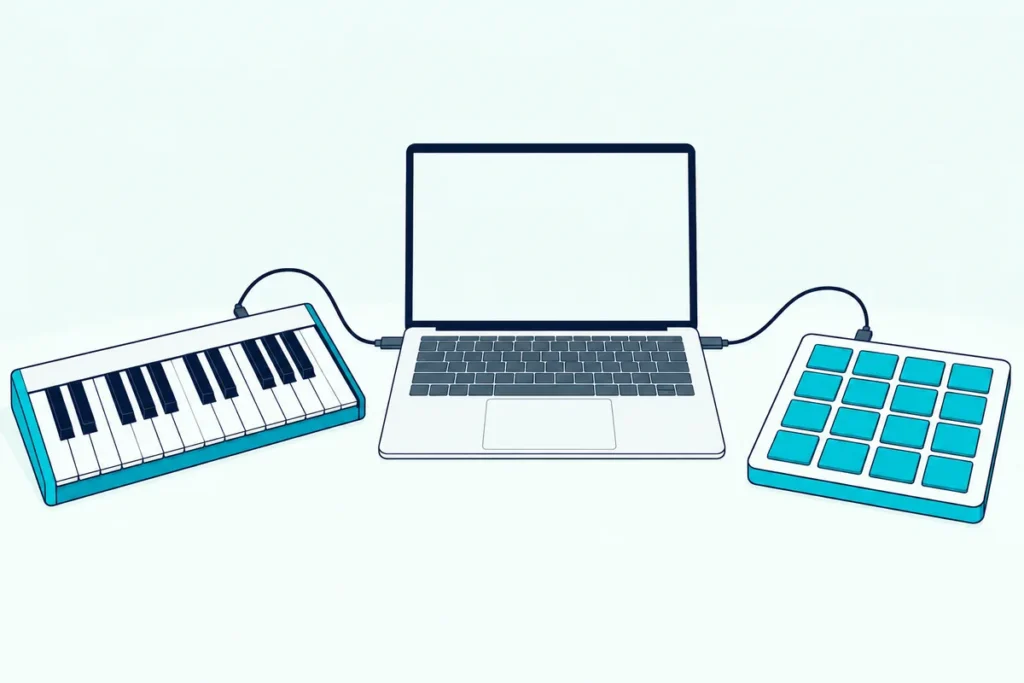
Yes, you can use two MIDI controllers at the same time: each one appears to your computer as its own MIDI port, and your music software can take both at once.
Plug in a second keyboard or pad controller and the first thing you notice is that nothing changes, because the software is still listening to only one of them.
The catch is routing, meaning which controller feeds which track, and that’s a setting rather than a purchase.
Below are the steps for Ableton Live and Logic Pro, what to do with 5-pin gear, and whether you need a USB hub.
Start with the setup that’s true in any software.
Can You Use Two MIDI Controllers at the Same Time?
Yes, and the setup has the same three parts in any program. Each controller needs its own port, each port needs switching on as an input, and each track needs telling which input to listen to.
Plug both controllers straight into your computer where you can. Ableton’s MIDI settings page says you can turn on the ports you need in its settings, and that Track lets a port send or receive note messages (Ableton).
Whether the two play one instrument or two is the next choice, and it depends on the routing below. If you haven’t settled on your first controller yet, our guide to choosing a MIDI controller covers that.
How Do You Set Up Two MIDI Controllers in Ableton Live?
That routing starts in Settings, under Link, Tempo & MIDI, where you switch Track on for each controller’s input port so Live receives notes from both.
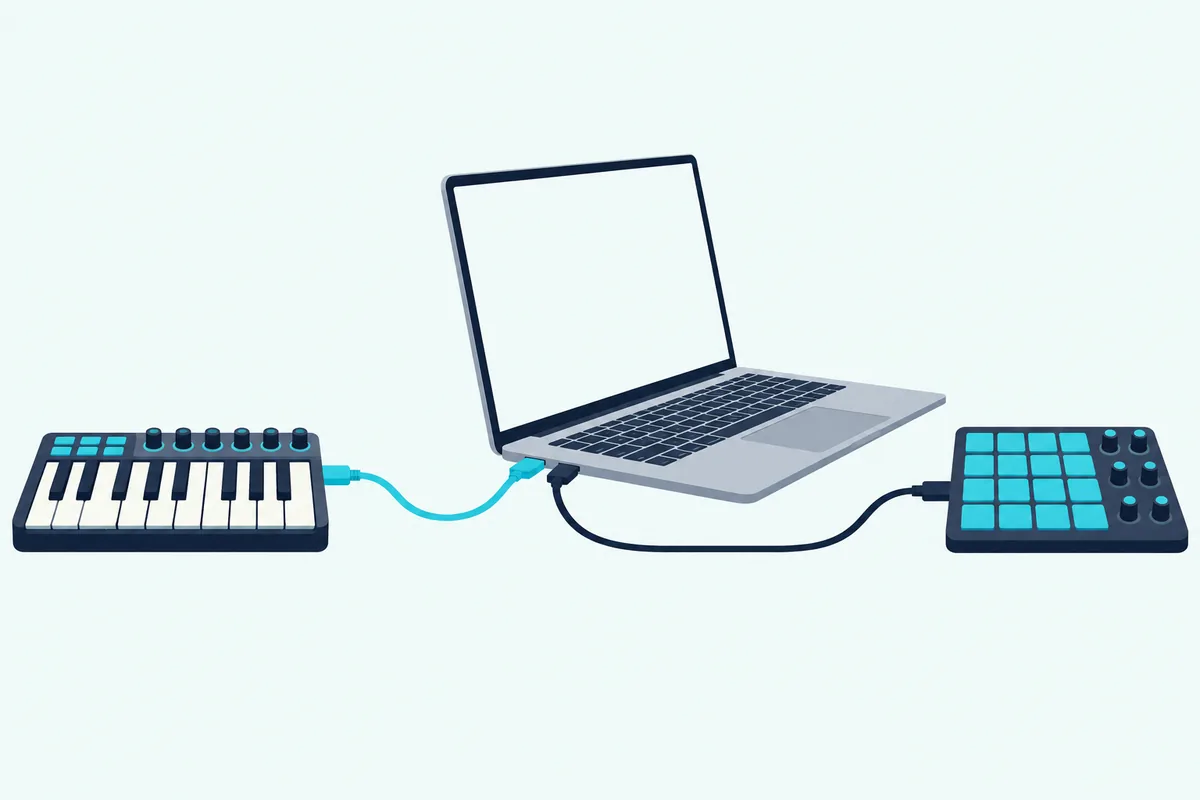
Ableton says many controllers configure themselves when connected, so the second one may need no manual step at all.
Then pick each track’s input. Ableton’s manual says a MIDI track’s input can be a specific MIDI port or All Ins, the merged input of all external MIDI ports, and that you can use any number of ports for track input and output (Ableton).
The full Ableton walkthrough, with mapping, control-surface locking and takeover modes, is in two MIDI controllers in Ableton Live, step by step.
The result is one of two setups:
- One instrument, two controllers. Set the track to All Ins, and both controllers play it.
- Two instruments. Give each track a specific port, so each controller plays only its own track.
Get Studio Tips Weekly
Join 5,000+ creators getting acoustic treatment advice every week.
No spam. Unsubscribe anytime.How Do You Record Two Controllers on Separate Tracks in Logic Pro?
Logic Pro does the same job as Ableton’s per-track inputs, with its own menus: it records several MIDI devices at once, each on its own instrument track. Apple says to create a software instrument track for each device, then set its MIDI Input and MIDI In Channel in the Track inspector (Apple).
Choose a unique input for each track, and optionally a channel that matches the device. Record-enable each track and record.
Apple adds a warning: if a device sends on a channel that has no instrument track, that MIDI data is lost.
What About Controllers With 5-Pin MIDI Ports?
Both programs assume USB controllers, and 5-pin gear needs an interface with enough MIDI inputs. Sound On Sound’s Martin Walker advises connecting each synth’s MIDI output to a different input on a multi-channel MIDI interface, and each interface output back to the synth’s input (Sound On Sound).
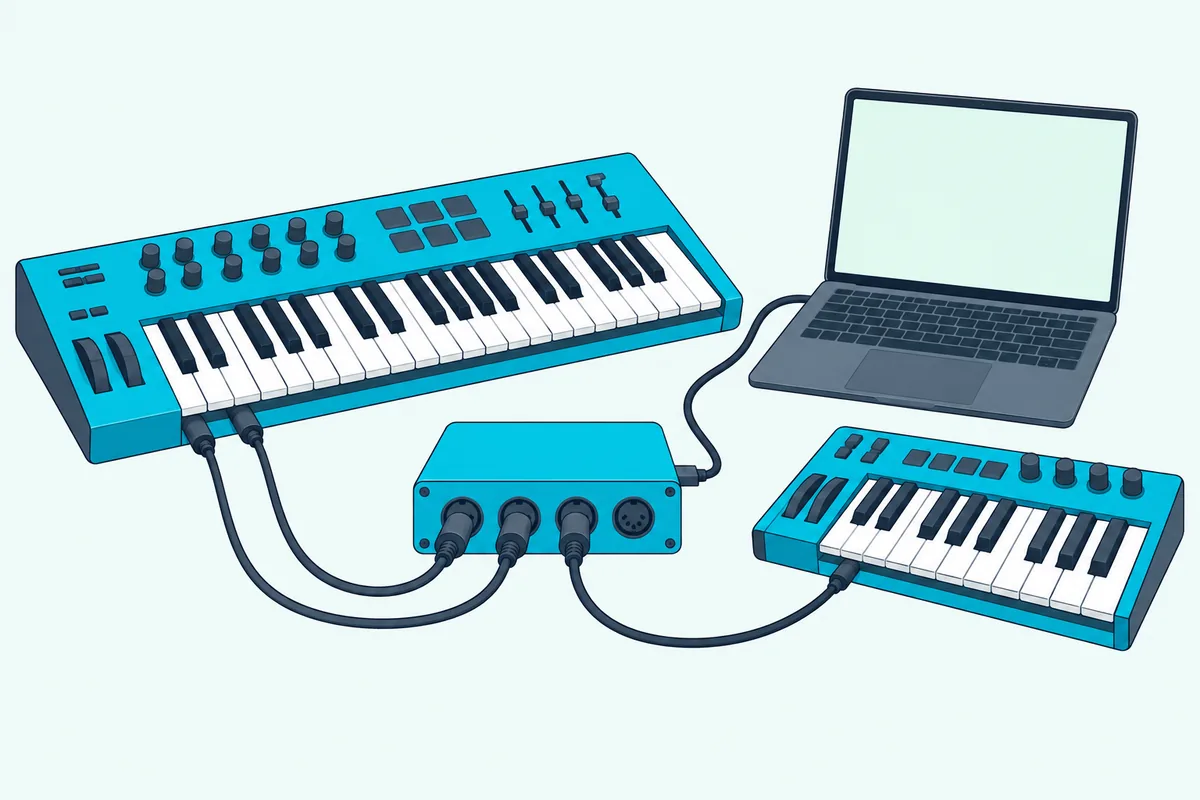
He also suggests naming each port after its synth and disabling unused MIDI ports in your software. If the synths play their own sound, he says to switch off Local control in each one so notes don’t sound twice.
For a Korg minilogue, our guide to using a Korg minilogue as a MIDI controller shows where that setting lives.
Do Two Controllers Need Different MIDI Channels?
Usually not, because each controller already has its own port. Focusrite notes that most MIDI devices can send on up to 16 channels along one cable, but that channels only really matter when several devices share it, and it says to choose All Channels if you’re unsure (Focusrite).
Ableton’s manual says a track’s Input Channel chooser offers each channel of the selected port or All Channels, so a track can be told to hear just one channel when two devices do share a port.
What Tells Two Controllers Apart?
Those port names are how the software tells them apart, so give each controller a clear name where the software allows it. Walker’s advice is to rename each interface input and output after the synth on it, which keeps the port lists readable when a track asks you to choose (Sound On Sound).
Both programs above list ports by name, so a keyboard and a pad controller are easy to tell apart. Two identical models are harder, and it helps to plug them in one at a time and note which port appears.
What Pairs Work Well Together?
Once they’re told apart, the pairs that make sense are the ones that do different jobs. A keyboard plus a pad controller is the classic one, with the keys on a melodic track and the pads on a drum track.
Our list of drum pad controllers covers the second half of that pair. A 49-key MIDI keyboard covers the first, and the routing above is what keeps them on separate tracks.
The keyboard isn’t required, though: a wind controller or a drum pad can be either half of the pair, and MIDI controllers that aren’t keyboards covers what each one sends.
Another pair that does different jobs is a keyboard for notes and a fader surface for the mix, and using a keyboard and a fader surface together in Reaper shows how the REAPER user guide handles several control devices at once.
What If One Controller Isn’t Detected?
If one of the pair goes missing, test each controller alone first. M-Audio’s guide says the first steps are to try different USB cables, different USB ports and even a different computer, and to disconnect other USB peripherals and avoid hubs (M-Audio).
M-Audio says about 95% of connection problems clear up after those steps. Its quick tests are Device Manager on Windows and System Report on a Mac, and a controller that shows up there but not in your software is a settings problem rather than a hardware fault.
Do You Need a USB Hub for Two USB Controllers?
Not if your computer has two free ports, and that’s the better choice. M-Audio lists hubs, long cables and too many USB devices as causes of poor communication (M-Audio).
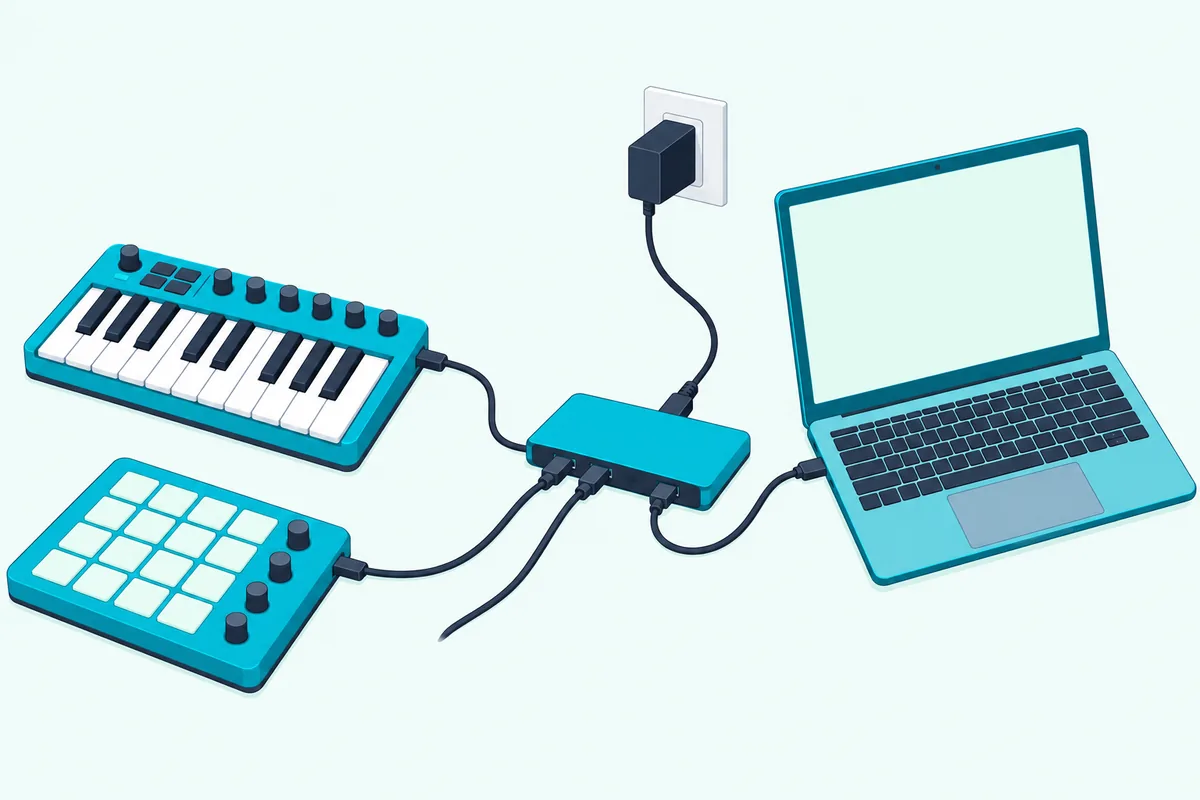
If you do need a hub, Serato says an externally powered USB 3.0 hub is the easiest, most reliable option for secondary devices such as MIDI controllers. That’s Serato’s advice for DJ software, but the same power logic applies to two bus-powered keyboards (Serato).
Frequently Asked Questions
Can you use a MIDI keyboard and a pad controller together?
Yes. Each shows up as its own port, so you can send the keyboard to a melodic instrument track and the pads to a drum track.
Can two controllers play the same instrument?
Yes. In Ableton Live, set the track’s input to All Ins, which merges every external MIDI port, and both controllers will play it.
Do you need two MIDI channels for two controllers?
Not in Ableton, where each track can listen to a specific port. Logic Pro lets you pick a MIDI channel per track too, and Apple warns that data on a channel with no track is lost.