How to Pair a Vizio Soundbar to Its Subwoofer
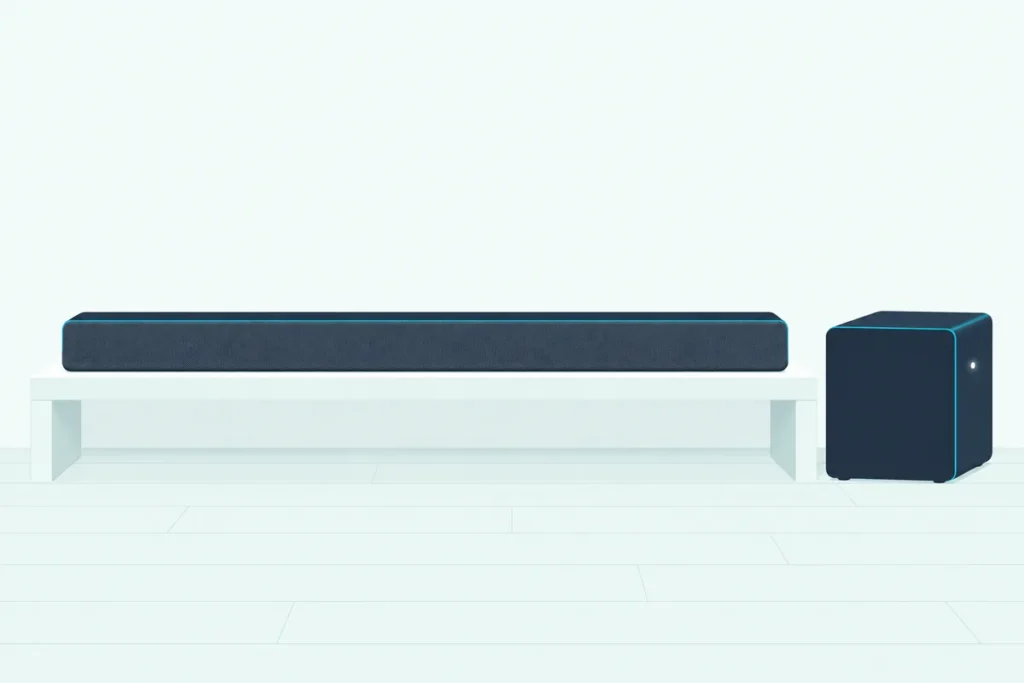
How to pair a Vizio soundbar to its subwoofer: hold the button on the back of the subwoofer for 5 seconds until its light blinks, then hold the soundbar’s Power button for 5 seconds until the bar’s lights confirm the link.
Get the order or the button wrong and the subwoofer just keeps blinking, while every explosion on the TV comes out thin.
Vizio’s manuals say each subwoofer leaves the factory already paired with its bar, so a re-link uses two buttons you already have.
Which two buttons, where the bar’s Power button sits and what the lights do all change across the models Vizio documents, from the S4251w-B4 kit to the SV510M-0806 soundbar.
Start with the general steps, then find your model’s row in the table and the fixes after it if the subwoofer still won’t join.
How to Pair a Vizio Soundbar to Its Subwoofer
Those two buttons are Vizio’s method on every model in the table below. You press the subwoofer’s button first and the soundbar’s Power button second, holding each for 5 seconds, and the bar’s front lights confirm the link.
- Plug the subwoofer into an outlet and switch it ON if it has a power switch; on models without one, check that its power LED is lit.
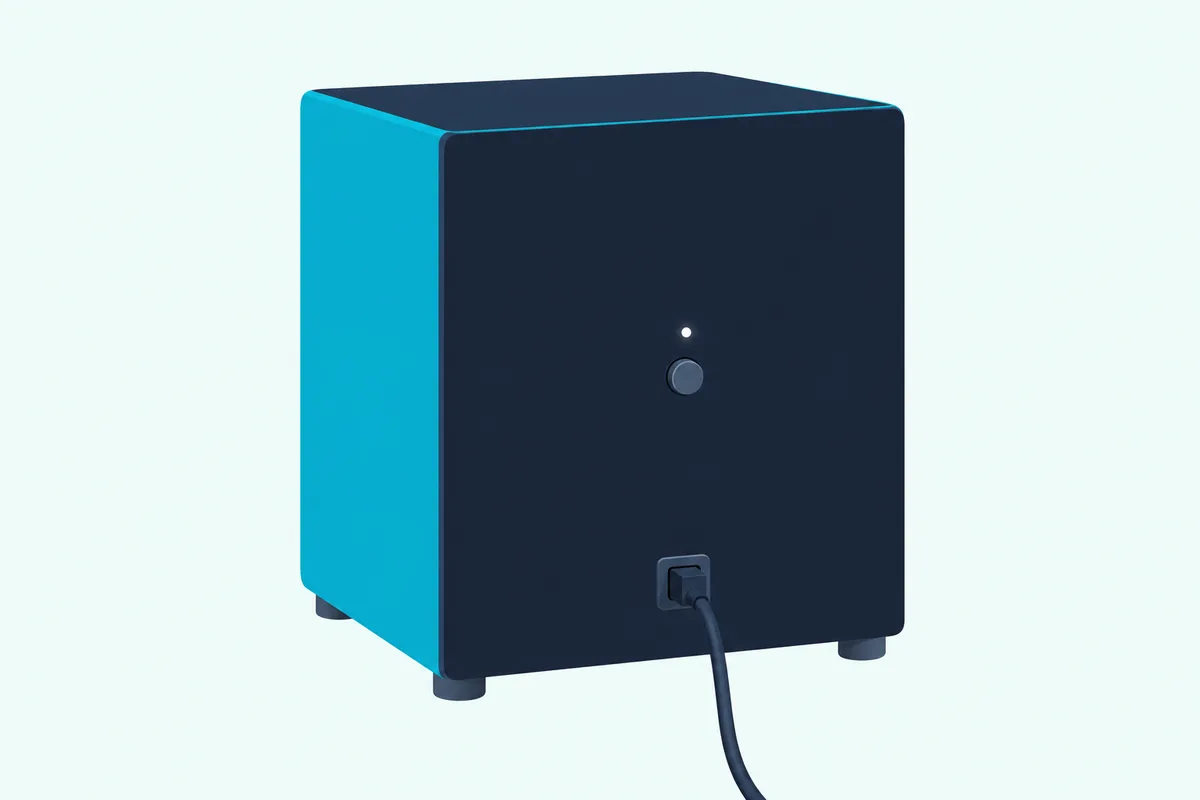
- Hold the button on the back of the subwoofer for 5 seconds, labeled Pairing or ON/OFF depending on the model, until its LED starts to blink.
- Hold the soundbar’s Power button for 5 seconds: on top of most bars, on the back of the S4251w-B4 and S3851w-D4, on the side of the SV soundbars.
- Watch the front of the bar: older models flash their lights 3 times, and the SV models flash white until paired, then turn solid white.
Most of the manuals read for this guide print a one-line definition beside these steps: “Pairing means to wirelessly connect.” No cable runs between the two, since the subwoofer’s power cord goes to an outlet and, on 5.1 sets, the rear speakers plug into the subwoofer.
These steps assume the subwoofer and the bar came in the same box, which is the only pairing Vizio’s manuals describe. For a spare subwoofer or a different bar, see Burton Acoustix’s guide to a Vizio subwoofer without its bar.
Does a New Vizio Subwoofer Need Pairing?
That re-link is a repair step, not part of setup. A new Vizio subwoofer arrives paired, and Vizio’s setup steps for the V51x-J6, SB3651n-H6 and SV210M-0808 say it should power on and link to the bar by itself once plugged in, with its LED glowing solid to confirm.
The SV510MW-0906 quick setup guide puts it in its own words: the lights on the back of the subwoofer and surrounds are solid white when powered on and connected. So on a new set, plug the subwoofer in, switch the bar on and look at that light before pressing anything.
Vizio’s manuals reach for the two buttons when the subwoofer goes silent or its light keeps blinking. The line above most of the procedures in this guide says the subwoofer “may need to be re-linked to the sound bar if there is no sound coming from the subwoofer.”
The manuals call the same job pairing, linking and re-linking. A search for syncing a Vizio subwoofer is after the same two buttons.
Get Studio Tips Weekly
Join 5,000+ creators getting acoustic treatment advice every week.
No spam. Unsubscribe anytime.Which Buttons Does Your Vizio Model Use?
That two-step method changes in three details from model to model. The subwoofer’s button reads Pairing on the S4251w-B4 and S3851w-D4 kits and most SB models and ON/OFF on the SB3621n-G8 and the V-Series, M-Series and SV models, while the bar’s Power button sits on top, on the back of those two kits or on the side of the SV soundbars.
The table gives each model’s button, Power button and confirmation lights as Vizio’s manuals do, with each manual’s copyright year as a guide to its age.
| Model (manual year) | Button on the subwoofer | Soundbar button, 5 seconds | What confirms the link |
|---|---|---|---|
| S4251w-B4 (2013), S3851w-D4 (2014) | Pairing, with the power switch ON | Power, on the back of the bar | Front lights flash 3 times |
| SB3831-C6M (2015), SB4551-D5 and SB4051-D5 (2016), SB3251n-E0 (2017) | Pairing, with the power switch ON | Power, on top | Front lights flash 3 times |
| SB46312-F6, SB46514-F6 (2018) | Pairing, with the power LED lit | Power, on top (the SB46514-F6 says with the bar on) | Front lights flash 3 times |
| SB2021n-G6, SB2021n-H6 (2019), SB2021n-J6 (2021) | Pairing, with the power switch ON | Power, on top | Front lights flash 3 times |
| SB3651n-H6 (2020) | Pairing, with the power LED lit | Power, on top | Front lights flash 3 times |
| SB3621n-G8 (2019), V51-H6, M51a-H6, M512a-H6, V21t-J8, V51x-J6, M51ax-J6 (2022) | ON/OFF, with the power LED lit | Power, on top | Front lights flash 3 times |
| SV510M-0806 (2024) | ON/OFF, LED blinks white | Power, on the side | Front LED flashes white, then green, then turns solid white |
| SV210M-0808, SV410XW-0905 (2025) | ON/OFF, LED blinks white rapidly | Power, on the side | Front LED flashes white, then turns solid white |
The newest models changed the confirmation most. The SV510M-0806 adds a green flash before its light settles on solid white, while the SV210M-0808 and SV410XW-0905 go straight from flashing white to solid white.
The 5.1 sets in the table pair exactly like the 2.1 sets. On the S4251w-B4, SB3651n-H6, V51-H6, V51x-J6, M51a-H6, M51ax-J6 and SV510M-0806, the rear speakers plug into the subwoofer, so they come back with it.
On the SV410XW-0905, the same two steps also re-pair its wireless surround speakers. You hold ON/OFF on the subwoofer, the surrounds or both for 5 seconds, then the side Power button for 5 seconds.
If your model isn’t in the table, look for a Pairing or ON/OFF button on the back of your subwoofer, since every subwoofer above has one of the two. Other brands use different buttons, and our pairing steps for other brands cover those.
Can You Pair a Vizio Subwoofer With the SmartCast App?
In the manuals read for this guide, only the 2016 SmartCast bars offer an app alternative to those buttons. The user manual for the SB4551-D5, SB4051-D5, SB4531-D5 and SB4031-D5, like the one for the SB3851-D0 family, gives the VIZIO SmartCast app a Subwoofer Pair option that reconnects a wireless subwoofer to the sound bar.
- Open the SmartCast app and go to Sound Bar Settings, or tap the settings button in the Device Menu.
- Tap System to open the System menu.
- Tap Subwoofer Pair, then tap Yes to confirm.
Vizio notes the option appears only on models that include a subwoofer. The quick start guide for the SB4551-D5 and SB4051-D5 also gives the button method from the table, so both routes are documented for those two.
The 2024 and 2025 SV soundbars use the VIZIO Mobile app instead, and in their manuals the app pairs with the soundbar, not the subwoofer. The SV210M-0808 manual says the app finds the bar by itself for the first 72 hours, after which a quick press of the bar’s Bluetooth button opens pairing for up to an hour.
Once connected, the app’s Subwoofer setting adjusts the deep bass intensity, but none of these manuals puts subwoofer pairing in the app. The side Power button stays the way to re-pair the subwoofer itself.
A factory reset splits the two links, too. The SV510M-0806 manual says a reset leaves the subwoofer paired but means pairing the VIZIO Mobile app again.
How Do You Put a Vizio Soundbar in Pairing Mode?
Those app links point to a common mix-up, because a Vizio bar has two kinds of pairing and only one involves the subwoofer. For the subwoofer, the bar’s half of the link is the 5-second Power button hold right after the subwoofer’s own button.
Bluetooth pairing mode is a different button for a different job: connecting a phone, tablet or computer for music. On the SB2021n-G6 and V51x-J6 you hold the Bluetooth button for 5 seconds, and on the SV510M-0806 a 2-second hold starts music pairing while a hold of at least 5 seconds pairs the VIZIO Mobile app.
The lights differ as well, which helps tell the two apart. The SB2021n-G6’s front LED turns blue and blinks in Bluetooth pairing mode, and the SV510M-0806’s blue LED blinks rapidly while a tone plays twice.
Neither Bluetooth mode reaches the subwoofer. Vizio’s Bluetooth steps have your device search for the bar by name, VIZIO V51 on the V51x-J6 or VIZIO SB2021n on the SB2021n-G6, and never for the subwoofer.
What Do the Lights on a Vizio Subwoofer Mean?
That blinking light from the steps is the quickest way to read the link. In Vizio’s manuals, a solid LED on the back means the subwoofer is connected, and a blinking one means it’s disconnected or in pairing mode.
That solid light is the one a new set shows once it’s plugged in. So a light that stays solid after you switch the bar on needs no pairing at all.
The speed of the blink matters on some models. The S4251w-B4 quick start guide and the S3851w-D4 guide say a light blinking in a slow pattern means the subwoofer needs pairing, and the SV210M-0808 and SV410XW-0905 manuals say an unpaired subwoofer blinks white slowly while one in pairing mode blinks white rapidly.
A dark LED is a power problem, not a pairing one. Vizio’s no-power checklist is written for the bar, but two of its checks suit a dark subwoofer too: a securely connected power cord and an outlet tested with a different device.
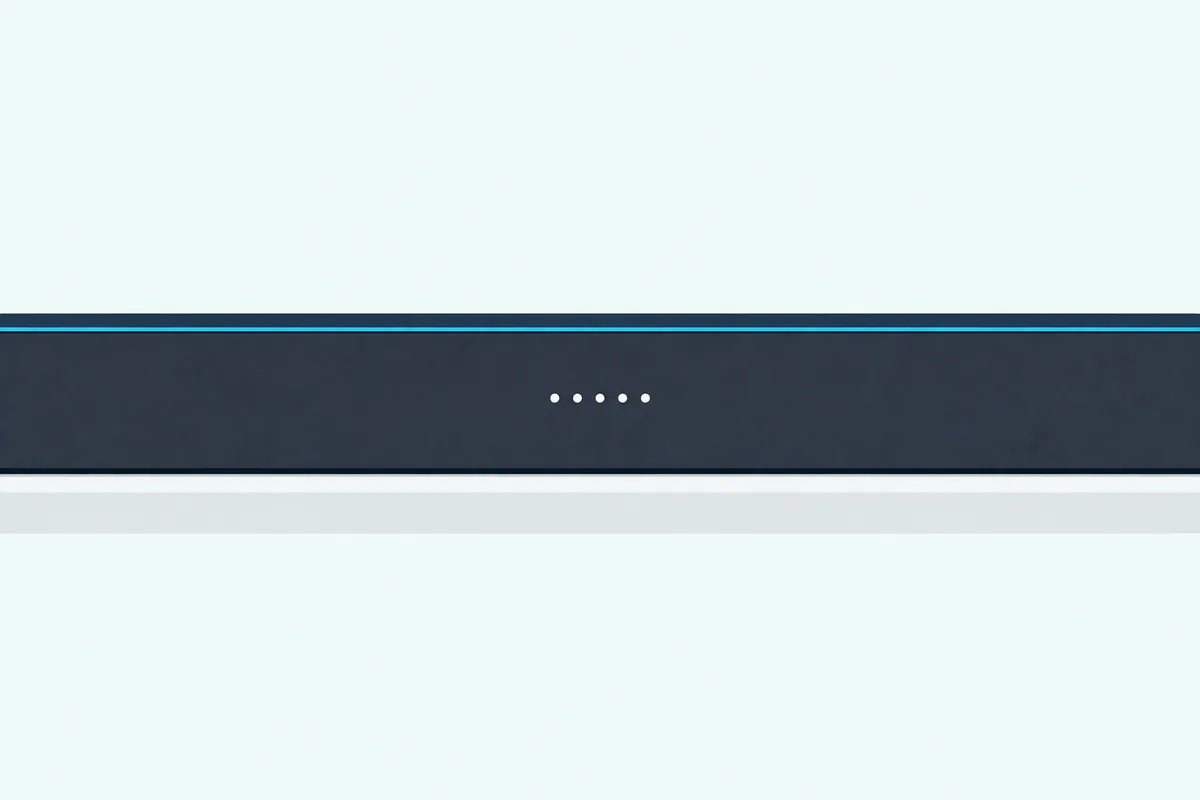
The soundbar’s own lights finish the story. On most models its front lights flash 3 times when the link is made, and on the SV soundbars the front LED flashes white during pairing and turns solid white once paired.
Why Won’t Your Vizio Subwoofer Connect?
That slow blink is where Vizio’s own troubleshooting pages start. If the light on the subwoofer blinks in a slow pattern, the S4251w-B4 and S3851w-D4 guides say to pair it with the bar again, in the order above: subwoofer button first, soundbar Power button second.
The same list’s next two checks are physical: move the subwoofer closer to the soundbar and turn its power switch to ON. No manual gives a range for the subwoofer link, and the SV410XW-0905’s 20 feet (30 at most) is for its wireless surrounds, so if the subwoofer keeps losing the link where it sits, try it nearer the bar.
Then give it a few seconds. To save power, the subwoofer drops into a low power state when it isn’t in use, and Vizio says it may take up to 10 seconds to link after the soundbar is turned on.
Even a linked subwoofer goes quiet when its level hits the bottom. On the SB2021n-G6, SB2021n-H6, SB2021n-J6 and SB3621n-G8, setting the SUB level to its minimum mutes the subwoofer, and on the V51x-J6 and SB3651n-H6 the minimum turns it off.
Night Mode lowers it too, on purpose. The SV210M-0808 manual says Night Mode reduces the subwoofer level and switches off when the soundbar goes into standby, and the rest of the sound menu is in our guide to Vizio sound bar settings.
Vizio’s speaker test checks that the subwoofer plays at all. On the V51x-J6 it’s SETUP > Spkr Test > OK, which calls out each speaker and ends with white noise through the subwoofer, and on the SV510M-0806 and SV210M-0808 you hold Bluetooth and Volume Up for 5 seconds.
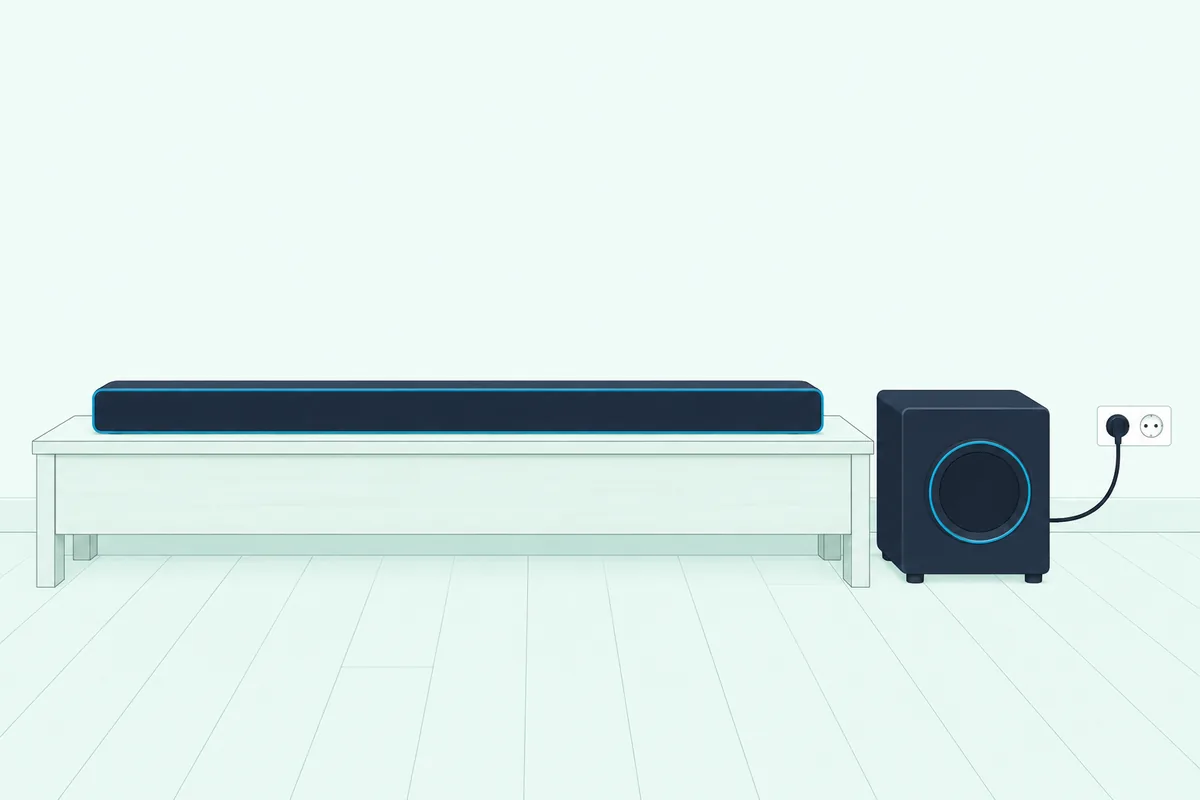
On older 5.1 kits, silent rear speakers point to the same link. The S4251w-B4 guide lists an unlinked subwoofer among the causes of silent satellite speakers, and those speakers plug into the back of the subwoofer.
The SV210M-0808 and SV410XW-0905 add a hard reset for the subwoofer alone. Unplug the subwoofer, wait 5 seconds and plug it back in, then watch for the solid white light.
If none of that brings a solid light, the subwoofer may need service. Vizio’s warranty in the V51x-J6 manual runs one year from the original purchase for non-commercial use, and claims start through Vizio’s support site or phone line.
How Do You Reset a Vizio Soundbar and Subwoofer?
Those checks come before any reset, because a factory reset is not a pairing step in Vizio’s manuals. On most of the bars in this guide, from the SB3831-C6M to the SV410XW-0905, a factory reset means holding Bluetooth and Volume Down for 5 seconds, and it erases your settings.
What it does to the subwoofer depends on the model. The SV510M-0806 manual says the subwoofer stays paired after a factory reset, and the other manuals don’t say either way, so re-link the subwoofer afterward if it goes quiet.
Two families add other ways to reset. The S4251w-B4 resets from the remote’s Menu button (Reset Yes, then Confirm Yes), and the 2016 SmartCast bars can also reset from the app’s System menu, after which Vizio says to set the bar up with the SmartCast app again.
Our Vizio sound bar reset steps for every model add the lights that confirm each reset and what it clears, including the menu resets on remotes with a screen.
For the subwoofer alone, that unplug-for-5-seconds hard reset on the SV210M-0808 and SV410XW-0905 is the only reset in these manuals. The other manuals offer only the re-link itself.
Can You Add a Subwoofer to a Vizio Bar That Came Without One?
That reset question has a cousin: what to pair when the bar never had a subwoofer. Nothing wireless, going by Vizio’s manuals, because the 2.0 bars read for this guide pair only Bluetooth devices such as phones and tablets, and none describes linking a wireless subwoofer.
Some of them take a powered subwoofer by cable instead. The SB2920-D6 quick start guide shows a Subwoofer Out jack with RCA steps, the SB3620n-H6 manual shows the same jack and the V20x-J8 shows none, and our page on how to add a subwoofer to a Vizio sound bar sorts the models.
The Bottom Line
That cable route is the exception, since every Vizio set in the table pairs the same basic way: the subwoofer’s Pairing or ON/OFF button for 5 seconds, then the soundbar’s Power button for 5 seconds. Check your model’s button and lights in the table, read the subwoofer’s LED before you start, and work through power, distance and the SUB level before you reach for a factory reset.
Frequently Asked Questions
Do you need the remote to pair a Vizio subwoofer?
No. Vizio’s button method uses only the button on the back of the subwoofer and the Power button on the soundbar, and the 2016 SmartCast bars also have a Subwoofer Pair option in the app. The remote matters afterward, because on models such as the SB2021n-G6 its SUB button sets the subwoofer level, and the lowest setting mutes it.
Why is my Vizio subwoofer blinking white?
On the SV210M-0808 and SV410XW-0905, a slow white blink means the subwoofer isn’t paired and a rapid white blink means it’s in pairing mode. Hold the ON/OFF button on the back of the subwoofer for 5 seconds, then the Power button on the side of the soundbar for 5 seconds, and the subwoofer’s light should turn solid white.
How long does a Vizio subwoofer take to connect?
Up to 10 seconds after the soundbar turns on, according to Vizio’s S4251w-B4 and S3851w-D4 guides, because the subwoofer rests in a low power state when it isn’t in use. A re-link takes two 5-second button holds, and the LED on the subwoofer glows solid once it’s connected.
Does a Vizio subwoofer pair over Bluetooth?
Not in Vizio’s steps. The Bluetooth button on a Vizio bar pairs a Bluetooth device such as a phone or tablet with the soundbar, while the subwoofer links through its own Pairing or ON/OFF button and the bar’s Power button.
Will a factory reset unpair a Vizio subwoofer?
Not on the SV510M-0806, whose manual says the subwoofer stays paired while the VIZIO Mobile app needs pairing again. The other manuals don’t say what a reset does to the subwoofer, so if it goes quiet afterward, run the two-button re-link.
How do you pair Vizio wireless surround speakers?
On the SV410XW-0905, the same way as the subwoofer: hold the ON/OFF button on the back of the subwoofer, the surround speakers or both for 5 seconds, then the soundbar’s side Power button for 5 seconds. The wired 5.1 sets have nothing extra to pair, because their surround speakers plug into the subwoofer and come back when it links.