How to Get My Soundbar to Turn On With My TV
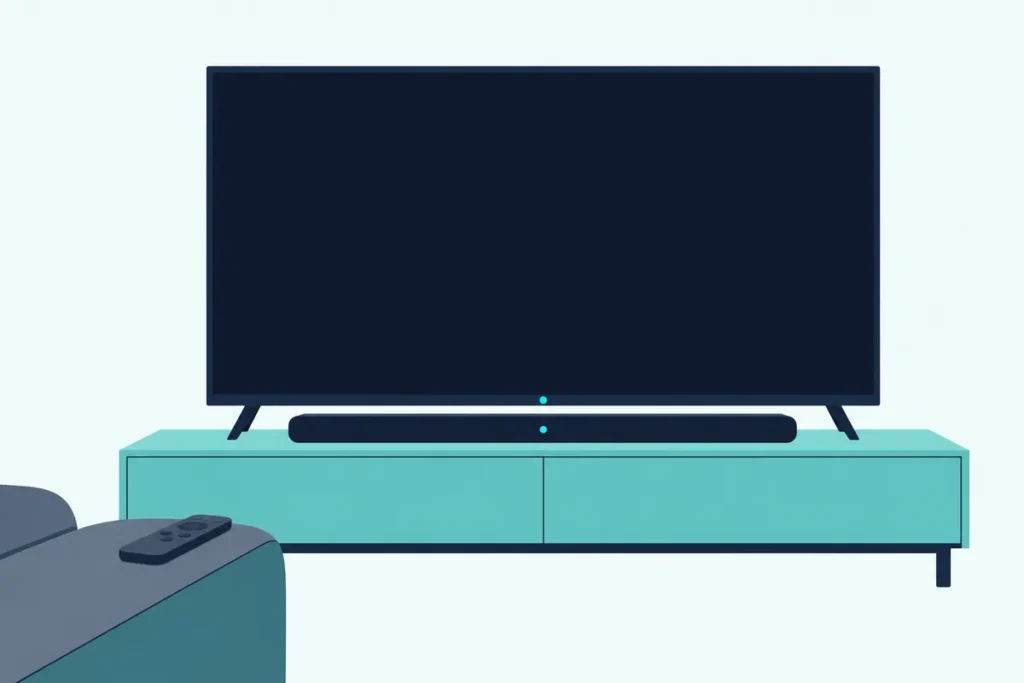
The short answer to “how to get my soundbar to turn on with TV” is one HDMI cable in the TV’s ARC or eARC port, with HDMI-CEC switched on at both ends under whatever name your TV’s maker uses.
Miss either one and you’re back to two remotes, with the TV lit up and the bar dark until you press its own power button.
Set it once and the bar wakes when the TV does, goes to standby with it and usually takes the TV remote’s volume too.
This guide gives each TV maker’s name and menu path for that switch, from Samsung’s Anynet+ to Roku’s 1-touch play, plus the matching setting on six makers’ bars.
It starts with the four steps every brand shares, then the optical and Bluetooth routes, the LG fix and what to check when the bar still won’t wake.
How to Get My Soundbar to Turn On With the TV in Four Steps
Those four steps are the same on every brand, because they all lean on one HDMI feature. Here they are in the order the makers’ guides give them:
- Connect your soundbar to the TV’s ARC or eARC port. Use the HDMI port labeled ARC or eARC on the TV and the bar’s matching port, which TCL’s guide notes may be labeled HDMI OUT (ARC/eARC), not a plain HDMI input.
- Turn on the TV’s CEC setting. Samsung calls it Anynet+ (HDMI-CEC), LG calls it SIMPLINK (HDMI-CEC), Sony calls it BRAVIA Sync, Roku TVs call it Control other devices (CEC), and Vizio and Hisense VIDAA sets just say CEC or HDMI-CEC.
- Turn on the bar’s matching setting, if it has one. Sony bars call it Control for HDMI, Samsung bars have an Anynet+ switch, and Vizio’s guide adds a Device Discovery step on the TV.
- Send the TV’s sound to the bar, then test. Pick the bar as the audio output, switch the TV off and on again, and watch whether the bar follows.
Roku’s help page on CEC sums up why step 2 matters so much: many TVs need CEC on before ARC sound works at all (Roku). So if the bar plays sound over HDMI but won’t power up with the TV, CEC is usually half on, set at the TV but not at the bar, or the other way round.
Why Does HDMI-CEC Wake the Soundbar?
That shared feature is HDMI-CEC, short for Consumer Electronics Control, and it’s what lets devices joined by HDMI send each other commands. Samsung’s 2025 TV e-Manual gives the turn-on case as its own example: if a connected device supports Anynet+, it can turn on or off when you turn the TV on or off.
Think of it as a doorbell wired through the HDMI cable. The TV presses it when it powers up, and the bar answers only if its own CEC setting is listening.
LG’s 2024 webOS guide spells out what that wire needs. SIMPLINK works only with a high-speed HDMI cable with the CEC function, which uses pin 13 to pass those messages between devices.
Sony’s TV help guide describes the audio case precisely. With BRAVIA Sync on, the TV turns a connected AV receiver on and switches the sound to it when the TV comes on, but only if you’ve already used it for the TV’s sound, and Sony’s hookup steps put a sound bar in that same audio-system slot.
That last condition explains a lot of “it worked yesterday” moments. On a Sony at least, the bar has to have been the chosen audio output, not just plugged in, before the TV sends its wake-up call.
Get Studio Tips Weekly
Join 5,000+ creators getting acoustic treatment advice every week.
No spam. Unsubscribe anytime.What Is the CEC Setting Called on Your TV?
Every maker files that switch under its own name, so the hard part is usually finding it. The table gives each maker’s name for it and the path to it, from the maker’s own TV manual or help guide, apart from the Fire TV and Android TV rows, which come from Roku’s CEC guide because Amazon’s own help pages couldn’t be read for this guide:
| TV and system | Name of the CEC switch | Where to find it |
|---|---|---|
| Samsung (2025 models) | Anynet+ (HDMI-CEC) | Settings > All Settings > General & Privacy > External Device Manager |
| Samsung (2022 models) | Anynet+ (HDMI-CEC) | Settings > All Settings > Connection > External Device Manager |
| Samsung (2018 models) | Anynet+ (HDMI-CEC) | Settings > General > External Device Manager |
| LG webOS (2024 and 2025) | SIMPLINK (HDMI-CEC) | Settings > All Settings > General > External Devices > HDMI Settings |
| Sony Google TV BRAVIA | BRAVIA Sync control | Settings > Channels & Inputs > External inputs > BRAVIA Sync settings |
| Vizio (2022 V-Series) | CEC | Menu > System > CEC, then Enable |
| Roku TV (any maker) | Control other devices (CEC) | Settings > System > Control other devices (CEC), then 1-touch play |
| Hisense VIDAA | HDMI-CEC | Settings > System > HDMI-CEC |
| Hisense Google TV (2025) | HDMI control | Settings > Channels & Inputs > External Inputs |
| Fire TV (various brands) | HDMI-CEC Devices | Settings > Display & Sound > HDMI-CEC Devices, then 1-Touch Play and Power Control |
| Android TV and Google TV (other brands) | Control Other Devices (CEC) | Settings > Inputs or External devices control |
TCL’s support pages add T-Link, TCL’s own name for HDMI-CEC, and say to enable System Audio Control too where a TCL TV offers it. Same principle as Roku’s own steps, which put System audio control and 1-touch play side by side in the CEC menu.
If the bar’s name or input never shows up after you switch CEC on, Vizio’s TV manual has a step worth borrowing on any brand. Its CEC menu has a Device Discovery item that checks whether a connected device answers to CEC.
Which Power Options Sit Inside That Setting?
Switching CEC on is the main event, but a few TVs put separate power choices underneath it, and one of them can quietly undo the rest. Hisense’s VIDAA manual lists Device Auto Power On, which turns HDMI-CEC devices on when the TV turns on, and Device Auto Power Off, which turns them off with it.
Hisense adds a condition to Device Auto Power On: it applies when the TV’s input source is preset to that device. Its 2025 Google TV manual instead lists HDMI control, Device auto power off and TV auto power on, the last one waking the TV when a CEC device turns on.
Sony’s BRAVIA Sync settings have the same pair. Device auto power off controls whether connected devices switch off with the TV, and TV auto power on controls whether the TV wakes when a connected device does.
LG’s webOS guides list Main Power Off and Main Power On among SIMPLINK’s functions. Main Power Off turns off devices connected through SIMPLINK when the TV turns off, though LG says it’s available only on certain devices.
Roku’s own steps simply have you check 1-touch play in that menu, and its guide for Fire TV sets names Power Control beside 1-Touch Play. So if your menu shows a power item under CEC, leave it on.
Here’s a quick test for any of these. Turn the TV off with its own remote, wait ten seconds, turn it on again, and watch the bar’s light, because a bar that wakes but plays nothing is a sound-output problem, not a power one.
Which Setting Does the Soundbar Itself Need?
That ten-second test often shows the TV side is fine and the bar is the one ignoring the call. Samsung’s and Sony’s guides have the bar’s setting on by default or switching on by itself, but each maker hides the switch somewhere different.
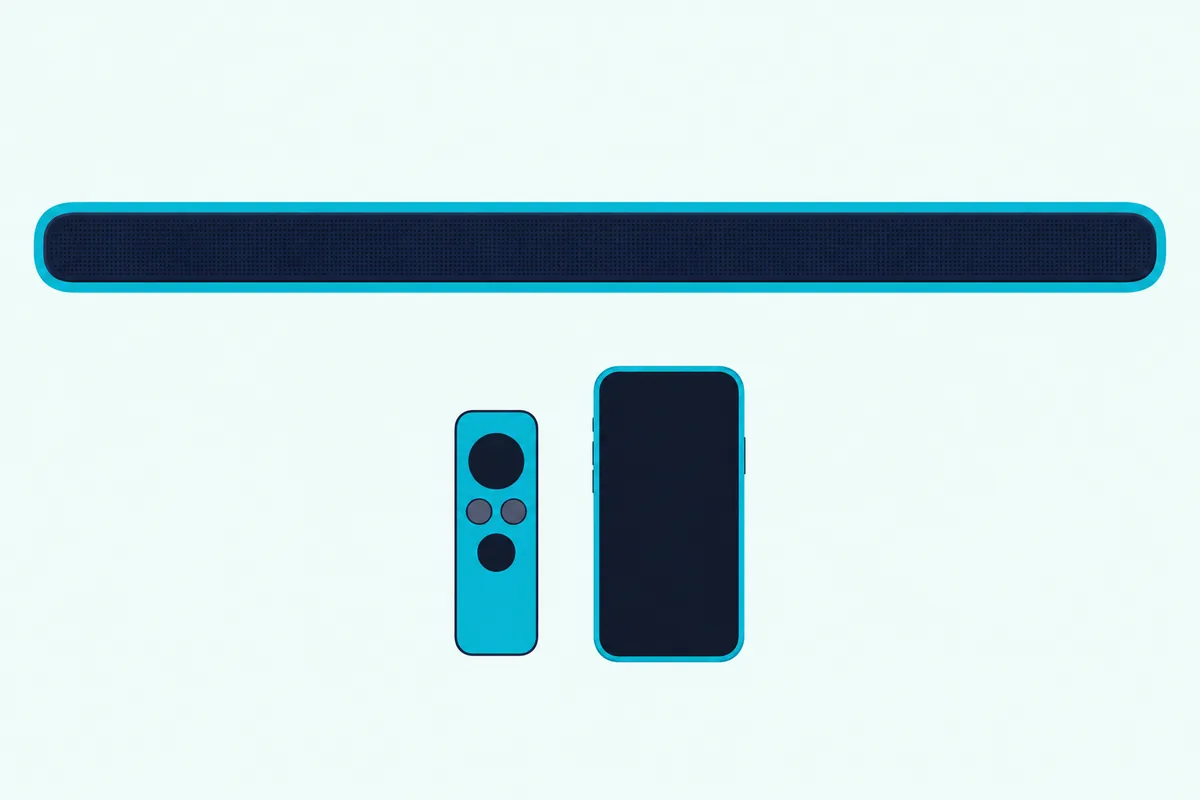
Here’s where the setting lives on the bars whose manuals cover it:
| Soundbar | Setting that follows the TV | How to switch it |
|---|---|---|
| Samsung (HW-Q70R manual) | Anynet+ (HDMI) and Auto Power Link (optical) | Hold Right on the remote 5 seconds for Anynet+, Left 5 seconds for Auto Power Link; both on by default |
| Sony BRAVIA Theatre Bar 6 | Control for HDMI | Settings > HDMI Settings in Sony’s app; turns on by itself when BRAVIA Sync is on at a Sony TV |
| Vizio V51x-J6 | CEC and ARC (SAC) on the TV, then Device Discovery | Set on the Vizio TV’s System and CEC menus, as the bar’s manual describes |
| LG S60T, S95TR, SC9S | Auto Power | The S60T remote’s Settings button; the S60T’s manual limits it to an optical connection |
| Hisense HS2100 | Auto-Wake | Works over AUX, optical or HDMI ARC; the TV needs HDMI-CEC and ARC set to On |
| Bose TV Speaker | The TV’s HDMI-CEC | CEC overrides the bar’s own Auto-wake setting over HDMI |
Sony’s Bar 6 guide describes what that buys you as power interlocking. When the TV turns on, the bar turns on automatically, and when the TV turns off, the bar follows (Sony).
Sony also flags the habit that breaks it. If you switch the bar off before the TV, it may not wake with the TV next time, and the fix is to choose the bar again as the sound output in the TV’s menu.
Vizio’s V51x-J6 manual walks the Vizio pair through it: connect HDMI 1 (ARC) on the TV to the bar’s HDMI (ARC) port, enable CEC and ARC (SAC) in the TV’s System menu, then run Device Discovery so the TV registers the bar (Vizio). Vizio notes the CEC function’s name differs on other makers’ TVs.
Bose’s TV Speaker follows the TV’s CEC the same way, and each Bose model’s own switches are in our guide to making a Bose soundbar wake up without the remote.
How Do You Get an LG Soundbar to Turn On With the TV?
LG gets its own section because its bars and TVs use two different mechanisms, and which one applies depends on the cable. On an LG TV, open Settings > All Settings > General > External Devices > HDMI Settings and set SIMPLINK (HDMI-CEC) to On, then set Sound Out to HDMI(ARC) Device (LG).
LG’s 2025 webOS guide makes that one step on newer sets. Selecting HDMI(ARC) Device under Sound Out turns SIMPLINK on automatically.
On the bar, LG’s S60T manual describes SIMPLINK as the HDMI-CEC function that lets a SIMPLINK-compatible LG TV remote handle power on and off, volume and mute. LG adds that SIMPLINK works only with devices that carry the SIMPLINK logo and may not work properly depending on the status of the connected devices.
The second mechanism is Auto Power, which the S60T, S95TR and SC9S manuals describe the same way. It turns the bar on or off when the TV or an external device turns on or off, then picks the input that matches the incoming signal.
On the S60T you set it with the remote’s Settings button, choosing AUTO POWER and switching it on. That manual says it works only when the bar is connected to the TV with an optical cable.
If Auto Power doesn’t work, LG’s troubleshooting table gives one check: the connection to the external device. If the bar misbehaves generally, LG’s fix is to unplug its power cable and the cables to the TV and any other devices, then plug them all back in.
LG bars that switch themselves off or on at odd times have their own causes, covered in our guide to LG sound bar problems that come and go.
Can a Soundbar Turn On With the TV Over Optical?
That LG Auto Power setting is one example of a second route, because an optical cable carries no CEC at all. What some bars do instead is listen for sound arriving on the optical input and wake when it shows up, so the TV never sends a command.
Samsung calls it Auto Power Link. The HW-Q70R manual says it turns the bar on when the TV is turned on over a digital optical cable, that it’s on by default, and that it may not work with some connected devices.
Bose calls it Auto-wake. On the Bose Smart Soundbar, it powers the system on when sound comes in through the optical input, and you toggle it by holding the remote’s Power button for ten seconds until a tone sounds and the light bar pulses white twice (Bose).
The Bose app has the same switch under Settings, in the Power section, as Optical Auto-Wake. The Bose TV Speaker’s version works for devices plugged into the speaker, not for Bluetooth.
Hisense’s HS2100 does the same across all its wired inputs. Its Auto-Wake switches the bar on when a TV connected by AUX, optical or HDMI ARC is switched on.
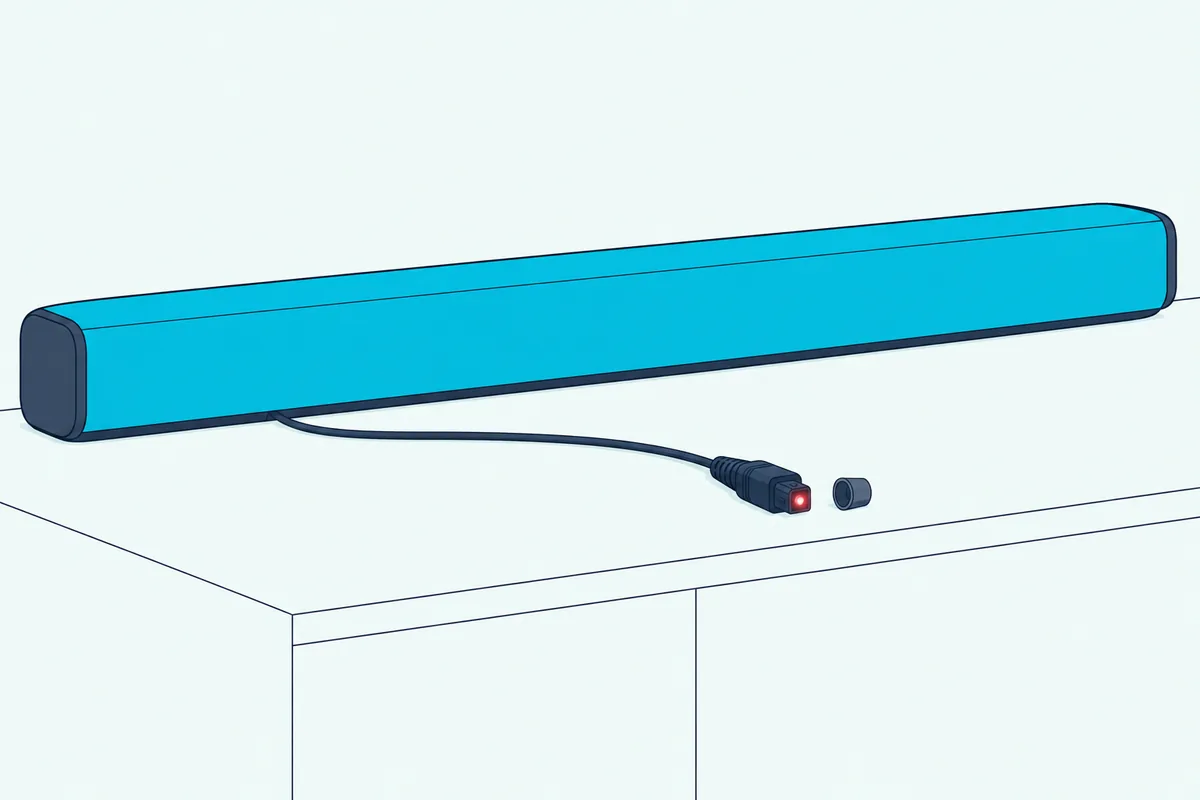
Sonos shows the split clearly. Its TV requirements page says the Ray, Playbar and Playbase need a TV with a digital optical output, while the Arc, Beam and Amp need an HDMI ARC port to use CEC, and on optical you can’t control your TV through CEC.
TCL’s support page sums up the trade-off. Optical and Bluetooth connections may not support shared volume or power control, so treat signal-sensing wake-up as the backup for a TV without an ARC port.
Does Bluetooth Turn a Soundbar On With the TV?
Bluetooth is the third route, and it works only where the bar and TV makers have built for it. Samsung’s 2022 TV e-Manual says a Samsung Soundbar connected to the TV by Bluetooth powers off and on together with it, though that may not be supported on every Samsung Soundbar model.
Bose’s TV Speaker help page says a Bluetooth device you’ve connected before can power the speaker on, even with Auto-wake off. You select the speaker from that device’s Bluetooth menu and it switches on.
Sony’s Bar 6 has a Bluetooth Standby setting for the same idea. With it on, the bar turns on automatically when a Bluetooth device with a connection history connects.
None of those is a replacement for CEC on a TV that has an ARC port. TCL’s warning about shared power control applies here too, so keep Bluetooth for a TV with neither ARC nor optical.
Will a Roku TV or Fire TV Turn the Soundbar On?
Roku and Fire TV software run on TVs from several makers, so the menu follows the software, not the badge on the front. On a Roku TV, whichever brand built it, Roku’s steps are Home > Settings > System > Control other devices (CEC), then check the box for 1-touch play.
Roku’s surround sound guide adds two more boxes in that same menu. Check ARC (or eARC) and System audio control, and Roku’s CEC guide then has you pick eARC under Settings > Audio > Audio Output.
If you’d also like the Roku remote to run the bar’s volume, the steps for that are in our guide to using the Roku remote with a soundbar.
On Fire TV sets, Roku’s guide lists Settings > Display & Sound > HDMI-CEC Devices, with 1-Touch Play and Power Control turned on, then Display & Sound > ARC to enable HDMI ARC. Getting the Fire TV remote to run the bar’s volume and power is a separate job, covered in our guide to controlling a soundbar from a Fire TV remote.
Why Won’t Your Soundbar Turn On With the TV?
With every route covered, the failures now sort into a handful of causes. Work through them in this order, because the first ones are the quickest to rule out:
- Check the port at both ends. TCL’s guide says to confirm the HDMI cable sits in the ARC or eARC port on both devices, and LG and Sony ask for the port labeled ARC or eARC on the TV.
- Check CEC at both ends. Samsung’s TV manual says to confirm the device’s own HDMI-CEC option is enabled as well as Anynet+ on the TV, and Sony’s fix for a bar the TV can’t find is Control for HDMI on the bar plus BRAVIA Sync control on the TV.
- Choose the bar as the audio output again. That’s Sony’s fix when the bar was switched off before the TV, and Hisense’s 2025 manual says to pick HDMI (ARC/eARC) under Audio Output by hand if the TV doesn’t switch to it.
- Power cycle in the right order. Roku’s fix for devices that don’t turn on or off together is to unplug the TV and every HDMI device for about a minute, plug in and turn on only the TV, then plug in the audio device, then everything else.
Samsung adds a smaller version of step 4. Whenever you connect or disconnect an HDMI cable, turn the TV off and back on, and expect Anynet+ to stop working while the TV is scanning channels or doing a factory reset.
The cable itself is next. Roku’s checklist asks whether the HDMI cable is properly plugged in and in decent condition, and LG’s guide wants a high-speed HDMI cable with the CEC function.
If yours is an old spare from a drawer, UGREEN’s certified 6.6 ft HDMI cable is sold as Certified Ultra High Speed. Measure the run from the TV’s ARC port to the bar before you order.

UGREEN’s certified 6.6 ft HDMI cable
Other HDMI devices can get in the way too. TCL’s support page lists an HDMI-CEC conflict among the causes of trouble and suggests disconnecting other HDMI-CEC devices for a while, and Roku warns that a receiver sitting between the TV and the bar adds complexity.
Firmware is the last check. Roku and TCL both say to look for TV software updates, because some CEC and ARC problems are fixed that way, and TCL adds a check for the soundbar maker’s updates.
Why Does the Soundbar Turn Off by Itself?
The opposite complaint, a bar that turns on with the TV and then drops out, usually has nothing to do with CEC. Each of the bars below has an auto standby timer that switches it off when no sound arrives for a while.
Samsung’s HW-Q990D and HW-B400F turn off after 18 minutes with no audio signal, in TV ARC, eARC, optical, Bluetooth and other modes. Sony’s Bar 6 enters standby after about 20 minutes with no operation and no signal input.
Hisense’s HS2100 goes to standby after about 15 minutes once the TV or other source is disconnected or switched off. Vizio’s V51x-J6 calls its version Eco Power Mode, which sends the bar to standby after a period of inactivity and is off by default.
So a bar that drops out during a paused movie is doing what its manual says. A bar that goes off the moment you switch the TV off is following CEC instead, and that’s the Device auto power off switch from earlier.
If the TV also turns on by itself, Sony’s help guide points at that same menu. Its fix is to disable TV auto power on in the BRAVIA Sync settings.
What If Your TV Remote Has to Do the Job Instead?
A few setups won’t wake by any of those routes, such as a TV with no ARC port and a bar with no signal-sensing mode. Some bars can then take their power command from the TV’s own remote, over infrared. Every maker’s TV remote mode and learning steps are in our guide to setting up a soundbar for your TV remote.
Vizio’s V51x-J6 has a VIZIO TV remote setting, VZtvRmt in its setup menu, that lets a Vizio TV remote turn the bar on with its Volume Up button and control the volume. Vizio’s manual has you switch it by holding Power and Volume Up together for five seconds.
Samsung’s HW-B400F has three TV remote modes, Off-TV Remote by default, Samsung-TV Remote and All-TV Remote, which you cycle by holding the remote’s WOOFER button up for five seconds with the bar off. Samsung says it works with infrared remotes only, not with remotes that pair by Bluetooth.
That’s a remote fix, not a wake-up link, so the bar still won’t follow the TV by itself. Vizio’s own pairing steps are in our guide to pairing a Vizio remote, or your TV remote, to the soundbar.
Frequently Asked Questions
Does HDMI ARC turn on a soundbar?
HDMI ARC carries the sound, and HDMI-CEC, running over the same cable, carries the power command. When CEC is on at both the TV and the bar, the bar turns on with the TV, as Samsung’s e-Manual and Sony’s Bar 6 guide both describe. With CEC off, the bar won’t wake by itself, and Roku notes that many TVs need CEC on before ARC sound works at all. So plugging into the ARC port is necessary, but it isn’t enough on its own.
Can an optical cable turn on a soundbar?
Not by sending a command, since optical carries no CEC. Some bars wake when they sense sound arriving on the optical input instead: Samsung’s Auto Power Link, Bose’s Optical Auto-Wake, LG’s Auto Power on the S60T and Hisense’s Auto-Wake on the HS2100. Each has to be switched on at the bar, and Samsung warns it may not work with every connected device. If your bar has none of these, use HDMI ARC or set the bar to follow the TV remote.
How do I turn on my soundbar without the remote?
Use the power button on the bar itself, as on Vizio’s V51x-J6 and Hisense’s HS2100, or let the TV wake it over HDMI-CEC. Bose’s TV Speaker also powers on for a Bluetooth device it has connected to before, and Sony’s Bar 6 does the same with Bluetooth Standby on. If the bar is set to follow the TV, switching the TV off and on again is the quickest test, and the steps for each Bose model are in the Bose guide linked above.
Why does my soundbar turn on by itself?
Usually because something else woke it: the TV powering up through CEC, a sound signal on an optical input with auto-wake on, or a Bluetooth device it remembers. Samsung, Bose, Sony and Hisense each describe at least one of these triggers. Switch off the one you don’t want, such as Bose’s Optical Auto-Wake or Sony’s Bluetooth Standby, and leave the rest alone.
Should I turn HDMI-CEC off?
Only if it’s causing more trouble than it saves. Turning it off stops the bar following the TV, and on many TVs Roku says ARC sound needs CEC on as well. Samsung’s e-Manual suggests a narrower fix if you only dislike devices switching off together: turn off Anynet+ on the device that bothers you, not on the TV. Sony and Hisense let you keep CEC and switch off just the auto power items.