How Do I Get Dolby Atmos on My Soundbar? Check These 5 Links
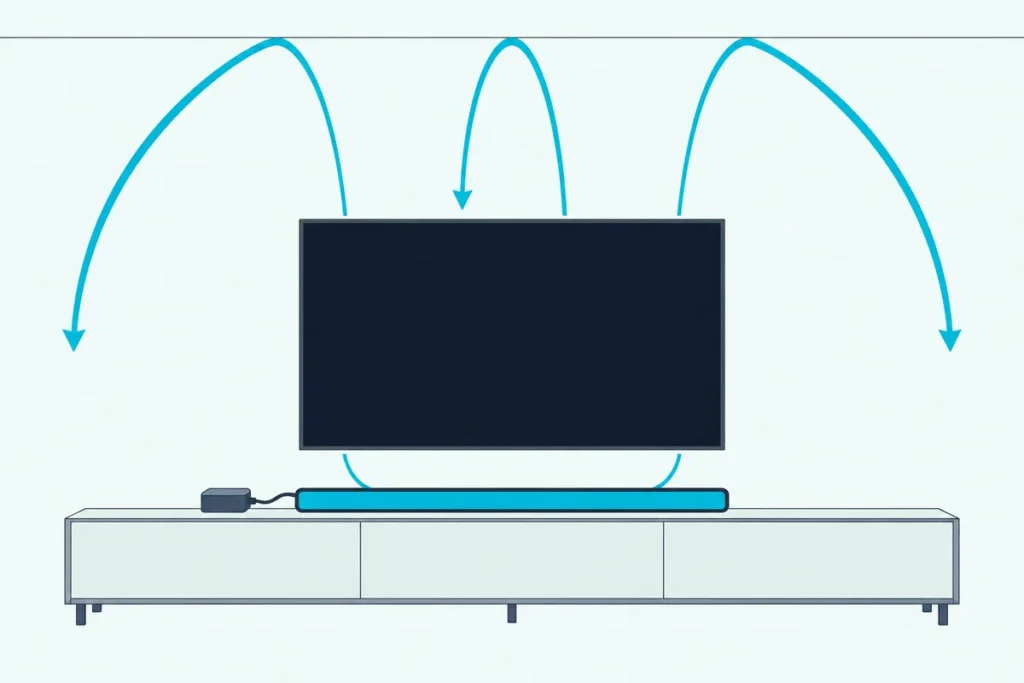
The answer to “how do I get Dolby Atmos on my soundbar?” is a chain: every link from the app to the speaker has to carry Atmos, and the weakest link decides what you hear.
A bar with up-firing speakers can still play plain surround sound or stereo because one menu on the TV is set to PCM or the streaming plan doesn’t include Atmos.
Fix the right link and the bar’s display, light or app will show Dolby Atmos once an Atmos title plays.
The order that saves the most time runs from the content to the HDMI port, then the TV’s menus, the player settings and the bar’s own indicator.
Each step below names the setting by the words Dolby, LG, Samsung, Sony, Sonos, Apple and the soundbar makers print in their own guides, so you can match it to your screen.
How Do I Get Dolby Atmos on My Soundbar, Link by Link?
That chain has five links, and you get Atmos by checking them in the order the table shows. Dolby’s own soundbar setup guide starts at the same place: content mixed in Atmos, then a device that plays it, then a TV or soundbar that can take it.
| Link | What it needs | Where to check |
|---|---|---|
| Content | A title mixed in Dolby Atmos, on a plan that includes it | The Atmos badge on the title page |
| Source | An app, streamer, console or Blu-ray player that sends Atmos | The player’s audio output menu |
| Route | HDMI ARC, eARC or the bar’s HDMI input, never optical | The port labels on both devices |
| Display menus | Sound sent to the bar and a format setting that isn’t PCM | The sound or audio output menu |
| Soundbar | Atmos decoding, plus a display, light or app that shows it | The bar’s manual |
Think of it like a relay race in your living room. One runner who drops the baton ends the race, however fast the other four are.
Where Does the Atmos Signal Start?
The first link is the content, and Dolby says you need a premium subscription to one of the top streaming services, such as Netflix, Disney+, Apple TV or Roku, or a Dolby Atmos Blu-ray, before anything else matters. Its connecting article adds that many services include Atmos in the standard subscription, that you may need to upgrade where one doesn’t, and that you should look for the Dolby Atmos badge on a title’s page.
So a show without the badge won’t light anything up, however perfect the wiring. Pick a movie, a game or a music track that carries the badge for every test that follows.
Get Studio Tips Weekly
Join 5,000+ creators getting acoustic treatment advice every week.
No spam. Unsubscribe anytime.Does Your TV Need to Support Dolby Atmos?
That depends on the route, because the set doesn’t have to play Atmos itself, but it does have to pass Atmos on when the bar hangs off its ARC or eARC port. Dolby’s guide says Atmos audio can flow from built-in apps over ARC to the soundbar, and warns that most new TVs can do this while older models may not.
Apple is blunter: its Atmos setup article for Apple TV says most televisions don’t pass Atmos through to sound bars, so it tells you to plug the Apple TV 4K straight into the bar’s HDMI input. Bose takes the strict view for its Smart Ultra Soundbar, whose owner’s guide says both the television and the content must support Dolby Atmos.
Is ARC Enough, or Do You Need eARC?
That port question is where setups split, and ARC carries Atmos only in its Dolby Digital Plus form, while Atmos inside Dolby TrueHD needs eARC. LG’s webOS 25 user guide spells it out in its Digital Sound Output table: for a Dolby TrueHD input, the ARC column lists Dolby Digital, Dolby Digital Plus and Atmos, and only the eARC column adds TrueHD.
Sonos lists Dolby Atmos (TrueHD) for the Arc Ultra with an “HDMI eARC connection required” note, and Sony’s Theatre Bar 6 help guide marks Atmos in TrueHD as eARC-only and Atmos in Dolby Digital Plus as fine over ARC. HDMI Licensing Administrator’s eARC page names Dolby TrueHD and Dolby Atmos among the formats eARC supports.
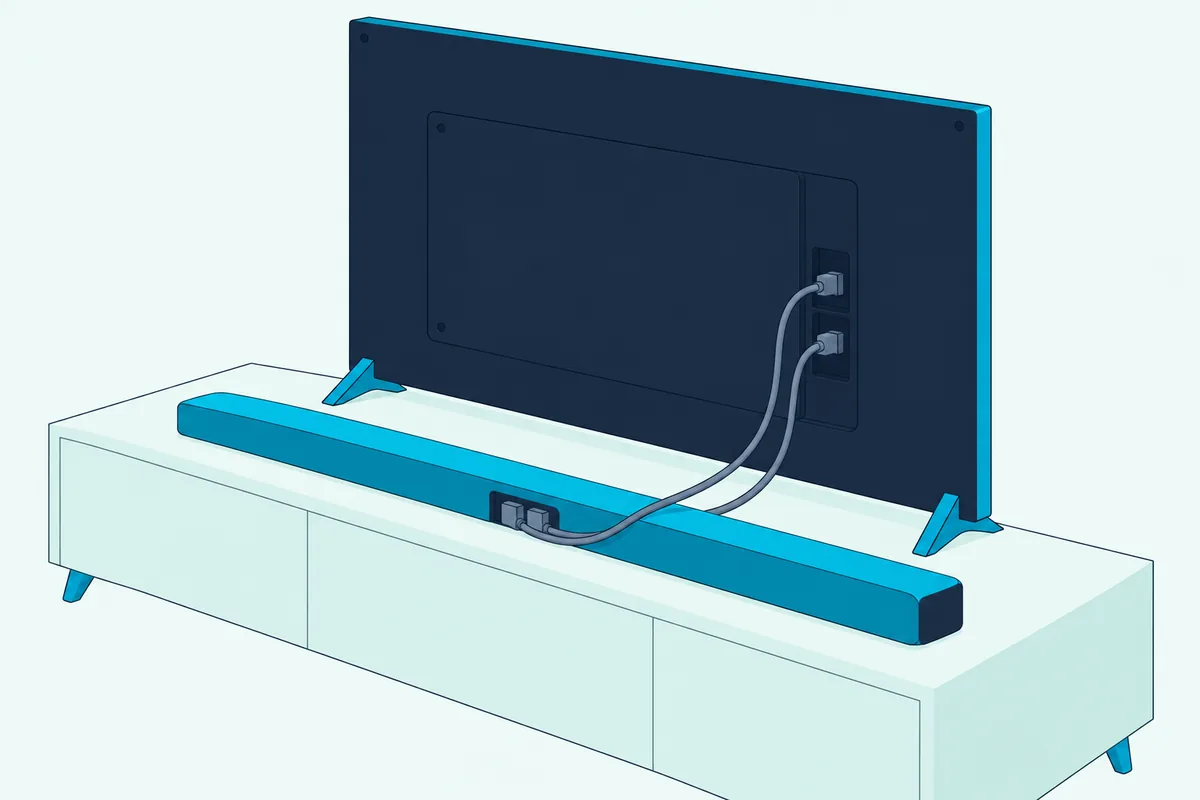
Here’s what that means in a typical home theater. Dolby’s 2017 setup guide says streamed Atmos travels as Dolby Digital Plus while Blu-ray discs can carry TrueHD, so an ARC set can still bring a streaming app’s Atmos to the bar while a disc player wired into it loses the TrueHD track.
What If Your TV Has No eARC Port?
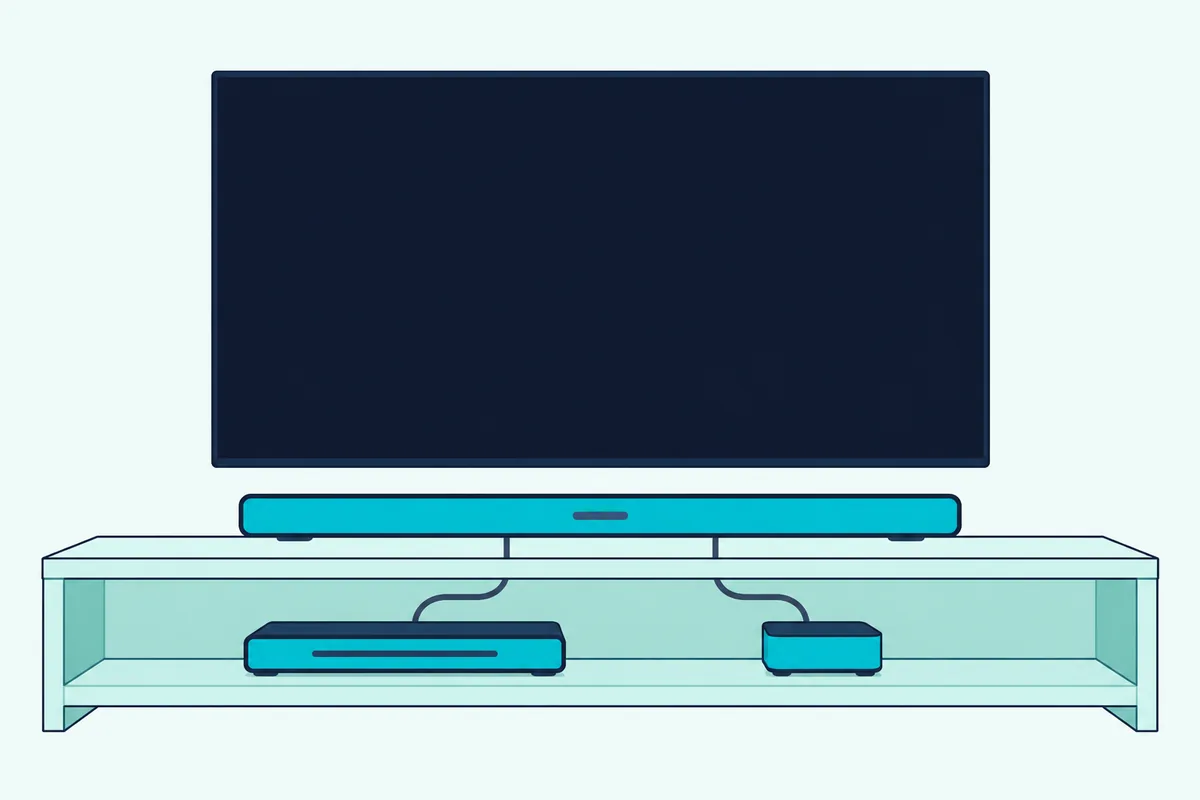
Those disc and older-set cases have a second route, and it skips the television’s audio path entirely: connect the source to the soundbar’s HDMI input and run the bar’s HDMI output to the screen. Dolby’s article on connecting an Atmos soundbar to your TV calls this HDMI passthrough and says the bar needs at least one HDMI input and a dedicated HDMI output.
JBL’s Bar 500 MK2 manual gives the same advice where eARC is missing, warning that Atmos from a device plugged into the television can’t pass through the ARC connectors to the bar. Samsung’s HW-Q600F manual draws the same layout: the player into the bar’s HDMI port, and the bar’s HDMI TO TV (eARC/ARC) port into the set’s HDMI IN (eARC).
If the set has no ARC at all, Burton Acoustix’s walkthrough for soundbars on TVs with no ARC port covers the other routes, but only this HDMI input route keeps Atmos.
Which Cable Does an eARC Hookup Need?
Both routes run on HDMI, and Dolby’s connecting article says HDMI 2.0 does the job for ARC while HDMI 2.1 is necessary for eARC setups. Samsung’s eARC support page asks for an HDMI 2.1-compliant cable, and Sony’s BRAVIA help guide asks for an HDMI cable with Ethernet for the audio system.
HDMI LA says the Ultra High Speed HDMI Cable arrived with the HDMI 2.1 specification and that every certified one carries a label you can scan with a phone’s QR code app. If the cable that came in your soundbar box is short or unlabeled, UGREEN’s 6.6 ft Certified Ultra High Speed HDMI cable covers the HDMI 2.1 cable Dolby asks for, and our full walkthrough on connecting a soundbar to a TV shows where it plugs in.

UGREEN’s 6.6 ft Certified Ultra High Speed HDMI cable
Which TV Settings Switch Atmos On?
Once the cable sits in the right port, three menus on the TV decide what the bar receives: where the sound goes, whether eARC is on, and which format goes out. Here’s how each maker names them, so you can enable each one.
- LG (webOS 25): set Sound Out to Use Wired Speaker, then HDMI(ARC) Device, turn eARC Support on under Advanced Settings, and set Digital Sound Output to Auto or Pass Through.
- Samsung (2025 e-Manual): under Sound, then Expert Settings, use HDMI-eARC Mode and set Digital Output Audio Format to Auto or Pass-through.
- Sony BRAVIA: under Display & Sound, then Audio output, set eARC mode to Auto and Speakers to Audio system.
PCM is the setting to avoid, because LG’s table turns every input into PCM when Digital Sound Output is set that way. Sony’s guide keeps PCM for audio systems that aren’t compatible with Dolby Digital or DTS, and our explainer on bitstream vs PCM for soundbars covers the trade in detail.
Samsung adds one catch for Pass-through. A bar that can’t take Dolby Digital Plus goes silent on those sources, so Samsung recommends Auto in that case.
Which Player Settings Keep Atmos Intact?
The same PCM trap waits in the player, and Dolby’s sound bar setup guide tells you to set every Blu-ray player, set-top box, console and streaming box to bitstream out. It also notes that many set-top boxes default to stereo PCM, and that a Blu-ray player’s secondary audio or “mix” mode has to be off for Atmos to decode.
Samsung’s HW-Q600F manual says the same for a disc player, with Secondary Audio off and Bitstream (unprocessed) selected. JBL asks for “Bitstream” or “Raw data” in the audio output settings of both the television and the player.
An Apple TV 4K has its own switch: go to Settings, Video and Audio, Audio Format, and check that Dolby Atmos is on under Immersive Audio. Apple adds that Atmos won’t play if Quick Start, under Settings, Apps, iTunes Movies and TV Shows, is turned off.
How Do You Know the Soundbar Is Playing Atmos?
With every link set, the bar itself becomes the test meter, and Dolby says most Atmos soundbars show it with an on-device display, an LED or a companion app. Each maker’s manual names its own sign.
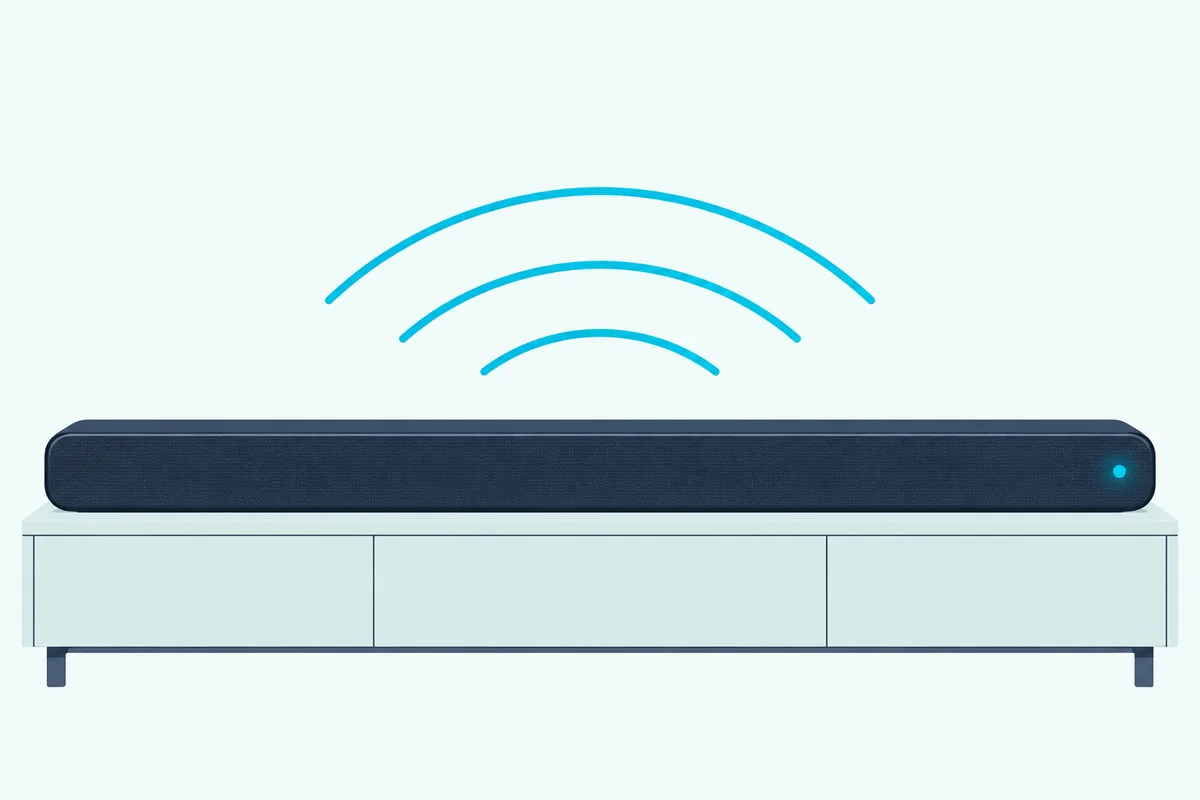
Samsung’s HW-Q600F shows “DOLBY ATMOS” on its front display, and VIZIO’s SB46514-F6 lights a green Dolby Atmos LED for 5 seconds when it detects the format. Sonos and Bose put it in their apps’ Now Playing screens, and Sony’s app shows the input’s audio format for the Theatre Bar 6.
If the sign reads Dolby Digital or PCM on a title with the Atmos badge, the chain is broken upstream. That’s your cue to walk back through the links above in order.
Why Is Dolby Atmos Still Not Playing?
That backward walk ends at one of five causes the makers’ guides name, and the content comes first: Bose’s troubleshooting table tells you to check that both the title and the streaming or cable service support Atmos. The other four sit in the chain itself.
A television or player left on PCM is the second, since LG’s table and Dolby’s bitstream rule both show PCM stripping the Atmos height layer. The third is optical, which LG’s table limits to Dolby Digital and which VIZIO and Polk list as carrying no Atmos.
The fourth is a player plugged into a set without eARC, whose Atmos JBL says can’t reach its bar over ARC; the HDMI input route fixes it. The fifth is the bar, because a soundbar without Atmos decoding has nothing to switch on, however many channels it lists, and our guide to the best Dolby Atmos soundbar for your room sorts the bars that do.
Frequently Asked Questions
Can I use a Dolby Atmos soundbar with a TV that doesn’t support Atmos?
Usually, yes. The set doesn’t need Atmos speakers of its own; it needs to pass Atmos from its apps over ARC or eARC, which Dolby says most new TVs can do and older models may not. When it can’t, plug the streaming box or player into the soundbar’s HDMI input and run the bar’s HDMI output to the screen, the passthrough route Dolby and Apple both describe. Bose is the exception to check: its Smart Ultra owner’s guide says both the television and the content must support Atmos.
Can an optical cable carry Dolby Atmos to a soundbar?
No. LG’s Digital Sound Output table turns Dolby Digital Plus and TrueHD inputs into plain Dolby Digital on its optical output, and VIZIO’s and Polk’s manuals both say their optical inputs don’t support Atmos. Use HDMI ARC, eARC or the bar’s HDMI input instead.
How do I check if my soundbar is getting Dolby Atmos?
Play a title with the Dolby Atmos badge and watch the bar. Dolby says most Atmos bars show it on a display, an LED or an app: Samsung’s HW-Q600F prints “DOLBY ATMOS,” VIZIO’s SB46514-F6 lights a green LED, and Sonos and Bose show the format in their apps’ Now Playing screens. A reading of Dolby Digital or PCM means a link upstream is converting the signal.
Does Dolby Atmos work over Bluetooth?
Don’t count on it. VIZIO’s SB46514-F6 manual lists Bluetooth among the inputs that don’t support Atmos, and every Atmos route Dolby, LG, Samsung, Sony and Sonos describe runs over HDMI, so connect with a cable to hear the spatial audio.