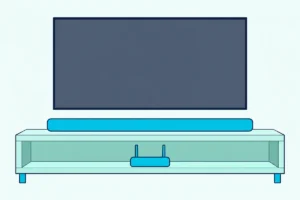
Should I Connect My Roku Ultra to the Soundbar or the TV?
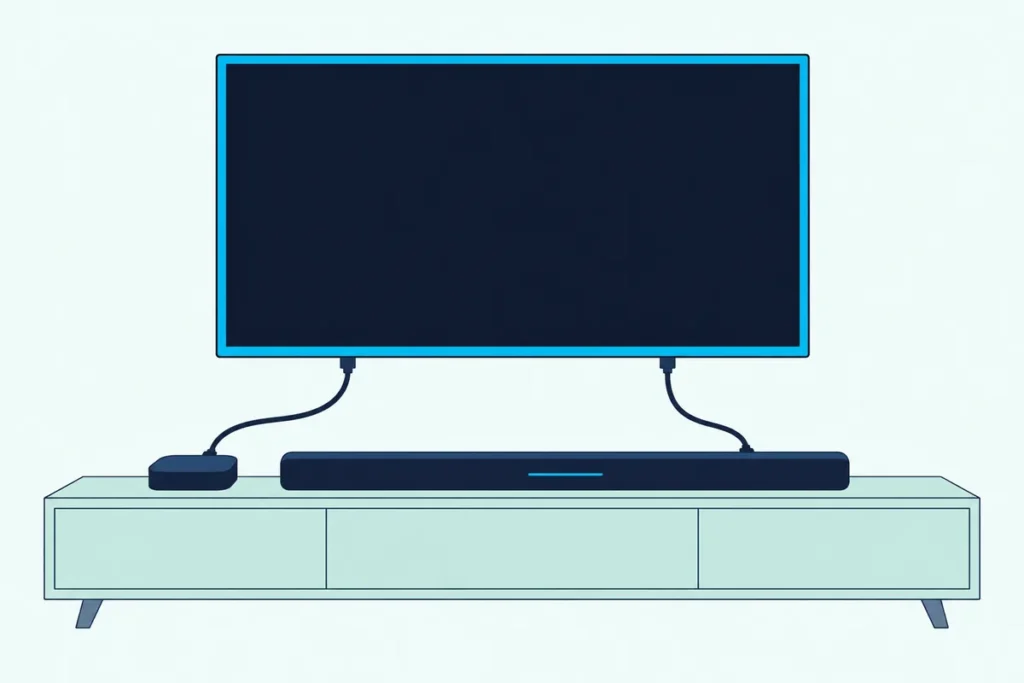
If you’re asking should I connect Roku Ultra to soundbar or TV, Roku’s own setup starts with the TV, and the soundbar takes its sound from the TV’s ARC or eARC port.
Pick the wrong box and you can end up with a 1080p picture, stereo where Atmos should be, or a voice remote that no longer moves the volume.
Choose by your ports instead, and the picture and surround formats the Ultra sends each get a clear path to the screen and the bar.
Below are Roku’s two layouts, what each keeps or drops, and the HDR formats three soundbar makers say pass through their HDMI inputs.
Then you’ll set the Ultra’s Digital output format, get CEC volume working, and match a layout to the TV and bar you already own.
Should I Connect Roku Ultra to Soundbar or TV? Compare the Two Layouts
Roku’s guide to surround sound draws the choice as two cable layouts. Connect the Ultra to the TV when the TV has an ARC or eARC port, and to the soundbar only when the bar has an input for it and the TV’s return port falls short.
| Layout | Cables | What it keeps | What to watch |
|---|---|---|---|
| 1. Ultra into the TV, the TV’s ARC or eARC port to the bar | Two HDMI | The picture goes straight to the TV | The sound depends on the TV’s return port |
| 2. Ultra into the bar’s input, the bar’s output to the TV | Two HDMI | The bar gets the Ultra’s sound first-hand | The picture passes through the bar, so every link needs HDCP 2.2 for 4K HDR |
Roku’s surround setup article lists both and adds a third option, the Ultra into a TV that plays surround itself. For layout 2 it says to check the bar maker’s documentation, since only some bars are built to switch devices.
Own a Samsung bar? The Samsung-specific Roku Ultra wiring walks layout 1 with Anynet+ switched on.
Why Does Roku’s Own Setup Start With the TV?
That first layout is the one Roku builds its setup around. The Ultra’s setup guide starts by plugging the player into the TV, and Roku’s HDCP 2.2 article says every device between the player and the TV must support HDCP 2.2 for 4K or HDR.
Miss that on one link and Roku says a 4K show plays at a lower resolution, such as 720p or 1080p. Plugging into the TV leaves one link to check, not two.
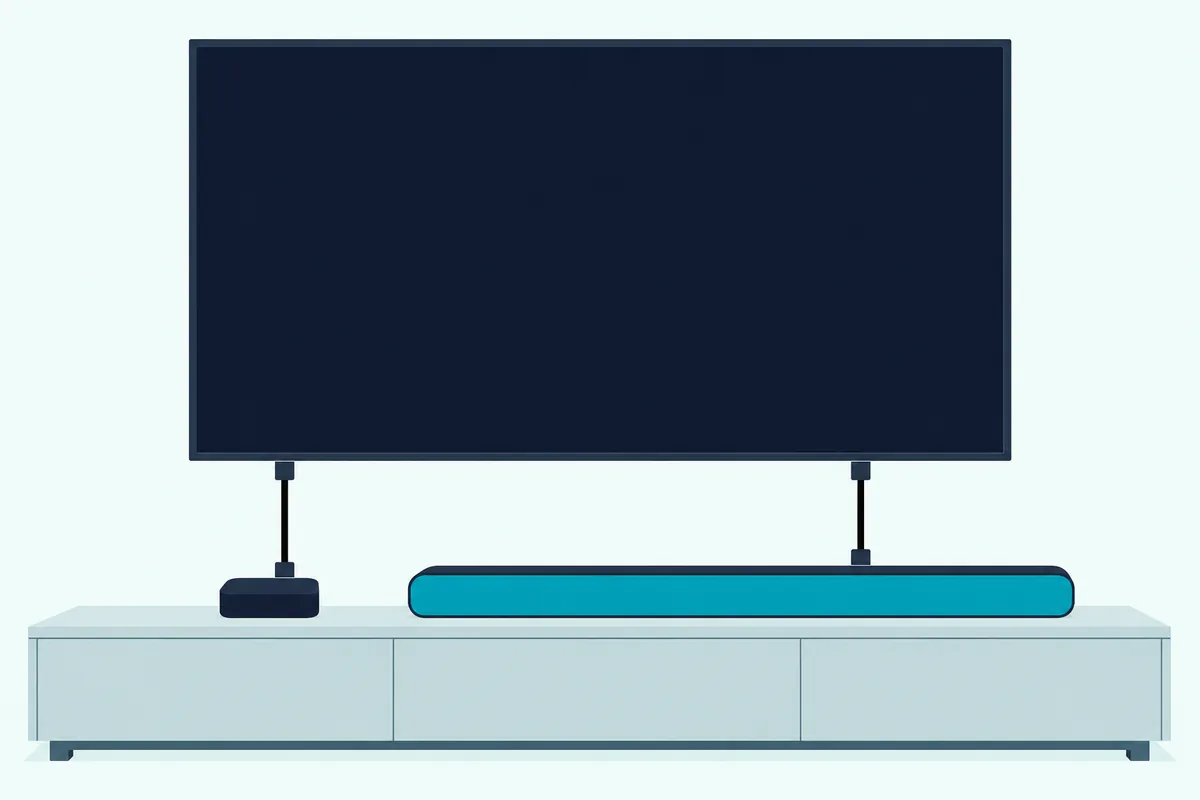
Roku’s fix for a receiver without HDCP 2.2 is the same layout: the player straight into an HDCP 2.2 input on the TV, with ARC or S/PDIF carrying the sound back. Think of the TV as the hub and the bar as a speaker on a return line.
Get Studio Tips Weekly
Join 5,000+ creators getting acoustic treatment advice every week.
No spam. Unsubscribe anytime.What Does the TV Layout Keep, and What Can It Lose?
That direct line keeps the whole picture. The Ultra’s HDR reaches the TV with nothing in between, and Roku’s developer specs list the 2024 Ultra (4850X) with HDR10, HDR10+, HLG and Dolby Vision at 4K 60 fps.
What can slip is the sound, because it now leaves through the TV’s return port. Roku’s surround guide for Roku TVs says ARC carries Dolby Digital Plus and Dolby Atmos, but Atmos only compressed, while eARC carries it uncompressed.
eARC adds lossless formats such as Dolby TrueHD and DTS:X, and both ends need eARC to use them. Roku’s media spec lists the player’s multichannel formats as Dolby Digital and Dolby Digital Plus, up to 7.1 and Atmos, plus DTS passthrough; TrueHD isn’t on that list.
So for streaming, the Atmos the Ultra sends sits in the spec’s Dolby Digital and Dolby Digital Plus column, and Roku says ARC can carry Atmos, compressed. The TV still has to pass it on, and on a Roku TV that’s the Roku TV’s S/PDIF and ARC menu, with Auto detect as the default.
Sony’s HT-A7000 guide agrees from the bar’s side: with an eARC TV, a device plugged into the TV still delivers high quality sound once the TV’s eARC is on.
When Does the Soundbar’s Input Make More Sense?
That TV setting is the weak spot layout 2 avoids. Plug the Ultra into the bar when the TV has no ARC port or won’t pass the Ultra’s surround formats on, and the bar has an input made for it.
Roku’s 4K setup steps put the player into an HDMI 2.0 input on the bar that supports HDCP 2.2. A Premium High Speed cable then runs from the bar’s output to a TV input with the same support.
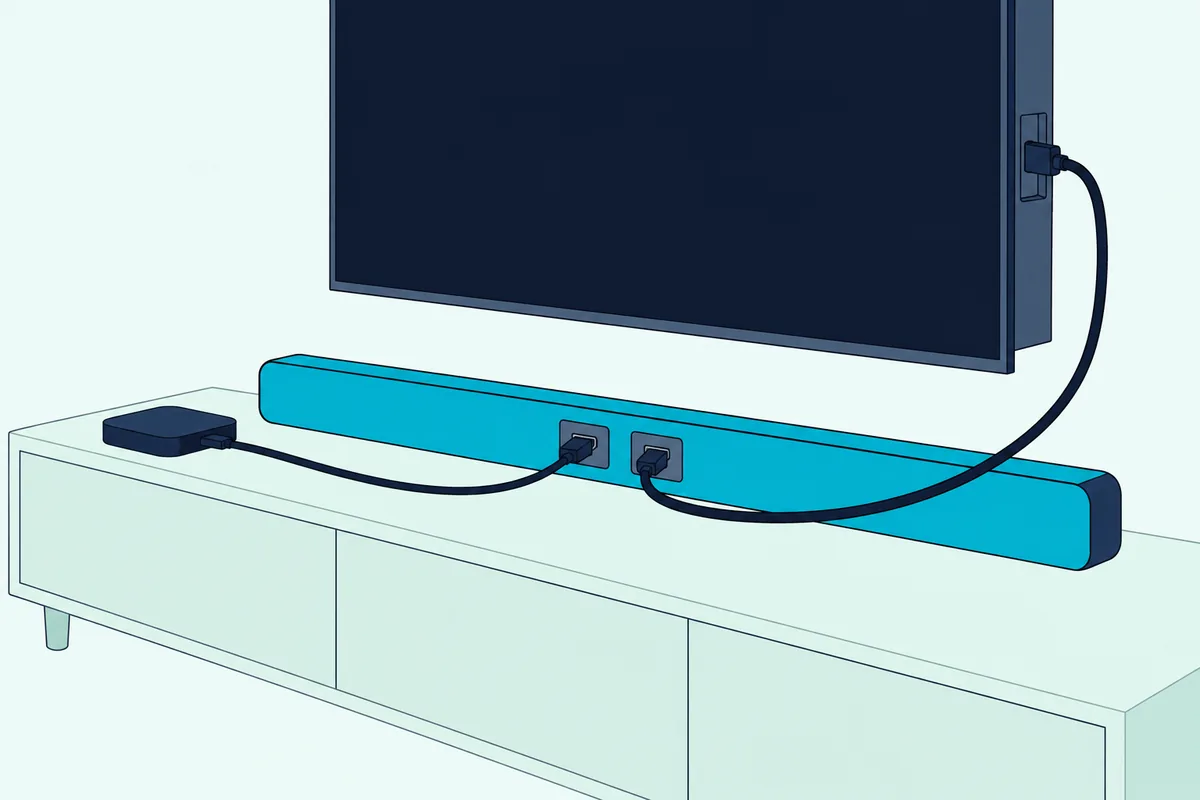
The bar becomes the switch, so it has to sit on the right input. Roku’s no-sound checklist for a player connected through a soundbar starts there, then moves to the TV’s mute and the bar’s master volume.
Sony labels the HT-A7000’s output jack TV (eARC/ARC), and Polk sells the MagniFi Max AX as 3-in/1-out switching with eARC. On bars like those, the cable up to the TV is also the return link.
Which HDR Formats Survive a Trip Through the Soundbar?
That switching role means the picture is only as good as the bar’s spec sheet. Three makers’ pages list Dolby Vision passthrough, yet none of them names HDR10+, the format the 2024 Ultra adds over the 2021 Ultra.
| Soundbar | Inputs | Video passthrough the maker lists |
|---|---|---|
| Sony HT-A7000 | 2 | 4K up to 120 Hz, 8K, HDR10, HLG, Dolby Vision |
| Polk MagniFi Max AX | 3, at 4K 60 Hz | 4K, HDR, Dolby Vision |
| Denon DHT-S218 | 1 | 4K Ultra HD, Dolby Vision |
Sony’s HT-A7000 format list also ties what passes to its Signal Format setting. Standard format limits input to 4K 60 Hz 4:2:0 and 4K 24 Hz, and Enhanced format to 4K 60 Hz 4:4:4 and 4:2:2.
A missing line isn’t proof a bar blocks HDR10+, only that its maker doesn’t promise it. If HDR10+ titles matter to you, layout 1 keeps the bar’s list out of the picture path.
How Should You Set the Roku Ultra’s Audio Output?
Both layouts still depend on the Ultra’s own sound menu. Roku’s path is Settings > Audio > Digital output format, and if you hear no sound or only stereo, Roku says to switch from Auto to Custom and pick a format your bar supports, such as Dolby Digital or DTS.
| Digital output format | When Roku points you to it |
|---|---|
| Auto | The starting setting |
| Custom | No sound or only stereo; pick the surround format your bar supports |
| Stereo | Sound drops out only on surround titles, or not at all |
Roku lists two more stereo traps. Choose the 5.1 track inside the streaming app, and turn Volume Modes off, since Roku says they can force stereo.
Roku’s media spec gives Dolby Atmos to the 4800X and 4850X Ultras. Auto detect and Auto passthrough, names you may see elsewhere, belong to a Roku TV’s S/PDIF and ARC menu, not the player.
Will the Roku Voice Remote Still Control the Volume?
Those menus move the sound, and CEC moves the volume commands. It can in both layouts: Roku’s TV-control guide says its remotes can’t control a soundbar directly, but a player wired over HDMI with HDMI-CEC on can control sound.
On the Ultra, the switches live at Settings > System > Control other devices (CEC), where Roku turns on 1-Touch Play and TV Power. The TV needs its own CEC setting on too, under names such as LG SIMPLINK or Samsung Anynet+.
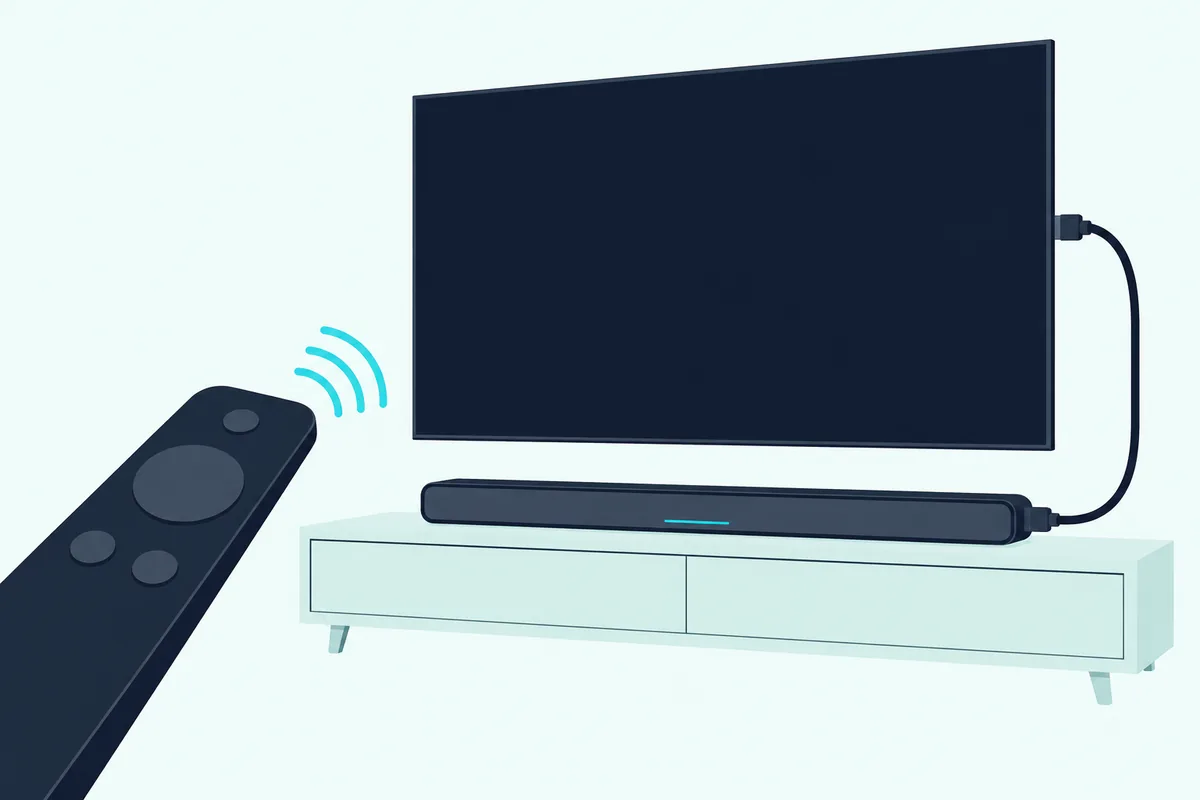
Roku’s remote setup plays a few sounds through the TV to find the right settings, at Settings > Remotes & devices > Remotes > Set up remote for TV control. In layout 2, plug the Ultra straight into the TV for that step, as Roku’s guide says, then move it back.
Roku warns that some TVs take volume but not power from the remote, and that not every TV fully supports CEC. Roku remote volume setup for soundbars covers the fixes when the bar ignores it.
Which Layout Fits Your TV and Soundbar?
Put those pieces together and the choice comes down to two ports. Use the TV whenever it has eARC, or ARC with a bar that has no input; use the bar when the TV’s return port is missing or won’t pass the Ultra’s formats and the bar’s input supports HDCP 2.2.
| Your setup | Connect the Ultra to | Why |
|---|---|---|
| TV with eARC | The TV | eARC carries Atmos uncompressed, and the picture skips the bar |
| TV with ARC, bar without an input | The TV | The only cabled layout; ARC carries Atmos compressed |
| TV with no ARC, bar with an HDCP 2.2 input | The soundbar | Roku’s layout for a bar built to switch |
| Bar input without HDCP 2.2 | The TV | One link without it drops 4K to 1080p or lower |
| You watch HDR10+ titles | The TV | None of the three bars above lists HDR10+ |
A TV with ARC and a bar with a 4K input can go either way. Start with the TV, as Roku’s setup does, and move the Ultra to the bar only if the bar shows stereo where the app offers 5.1.
Why Is There No Sound or No 4K After the Switch?
Moving a cable is where most of these problems start. Roku’s checks for a player connected through a soundbar run in this order:
- Select the right input on the bar.
- Check the TV’s mute and volume and the bar’s master volume.
- Try a different input on the bar.
- Swap the cables one at a time.
- If sound fails only on surround titles, set Digital output format to Stereo.
For a missing 4K or Dolby Vision picture, Roku’s Dolby Vision article says every cable through a receiver or soundbar should be HDMI 2.0 compatible, and a black screen with 4K HDR calls for Premium High Speed or Ultra High Speed ones.
The Ultra ships with a compatible cable, so an older second cable is the one to suspect; a Certified Ultra High Speed cord from UGREEN is one of the two types Roku names.

a Certified Ultra High Speed cord from UGREEN
Frequently Asked Questions
Can you connect a soundbar to a Roku Ultra?
Yes, two ways. Run the Ultra into the TV and the TV’s ARC or eARC port to the bar, or the Ultra into the bar’s input and the bar’s output to the TV. Roku lists both in its surround guide; the second needs a bar built to switch devices, with HDCP 2.2 for 4K HDR.
Does it matter which HDMI port the soundbar uses?
Yes. In layout 1 the bar’s cable goes into the TV port that supports ARC or eARC, and Roku says both ends must support ARC. The Ultra goes into an input with HDCP 2.2; matching each soundbar HDMI port to its cable covers the labels.
Should I plug the Roku Ultra into the TV’s ARC port?
Not in layout 1, where the ARC or eARC port takes the soundbar’s cable. Roku’s steps put the player in another input that supports HDCP 2.2, so check your TV’s manual for which ports those are.