Best Soundbar for Apple TV: 8 Picks Matched to Its Atmos Rule

Choosing the best soundbar for Apple TV 4K comes down to one cable, because Apple’s box decides where Dolby Atmos can travel before the bar plays anything.
Plug the Apple TV into the television and run the bar from the TV’s ARC port, and Apple says its form of Atmos won’t make the trip.
Get the hookup right, either straight into a bar with its own input or through a TV that passes the sound on, and the same box sends full Atmos to the speakers you paid for.
Below are eight soundbars that passed an Amazon stock and ratings check on 24 October 2026, each described from its maker’s own manual or spec page.
The quick answer comes first, then what Apple says the box can send, a card for every pick, and the remote and hookup settings that make them work together.
What Is the Best Soundbar for Apple TV?
The best soundbar for Apple TV is one with a video input you can plug the Apple TV 4K into, an eARC link to the television and Dolby Atmos decoding. Apple’s own setup article says to connect the Apple TV 4K directly to the sound bar’s HDMI input, because most televisions don’t pass Dolby Atmos through to sound bars (Apple: set up Dolby Atmos with a sound bar).
Four picks have that input: the Samsung HW-Q990F, LG S90TR, Polk MagniFi Max AX SR and Denon Home Sound Bar 550, and only Polk’s spec list and Denon’s Amazon listing name Dolby Vision video among them. The Sonos Arc Ultra, Sonos Beam (Gen 2), Bose Smart Ultra and Samsung HW-S60D have only a TV connection, so they suit a TV that passes the Apple TV’s sound on; and if music from an iPhone matters as much as movies, soundbars that stream over AirPlay 2 covers that side.
| Pick | Input for the Apple TV | Dolby Atmos | AirPlay 2 | Best for |
|---|---|---|---|---|
| Samsung HW-Q990F | Yes | Yes | Yes | Full surround in the box |
| LG S90TR | Yes (one) | Yes | Yes | Rear speakers and DTS:X |
| Polk MagniFi Max AX SR | Yes (three) | Yes | Yes | Several boxes into one bar |
| Denon Home Sound Bar 550 | Yes (one) | Yes | Yes | Smaller rooms with an input |
| Sonos Arc Ultra | No | Yes | Yes | One bar on an eARC TV |
| Sonos Beam (Gen 2) | No | Yes | Yes | Compact Sonos |
| Bose Smart Ultra | No | Yes | Yes | Clear dialogue |
| Samsung HW-S60D | No | Yes | Yes | All-in-one on a budget TV setup |
The input column matters more than the Atmos column, since all eight decode Atmos. Think of the Apple TV as the water source and the TV as a pipe: if the pipe is narrow, a bigger tap downstream doesn’t help.
| Product | Link |
|---|---|
Full Surround in the Box 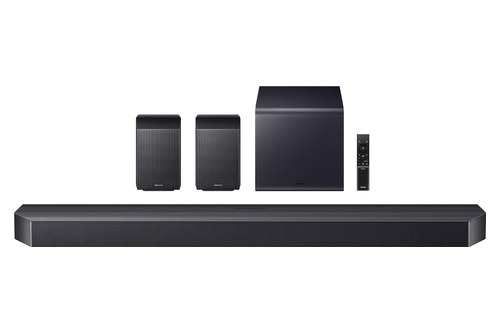 | See ratings |
Rear Speakers and DTS:X 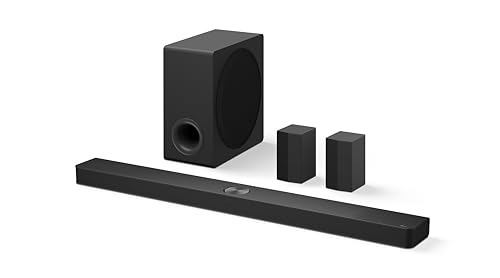 | See ratings |
Several Boxes Into One Bar 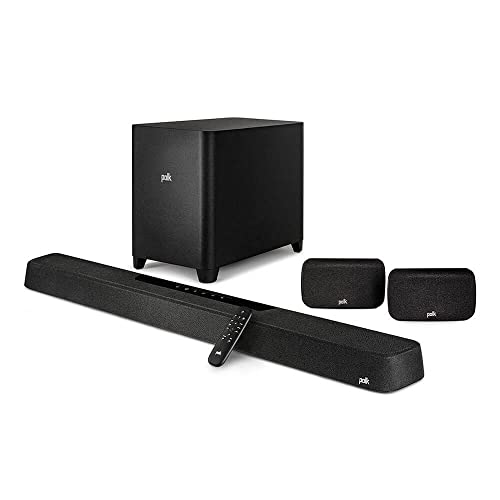 | See ratings |
Smaller Rooms With an Input 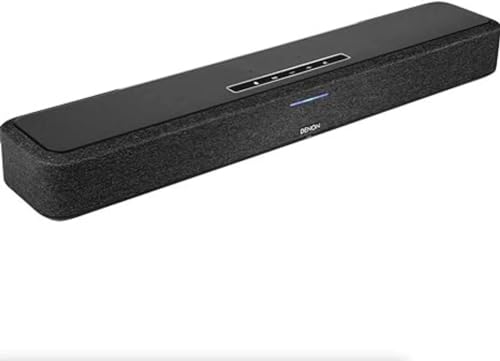 | See ratings |
One Bar on an eARC TV 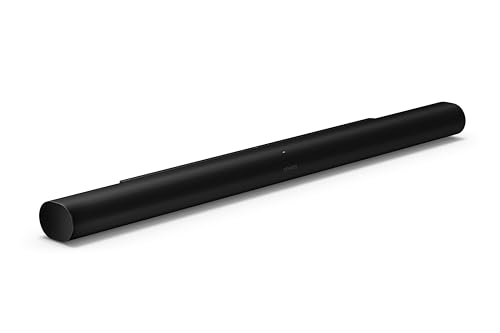 | See ratings |
Compact Sonos 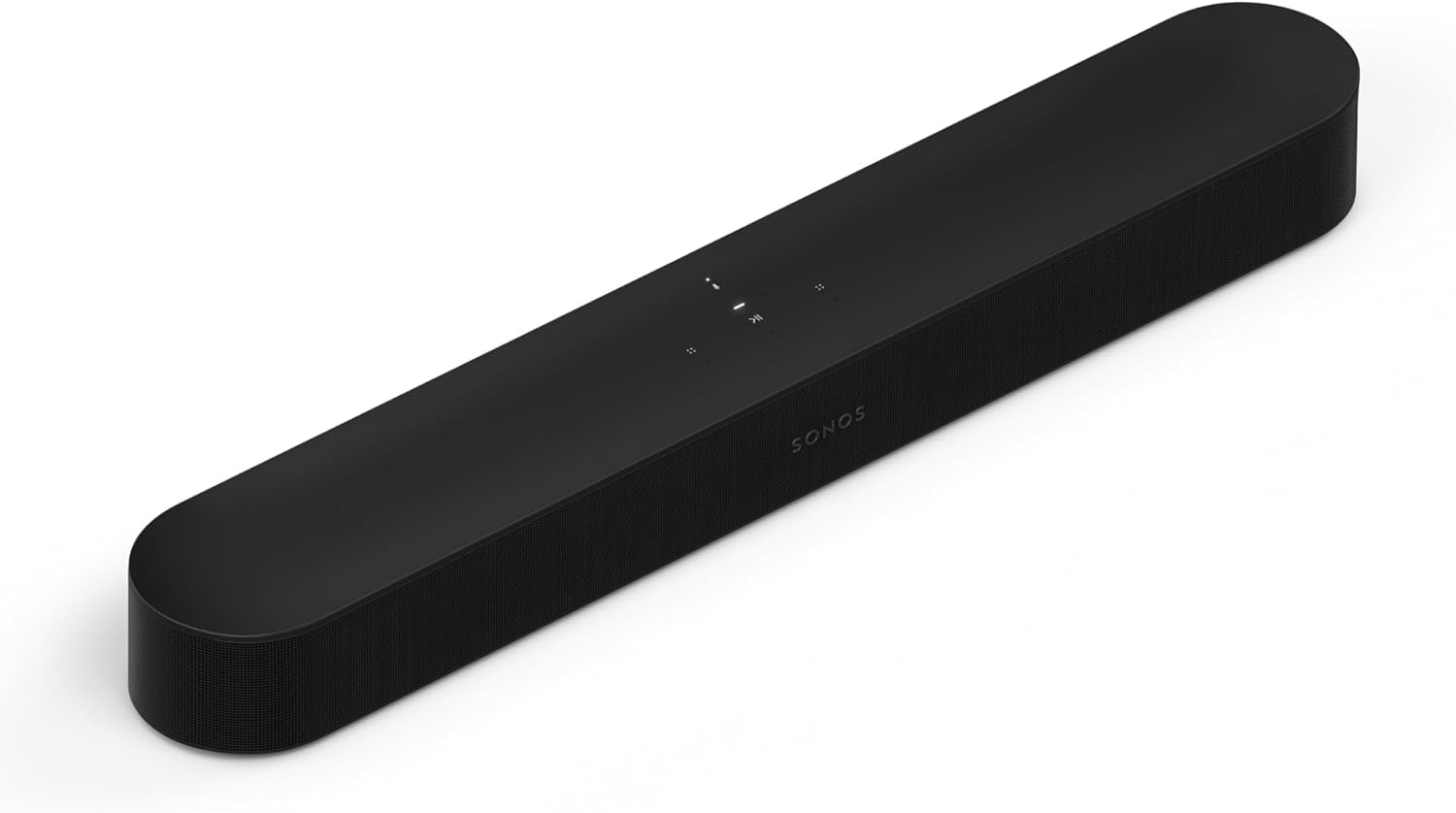 | See ratings |
Clear Dialogue 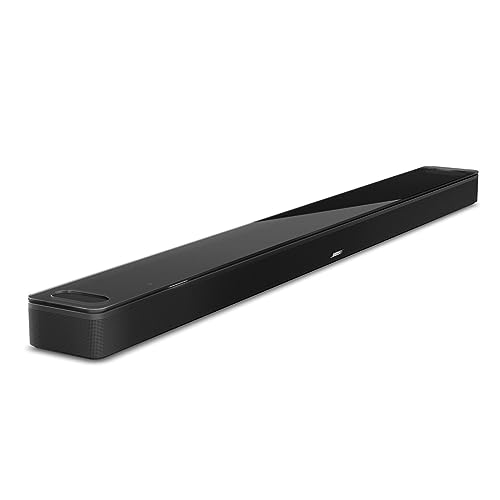 | See ratings |
All-in-One, Simple Setup  | See ratings |
Why Doesn’t Apple TV Atmos Work Over ARC?
Apple TV Atmos doesn’t work over ARC because Apple says the Apple TV 4K uses a high-bandwidth form of Dolby Atmos that ARC connections can’t carry. The same Apple article warns that most televisions don’t support Atmos pass-through, which is why its first step is the bar’s HDMI input rather than the TV’s.
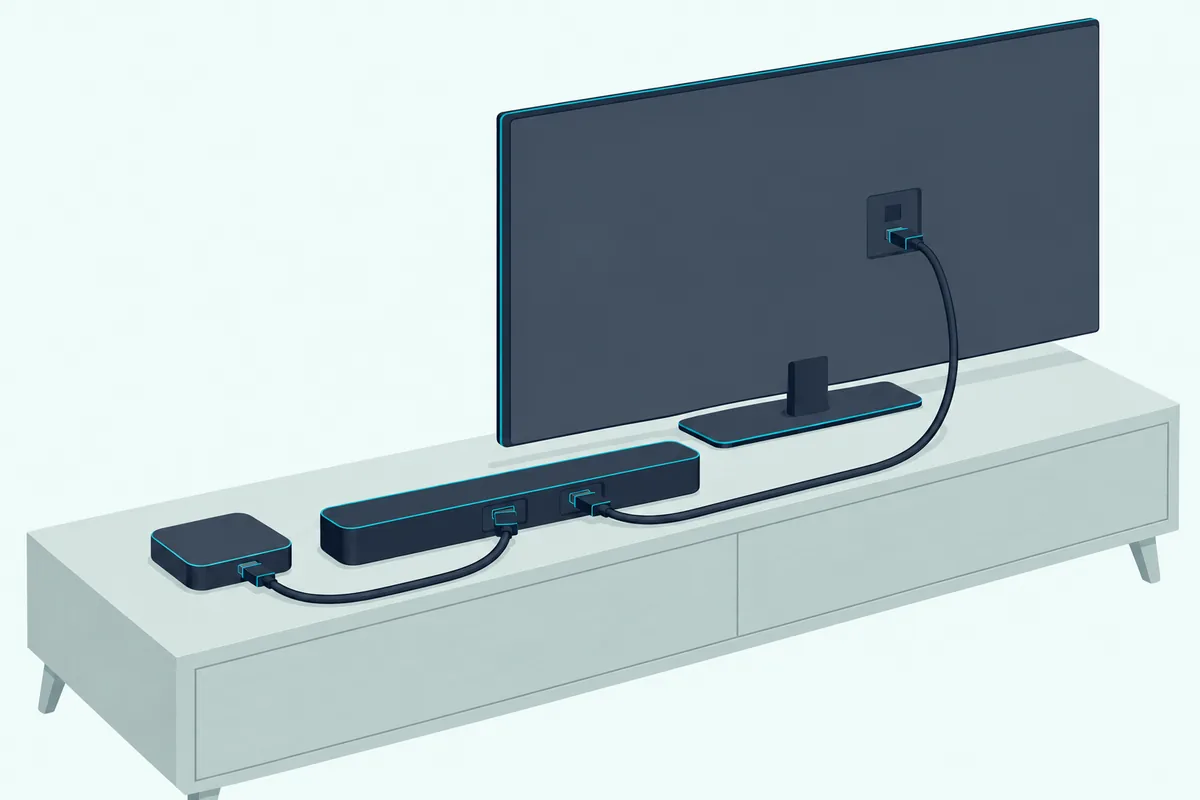
Apple adds a catch for bars with an input. Some bars pass Atmos but not HDR10 or Dolby Vision video, so you’d choose between Atmos through the bar and HDR on the TV, unless the bar handles both.
The current box, the Apple TV 4K (4th generation), lists HDMI 2.1 and audio formats of Dolby Digital 5.1, Dolby Digital Plus 7.1 and Dolby Atmos (Apple TV 4K specifications). Apple’s footnote says the box supports Audio Return Channel, ARC or eARC, which Apple uses to send TV sound to HomePod speakers.
eARC is the middle path. Apple’s articles don’t say whether its Atmos crosses a TV’s eARC port, so the honest test is Apple’s own check: Settings, Video and Audio, Audio Format, and look for Dolby Atmos under Immersive Audio.
Get Studio Tips Weekly
Join 5,000+ creators getting acoustic treatment advice every week.
No spam. Unsubscribe anytime.Which Soundbars Are the Best Picks for Apple TV 4K?
With Apple’s rule in hand, the eight picks below start with the bars that take the Apple TV directly, then the ones that rely on the TV. Each card claims only what its maker’s documents or Amazon listing states; the “best for” line is this guide’s own judgment.
Samsung HW-Q990F
The Q990F has the largest channel count here, 11.1.4 in its listing, with rear speakers and a subwoofer in the box. Samsung’s manual shows the external device going into the bar’s input and a second cable running from its TV port (eARC/ARC) to the television.
For full surround with the Apple TV plugged into the bar, the Samsung HW-Q990F is the pick.
the Samsung HW-Q990F
Samsung’s HW-Q990F user guide says AirPlay needs iOS 13.4 or later and asks for an Ultra High Speed HDMI cable for the Q990F’s UHD signals. That cable note matters here, because the Apple TV’s 4K picture now passes through the bar on its way to the TV.
LG S90TR
The S90TR takes the same wiring with LG’s own TV features: one input and one TV (eARC/ARC) jack, with wireless rear speakers and a subwoofer. LG’s specification table lists Dolby Atmos, Dolby TrueHD and DTS:X among its input formats and says the input supports 4K sources with HDCP 2.3.
For rear speakers and DTS:X support, the LG S90TR is the pick.
the LG S90TR
LG’s manual describes SIMPLINK as the HDMI-CEC function that lets one TV remote run the bar, and it lists Samsung Anynet+ and Sony BRAVIA Sync as other brands’ names for it (LG S90TR manual). That’s the same link the Siri Remote uses later on.
Polk MagniFi Max AX SR
If you have more than one box to feed, Polk’s bar has the most inputs here: three 4K inputs and one eARC output. Polk’s page lists Dolby Atmos and DTS:X in a 7.1.2 system with two wireless surrounds and a 10-inch wireless subwoofer, and its spec list names 4K HDR and Dolby Vision video pass-through.
For an Apple TV plus a console or player, the Polk MagniFi Max AX SR is the pick.
the Polk MagniFi Max AX SR
Polk’s manual saves the sound mode for each input separately, so the Apple TV and a game console can keep different settings (Polk MagniFi Max AX SR). Its troubleshooting page also asks you to enable HDMI CEC/ARC on the TV when the bar is on ARC.
Denon Home Sound Bar 550
The Denon is the compact bar with an input: one 4K input and one output with eARC. Denon’s page lists Dolby Atmos and DTS:X and says its HDMI inputs support 4K Ultra HD pass-through, and its Amazon listing adds Dolby Vision and HDR.
For a smaller room that still wants the Apple TV in the bar, the Denon Home Sound Bar 550 is the pick.
the Denon Home Sound Bar 550
Denon’s manual has sections on operating the bar with the TV’s remote and on teaching it remote commands, which helps when the Siri Remote falls back to infrared. Denon also says Siri can play music, adjust volume and switch inputs by voice.
Sonos Arc Ultra
The Arc Ultra flips the wiring: it has one port, for the TV’s eARC or ARC jack, and no input, so the Apple TV plugs into the television. Sonos lists Dolby Atmos (TrueHD), Multichannel PCM and Dolby Multichannel PCM among its formats, each marked “HDMI eARC connection required.”
For one bar on an eARC TV, the Sonos Arc Ultra is the pick.
the Sonos Arc Ultra
Sonos says an Apple TV remote should learn the TV’s volume and then control Sonos out of the box, once the bar is set up with the TV’s own remote (Sonos: use an Apple TV remote). Sonos advises against using the Apple TV remote during setup, since it may need a mute command the Apple remote doesn’t have.
Sonos Beam (Gen 2)
The Beam is the smaller Sonos with the same single-cable layout: one port for the TV’s ARC or eARC jack, plus Ethernet. Sonos’s TV requirements say the Arc Ultra and Beam (Gen 2) play Atmos via Dolby Digital Plus or Dolby TrueHD and must be on HDMI ARC or eARC for any Atmos.
For a compact Sonos, the Sonos Beam (Gen 2) is the pick.
the Sonos Beam (Gen 2)
Sonos’s Beam guide adds that you can add AirPlay 2 Sonos speakers to the Apple Home app and ask Siri on an iPhone, iPad or Apple TV to play music. That’s the Apple TV acting as a music remote, separate from the HDMI path.
Bose Smart Ultra Soundbar
Bose is blunt about the wiring: all sources must connect to the TV, with a single HDMI or optical connection from the TV to the bar. Its owner’s guide says the bar supports Dolby Atmos with up-firing and side-firing speakers, and the box includes an HDMI eARC cable.
For clear dialogue, the Bose Smart Ultra Soundbar is the pick.
the Bose Smart Ultra Soundbar
Bose’s product page also says third-party remotes that include Bose’s IR commands can control the bar (Bose Smart Ultra Soundbar). That’s the door the Siri Remote’s infrared option walks through if CEC volume fails.
Samsung HW-S60D
The S60D is the simplest bar here: one eARC port for the TV, Wi-Fi, AirPlay and no input. Samsung’s manual says Dolby Atmos works in its TV ARC, eARC or Wi-Fi modes, and its listing calls it a 5.0-channel all-in-one.
For an all-in-one on a simpler setup, the Samsung HW-S60D is the pick.
the Samsung HW-S60D
Samsung’s troubleshooting page tells you to turn on the TV’s HDMI-CEC, which Samsung calls Anynet+, when the bar won’t respond. With CEC on, the TV can hand the Siri Remote’s volume presses to the bar.
Should the Apple TV Plug Into the Soundbar or the TV?
The Apple TV should plug into the soundbar when the bar has an input of its own, and into the TV when it doesn’t. That’s Apple’s order: box into the bar’s input, then the bar’s output into the television.
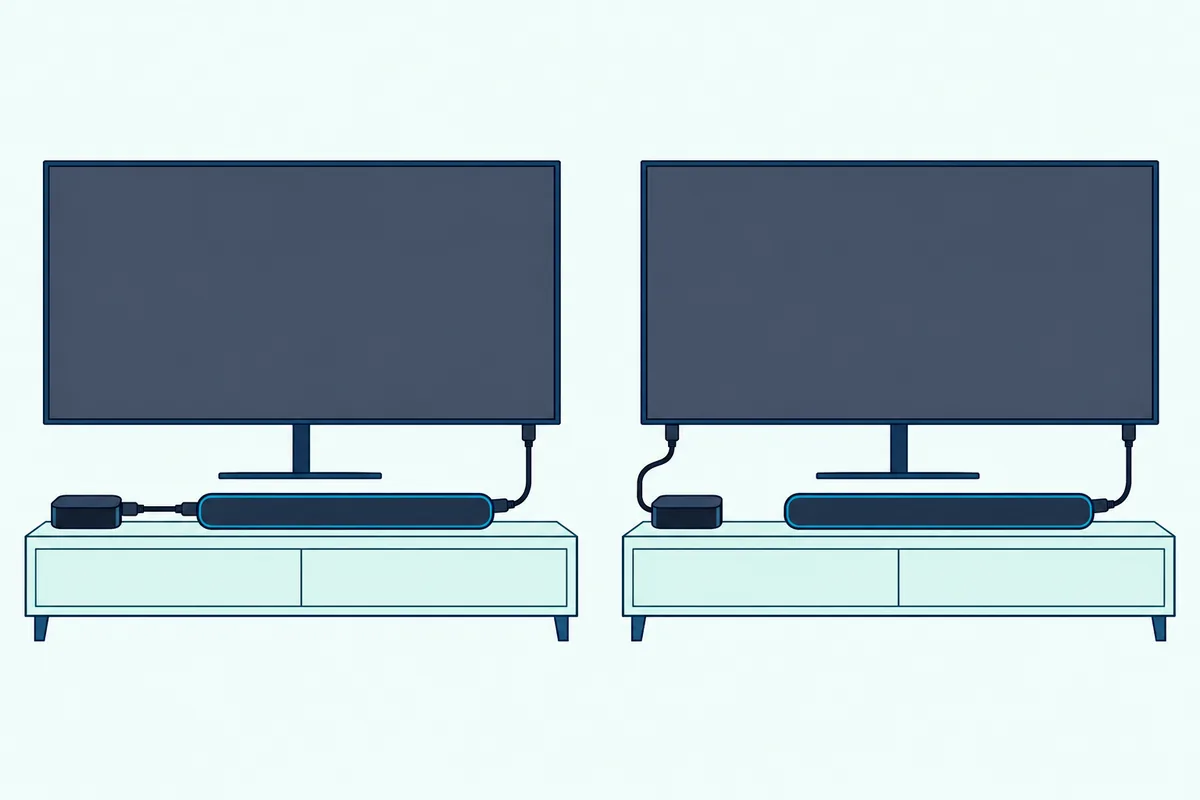
Picture a 65-inch TV with a Polk bar and a game console. Both boxes go into the Polk’s three inputs, one cable runs to the TV, and the bar receives the Apple TV’s Atmos without asking the TV to pass it on.
With a Sonos, Bose or the S60D, the Apple TV goes into a spare TV port and the bar goes into the TV’s eARC port. Then run Apple’s Immersive Audio check; if Dolby Atmos doesn’t appear, the TV isn’t passing it, which is the case Apple’s article warns about.
For the TV side of that chain, the Dolby Atmos soundbar setup guide checks each link, from the player’s settings to the TV’s eARC menu. Samsung’s cable note from its card is worth copying for any input bar: it asks for an Ultra High Speed HDMI cable for UHD signals.
Can the Siri Remote Control the Soundbar’s Volume?
Yes, the Siri Remote can control a soundbar’s volume, over HDMI-CEC or infrared, and Apple’s spec page lists “Control your TV or receiver via IR or CEC” for it. In the tvOS guide, Remotes and Devices has a Volume Control setting with Auto, HDMI, Receiver via IR, TV via IR, Off and Learn New Device (Apple: control your TV and receiver).
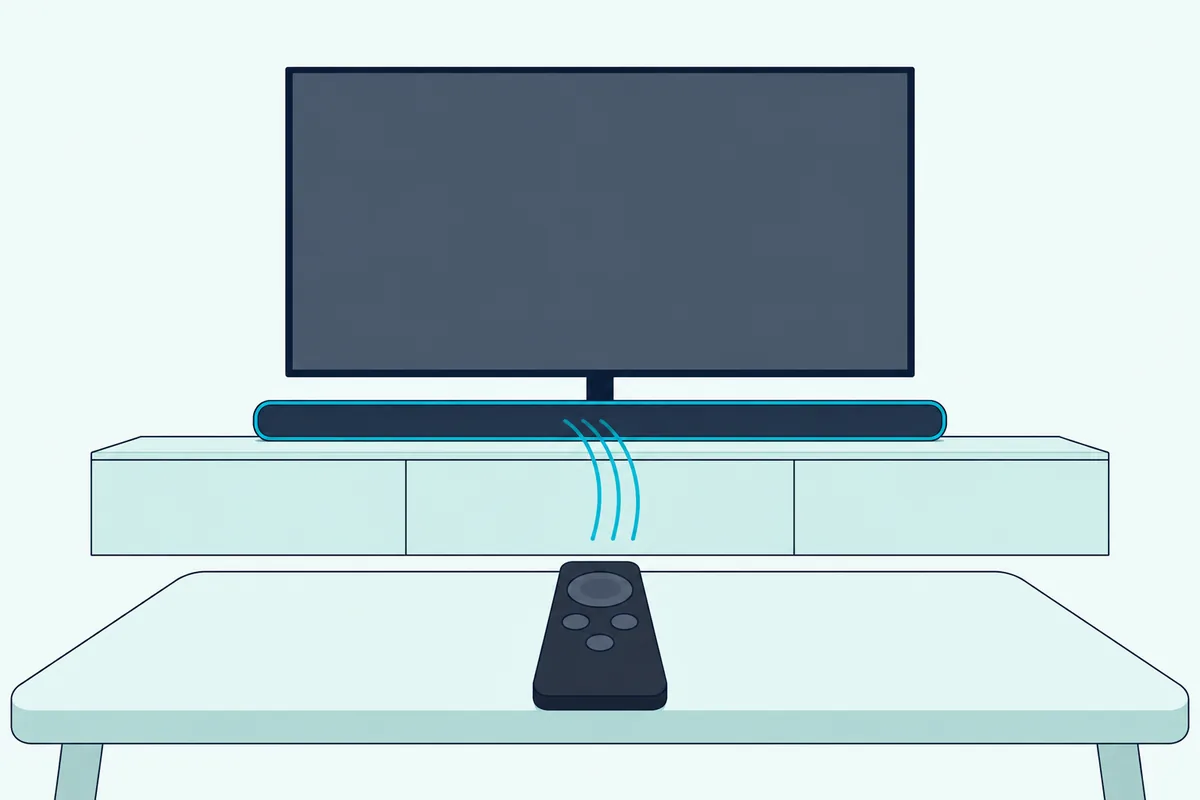
Apple says Auto is best in most cases. HDMI needs CEC volume support, which is where the SIMPLINK and Anynet+ settings from the LG and Samsung cards come in.
If neither works, Apple’s help article says to program volume with Learn New Device, and it reminds you that infrared needs a clear path to the sensor on the front of the equipment (Apple: home theater remote help). Bose’s IR-command note and Denon’s remote-learning sections are the bar-side half of that fallback.
That same article tells you to check that CEC is on and that the Apple TV sits in a CEC-capable port, and it names the brands’ terms: LG SimpLink, Samsung Anynet+, Sony BRAVIA Sync. For the general version of this setup, pairing a soundbar with your TV’s remote covers the CEC route and remote learning step by step.
Does a HomePod Pair Replace a Soundbar for Apple TV?
A HomePod pair can stand in for a soundbar, because Apple says an Apple TV 4K (2nd generation or later) can take TV audio over HDMI ARC or eARC and play it through HomePods. The setting is Settings, Video and Audio, Audio Output, then Play Television Audio under Audio Return Channel (Apple: HDMI ARC or eARC with Apple TV 4K).
The trade-off is that the box does the routing: Apple’s steps start by setting the HomePods as the Apple TV’s default speakers. HomePod vs soundbar for TV audio weighs that against a bar’s dialogue modes and inputs.
The Apple TV can also send audio to AirPlay speakers in other rooms from Control Center. Apple’s tip: if a receiver or TV shows up twice, once as Receiver Speakers over HDMI and once as AirPlay, choose Receiver Speakers for the best quality.
Can an Apple TV Play DTS Through These Soundbars?
Apple’s Apple TV 4K specification lists Dolby Digital 5.1, Dolby Digital Plus 7.1 and Dolby Atmos among its surround formats, and no DTS format. Apple’s page doesn’t say how the box handles a DTS track, so that stays a gap here.
So the DTS:X support on the Q990F, S90TR, Polk and Denon matters for other boxes in the same system, such as a Blu-ray player in a spare input. For the Apple TV itself, Atmos support is the column to read.
Which Soundbars Were Checked and Left Out?
The Sony BRAVIA Theater Bar 8 met the rating rule but its Amazon listing showed no in-stock reading on two checks on 24 October, so it has no card. The Bose Smart Soundbar passed but describes no HDMI input, and the Bose Smart Ultra covers that slot here.
Bars whose makers’ documents couldn’t be read, because those sites refuse Burton’s scripts, were not described. Your best check for any bar not listed is the same one used here: an input with 4K pass-through, or an eARC TV that passes the Apple TV’s sound on.
How Were These Soundbars Checked?
Burton Acoustix didn’t test these soundbars. Every port, format and setting comes from the maker’s manual or spec page, and each listing had 4.0 stars or more, 50 or more reviews and stock on 24 October 2026; ratings and prices aren’t shown because they change.
The Apple side comes from Apple’s own pages: the Atmos setup article, the Apple TV 4K specifications, the tvOS guide and the remote and ARC help articles. Where a maker’s document is silent, such as Dolby Vision pass-through, which only Polk’s spec list and Denon’s listing name among the input bars, the page says so rather than guessing.
Which Soundbar Should You Buy for Your Apple TV?
Start with the input question. If you want the Apple TV in the bar, choose the Q990F for surround in the box, the S90TR for rears with one input, the Polk for several boxes, or the Denon for a smaller room.
If the Apple TV stays on the TV, the Arc Ultra and Beam (Gen 2) suit an eARC TV, the Bose Smart Ultra suits dialogue, and the S60D keeps things simple. Either way, finish with Apple’s Immersive Audio check and the Volume Control setting, and the box and bar will act like one system.
Frequently Asked Questions
Can I connect a soundbar to my Apple TV?
Yes. Apple’s setup article connects the Apple TV 4K straight to the soundbar’s input, then the soundbar’s output to the TV, which keeps Dolby Atmos on the bar’s side of the TV. If your bar has no input, the Apple TV goes into the TV and the bar into the TV’s eARC port, and Apple’s Immersive Audio check tells you whether Atmos is arriving.
Does Apple TV need eARC for Dolby Atmos?
Apple says its high-bandwidth Dolby Atmos doesn’t work over ARC, and that most TVs don’t pass Atmos through to sound bars. Apple doesn’t say whether eARC carries it, so the safest route is a bar with its own input, and the next is an eARC TV checked in Settings, Video and Audio, Audio Format.
How do I get better sound on my Apple TV?
Add a soundbar with Dolby Atmos, connect it the way Apple’s article describes, and confirm Dolby Atmos under Immersive Audio. Then set the remote’s Volume Control to Auto so the Siri Remote runs the bar.
Will the Siri Remote turn the soundbar on and off?
Apple’s tvOS guide says that with Control TVs and Receivers selected, turning the Apple TV on or off also turns the TV or receiver on or off. Whether a bar follows depends on HDMI-CEC, which the Samsung and Polk manuals ask you to turn on in the TV’s settings.
What’s the best soundbar with AirPlay for an Apple TV?
All eight picks list AirPlay 2 in their makers’ documents or listings, so any of them can play music from an iPhone. For the Apple TV’s movie sound, the bar’s input matters more, which favors the Q990F, S90TR, Polk and Denon.