What Sound Mode Should a Roku Ultra Use With a Soundbar?
If you’re asking what sound mode a Roku Ultra needs with a soundbar, Roku’s own pages point to two settings rather than a mode: Digital output format on Auto and volume modes off.
Switch on Leveling or Night instead, and Roku says a Dolby Digital, DTS or Dolby Atmos soundtrack may reach the bar as plain stereo.
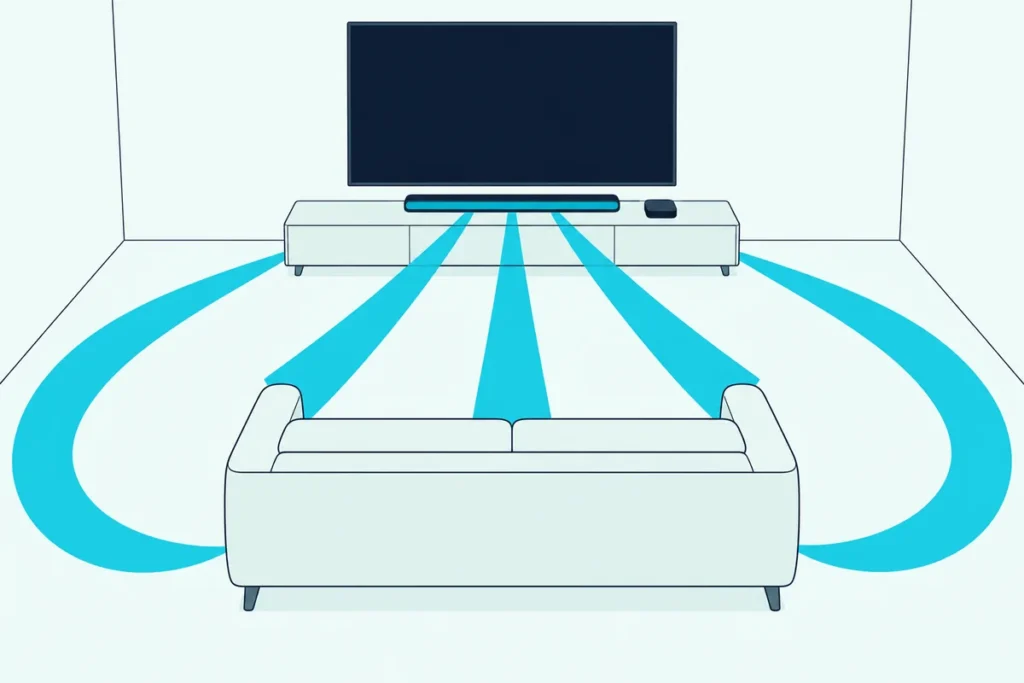
Let the Ultra pass the soundtrack through, and the bar’s own decoder and listening modes get the whole signal to work with.
Below are the Ultra’s audio menus, the formats that suit an ARC, eARC or optical bar, and why Roku’s sound modes never appear for another brand’s bar.
Then you’ll check the TV’s sound output and the Ultra’s Atmos support, and fix silence or lip sync with the tools Roku documents.
What Sound Mode Does a Roku Ultra Need With a Soundbar?
Those two settings sit in different menus, and neither one is a sound mode. With another brand’s soundbar, set Digital output format to Auto under Settings > Audio, set the volume mode to Off from the Star button, and pick the listening mode on the bar itself.
| Ultra setting | Where Roku puts it | With a soundbar |
|---|---|---|
| Digital output format | Settings > Audio | Auto; Custom or Stereo only when sound or surround goes missing |
| Volume mode | Star during playback > Sound settings | Off, so surround isn’t turned into stereo |
| Sound modes (Standard, Dialogue, Movie, Music, Night) | Roku audio devices only | Not offered; use the bar’s modes |
Roku’s surround guide backs both rows: switch to Custom when you hear no sound or only stereo, and turn volume modes off because they can force stereo.
Still deciding on the cables? Burton Acoustix’s guide to where the Ultra plugs in compares Roku’s two layouts.
Which Digital Output Format Fits the Soundbar’s Connection?
That first setting carries most of the weight. Start on Auto, and if the bar plays nothing or only stereo, Roku’s fix is Custom with a surround format the bar supports, such as Dolby Digital or DTS.
Roku’s surround setup guide lists what its players can pass through: stereo, Dolby Digital, Dolby Digital Plus, Dolby Atmos on some models and DTS on supported ones. The cable to the bar narrows that list.
| The bar’s connection | What Roku says the link carries | Digital output format to start with |
|---|---|---|
| HDMI eARC at both ends | ARC’s formats plus Dolby TrueHD, DTS-HD Master Audio, DTS:X and uncompressed Atmos | Auto |
| HDMI ARC | Optical’s formats plus Dolby Digital Plus and compressed Atmos | Auto |
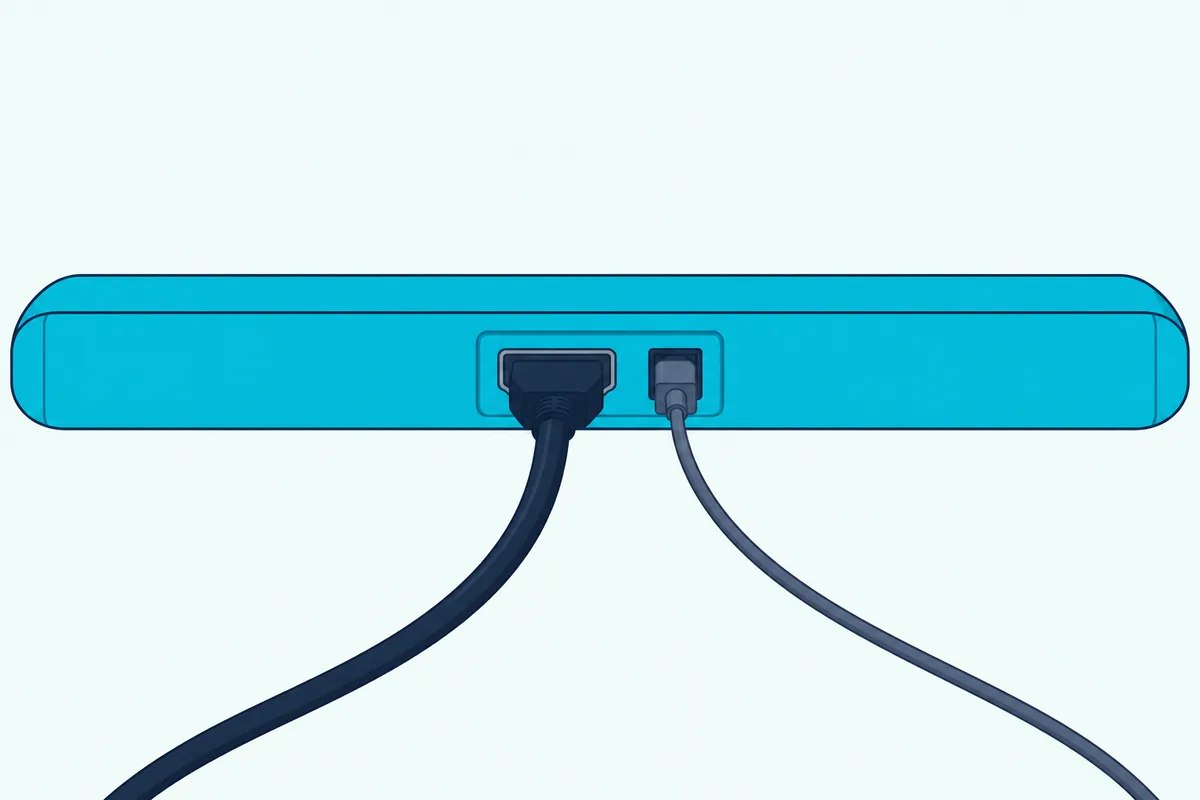
| Optical (S/PDIF) | Two-channel PCM, or 5.1 Dolby Digital or DTS | Custom > Dolby > Dolby Digital |
That optical row is Roku’s step for a player with its own optical port, which Roku’s Ultra setup page doesn’t list. A bar on the TV’s optical port faces the same S/PDIF limit, and 5.1 Dolby Digital fits inside it.
Try this: play a title whose details say 5.1 or Dolby Atmos, Roku’s sign of a surround track. If your bar’s display reads stereo or PCM, switch to Custom.
Does the Roku Ultra Pass Dolby Atmos and DTS to the Bar?
Those passthrough formats depend on which Ultra sits under the TV. Roku’s developer media spec says its devices pass Dolby Digital and Dolby Digital Plus through to the receiving device, and among Ultras only the 2021 (4800X) and 2024 (4850X) models support Dolby Atmos.
Earlier Ultras, the 4640X to 4670X of 2016 to 2019, aren’t among them. The spec adds that the Roku Ultra LT, sold only at Walmart, has no Dolby support.
The Atmos the Ultra sends sits in the spec’s Dolby Digital and Dolby Digital Plus column. Roku’s surround guide for Roku TVs says ARC carries Atmos, though only compressed, so an ARC bar can take it.
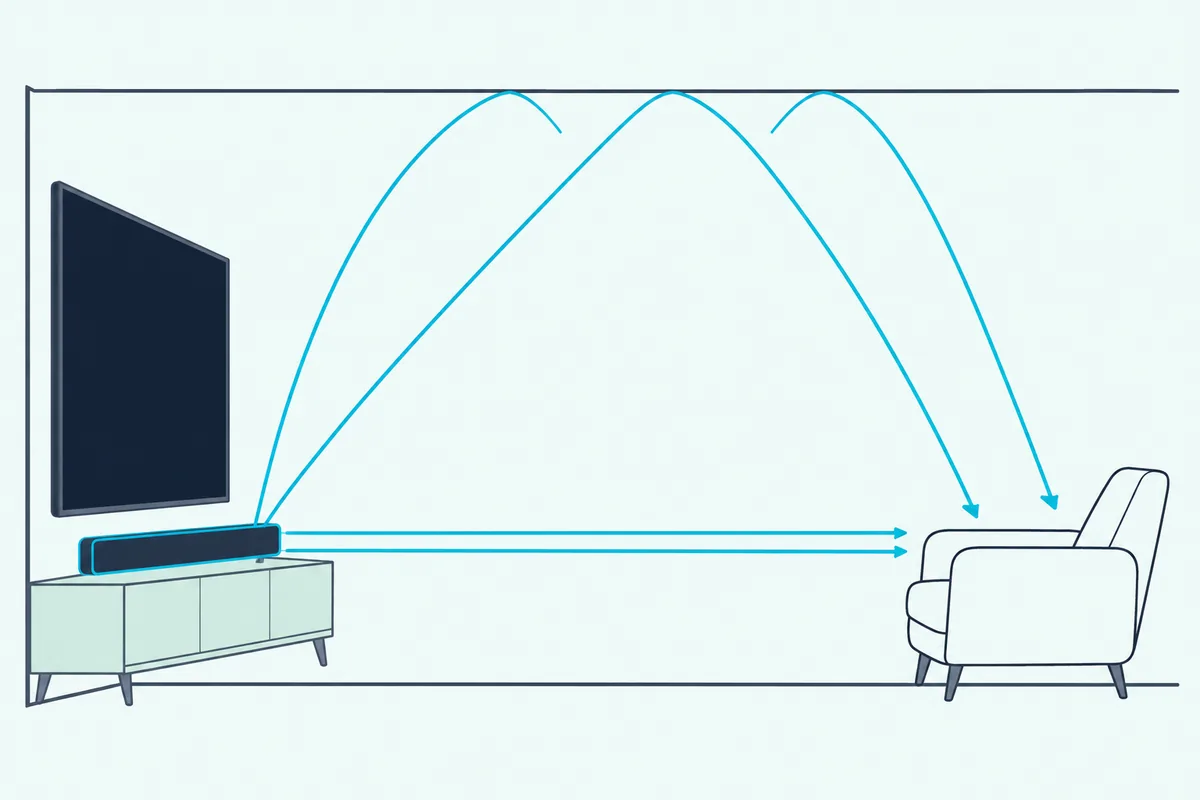
DTS works differently. The spec lists it as passthrough only, so the Ultra hands the DTS track to the bar to decode, and Custom should hold only formats the bar lists.
One more line explains some stereo surprises: Roku says Ultra players decode multichannel AAC to PCM stereo. Dolby TrueHD isn’t on the spec’s list at all.
Why Doesn’t the Ultra Show Roku’s Sound Modes?
That stereo fallback is about formats, but the question asks about sound modes. Roku’s sound settings guide says Standard, Dialogue, Movie, Music and Night are only available when you use a Roku audio device, such as a Streambar or a Roku Smart Soundbar.
| Roku feature | Where Roku offers it | Ultra with another brand’s bar |
|---|---|---|
| Sound modes: Standard, Dialogue, Movie, Music, Night | Roku audio devices; Roku TVs have their maker’s own modes | Not offered |
| Speech clarity: Off, Low, High, Auto | Roku audio devices | Not offered |
| Dialog enhancement | Compatible Roku TVs | Not offered |
| Virtual surround | Streambar Pro, Roku Smart Soundbar, onn Roku Smart Soundbar | Not offered |
| Volume modes: Leveling, Night | Select Roku players and Roku TVs, with or without Roku speakers | Offered |
Roku TV Ready soundbars show their maker’s modes in a Roku TV’s Star menu, and Roku’s own Ultra page points to volume modes instead.
That leaves dialogue, movie and night presets to the bar’s remote. The best soundbar settings for each mode compares them across Samsung, LG, Sony and VIZIO bars.
Should Leveling or Night Mode Stay On With a Soundbar?
That one Roku feature the Ultra keeps can also cost you surround. Keep volume modes Off: Roku says they can turn Dolby Digital, DTS, Dolby Digital Plus and Dolby Atmos into stereo, and a device wired to a soundbar may need them Off.
Roku lists Off, Leveling and Night, plus Dialogue, Movie and Music on some devices. Leveling evens out jumps between apps and commercials, while Night lifts quiet sounds like dialogue and tames explosions.
Not every Roku player has every mode. On a streaming player, Roku’s steps are:
- Start playing a movie or show.
- Press Star on the Roku remote.
- Open Sound settings, then Customize sound mode.
- Choose Off.
If Star does something else inside an app, change the mode from another app, such as The Roku Channel; Roku says it stays.
For late nights, a night mode on the bar itself lowers the peaks without changing the format the Ultra sends.
Which TV Sound Setting Sits Between the Ultra and the Bar?
Those Ultra settings reach the bar intact only if the TV passes them on, as it must when the Ultra plugs into the TV. Roku’s HDMI-CEC and ARC guide says to set the TV’s Sound or Audio output to HDMI ARC or eARC, turn CEC on, and set any eARC mode to Auto.
| TV software | Where Roku’s guide points |
|---|---|
| Roku TV | Settings > Audio > Audio Output > eARC, after CEC is on |
| Android TV or Google TV | Settings > Sound/Audio > Audio Output > HDMI ARC or eARC |
| Fire TV | Settings > Display & Sound > ARC > Enable HDMI ARC |
| LG | SIMPLINK on, then Sound > Sound Out > HDMI ARC |
| Sony | BRAVIA Sync on, then Set Audio Output > eARC mode to Auto |
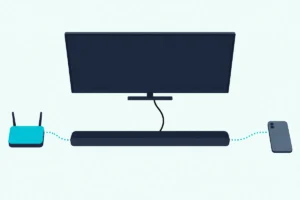
In Roku’s other layout, with the Ultra in the bar’s HDMI input, the bar hears the Ultra before the TV does. Either way, Roku says the player controls the bar’s sound over HDMI with CEC on, which is how you control the soundbar with a Roku remote.
How Do You Fix No Sound or Missing Atmos?
Those menus come back when the bar goes silent, and Roku’s no-sound steps for a player wired through a soundbar run in this order:
- Select the right input on the bar, and check the TV’s mute and the bar’s master volume.
- Try another input on the bar, then swap the cables one at a time.
- If sound fails only on surround titles, set Digital output format to Stereo.
- If nothing plays at all, unplug and reconnect every cable, power included, and choose Stereo.
Missing Atmos has a shorter list. Check that the title’s details say Dolby Atmos, that the Ultra is a 4800X or 4850X, and that volume modes are off.
Then check the link to the bar. Roku says ARC carries Atmos compressed, while eARC needs support at both ends and a High Speed HDMI cable with Ethernet or an Ultra High Speed one; this soundbar Atmos checklist follows the rest of the chain.
How Do You Fix Lip Sync With an Ultra and a Soundbar?
That same chain can also put the sound out of step with the picture. Roku OS 11 added an A/V sync calibration tool for supported players in the Settings menu of the Roku mobile app, though Roku’s release notes leave out older models such as the 2016 Ultra (4640X).
Rule out the content first. Roku says a sync error confined to one title likely means that title is poorly authored or damaged.
Roku’s sync article for its own soundbars also lists TV settings to try. If sound arrives before the picture, turn off motion smoothing or noise reduction; if it arrives after, set the TV’s digital audio output to PCM or turn off Game Mode.
Some TVs also have an A/V Sync, Audio delay or Lip-sync setting, and Roku notes that eARC builds lip-sync in where the original ARC left it optional. The bar’s side is covered in soundbar delay fixes in the TV and bar menus.
Frequently Asked Questions
How do you change the audio output on a Roku Ultra?
Press Home, open Settings, then Audio, then Digital output format. Auto is the starting setting; Custom lets you choose the surround formats your soundbar supports, such as Dolby Digital or DTS; Stereo is Roku’s fallback when sound fails only on surround titles.
What is the best sound mode for Roku?
It depends on the device. With a Roku audio device, Roku offers Standard, Dialogue, Movie, Music and Night, and says the choice is purely your listening preference. On a Roku Ultra with another brand’s soundbar those modes don’t appear, so the settings that matter are Digital output format on Auto and the volume mode on Off.
Why can’t you change Roku sound settings while streaming?
One reason is the app: Roku says some streaming apps give the Star button a different job, so the menu never opens. Open another app, such as The Roku Channel, change the setting there, and it stays when you return. On a Roku TV, Roku’s own sound settings also vanish while a Roku TV Ready soundbar is connected, and the TV shows the bar maker’s modes instead.