How to Fix Soundbar Delay Between Your TV and the Sound
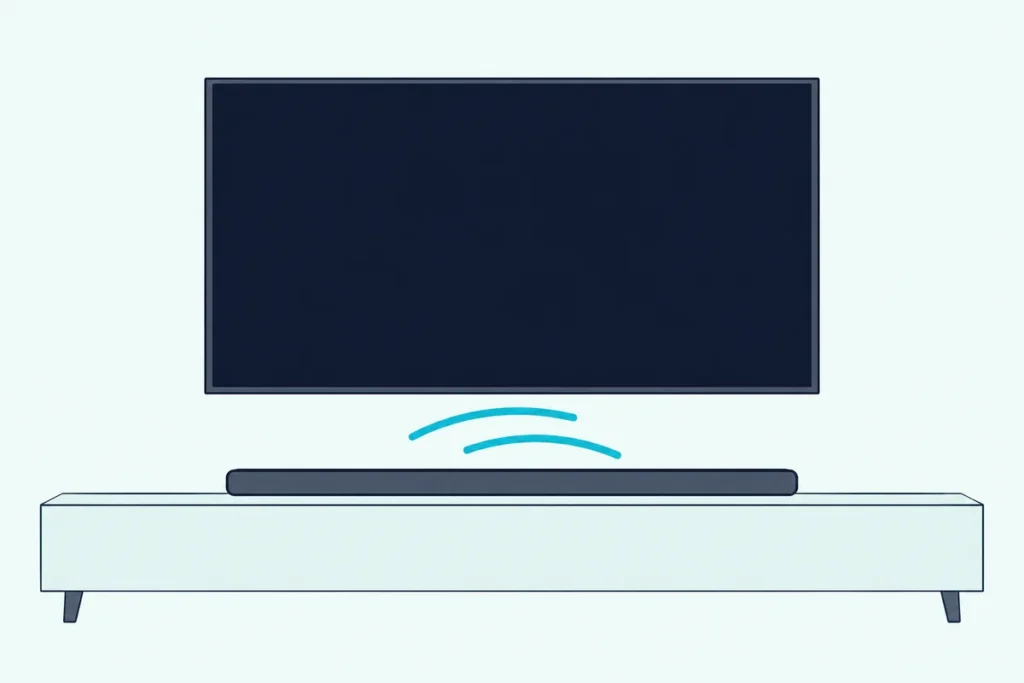
Here’s how to fix soundbar delay: decide whether the voices come early or late, then use the TV’s audio delay setting, the bar’s sync control, or a PCM output setting.
Lips that move a beat before the words land make every show feel dubbed, and it can start the day a soundbar joins the TV.
Get the direction right first, because each fix below only works one way.
The fixes run in order: the TV’s delay menu, the bar’s sync button, the audio format, game modes, wired links and updates.
Each step names the setting the way your TV or bar maker writes it, so start with the quick test that tells you which way to turn it.
Why Does a Soundbar Lag Behind the TV Picture?
That test matters because sound and picture are separate signals that finish processing at different moments. Roku’s support page puts it plainly: audio and video are processed independently, and 4K or HDR video carries much more data, so it takes longer to prepare.
Hisense’s HS312 manual names the same cause from the bar’s side, saying video image processing can take longer than the audio. Add a soundbar, whether it’s hooked to the TV over HDMI ARC or optical, and its own decoding joins the chain.
Three things stretch the gap most often:
- The TV’s picture processing, such as motion smoothing and noise reduction.
- An audio format the bar has to decode, or the TV converting one format into another.
- Bluetooth, which Sony’s BRAVIA help guide says can delay sound “due to the properties of Bluetooth.”
HDMI was built to handle part of this. HDMI Licensing’s HDMI 1.4 feature notes say LipSync, added in HDMI 1.3, compensates for processor delays whether audio travels to the bar or back from it.
Is the Sound Early or Late?
Those causes push in both directions, so watch a close-up of someone talking before you touch any menu. Sound that arrives before the lips move needs holding back, and sound that arrives after them needs less processing somewhere.
Roku’s guide to A/V sync errors splits its advice the same way. Sound heard before the picture points to video processing, so turn off motion smoothing or video noise reduction; sound heard after it points to setting the TV’s digital audio output to PCM and trying Game Mode off.
Think of most delay sliders as a doorstop for the audio: they hold it back, but they can’t push it forward. Samsung’s and LG’s bar manuals describe theirs that way, as an audio delay from 0 to 300 milliseconds.
Roku also suggests a quick isolation test. Stop playback, try a different title, then a different app or device; if only one show drifts, the problem is in that show, not your setup.
Get Studio Tips Weekly
Join 5,000+ creators getting acoustic treatment advice every week.
No spam. Unsubscribe anytime.How to Fix Soundbar Delay in the TV’s Own Menu
Once you know the sound is early, the TV’s delay control is the first stop, since it sits between every source and the bar. Each maker names it differently:
| TV system | Setting | Where the maker puts it |
|---|---|---|
| Samsung | Digital Output Audio Delay | Settings > All Settings > Sound > Expert Settings (HDMI ARC or eARC) |
| LG webOS 25 | Match Screen and Sound | Settings > Sound > Advanced Settings |
| Sony BRAVIA (Google TV) | A/V sync | Settings > Display & Sound > Audio output |
| Hisense Google TV | Digital Audio Delay, Lip Sync | Settings > Display & Sound > Sound |
| VIZIO | Lip Sync | Menu > Audio |
| Roku TV | A/V sync, audio delay or lip-sync, if the model has it | Settings > Audio |
LG’s webOS user guide adds a Bypass option that sends sound out with no added delay, though LG warns the audio may then arrive before the video. Hisense says its Digital Audio Delay applies when the output is ARC or the optical jack, which is exactly where a bar sits.
Sony’s A/V sync is mainly a Bluetooth setting, and Sony notes it isn’t adjusted while the picture mode is Game. Roku’s article only says some TVs carry the feature, so check your set.
Which Soundbar Setting Fixes Audio Delay?
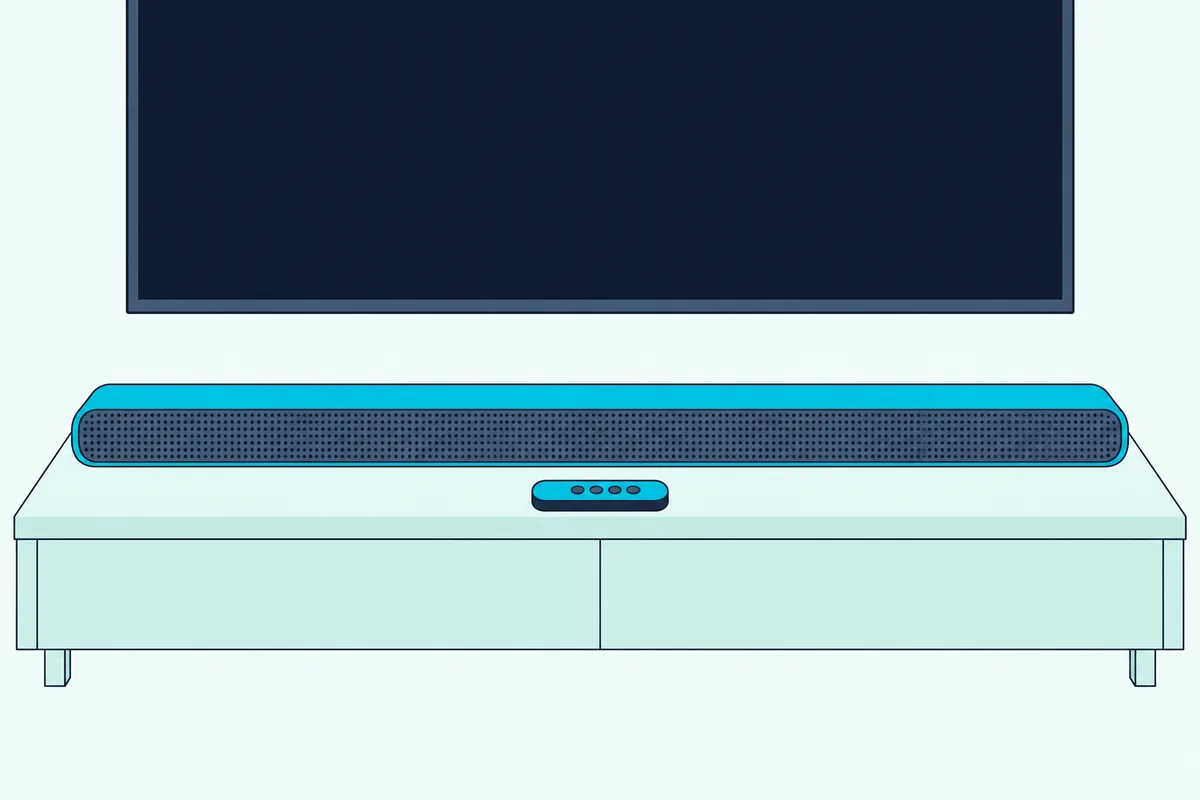
If the TV’s menu has no delay control, or it’s grayed out, the bar’s own sync setting does the same job from the other end. Here’s what each bar maker calls it:
| Soundbar maker | Setting | How you reach it |
|---|---|---|
| Samsung | Sync or AUDIO SYNC, 0-300 ms | Sound Control button on the bar’s remote |
| LG (LAS551H) | AV SYNC, 0-300 ms | AV SYNC button on the remote |
| Sony (BRAVIA Theatre Bar 6) | A/V Sync | Settings > Sound Settings in the app’s remote screen |
| VIZIO (SB46514-F6) | AV Delay | Next/Previous buttons; the LEDs climb as delay rises |
| Polk (MagniFi Max AX) | Audio delay | DELAY button, then + and – |
| JBL (Bar 500 MK2) | SYNC | Hold TV over 3 seconds; when SYNC shows, adjust within 5 seconds |
| Sonos (Arc) | TV Dialog Sync | Your room’s settings in the Sonos app |
| Hisense (HS312) | Audio Delay, 0-200 ms in 10 ms steps | Hold SURR, then VOL +/- |
Move in small steps, rechecking the same close-up each time. Samsung’s support page warns that its sync feature doesn’t work with Bluetooth or USB as the source.
Projectors can add their own delay menu on top, such as the Digital Audio Delay on Hisense’s Laser TV, which this soundbar-to-projector setup guide covers alongside the bar-side settings.
Does PCM or Bitstream Change the Delay?
Those sliders only help when the sound is early, so a late voice calls for a different fix: make the bar’s job lighter. Roku’s advice for sound heard after the picture is to set the TV’s digital audio output to PCM.
The setting goes by different names. It’s Digital Output Audio Format on Samsung, Digital Sound Output on LG, Digital audio out on Sony and VIZIO, and Digital Audio Format on Hisense Google TV.
PCM has a cost. LG’s table shows its PCM option sending every input out as PCM, so the bar no longer gets the Dolby or DTS stream, and our guide to bitstream vs PCM for a soundbar covers that trade.
Roku TVs come at it from the other side. Roku says Auto passthrough lets a capable bar play content without any delay from processing in the TV.
Should Game Mode Be On or Off?
Game modes trade picture processing for speed, which shifts the same timing you’ve been adjusting. VIZIO says Game Low Latency reduces video delay lag, and Roku suggests trying Game Mode off when sound trails the picture.
LG is more specific. Its guide warns that with Game Optimizer on, audio delays may occur through a Bluetooth device, optical out or HDMI ARC, and suggests setting the HDMI input audio format to PCM.
For gaming, set the mode first, then resync. Burton Acoustix’s low-latency gaming soundbar picks cover bars built with that in mind.
Does Bluetooth Cause Soundbar Delay?
Bluetooth is the cause from the first section that settings can only partly fix. Samsung’s TV manual lists “lip-sync errors may occur” among its Bluetooth restrictions, and Sony’s TV guide warns that some Bluetooth devices stay out of step even with A/V sync on.
Sony’s BRAVIA Theatre Bar 6 guide suggests setting Bluetooth Connection Quality to Priority on Stable Connection if sound delay occurs. The lasting fix is a cable, and the HDMI or optical choice for a soundbar comes down to your ports.
HDMI eARC is the strongest option. Roku says eARC has built-in lip-sync, which the original ARC only offered as an option.
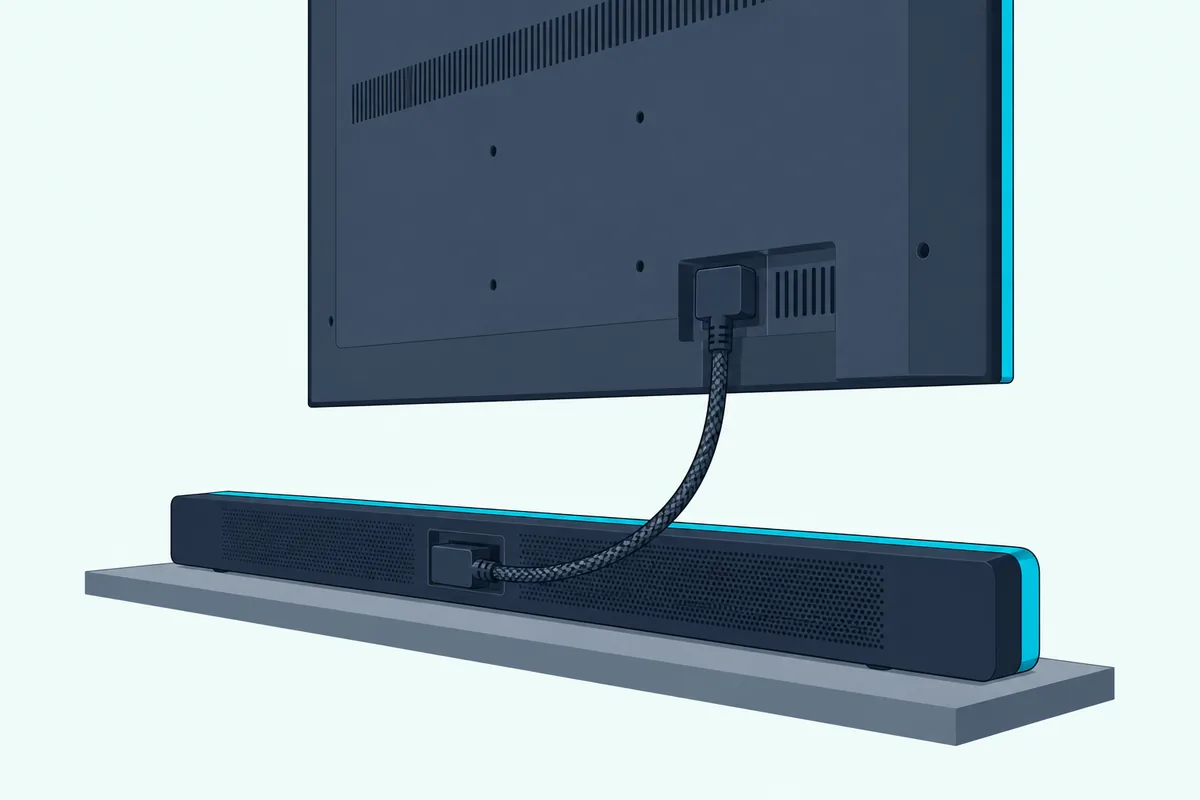
Google’s Streamer guide asks for an Ultra High Speed HDMI 2.1 certified cable to the TV’s eARC port. UGREEN’s 6.6 ft Certified Ultra High Speed HDMI cable fits that description.

UGREEN’s 6.6 ft Certified Ultra High Speed HDMI cable
What If the Delay Comes From a Streaming Device?
A wired TV link still leaves the box feeding it, and streaming players carry their own audio settings. On Roku Streambars and Roku smart soundbars, the Roku mobile app has an Adjust Audio Delay step, and Roku says to run it a few times.
Google’s Streamer page lists its steps in order:
- Set Display & Sound > Audio Options > Output format to Automatic.
- Turn off Dialogue enhancement and Volume leveler, which Google says can cause sync issues.
- Set the surround sound option to Never use surround sound.
Apple TV 4K’s Wireless Audio Sync, under Settings > Video and Audio > Calibration, is for wireless speakers playing alongside wired ones, measured with an iPhone.

Do Firmware Updates Fix Soundbar Delay?
Updates come last because none of the makers’ documents read here promises that one fixes sync. Install them anyway, through Settings > Support > Software Update on a Samsung TV.
Samsung adds a catch: video and audio settings reset to their defaults after a TV software update. So recheck the delay and audio format settings from the earlier sections once it finishes.
Frequently Asked Questions
Does HDMI ARC cause audio delay?
It can add some, because the bar decodes what the TV sends, but ARC isn’t broken by design. HDMI Licensing says devices with LipSync, introduced in HDMI 1.3, track and correct processor lag whether the TV sends audio to the sound system or the other way round. Roku notes that lip-sync was optional on the original ARC and is built into eARC.
How do I fix the sound delay on my Samsung soundbar?
Press the Sound Control button on the bar’s remote, choose Sync or AUDIO SYNC, and set the audio delay between 0 and 300 milliseconds with the Up/Down buttons, as Samsung’s HW-B550 and HW-Q990D manuals describe. Samsung’s support page says the sync feature isn’t available with Bluetooth or USB as the source. If the voices come late rather than early, try the TV’s Digital Output Audio Format setting instead.
Why is only one show out of sync?
Roku says a movie, show or game can carry wrong timing information if it was poorly authored or damaged in transmission. Stop playback and try another title on the same app; if the rest play in step, your TV and soundbar settings are fine. If every title in one app drifts, report it to that streaming service.