How to Connect a Sony Soundbar to a Vizio TV, Step by Step
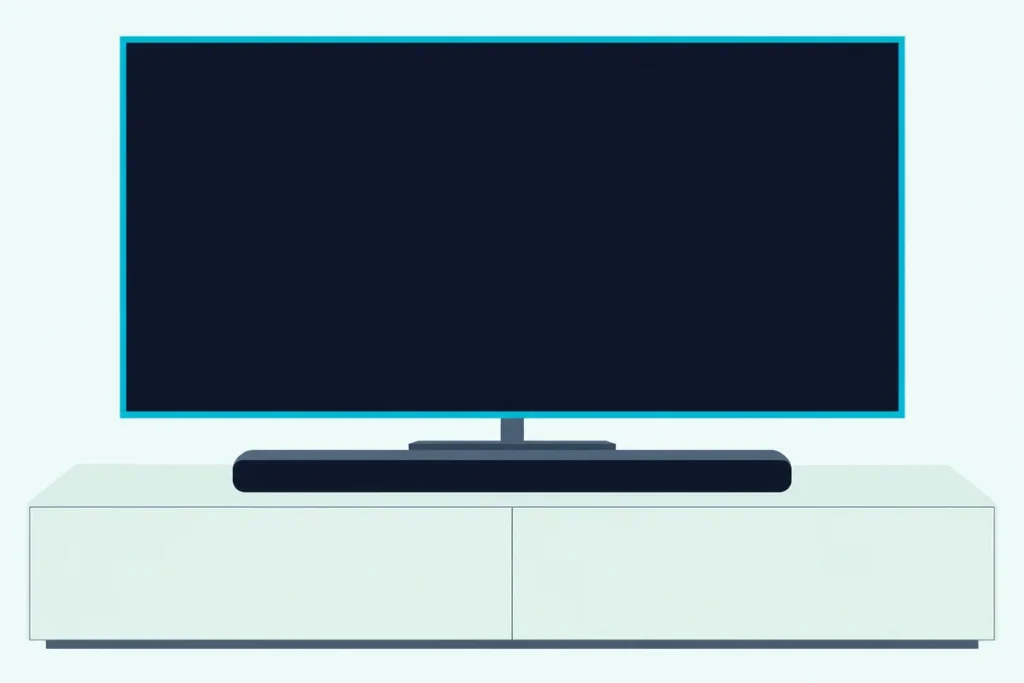
Here’s how to connect a Sony soundbar to a Vizio TV: run one HDMI cable from the bar’s TV eARC/ARC jack to the TV’s HDMI-1 port, the one Vizio’s manuals mark ARC, then enable CEC under Menu > System > CEC.
Miss either step and Sony says the TV’s sound won’t come out of the bar, even though the picture plays on.
Get both right and that single cable carries the sound, and the Vizio remote can run the bar’s volume, though Sony warns the link may not work with another maker’s TV.
Start at the back of the TV, because that port is the one thing no menu can fix.
Below are the Vizio menus step by step, the jack on each Sony bar, the optical route, the Bluetooth limits and the fixes for a TV that won’t recognize the bar.
How to Connect a Sony Soundbar to a Vizio TV With HDMI ARC
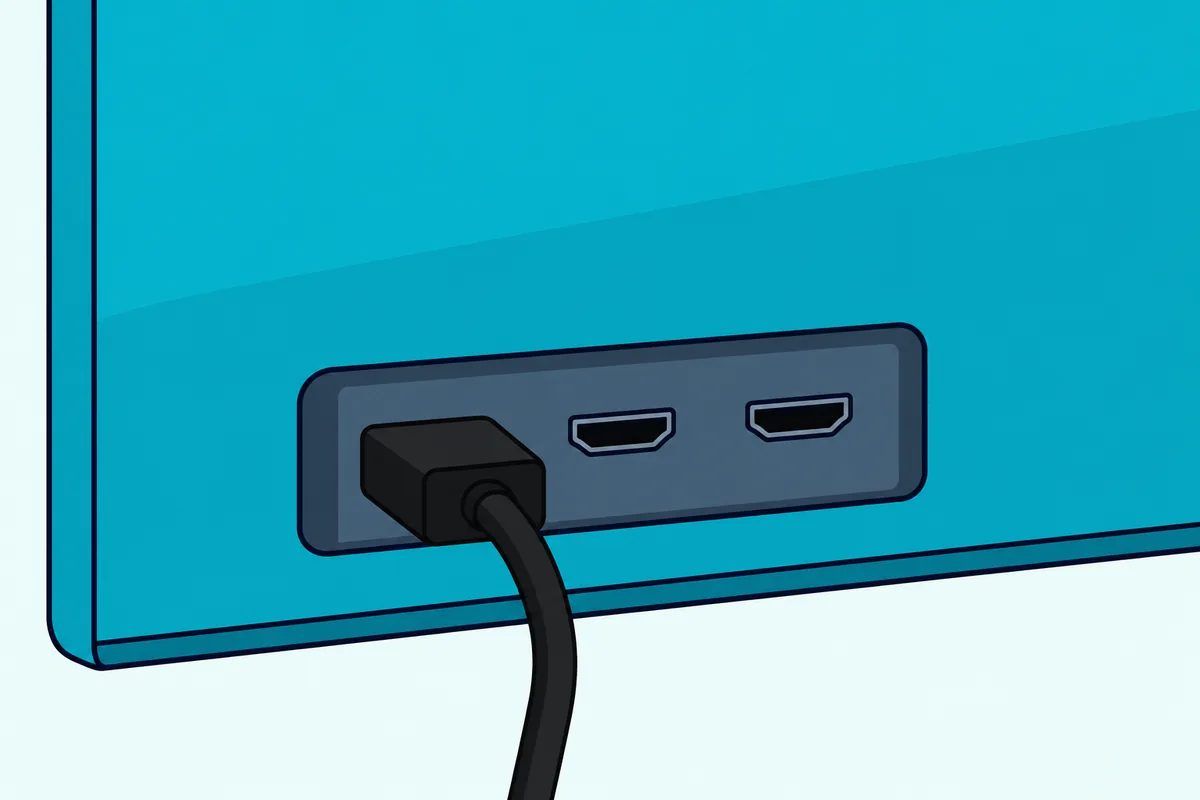
That HDMI-1 port takes the cable, and four short steps do the rest. Sony’s guides and Vizio’s CEC Audio Setup agree on the same single cable:
- Unplug the TV’s power cord, as Sony’s HT-A3000 guide asks, connect the bar’s ARC jack to the TV’s ARC input, then plug the TV back in.
- Press Menu on the Vizio remote, open System > CEC, set CEC to Enable, then choose Device Discovery and press OK.
- Switch the bar to its TV input with the Sony remote, which is Vizio’s step of selecting the ARC input on your audio device.
- Play something and listen. Vizio says the built-in speakers turn off on their own once a sound bar is discovered.
Vizio’s 2022 V-Series user manual gives that TV side under Adjusting the CEC Settings, and the 2022 D-Series manual repeats it.
The Sony side needs little, because Control for HDMI, Sony’s name for this link, is on by default on the HT-S2000, the HT-A3000, HT-A5000 and HT-A7000, and the BRAVIA Theater Bar 5, Bar 6, Bar 7, Bar 8 and Bar 9.
Think of ARC as a return lane. A cable normally brings sound and picture to the TV, and Sony describes ARC as the function that sends the TV’s sound from that jack back to the bar.
Moving the bar to a Sony set later? Connecting a Sony soundbar to a Sony TV covers those menus.
Does It Matter Which HDMI Port You Use on a Vizio TV?
That return lane exists on the labeled port only, so yes, it matters. Sony’s Bar 6 guide says that if the bar isn’t connected to the TV’s eARC/ARC-compatible input, the TV’s sound can’t come out of the bar.
Vizio’s manuals list the audio outputs model by model, so check yours against this table:
| Vizio TV | Audio outputs in its manual |
|---|---|
| 2022 D-Series D24fM-K01 | ARC, analog stereo |
| 2022 D-Series D32fM-K01, D40fM-K09, D43fM-K04 | ARC, analog stereo, digital optical |
| 2022 V-Series | eARC, analog stereo, digital optical |
| 2023 Quantum Pro | HDMI, eARC, Bluetooth, digital optical |
The 2022 manuals name HDMI-1 as the ARC input. The Quantum Pro manual doesn’t name a port, so read the labels on the back of that TV.
Got a console sitting in that port? Move it to another input, and the TV-as-hub wiring for several devices still gets its sound to the bar.
Which Vizio TV Settings Should You Change?
Once the cable’s in that labeled port, the TV side comes down to a short list. These are the paths in Vizio’s 2022 manuals, in the order to work through them:
| Vizio menu | Setting | What it does |
|---|---|---|
| Menu > System > CEC | CEC: Enable | Sony says a TV with this off sends the bar no sound |
| Menu > System > CEC | Device Discovery, then OK | Shows whether the bar is connected and supports CEC |
| Menu > Audio | TV Speakers: Off | Happens on its own once a sound bar is discovered |
| Menu > Audio | Digital Audio Out | Sets the format for both optical and ARC |
| Menu > Audio | Lip Sync | Lines the picture up with the sound |
| Menu > Admin & Privacy | Check for Updates | Looks for a TV system update |
Skip one item you may spot in the manual. Vizio ties the Sound Bar Settings entry in the Audio menu to a Vizio sound bar on CEC, so a Sony bar keeps its settings on Sony’s remote, app or on-screen menu.
Vizio’s wording varies between documents, too. Vizio’s SB3830-D0 quick start guide words the same job as enabling CEC and ARC (SAC) in the System menu, with System Audio Control in the CEC menu for volume.
Those are the steps Burton Acoustix’s Vizio bar walkthrough follows on Vizio’s own bars, and they sit on the TV, so a Sony bar uses them too.
Which Sony Soundbars Does This Cover?
Those TV menus stay the same for every bar, but the jack’s label and the box contents change. This table comes from Sony’s Help Guides and startup guides:
| Sony bar | Label on the TV jack | Optical input | HDMI cable in the box |
|---|---|---|---|
| HT-S100F | TV (ARC) | TV IN (OPTICAL) | No, an optical cable instead |
| HT-S400 | ARC | TV IN (OPTICAL) | No, an optical cable instead |
| HT-S2000, BRAVIA Theater Bar 6 | TV eARC/ARC | TV IN (OPTICAL) | Yes |
| BRAVIA Theater Bar 5 | TV eARC/ARC | TV IN (OPTICAL) | Varies by country or retailer |
| HT-A3000, HT-A5000, HT-A7000 | TV eARC/ARC | TV IN (OPT) | Yes |
| BRAVIA Theater Bar 7, Bar 8, Bar 9 | TV eARC/ARC | None in the guide | Yes |
On the BRAVIA Theater System 6, the same two jacks sit on the subwoofer rather than the bar.
Own another Sony model? Open its Help Guide or startup guide and look for the jack marked ARC, because the steps above don’t change and only that label does.
How Do You Connect a Sony Soundbar to a Vizio TV With an Optical Cable?
That optical column is your fallback when ARC won’t cooperate. Run an optical digital cable from the TV’s Optical Audio Out to the bar’s TV IN (OPTICAL or OPT) jack, switch the bar to its TV input, and set TV Speakers to Off.
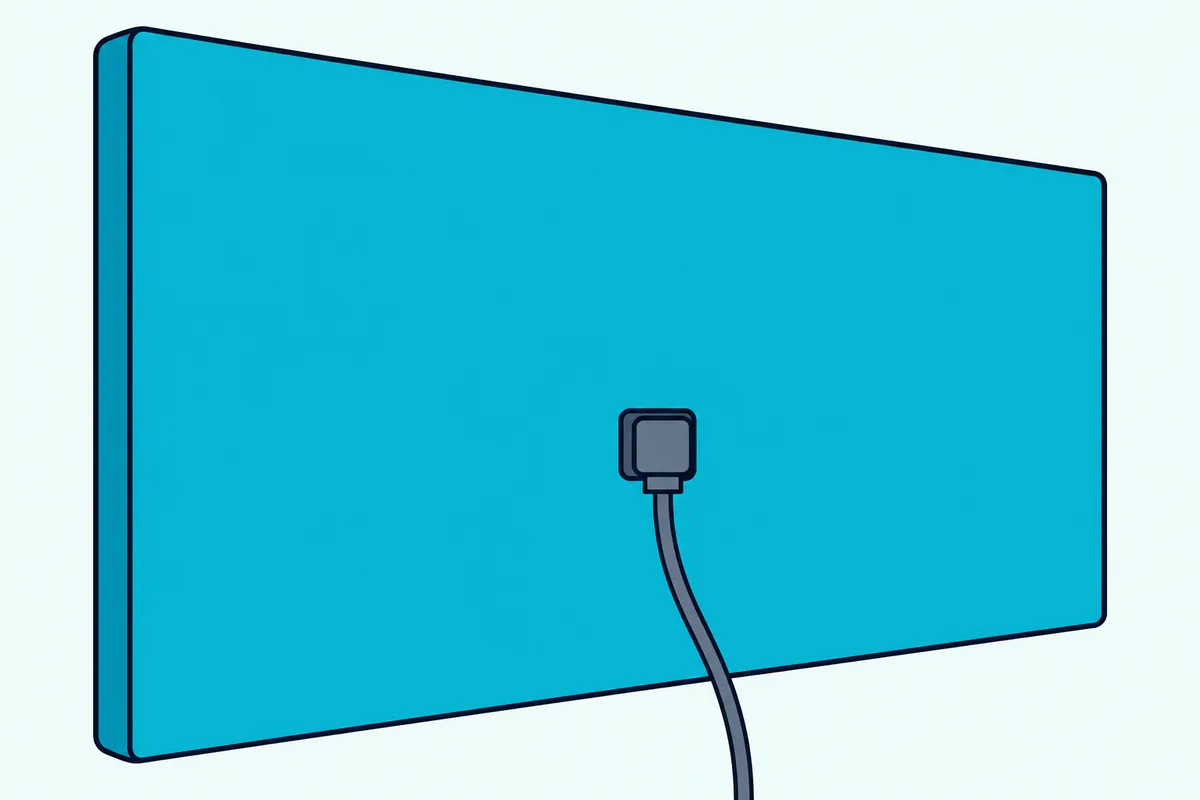
Check the plug’s shape against the jack first, because Sony says forcing it in the wrong way can damage them. Two setups can’t use this route at all: a D24fM-K01, whose manual lists no optical output, and a Bar 7, Bar 8 or Bar 9, whose guides name no optical jack.
Pull the HDMI cable when you test optical alone, since Sony’s HT-S2000 guide says the ARC jack has priority when the TV is on both. A TV without ARC is the exception: Sony’s guides keep that cable in place and add optical for the sound.
Optical gives up two things. Sony’s format tables leave out Dolby Digital Plus and Dolby Atmos on it, and Sony and Vizio both describe TV-remote control over an HDMI connection, so the Sony remote runs the volume.
Weighing up the two routes for your setup? This guide to which cable suits a soundbar best sets them against each other.
Which Audio Format Should a Vizio TV Send a Sony Soundbar?
Those missing formats come down to one Vizio setting, Digital Audio Out, which covers both optical and ARC. Start on Dolby Digital or Bitstream, the choices Vizio’s SB3830-D0 guide uses for its HDMI steps, and switch to PCM if a digital input stays silent, its fix for that.
Sony’s HT-A3000 format table shows what each connection carries, and the HT-S2000 and Bar 6 tables match it on these formats:
| Format | eARC | ARC | Optical |
|---|---|---|---|
| PCM 2-channel, Dolby Digital, DTS | Yes | Yes | Yes |
| Dolby Digital Plus, Dolby Atmos over Dolby Digital Plus | Yes | Yes | No |
| Dolby Atmos over Dolby TrueHD, DTS:X, multichannel PCM | Yes | No | No |
The table explains the trade-off. PCM plays on every connection, but it’s two channels on ARC and optical, so settle on it only if Dolby Digital or Bitstream stays silent.
The HT-S400 is narrower than that table. Its spec sheet lists Dolby Digital, Dolby Dual mono and 2-channel PCM on both HDMI and optical, with no DTS.
Using Talk Back on the TV? Vizio’s manual says Digital Audio Out must be set to PCM to hear it.
Can You Connect a Sony Soundbar to a Vizio TV Over Bluetooth?
That format table covers cables only, and Bluetooth sits outside it, because neither maker documents this pairing. ARC and optical are the routes both makers describe, so use one of those first.
Sony’s side is narrow. Its HT-S2000, HT-A3000, HT-A5000 and HT-A7000 guides cover TV Bluetooth for a Sony TV that supports A2DP, and the Help Guides for the BRAVIA Theater Bar 5, Bar 6, Bar 7, Bar 8 and Bar 9 have no TV Bluetooth topic at all.
Vizio’s side is narrow too. Its 2022 V-Series and D-Series manuals have a Bluetooth Headphones menu that pairs headphones “for listening to audio” without mentioning a sound bar, while the 2023 Quantum Pro manual lists Bluetooth among its audio outputs.
On a TV with that menu, you can try it. Open Menu > Bluetooth Headphones, put the bar in pairing mode (on an HT-A3000, Sony’s TV pairing is the Bluetooth button on the bar plus TV on the remote for 5 seconds), and look under Other Devices.
Neither manual says the bar will show up there, and on the HT-A3000, HT-A5000 and HT-A7000 connecting an HDMI cable cancels the Bluetooth link. For other TV brands, the TV Bluetooth pairing steps walk through each side.
How Do You Control a Sony Soundbar With the Vizio Remote?
Bluetooth aside, the cable route’s bonus is that CEC setting from step two. Vizio says that with CEC on, its remote can control power, volume and mute, and play and pause, depending on the device.
Sony lists the same two basics: the bar powers on and off with the TV, and the TV remote’s volume buttons move the bar’s level. Its catch is in the Control for HDMI topic, which says the function “may not work if connecting devices other than those manufactured by Sony.”
So treat the Vizio remote as a bonus rather than a promise, and keep the Sony remote within reach. A quick test tells you where you stand: press volume up on the Vizio remote and watch the bar’s level.
No change? Look for System Audio Control in the CEC menu, the switch Vizio’s SB3830-D0 guide names for TV-remote volume.
The bar may not wake with the TV, either. Sony’s HT-A3000 guide says that can happen if sound last came from the TV’s own speakers, or if you switched the bar off first.
Sony’s fix is to pick the bar as the TV’s sound output, and the nearest Vizio setting is TV Speakers: Off.
Why Isn’t the Vizio TV Recognizing the Sony Soundbar?
Those remote quirks are minor next to a TV that can’t see the bar at all, and most of the checks are physical. Reseat the cable at both ends, then run Device Discovery again.
If Device Discovery still comes up empty, or the bar plays nothing, match what you see to this table:
| What you see | What to try |
|---|---|
| Nothing found, or no sound | Check CEC on the TV and Control for HDMI on the bar, wait 15 seconds or longer, then try again |
| Picture but no sound | Switch the bar to its TV input and raise the volume, then try PCM in Digital Audio Out |
| MUTING on the bar’s display | Turn on the TV first, then the bar |
| Silent on an eARC TV | Follow Vizio’s “Set eARC to Off and use ARC mode” |
| Sound from TV and bar together | Set TV Speakers to Off |
| Sound lags the picture | Set the bar’s delay to 0 msec, then try Lip Sync on the TV |
Still nothing? Sony’s No TV sound checklist goes further: unplug both power cords and reconnect them, confirm the jack is labeled eARC or ARC, and on an HT-A bar check that TV Audio Input Mode reads Auto.
On the HT-A3000, HT-A5000 and HT-A7000 those settings live under Setup > Advanced Settings > HDMI Settings. On the HT-S2000 and BRAVIA Theater bars, they’re under HDMI Settings in the app.
Update both ends as the last step, using Check for Updates on the Vizio and Sony’s Updating the Software topic for the bar. A receiver on the same chain matters too, since Sony says CEC allows one audio system device and the bar already uses that slot.
Frequently Asked Questions
Will any Sony soundbar work with a Vizio TV?
Every bar in the table above has an ARC jack, and all but the Bar 7, Bar 8 and Bar 9 add optical, so each one has a wired route to a Vizio set with ARC. The HT-AX7 Portable Theater System is different, since its Help Guide names no HDMI connection.
Do you need a special HDMI cable for a Sony soundbar?
Vizio’s SB3830-D0 guide asks for an HDMI cable that’s ARC compatible, and Sony’s Bar 5 guide describes its cable as equal to High Speed HDMI Cable with Ethernet. Check the box first, because the HT-S100F and HT-S400 don’t include one.
Does Dolby Atmos work from a Vizio TV to a Sony soundbar?
Yes on eARC or ARC, with limits. Sony’s format table for the HT-A3000, HT-S2000 and Bar 6 takes Dolby Atmos over Dolby Digital Plus on both, reserves Dolby Atmos over Dolby TrueHD for eARC, and leaves Atmos off optical.
Vizio’s V-Series manual gives a visual check: with the TV speakers off and Atmos passing through to a sound bar, the Dolby Atmos icon shows with “Audio Out.”
The descriptions come from the makers’ manuals and spec pages.