Can a Digital Piano Be Used as a MIDI Controller? Ports and Setup
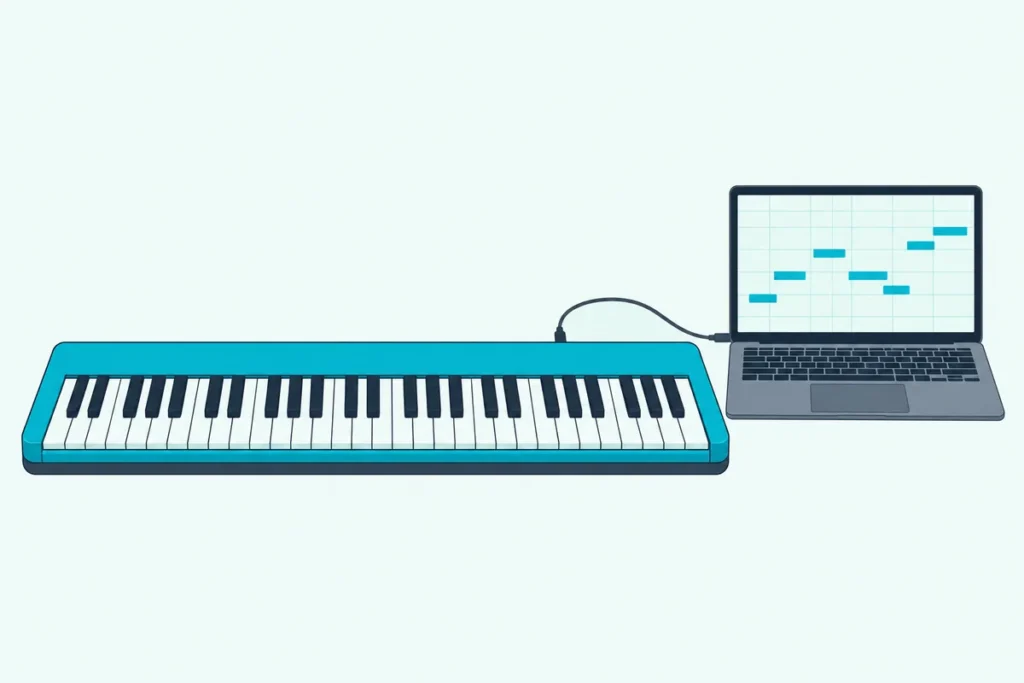
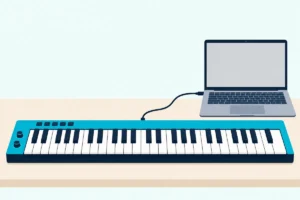
Can a digital piano be used as a MIDI controller? Yes, if it has a USB or MIDI port, because that port sends every key and pedal press to the computer.
Picture a good piano feeding a laptop, where every note you play sounds twice, once from the piano and once from the software, a fraction of a second apart.
That doubling, the cable that fits and the driver question all have answers in Yamaha’s, Roland’s and Kawai’s own manuals, and each is a short fix.
You’ll see how to tell whether your piano sends MIDI, which cable it needs, how to connect it to a computer or an iPad, and what an acoustic piano needs instead.
Start with what the three makers say about their pianos’ ports, because that answers the question for each model.
Can a Digital Piano Be Used as a MIDI Controller?
That answer rests on one port, the one that sends your playing to the computer. Yamaha, Roland and Kawai each describe it for their pianos, and a piano with a USB or MIDI port can work as a MIDI controller.
| Piano | Port | What the maker says |
|---|---|---|
| Yamaha P-225 | USB TO HOST | Both MIDI and audio data can pass between the piano and a computer or smart device |
| Roland FP-30X | USB Computer | With a computer connected, performance data and audio signals can move between the piano and sequencer software |
| Kawai ES120 | USB to Host | The computer recognizes the piano as a MIDI device that sends and receives MIDI messages like a normal MIDI interface |
Casio’s pianos follow the same pattern, and our guide to how a Casio keyboard works as a MIDI controller covers their ports and drivers.
A MIDI controller makes no sound of its own, so a piano is doing two jobs at once: playing its own sound and sending your playing out. The section on notes that sound twice below shows how to separate them.
How Can You Tell Whether Your Digital Piano Sends MIDI?
Because the answer sits on the back panel, look at the ports first. A square USB port labeled USB TO HOST, USB Computer or USB to Host, or a pair of five-pin MIDI sockets marked IN and OUT, means the piano can send MIDI.
A Bluetooth logo doesn’t settle it, because Bluetooth can carry audio instead of MIDI. Yamaha’s P-225 uses Bluetooth to play audio from a phone through its speakers, while Roland’s FP-30X lists Bluetooth Audio and Bluetooth MIDI as separate functions.
If the back panel is unclear, the manual’s connection pages name each port. Look for the words MIDI, USB TO HOST or Computer in the diagram.
Get Studio Tips Weekly
Join 5,000+ creators getting acoustic treatment advice every week.
No spam. Unsubscribe anytime.What Cable Does the USB Port Need?
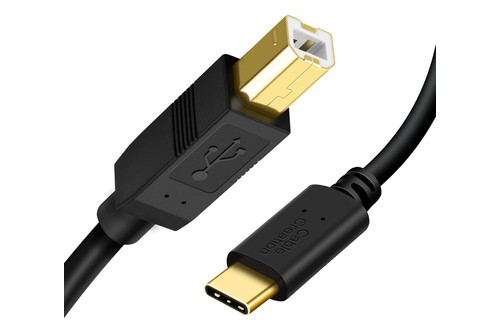
That square USB port is a USB Type B socket, so the cable runs from it to your computer’s own port. Kawai says to use a USB “B to A” cable, and that a conversion adapter may be needed if the computer has no USB Type A port.
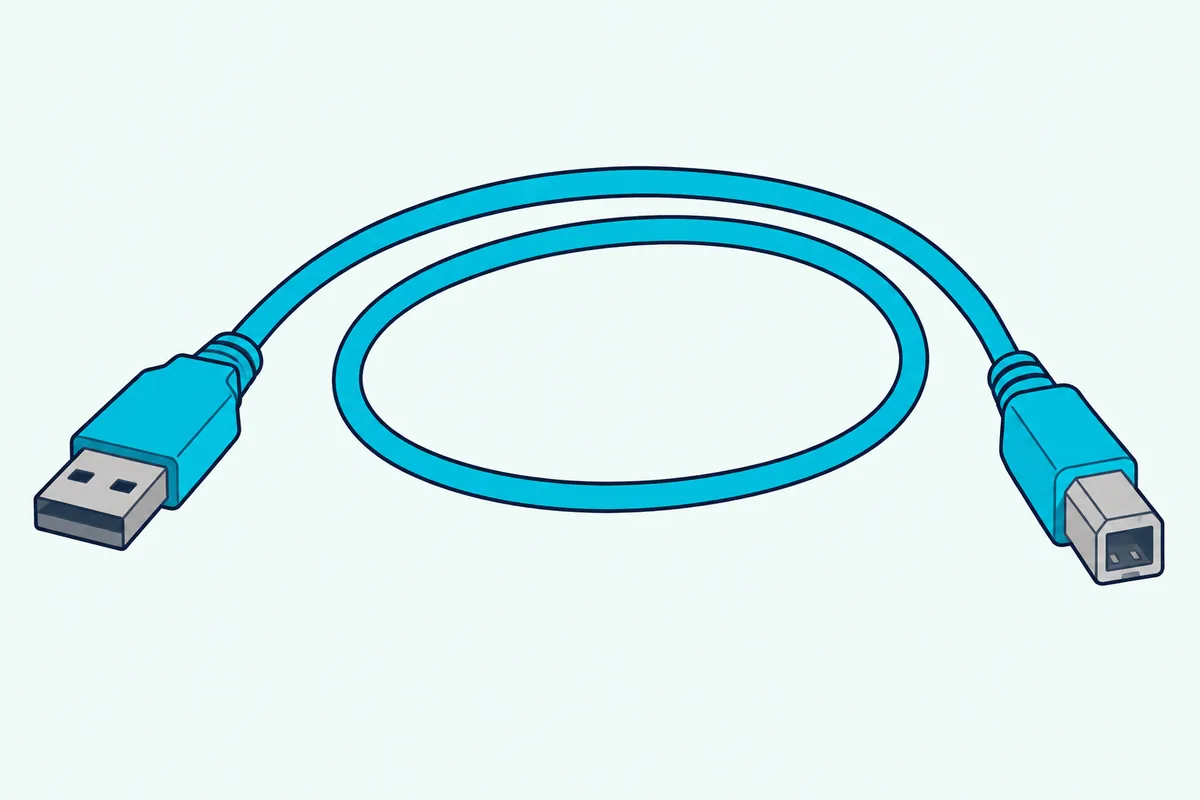
Yamaha adds three limits for the P-225: use a cable shorter than 3 meters, don’t use a USB 3.0 cable and connect straight to the computer without a hub. Kawai says the same about hubs, advising a direct connection if communication becomes unstable through one.
| Your device | The cable you need |
|---|---|
| Laptop or desktop with a USB-A port | USB Type B to USB Type A |
| Laptop with a USB-C port | USB Type B to USB Type C, or the A cable plus an adapter |
| iPad or phone | A Type B cable plus a conversion adapter that matches the device’s connector |
Amazon Basics’ 6-foot USB 2.0 A-to-B cable fits those limits, because it’s a USB 2.0 cable under 3 meters. CableCreation’s 6.6-foot USB-B to USB-C cable is also a USB 2.0 cable, per its listing, so it does the same job for a laptop with only USB-C ports.
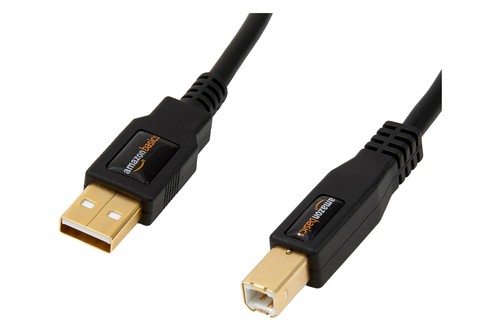
Amazon Basics’ 6-foot USB 2.0 A-to-B cable
How Do You Connect a Digital Piano With Only 5-Pin MIDI Ports?
An older piano with five-pin MIDI ports needs one more box, because a laptop has no five-pin socket. Apple’s GarageBand guide describes it: connect the piano’s MIDI Out port to the MIDI In port on a MIDI interface, and connect the interface to the computer.
To hear the computer’s sound back on the piano, add the return lead. Apple says to connect the piano’s MIDI In port to the interface’s MIDI Out port with a second MIDI cable.
Roland’s UM-ONE mk2 shows what such an interface looks like. Roland lists it as a bus-powered USB MIDI interface with integrated MIDI and USB cables, compatible with Mac and Windows and, through Apple’s iPad Camera Connection Kit, with the iPad.
How Do You Set It Up on a Mac or a Windows PC?
Those cables set the first step, because Yamaha and Kawai both say to connect the piano directly to the computer. These steps follow the makers’ manuals and Apple’s guides:
- Connect the USB cable from the piano straight to the computer, not through a hub.
- Switch the piano on and give the computer a moment, because Kawai says it may take some time for the two to establish communication.
- On Windows, install the maker’s driver if it asks for one. Yamaha says a Windows computer needs the Yamaha Steinberg USB Driver for the P-225, while Kawai says its driver installs automatically on most modern operating systems.
- On a Mac, open Audio MIDI Setup, choose Window then Show MIDI Studio, and click Rescan MIDI if the piano isn’t shown, as Apple’s guide describes.
- In your music software, choose the piano as the MIDI input. Apple’s GarageBand guide says to follow the keyboard’s own instructions, which may include installing a driver.
- Play a note and watch the software’s MIDI activity light, or use MIDI Studio’s test button, which Apple describes for checking the connection.
Roland says the USB Computer port carries both performance data and audio signals, so your software may offer the piano as an audio device as well. For playing software instruments, choose it as the MIDI input.
Why Does Every Note Sound Twice?
That doubling is the usual complaint after step six, and it comes from Local Control. A digital piano’s keys normally play its own sound, and music software that echoes the notes back makes the piano play them a second time.
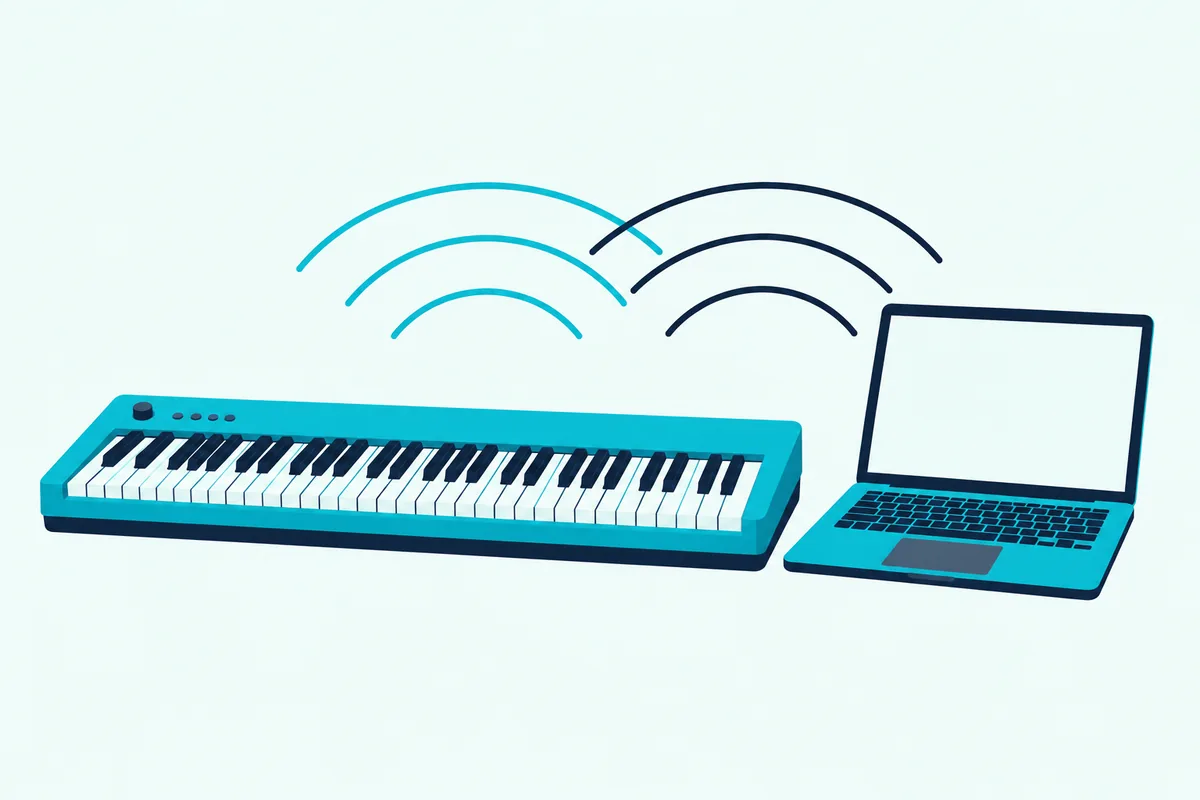
Roland says to turn Local Control off when a MIDI sequencer is connected, because most sequencers have their Thru function turned on and the notes you play may sound in duplicate or get dropped. Yamaha explains the mechanism: with Local Control off, the keyboard no longer plays the internal voices, but the MIDI data still goes out through USB TO HOST, and the piano’s tone generator responds only to MIDI coming back in.
On the P-225, hold the Metronome and Rhythm buttons together and press the B3 key to toggle it, and Yamaha lists On as the default. Kawai’s ES120 lists Local Control in its MIDI settings with On as the default too, and Roland’s FP-30X offers a Local Off setting.
With Local Control off, the piano can fall silent until the computer sends the sound back. Kawai’s troubleshooting list includes checking whether Local Control is off when no sound comes out, so switch it on again when you want to play without the computer.
Yamaha names a second trap on the P-225. If you use a DAW, set Audio Loopback to off, because otherwise a loud sound may occur depending on the computer’s settings.
Which Other MIDI Settings Can Surprise You?
Local Control isn’t the only setting that can surprise you, because the piano’s voice buttons and pedal send MIDI too. Yamaha says the P-225 sends a MIDI program change number whenever one of its voices is selected, which selects the same numbered sound on the computer if the software is set to respond.
That means pressing a voice button mid-song can switch your software instrument. Yamaha lets you cancel program change transmission by holding the Metronome and Rhythm buttons and pressing the C4 key, and Kawai lists a Transmit Program Change Number setting that defaults to On.
The pedal is the other one. Yamaha says the P-225 transmits MIDI control change information when the pedal is operated and lets you turn that off with the C#4 key, while Kawai says the ES120 transmits sustain, sostenuto and soft pedal data.
Channels matter as well, because Yamaha says the transmitting and receiving devices must be matched. The P-225 transmits on channel 1 by default, and Kawai’s ES120 uses one channel for both sending and receiving and doesn’t let you set them separately.
| Setting | Yamaha P-225 | Kawai ES120 |
|---|---|---|
| Local Control | On by default, toggled with the B3 key | On by default, set in the MIDI settings |
| Transmit channel | Channel 1 by default | 1ch by default, shared with receiving |
| Program change | Sent when a voice is selected, toggled with the C4 key | Transmit Program Change Number, On by default |
| Pedal data | Control change sent, toggled with the C#4 key | Sustain, sostenuto and soft pedal data |
| Multi-channel playback | Receive channel ALL by default | Multi-timbral mode, Off by default |
Can You Connect a Digital Piano to an iPad or Phone?
The same Local Control rules apply on a tablet, but the connection changes. Yamaha says a smart device needs a Type A to Type B USB cable and a conversion adapter that matches its connector, while Roland and Kawai describe Bluetooth MIDI.
A USB-C iPad adds one adapter step. Apple says a device with a USB-A connector plugs into the Apple USB-C to USB Adapter, which then goes into the iPad’s USB-C port, and it lists audio interfaces and MIDI devices among the USB devices that port connects.
Roland’s FP-30X pairs inside the app, not in the iPad’s settings. Open the app, tap Connect piano and tap FP-30X MIDI, and don’t tap that name in the Bluetooth list in Settings, which Roland’s manual warns against.
Kawai’s steps are similar: switch on the device’s Bluetooth, launch an app that supports Bluetooth MIDI and select the ES120 on the app’s connection screen. Our guide to using a MIDI keyboard with GarageBand on an iPad covers the app side.
What Can You Do Once the Piano Is Connected?
That connection pays off in three ways, because the computer can record, make sounds and run apps. Roland says performance data and audio signals can move between the FP-30X and sequencer software, which lets you produce or edit music.
Kawai says a connected ES120 can record and play back performances in sequencer software, and with multi-timbral mode on it can play back multi-track songs with a different sound on each MIDI channel. Apple’s GarageBand guide shows the software-instrument side: a USB or MIDI keyboard on the computer lets you play and record software instruments.
The makers’ own apps add practice tools. Yamaha’s Smart Pianist lets you adjust the instrument’s settings on a screen, and the Roland Piano App lets you view sheet music, practice songs as if you were playing a game or keep a record of your practicing.
How Does the Touch of the Keys Carry Over to the Software?
That key feel reaches the software as how hard each note was played, and both ends have a setting for it. The piano’s own touch setting changes how the keys respond, and the music software can adjust its sensitivity too.
Kawai’s ES120 lists a Touch Curve setting with Off, Normal, Light and Heavy choices, and Roland’s FP-30X lists Key Touch among the settings its Memory Backup saves. Apple’s GarageBand guide says you can set the keyboard sensitivity to control how the keyboard responds to your playing.
If soft notes sound too quiet in the software, change the piano’s touch setting first and the software’s sensitivity second. That order keeps the piano feeling the same when you play it without the computer.
What Should You Look for When Choosing a Piano to Use as a Controller?
Because a piano’s ports decide what it can do, check four things before you buy. The manuals above give you the list:
- A USB port for the computer, which the Yamaha P-225, Roland FP-30X and Kawai ES120 all have.
- The kind of Bluetooth, because Roland’s FP-30X and Kawai’s ES120 list Bluetooth MIDI while the P-225’s Bluetooth plays audio only.
- A Local Control setting, which all three manuals describe.
- Pedal data over MIDI, which Kawai lists for sustain, sostenuto and soft pedals and Yamaha describes as control change data.
None of the three shows five-pin MIDI sockets in its connection diagrams, so an older piano that has them needs the interface described earlier. If you only plan to play software instruments, USB is the connection that matters.
What Do You Lose by Using a Piano Instead of a MIDI Keyboard?
That setup works, but a piano gives up the knobs and pads a MIDI controller adds. The three pianos above put sound, metronome and rhythm controls on their panels, so mixer levels and plugin controls stay on the screen.
What you keep is the touch and the pedals, which the sections above cover. Kawai’s ES120 transmits sustain, sostenuto and soft pedal data, and both it and Roland’s FP-30X have touch settings.
If you’re deciding whether to buy a separate controller, our page on buying a MIDI controller or a digital piano weighs the two. For one instrument that does both jobs, the piano you already own is the cheaper start.
How Can You Use an Acoustic Piano as a MIDI Controller?
An acoustic piano sends no MIDI by itself, so it needs sensors added. QRS’s PNOscan III guide calls its system a simple MIDI interface for an acoustic piano that lets you use the piano as a MIDI controller, with a MIDI OUT jack for any synthesizer, sequencer or computer that has a MIDI IN.
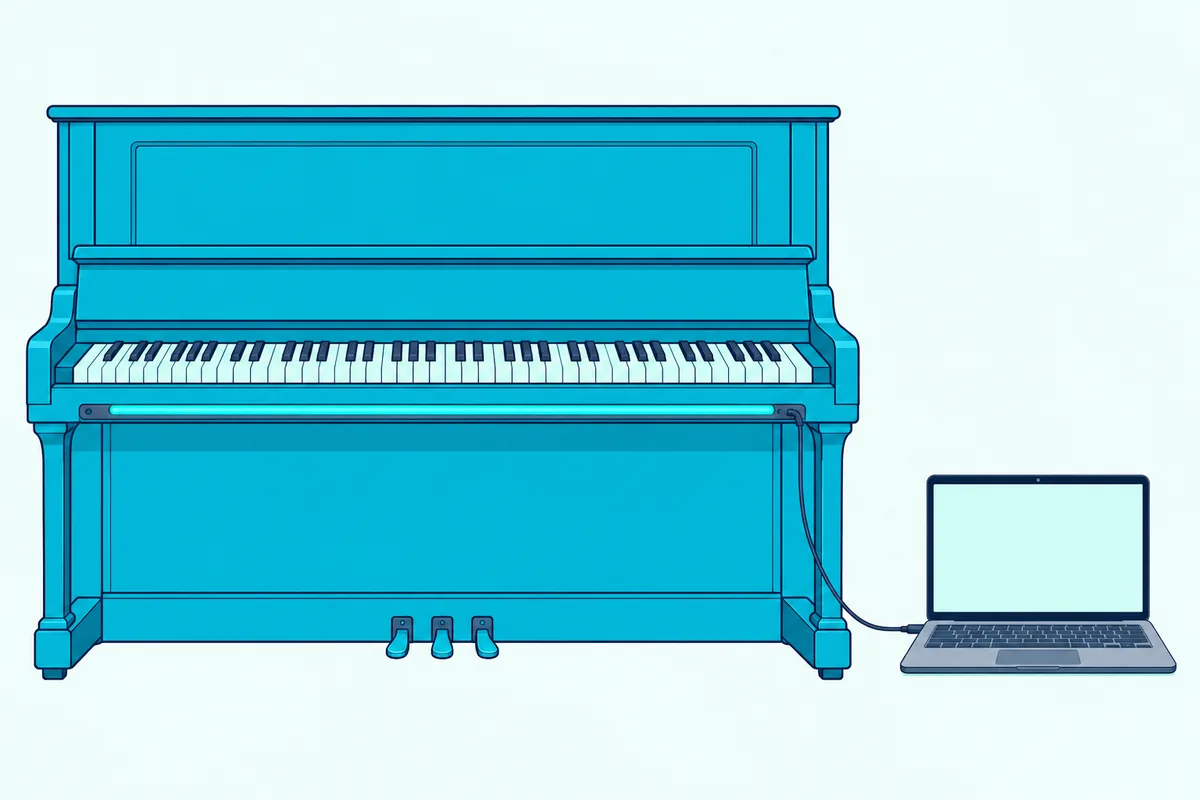
QRS says the PNOscan strip senses the keys optically and can be retrofitted to a piano you already own. Its guide adds that the system is a MIDI output device and won’t make sound on its own.
The other route is a piano built with sensors. Yamaha says its SILENT pianos are acoustic pianos with sensors below the keys, and that they’re equipped with Bluetooth MIDI for its Smart Pianist app.
Either route is a bigger purchase than a cable, so for most readers a digital piano or a compact MIDI keyboard is the simpler way to play software instruments.
The Bottom Line
A digital piano works as a MIDI controller when it has a USB or MIDI port, the right cable and Local Control off. Yamaha, Roland and Kawai all describe the USB connection that sends your playing to the computer.
Check the port, connect straight to the computer and turn Local Control off if every note sounds twice. An acoustic piano needs sensors added, such as QRS’s PNOscan.
Frequently Asked Questions
Can you use a digital piano as a MIDI keyboard?
Yes, if it has a USB or MIDI port. Kawai says the computer recognizes the ES120 as a MIDI device that sends and receives MIDI messages like a normal MIDI interface.
Do you need special software to use a digital piano as a MIDI controller?
You need software that accepts MIDI, such as a DAW or a music app. Apple’s GarageBand guide describes connecting a USB or MIDI keyboard to play and record software instruments.
Do you need a driver to connect a digital piano to a computer?
It depends on the maker and the system. Yamaha says Windows needs the Yamaha Steinberg USB Driver for the P-225, while Kawai says its driver installs automatically on most modern operating systems.
Can you use a digital piano with only a USB port as a MIDI controller?
Yes, and a USB port is the usual way. Yamaha, Roland and Kawai describe USB connections that carry MIDI data between the piano and a computer.
Can a digital piano send MIDI over Bluetooth?
Some can. Roland’s FP-30X and Kawai’s ES120 list Bluetooth MIDI, but Yamaha’s P-225 uses Bluetooth to play audio from your device through its speakers.
Why is my digital piano silent when it’s connected to a computer?
Local Control may be off. Yamaha says that with it off the tone generator responds only to MIDI coming back from the computer, so the software has to send the notes back or you need to switch Local Control on.
Why does my digital piano play every note twice?
Local Control is probably on while the software echoes your notes back. Roland says to set it to Local Off when a sequencer is connected so the keyboard and internal sound generator are disconnected.
Can an acoustic piano be a MIDI controller?
Only with sensors added. QRS says its PNOscan strip can be retrofitted to a piano you already own, and Yamaha’s SILENT pianos have sensors below the keys.
Do digital pianos send pedal data?
Many do. Kawai says the ES120 transmits and receives sustain, sostenuto and soft pedal data over MIDI.
Is a digital piano better than a MIDI keyboard?
For playing it is often better, because you keep the piano’s own sound and touch. A MIDI keyboard adds knobs, pads and a smaller size, so it comes down to which you’ll use.
Can I use a digital piano as a MIDI controller without a computer?
Yes, with a phone or tablet. Roland’s FP-30X and Kawai’s ES120 connect to apps over Bluetooth MIDI, and Yamaha says the P-225 connects to a smart device with a Type A to Type B USB cable and a conversion adapter that matches the device.