How To Connect Shield To Soundbar — Best Signal Chain For Nvidia Shield
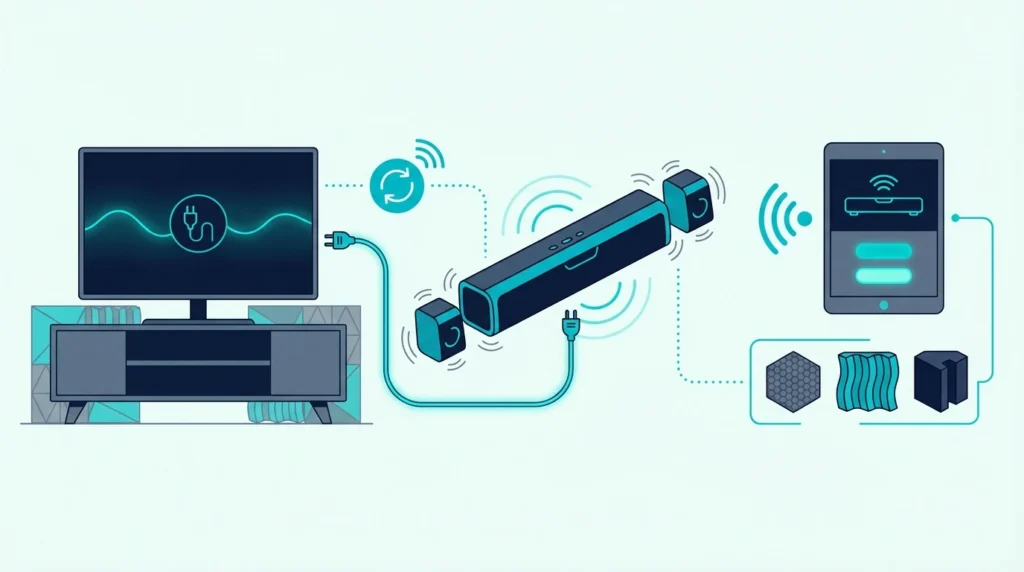
How to connect Shield to soundbar is simple once you choose the right HDMI chain, but the wrong routing can break Atmos, create lip-sync issues, or leave the Shield playing video while your TV handles audio badly.
The pain is that many people plug the Nvidia Shield into whatever HDMI port is free, assume CEC and passthrough will sort themselves out, and then spend an hour chasing no-sound or compressed-audio problems that were caused by the signal path, not the hardware.
Use the right connection order and the setup gets much cleaner: the Shield sends full-resolution audio where it belongs, the soundbar gets the formats it can actually decode, and the TV only handles the part of the chain it needs to.
So start by deciding whether the Shield should connect to the soundbar first or to the TV first, because that single decision affects audio passthrough, surround formats, and remote behavior more than anything else.
Now that the real bottleneck is clear, let us walk through how to connect Nvidia Shield to a soundbar and set the audio path up properly.
To connect an Nvidia Shield to a soundbar, the best method is usually Shield → soundbar → TV if the soundbar has HDMI input and supports the audio formats you want. If the soundbar only has HDMI ARC or eARC and no extra HDMI input, connect Shield to the TV and let the TV send audio back to the soundbar. After wiring it, set the Shield audio format to auto or passthrough and confirm the TV and soundbar are using the correct ARC or eARC settings.
What Is the Right HDMI Order for Connecting Shield to a Soundbar?
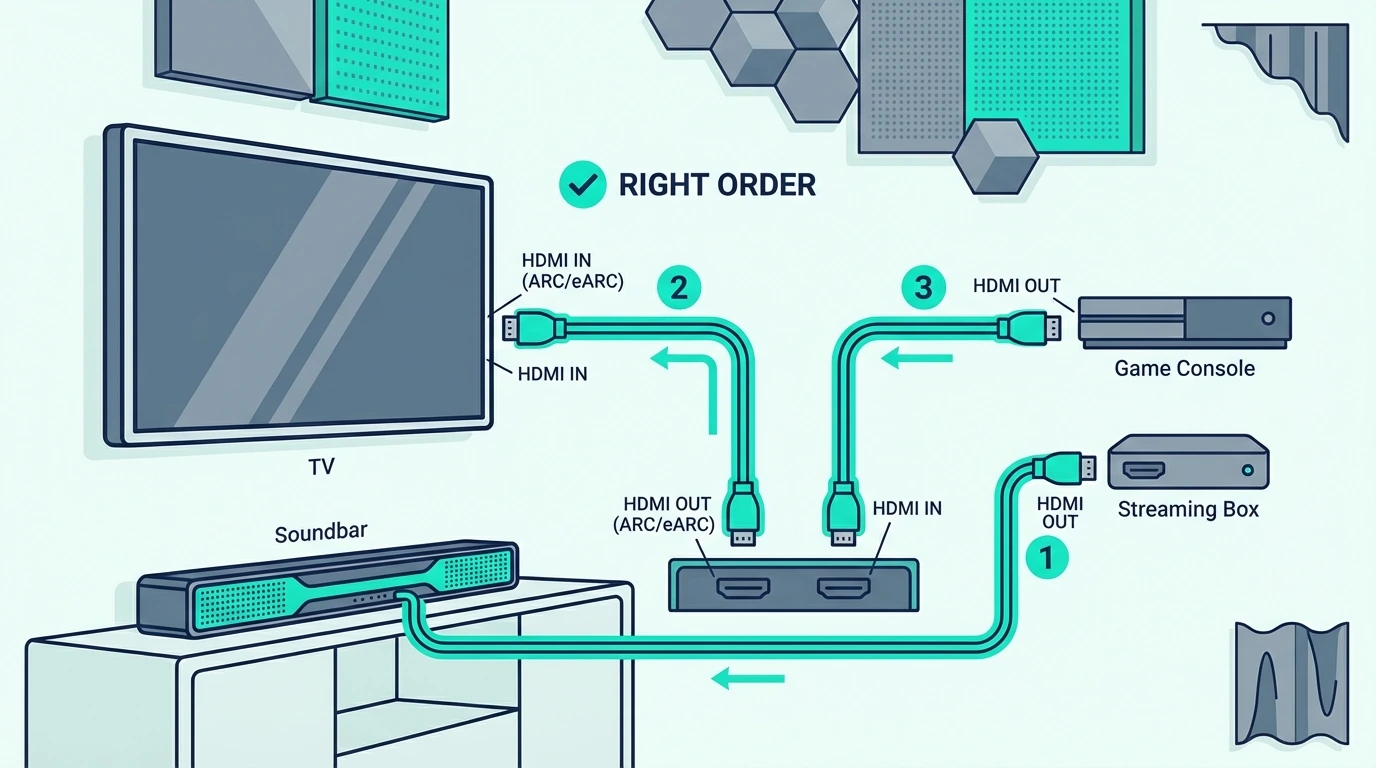
Before you change any settings, decide which device should sit in the middle of the chain. That depends on what ports your soundbar actually has.
If your soundbar has a real HDMI input, the cleanest setup is often Shield -> soundbar -> TV. That lets the Shield send audio directly to the soundbar before the TV has a chance to downmix or interfere with it.
If the soundbar only has an HDMI ARC or eARC port and no spare HDMI input, then the right path is Shield -> TV -> soundbar. In that setup, the TV becomes the switcher and returns audio to the soundbar over ARC or eARC.
That sounds like a small wiring difference, but it often decides whether the TV has to pass advanced formats back over ARC or eARC or whether the soundbar receives them directly from the Shield. On older ARC-only TVs, that difference can be the line between full-format audio and a simplified fallback.
A certified cable like the UGREEN 8K HDMI 2.1 Cable is a safe default for either route because it removes cable bandwidth as a possible failure point.
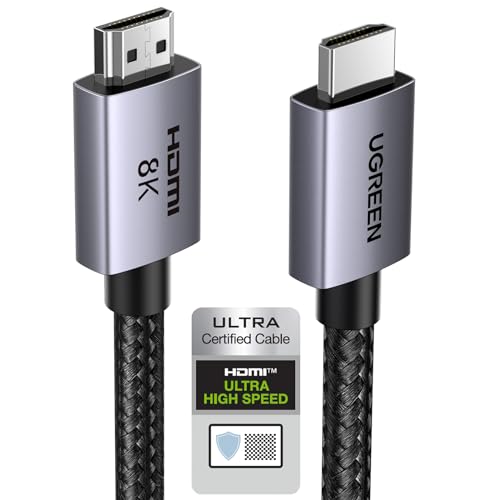
UGREEN 8K HDMI 2.1 Cable
This matters most if you are chasing better movie formats from the best Dolby Atmos soundbars or just trying to keep the Shield chain as stable as the gear in our best soundbar roundup.
What Is the Best Soundbar Setup for Nvidia Shield?
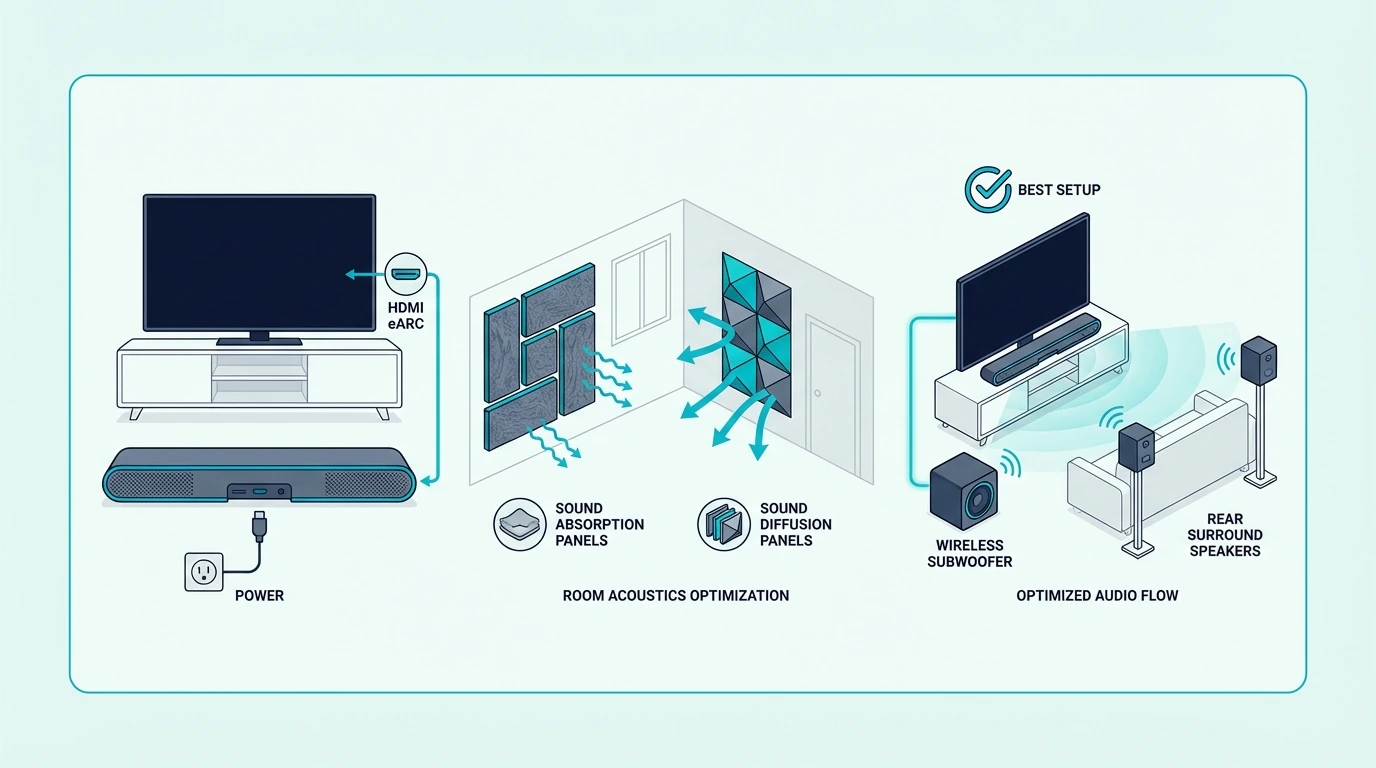
The best soundbar setup for Nvidia Shield is not about brand matching. It is about whether the soundbar can take HDMI input directly and whether the TV handles audio return correctly.
If the soundbar has HDMI input plus HDMI out, Shield should usually go into the soundbar first. That keeps the Shield’s audio path direct and lets the soundbar decode formats like Dolby Atmos before the TV can simplify them.
If the soundbar only offers ARC or eARC, send the Shield into the TV and let the TV return audio to the soundbar. That setup works well, but it depends more heavily on the TV’s audio menu, passthrough support, and CEC behavior.
Remote convenience changes here too. When the TV sits in the middle, one-remote behavior can improve, but HDMI handshakes become more dependent on the TV’s own CEC implementation. When the soundbar sits in the middle, audio quality is often cleaner, but you need the soundbar’s HDMI switching to behave reliably.
A cable like the Silkland HDMI ARC/eARC Cable fits this second setup particularly well when the TV is sitting between the Shield and the soundbar.
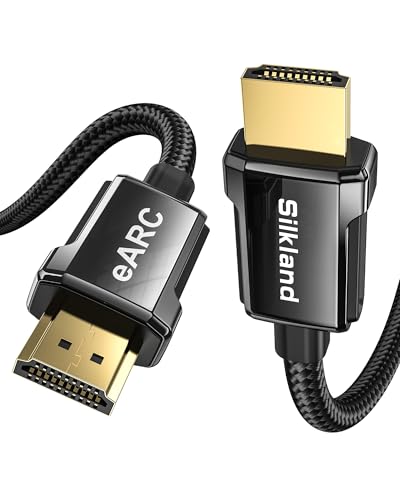
Silkland HDMI ARC/eARC Cable
If you are deciding whether the bar itself is the weak point, the next useful comparisons are the best budget soundbar guide and the best Sonos soundbar roundup. Connection stability often changes with the bar’s HDMI implementation, not just the source device.
Get Studio Tips Weekly
Join 5,000+ creators getting acoustic treatment advice every week.
No spam. Unsubscribe anytime.Which Nvidia Shield Audio Settings Matter Most for a Soundbar?
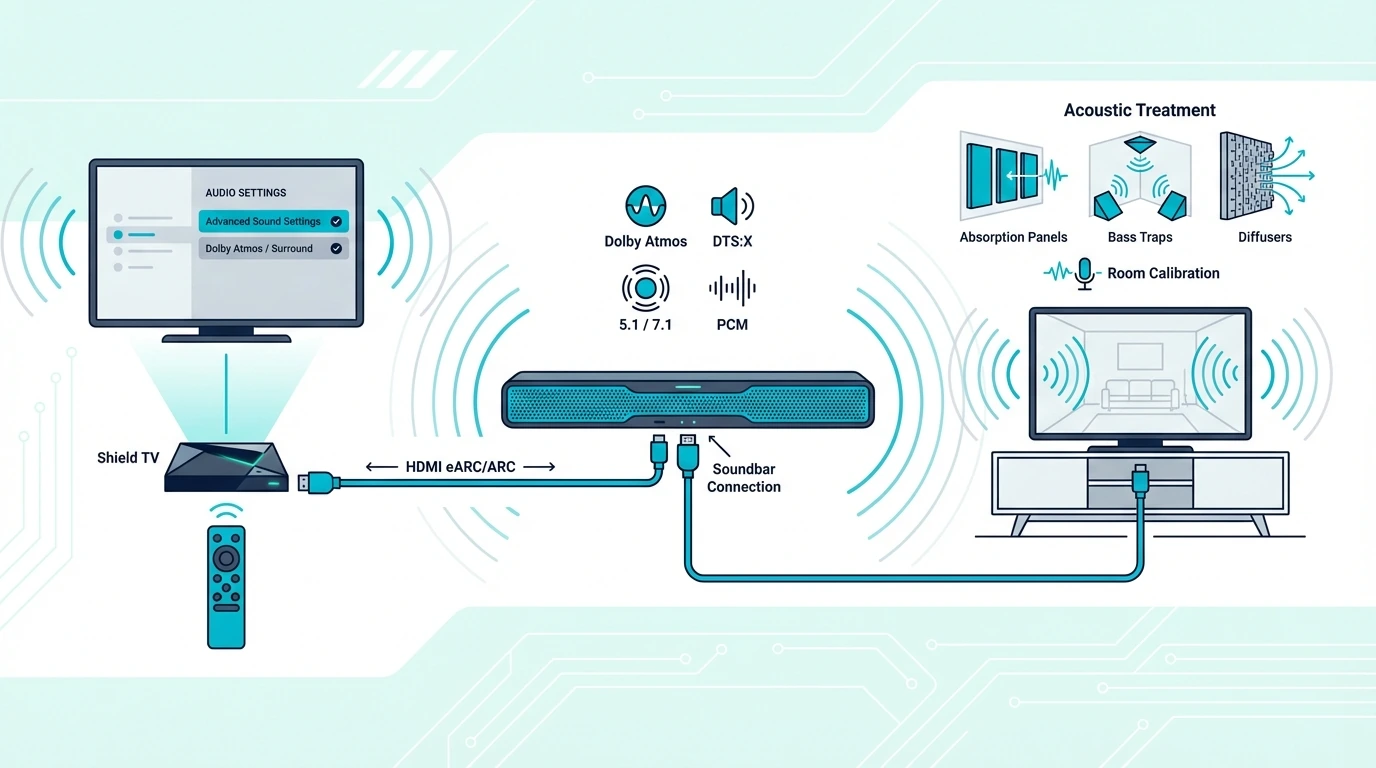
Once the cables are right, the Shield settings determine whether the soundbar gets the signal it expects. This is where a lot of otherwise-correct setups go wrong.
Inside the Shield audio menu, leave the format on Auto first unless you know exactly which codecs the soundbar supports. Auto is usually the safest way to avoid forcing the wrong output mode.
If the soundbar supports higher-end formats, then check whether the Shield is exposing Dolby processing, available surround options, and passthrough behavior correctly. If the soundbar is older, forcing everything too aggressively can create silence instead of better audio.
This is also where you should confirm the TV is not set to PCM only. If the TV simplifies the signal before the soundbar receives it, you lose the benefit of routing the Shield correctly in the first place.
A second known-good cable helps during settings troubleshooting, which is why the JSAUX 8K HDMI 2.1 2-Pack is practical for Shield setups that require testing both the source-to-bar link and the bar-to-TV link separately.
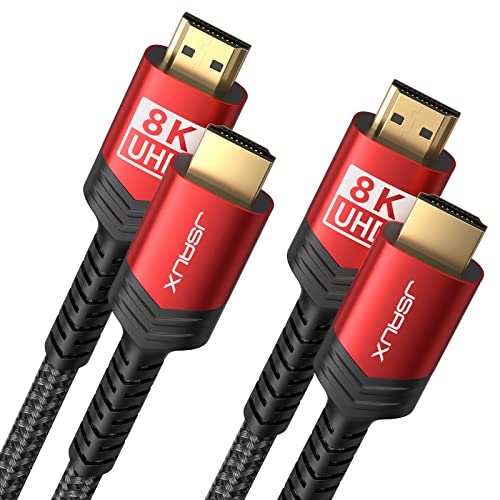
JSAUX 8K HDMI 2.1 2-Pack
That same kind of chain discipline also matters in source-heavy systems like the ones covered in our gaming soundbar guide and projector soundbar roundup, where the signal path matters just as much as the soundbar choice.
How Should You Handle Nvidia Shield Audio Passthrough Settings?
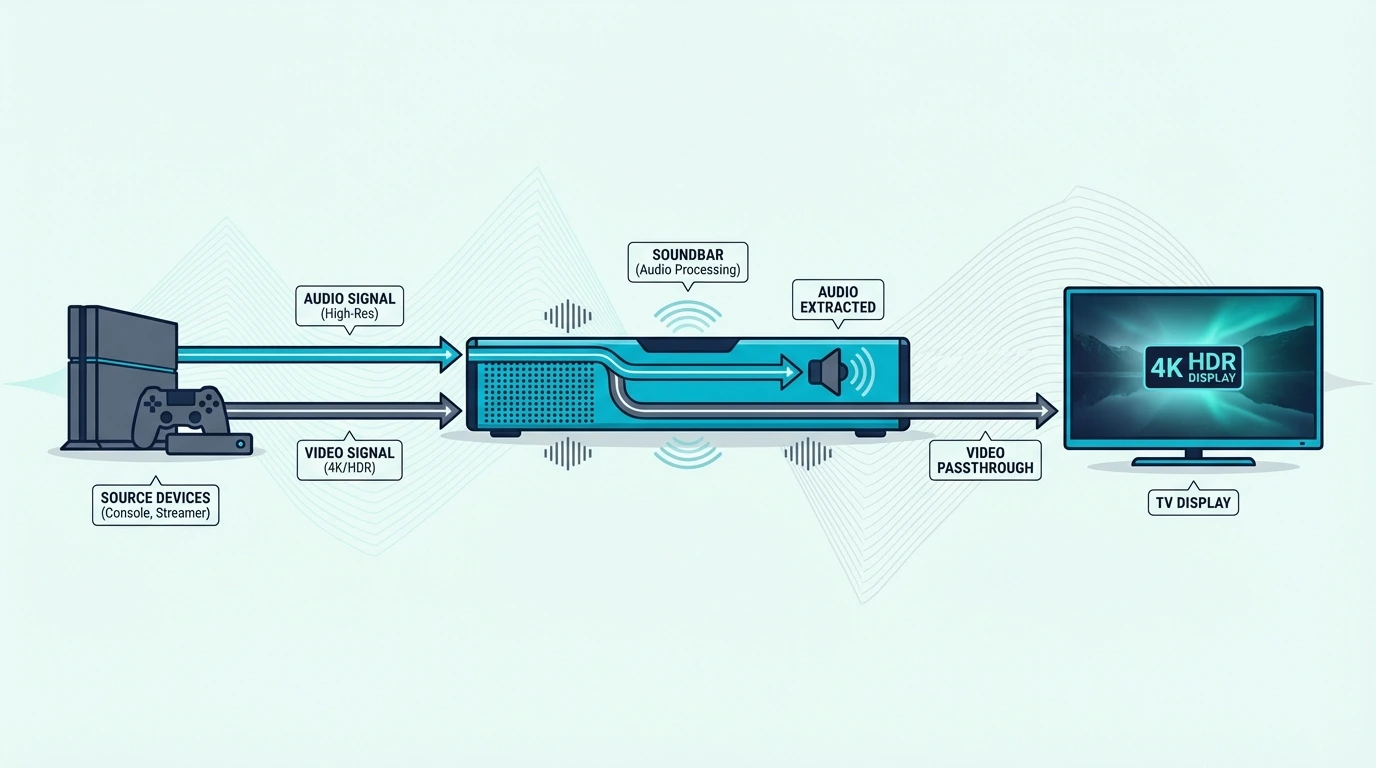
Now that the basic audio menu is under control, passthrough is the next setting to get right. Passthrough decides whether the Shield sends the audio format onward for the soundbar to decode or converts it first.
If your soundbar supports the format, passthrough is usually what you want. It preserves the original signal instead of flattening everything into a simpler format too early.
If your TV sits between the Shield and the soundbar, passthrough must also be enabled on the TV side when available. Otherwise, the TV becomes the choke point even if the Shield and the soundbar are both capable.
This is where a basic but reliable cable like the Anker HDMI Cable 8K is helpful because it gives you a dependable baseline while you isolate whether the failure is coming from settings or from the physical link.
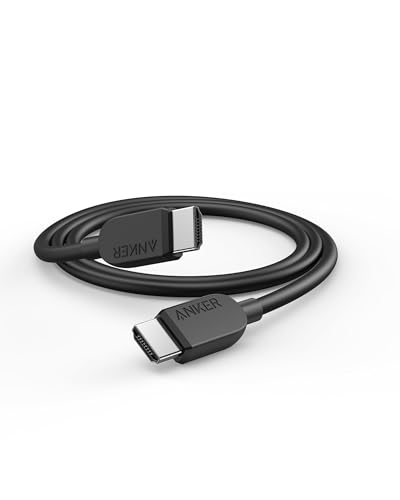
Anker HDMI Cable 8K
If passthrough keeps failing, go back to the simplest possible path first: Shield direct to soundbar if possible, then soundbar to TV. Each extra device in the chain is another place where the signal can be changed.
If you are not sure where the failure lives, change one variable at a time: first cable order, then Shield audio mode, then TV passthrough, then soundbar input selection. Changing everything at once makes it much harder to see whether the real bottleneck is the TV, the bar, or the Shield.
Why Does Nvidia Shield Surround Sound Sometimes Still Break?
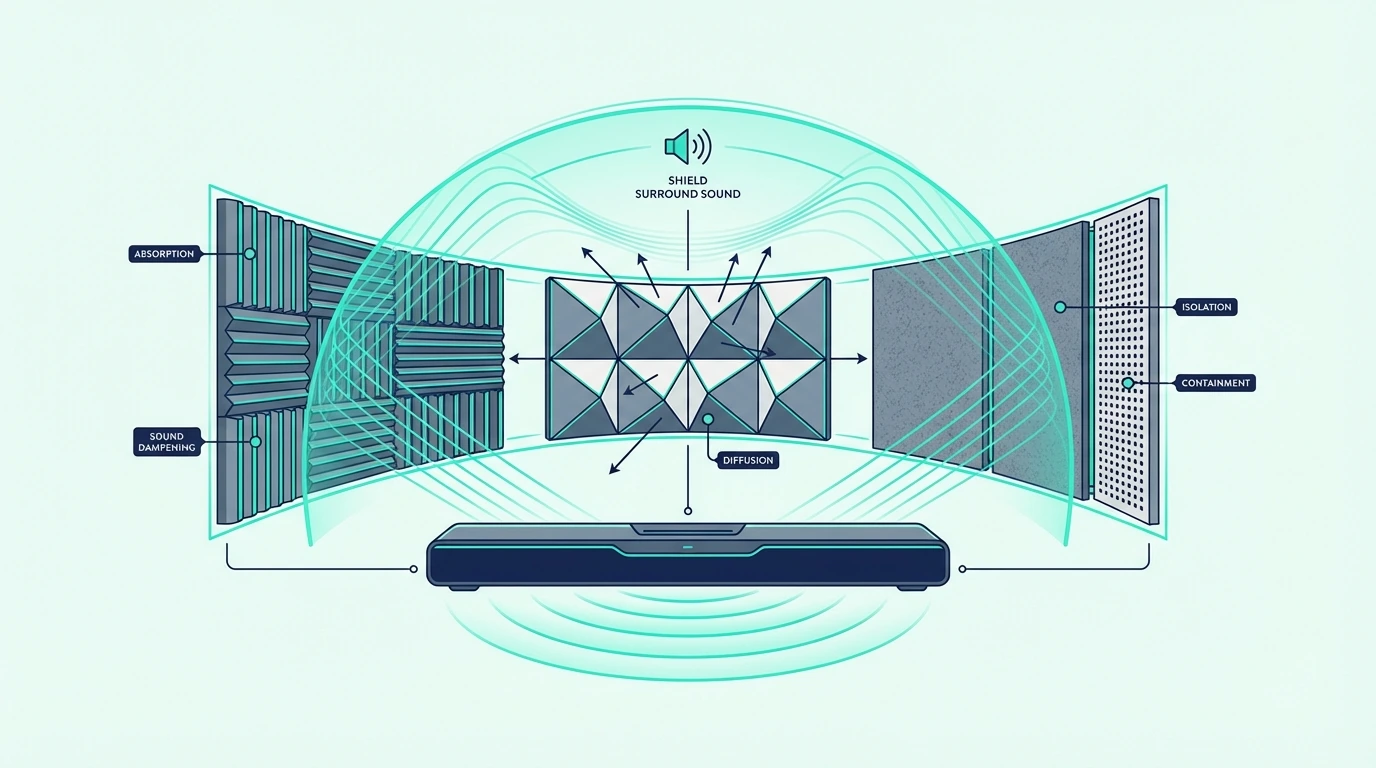
Once the signal chain and audio settings are correct, surround sound on Nvidia Shield becomes much more predictable. The Shield can feed strong multichannel audio, but only if the rest of the system stops downgrading it.
The first question is whether the soundbar can decode the format the Shield is sending. The second is whether the TV is passing that same format back unchanged if the TV sits in the middle.
That is why some people think the Shield lacks surround support when the real issue is an ARC-only TV, a PCM-only TV setting, or a soundbar that does not accept the codec they selected. The Shield is often fine; the chain around it is not.
One practical test is to play a known surround or Atmos title and check what the soundbar says it is receiving. If the Shield menu looks correct but the bar still reports PCM or stereo, the middle device is reshaping the signal somewhere in the chain.
If you want the easiest path to better results, pair Shield with a bar that has strong HDMI handling and a clear surround feature set, then route the source accordingly. That is the same reason people often end up happiest with the models in our best soundbars with subwoofers guide or the main soundbar hub when they are building around movie and streaming use instead of casual TV audio.
The Bottom Line
The best way to connect Nvidia Shield to a soundbar is to route the Shield into the soundbar first when the bar has HDMI input. If the bar only supports ARC or eARC, then connect the Shield to the TV and let the TV return audio to the soundbar.
After the cables are in the right order, most remaining problems come from settings: Shield audio mode, TV passthrough, ARC or eARC selection, and the soundbar input itself. Fix those in that order and the setup becomes much easier to debug.
If you want the broader context around soundbar buying and connection choices, the next best pages are the best soundbar roundup, the best Dolby Atmos soundbar guide, and the broader soundbar hub. For a different source class entirely — a turntable with an analog cartridge — the chain flips from digital codec passthrough to analog gain-staging with a phono preamp and RIAA equalization before line level, which is the opposite of the Shield’s pre-decoded digital signal.
Frequently Asked Questions
Does the Nvidia Shield have audio output?
The Nvidia Shield does not have a separate analog audio-out jack, but it does send audio through HDMI. That means the soundbar gets audio either directly from the Shield over HDMI or from the TV through ARC or eARC, depending on how you wire the chain.
How to connect nvidia shield to Bluetooth speaker?
Put the Bluetooth speaker or soundbar in pairing mode, then open the Shield’s Bluetooth accessories menu and pair it there. It works for casual listening, but a wired HDMI chain is still better for lower latency and more stable surround behavior.
How do I get my smart TV to play through my surround sound?
Set the TV audio output to the soundbar or receiver, then confirm you are using the correct ARC, eARC, or optical connection. If the TV sits between the source and the soundbar, also enable passthrough if the TV offers that setting.
Does the Nvidia Shield have HDMI input?
No. The Nvidia Shield uses HDMI output to send video and audio to the next device in the chain, but it does not take HDMI input from other devices.