Best Software to Use With MIDI Keyboard — Free and Paid Options That Actually Work
Best software to use with MIDI keyboard is the first question every new controller owner asks, but the answer depends on whether you want to make beats, record piano, design synth sounds, or do all three — and most guides fail to make that distinction.
The problem is caused by grabbing the first free DAW you find without checking if it actually supports your controller’s features. A MIDI keyboard with 8 assignable knobs is useless when your software cannot map them.
We sorted the best options by use case and budget — from completely free DAWs that handle everything a beginner needs, to professional platforms that justify their price with workflow features you will not find elsewhere. Each recommendation includes the controller that pairs best with it.
Below you will find our top software picks organized by DAW type, followed by controller pairings that maximize each platform’s strengths.
The best software for a MIDI keyboard depends on your workflow. GarageBand (free on Mac) and Cakewalk (free on Windows) are the strongest free options. FL Studio dominates for beat making, Ableton Live leads for live performance and electronic production, and Logic Pro offers the deepest virtual instrument library for Mac users. Choose a controller with native integration for your DAW to skip manual mapping.
What Software Do You Need For A MIDI Keyboard?
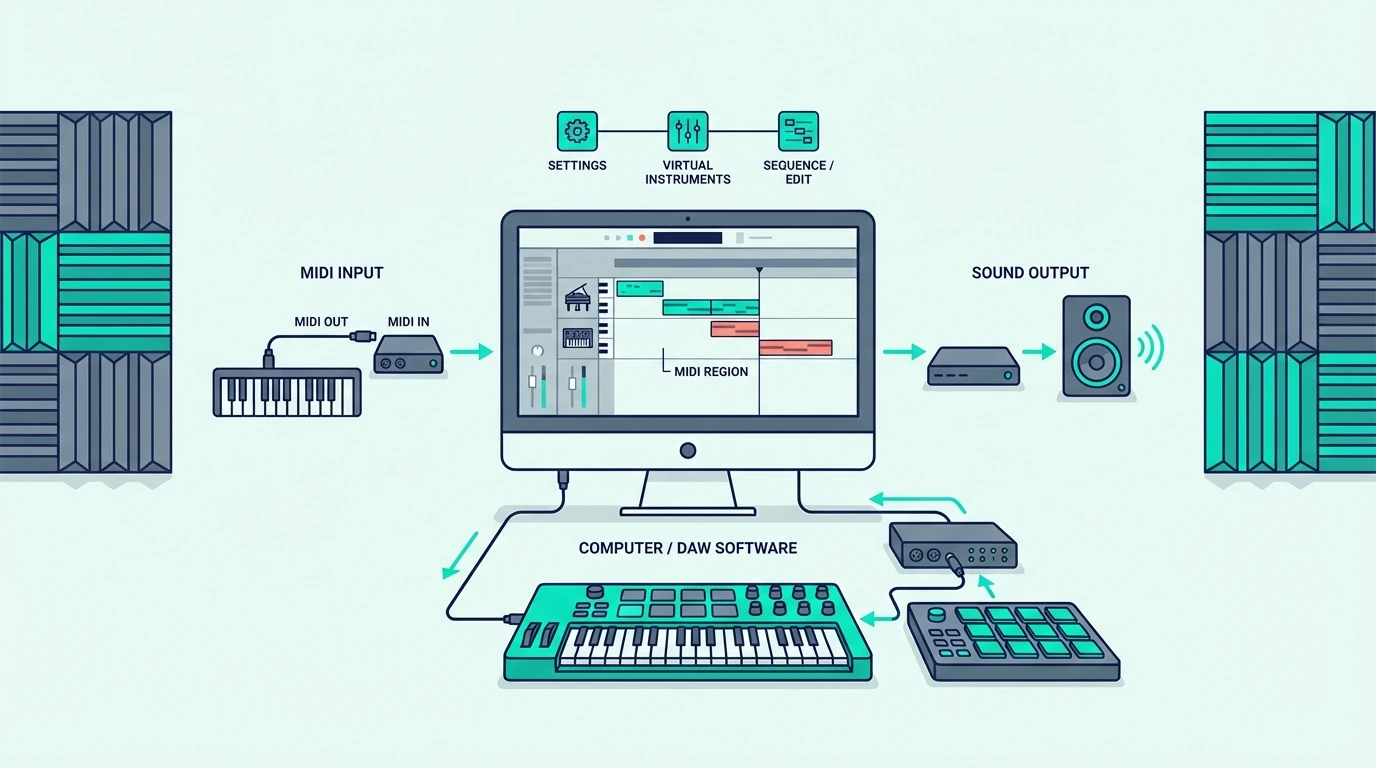
A MIDI keyboard sends data — it does not make sound. You need two pieces of software to hear anything: a digital audio workstation (DAW) and at least one virtual instrument plugin.
The DAW is your recording studio. It receives MIDI data from your keyboard, routes it to a virtual instrument, records your performance, and lets you edit, mix, and export the final track.
DAWs — Your Production Hub
Every DAW handles MIDI input, audio recording, mixing, and arrangement. The differences show up in workflow philosophy, bundled instruments, and how deeply your MIDI keyboard integrates.
Some DAWs prioritize linear recording (Logic Pro, Cubase) while others focus on loop-based production (Ableton Live, FL Studio). Neither approach is better — it depends on how you think about music.
Virtual Instruments — Where Sound Comes From
Virtual instruments (VSTs, AUs) are the software synths, pianos, drums, and orchestral libraries that respond to your MIDI keyboard input. Most DAWs bundle a starter set of instruments, and you can add thousands more from third-party developers.
The quality gap between bundled instruments varies wildly. Logic Pro includes a professional-grade library.
Some free DAWs include barely functional sounds that need immediate replacement.
| Product | Link |
|---|---|
Best Free DAW Bundle 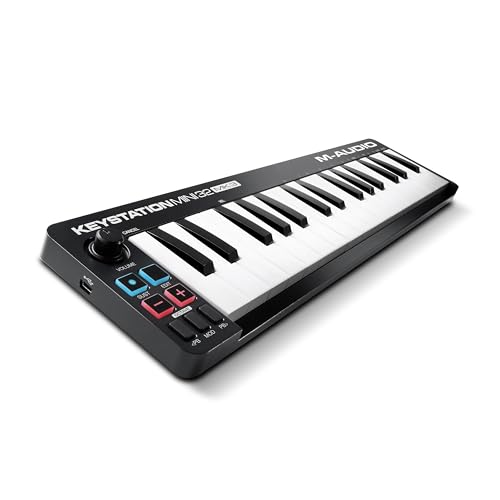 | See ratings |
Best With Free Software 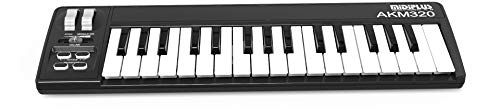 | See ratings |
Best With FL Studio 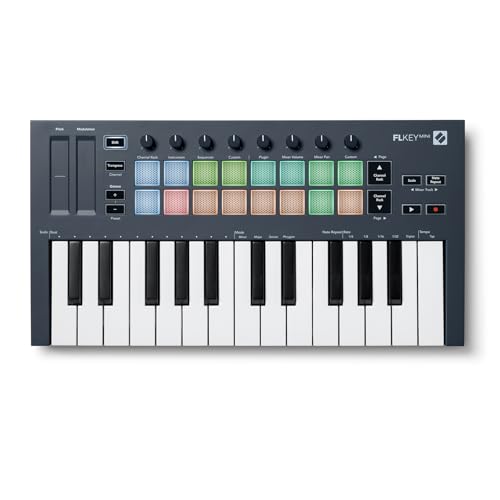 | See ratings |
Best With Ableton 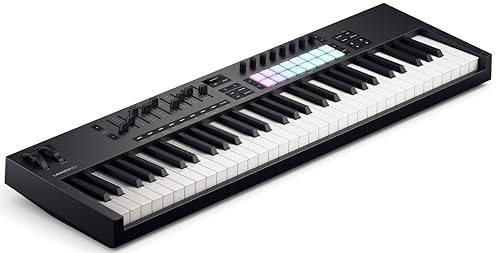 | See ratings |
Best With Logic Pro 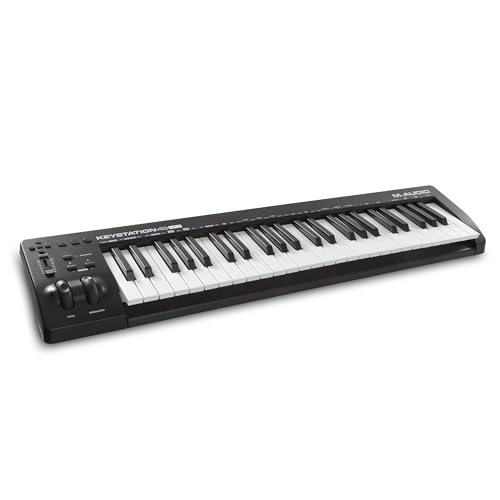 | See ratings |
Best With MPC Beats 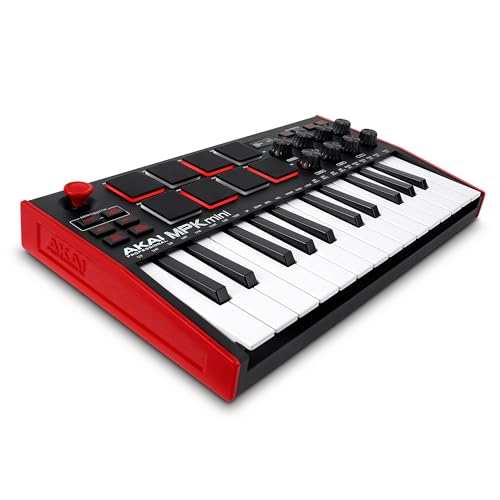 | See ratings |
What Is the Best Free Software for a MIDI Keyboard
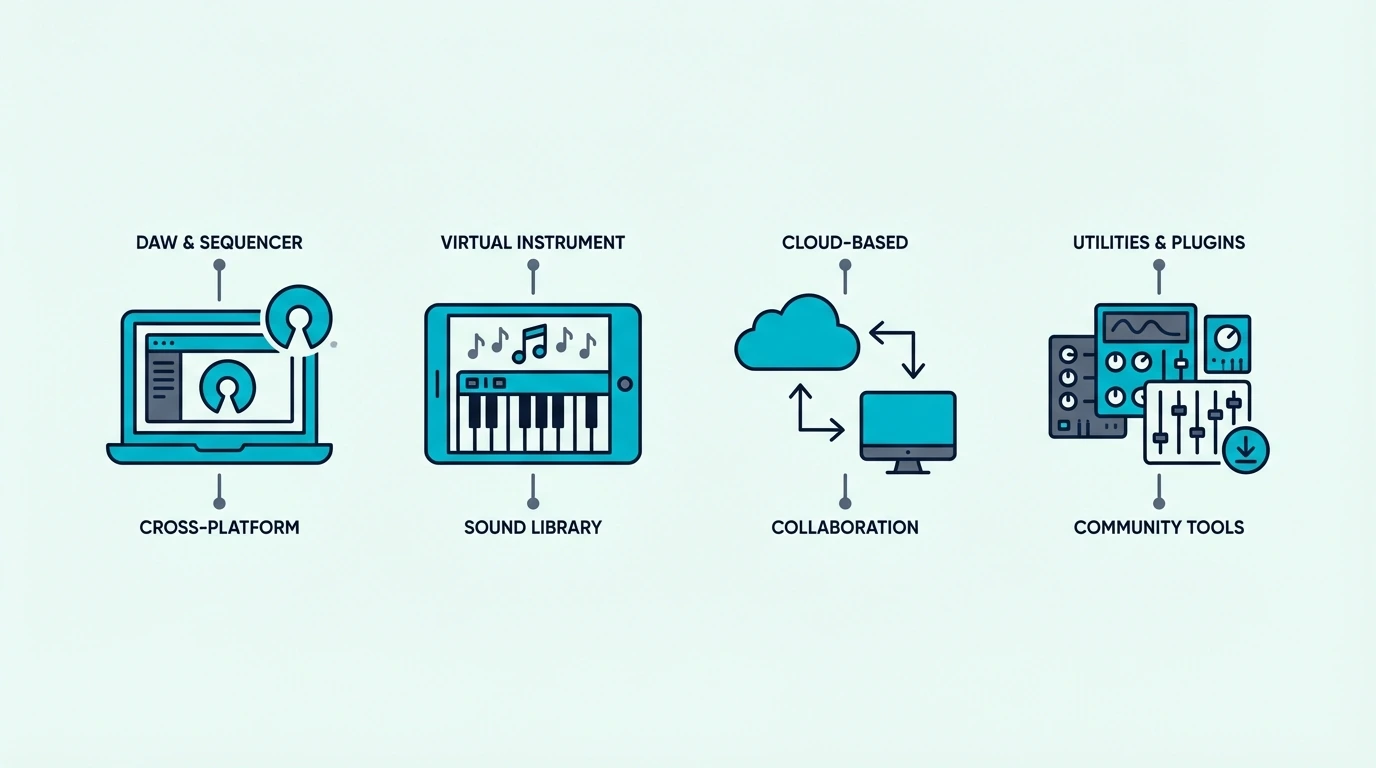
Free does not mean limited — the best free DAWs compete with paid options for beginners and even intermediate producers. Here are the strongest free platforms sorted by operating system.
GarageBand (Mac Only)
GarageBand ships free on every Mac and includes a surprisingly deep virtual instrument library — pianos, synths, drums, and orchestral sounds that rival entry-level paid plugins. The interface is intuitive enough that complete beginners produce their first track within an hour.
The catch is Mac exclusivity. Windows users need a different option entirely.
GarageBand also caps out when your projects grow complex — at that point, upgrading to Logic Pro (which reads all GarageBand project files) is the natural next step.
A controller like the M-AUDIO Keystation Mini 32 MK3 works plug-and-play with GarageBand (M-Audio calls it class-compliant) and also bundles MPC Beats as a second DAW option.
M-AUDIO Keystation Mini 32 MK3
Cakewalk by BandLab (Windows Only)
Cakewalk is the most capable free DAW on Windows — it was a professional paid product (SONAR) before BandLab acquired it and made it free. The feature set includes unlimited audio and MIDI tracks, professional mixing tools, and a notation editor.
The learning curve is steeper than GarageBand. Cakewalk assumes some familiarity with DAW concepts, so complete beginners may find the interface overwhelming at first.
Any USB MIDI keyboard works with Cakewalk out of the box. The midiplus AKM320 paired with the free Cakewalk download gets you a complete production setup.
midiplus AKM320
Bundled DAW Lite Versions
Most MIDI keyboards bundle a lite version of a professional DAW. Akai controllers include MPC Beats, M-AUDIO bundles MPC Beats with both Keystations here and adds Ableton Live Lite to the Keystation 49 MK3, and Novation controllers include Ableton Live Lite.
These are not trial versions — they are permanent licenses with real functionality.
The limitation is track count and plugin slots. Ableton Live Lite caps at 8 audio and MIDI tracks and 2 send and return tracks, per Ableton’s edition comparison.
MPC Beats limits you to the MPC workflow. For many beginners, those caps never become a problem during the first year of learning.
Which Paid DAWs Work Best With a MIDI Keyboard
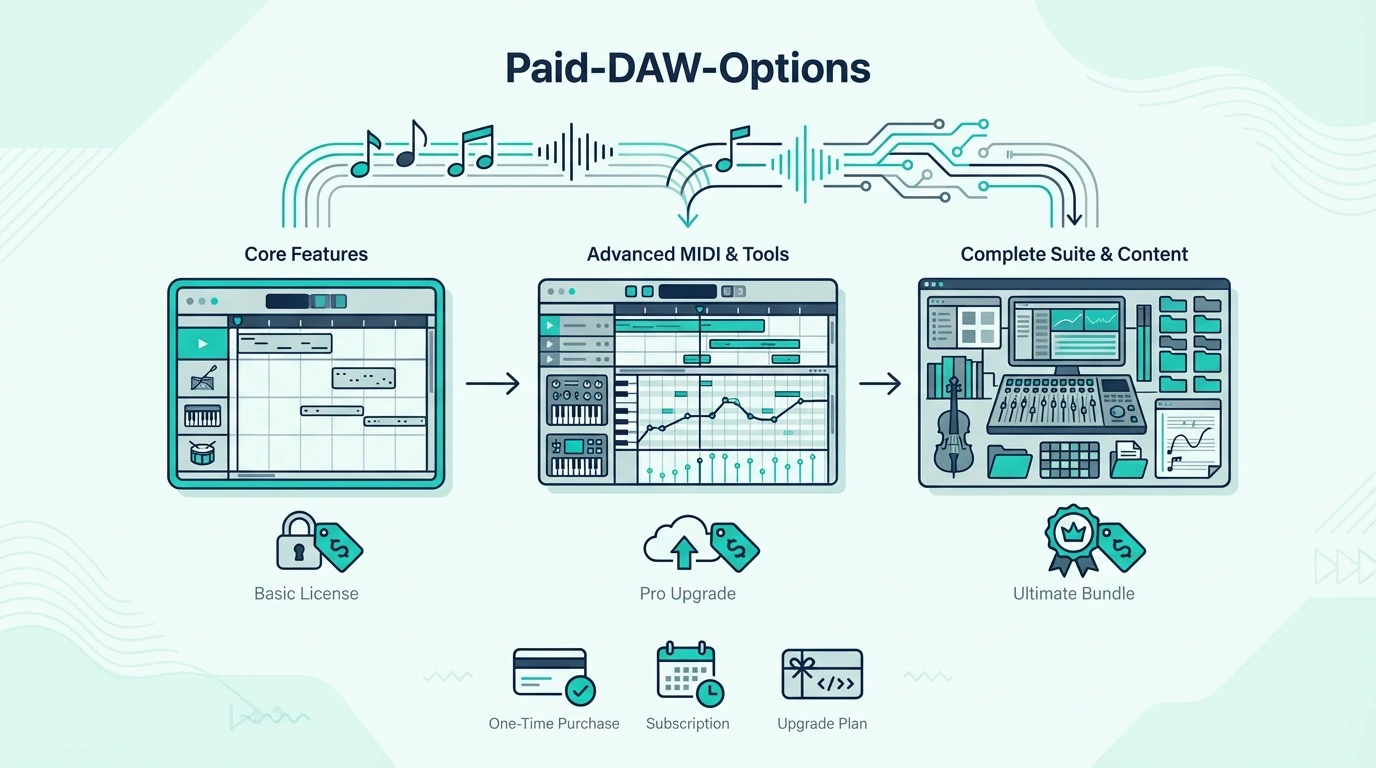
Paid DAWs justify their price through deeper instrument libraries, advanced MIDI editing, unlimited track counts, and native controller integration. Here are the four platforms that dominate music production.
FL Studio — Best For Beat Making
FL Studio’s piano roll is the most powerful MIDI editor in any DAW. Features like ghost notes (seeing other tracks’ notes while editing), slide notes, and per-note automation make complex beat programming faster than any competitor.
The lifetime free updates policy means you pay once and receive every future version at no additional cost. No other major DAW offers this.
The Novation FLkey Mini was designed specifically for FL Studio — the pads control the channel rack, the knobs map to the mixer, and the keys play instruments without manual mapping.
Novation FLkey Mini
Ableton Live — Best For Electronic Music And Live Performance
Ableton’s Session View lets you launch clips, loops, and scenes in real time — a workflow no other DAW replicates as smoothly. For electronic producers and live performers, this clip-launching approach changes how you think about arrangement.
The built-in instruments (Wavetable, Operator, Drift) are production-ready out of the box. Many professional releases are made entirely with Ableton’s stock plugins.
The Novation Launchkey 61 MK4 integrates with Ableton at a level no other controller matches — Session View control, mixer mapping, and instrument browsing all happen automatically the moment you plug in.
Novation Launchkey 61 MK4
Logic Pro — Best Virtual Instrument Library (Mac Only)
Logic Pro includes the most comprehensive bundled instrument and loop library of any DAW — over 70 GB of content covering every genre. The Alchemy synth alone rivals standalone plugins that cost hundreds of dollars.
Mac exclusivity limits the audience, but for Mac owners, Logic Pro at its one-time purchase price is the best value in professional DAWs.
The M-AUDIO Keystation 49 MK3 works seamlessly with Logic Pro’s Smart Controls — the transport buttons control playback, and the keys map to whichever instrument is selected on the active track.
M-AUDIO Keystation 49 MK3
Cubase — Best For Composition And Scoring
Cubase has the strongest MIDI editing and notation features of any DAW, making it the default choice for film composers, orchestral arrangers, and anyone who works with complex MIDI data. The Score Editor lets you view and edit MIDI as traditional sheet music.
The Expression Map system lets you trigger articulations (legato, staccato, pizzicato) from your MIDI keyboard — essential for realistic orchestral mock-ups. No other DAW handles this as natively.
How To Get Your Computer To Recognize Your MIDI Keyboard
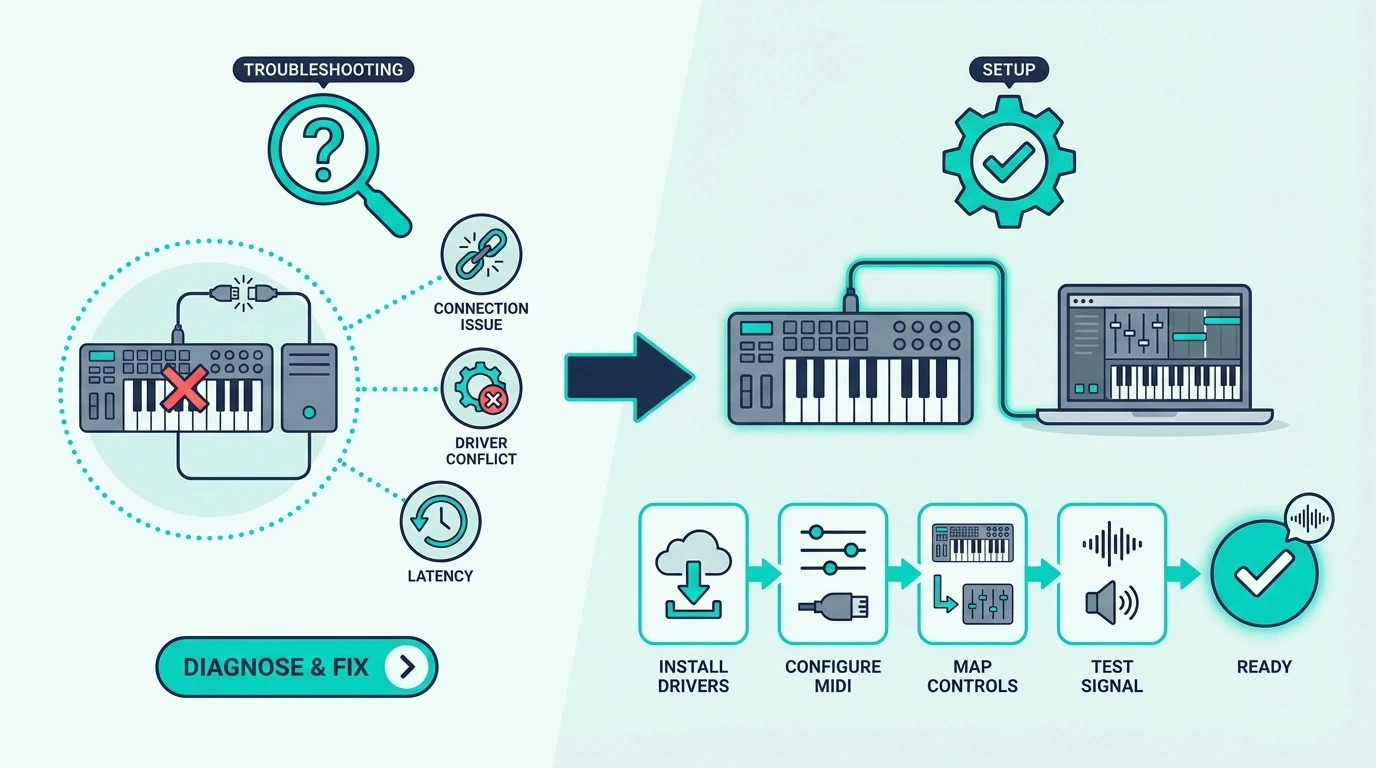
Most modern MIDI keyboards work plug-and-play over USB, but occasionally the connection fails. Here is the troubleshooting sequence that resolves 95 percent of recognition issues.
USB Connection Checklist
Plug the MIDI keyboard directly into your computer — not through a USB hub. Hubs can cause power delivery issues that prevent the controller from initializing properly.
Try a different USB port. Some computers have USB 2.0 and USB 3.0 ports that behave differently with certain controllers.
If one port fails, the next one often works.
DAW MIDI Settings
Open your DAW’s preferences and navigate to the MIDI input settings. Your controller should appear in the list of available MIDI devices.
If it does not appear, restart the DAW with the controller already plugged in — some DAWs only scan for MIDI devices at launch.
In Ableton, go to Preferences → Link/Tempo/MIDI and enable both Track and Remote for your controller. In FL Studio, open Options → MIDI Settings and enable your controller in the input list. Every one of these tools speaks the same protocol, and what MIDI stands for explains why they interoperate at all.
After the controller is enabled in FL Studio, mapping knobs and faders to FL Studio controls is the next job.
Driver Issues (Rare)
Class-compliant USB MIDI keyboards (which includes nearly every modern controller) require no driver installation. If your keyboard shipped before 2015 or uses a proprietary connection, check the manufacturer’s website for updated drivers compatible with your operating system version.
The Bottom Line
The Akai MPK Mini MK3 with its bundled MPC Beats software is the fastest path from unboxing to making music — no separate software purchase required. If you already own a DAW, match your controller to its native integration: FLkey for FL Studio, Launchkey for Ableton, and any quality MIDI keyboard for Logic Pro or Cubase.
Start with free software if you are unsure which workflow suits you. GarageBand (Mac) and Cakewalk (Windows) cost nothing and teach you the fundamentals that transfer to any paid DAW later.
Frequently Asked Questions
What is the best free software for a MIDI keyboard?
GarageBand (Mac) and Cakewalk by BandLab (Windows) are the strongest free options. GarageBand offers a deeper instrument library while Cakewalk provides more advanced mixing and MIDI editing tools.
Which DAW is best for MIDI editing?
FL Studio has the most powerful piano roll for beat-focused MIDI editing. Cubase leads for notation-based editing and orchestral composition.
Ableton excels at real-time MIDI manipulation and clip-based workflows.
Is MIDI still used in music production?
MIDI is the backbone of modern music production. Every DAW, virtual instrument, and hardware controller communicates through MIDI data.
The protocol has evolved (MIDI 2.0 launched in 2020 with higher resolution and bidirectional communication), but the core concept of sending performance data between devices remains unchanged.
Do I need to buy software separately from my MIDI keyboard?
Not necessarily. Most MIDI keyboards bundle a DAW lite version and virtual instruments. The best beginner controllers include Ableton Live Lite, MPC Beats, or similar software that works as a complete starting point. You only need to buy software if you outgrow the bundled version or want a specific platform.