Why Does My Soundbar Say PCM? Here’s the Real Fix [2026]
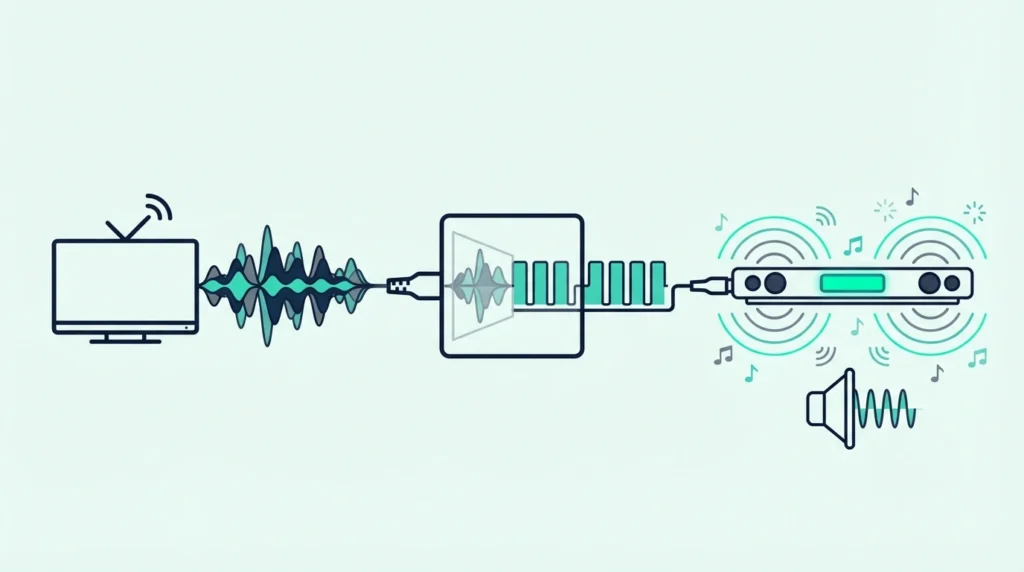
Why does my soundbar say pcm? It looks like a soundbar bug, but it’s actually your TV quietly converting surround sound into basic stereo before sending it out.
Most people don’t realize this is happening until they notice movies sound flat and dialogue gets buried.
That Dolby Digital 5.1 movie soundtrack?
Your TV decodes it internally, strips the surround channels, and sends your soundbar a flat 2-channel signal — your 5.1 soundbar sits there playing stereo while its center channel and surround processing hardware does absolutely nothing.
The frustrating part is that this is the single most common soundbar setup mistake, and the cause is a single TV setting that ships with the wrong default.
One change — PCM to Passthrough or Bitstream — and your soundbar immediately receives the full surround signal it was designed to decode.
Once you understand what triggers the PCM display, the fix becomes obvious.
Below, we explain what PCM means, why your TV defaults to it, and exactly how to fix it for Samsung, LG, Sony, and other TV brands.
Your soundbar says PCM because your TV is sending it a basic stereo signal instead of passing through the original surround format.
The fix is usually one TV setting. Change Digital Audio Output from PCM to Passthrough, Bitstream, or Auto.
Once that happens, compatible content should show Dolby Digital, DTS, or Atmos instead of PCM.
What PCM Actually Means on Your Soundbar
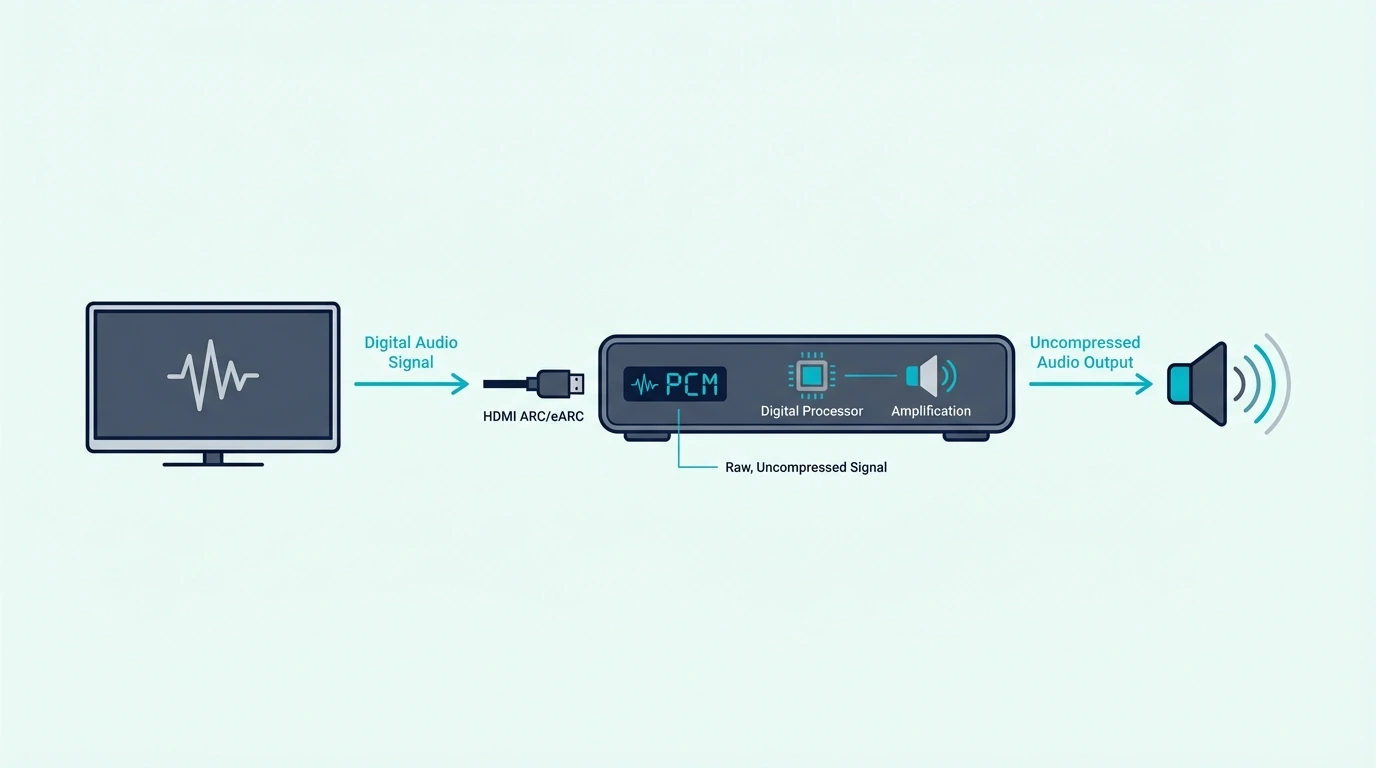
PCM stands for Pulse Code Modulation — the most basic digital audio format used in consumer electronics.
When your soundbar displays “PCM” on its front panel, it’s telling you exactly what type of audio signal it’s receiving: uncompressed stereo — not Dolby Digital, not DTS, not Atmos.
PCM Is Stereo, Not Surround
PCM on a soundbar means 2-channel stereo — left and right only. No center channel dialogue separation, no surround data, and no height metadata whatsoever.
Your soundbar’s dedicated Dolby Digital decoder, its DTS processor, its Atmos engine — all sitting completely idle because there’s nothing for them to work with.
This is exactly why movies sound flat and dialogue gets lost in the background mix — the content was originally mixed in 5.1 or Atmos, but your TV stripped it down to stereo before your soundbar ever saw the original signal.
Our what soundbar channels mean guide explains how different channel configurations use surround data, and our soundbar fundamentals guide covers how soundbars decode different audio formats.
Why Your TV Defaults to PCM
TVs default to PCM because it’s the safest, most universally compatible audio setting. Every audio device on earth can play 2-channel stereo without any issues.
Your TV doesn’t know if you connected a high-end soundbar, a pair of headphones, or a 1990s boombox — so it plays it safe and sends the simplest format that everything can handle.
The irony is that your TV is doing extra processing work to make the audio actively worse. It decodes Dolby Digital or Atmos internally, downmixes six channels to two, and sends that stripped-down signal to your soundbar.
The original surround data is permanently lost in this conversion process — your soundbar can’t reconstruct what the TV already threw away.
That is why a bar with five drivers and a center channel can still sound oddly flat if the source arriving at it has already been collapsed to stereo upstream.
Some TVs even revert to PCM after updates, which makes the issue come back unexpectedly. That detail matters greatly.
It changes the diagnosis completely. Our PCM vs Dolby Digital soundbar guide covers the detailed differences between these two formats.
How to Fix It: PCM vs Passthrough vs Bitstream
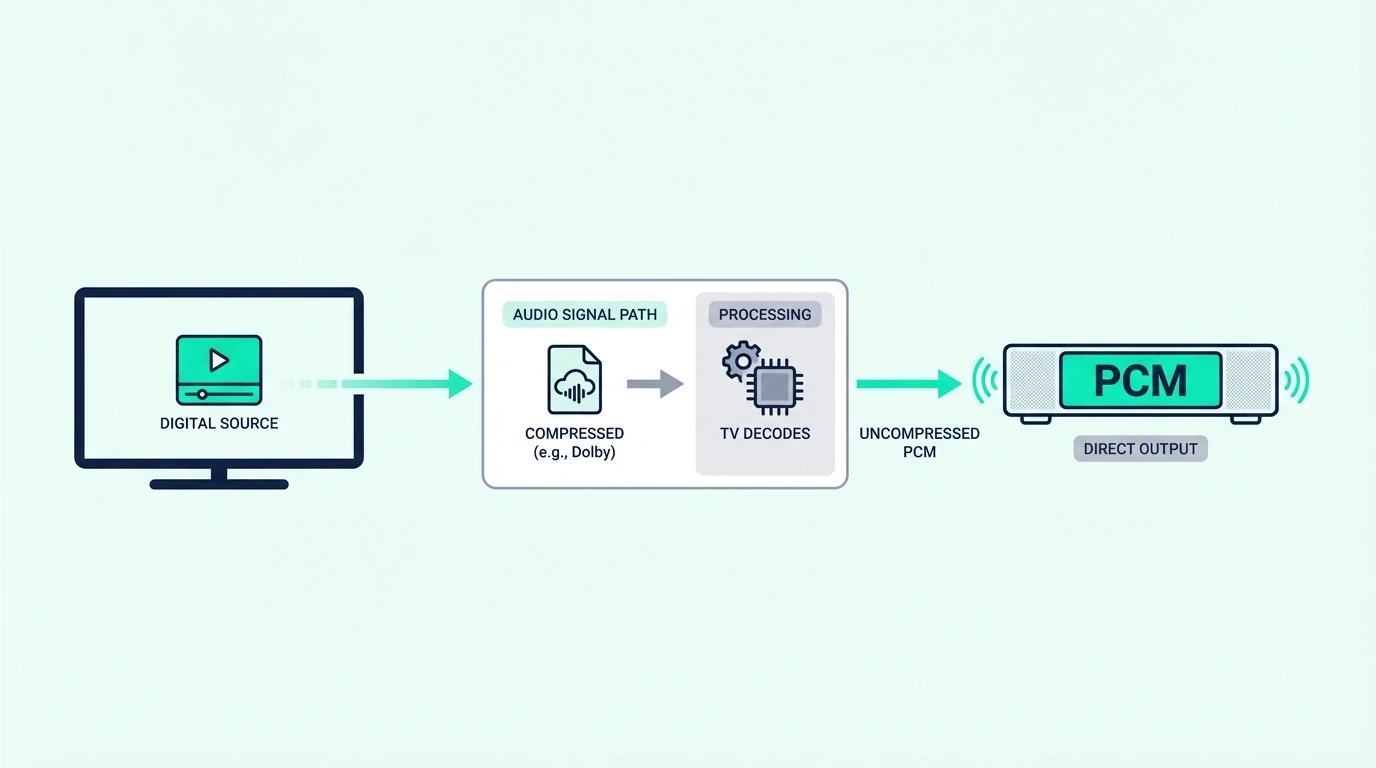
The fix takes 30 seconds and requires no technical knowledge: change your TV’s audio output from PCM to a setting that passes the original surround signal through to your soundbar completely untouched.
The exact setting name varies by TV brand and model, but the underlying concept is identical across all manufacturers.
Passthrough / Bitstream: Let Your Soundbar Do the Decoding
Change from PCM to Passthrough (LG, Sony) or Bitstream (Samsung).
This tells the TV to stop decoding audio internally and instead send the original encoded surround signal directly to your soundbar — your soundbar then decodes Dolby Digital, DTS, or Atmos using its own dedicated hardware processors.
Samsung: Settings → Sound → Expert Settings → Digital Output Format → Bitstream LG: Settings → Sound → Additional Settings → Digital Sound Out → Pass Through Sony: Settings → Display & Sound → Audio Output → Digital Audio Out → Auto/Pass through
After changing this setting, play a Netflix movie that you know has 5.1 audio — most Netflix Originals and major studio films include Dolby Digital 5.1 or Atmos tracks. Your soundbar should now display “Dolby Digital,” “DTS,” or “Atmos” instead of “PCM.”
If you are not sure whether the content is actually multichannel, check the title page first, because guessing with stereo content can make a correct setup look broken.
If it still shows PCM, the content itself may be natively stereo — try a different title that is confirmed to have 5.1 surround sound.
This is especially common on YouTube clips, older TV episodes, and some menu screens that never carried surround audio in the first place.
Our HDMI vs optical guide explains how your connection type limits which formats can pass through, and our soundbar to TV connection guide covers the full setup process.
Connection Type Matters
What audio formats your soundbar can actually receive depends entirely on the cable connection between your TV and soundbar. Optical supports PCM stereo and compressed Dolby Digital/DTS (5.1 max) but cannot carry Atmos or any lossless formats.
HDMI ARC adds significantly more bandwidth beyond what optical can handle. HDMI eARC supports everything including full lossless Dolby Atmos and uncompressed multichannel audio.
If your soundbar supports Atmos but you’re connected via optical, you’ll never see “Atmos” on the display regardless of TV settings — optical physically can’t carry the Atmos signal due to bandwidth limitations.
For large-room movie use, a current example is Polk Audio Signa S2 Sound Bar for Smart TV with Subwoofer, which is a strong fit for TV and movies when you want fuller bass.
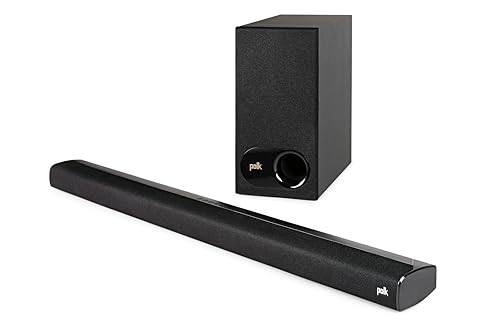
Polk Audio Signa S2 Sound Bar for Smart TV with Subwoofer
Our Bluetooth vs optical guide covers wireless connection limitations, and our how to use HDMI ARC with a soundbar guide explains the ARC/eARC setup process in detail.
When PCM Is Actually Fine
PCM isn’t always wrong.
For stereo music, podcasts, YouTube, and video calls, PCM delivers full uncompressed quality — it’s actually the ideal format for natively stereo content.
Seeing “PCM” while playing Spotify is perfectly normal and correct.
The problem only arises when surround content — movies, shows, and games mixed in 5.1 or Atmos — gets downmixed to stereo PCM, stripping the surround data your soundbar needs to create immersive audio.
In other words, PCM is not automatically bad; it is bad only when it appears in situations where you expected the bar to receive a multichannel soundtrack.
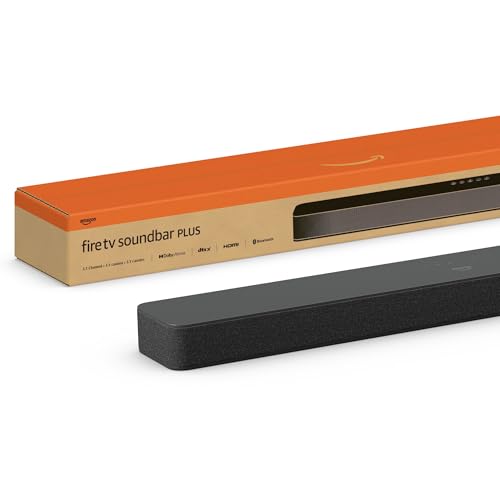
For large-room movie use, a current example is Amazon Fire TV Soundbar, which is a strong fit for Balanced TV and movie upgrade.
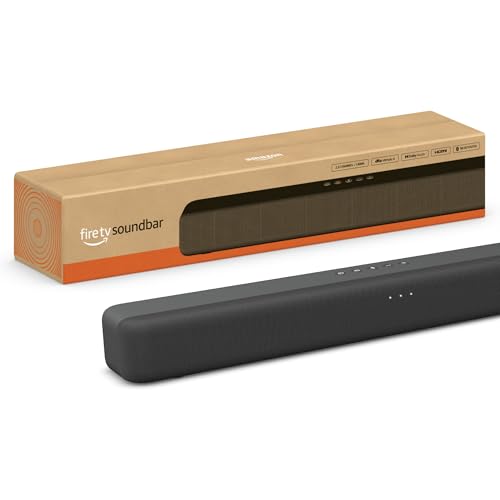
Amazon Fire TV Soundbar
Our is a soundbar worth it guide covers value at each price tier, and our soundbar setup guide covers the complete configuration process.
Get Studio Tips Weekly
Join 5,000+ creators getting acoustic treatment advice every week.
No spam. Unsubscribe anytime.The Bottom Line
Your soundbar says PCM because your TV converts surround audio to stereo before sending it out.
Change your TV’s digital audio output setting to Passthrough or Bitstream, and your soundbar immediately receives the full surround signal it was designed to decode.
Our soundbar vs surround sound guide explains the full spectrum of audio format capabilities, and our soundbar vs receiver guide covers when a receiver-based system offers more format flexibility.
Frequently Asked Questions
Is PCM good sound quality?
For stereo content — music, podcasts, YouTube — PCM is technically perfect: uncompressed, full quality.
The problem is entirely about context.
PCM on a soundbar during a movie means your TV stripped the 5.1 surround down to 2 channels before sending it.
You’re hearing an uncompressed version of a downmixed signal, which is actually worse than the compressed Dolby Digital original that preserved all six discrete channels.
Should I use PCM with my soundbar?
Only if your soundbar is a basic 2.0 or 2.1 model (stereo only with no surround decoding) or you exclusively listen to stereo content like music and podcasts.
For any soundbar with 3 or more channels and any content mixed in surround sound, you should always switch to Passthrough or Bitstream so your soundbar receives and properly decodes the full surround signal itself using its built-in hardware.
For large-room movie use, a current example is Amazon Fire TV Soundbar Plus (newest model) with built-in subwoofer, which is a strong fit for Atmos movies and TV with stronger bass.
How do I change PCM settings on my TV?
Go to your TV’s Sound Settings → Digital Audio Output. Samsung: Expert Settings → Digital Output Format → Bitstream.
LG: Additional Settings → Digital Sound Out → Pass Through. Sony: Audio Output → Digital Audio Out → Auto.