Best Settings for Bose Soundbar 900, From ADAPTiQ to eARC
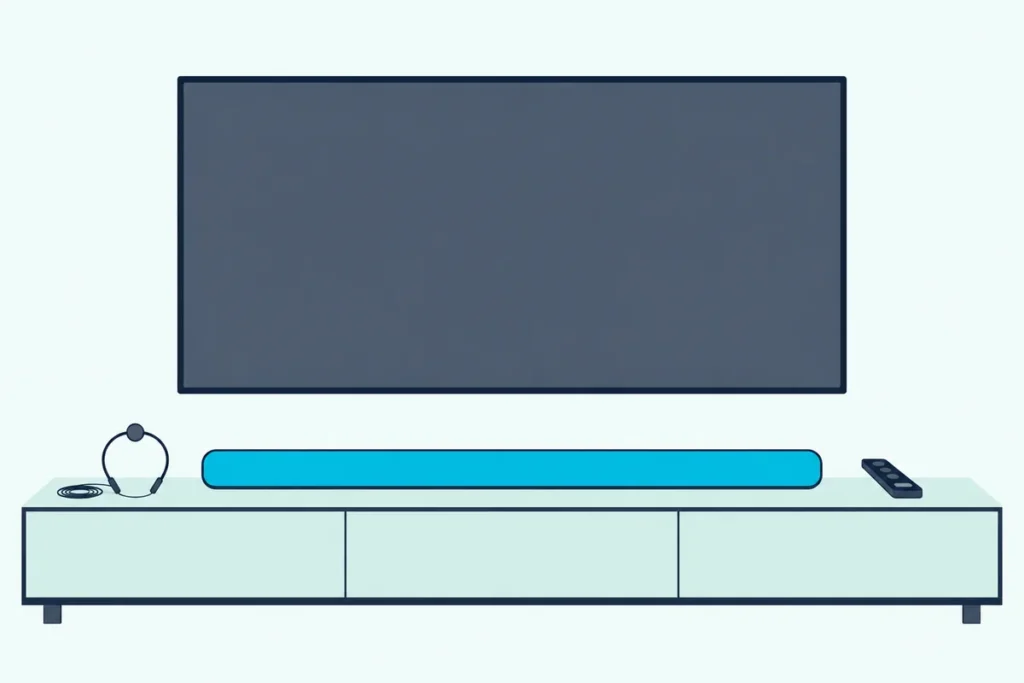
If you’re hunting for the best settings for Bose Soundbar 900, Bose’s own owner’s guide names four sliders (bass, treble, center channel and height channel) and puts ADAPTiQ room calibration ahead of all of them.
The catch is that Bose never publishes slider numbers, so the “center channel at 100” advice on settings sites is one writer’s taste, not the maker’s.
Get the order right and the sliders become small final touches: calibrate the room, let the TV pass Dolby Atmos through, then nudge the levels for what you watch.
This guide starts with what each 900 setting does in Bose’s words, then the two TV menus that decide whether the bar ever receives Atmos.
After that come sync, power and Wi-Fi, and how Bose’s other bars differ, so you can set yours in one pass.
What Are the Best Settings for Bose Soundbar 900?
Bose keeps the list short. The best settings for Bose Soundbar 900 are the ones Bose documents: run ADAPTiQ first, then adjust bass, treble, center channel and height channel in the Bose app’s Settings menu, and on the TV side use the HDMI eARC port with CEC turned on.
The Bose Smart Soundbar 900 owner’s guide calls the app Bose Music; newer Bose bars use the renamed Bose app, and the menus sit in the same Settings area. The guide puts all four audio controls in the app; the remote’s buttons cover power, volume, mute, sources, presets and playback.
Here’s every adjustable setting the guide names, where it lives and what Bose says about it:
| Setting | Where | What Bose says it does |
|---|---|---|
| ADAPTiQ audio calibration | App, Settings | Customizes the sound to your room’s acoustics using measurements from several seats |
| Bass, treble, center channel, height channel | App, Settings | Adjusts each level; no default values are given |
| Auto-wake | App, or hold Power for 10 seconds | Powers the bar on when a sound signal arrives, optical only |
| Standby timer | App, Settings | Can be disabled; otherwise standby follows 20 minutes of silence |
| CEC Alternate On | App | Listed as a fix for wrong-source, no-audio and TV-speaker problems |
That table is the whole map, and every section below expands one row. If you want the brand-neutral version of this checklist for any bar in the house, see how sound modes, night mode and room calibration work across soundbar brands.
Why Run ADAPTiQ Before Touching a Slider?
That first row matters most because it changes the starting point for everything else. ADAPTiQ customizes the 900’s sound to the acoustics of your listening area by taking audio measurements at multiple locations in the room, and the app asks for it right after setup, before you ever reach the sliders.
Bose’s guide says you need 10 minutes when the room is quiet, and ten minutes of silence is the whole cost. A microphone on top of the supplied ADAPTiQ headset does the measuring.
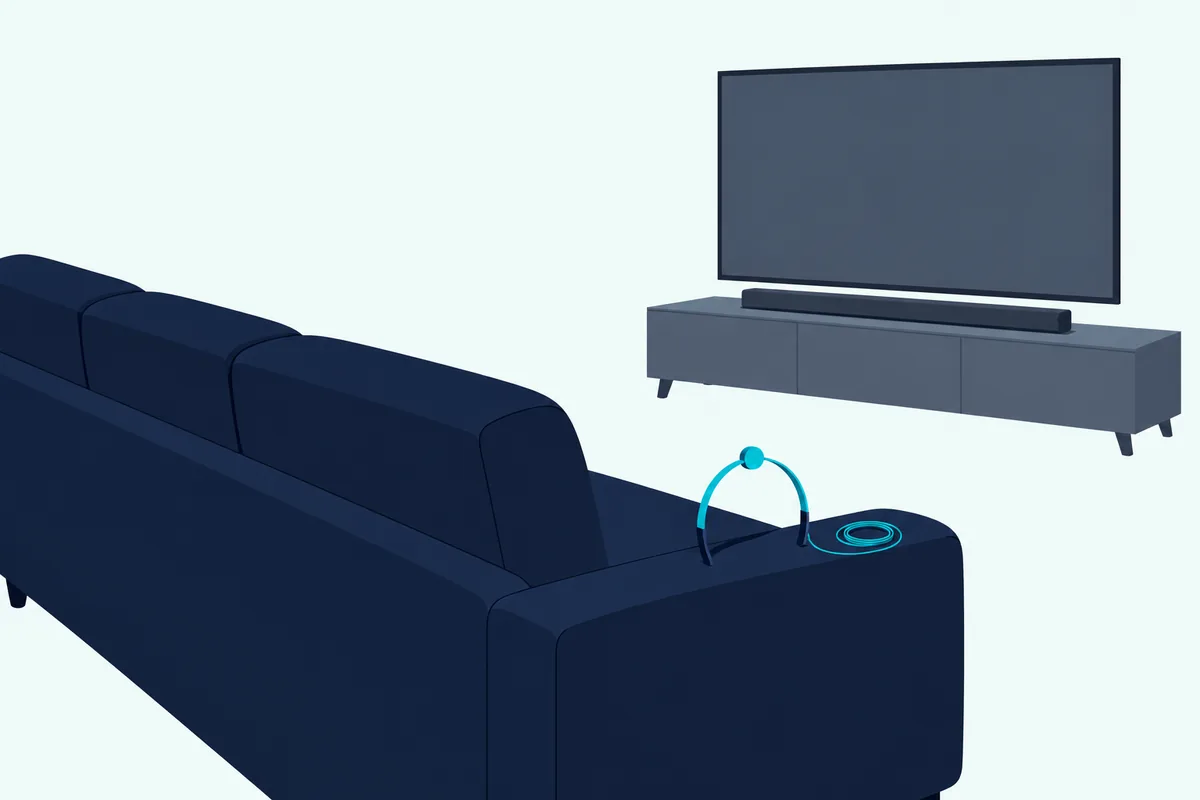
Think of it like tuning a guitar before you choose a song. Bose’s setup order puts calibration first, so treat the sliders as adjustments you make afterward.
Bose names four moments that call for running it again:
- you connect an optional bass module or surround speakers
- you move the soundbar
- you move furniture
- you mount the bar on the wall, or take it off the wall
The wall case is stronger than a suggestion: after mounting, Bose says you must run ADAPTiQ. The 900 has no separate “wall EQ” switch in its guide; calibration is the wall adjustment.
Get Studio Tips Weekly
Join 5,000+ creators getting acoustic treatment advice every week.
No spam. Unsubscribe anytime.What Do Bass and Treble Change on the 900?
Once the room is calibrated, the two tone controls are the next stop. Bass and treble raise or lower the low and high ends of the sound, and Bose’s 900 guide gives them no recommended values, only the instruction to adjust them in the app.
Where Bose does point at bass is in troubleshooting. For poor or distorted audio, the guide lists adjusting the bass level alongside running ADAPTiQ, and for silence from a connected bass module it again says to adjust the bass level.
That gives you a practical test. Play a scene you know well at your normal volume, and if it sounds boomy or smeared, lower bass a step before you blame the bar.
Treble works the same way from the other end. If voices sound sharp or sibilant after calibration, a small treble cut is the slider to try; if they sound dull, a small raise.
The numbers quoted online, such as bass 90 and treble 70 on one settings site, are one writer’s preferences in one room. Your room was just measured by ADAPTiQ, so those figures are a starting guess at best.
How Should You Set the Center and Height Channels?
The same step-at-a-time approach applies to the two channel sliders. The center channel level controls how loud the middle channel plays against the rest, and Bose’s newer guides spell out the trade: increase the center channel level for greater dialogue clarity, or increase the height and surround channel level for more immersion.
That line comes from the Personal Surround pages of the Smart Soundbar and Smart Ultra guides, not the 900’s. It describes what the channels carry, though, and the 900 has the same center and height sliders.
Height is the up-firing part of the bar. Bose says the 900 uses additional up-firing speakers for Dolby Atmos, and two of its placement rules are about them: keep the top of the bar clear, and keep the top at least 4 inches (10 cm) from the TV when wall mounted.
Here’s a sensible order to try, which is our suggestion rather than Bose’s:
- Leave both sliders where ADAPTiQ left them for a night of normal viewing.
- If you keep reaching for the volume during talk, raise center a step.
- If Atmos films sound flat overhead, raise height a step and check the top of the bar is unobstructed.
- Change one slider at a time, so you know which move helped.
Placement can undo the height slider. Bose’s guide warns against enclosed cabinets, and its story on soundbar performance says up-firing sound waves bounce off the top of a recessed shelf.
Does the Bose 900 Have a Dialogue Mode?
Center channel is the slider Bose’s newer guides tie to dialogue, and that raises the question of a dedicated mode. The Smart Soundbar 900 owner’s guide doesn’t describe a dialogue mode at all, so on this bar the closest documented control is the center channel slider.
Other Bose guides do describe one, which is where the confusion starts. The Smart Soundbar 300 owner’s guide says Dialogue mode “improves the clarity of dialogue and vocals in movies, TV programs, and podcasts by adjusting the audio balance of the soundbar.”
On the 300 it stays on for the current source even after you switch sources or power off. The newer Smart Soundbar’s guide describes AI Dialogue Mode instead, which makes voices easier to hear without reducing the impact of immersive sound effects and applies to every source.
If your Bose app shows a dialogue toggle for the 900, it isn’t described in the owner’s guide we read, so test it against the center slider. Flip it on during a quiet, talky scene, then compare with center raised one step and the mode off.
Which TV Settings Does the 900 Need for Dolby Atmos?
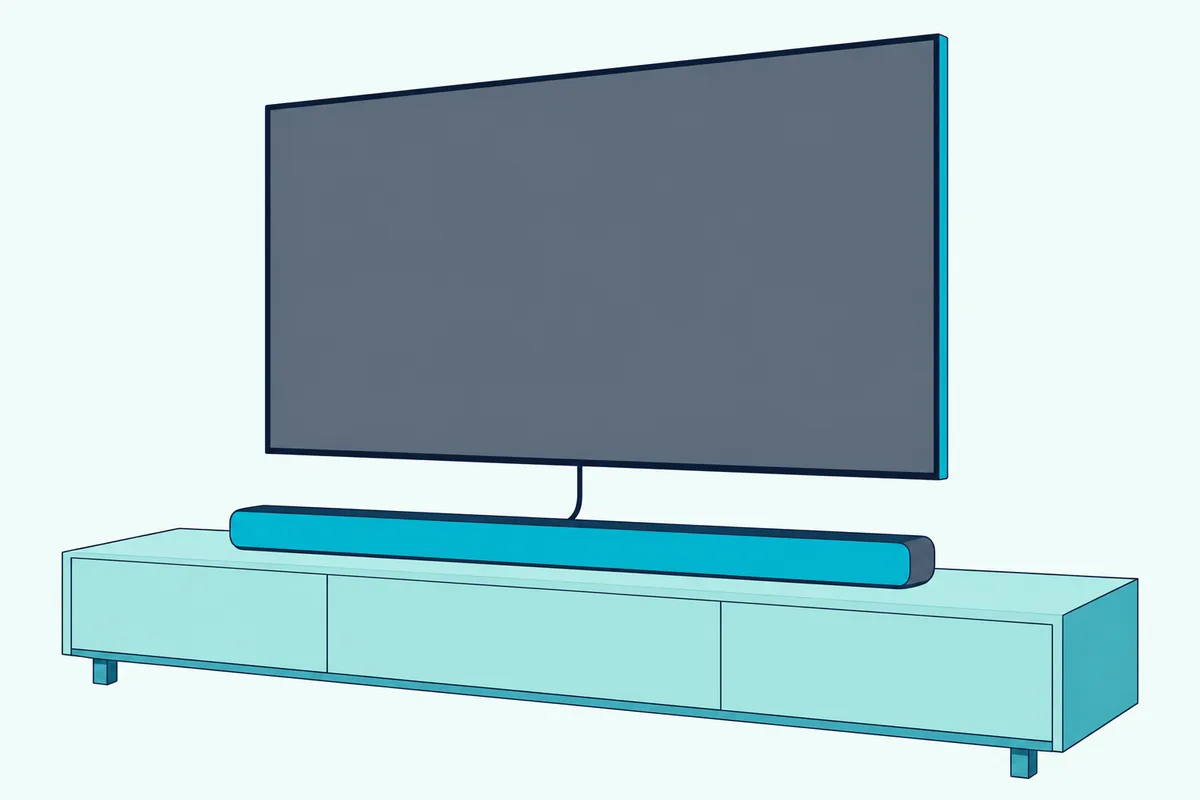
Even perfect sliders can’t add height to a signal the TV never sends. The 900 wants the TV’s HDMI eARC port (ARC as second choice), CEC turned on, and a TV audio output setting that lets Dolby Atmos pass through; Bose’s guide says that if the app doesn’t show Dolby Atmos, check the TV’s advanced audio settings.
Bose ranks the connections plainly: HDMI eARC or ARC is option 1 (preferred), and optical is the fallback when the TV has no ARC port. Its troubleshooting table repeats that the HDMI cable belongs in the port labeled HDMI eARC, not a standard HDMI port.
The TV menu that matters most is the digital output format. LG’s webOS 25 user guide lists Digital Sound Output with PCM, Auto and Pass Through; PCM converts every input to PCM, while Auto or Pass Through sends Dolby Digital Plus with Atmos over ARC, and adds Dolby TrueHD over eARC.
Over optical, the same LG table shows Atmos content leaving as plain Dolby Digital. That fits Bose listing optical last.
LG adds two switches worth checking. eARC Support has to be set to On under Sound, Advanced Settings, with Use Wired Speaker set to HDMI(ARC) Device, and SIMPLINK (HDMI-CEC) under General, External Devices, HDMI Settings is LG’s name for CEC.
Samsung’s 2025 TV e-Manual names the equivalent menu Digital Output Audio Format, under Sound, Expert Settings. Auto switches to the mode the connected soundbar supports, while Pass-through sends the audio with no processing.
Samsung also warns that Pass-through can mean silence: a bar that can’t decode Dolby Digital Plus gets no sound from a Dolby Digital Plus source. The 900 supports Dolby Atmos, but Samsung’s own advice for any bar with limited formats is to use Auto.
For the longer version of the PCM question, see why a PCM output can strip surround formats before they reach a soundbar.
Can You Fix Audio Sync on a Bose 900?
That same TV audio menu is also where lip-sync fixes live. The Smart Soundbar 900 owner’s guide lists no audio sync or lip-sync delay control, so the documented adjustments are on the TV, and a gap in Bose’s guide shouldn’t be read as proof the app lacks one.
Samsung’s e-Manual offers Digital Output Audio Delay, which adjusts the output delay for digital audio when the source is HDMI and the soundbar is on HDMI ARC or eARC. LG’s guide takes a different route: if the sound through an HDMI port isn’t synchronized, set Select HDMI Input Audio Format to PCM.
That LG fix has a cost you already know from the Atmos section. PCM gives up the Bitstream setting LG recommends for the latest surround formats, and LG sets the format per HDMI input, so change only the input that drifts.
A quick check before you change anything: watch a newsreader for a minute. If lips lead or lag on every input, the TV-to-bar link is the likelier place to look; if only one input drifts, fix that input alone.
Which Power and Connection Settings Are Worth Changing?
Sync sorted, the remaining settings decide how the 900 behaves day to day rather than how it sounds. Three are worth a look: auto-wake if you use optical, the standby timer, and CEC Alternate On if the bar picks the wrong source.
Auto-wake works with the optical connection only. Hold the remote’s Power button for 10 seconds until you hear a tone and the light bar pulses white twice, or in the app go to Settings, the Power section, and Optical Auto-Wake.
Standby happens after 20 minutes without audio, button presses or voice commands. Bose says you can disable that standby timer in the app, which matters if a quiet source keeps losing the bar.
CEC Alternate On is Bose’s answer to a bar that plays the wrong source, switches after a delay or leaves sound on the TV speaker. The guide also asks you to enable CEC on the TV first, under whatever name the TV maker uses.
Wi-Fi and Bluetooth have their own rules. If your router runs 2.4GHz and 5GHz bands, Bose says the phone and the soundbar must join the same band, and Bluetooth stores up to eight devices, plays one at a time and needs the phone within 30 feet (9 m).
Placement counts as a setting too, by Bose’s own list: keep other wireless gear 1 to 3 feet (0.3 to 0.9 m) away and some Wi-Fi access points 8 to 10 feet (2.4 to 3.0 m) away. If the bar still won’t hand the TV picture its sound, our step-by-step Bose soundbar TV hookup guide covers the cable side.
How Do Other Bose Soundbars’ Settings Differ?
Those power rules carry across the range, but the audio menus don’t. Bose’s owner’s guides give the 700 and 500 only a bass control plus ADAPTiQ, the 300 bass plus Dialogue mode, and the 600, 550, Smart Soundbar and Smart Ultra the 900’s four sliders plus surround channels.
| Bar | Audio controls in the guide | Room or wall adjustment |
|---|---|---|
| Smart Soundbar 900 | Bass, treble, center, height | ADAPTiQ (must run after wall mounting) |
| Smart Ultra | Bass, treble, center, height, surround | ADAPTiQ (must run after wall mounting) |
| Smart Soundbar 700 | Bass | ADAPTiQ, five measurements |
| Soundbar 500 | Bass | ADAPTiQ, five measurements |
| Smart Soundbar 600, Smart Soundbar, Soundbar 550 | Bass, treble, center, height, surround | Hold Mute 5 seconds after wall mounting |
| Smart Soundbar 300 | Bass, Dialogue mode | Hold Mute 5 seconds after wall mounting |
The 600, 550 and Smart Soundbar add surround levels, but their guides don’t mention ADAPTiQ. The 600 and Smart Soundbar guides describe up-firing and side-firing speakers, and their wall step is a Mute-button hold until a tone sounds and the light bar pulses white twice, then repeated to return to default audio if you take the bar down.
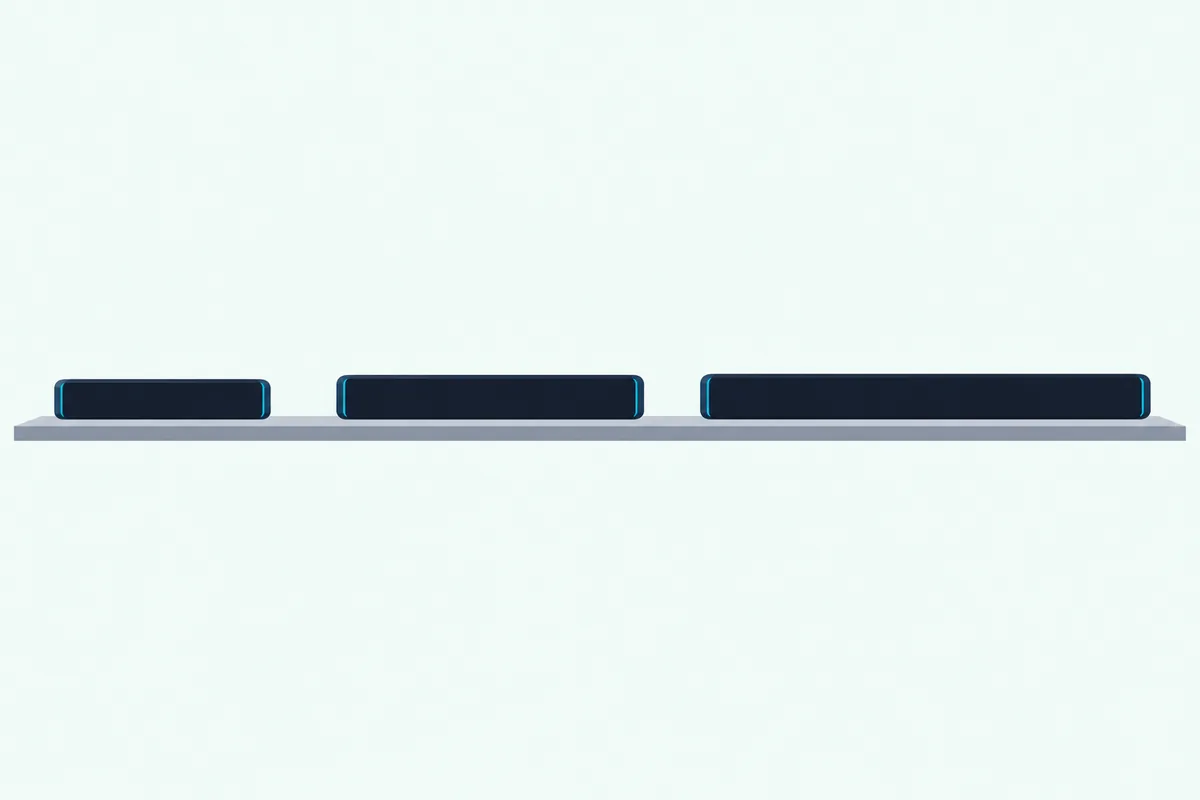
Only the Smart Soundbar’s guide among these describes AI Dialogue Mode. For optical auto-wake, the 900, 600, 550, Smart Soundbar and Smart Ultra guides use a 10-second Power hold, while the 300’s guide says 5 seconds.
The Smart Ultra keeps ADAPTiQ and the 900’s sliders and adds surround channel levels. If you’re weighing the two, Burton Acoustix’s Smart Ultra and 900 comparison lays out the rest of the differences.
Are the Bose Soundbar 300’s Best Equalizer Settings Different?
That table already hints at the answer for the smallest smart bar. Yes: the Smart Soundbar 300’s English owner’s guide lists only a bass control and Dialogue mode in the app, so its “equalizer” is one slider and one switch, not the 900’s four.
Because the 300’s guide doesn’t mention ADAPTiQ, the room step is different too. After wall mounting, you hold Mute for 5 seconds, or use the app’s wall-mount adjustment.
A sensible 300 routine, again our suggestion: do the wall adjustment if it’s mounted, set bass at a normal listening level, then try Dialogue mode on the source you watch talk on. Remember the mode sticks to that source even after power-off.
The TV side is the same as for the 900. The 300 has an HDMI (ARC) port and an optical input, so the same LG and Samsung output menus apply, over ARC rather than eARC.
When Should You Recalibrate or Reset?
Every model above ends up in the same place when something changes in the room. Recalibrate the 900 whenever you add a bass module or surround speakers, move the bar or furniture, or mount or unmount it; reset only when troubleshooting fails, because a factory reset clears ADAPTiQ along with your other settings.
Bose’s guide says a factory reset clears all source, volume, network and ADAPTiQ audio calibration settings. Its restore steps then have you set up the network again and rerun ADAPTiQ in the app.
The guide doesn’t say whether the bass, treble, center and height levels survive a reset. Write your values down before you reset, so you can put them back in a minute.
If a reset is where you’ve landed, our model-by-model guide to resetting a Bose soundbar has the button holds for the 900 and its siblings.
Where to Start Tonight
Pulled together, the routine is short. Plug into the TV’s eARC port, turn on CEC and set the TV’s output to Auto or Pass Through, run ADAPTiQ in a quiet room, then move center and height one step at a time.
Leave bass and treble alone until you’ve watched something you know well. That order follows Bose’s own guide, and it means every later tweak is a choice rather than a correction.
Frequently Asked Questions
What is the best EQ setting for a Bose Soundbar 900?
Bose doesn’t publish one. The 900’s owner’s guide lists bass, treble, center channel and height channel in the app’s Settings menu without default or recommended values, and it puts ADAPTiQ calibration first, since that tunes the sound to your room. Run ADAPTiQ, then change one slider at a time while watching familiar content.
Why doesn’t the Bose app show Dolby Atmos on my 900?
Bose’s troubleshooting says to check the TV’s advanced audio settings so Dolby Atmos passes through to the soundbar. On an LG TV that means Digital Sound Output set to Auto or Pass Through, not PCM, and eARC Support on. Also make sure the HDMI cable is in the TV port labeled HDMI eARC.
Does the Bose 900 have audio presets for movies or music?
Not in the sense of sound modes. The 900’s six presets hold audio from your favorite music services, which you stream in the app and save by holding a preset button on the remote until it tones. Sound is shaped by ADAPTiQ and the four sliders instead.
Do I need to run ADAPTiQ again after moving the soundbar?
Yes. Bose says to run ADAPTiQ again if you move the soundbar, move furniture, connect a bass module or surround speakers, or mount or remove the bar from the wall. A run takes about 10 minutes in a quiet room.