Bose Smart Ultra Soundbar vs 900: Every Change, Side by Side

The Bose Smart Ultra Soundbar vs 900 question looks like a big generational jump, but Bose’s own FAQ says the older bar has the same features minus one: AI Dialogue Mode.
That leaves 900 owners wondering whether to upgrade, and new buyers wondering whether a leftover 900 is the smarter deal.
Get the real differences straight and you’ll know whether you’re paying for a new feature or just a new name.
This guide lines the two bars up from Bose’s own owner’s guides and product pages: dialogue, speakers, ports, voice assistants, the app, the remote and the add-ons.
The side-by-side table comes first, then each change in turn, and finally which bar, or which add-on, is worth buying.
What Changes in the Bose Smart Ultra Soundbar vs 900?
The short answer is one headline feature and a handful of smaller ones. Bose’s Smart Ultra page says it plainly: the 900 “offers the same features as Soundbar Ultra” except AI Dialogue Mode, its automatic dialogue balancing (Bose).
The owner’s guides fill in the rest. Here’s how the two compare, using only what Bose’s own documents say:
| Feature | Bose Smart Ultra Soundbar | Bose Smart Soundbar 900 |
|---|---|---|
| AI Dialogue Mode | Yes | No |
| Speakers | Nine, two of them up-firing | Nine, two up-firing dipole transducers |
| Dolby Atmos and TrueSpace | Yes | Yes |
| ADAPTiQ room calibration | Yes, headset in the box | Yes, headset in the box |
| TV connection | HDMI eARC (or ARC), or optical | HDMI eARC (or ARC), or optical |
| Ethernet | Yes | Yes |
| Streaming | AirPlay 2, Chromecast, Spotify Connect, Bluetooth | AirPlay 2, Chromecast, Spotify Connect, Bluetooth |
| Voice | Alexa built in; works with a Google Assistant device | Alexa or Google Assistant built in, one at a time |
| Remote | Smaller, one coin battery | Adds six preset buttons, two AAA batteries |
| Personal Surround (Ultra Open Earbuds) | Yes | Not in its guide |
| Roku TV Ready | Yes | Not in its guide |
Think of the Ultra as the 900 with a software-heavy refresh rather than a new speaker. If you meant Bose’s newer, cheaper Smart Soundbar rather than the 900, our Bose Smart Soundbar vs Smart Ultra comparison covers that pair.
How Does AI Dialogue Mode Change TV Dialogue?
That top row is the one Bose itself calls the difference. AI Dialogue Mode senses when people are talking and balances voice against the surround effects automatically, so speech stays clear without flattening the mix.
Bose’s Smart Ultra page describes it that way and promises “less rewinding, more enjoying.” The 900 has no such mode in its guide; its audio menu offers bass, treble, center channel and height channel levels in the Bose Music app.
So a 900 owner can still lift dialogue by hand: turning up the center channel is the manual version of what the Ultra does on its own.
CNET’s review of the Ultra found the mode worked well on hard-to-hear speech in Batman Begins (CNET). If you’re always reaching for the subtitles, this row matters more than any other in the table.
Get Studio Tips Weekly
Join 5,000+ creators getting acoustic treatment advice every week.
No spam. Unsubscribe anytime.Are the Speakers, Size and Atmos Drivers the Same?
The dialogue change is processing, so the next question is whether anything changed inside the box. Bose’s pages give both bars nine speakers, with two firing upward for Dolby Atmos height.
The 900’s feature page calls those two “upward-firing dipole transducers,” and the Ultra page says the Ultra’s “nine total speakers” include “two upward-firing.” The Ultra’s guide adds side-firing speakers to the description, while the 900’s guide mentions only the up-firing ones, so the documents don’t settle whether the layouts are identical.
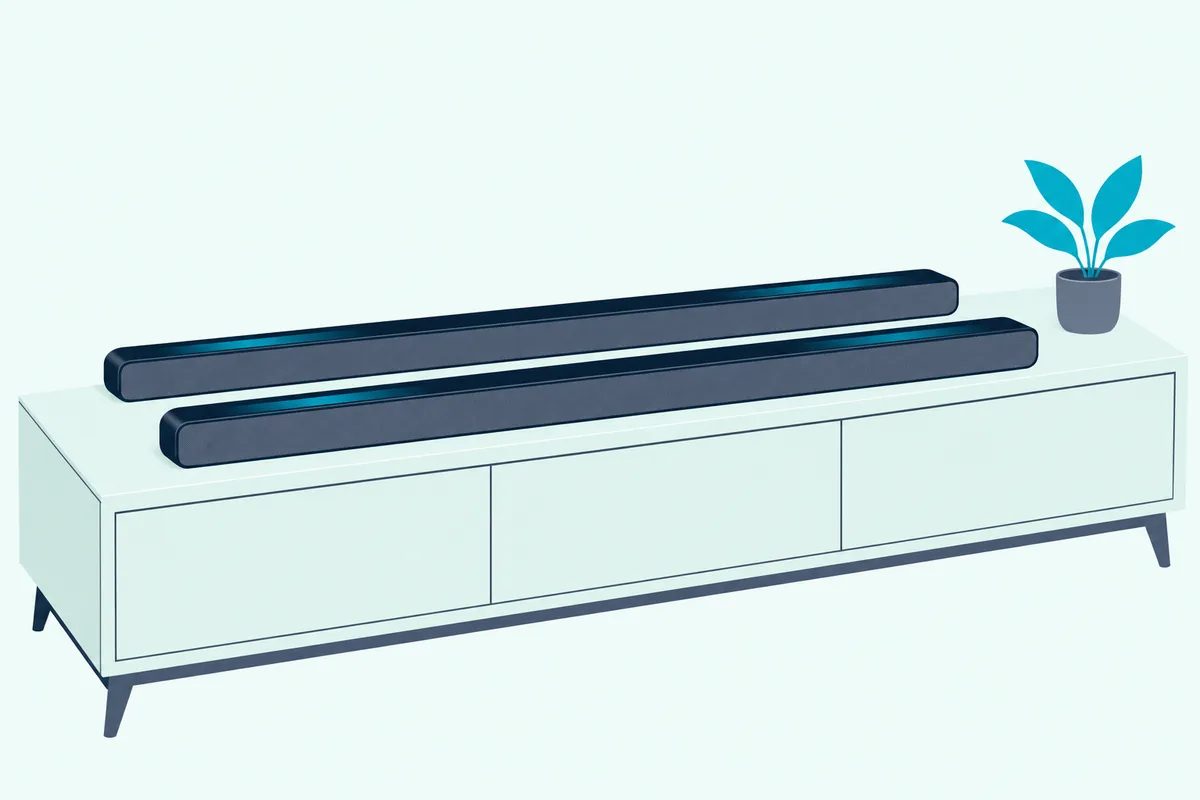
Size is another gap in Bose’s readable pages. Bose US lists the Ultra at 2.29 inches high, 41.14 inches wide and 4.21 inches deep, weighing 12.68 pounds, but the 900’s store address now redirects to Bose’s soundbar list.
Les Numériques, reporting the Ultra’s launch, calls it closer to a rebranding of the 900, with the same dimensions and the same nine-speaker design (Les Numériques). Both guides also warn that the bar contains a tempered glass surface, so the look carries over too.
Do the Ports, eARC and Wi-Fi Differ?
Same speakers, same shell, and the back panel follows the same pattern. Both guides connect to the TV the same two ways: HDMI eARC or ARC first, and optical if the TV has neither.
Both bars also take an Ethernet cable, and both list Wi-Fi and Bluetooth for streaming. The 900’s feature page names Chromecast built-in, AirPlay 2 and Spotify Connect, and Bose’s comparison table lists all three for the Ultra, plus Wi-Fi and Bluetooth.
Neither bar is a hub for other boxes. Bose’s Ultra FAQ says a cable box or game console plugs into the TV, with one cable from the TV to the soundbar.
The Ultra adds one TV trick the 900’s guide doesn’t mention. It’s Roku TV Ready, so a Roku TV can control it and show its settings on screen, though Bose notes it may need a software update first.
Which Voice Assistants Does Each Bar Support?
The ports match, but the voice setup is where an old 900 owner will notice a real change. The 900’s guide offers Google Assistant or Amazon Alexa built in, with a note that you can’t run both at once (Bose’s Smart Soundbar 900 owner’s guide).
The Ultra keeps Alexa built in and drops Google Assistant from the bar itself. Its guide lists it under “Works with Google Assistant” (Bose’s Smart Ultra owner’s guide), which means a separate Google Assistant device on your network passes the commands along.
CNET flagged the same change in its review: no onboard Google Assistant, though control through a separate Google speaker still works. If your home runs on Google and you don’t own a Google Assistant speaker, that’s a point for the 900.
Both bars keep Voice4Video, Bose’s feature for switching TV inputs and channels by voice. Both guides tie it to Alexa, so a Google-only home won’t get it on either bar.
Did the App and Remote Change?
That voice shift shows up in the app too. The 900’s guide sets everything up in the Bose Music app, while the Ultra’s guide uses the Bose app, and both run ADAPTiQ room calibration from there.
What each of those app settings does on the 900, from ADAPTiQ to the height channel, is laid out in our walk through the 900’s Bose Music app settings.
The remote is the more visible change. The 900’s remote carries six preset buttons, source buttons and media controls, powered by two AAA batteries.
The Ultra’s remote is pared back to power, TV, Bluetooth, the Bose app button, play and pause, volume and mute, on a CR2032 coin cell. CNET called it a “whittled-down version” of the 900’s clicker.
Presets haven’t vanished, though: the Ultra’s guide says you define them in the app, so the shortcut moves to your phone.
The Ultra also adds Personal Surround. Pair Bose Ultra Open Earbuds and Bose says they add a layer to what the soundbar plays, a feature the 900’s guide never mentions.
Which Bass Modules and Surround Speakers Work With Both?
The add-ons are the good news for anyone upgrading, because the accessory list didn’t change. Both owner’s guides list the same four accessories: the Bass Module 700, the Bass Module 500, the Surround Speakers 700 and the Surround Speakers.
Bose’s Bass Module 700 page lists both the Smart Ultra and the Smart Soundbar 900 as compatible, and its Surround Speakers 700 page says those speakers connect wirelessly to both. So a 900 owner who upgrades can move the sub and rears across.
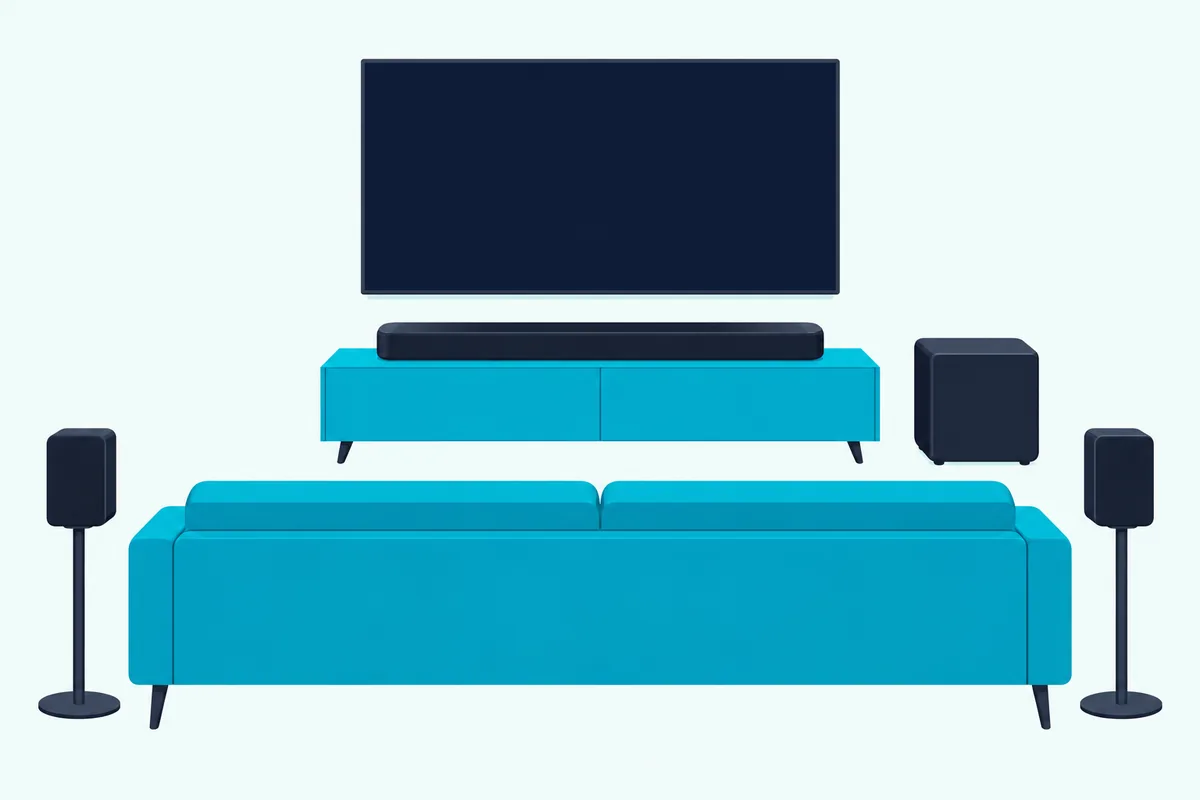
The Ultra page goes further on bass. It says you can wirelessly connect two bass modules to the Ultra, as long as they’re the same model, so two 700s or two 500s, never one of each.
Bose doesn’t say the same about the 900 in its readable pages, so treat a double sub on the 900 as unconfirmed. For how other brands handle extra subs, see how many subwoofers each soundbar brand allows.
Is the Bose Smart Soundbar 900 Still Sold and Supported?
Moving accessories is easy, but finding a new 900 is getting harder. On 22 October 2026, Bose US’s product address for the 900 redirected to its soundbar category, which listed five bars and no 900.
Bose’s 900 feature page still loads, without a price, and its owner’s guide is still on Bose’s site in a 2024 revision. That’s a sign of an end to sales, not proof that Bose has stopped updates or service.
Bose’s readable pages don’t state an end date for software updates, so this page doesn’t guess one. The newer bar has also gained company: Bose US now lists the Lifestyle Ultra Soundbar alongside the Smart Ultra.
Retail stock of the 900 is thin. On 22 October 2026 the Amazon listing below showed only a few left, so check that it is new, not renewed, before you buy.
If you’re coming from an older Smart Soundbar 700 instead, the 700 against the Smart Soundbar 900 shows what the Atmos drivers and the simpler remote change.
Should You Buy the Smart Ultra, the 900 or an Add-On?
The table, the voice change and the shrinking stock point to a simple split. If you’re buying new today, the Smart Ultra is the bar Bose still sells, and it adds AI Dialogue Mode, Personal Surround and Roku TV Ready.
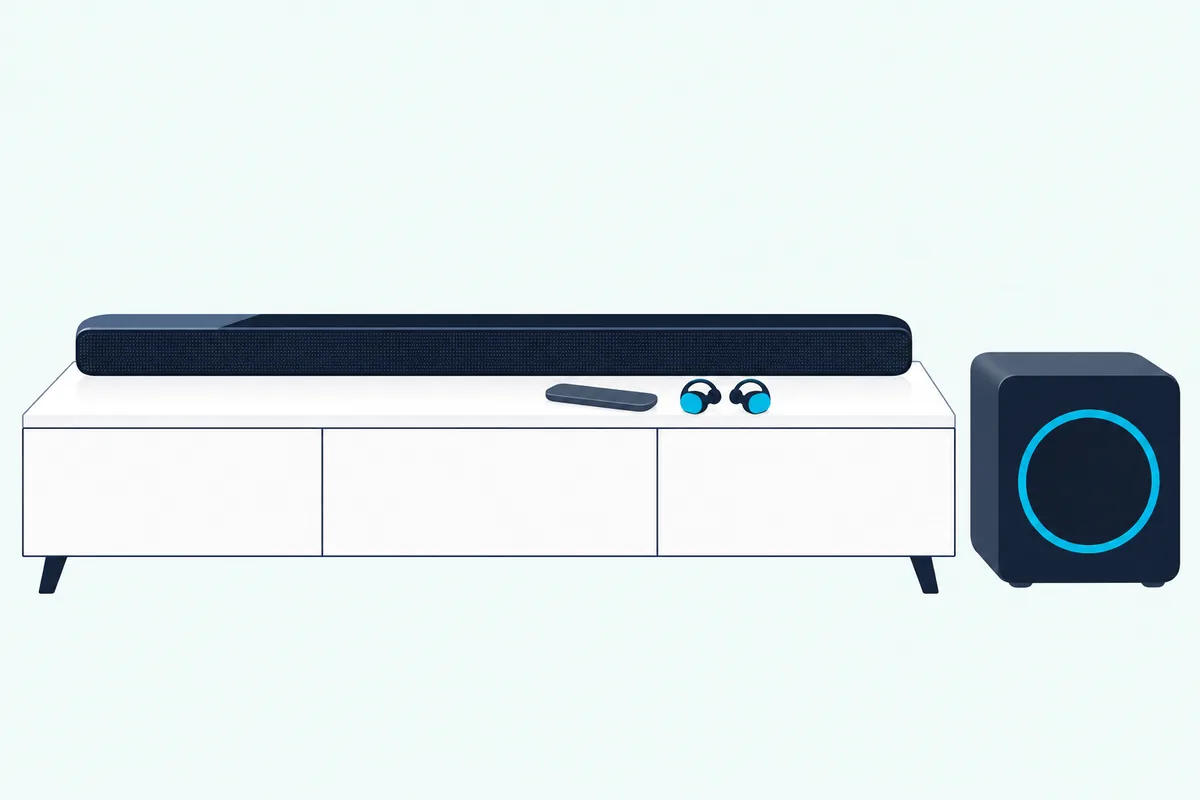
For dialogue you can actually hear, the Bose Smart Ultra Soundbar is the one to get. It has the same nine-speaker count as the 900, with the newer software on top.
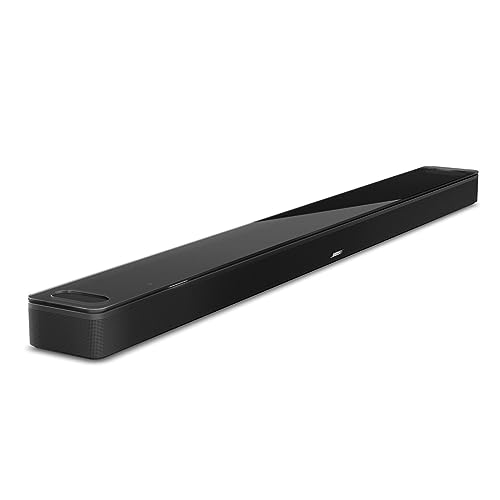
the Bose Smart Ultra Soundbar
For built-in Google Assistant and preset buttons, the Bose Smart Soundbar 900 still makes sense if you find it new. It also suits anyone who wants the same speaker count and ports and doesn’t care about the dialogue mode.
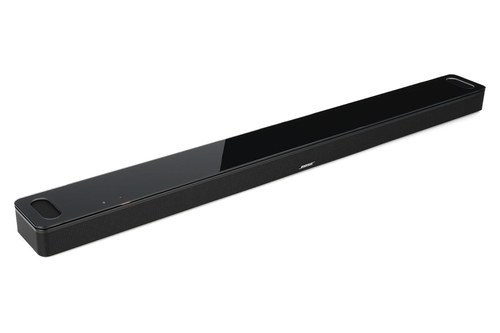
the Bose Smart Soundbar 900
For the biggest bass upgrade, the Bose Bass Module 700 pairs with either bar. Bose’s Ultra FAQ says the two were designed to complement each other.
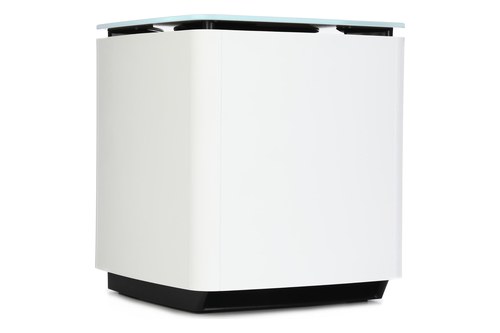
the Bose Bass Module 700
For a smaller sub, the Bose Bass Module 500 is the other module both guides list. Bose’s placement advice is the same for both: on the floor, against the TV wall.
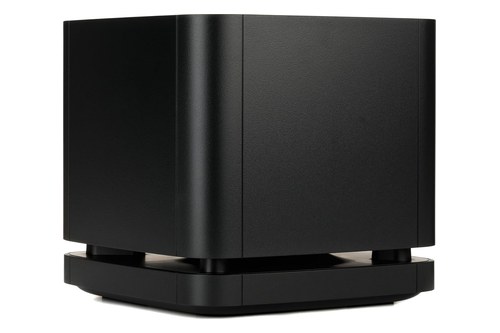
the Bose Bass Module 500
For the rest of the range, from the TV Speaker up, see which Bose soundbar fits your room.
The Bottom Line
The rows in that first table tell the story: the same nine-speaker count, the same ports, the same add-ons, and a newer layer of software on the Ultra. AI Dialogue Mode is the change Bose names, while the voice setup and the remote are the changes owners notice.
If you already own a 900, upgrade for clearer dialogue, Personal Surround or Roku control, and bring your bass module and rears with you. Once your bar is in place, Burton Acoustix’s Bose TV connection guide walks through the HDMI eARC and optical setup step by step.
Frequently Asked Questions
Is the Bose Smart Ultra just a rebranded 900?
Mostly, by Bose’s own account. Its Smart Ultra page says the 900 offers the same features except AI Dialogue Mode, and both bars list nine speakers with two up-firing.
Les Numériques called the Ultra closer to a rebranding of the 900 at launch. The guides still show real changes, though: Google Assistant is no longer built in, the remote is simpler, and Personal Surround and Roku TV Ready are new.
Do the Bose Smart Ultra and 900 support DTS?
Neither bar’s owner’s guide lists DTS, and both describe Dolby Atmos. CNET’s Ultra review notes it handles Dolby formats but not DTS or DTS:X, and Les Numériques reports the same for both bars.
So DTS isn’t a reason to pick one over the other, since neither guide claims it.
Can I use my 900’s Bass Module 700 with the Smart Ultra?
Yes. Both owner’s guides list the Bass Module 700, the Bass Module 500, the Surround Speakers 700 and the Surround Speakers as accessories, and Bose’s Bass Module 700 page lists both bars as compatible.
Both guides send you to the accessory’s own owner’s guide for the connection steps. If you add a second sub to the Ultra, it must be the same model as the first.
Where does the Bose Lifestyle Ultra fit in?
The Lifestyle Ultra Soundbar is listed first in Bose US’s comparison table on 22 October 2026, ahead of the Smart Ultra. Bose lists it as wider and heavier, at 43.54 inches and 14.76 pounds against the Smart Ultra’s 41.14 inches and 12.68 pounds.
Bose’s Bass Module 700 page marks the Lifestyle Ultra as “wired connection only” for that sub, while the Smart Ultra and 900 connect to it wirelessly. Check that before carrying old add-ons over to the newest bar.