How to Reset a Bose Soundbar 900, With or Without the Remote
Knowing how to reset a Bose Soundbar 900 comes down to two moves: unplug it for 30 seconds to restart it, or hold Power and Skip forward on the remote for 5 seconds to restore its factory settings.
The second move wipes the bar’s Wi-Fi, sources, volume and ADAPTiQ room tuning, and a near-identical hold, Bose Music and Skip forward, only switches Wi-Fi off or on while flashing the same two white pulses.
Pick the right one and you keep your setup, and if the remote is gone you’ll know what still works instead of hunting for a reset button.
Below are Bose’s steps for both resets, what the light bar shows, recovery mode and the fixes for a bar that won’t turn on or an app that can’t find it.
Start with the restart, because it needs only the power cord.
How to Reset a Bose Soundbar 900, Step by Step
Those two moves sit in different places in the Bose Smart Soundbar 900 owner’s guide. The unplug is a troubleshooting fix, and the factory reset has its own section on page 59.
To restart it:
- Unplug the power cords for the soundbar and any bass module or surround speakers.
- Wait 30 seconds.
- Plug them firmly back into a live outlet, and the bar powers on by itself.
To restore its factory settings:
- On the remote, press and hold Power and Skip forward together for 5 seconds.
- Let go when the light bar pulses white twice and fades to black, and the soundbar reboots.
- Wait for the light bar to glow solid amber, which means the reset is complete.
- In the Bose Music app, add the soundbar to your network, then run ADAPTiQ audio calibration again.
The guide calls the app Bose Music, while Bose’s current 700 articles say the Bose app.
Does Unplugging the 900 Count as a Reset?
That first list is the one to try before anything else. Yes: Bose’s reset article for the Smart Soundbar 700 calls the same 30-second unplug a reset, says it corrects minor processor errors and says settings aren’t lost unless noted otherwise.
The 900’s guide doesn’t use the word, but it lists the unplug for five symptoms: no power, no audio, no link to a bass module or surround speakers, sound from the TV speaker and no Wi-Fi connection.
Its symptom table on pages 51 to 58 never prescribes the factory reset. So treat the restart as a test: if the fault survives, try the narrower fixes below before you wipe anything.
What Does a Factory Reset Erase on the Bose 900?
That wipe reaches further than the restart in the list above. The guide says a factory reset clears all source, volume, network and ADAPTiQ audio calibration settings and returns the bar to its original factory settings.
That leaves two jobs afterward: adding the bar back to your network in the app, and rerunning ADAPTiQ, which needs the supplied headset and 10 minutes in a quiet room.
The guide doesn’t say what happens to the Bluetooth list of up to eight devices, the six presets, or the bass, treble, center and height levels in the app. So write those levels and presets down first, and if the bar is leaving your home, clear the Bluetooth list yourself by holding the Bluetooth button for 10 seconds.
Do You Need to Remove the 900 From Your Bose Account First?
That list covers the bar itself, not your Bose account. The 900’s reset steps don’t mention the account, but Bose makes removal the first step in the Smart Ultra’s owner’s guide and in its 700 reset article, so do it first while the app can still reach the bar.
Bose’s 700 article puts the voice assistant before that: remove Google Assistant in the app, or for Alexa, deregister the bar in the Alexa app, remove Bose under Login with Amazon and remove Alexa in the Bose app. The 900’s guide allows one assistant at a time, so only one of those jobs applies.
Bose’s help site also lists a “Resetting your product” article for the 900, so check it for the current account steps. If a new owner can’t see the bar to add it to another Bose account, the guide says to enable sharing in the app and keep the phone and bar on the same Wi-Fi network.
What Does the Light Bar Show During a Reset?
Once the account is sorted, the light bar becomes your only progress report. During a factory reset it pulses white twice and fades to black, the bar reboots, and solid amber means the reset is complete, which the guide’s status table also lists as Wi-Fi setup in progress.
Two white pulses don’t prove a reset, though, because other holds on the 900’s remote flash them too. Check what you pressed against this table:
| Hold on the remote | What the light bar does | What it did |
|---|---|---|
| Power + Skip forward, 5 seconds | Two white pulses, fades to black, reboots, solid amber | Factory reset |
| Bose Music + Skip forward | Two white pulses, fades to black | Switched Wi-Fi off or on |
| Bluetooth, 10 seconds | Two white pulses, fades to black, then pulsing blue | Cleared the Bluetooth list |
| Power alone, 10 seconds | A tone and two white pulses | Switched auto-wake on or off |
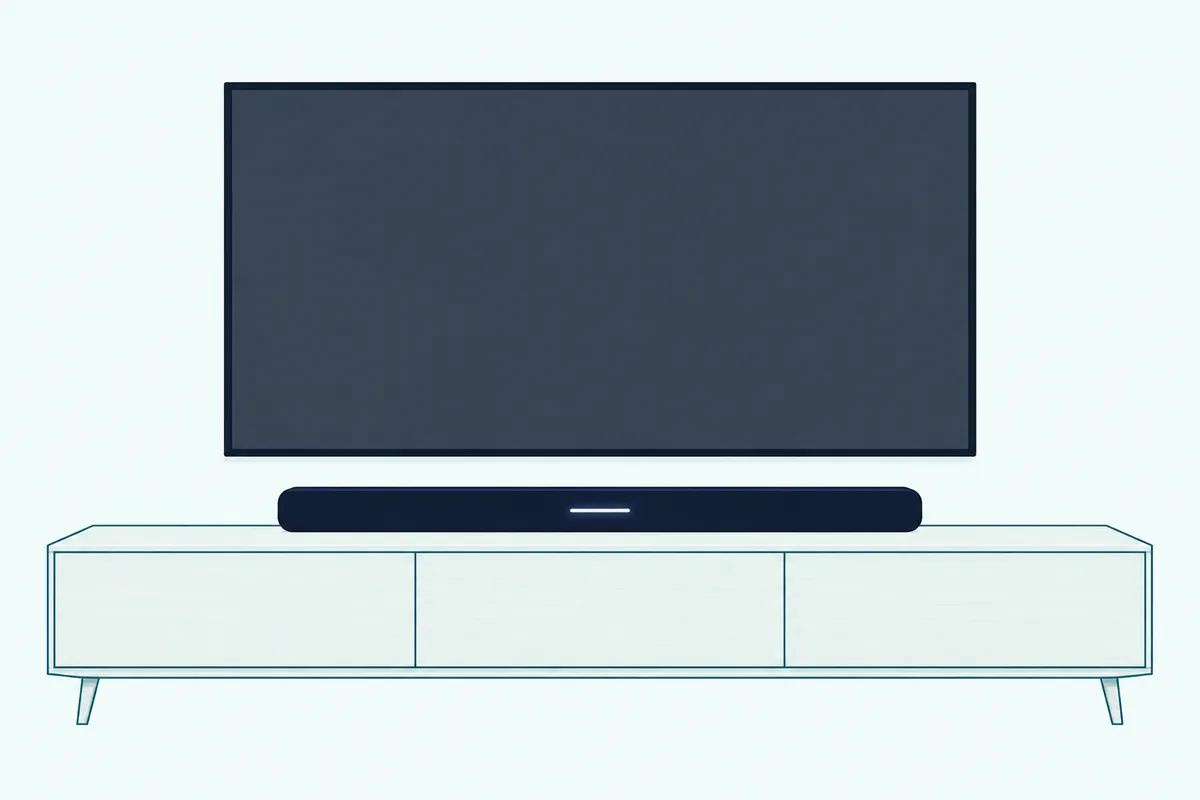
So the reboot and the amber light are the proof. If you saw the pulses but no amber, you may have switched Wi-Fi off instead, and repeating that hold switches it back.
During setup, pulsing white means the bar is connecting to Wi-Fi, and solid white that fades to black means it’s connected. Solid red on the light bar means an error for Bose customer service, so check what a blinking orange Bose light means before you reset over an amber signal.
Can You Reset a Bose 900 Without the Remote?
Every hold in that table needs the remote, which is the snag when it’s missing. You can restart the 900 without it, since that’s only the power cord, but the owner’s guide gives the Power and Skip forward hold as its only factory reset.
The guide shows no reset button either: the bar’s top has just the Action and Microphone off buttons, which it ties to the voice assistant. A TV remote doesn’t fill the gap, since the guide says HDMI eARC lets it control power, volume and mute, which leaves out Skip forward.
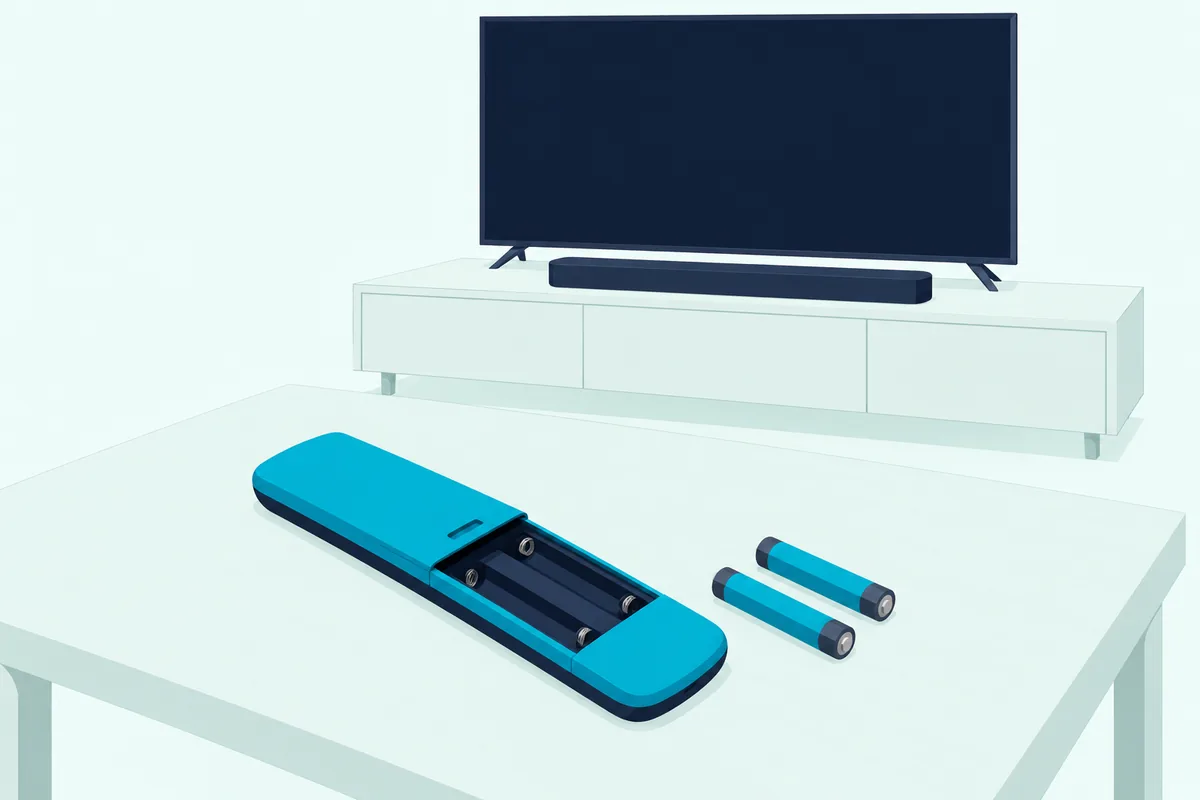
If the remote is there but not responding, check it first: two AAA batteries with their symbols matched, within 20 feet and with nothing in the way. Don’t borrow the 700’s re-pairing steps, which use Left and center navigation buttons, because the 900 guide’s button list shows none and gives no pairing steps.
If it’s gone for good, the guide says replacement parts come through Bose customer service, and the other ways to run the bar keep it usable meanwhile.
When Should You Use Recovery Mode Instead?
The one tool that skips the remote altogether runs from those two top buttons. Use recovery mode when you suspect the software and the bar still has your Wi-Fi: Bose’s recovery mode article for the 700 says it downloads and installs the latest update, and warns against it after a factory reset, which removes the stored Wi-Fi details it needs.
The 900’s guide doesn’t cover recovery mode, but Bose’s help site lists a 900 version of that article under the same article number. Compare it before you start, in case a step differs, because these steps are the 700’s:
- Check that your Wi-Fi network is working, unplug the bar for 30 seconds and plug it back in.
- When the light bar lights up, start within 10 seconds.
- Tap Action, Microphone off, Action, Microphone off, waiting a second between taps.
- Watch for the light bar to blink green.
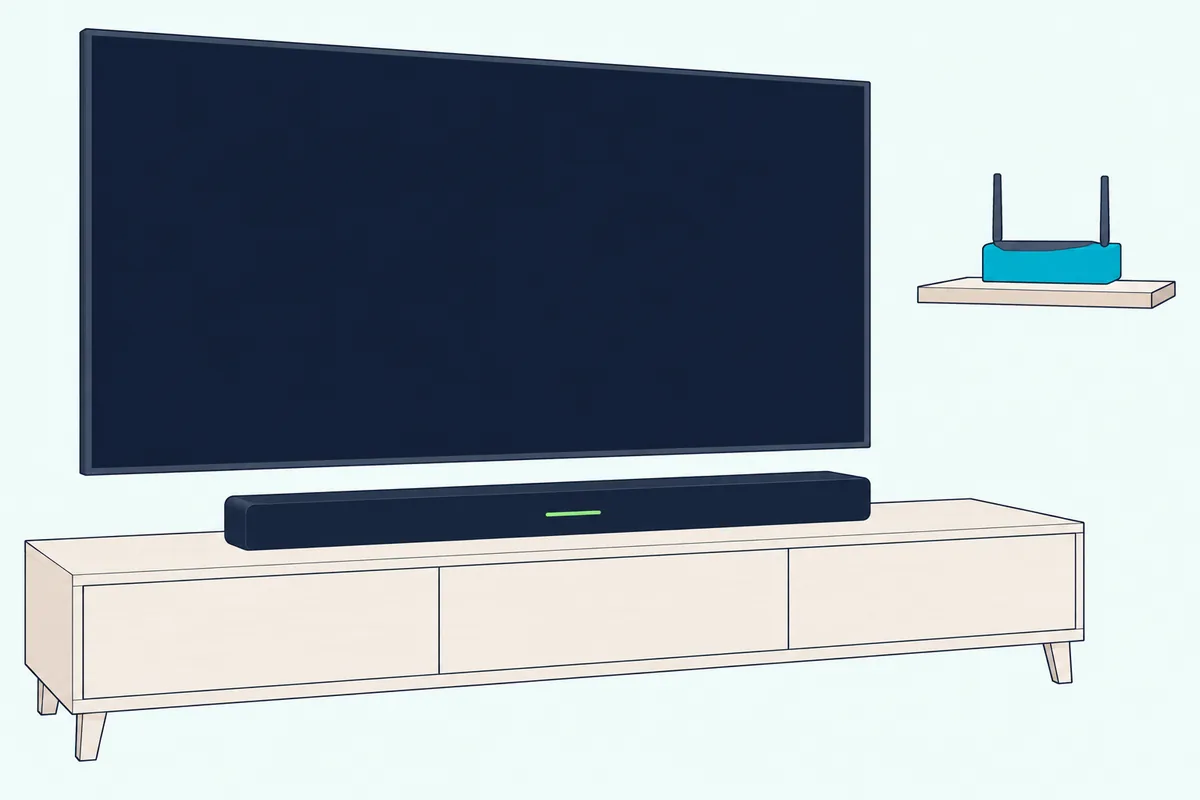
White light then slides right to left while the update downloads and left to right while it installs, the same update signals the 900’s guide shows, often for around 20 minutes. When the light bar goes dark, turn the bar on and add it in the app.
If it doesn’t blink green, Bose says to start over and keep alternating the two buttons for 30 seconds, and a red light means the bar needs service.
What Should You Try When the 900 Won’t Turn On?
Recovery mode needs a bar that lights up, so a dark one comes back to power first. The guide’s list for a soundbar that doesn’t power on is short: try a different outlet, press Power on the remote, then do the 30-second unplug and plug the cords in firmly.
A dark bar isn’t always off, though. The 900 drops into network standby after 20 minutes with no audio, button press or voice request, and Power, a source button or audio from your phone wakes it.
The guide also says the voice assistant still works when the bar is powered off, so if you set one up, an answer to “Alexa” or “Hey Google” means it has power. Bose’s 700 article adds two checks: a wall switch controlling the outlet, and a power strip to bypass.
What If the Bose Music App Can’t Find the 900?
Power is half of it, and the network is the other half. Put the phone and bar on the same Wi-Fi network first, and on the same band if your router runs both 2.4 GHz and 5 GHz, since the guide lists both for a soundbar that won’t connect.
If that fails, the guide moves on to restarting the phone and router, unplugging the bar for 30 seconds and reinstalling the app before running setup again. On a new network with no setup prompt, you add the soundbar from the app’s main screen.
Bose’s article on an app that doesn’t detect a 700 adds phone permissions: Bluetooth on an iPhone or iPad, plus location and local network. It reaches a factory restore only at step 14 of 20, and Bose’s help site lists a 900 version under the same title.
When Is a Factory Reset the Wrong Fix?
That step 14 shows how far down the list a wipe belongs. It’s the wrong first move whenever the guide gives the problem a narrower fix, and these are the ones it gives for the 900:
| Problem | What the 900’s guide says to try |
|---|---|
| New router, or a new Wi-Fi name or password | Hold TV and Skip backward until the light bar glows amber, pick Bose Smart Soundbar 900 in your phone’s Wi-Fi settings, then finish in the app |
| A phone won’t connect over Bluetooth | Clear the device list, delete the bar from the phone’s list and connect again |
| Alexa or Google Assistant stops responding | Check that the Microphone off light isn’t red, then remove the assistant in the app and add it again |
| Sound comes from the TV speaker | Use the TV’s HDMI eARC or ARC port and turn CEC on, or set CEC to Alternate On in the app |
The Wi-Fi row saves the most work. The guide built that hold for a changed network, so you can put a Bose soundbar on new Wi-Fi without a full wipe.
How Do the 900’s Steps Differ From the 700 and Smart Ultra?
Those button pairs belong to the 900, which is where advice for another Bose bar trips people up. The 700 shares the 900’s reset and Wi-Fi holds, while the Smart Ultra changes them.
| What you’re doing | Smart Soundbar 900 | Smart Soundbar 700 | Smart Ultra |
|---|---|---|---|
| Factory reset hold, 5 seconds | Power + Skip forward | Power + Skip forward | Volume down + Play/Pause |
| Bose account removal in the guide’s reset steps | Not listed | Not listed | First step |
| Change Wi-Fi network | TV + Skip backward | TV + Skip backward | Mute + Bose app button |
All three guides list source, volume, network and ADAPTiQ settings as cleared and end the same way, with two white pulses, a reboot and solid amber. The Smart Soundbar 700’s owner’s guide covers its side of the table, and resetting a Bose Soundbar 700 has the 700’s account and remote steps in full.
For any other model, Burton Acoustix’s reset guide for every Bose bar lists the buttons one by one.
The Bottom Line
The 900’s order is short: pull the plug first, try recovery mode if the software seems stuck, and keep the factory reset for last, once the bar is off your Bose account.
The descriptions come from Bose’s owner’s guides and help articles.
Frequently Asked Questions
Does unplugging a Bose Soundbar 900 erase its settings?
Not by Bose’s description. Its 700 reset article says settings aren’t lost during that kind of reset, and the 900’s guide lists the same 30-second unplug as a fix without saying it clears anything.
How do you force a Bose 900 to reboot?
Pull the power cords, wait 30 seconds and plug them firmly back in. It works even when the bar isn’t responding to the remote, because the guide says the soundbar powers on automatically when it’s plugged in.
How long does a Bose 900 factory reset take?
The button hold is 5 seconds. The guide gives no time for the reboot that follows, only that the light bar glows solid amber when it’s done, and ADAPTiQ afterward needs 10 minutes.
Can you factory reset a Bose 900 from the Bose Music app?
Not in the owner’s guide’s steps. Its reset is the remote hold, and the app comes in afterward to add the bar back to your network and rerun ADAPTiQ.
How do you manually update a Bose Soundbar 900?
The guide gives no manual method. It says the bar updates automatically when it’s connected to the Bose Music app and your Wi-Fi network, and its first troubleshooting list says to download the app and run available software updates.
For a bar that seems stuck, Bose’s 700 recovery mode article describes downloading and installing the latest update.