How to Reset a Bose Soundbar 700, and What It Erases
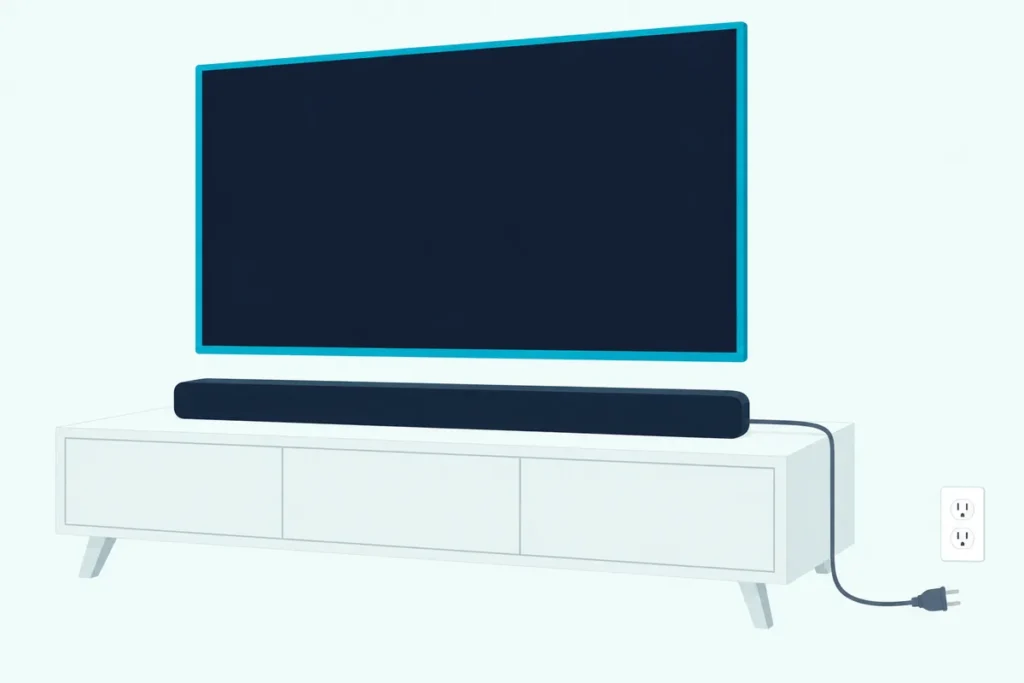
Here’s how to reset a Bose Soundbar 700: unplug it for 30 seconds to restart it, or hold Power and Skip forward on its remote for 5 seconds to restore its factory settings.
The second one wipes the bar’s Wi-Fi connection, sources, volume and ADAPTiQ room tuning, so you’d be setting it up again from scratch.
Choose the smallest reset that fits and you keep all of that, and when a full reset is the answer, a few account steps first save trouble with Alexa and the Bose app.
Below are Bose’s steps for both resets, what the light bar does meanwhile, the recovery mode that pulls down Bose’s latest update and what to try when the remote is the real problem.
Start with the restart, since it takes about a minute and Bose says it leaves your settings alone.
How to Reset a Bose Soundbar 700, Step by Step
That restart comes first in Bose’s reset article for the Smart Soundbar 700, and the factory restore follows it. Bose’s help pages label the bar “Sold from 2018 – 2023,” and the button steps match the Bose Smart Soundbar 700 owner’s guide.
To restart it, keeping your settings:
- Turn the soundbar off, then pull its power cord from the bar or the wall outlet.
- Unplug any bass module and both surround speaker receivers as well.
- Wait 30 seconds, plug the soundbar back in and give it about 30 seconds to reboot.
- Plug the bass module and surround receivers back in.
To restore its factory settings:
- In the Bose app, remove the soundbar from your Bose account, after removing Alexa or Google Assistant if you set one up.
- On the remote, press and hold Power and Skip forward together for 5 seconds.
- Let go when the light bar pulses white twice and fades to black, and the bar reboots.
- When the light bar glows solid amber, the bar is in setup mode, so add it back in the Bose app and run ADAPTiQ again.
The owner’s guide calls the app Bose Music, while Bose’s current help articles for the 700 say the Bose app.
Should You Restart the 700 or Restore Its Factory Settings?
Those two lists look alike but do opposite things to your setup. Restart first: Bose’s reset article says a reset corrects minor processor errors without losing settings, while restoring factory settings clears them and returns the bar to its out-of-box state.
Bose compares the restart to rebooting a smartphone. Its 700 help articles for a bar that won’t turn on, an unresponsive remote and an app that can’t find the bar all list that restart as a step.
Only the app article goes as far as a full restore, and even there it’s step 14 of 20, after 13 smaller fixes. So treat the restart as a test: if the problem survives a 30-second unplug, try the narrower fixes below before you wipe anything.
What Does a Factory Reset Erase on the Bose 700?
That wipe reaches further than the word “reset” suggests. The owner’s guide says it clears all source, volume, network and ADAPTiQ audio calibration settings, and Bose’s help article says it erases all settings and returns the bar to its out-of-box state.
That leaves you three jobs afterward. First, the bar has to rejoin your network through the Bose app, the same way you’d connect a Bose soundbar to Wi-Fi again after changing routers.
Second, ADAPTiQ has to run again, and the guide says it takes five measurements through the supplied headset and 10 minutes in a quiet room. Third, redo anything else you changed in the app, since the reset erases all settings.
Do You Need to Remove Alexa or Google Assistant First?
Your Bose account isn’t the only link to cut before that reset. Yes, if you set one up: Bose’s 700 reset article has you deregister the bar from Alexa, or remove Google Assistant, before you remove the bar from your Bose account and hold the buttons.
For Alexa, Bose’s order is:
- In the Alexa app, open Devices, then Echo & Alexa, choose the Bose bar and tap Deregister, removing every copy if it’s listed more than once.
- Go to Account, then Other Programs, then Login with Amazon, and tap Remove next to each Bose entry.
- In the Bose app, remove Alexa from your Bose account, then remove the soundbar.
- Hold Power and Skip forward for 5 seconds.
If no other Bose product uses that Amazon account, Bose also suggests removing the Bose skill in the Alexa app. For Google Assistant the list is shorter: remove the assistant in the Bose app, remove the bar, then do the same 5-second hold.
What Does the Light Bar Show During a Reset?
Once you let go of those two buttons, the light bar is your only progress report. During a factory reset it pulses white twice and fades to black, the bar reboots, and a steady amber light means the reset is done and the bar is in setup mode.
That flashing white pair isn’t unique to the reset, which is the catch. The guide shows the same two pulses when you clear the Bluetooth device list by holding the Bluetooth button for 10 seconds, and when you switch Wi-Fi off or on with the Bose Music button and Skip forward.
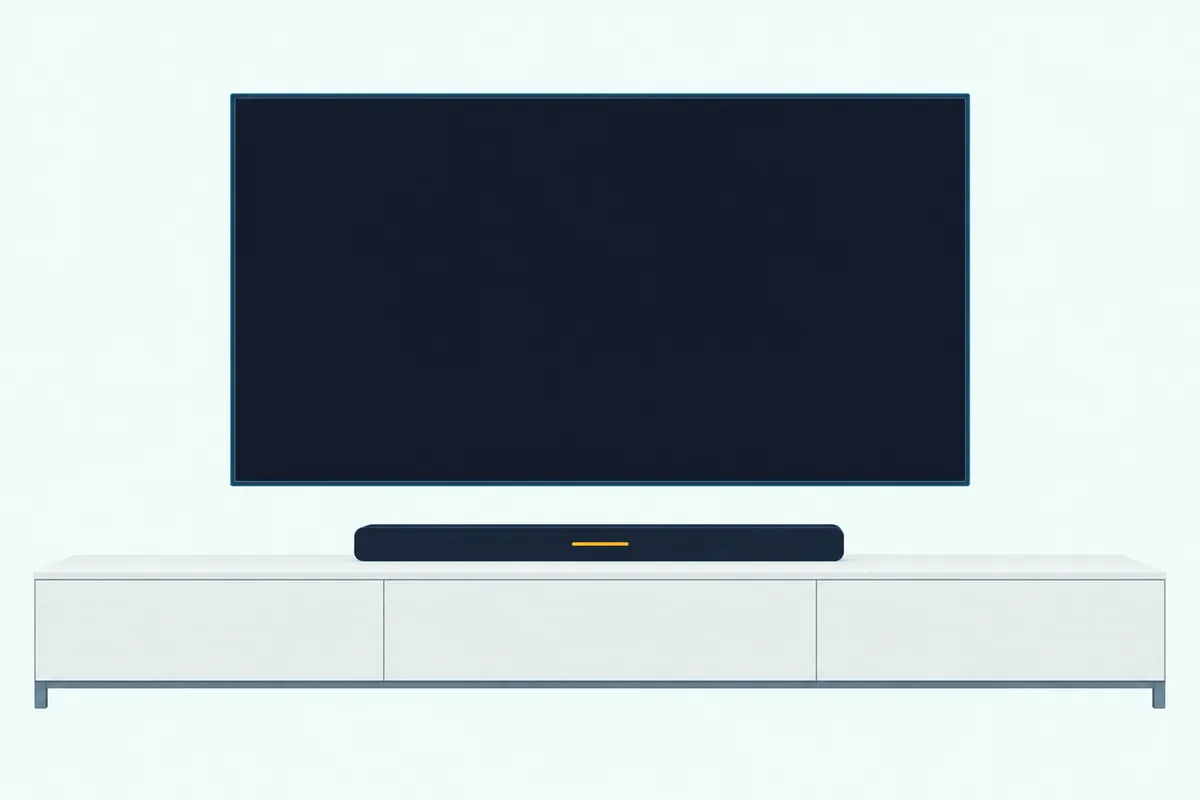
So the reboot and the steady amber light afterward tell you the reset took; the Bluetooth hold ends with the light bar pulsing blue, and the Bose Music hold only switches Wi-Fi off or on.
A plain restart looks different. Bose allows about 30 seconds for the reboot, and once the bar is back on your network the guide’s Wi-Fi light is solid white that fades to black, with pulsing white while it’s still connecting.
The 700’s guide reserves solid red for a soundbar error that needs Bose customer service. For an amber light that won’t go away or a Bose soundbar’s blinking orange light, check the light before you reset anything.
Is There a Reset Button on the Bose Soundbar 700?
Those lights sit on a bar with very few buttons of its own. No: the 700’s top has only the Action and Microphone off buttons, so the factory reset happens on the remote and the restart happens at the power cord.
The guide also says the bar powers on by itself when it’s plugged in, which is why the restart needs nothing else. The two top buttons still matter, because holding Action re-pairs a remote and tapping Action and Microphone off in turn starts recovery mode, both covered next.
Can You Reset a Bose 700 Without the Remote?
That’s the snag when the remote is missing or dead. You can restart the 700 without it, since that’s only the power cord, but Bose’s reset article and owner’s guide give the Power and Skip forward hold as the only way to restore factory settings.
If it’s there but ignoring you, fix that first. Bose says batteries meant for low-power products, which typically contain zinc, can’t power it, recommends alkaline over rechargeable ones and gives it a 20-foot range.
The guide adds a tell: pulsing cable and satellite buttons mean the batteries are low. If fresh ones don’t help, re-pair it with Bose’s pairing steps for the 700, which work without the app:
- Unplug your router so the bar goes offline, then hold Volume down and the Left navigation button for 5 seconds to clear the pairing memory.
- On the soundbar, press and hold the Action button for 5 seconds; the light bar stays lit while you hold it.
- Press the center navigation button once, and the six source icons blink three times when it pairs.
- Plug the router back in.
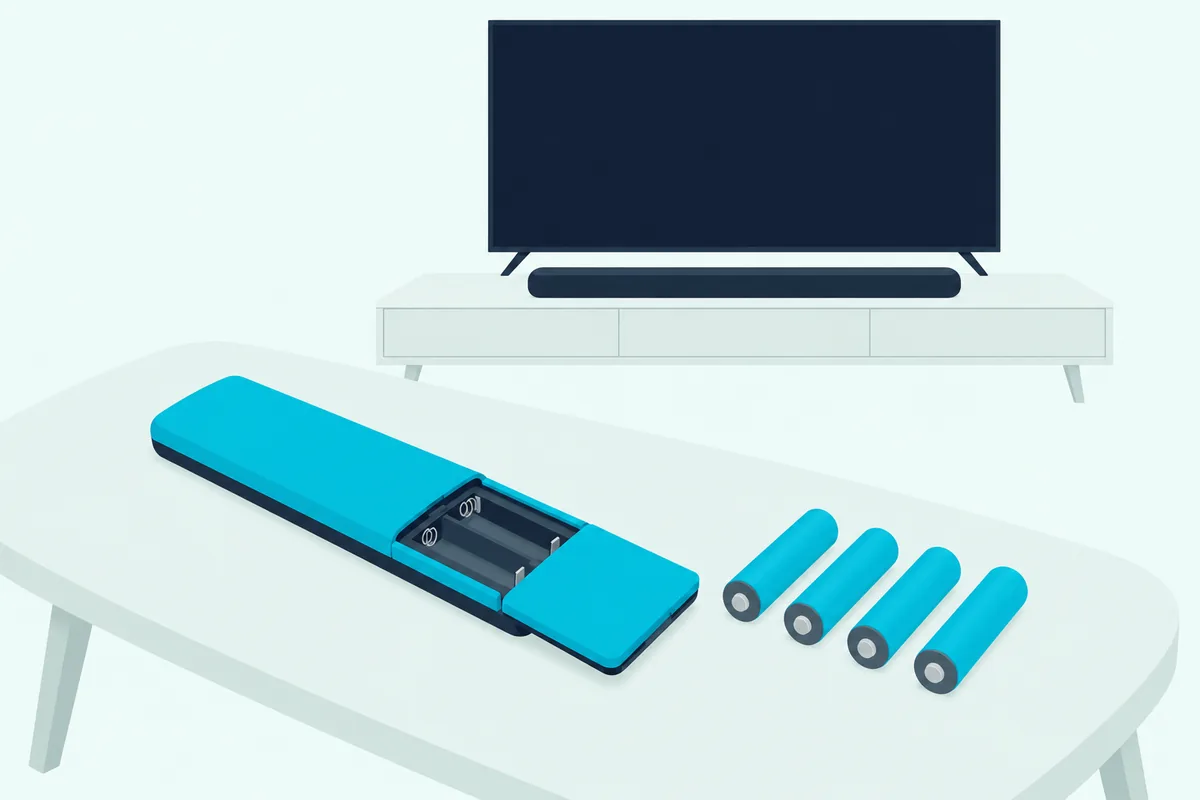
In the Bose app, the same job sits under Settings, Universal Remote, Advanced and Pair New Remote; if pairing fails, unplug the soundbar for 30 seconds and retry. If it’s gone for good, the guide says replacement parts come through Bose customer service, and the ways to run it without one keep the bar usable meanwhile.
When Should You Use Recovery Mode Instead?
A missing remote blocks the factory reset, and Bose has a separate tool for the bar’s software. Use recovery mode when you suspect the software and the bar still knows your Wi-Fi: Bose’s recovery mode article for the 700 says it downloads and installs the latest update and shouldn’t follow a factory reset, which removes the stored Wi-Fi details it needs.
So keep the factory reset for afterward. Check that your network is working, then:
- Unplug the soundbar for 30 seconds, then plug it back in.
- When the light bar lights up, start within 10 seconds.
- Tap Action, then Microphone off, then Action, then Microphone off, waiting about a second between taps.
- Watch for the light bar to blink green, which means recovery mode has started.
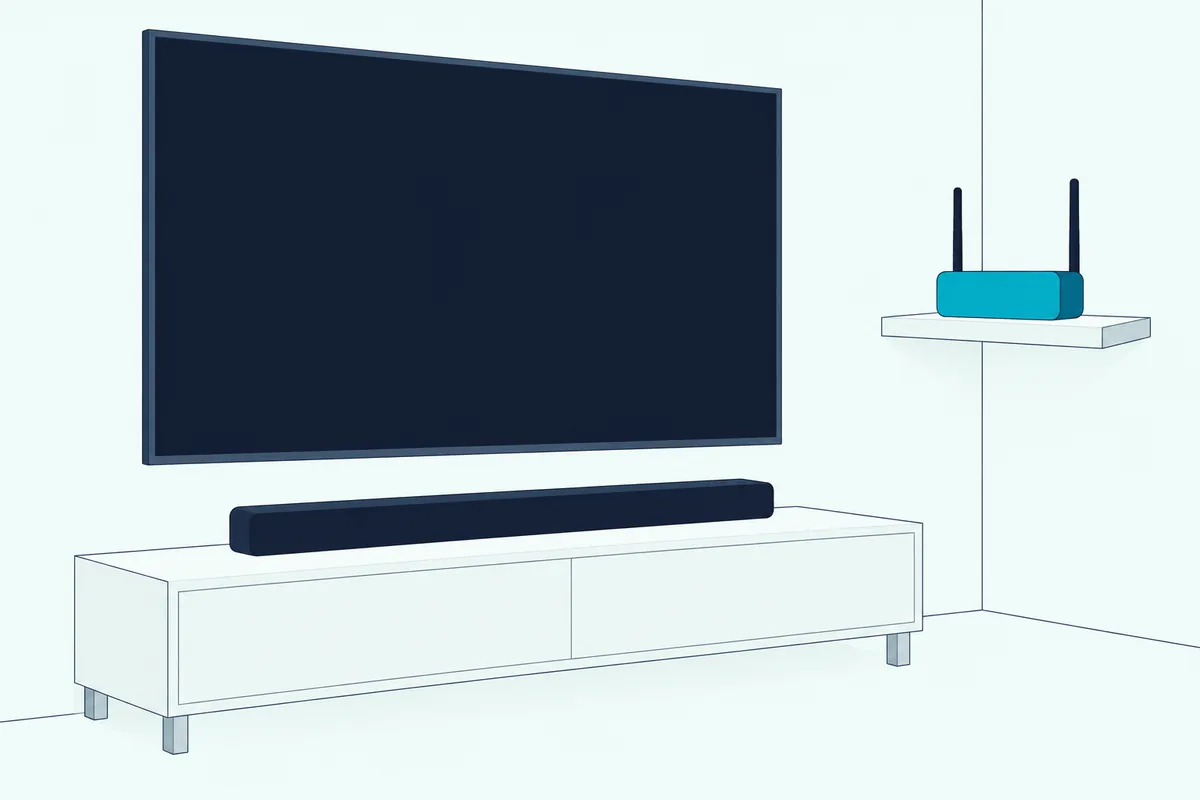
White light slides right to left while the update downloads and left to right while it installs, often for around 20 minutes, and when the light bar goes dark you turn the bar on and add it in the Bose app.
If the light bar doesn’t blink green after the four taps, Bose says to start over and keep alternating the two buttons for 30 seconds. A red light at this point means the bar needs service.
When Is a Factory Reset the Wrong Fix?
Recovery mode is one of several narrower fixes Bose gives ahead of a full reset. A factory reset is the wrong first move for each problem below, because Bose gives every one of them a narrower fix.
| Problem | Try this before a factory reset |
|---|---|
| New router, or a new Wi-Fi name or password | Hold TV and Skip backward until the light bar glows amber, pick Bose Soundbar 700 in your phone’s Wi-Fi settings, then finish in the Bose app |
| Remote ignores you | Alkaline batteries, within 20 feet, then re-pair it |
| Sound changed after moving the bar or furniture, or adding a bass module or surround speakers | Run ADAPTiQ again from the app’s Settings menu |
| Bose app can’t find the bar | Phone and bar on the same Wi-Fi network; Bluetooth, location and local network permissions on; sign out and back in |
| A phone won’t connect over Bluetooth | Clear the device list (hold Bluetooth for 10 seconds), delete the bar from the phone and pair again |
| A software update seems stuck | Recovery mode, while the bar still has your Wi-Fi |
The Wi-Fi row is the one most worth remembering. The guide built that TV and Skip backward shortcut for exactly this case: a changed network name or password, or a new network.
How Do Other Bose Soundbars Reset?
Those fixes are written for the 700, and so are its buttons, which matters if a newer Bose bar replaces it. Bose’s guides split its Wi-Fi soundbars into two button pairs: the 700, 900 and Soundbar 500 use Power and Skip forward, and the Smart Soundbar, Smart Ultra, 600, 550 and 300 use Volume down and Play/Pause, each held for 5 seconds.
| Bose soundbar | Factory reset buttons | What Bose says it clears |
|---|---|---|
| Smart Soundbar 700 | Power + Skip forward, 5 seconds | Sources, volume, network, ADAPTiQ |
| Smart Soundbar 900 | Power + Skip forward, 5 seconds | Sources, volume, network, ADAPTiQ |
| Soundbar 500 | Power + Skip forward, 5 seconds | Sources, volume, network, ADAPTiQ |
| Smart Ultra Soundbar | Remove it from your Bose account, then Volume down + Play/Pause, 5 seconds | Sources, volume, network, ADAPTiQ |
| Smart Soundbar | Volume down + Play/Pause, 5 seconds | Sources, volume, network |
| Smart Soundbar 600 | Volume down + Play/Pause, 5 seconds | Sources, volume, network |
| Soundbar 550 | Volume down + Play/Pause, 5 seconds | Sources, volume, network |
| Smart Soundbar 300 | Volume down + Play/Pause, 5 seconds | Sources, volume, network |
| Solo Soundbar Series II | None: power off and unplug for 1 minute | Nothing; Bose says settings are kept |
| TV Speaker | None: unplug it and any bass module for 30 seconds | Not stated in Bose’s reset article |
Every bar in that table with a light bar ends its reset the same way, with two white pulses, a reboot and a steady amber light, as the Bose Smart Soundbar owner’s guide also describes. Burton Acoustix’s model-by-model Bose reset guide has the full steps for each, plus the SoundTouch 300 and Lifestyle Ultra.
The Bottom Line
Across that table and the rest of this guide, one order holds for the 700: restart first, recovery mode if the software is stuck, and a factory reset last, after removing it from your Bose account and any voice assistant. Then hold Power and Skip forward for 5 seconds, wait for the steady amber light, set it up again in the Bose app and rerun ADAPTiQ.
The descriptions come from Bose’s owner’s guides and help articles.
Frequently Asked Questions
Does unplugging a Bose Soundbar 700 erase its settings?
No. Unplugging the 700 for 30 seconds is the restart in Bose’s reset article, and Bose says settings aren’t lost during that kind of reset.
Why is my Bose Soundbar 700 not responding to the remote?
Start with the batteries: Bose says batteries meant for low-power products, typically zinc, can’t run it and recommends alkaline ones, and pulsing cable and satellite buttons mean they’re low.
Then stay within 20 feet and re-pair it with your router unplugged: hold Volume down and Left for 5 seconds, hold the bar’s Action button for 5 seconds, press the center navigation button, then plug the router back in. Do that before any factory reset, since the reset itself needs a working remote.
How long does a Bose 700 factory reset take?
The button hold is 5 seconds. Bose’s guide and reset article give no time for the reboot that follows, only that the light bar glows solid amber when it’s done.
Setting the bar up again takes longer, since ADAPTiQ alone needs 10 minutes in a quiet room. Recovery mode is the slow one, often around 20 minutes by Bose’s estimate.
Will a factory reset update the Bose 700’s software?
Not by Bose’s description: its reset article and the guide describe a factory reset as clearing settings. The guide says the 700 updates automatically when it’s connected to the Bose app and your Wi-Fi.
To push the latest software onto a bar that’s misbehaving, Bose’s recovery mode downloads and installs it, as long as you haven’t factory reset the bar first.