How to Connect a Klipsch Soundbar to a TV, Phone and Subwoofer
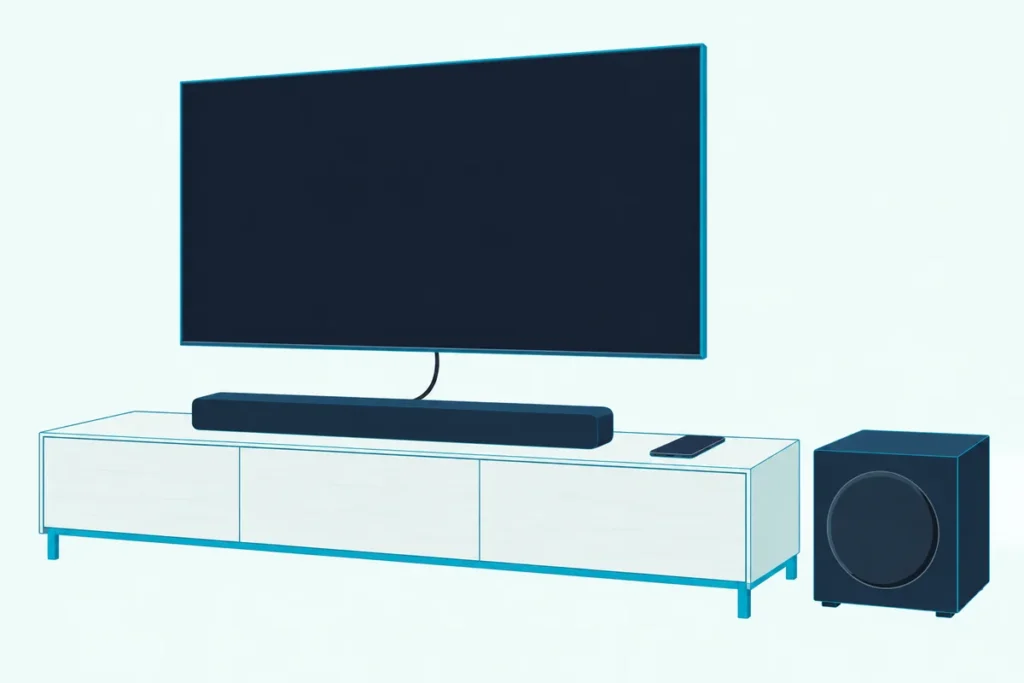
Here’s how to connect a Klipsch soundbar: run the HDMI cable from its box between the bar’s HDMI port and your TV’s HDMI-ARC or eARC port, then select the bar’s TV input.
Plug that cable into an ordinary HDMI input and the bar stays silent, because the Cinema 400 manual says a basic TV HDMI input won’t carry the TV’s audio to the bar.
Use the labeled port, switch the TV’s own speakers off, and what’s left depends on your model, since the Flexus Core, Cinema and Bar lines use different buttons, hold times and apps.
Below you’ll find each bar’s ports and app in one table, the optical fallback, phone pairing, subwoofer and surround pairing, and the fixes Klipsch’s own documents give.
Start with the labels printed beside your TV’s HDMI ports, because one word there decides your route.
How to Connect a Klipsch Soundbar to Your TV, Step by Step
That label is the first step, and every bar’s manual lists the HDMI cable you need in the box. Hook up the bar in this order:
- Find the TV port marked HDMI-ARC or eARC and plug in the HDMI cable.
- Plug the other end into the bar: HDMI eARC on a Flexus Core, HDMI-ARC on a Cinema 800 or 1200, and HDMI on the light-panel bars (Cinema 400 and 600, Bar 40 and 48).
- Plug in the bar’s power cord, then select the TV input with the remote or the bar’s Source button.
- In the TV’s audio menu, set TV Speakers to Auto On ARC or Off.
The display confirms step 3 on a Flexus Core, Cinema 800 or 1200, where it reads TV. The light-panel bars show an orange source light instead, though the Cinema 600 manual gives orange on one label and white on another.
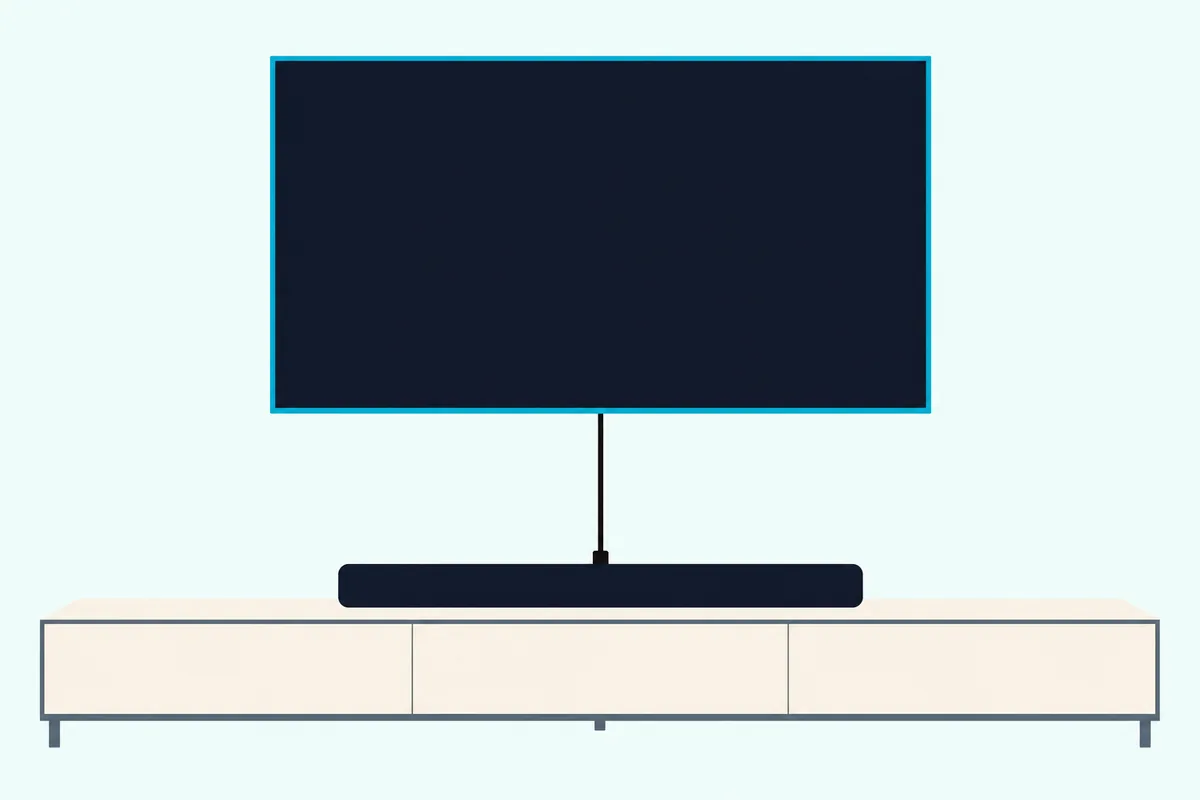
Streaming boxes, game consoles and disc players stay in the TV’s other HDMI inputs, and the TV passes their sound down that one cable. The Flexus Core 200 manual calls this using the TV as the source switch, and warns that it carries Dolby Atmos only if the TV supports HDMI eARC.
The Cinema 800 and 1200 can do the switching themselves through their HDMI 1 and HDMI 2 inputs, and the Flexus Core 300 adds one HDMI IN port with its own button on the remote. The Cinema 800 manual points to that route when your TV lacks eARC and you want Dolby Atmos from a streaming device or Blu-ray disc.
Which Ports and App Does Each Klipsch Soundbar Have?
Those port names change by series, so this table uses each manual’s own labels. Every bar here has an HDMI port for the TV and an optical input, the Cinema and Bar models add an analog input, and the app depends on the series.
Each bar’s name links to its manual, and the last column is how you start phone pairing.
| Bar | Inputs for TV sound | Extra HDMI in | App | Start phone pairing |
|---|---|---|---|---|
| Flexus Core 100, Flexus Core 200 | HDMI eARC, Optical | None | Klipsch Connect Plus | Hold over 1 second |
| Flexus Core 300 | HDMI eARC, Optical | HDMI IN | Klipsch Connect Plus | Hold over 1 second |
| Cinema 400, Bar 40, Bar 48 | HDMI, Digital, Analog | None | None listed | Hold 3 seconds |
| Cinema 600 | HDMI, Digital, Analog | None | Klipsch Connect | Hold 3 seconds |
| Cinema 800, Cinema 1200 | HDMI-ARC, Optical In, Analog In | HDMI 1, HDMI 2 | Klipsch Connect | Long press on the remote |
The app column comes from the manuals and Klipsch’s store listings. The Cinema 400, Bar 40 and Bar 48 manuals name no app, and neither does the Klipsch Connect listing, so plan on the remote for those bars.
What If Your TV Has No HDMI-ARC or eARC Port?
The second column already shows the way out. Run an optical cable from the TV’s digital audio output to the bar’s optical input and select that input, and if the TV has neither port, the Cinema and Bar models can take its headphone jack.
A Flexus Core’s display reads DGTL when you press DIGITAL on its remote, a Cinema 800 or 1200 reads DIGITAL, and the source light on the light-panel bars turns red.
Check the box first, since the light-panel manuals mark the optical and analog cables as not included, and the other manuals’ box lists show an HDMI cable and no optical one. If yours is missing, KabelDirekt’s 6 ft optical cable has TOSLINK plugs at both ends, and it met Burton Acoustix’s rating, review and stock checks on 31 October 2026.
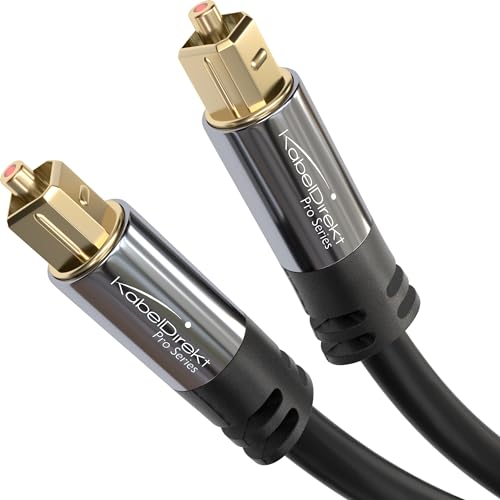
KabelDirekt’s 6 ft optical cable
Optical costs you something, though: the Flexus Core 200 manual says a digital connection supports Dolby Audio-Dolby Digital decoding, not Dolby Atmos. Here’s what optical gives up against HDMI, and Burton Acoustix’s optical cable walkthrough covers the output menu.
Analog is the last resort. The Cinema 800 manual says to use it only if the TV has neither HDMI ARC nor digital optical, because it drops Dolby Atmos and Dolby Audio-Dolby Digital decoding, and the Flexus Core manuals show no analog input at all.
Which TV Settings Does Klipsch Tell You to Change?
Whichever cable you ran, the TV’s own speakers still need attention. Klipsch’s manuals show one setting, TV Speakers in the audio menu, set to Auto On ARC (marked recommended) or Off, or else the volume turned all the way down.
The Flexus Core 300 manual writes it as Auto On eARC. The light-panel manuals add one condition: the bar takes TV audio over HDMI-ARC only “with CEC turned ON.”
That’s as far as these manuals go on CEC, since the Flexus Core and Cinema 800 and 1200 manuals list a CEC On or Off message on the display without saying which button sets it. TV makers rename the feature too, so look up the name for CEC on your TV brand or check your TV’s manual.
How Do You Pair a Phone to a Klipsch Soundbar Over Bluetooth?
Those settings don’t touch Bluetooth, which pairs on its own. Put the bar in pairing mode by holding a button, then tap the bar’s name in your phone’s Bluetooth list:
- Flexus Core 100, 200 and 300: hold the bar’s Source button for more than 1 second, or long-press Bluetooth on the remote. The display reads BT PAIRING, then BT PAIRED.
- Cinema 400 and 600, Bar 40 and 48: hold Bluetooth on the remote or Source on the bar for 3 seconds. The Bluetooth light flashes, then stays solid once the phone connects.
- Cinema 800 and 1200: long-press Bluetooth on the remote. The display reads BT PAIRING, then CONNECTED.
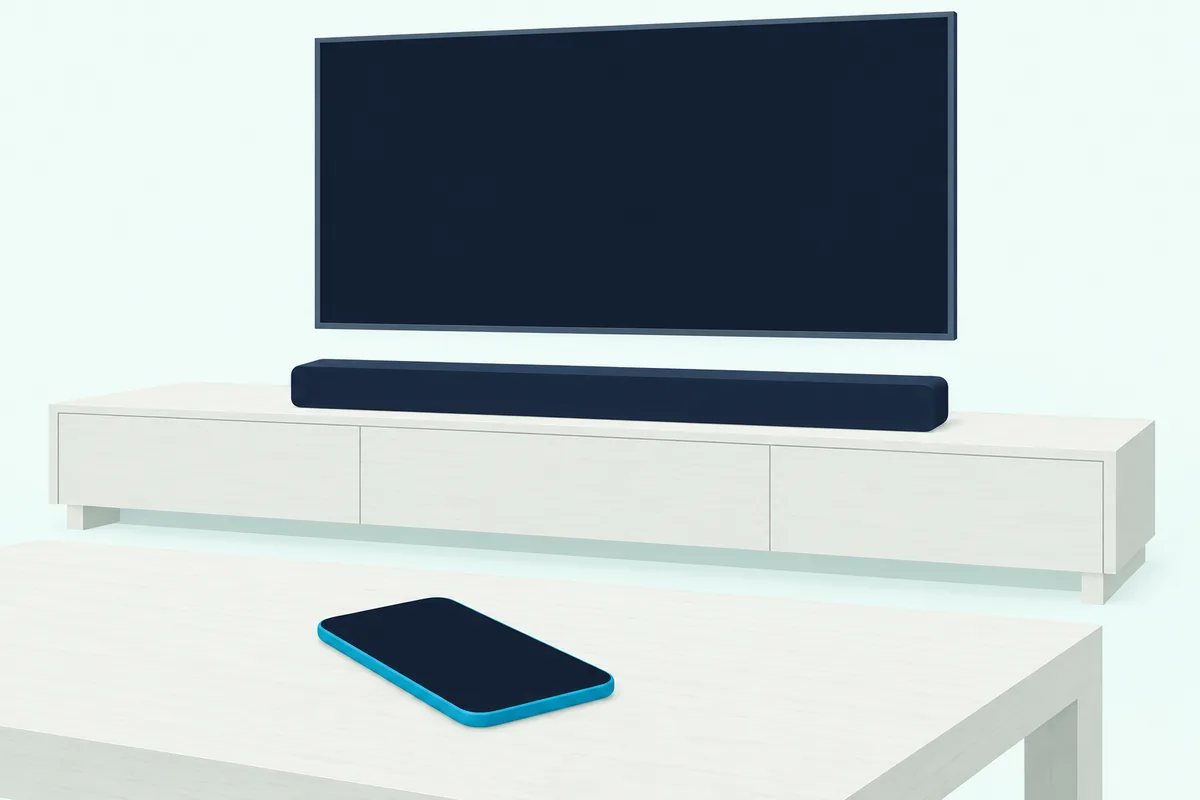
Coming back to a bar you’ve already paired is quicker. The light-panel manuals show two ways: tap its name in the phone’s list, or press Bluetooth once on the remote.
What Does the Klipsch Connect App Do During Setup?
Phone pairing and the app are separate jobs, and that button hold never needs the app. On most bars the app adds controls and updates rather than making the connection, because the manuals’ TV and phone steps use only cables, buttons and the remote.
Klipsch Connect Plus (Flexus Core): the manuals list a virtual remote, equalizer, channel control and support, and the Connect Plus listing adds input selection and firmware updates. The Flexus Core 300 manual runs Dirac setup through the app, and says Spotify, AirPlay, TIDAL and Chromecast connect after you set the bar up there.
Klipsch Connect (Cinema 600, 700, 800 and 1200): the listing names virtual remote control and EQ for soundbars. The Cinema 800 and 1200 manuals join the bar to your network by Ethernet or by pressing WPS on the router and the bar, then send Alexa setup through Klipsch Connect and Google Cast through the Google Home app.
Klipsch adds one catch on the 700, 800 and 1200: virtual remote control and EQ need the latest update. By the listing, that “normally happens automatically” once the bar is online through either app.
How Do You Pair a Klipsch Wireless Subwoofer to the Bar?
The app’s subwoofer level only matters once the sub is linked. A Cinema or Bar subwoofer needs no pairing at first, since Klipsch’s subwoofer guide says it’s paired out of the box, so plug in both and look for a solid light on the sub.
The Cinema 400 manual gives 30 ft (9 m) as the maximum distance from the bar. If the link drops, re-pair with the pair button on the back of each:
- Hold the subwoofer’s pair button for 3 seconds, until its light flashes.
- Hold PAIR on the bar for 3 seconds (SUB PAIR on a Cinema 800 or 1200).
- Wait for the subwoofer’s light to turn solid.
Klipsch’s guide words step 2 as one press while the light blinks, so try that if the 3-second hold doesn’t take. A wired sub is a different job, and the Cinema 800 manual warns that one won’t mute the included wireless sub, so unplug that from AC power if you’re replacing it.
A Flexus sub takes one extra step. The Flexus Sub 100 manual has you plug it in and push the Flexus Transport 100 from its box into the bar’s Flexus Transmitter Port.
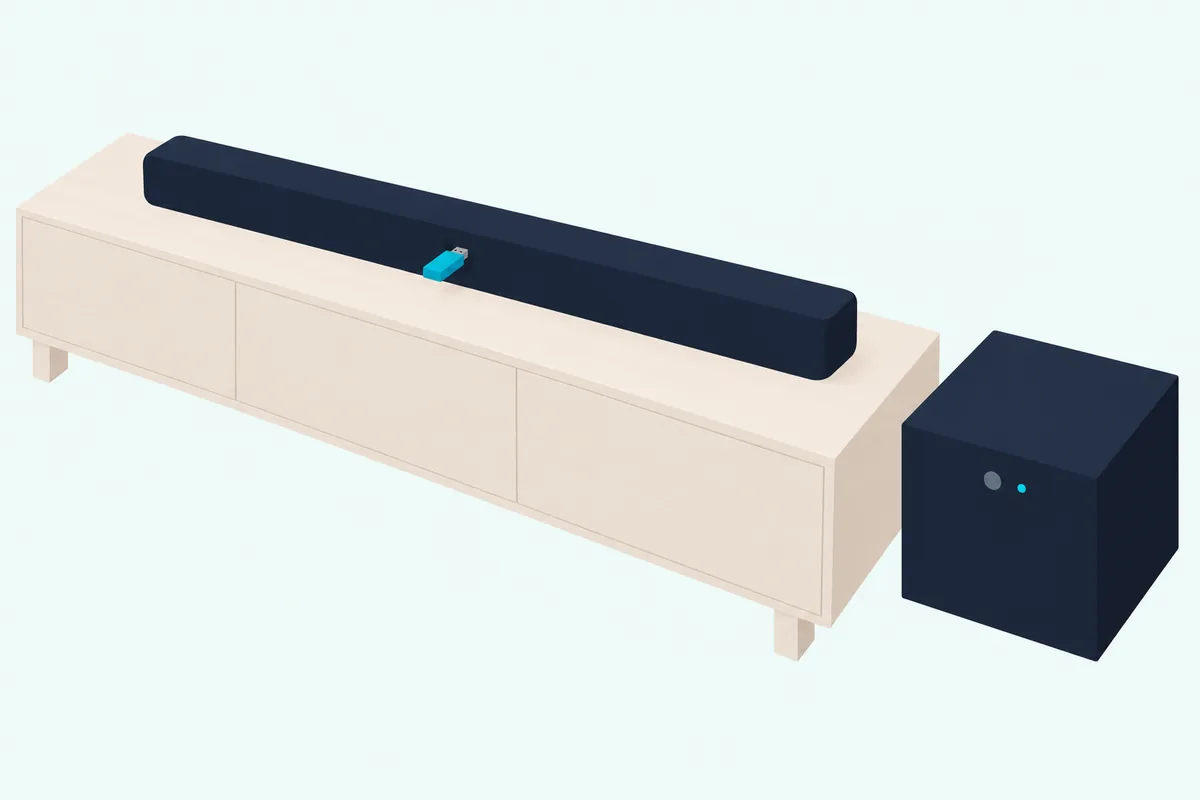
To re-pair it, hold the sub’s pair button for more than 1 second until its light pulses, then hold the bar’s PAIR BUTTON for more than 1 second. The light goes solid and the display reads SUB PAIRED, or PAIR FAILED if it didn’t take.
A Flexus system takes up to two wireless subs, and the switch on each sub’s back must differ: 1 for the first or only sub, 2 for the second. For other makes, here’s how a soundbar subwoofer pairs on other brands.
How Do Surround Speakers Pair With a Klipsch Bar?
Surrounds follow the subwoofer’s pattern, split by the same series. Flexus Surr speakers pair through the Flexus Transport and PAIR BUTTON, while Surround 3 speakers pair through a USB transmitter under the bar’s end cap.
The Flexus Surr 100 manual repeats the sub’s steps: plug in, insert the Transport, and re-pair with the same holds. A Flexus Core takes up to two wireless surrounds, and the display reads SURR PAIRED when they’re linked.
The Surround 3 manual sets up like this, and Klipsch’s Surround 3 page names the Cinema 600, Cinema 800 and Bar 48 as the bars to add them to:
- Set each speaker’s L/R switch and plug both speakers in.
- Hold the bar’s On/Off button for 3 seconds, remove the end cap and push the USB transmitter, the dongle from the box, into the port behind it.
- Turn the bar back on with the same button.
- Look for the light on each speaker and the SUR light on the bar.
If a speaker’s light flashes, it needs syncing. The manual’s fix is to hold SURROUND PAIR under the end cap for 3 seconds, then hold PAIR on that speaker for 3 seconds until it glows solid.
The Cinema 800 and 1200 manuals list a surround pairing message on the display and give no pairing steps. The Cinema 1200 comes with its surrounds in the box, so start with its power and placement pages.
What Should You Try When a Klipsch Soundbar Won’t Connect?
Each of those steps can go wrong, and Klipsch’s documents name a fix for the symptoms below. Match yours to its row, and save the factory reset for last.
| What’s wrong | What Klipsch’s documents say to do |
|---|---|
| No TV sound over HDMI | Move the cable from a basic HDMI input to the port marked HDMI-ARC, with CEC on, or use optical or analog (Cinema 400 manual) |
| No Dolby Atmos | Use HDMI eARC, or HDMI 1 or 2 on a Cinema 800 or 1200, with Atmos content and compatible hardware (Flexus Core 200 and Cinema 800 manuals) |
| Phone won’t pair | Check Bluetooth is on at both ends, update the phone’s software and move closer (Klipsch’s Bluetooth article) |
| Connect Plus can’t reach the bar | Allow Location and Local Network, which Klipsch says its speakers’ Bluetooth Low Energy link needs (App Store listing, Klipsch’s reply to a user) |
| Subwoofer silent | Check it’s within 30 ft (9 m) and its light is solid, then run the re-pair steps above (Cinema 400 manual) |
| Surround 3 speakers silent | Check power and the transmitter, then read the speaker’s light: raise the surround volume if it’s solid, sync it if it’s flashing (Surround 3 manual) |
| Cinema 800 stuck “updating” or won’t turn on | Install the latest DSP manually, or re-flash the MCU firmware (Cinema 800 product page) |
The factory reset uses the same two buttons on every bar in the first table: hold On/Off and Source for 10 seconds. Klipsch says it clears the Bluetooth pairing history and any programmed IR commands, so you’d pair your phone again afterward.
The descriptions come from Klipsch’s manuals, product pages, blog articles and app listings.
Frequently Asked Questions
Where is the pair button on a Klipsch soundbar?
It’s on the back panel with the ports, labeled PAIR on the light-panel bars, SUB PAIR on a Cinema 800 or 1200, and PAIR BUTTON in the Flexus Core diagrams.
That button is for the subwoofer and surrounds. Your phone pairs through the Source button or the remote’s Bluetooth button, and SURROUND PAIR sits under the end cap on the Cinema 600 and Bar 48.
Can your TV remote control a Klipsch soundbar?
Yes, on the light-panel bars, which can learn your TV remote’s commands. Hold Source and Volume Down on the bar for 3 seconds, press Volume Up on the bar, then press Volume Up on the TV remote from 12 inches (25 cm) away.
The source light flashes three times and turns solid when it works. Repeat the steps for Volume Down, and note that the manuals’ picture marks this as a job for a TV remote, not a cable remote.
How do you pair a Flexus remote again?
Long-press On/Off and Bluetooth together on the remote, which enters remote pairing mode by the Flexus Core manuals’ Advanced Functionality list.
How do you update a Klipsch soundbar’s firmware?
Both app listings include product firmware and feature updates, and the Flexus Core manuals also use the USB port for firmware updates, with a thumb drive formatted as FAT32. Klipsch’s Bar 48 support page sends you to its Firmware Page, where you pick your product and enter your serial number.