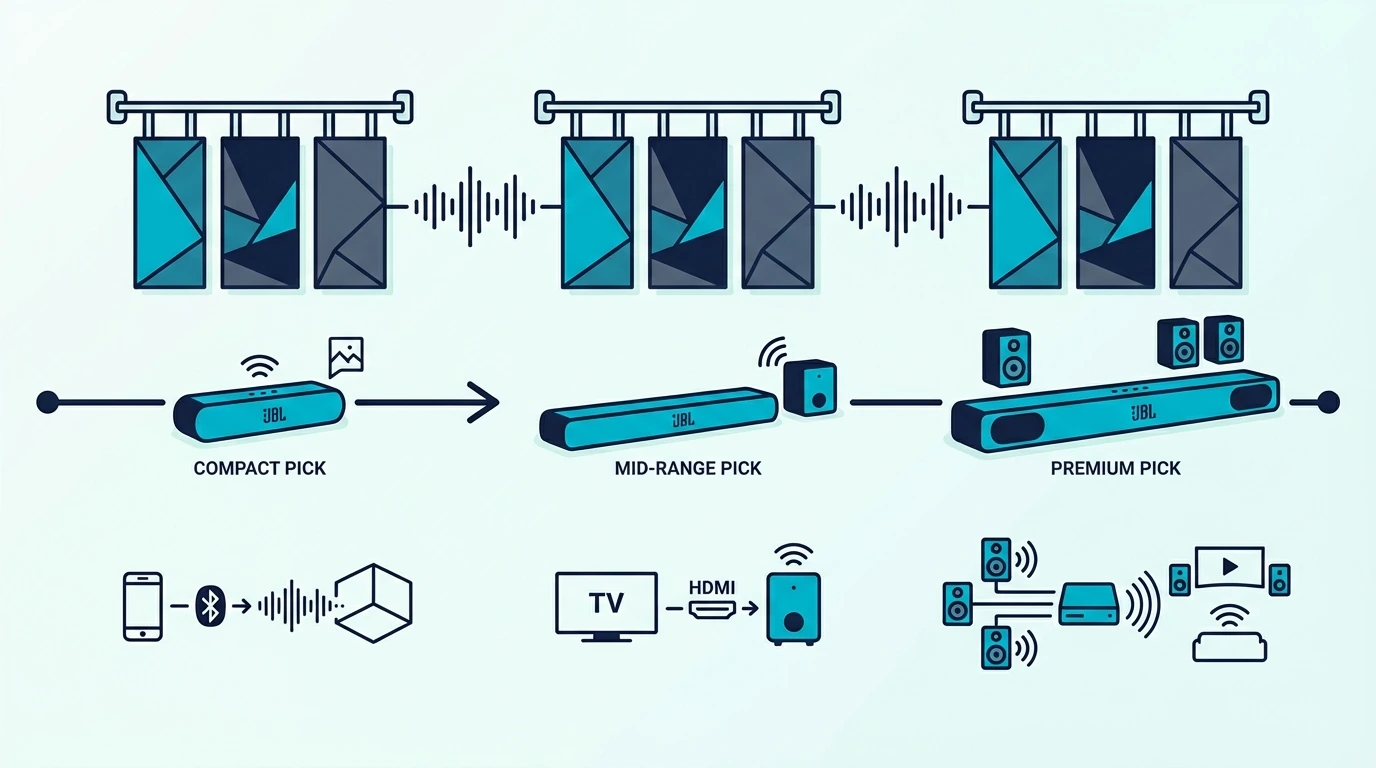
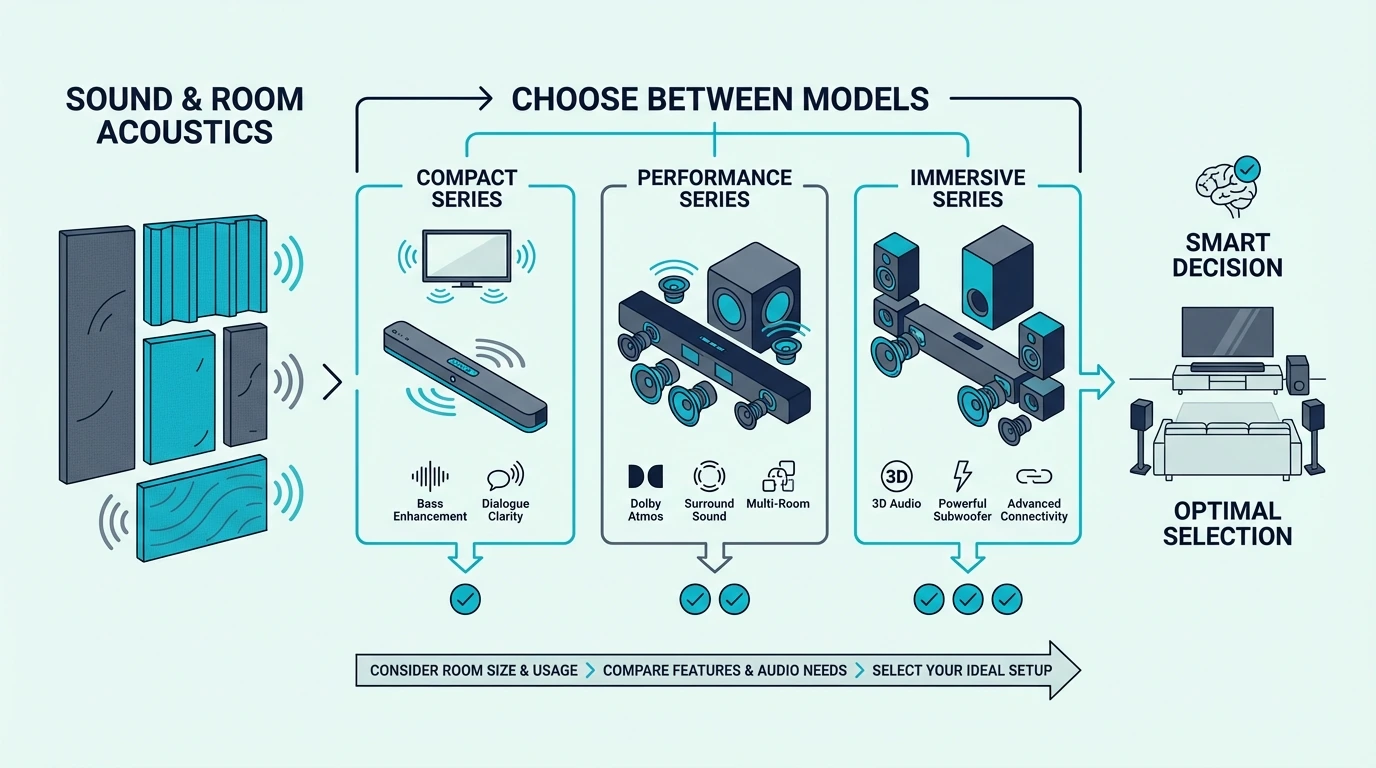
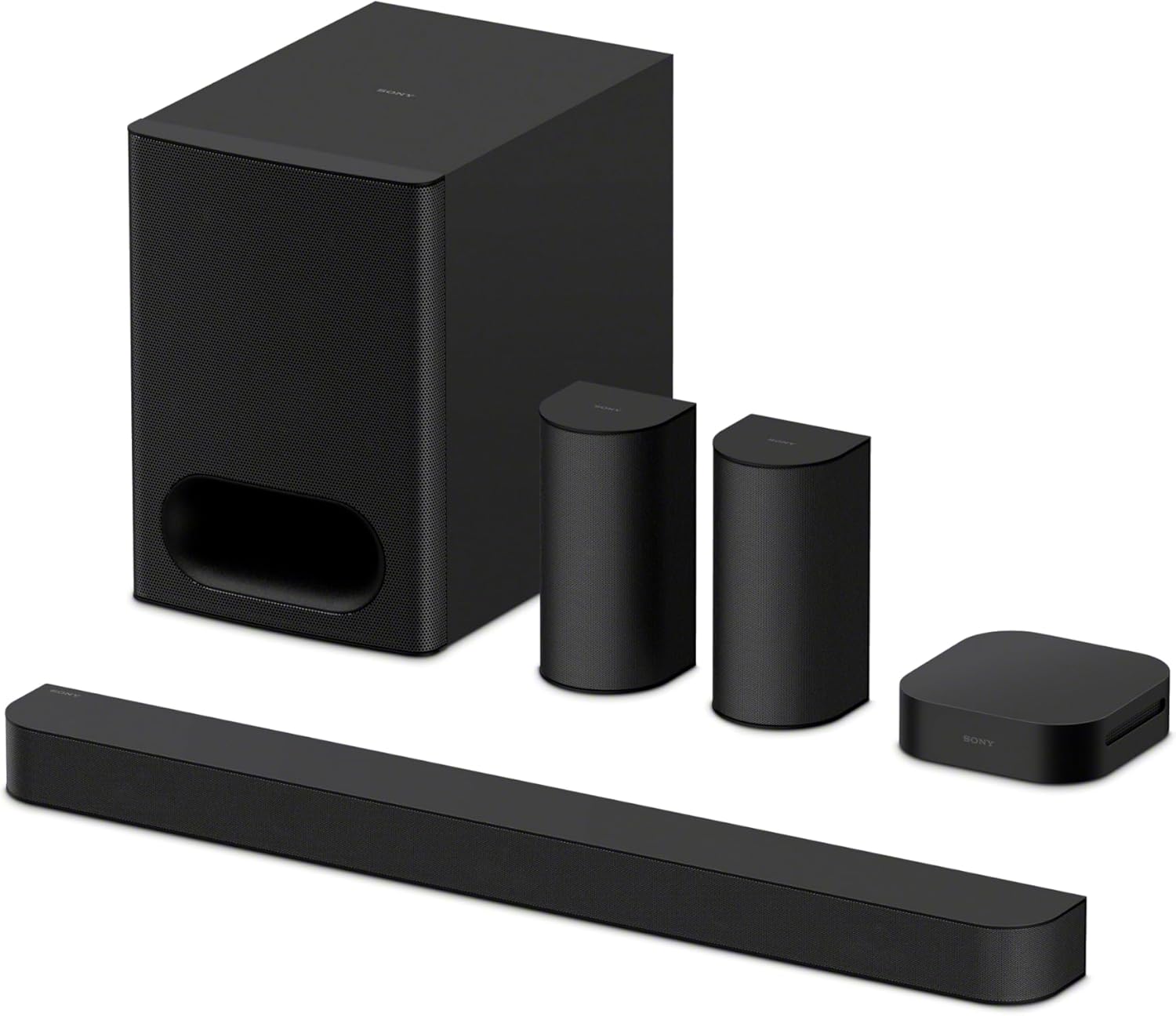
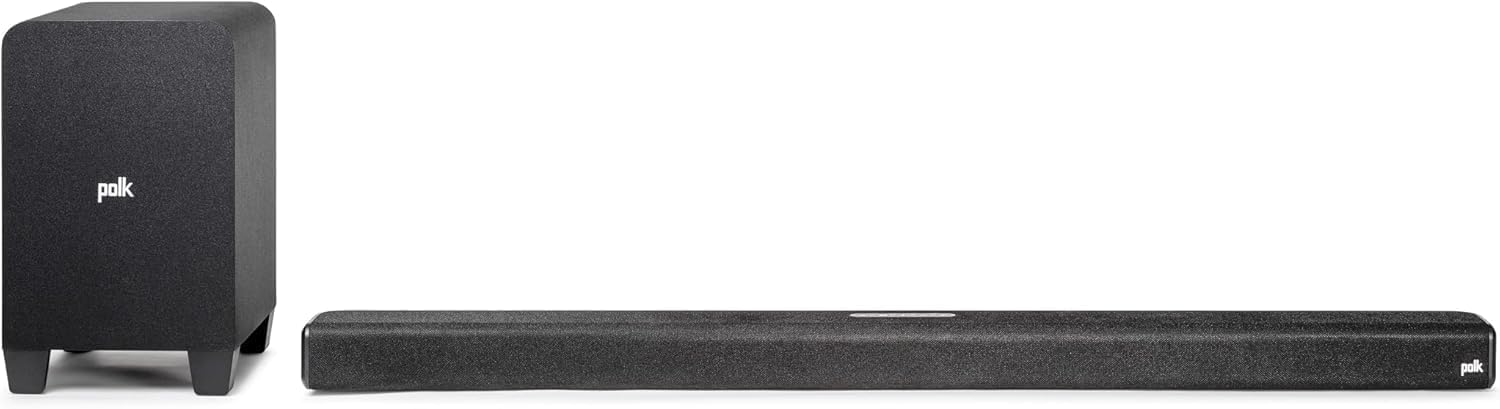
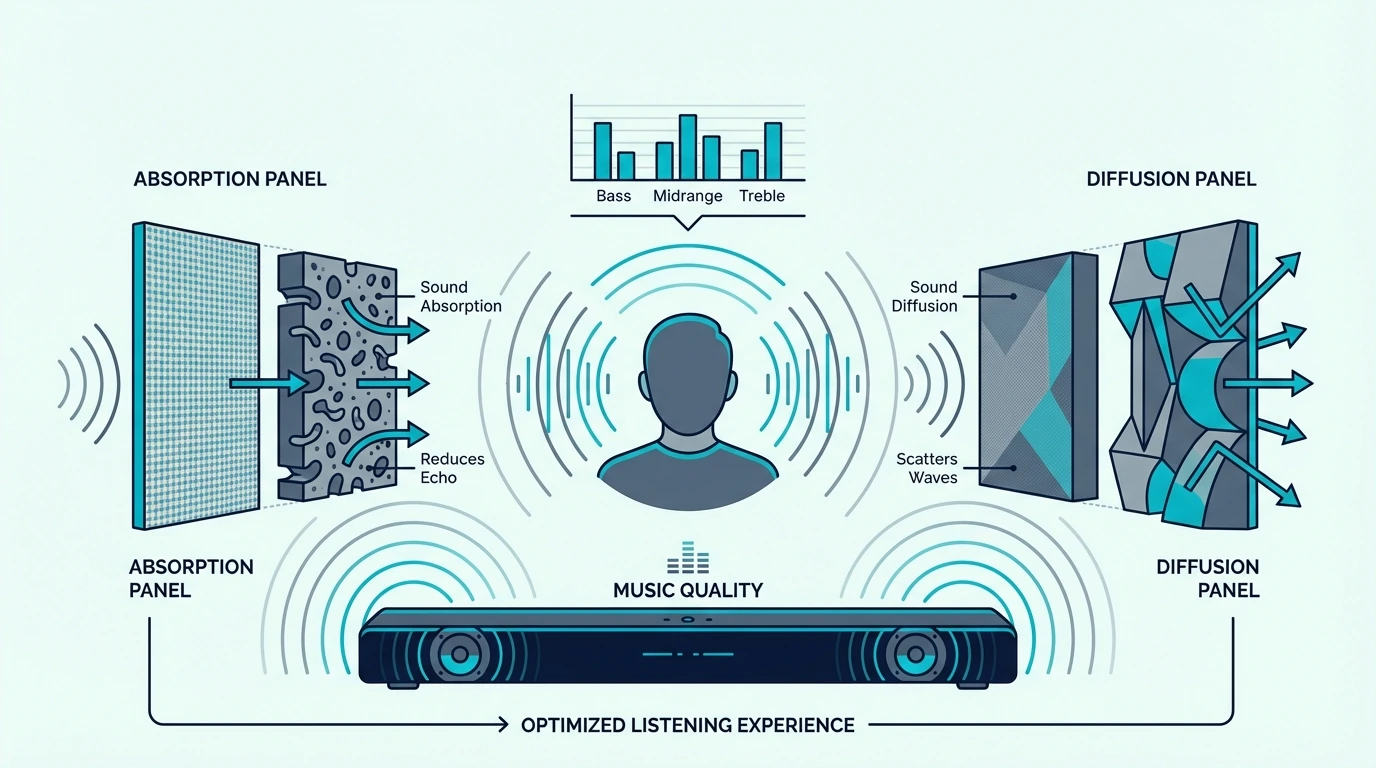
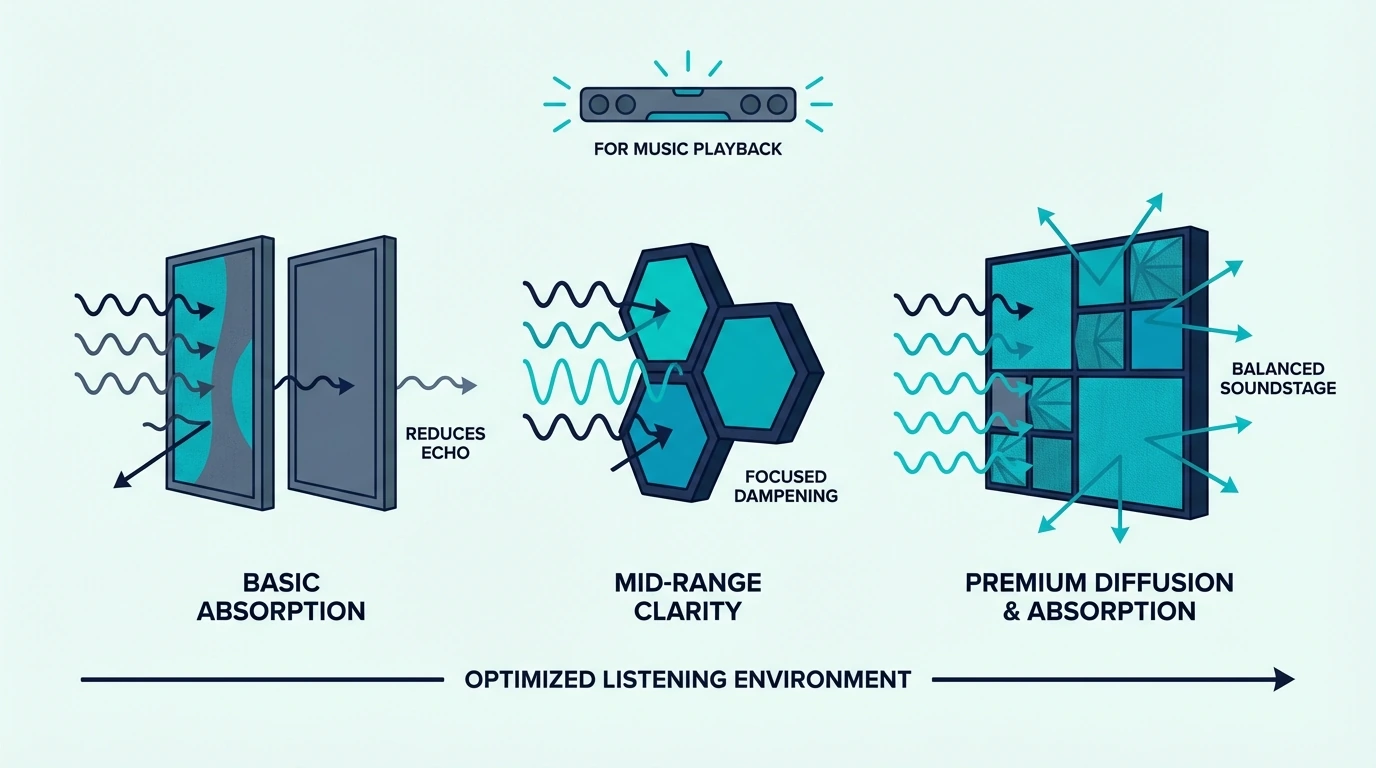
How To Connect Shield To Soundbar — Best Signal Chain For Nvidia Shield
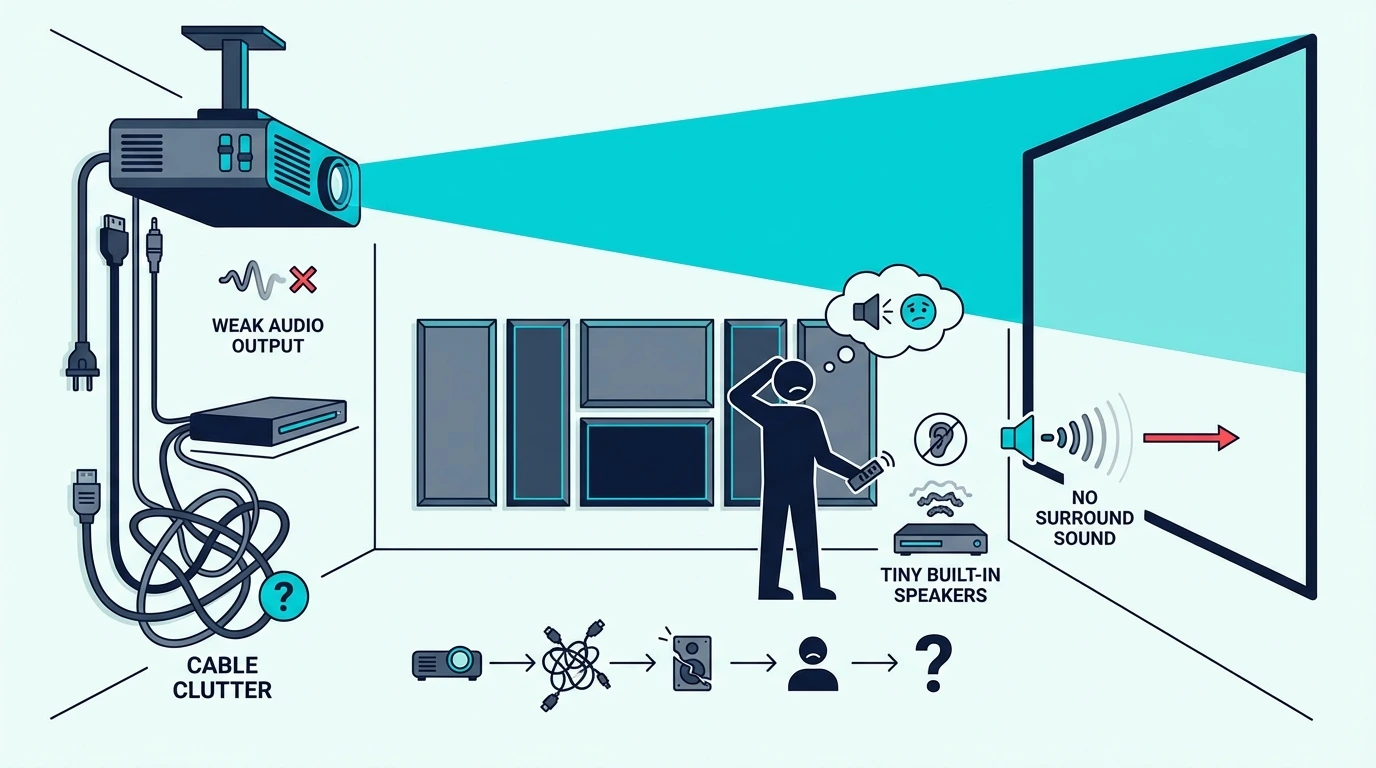
How to connect Shield to soundbar is simple once you choose the right HDMI chain, but the wrong routing can break Atmos, create lip-sync issues, or leave the Shield playing video while your TV handles audio badly.
The pain is that many people plug the Nvidia Shield into whatever HDMI port is free, assume CEC and passthrough will sort themselves out, and then spend an hour chasing no-sound or compressed-audio problems that were caused by the signal path, not the hardware.
Use the right connection order and the setup gets much cleaner: the Shield sends full-resolution audio where it belongs, the soundbar gets the formats it can actually decode, and the TV only handles the part of the chain it needs to.
So start by deciding whether the Shield should connect to the soundbar first or to the TV first, because that single decision affects audio passthrough, surround formats, and remote behavior more than anything else.
Now that the real bottleneck is clear, let us walk through how to connect Nvidia Shield to a soundbar and set the audio path up properly.
Quick Takeaway
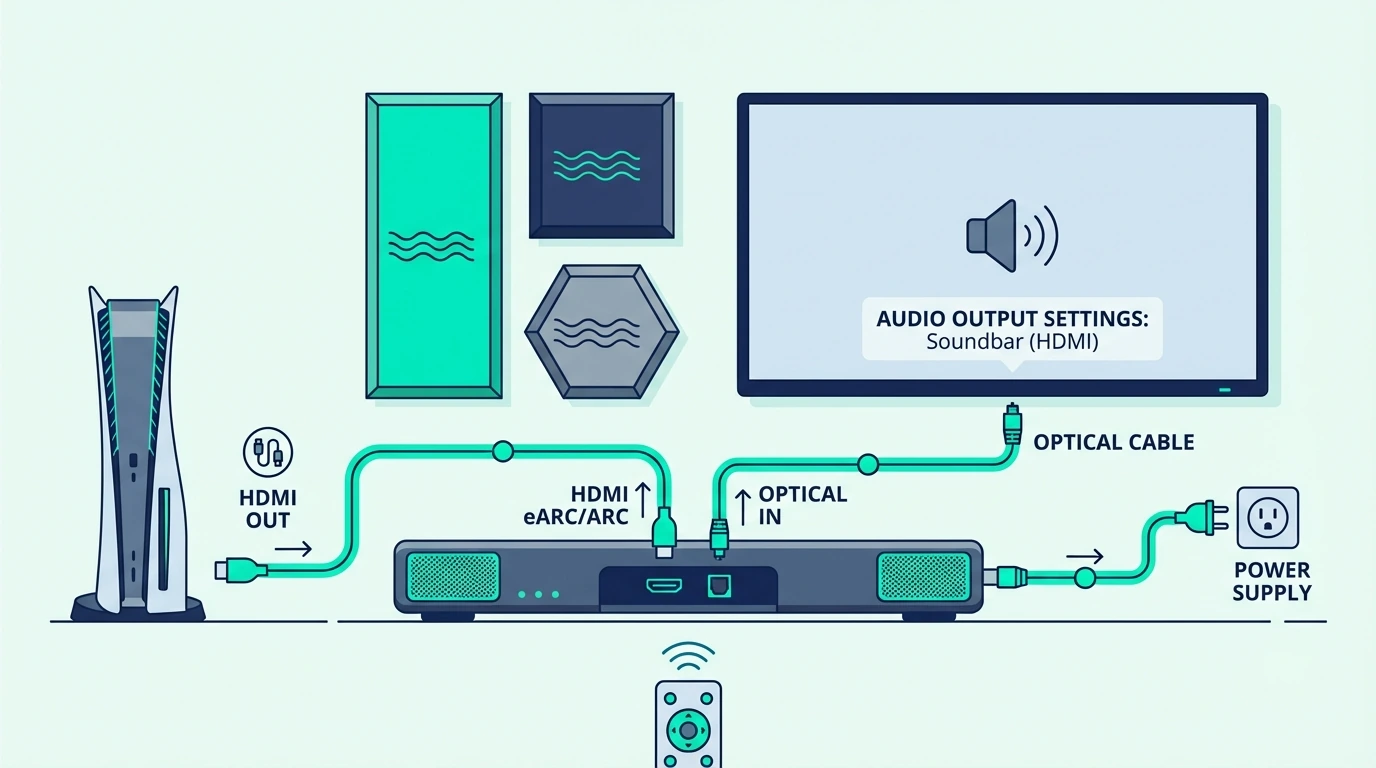
To connect an Nvidia Shield to a soundbar, the best method is usually Shield → soundbar → TV if the soundbar has HDMI input and supports the audio formats you want. If the soundbar only has HDMI ARC or eARC and no extra HDMI input, connect Shield to the TV and let the TV send audio back to the soundbar. After wiring it, set the Shield audio format to auto or passthrough and confirm the TV and soundbar are using the correct ARC or eARC settings.
What Is the Right HDMI Order for Connecting Shield to a Soundbar?
Before you change any settings, decide which device should sit in the middle of the chain. That depends on what ports your soundbar actually has.
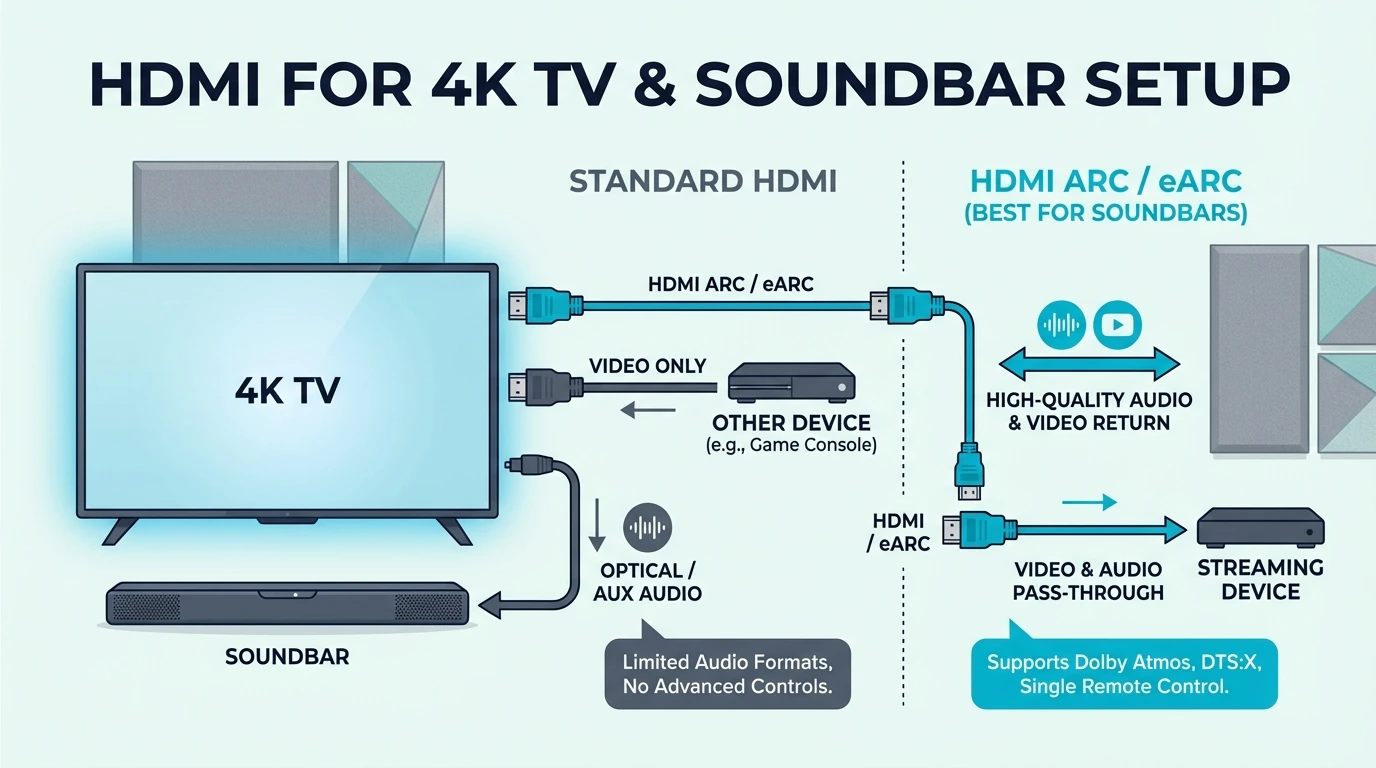
If your soundbar has a real HDMI input, the cleanest setup is often Shield -> soundbar -> TV. That lets the Shield send audio directly to the soundbar before the TV has a chance to downmix or interfere with it.
If the soundbar only has an HDMI ARC or eARC port and no spare HDMI input, then the right path is Shield -> TV -> soundbar. In that setup, the TV becomes the switcher and returns audio to the soundbar over ARC or eARC.
That sounds like a small wiring difference, but it often decides whether the TV has to pass advanced formats back over ARC or eARC or whether the soundbar receives them directly from the Shield. On older ARC-only TVs, that difference can be the line between full-format audio and a simplified fallback.
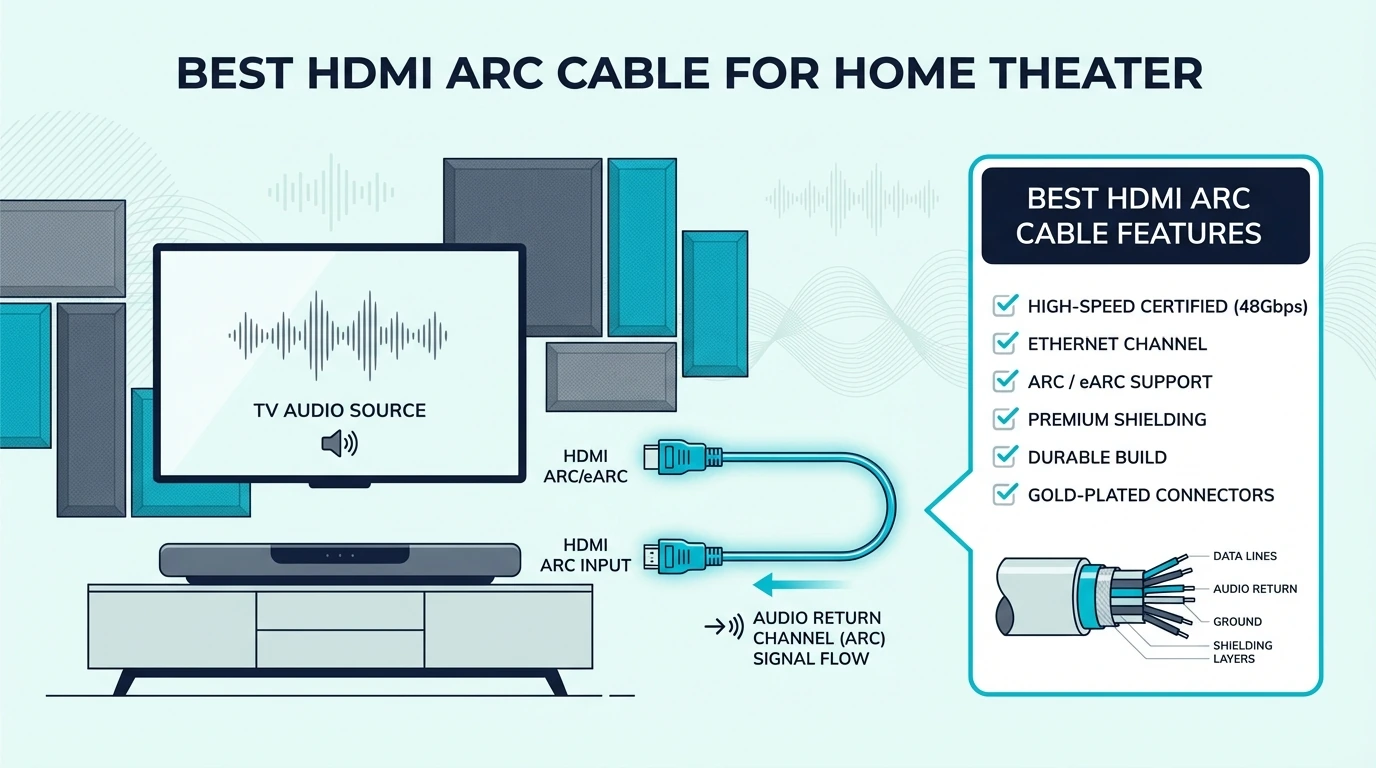
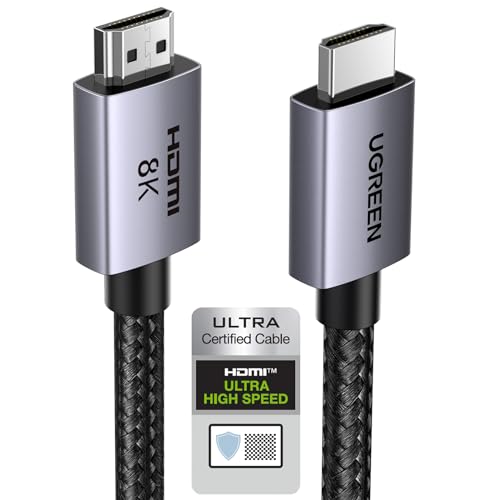
A certified cable like the UGREEN 8K HDMI 2.1 Cable is a safe default for either route because it removes cable bandwidth as a possible failure point.
What Is the Best Soundbar Setup for Nvidia Shield?
The best soundbar setup for Nvidia Shield is not about brand matching. It is about whether the soundbar can take HDMI input directly and whether the TV handles audio return correctly.
If the soundbar has HDMI input plus HDMI out, Shield should usually go into the soundbar first. That keeps the Shield’s audio path direct and lets the soundbar decode formats like Dolby Atmos before the TV can simplify them.
If the soundbar only offers ARC or eARC, send the Shield into the TV and let the TV return audio to the soundbar. That setup works well, but it depends more heavily on the TV’s audio menu, passthrough support, and CEC behavior.
Remote convenience changes here too. When the TV sits in the middle, one-remote behavior can improve, but HDMI handshakes become more dependent on the TV’s own CEC implementation. When the soundbar sits in the middle, audio quality is often cleaner, but you need the soundbar’s HDMI switching to behave reliably.
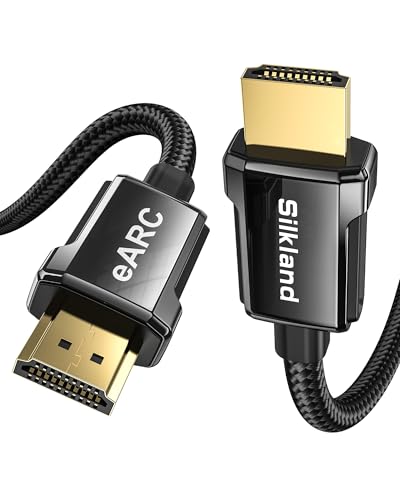
A cable like the Silkland HDMI ARC/eARC Cable fits this second setup particularly well when the TV is sitting between the Shield and the soundbar.
If you are deciding whether the bar itself is the weak point, the next useful comparisons are the best budget soundbar guide and the best Sonos soundbar roundup. Connection stability often changes with the bar’s HDMI implementation, not just the source device.
Which Nvidia Shield Audio Settings Matter Most for a Soundbar?
Once the cables are right, the Shield settings determine whether the soundbar gets the signal it expects. This is where a lot of otherwise-correct setups go wrong.
Inside the Shield audio menu, leave the format on Auto first unless you know exactly which codecs the soundbar supports. Auto is usually the safest way to avoid forcing the wrong output mode.
If the soundbar supports higher-end formats, then check whether the Shield is exposing Dolby processing, available surround options, and passthrough behavior correctly. If the soundbar is older, forcing everything too aggressively can create silence instead of better audio.
This is also where you should confirm the TV is not set to PCM only. If the TV simplifies the signal before the soundbar receives it, you lose the benefit of routing the Shield correctly in the first place.
A second known-good cable helps during settings troubleshooting, which is why the JSAUX 8K HDMI 2.1 2-Pack is practical for Shield setups that require testing both the source-to-bar link and the bar-to-TV link separately.
That same kind of chain discipline also matters in source-heavy systems like the ones covered in our gaming soundbar guide and projector soundbar roundup, where the signal path matters just as much as the soundbar choice.
How Should You Handle Nvidia Shield Audio Passthrough Settings?
Now that the basic audio menu is under control, passthrough is the next setting to get right. Passthrough decides whether the Shield sends the audio format onward for the soundbar to decode or converts it first.
If your soundbar supports the format, passthrough is usually what you want. It preserves the original signal instead of flattening everything into a simpler format too early.
If your TV sits between the Shield and the soundbar, passthrough must also be enabled on the TV side when available. Otherwise, the TV becomes the choke point even if the Shield and the soundbar are both capable.
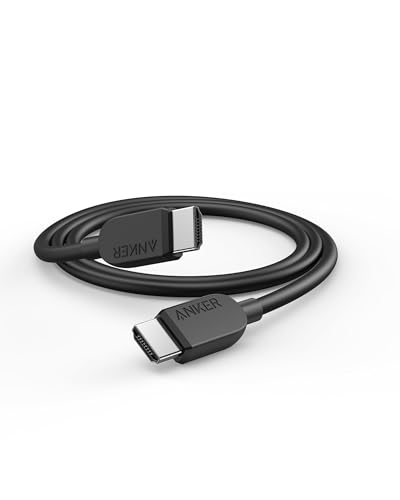
This is where a basic but reliable cable like the Anker HDMI Cable 8K is helpful because it gives you a dependable baseline while you isolate whether the failure is coming from settings or from the physical link.
If passthrough keeps failing, go back to the simplest possible path first: Shield direct to soundbar if possible, then soundbar to TV. Each extra device in the chain is another place where the signal can be changed.
If you are not sure where the failure lives, change one variable at a time: first cable order, then Shield audio mode, then TV passthrough, then soundbar input selection. Changing everything at once makes it much harder to see whether the real bottleneck is the TV, the bar, or the Shield.
Why Does Nvidia Shield Surround Sound Sometimes Still Break?
Once the signal chain and audio settings are correct, surround sound on Nvidia Shield becomes much more predictable. The Shield can feed strong multichannel audio, but only if the rest of the system stops downgrading it.
The first question is whether the soundbar can decode the format the Shield is sending. The second is whether the TV is passing that same format back unchanged if the TV sits in the middle.
That is why some people think the Shield lacks surround support when the real issue is an ARC-only TV, a PCM-only TV setting, or a soundbar that does not accept the codec they selected. The Shield is often fine; the chain around it is not.
One practical test is to play a known surround or Atmos title and check what the soundbar says it is receiving. If the Shield menu looks correct but the bar still reports PCM or stereo, the middle device is reshaping the signal somewhere in the chain.
If you want the easiest path to better results, pair Shield with a bar that has strong HDMI handling and a clear surround feature set, then route the source accordingly. That is the same reason people often end up happiest with the models in our best soundbars with subwoofers guide or the main soundbar hub when they are building around movie and streaming use instead of casual TV audio.
The Bottom Line
The best way to connect Nvidia Shield to a soundbar is to route the Shield into the soundbar first when the bar has HDMI input. If the bar only supports ARC or eARC, then connect the Shield to the TV and let the TV return audio to the soundbar.
After the cables are in the right order, most remaining problems come from settings: Shield audio mode, TV passthrough, ARC or eARC selection, and the soundbar input itself. Fix those in that order and the setup becomes much easier to debug.
The Nvidia Shield does not have a separate analog audio-out jack, but it does send audio through HDMI. That means the soundbar gets audio either directly from the Shield over HDMI or from the TV through ARC or eARC, depending on how you wire the chain.
How to connect nvidia shield to Bluetooth speaker?
Put the Bluetooth speaker or soundbar in pairing mode, then open the Shield’s Bluetooth accessories menu and pair it there. It works for casual listening, but a wired HDMI chain is still better for lower latency and more stable surround behavior.
How do I get my smart TV to play through my surround sound?
Set the TV audio output to the soundbar or receiver, then confirm you are using the correct ARC, eARC, or optical connection. If the TV sits between the source and the soundbar, also enable passthrough if the TV offers that setting.
Does the Nvidia Shield have HDMI input?
No. The Nvidia Shield uses HDMI output to send video and audio to the next device in the chain, but it does not take HDMI input from other devices.
How To Connect Soundbar To TV — HDMI ARC, Optical, Bluetooth & Fixes
How to connect soundbar to TV is usually simple, but only if you match the connection method to the ports your TV and soundbar actually have.
The pain is that most setup failures come from using the wrong HDMI port, leaving the TV audio output on internal speakers, or treating HDMI ARC, optical, and Bluetooth like they all behave the same way.
Choose the right connection path and the whole setup gets easier: one cable, the correct audio output setting, and a soundbar that actually takes over your TV sound instead of sitting there powered on with no audio.
So start by checking whether your TV and soundbar support HDMI ARC or eARC, because that tells you whether to use HDMI first, optical as a fallback, or wireless only for convenience.
Now that the order is clear, let us walk through how to connect a soundbar to a TV step by step and fix the problems that usually stop it from working.
Quick Takeaway
To connect a soundbar to your TV, use HDMI ARC or eARC first if both devices support it. If they do not, use optical, and only use Bluetooth when convenience matters more than lip-sync and remote control. After the cable is connected, switch the TV audio output to the soundbar in the settings menu and confirm you used the correct ARC or optical port.
What Is the Right Port for Connecting a Soundbar to a TV?
Before you touch a cable, look at the back or side of the TV and the soundbar. The labels matter more than the cable brand.
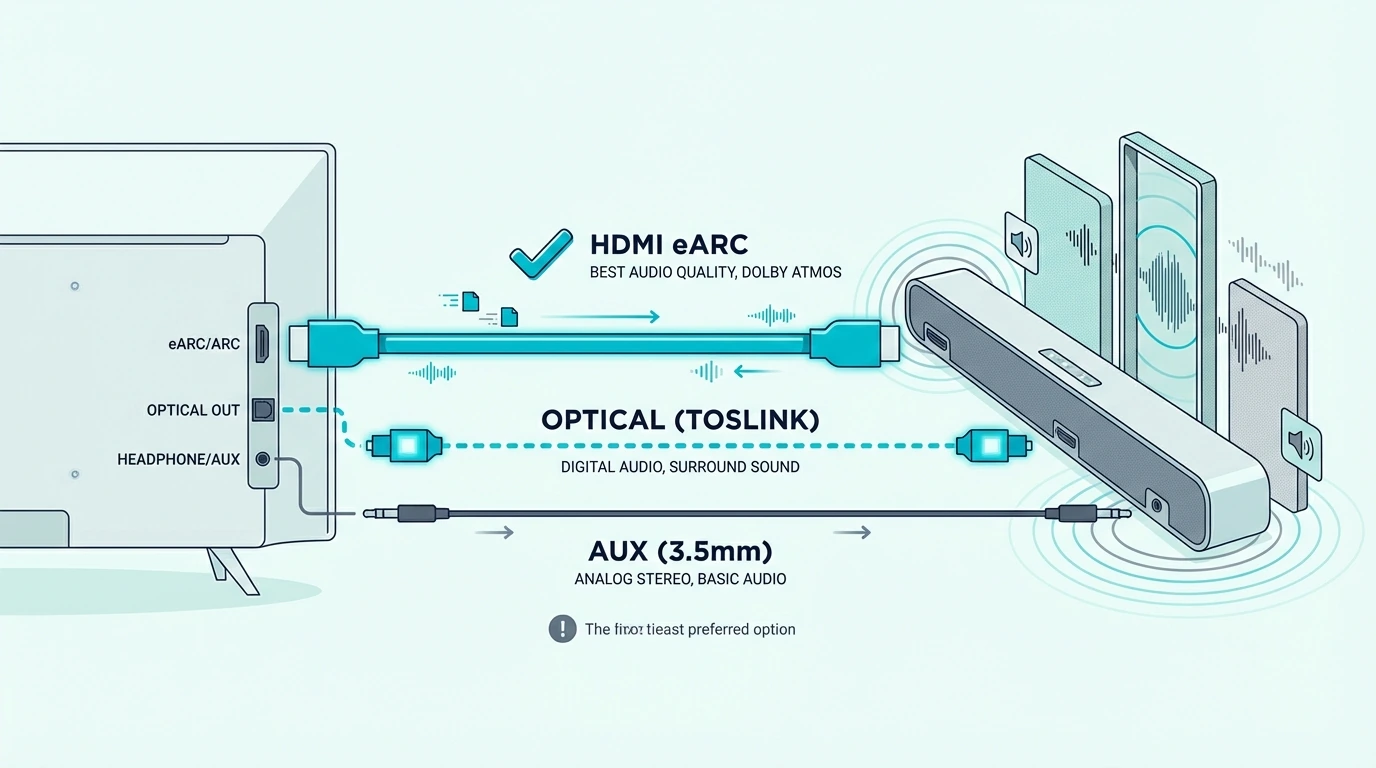
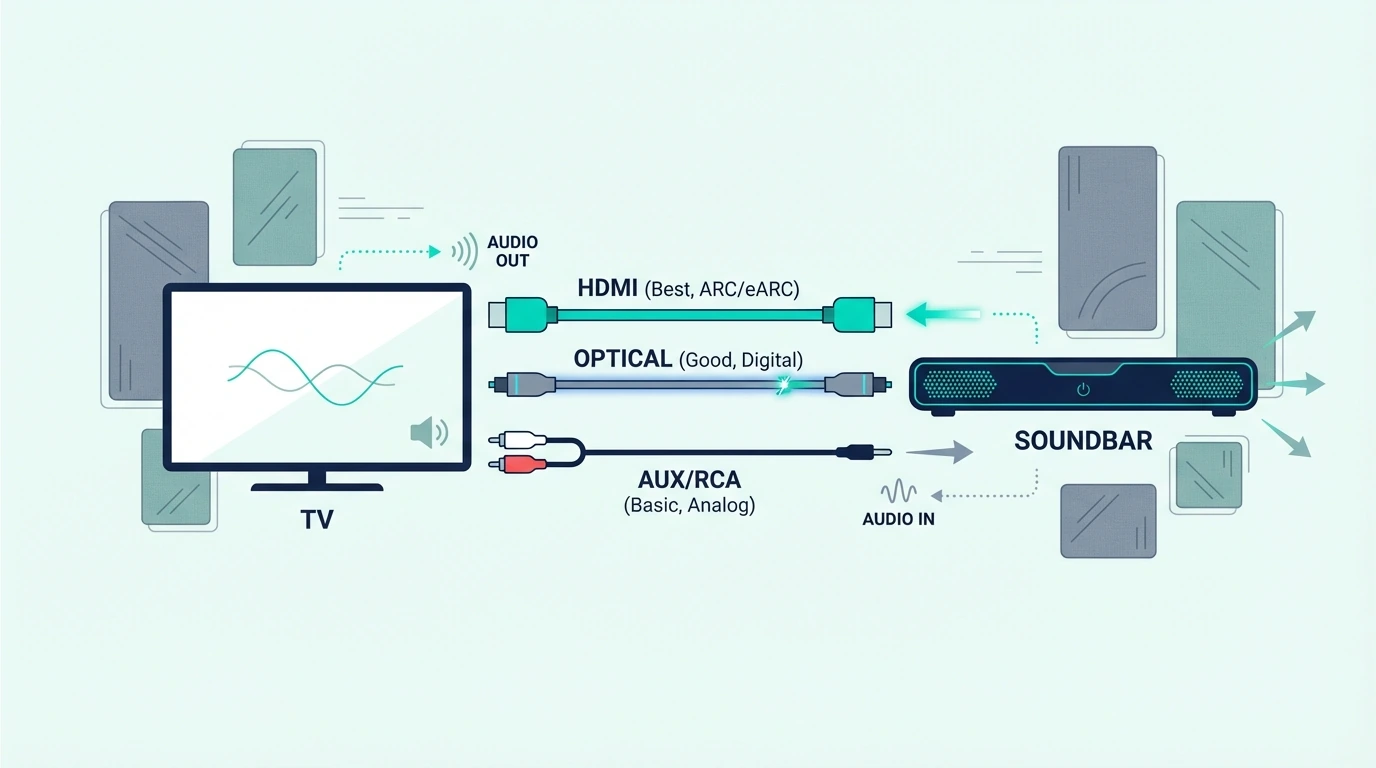
If you see HDMI ARC or HDMI eARC on both devices, that should be your first choice. It gives you the cleanest setup, lets the TV remote control volume through CEC, and supports better audio formats than optical on newer gear.
If you only see Optical, Digital Audio Out, or TOSLINK, that is your fallback. It still works well for TV and streaming, but it cannot pass the full lossless formats that make the best Dolby Atmos soundbars worthwhile.
If you need a new HDMI cable for this first step, a certified cable like the UGREEN 8K HDMI 2.1 Cable is a safe default. It is especially useful if you are comparing ARC behavior against our HDMI vs HDMI ARC soundbar guide.
The other thing to check is your TV menu. Most sets need you to choose Audio Output, External Speaker, or Receiver before the soundbar takes over.
If the soundbar is failing across every input or still refuses to take over TV audio, the no-sound guide and reset soundbar guide usually solve the real problem faster than repeating the same cable swap.
How Do You Connect a Soundbar to a TV with HDMI ARC or eARC?
Now that you know the correct port, HDMI ARC or eARC is the method to use first. It is the cleanest one-cable connection for most modern TVs.
Plug one end of the HDMI cable into the TV port labeled ARC or eARC, then plug the other end into the matching HDMI port on the soundbar. If you plug into a normal HDMI input, the soundbar may power on but never receive return audio.
After that, open the TV settings and select the soundbar as the audio output. On many TVs, you also need to turn on CEC, Anynet+, Simplink, or a similar control setting so the TV remote can change the soundbar volume.
A cable like the Silkland HDMI ARC/eARC Cable is useful when you want a cable that is explicitly designed around this TV-to-soundbar return path. That matters most when you are trying to keep ARC or eARC stable across a modern TV setup.
If you are using eARC, leave the TV audio format on Auto or Passthrough when possible. If you force PCM too early, you may lose surround information before it reaches the soundbar.
How Do You Connect a Soundbar to a TV with Optical?
If HDMI ARC is not available, optical is the next best wired choice. It is still a very normal way to connect a soundbar to a TV.
Connect the optical cable from the TV’s Optical Out or Digital Audio Out port to the soundbar’s optical input. Then switch the soundbar input to Optical or D.IN, depending on the brand. On a Hisense TV specifically, where the Digital Sound Out menu sits behind different paths in different model years, the exact Hisense menu sequence with the bar set to Optical/D.IN and the TV sound mode set to external is the brand-specific reference.
After that, go back to the TV settings and select optical or external audio output. Some TVs mute the optical port until you explicitly change the output mode.
A simple cable like the KabelDirekt TOSLINK Optical Audio Cable is exactly the kind of accessory that fits this use case. Optical works especially well for older living-room setups, budget bars from our best budget soundbar roundup, and simpler movie systems where stability matters more than advanced formats.
The limitation is bandwidth. Optical can handle standard Dolby Digital and 5.1, but not the full higher-end formats that newer bars can decode over eARC.
How Do You Connect a Soundbar to a TV Without HDMI ARC?
If your TV does not have HDMI ARC, do not panic. You can still connect the soundbar, but the best method changes.
Optical is usually the cleanest fallback. If the TV has no optical output either, check whether the soundbar accepts AUX, coaxial, or Bluetooth.
Some older TVs also work better when your streamer or cable box connects to the soundbar first and then passes video forward to the TV. That only works if the soundbar has HDMI input, but it can bypass the TV’s weak audio return options completely.
If you are testing more than one HDMI path at once, the JSAUX 8K HDMI 2.1 2-Pack is practical because it lets you test the TV-to-soundbar link and a second source-chain cable without buying twice. That is most useful when the TV also serves gaming setups like the ones in our gaming soundbar guide.
If none of those ports exist, Bluetooth may be the last remaining option, but it should be treated as a convenience method rather than the best long-term connection.
Why Is the TV Still Not Playing Through the Soundbar?
Now that the cable path is clear, the most common problem is not the cable itself. It is the TV still sending sound somewhere else.
First, make sure the soundbar input matches the cable you used. If the bar is waiting on HDMI but you connected optical, you will get silence even though the hardware is plugged in correctly.
Second, go into the TV menu and change the output to External Speaker, Receiver, Audio System, or the brand-specific equivalent. Many TVs stay on internal speakers until you switch that setting manually.
Third, confirm that the HDMI cable is in the actual ARC or eARC port. Using the wrong HDMI input is one of the fastest ways to create a no-sound problem that looks mysterious but is actually simple.
If you still get no sound, power-cycle both devices, turn CEC off and back on, and try a different cable. This is also where keeping a second known-good HDMI lead helps during troubleshooting rather than just initial setup. If the TV is specifically an LG and the silence returns after every fix, the LG-specific pass — Simplink reset, eARC mode toggle, Digital Sound Out PCM test, subwoofer re-pair is the brand-targeted next step rather than another cable swap.
Most soundbars connect to most TVs, but not always through the same method. Compatibility is usually about matching ports, not matching brand names.
A newer soundbar and a newer TV usually connect through HDMI ARC or eARC. Older TVs often rely on optical, and some ultra-basic bars add AUX or Bluetooth for fallback compatibility.
What you do not always get is full feature parity. A bar may connect physically but still lose the nicer parts of the experience, like single-remote volume control, Dolby Atmos, or automatic power-on.
That is why the best soundbar for a small bedroom TV is not always the same as the best one for a newer OLED or gaming setup. If you are still narrowing that down, our small-room soundbar guide and soundbars with subwoofers roundup help you match the bar to the room before you worry about connection details.
Can You Connect a Soundbar to a TV Wirelessly?
Yes, you can connect a soundbar to a TV wirelessly if both devices support Bluetooth. The setup is simple: put the soundbar in pairing mode, open the TV’s Bluetooth audio menu, and select the soundbar as the audio device.
The trade-off is latency. Bluetooth can be fine for casual viewing or background TV, but lip-sync errors are more common than with HDMI or optical.
Wireless TV-to-soundbar connections also tend to be less consistent across brands and older TVs. If you want the setup that works most often and causes the fewest headaches, wired still wins.
Bluetooth is best treated as a backup or convenience feature, not the default method for movie and gaming use. If you specifically need the TV-side wireless pairing steps, go to our TV-to-soundbar Bluetooth guide.
The Bottom Line
The best way to connect a soundbar to a TV is HDMI ARC or eARC when both devices support it. It is the cleanest path for better audio, easier remote control, and the fewest setup headaches.
If ARC is not available, optical is the best fallback. If neither wired option is available, Bluetooth can still work, but it is usually the least reliable method for serious TV use.
If you are still unsure which connection path or cable type makes sense, compare your setup against the TV-to-soundbar cable guide and the broader soundbar hub so you can match the connection method to the actual gear you own.
Frequently Asked Questions
How do I connect my sound bar to my TV?
Use HDMI ARC or eARC first if both the TV and soundbar support it. If they do not, connect them with an optical cable and then change the TV audio output to the soundbar in the settings menu.
Does it matter which HDMI port I use for a soundbar?
Yes. You need to use the HDMI port labeled ARC or eARC on the TV, otherwise the TV usually will not send audio back to the soundbar.
Why is my TV not playing sound through my soundbar?
The most common reasons are the wrong input selected on the soundbar, the TV still set to internal speakers, or the HDMI cable plugged into a non-ARC HDMI port. Power-cycling both devices and rechecking the audio output setting solves most cases.
Do all soundbars connect to all TVs?
Most do, but often through different methods. HDMI ARC, optical, AUX, and Bluetooth cover most compatibility cases, but older TVs and older soundbars may lose some convenience features depending on the connection type.
Best HDMI Cable For TV To Soundbar — What You Actually Need
Best HDMI cable for TV to soundbar setups can absolutely improve reliability and unlock better formats, but only if your TV, soundbar, and port type can actually use what the cable is rated for.
The pain is that buyers often grab a random premium cable, assume any HDMI lead is identical, or keep fighting ARC problems that are really caused by using the wrong port, the wrong cable type, or the wrong expectation for an older TV.
Choose the right cable and the connection becomes simple: stable audio return, cleaner Dolby Atmos support through eARC when available, and fewer annoying handshake problems between the TV and the soundbar.
So start by figuring out whether your setup is HDMI ARC, HDMI eARC, or optical fallback, because that one choice tells you whether you need a certified Ultra High Speed cable, a standard High Speed cable, or no HDMI upgrade at all.
Now that the real bottleneck is clear, let us sort out which cable actually makes sense for a TV-to-soundbar connection and which cable purchase is wasted money.
Quick Takeaway
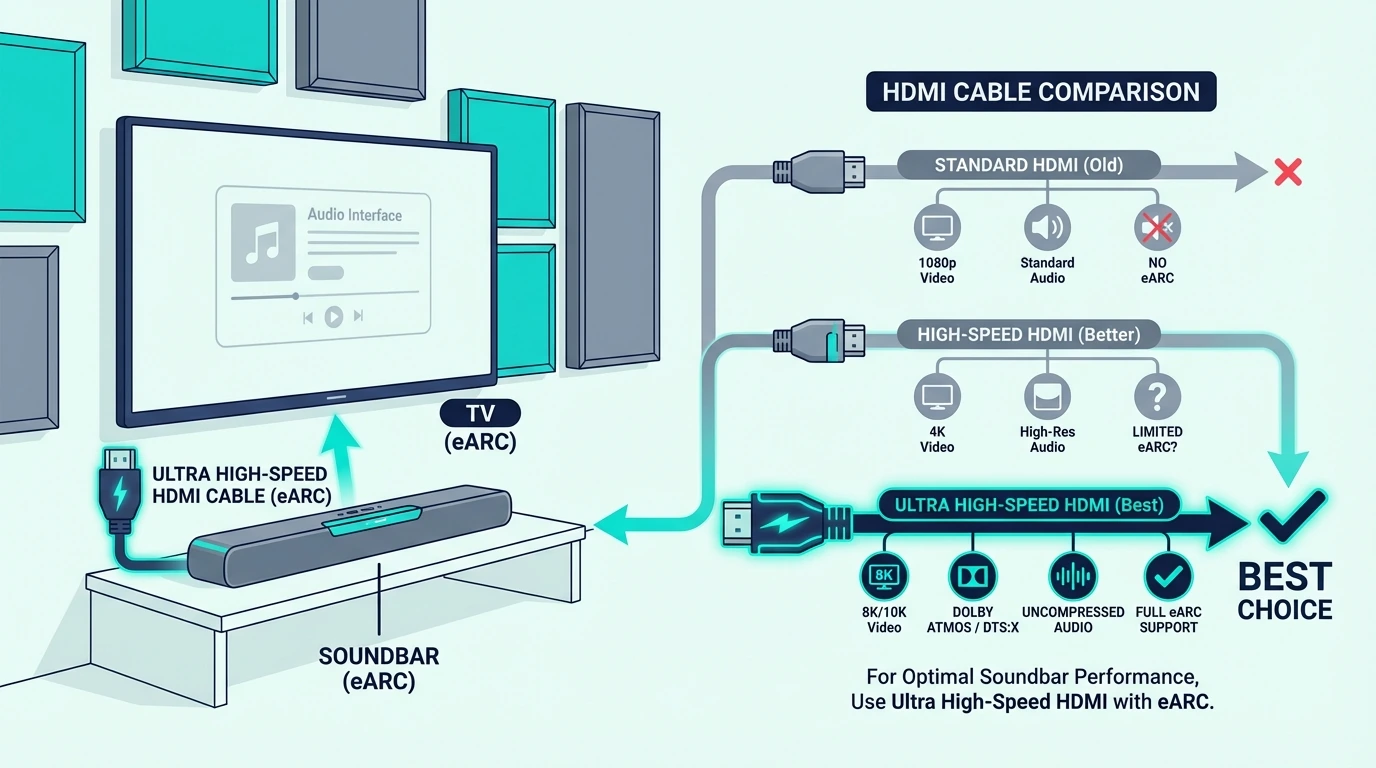
The best HDMI cable for TV to soundbar setups is usually any certified Ultra High Speed HDMI 2.1 cable if both devices support eARC. If your TV only supports regular ARC, a normal High Speed HDMI cable is already enough, and if ARC keeps acting up, optical is still the cleanest fallback for stable 5.1 audio.
How Do We Choose The Best HDMI Cable For TV To Soundbar?
TV-to-soundbar cable advice gets messy because people treat every connection like a home theater edge case. Most setups are simpler than that.
What matters first is whether the TV is sending audio back over ARC or eARC, because that determines the bandwidth requirement. If the connection is only ARC, spending extra for premium HDMI 2.1 marketing changes nothing.
That is why we weighted certification, bandwidth, connector quality, and realistic TV placement above luxury cable branding. Digital audio is not improved by expensive packaging, but weak or mismatched cables can still create unstable behavior.
We also judged every pick through the lens of how people actually connect TVs to soundbars: short runs on a media console, wall-mounted TVs with tighter bends, gaming setups that pass 4K@120Hz through the TV, and older TVs that behave better over optical. That same logic matters if you are still comparing the soundbar itself in our soundbar hub, best soundbar roundup, or soundbars with subwoofers guide.
Finally, we kept the recommendations practical. The right cable should solve a connection problem, not become another overhyped accessory purchase.
Which HDMI Cable Is Best For A Soundbar?
For most soundbar buyers, the best HDMI cable is simply a certified Ultra High Speed HDMI 2.1 cable with 48Gbps bandwidth. That spec matters because it covers eARC, Dolby Atmos passthrough, and newer TV features without guesswork.
The UGREEN 8K HDMI 2.1 Cable is the best overall pick because it does exactly what a TV-to-soundbar cable should do: deliver full spec compliance at a normal price without pretending to improve the sound through magic materials.
If you want a cable marketed more specifically for soundbar use, the Silkland HDMI ARC/eARC Cable is the cleaner specialist pick.
The best cable from soundbar to TV depends on the exact port relationship, not on the brand name printed on the jacket. If both ends are eARC-capable, use certified Ultra High Speed HDMI.
If the TV only has ARC, any solid High Speed HDMI cable is enough.
This is the step many buyers miss. They upgrade the cable when the real issue is that the soundbar is plugged into a non-ARC HDMI port on the TV, or they expect lossless Atmos from an ARC-only television that cannot output it in the first place.
For budget buyers, the Anker HDMI Cable 8K is the easiest safe choice because it costs very little and still covers modern eARC use.
If you need two matching cables because the TV is also handling a console or streamer, the JSAUX 8K HDMI 2.1 2-Pack is often the smarter value buy.
For a 4K TV connected to a soundbar, the safest all-purpose choice is still a certified 48Gbps HDMI 2.1 cable. That does not mean every 4K TV needs the full bandwidth, but it means you stop guessing about whether your cable can handle the TV and the audio return path together.
If the TV is only 4K@60Hz with ARC, a High Speed cable still works. But because HDMI 2.1 cables are now cheap, most buyers are better off buying one certified cable once rather than revisiting the same question later.
ARC home-theater setups do not need luxury cables; they need the right spec and dependable routing. If your room is built around standard ARC instead of eARC, the priority shifts from maximum bandwidth to clean reliability and appropriate length.
That is also where optical remains relevant. If ARC becomes unreliable or CEC starts causing random source switching, the KabelDirekt TOSLINK Optical Cable is the cleanest backup option.
This is especially relevant for older living-room bars and budget models from our budget soundbar roundup and soundbar guide, where the goal is usually stable everyday audio rather than maximum format support.
Which Cables Work Best For TV To Soundbar Connections?
If you want a simple shortlist instead of more theory, these are the cable picks that cover almost every TV-to-soundbar situation.
Best Overall HDMI Cable: UGREEN 8K HDMI 2.1 Cable
The UGREEN 8K HDMI 2.1 Cable is the best answer for most buyers because it removes uncertainty and keeps the price sensible.
Best HDMI Cable Specifically For TV To Soundbar: Silkland ARC/eARC Cable
The Silkland HDMI ARC/eARC Cable is the pick for buyers who want a cable explicitly positioned for soundbar return-channel use.
Best Budget HDMI Cable: Anker HDMI Cable 8K
The Anker HDMI Cable 8K is the easy budget-safe choice when you want known-brand reliability without paying for nonsense.
Best Two-Pack For Full TV Setup: JSAUX 8K HDMI 2.1 2-Pack
The JSAUX 8K HDMI 2.1 2-Pack is the best value when the TV is also connected to a console or streamer.
Best Optical Backup: KabelDirekt TOSLINK Optical Cable
The best HDMI cable for TV to soundbar setups is usually a cheap certified Ultra High Speed HDMI 2.1 cable, not a premium miracle accessory. If your TV and soundbar both support eARC, buy one 48Gbps-certified HDMI cable and move on.
If your setup is only ARC, a standard High Speed cable still handles the job just fine, and if HDMI control keeps causing problems, optical remains the cleanest backup path. For a simple all-purpose choice, the UGREEN 8K HDMI 2.1 Cable is the easiest recommendation.
If you are replacing an older cable, confirm the TV’s ARC or eARC label before buying anything, because the port type decides the cable choice more than the cable brand ever will.
If you want one last broader check before buying, compare your setup needs against our soundbar guide, Atmos soundbar roundup, and best soundbar guide so you match the cable to the actual soundbar and TV capabilities instead of guessing.
Frequently Asked Questions
Do I need a special HDMI cable for a sound bar?
You do not need a brand-specific HDMI cable for a soundbar, but you do need the right spec for the port type. For eARC and lossless Atmos support, use a certified Ultra High Speed HDMI 2.1 cable; for standard ARC, a normal High Speed cable is already enough.
Is there a difference between a regular HDMI cable and a 4K HDMI cable?
Yes, but the real difference is bandwidth certification, not magic picture or sound quality. A basic High Speed cable handles standard ARC and 4K@60Hz, while a certified Ultra High Speed cable supports eARC, 4K@120Hz, and higher-bandwidth setups more reliably.
Best Polk Audio Soundbar — Which Polk Bar Actually Makes Sense?
Best Polk Audio Soundbar can absolutely improve your TV or movie setup, but the right Polk model depends much more on your room and expectations than on whichever bar sits highest in the lineup.
The pain is that Polk’s lineup looks more straightforward than it really is, so buyers often jump to the biggest MagniFi model or settle for the cheapest Signa bar and end up with wasted surround features, underwhelming bass, or a bar that does not suit the room.
Choose the right Polk bar and you get clearer dialogue, stronger bass, and a more convincing movie presentation without paying for channels, rears, or smart features your room will never use.
So start by deciding whether you want the best overall value, the best budget Polk upgrade, the best compact premium Polk option, or the best full Polk home theater, because that split tells you which model actually belongs on your shortlist.
Now that the real split is clear, let us sort out which Polk soundbar is worth buying and which one only looks impressive on paper.
Quick Takeaway
The Polk Audio Signa S4 is the best Polk soundbar for most buyers because it gives you Polk’s best balance of dialogue clarity, Atmos support, and included bass without forcing you into the much pricier MagniFi tier. If you want to spend less, the Polk Signa S2 is the smarter budget Polk buy. If you want the biggest Polk home theater without leaving the brand, the Polk MagniFi Max AX SR is the one to beat.
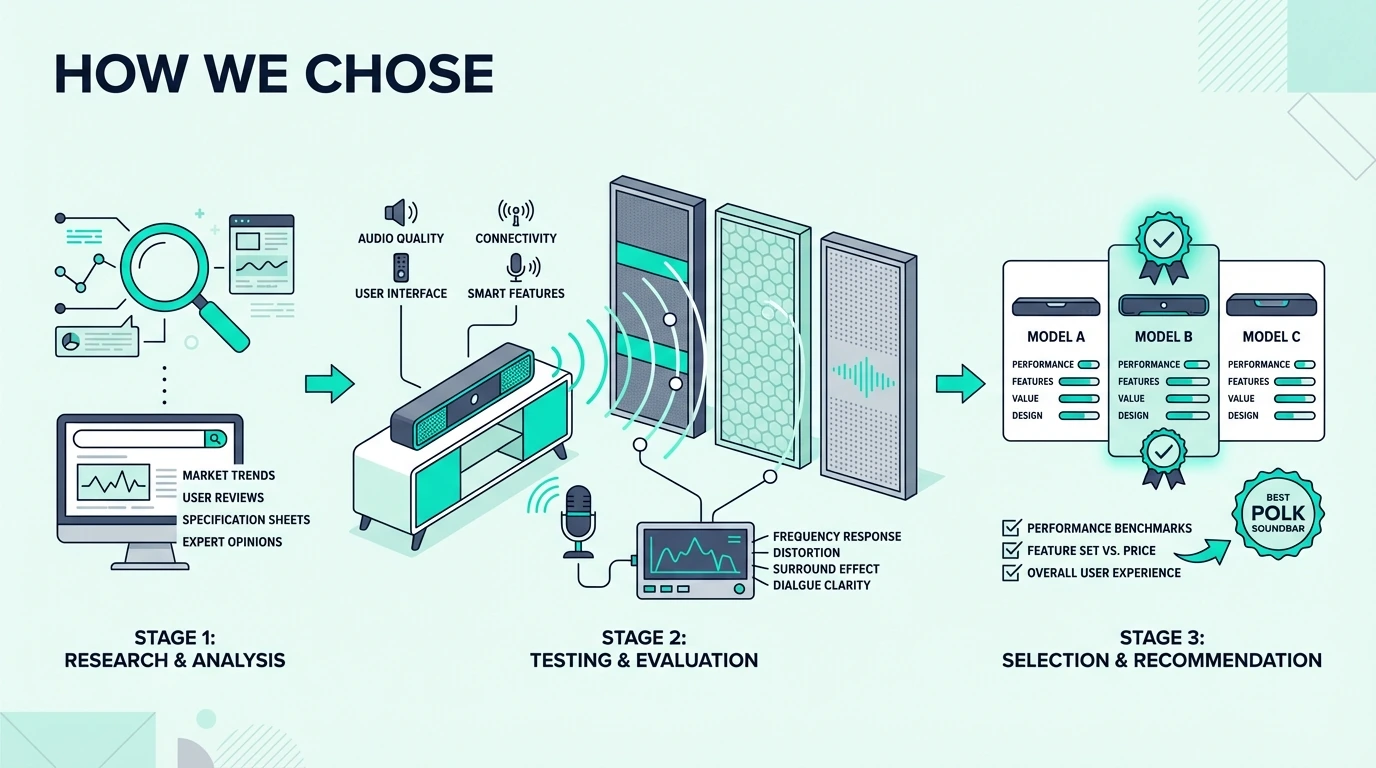
How We Chose The Best Polk Audio Soundbar
Polk’s soundbar range makes more sense once you stop comparing every model as if it serves the same room. The Signa models exist to deliver a cleaner, easier TV upgrade, while the MagniFi line is Polk’s attempt to reach buyers who want a more cinematic result without building a full separates system.
That is why I weighted included bass, dialogue clarity, Atmos implementation, and room fit ahead of brand-story marketing. Polk has useful strengths, but those strengths only matter when the model matches the space.
Dialogue mattered more than usual because Polk’s VoiceAdjust tuning is one of the brand’s most practical advantages. If you regularly raise the volume just to understand speech, that matters more than a long feature list.
Bass mattered next because Polk’s lineup changes dramatically once a real subwoofer is included. That same pattern shows up in our soundbar guide, where included low-end often separates a satisfying movie bar from a merely acceptable TV upgrade.
We also separated real Atmos value from Atmos branding. A compact bar with virtual surround can still be the right answer in a small room, but it should not be confused with a wider bar that has more physical scale or dedicated rear speakers.
That matters when you compare Polk against the wider category in our soundbar guide. Polk’s sweet spot is usually value-oriented home theater, not luxury lifestyle audio.
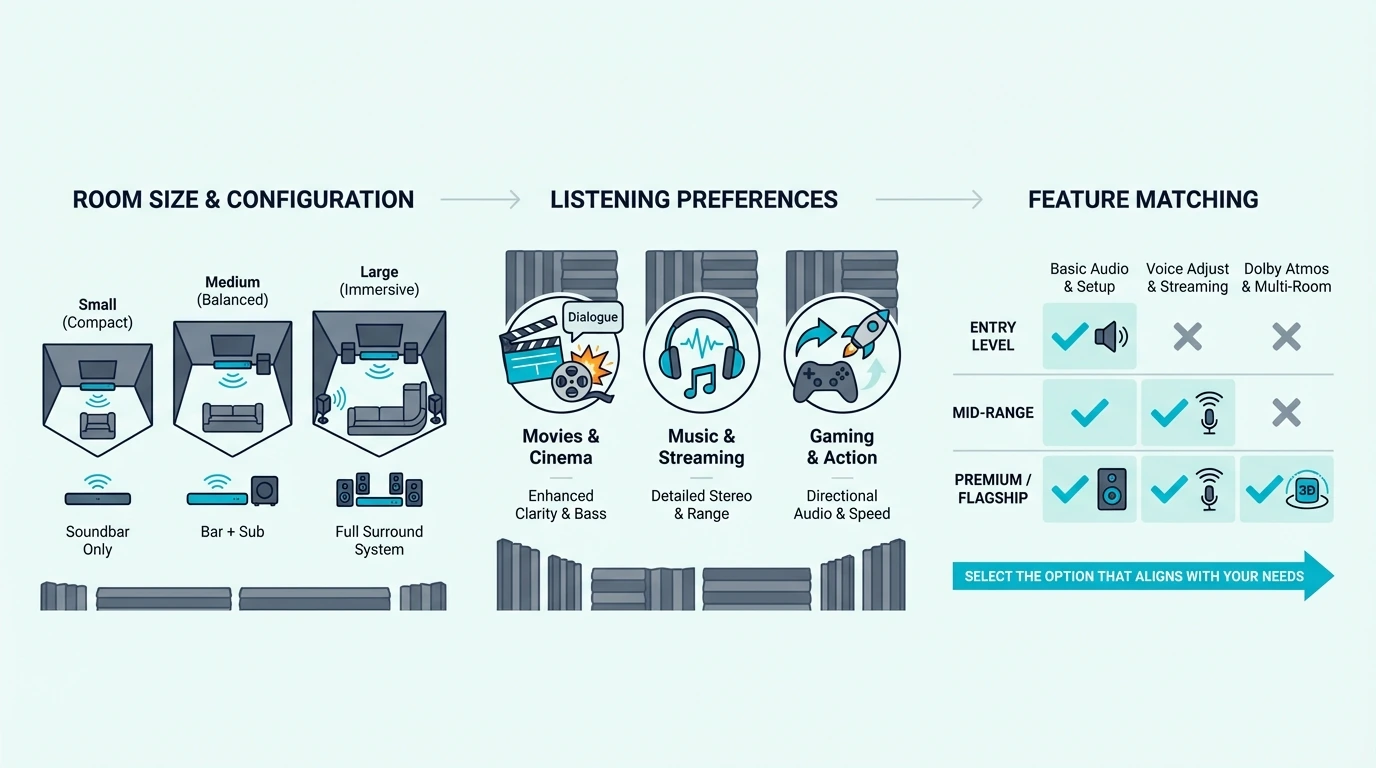
Which Polk Soundbar Fits Your Room Best?
Once you narrow the lineup by room and intent, Polk becomes easier to shop. The mistake most buyers make is assuming the biggest Polk bar is automatically the best Polk bar.
Small Rooms And Clean Setups
If your room is compact or your cabinet space is limited, the Polk MagniFi Mini AX makes the most sense. It gives you real movie energy without asking the room to accommodate a long bar.
If you want a simpler, cheaper Polk answer, the Polk Signa S2 is the bar for straightforward living-room duty. It is not flashy, but it solves the most common TV audio complaints quickly.
That same split shows up in our soundbar guide. The right compact bar is often more satisfying than a bigger model your room cannot use properly.
Movie-First Living Rooms
For most buyers, this is where Polk is strongest. The Polk Audio Signa S4 lands in the sweet spot because it gives you a wireless subwoofer, a dedicated center channel, and Atmos support without forcing you into Polk’s top tier.
That combination is why it keeps surfacing when buyers use our soundbar guide to compare dialogue, TV-brand, and projector priorities. It matches the way most real rooms behave.
Dedicated Theater Rooms
If your room can genuinely use more scale, Polk’s MagniFi tier is where you should look. The Polk MagniFi Max AX is the step-up choice, while the Polk MagniFi Max AX SR is the full-on Polk home theater answer.
That is the point where you should also compare Polk against the wider field in our soundbar guide. Above the mid-range, room fit matters more than simple brand loyalty.
Best Polk Soundbar Picks
Now that the lineup is separated by use case, the picks become straightforward.
Best Overall: Polk Audio Signa S4
The Polk Audio Signa S4 is the best Polk soundbar because it delivers the strongest mix of Polk’s real strengths without the price jump of the MagniFi tier. It sounds like a real home-theater upgrade, not just a louder TV.
Best Budget Polk: Polk Signa S2
The Polk Signa S2 is the right buy if you just want classic Polk value: slim bar, wireless sub, clear dialogue, and a simple setup that does not overcomplicate the room.
Best Smart Polk Option: Polk React
The Polk React makes sense for buyers who want voice control and a cleaner all-in-one start. It is less compelling if you already know you want a subwoofer immediately.
Best Compact Premium Polk: MagniFi Mini AX
The Polk MagniFi Mini AX is the right Polk bar for buyers who want premium features in a room that cannot support a wide, furniture-dominating bar.
Best Step-Up Theater Polk: MagniFi Max AX
The Polk MagniFi Max AX is the model to buy when the Signa S4 feels too modest but you are not ready to commit to a full rear-speaker package.
Best Full Polk Theater: MagniFi Max AX SR
The Polk MagniFi Max AX SR is the best Polk setup for buyers who know they want the biggest all-Polk home-theater experience the brand offers.
Is Polk Audio Good At Soundbars?
Yes, Polk is good at soundbars when you want practical movie and TV performance more than luxury styling or ultra-premium ecosystem features. The brand’s biggest strengths are dialogue tuning, subwoofer-backed impact, and straightforward value positioning.
That is why Polk tends to compare well in the middle of the market. It often gives you more included hardware than brands that charge extra for a subwoofer or surrounds.
The trade-off is that Polk is not usually the slickest brand for app polish or whole-home audio. If that matters more than sheer movie value, our soundbar guide is a better place to compare lifestyle-oriented alternatives.
How Polk Compares With Bose And Samsung
Polk usually beats Bose on included bass value and often beats Samsung on subwoofer value at comparable mainstream price levels. Bose tends to win on polish and compact elegance, while Samsung wins when TV-specific ecosystem features matter.
Polk wins when your first question is simple: which soundbar gives me the most convincing TV-and-movie upgrade for the money? That is also why Polk keeps appearing throughout our soundbar guide even when the article is not about Polk specifically.
If you own a Samsung TV and care about features like Q-Symphony, Samsung is still the safer ecosystem play. If you care about a simpler premium lifestyle package, Bose can still make more sense.
But if you care most about strong dialogue, included bass, and a movie-first sound signature without overpaying, Polk is one of the more rational brands in the category.
The Bottom Line
The best Polk Audio Soundbar for most buyers is the Polk Audio Signa S4 because it captures the strongest part of Polk’s brand: movie-friendly performance with real bass and useful dialogue control at a price that still feels sensible.
If you want Polk on a tighter budget, go with the Polk Signa S2. If you want the biggest all-Polk theater, go with the Polk MagniFi Max AX SR.
If you want one broader sanity check before buying, compare your shortlist against our soundbar hub to see whether a Polk bar is truly your best fit or just the best fit inside Polk’s own lineup.
Frequently Asked Questions
Does Polk Audio make good soundbars?
Yes, Polk makes good soundbars for buyers who want strong dialogue, included bass, and movie-friendly tuning without overpaying for brand prestige. Polk is usually strongest in value-oriented home-theater setups rather than luxury lifestyle audio.
What is the highest rated soundbar?
There is no single best soundbar for every room, but across Polk’s current lineup the Polk Audio Signa S4 is the safest overall recommendation. In the wider market, the answer depends on whether you value compact design, full surround, or brand ecosystem features most.
Is Polk as good as Bose?
Polk is as good as Bose when your priority is movie value, included subwoofer performance, and dialogue clarity per dollar. Bose is stronger when you care more about premium industrial design, polish, and a more lifestyle-oriented ecosystem.
Is Polk Audio better than Samsung?
Polk is often better than Samsung when you want more included hardware and stronger movie value at mainstream price points. Samsung is the better pick when you own a compatible Samsung TV and want TV-specific ecosystem features like Q-Symphony.
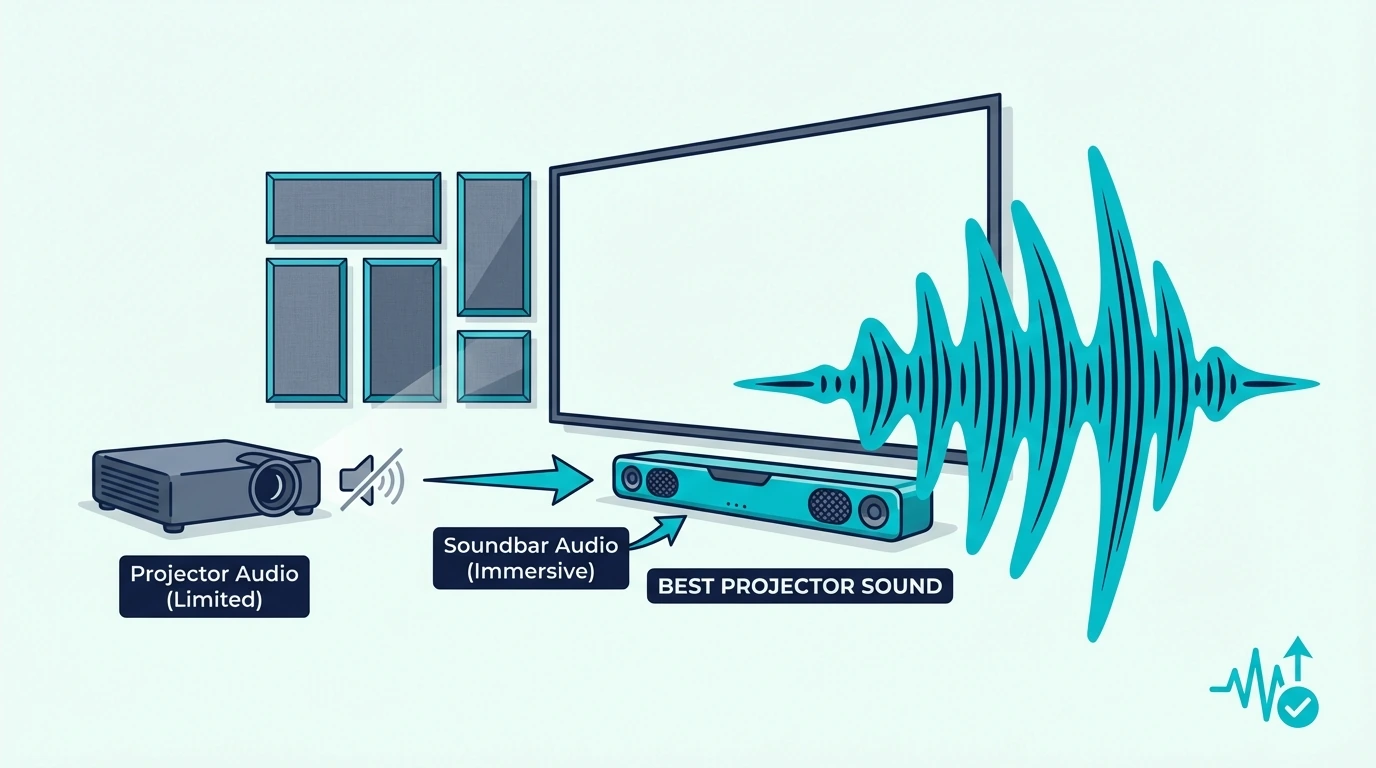
Best Soundbar For Projector — What Actually Works When The Screen Gets Bigger Than Your TV
Best soundbar for projector setups can make a giant image feel cinematic, but only if the bar actually fits your projector chain, seating distance, and room instead of just chasing the biggest Atmos badge.
The pain is that projectors usually sit farther from the seating, throw a larger image, and often rely on an external streamer, so weak built-in speakers, lip-sync issues, and underpowered dialogue become obvious much faster than they do on a TV.
Choose the right bar and the whole setup starts sounding coherent, with clearer voices, more believable scale, and bass that finally matches the size of the screen.
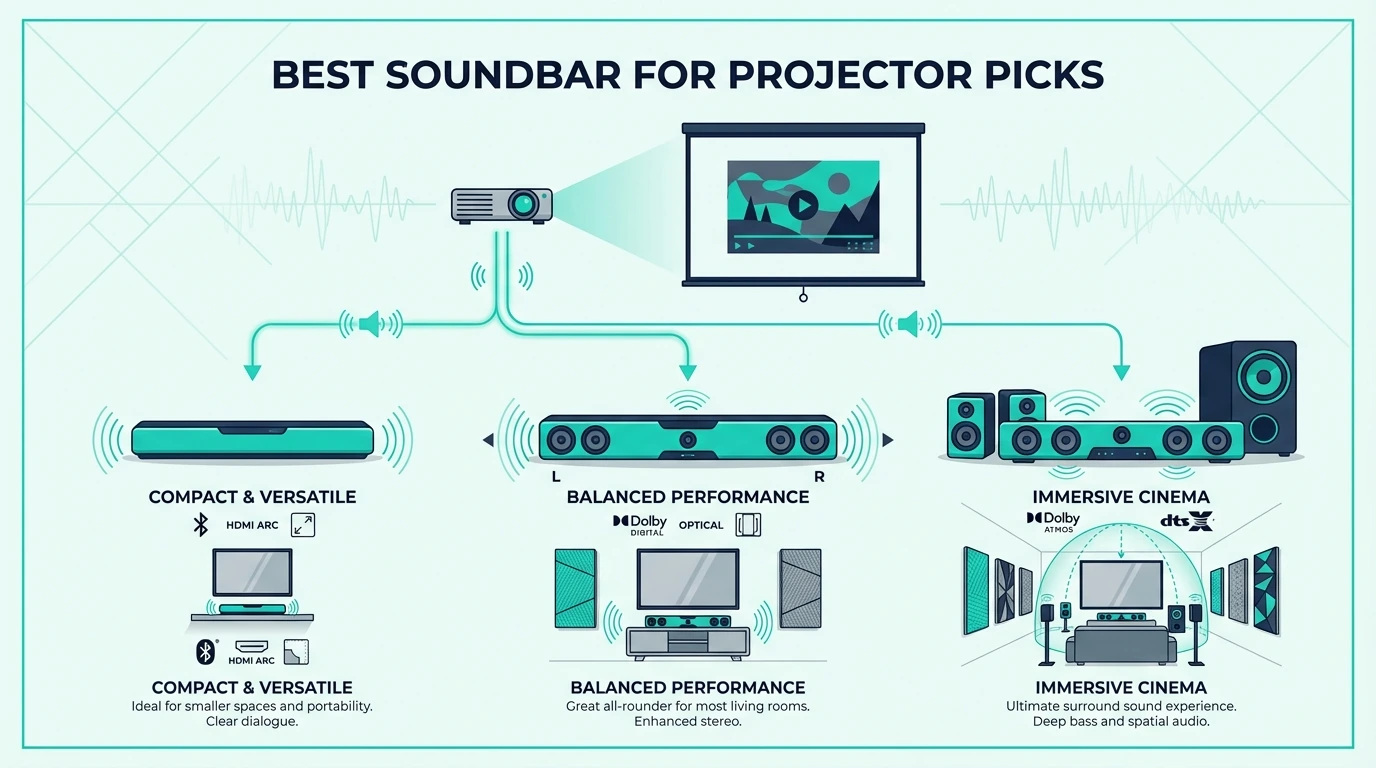
So start with the connection path and room size first, because those two decisions tell you whether a compact single-bar unit, a 2.1 system, a 3.1 or 3.1.2 Atmos bar, or a budget 5.1 package actually makes sense.
Now that the real bottlenecks are clear, let us break down how to pick the best soundbar for projector use without paying for features your setup will never exploit.
Quick Takeaway
To get the best soundbar for projector use, start with the audio path before you start shopping by brand. For most indoor projector rooms, a 3.1 or 3.1.2 bar with HDMI eARC and a real subwoofer is the sweet spot, while compact all-in-one bars make more sense for bedrooms, dorms, and portable projector setups. Full 5.1 bundles only pay off if you can place the rears properly and actually want a more theaterlike experience.
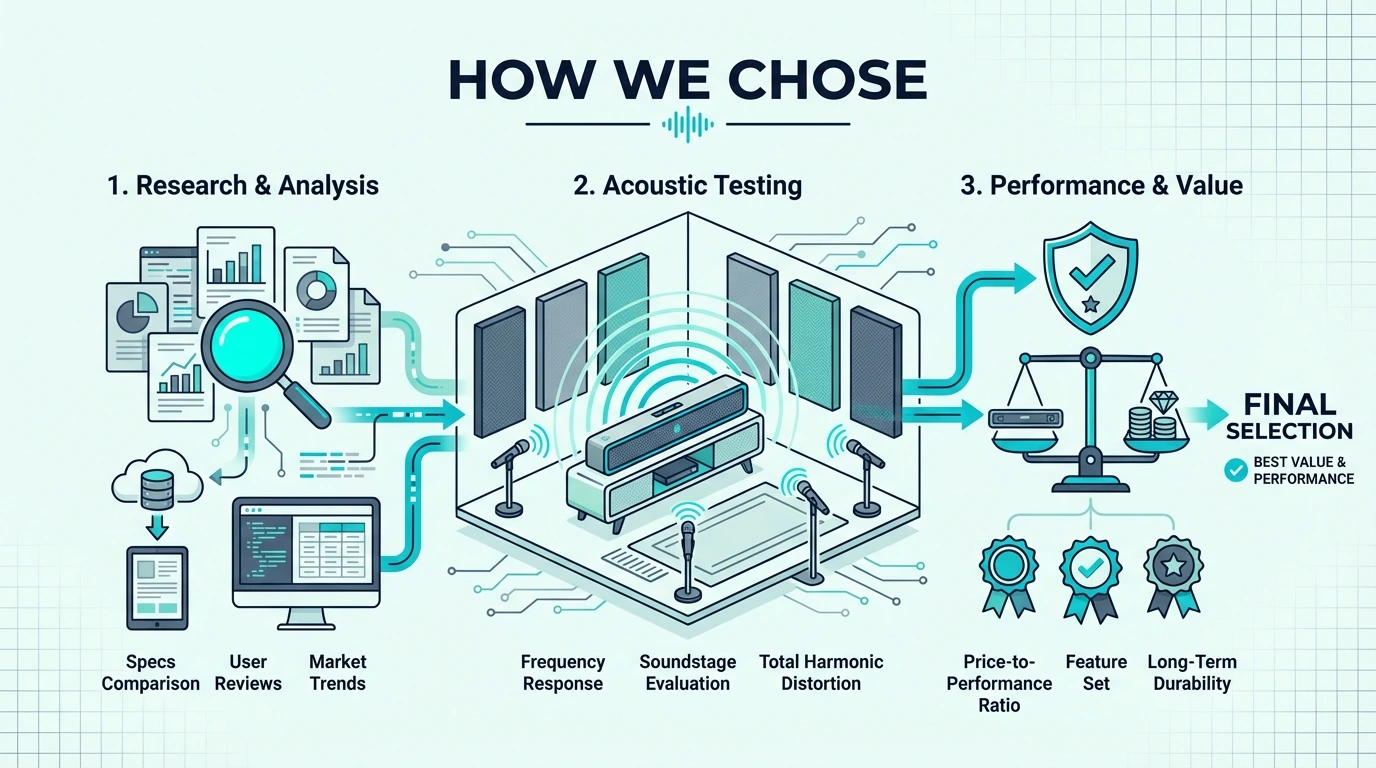
How Did We Choose the Best Soundbar for Projector?
Projector audio fails for a different reason than TV audio. With a TV, buyers usually need an upgrade from weak speakers; with a projector, buyers often need a complete audio plan.
That changes what matters most. We weighted connection flexibility, dialogue clarity, bass performance, and latency ahead of flashy specs that look impressive on a retail box but fall apart in an actual projector room.
We also scored every pick against the physical reality of projector setups. Some people have a permanent media room with an AVR cabinet and wall-mounted screen, while others have a living-room projector on a shelf, a portable unit on a coffee table, or an outdoor setup that gets packed away after movie night.
That is why we separated simple bars from true movie-room bars instead of pretending one answer fits everyone. If you already know how a bar compares in the wider market, our soundbar guide provides the broad category context this guide narrows down.
Subwoofer performance mattered more than usual because projector screens make underpowered sound feel even smaller. Once the image expands past 90 or 100 inches, thin built-in speakers or lightweight front bars stop feeling merely modest and start feeling obviously mismatched.
Dialogue handling mattered just as much. Projectors are often used in rooms with more distance between the screen and the seating, which means weak center focus becomes tiring faster than it does on a bedroom TV.
We also penalized bars that are too ecosystem-dependent for the average projector owner. Projector buyers often mix devices, streamers, and consoles more than TV buyers do, so hardware that only shines inside one brand family needs to justify that limitation.
Finally, we judged value through the lens of real projector use, not just raw channel count. A well-chosen 2.1 or 3.1 bar can outperform a badly placed surround package, which is why our soundbar guide often overlaps with projector-friendly recommendations.
Which Projector Audio Problems Matter Most?
Now that the scoring framework is clear, the next step is understanding why projector audio is so easy to get wrong. The biggest mistakes usually happen before the first movie starts, not after.
HDMI eARC, Optical, And Bluetooth Do Not Behave The Same
The cleanest projector setup is still HDMI ARC or eARC, because it gives you the best chance of stable control, proper lip sync, and higher-quality audio formats. Optical works, but it is a fallback path that usually strips away convenience and limits what the soundbar can decode.
Bluetooth is the last resort, not the standard plan. It looks convenient for portable projectors, but once you care about dialogue timing, gaming latency, or reliable movie sync, Bluetooth becomes the connection that causes the most frustration.
This is where projector buyers tend to oversimplify the problem. They assume a projector is just a TV without a tuner, when in practice the projector often sits farther from the bar and relies on an external streamer or console that changes the audio path entirely.
If your projector has ARC or eARC, use it. If it only has optical, plan around Dolby Digital-level performance and keep expectations realistic about Atmos.
If your projector is basically a display and your streamer does the heavy lifting, routing the streamer into the soundbar first can be the smarter move. That approach often gives you better format support than sending audio out of a mid-range projector that was never designed to be the center of a full theater chain.
That is why buyers who already care about latency should compare this problem against our soundbar guide. The same timing issues that annoy gamers also ruin projector movie nights when audio arrives just a fraction late.
Bigger Screens Expose Thin Sound Faster
A 55-inch TV can get away with mediocre audio more easily because the experience is compact. A 100-inch projected image creates an expectation of scale that instantly makes weak sound feel fake.
That mismatch is why projector buyers should stop thinking only in terms of volume. Loudness is easy; convincing scale is harder, and it usually comes from a subwoofer, better center focus, and a wider front stage rather than from raw wattage claims.
This is also why projector bars need better dialogue control than many TV bars. When you sit farther back, every soft-spoken line competes against fan noise, room reflections, and the simple fact that voices must fill a larger cinematic presentation.
For movie-heavy households, a projector bar that handles speech well is often more satisfying than a cheaper model that gets louder on paper. That is the same reason buyers cross-shopping our soundbar guide discover that refinement matters as much as impact once the room gets bigger.
Where The Streaming Box Lives Matters More Than Buyers Expect
A projector setup rarely lives on one neat HDMI cable forever. You might have a streaming stick in the projector, an Apple TV on the shelf below, a game console near the seating area, or a portable projector that changes rooms week to week.
That affects which bar makes sense. A streaming-integrated model can simplify a lightweight setup dramatically, while a premium bar with eARC makes more sense when you already have a stable indoor source chain.
This is why some projector buyers are happier with a compact streaming bar than with a theoretically better speaker system. Convenience becomes part of sound quality when the easier system is the one you actually connect correctly every time.
That trade-off shows up clearly if you compare a streaming-first option against our soundbar guide. Ecosystem convenience is not everything, but in projector land it can be the difference between a clean setup and a constant workaround.
Which Kind of Soundbar Works Best for Projector Use?
With the connection path in view, the right soundbar category becomes much easier to identify. The best projector bar is rarely the most channels you can buy for the money; it is the format that matches the room and the wiring.
Compact All-In-One Bars
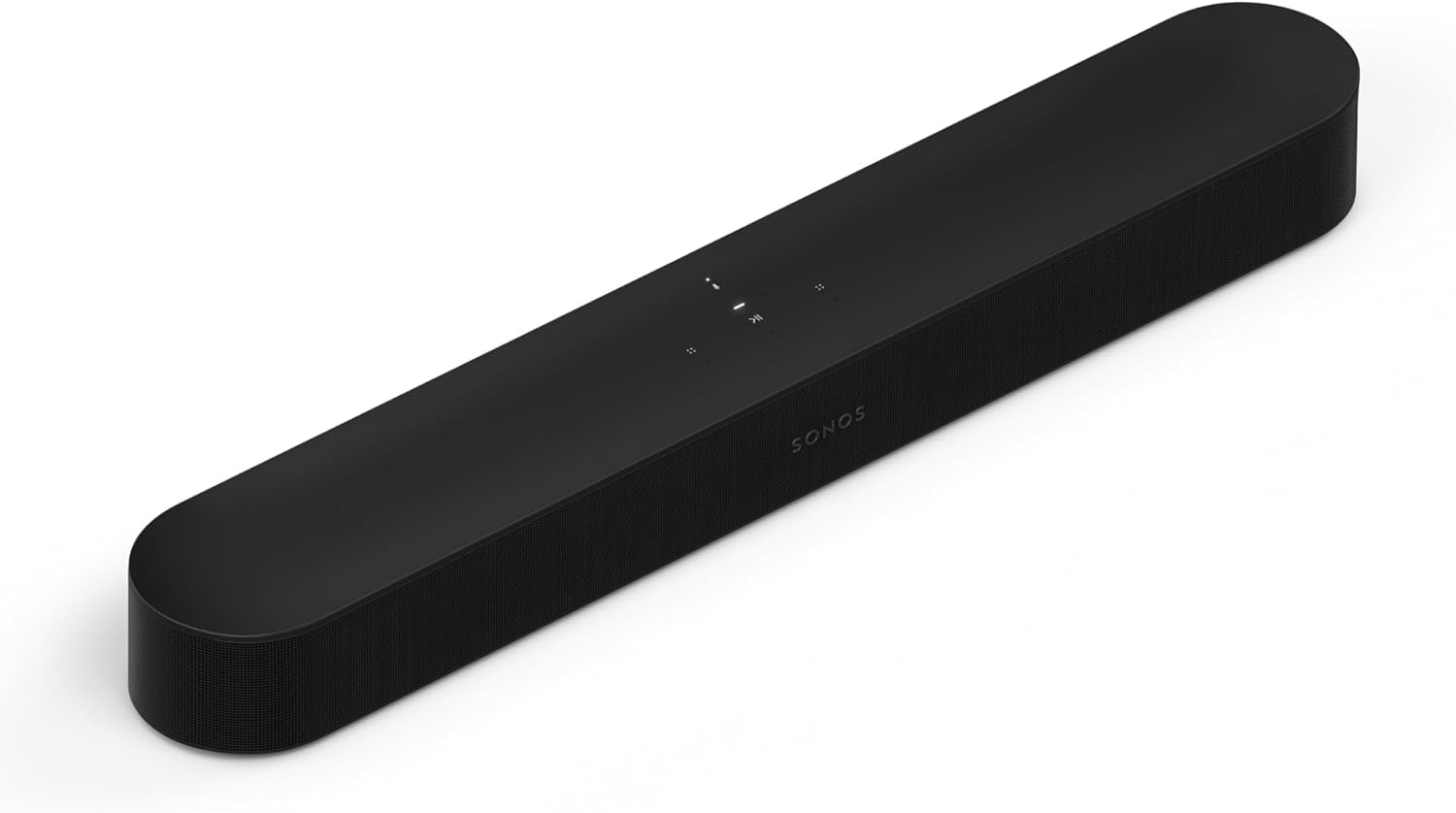
Compact single-bar units work best when the projector room is small, the seating is close, and you care more about simplicity than bass. The Sonos Beam Gen 2 is the best version of this idea because it sounds refined without taking over the front wall.
A bar like this makes sense when you use a bedroom projector, a compact media room, or a small living-room setup where a separate subwoofer would be more clutter than upgrade. That is why it overlaps so heavily with our soundbar guide.
The same logic also shows up in our soundbar guide. Compact projector rooms reward control and clarity long before they reward brute-force output.
2.1 Bars When Bass Matters More Than Atmos
For a lot of projector buyers, a 2.1 bar is the most honest answer. The Samsung HW-C450 is a strong example because it gives the screen real low-end support without forcing you into premium pricing.
This category makes the most sense when your projector tops out at ARC or optical anyway. In that situation, paying a lot more for premium Atmos branding often gives you less real benefit than paying for a competent bar with an included sub.
3.1 And 3.1.2 Bars For Most Indoor Projector Rooms
This is the real sweet spot for dedicated indoor projector use. A bar like the Polk Audio Signa S4 gives you better dialogue anchoring than a 2.0 or 2.1 bar, plus the subwoofer weight that makes large images feel more believable.
This is also where projector buyers can sensibly choose between refinement and convenience. The Amazon Fire TV Soundbar Plus trades some theater ambition for simpler ownership and cleaner furniture footprint.
That is why the indoor sweet spot often looks less glamorous than buyers expect. It is usually a well-judged 3.1 or 3.1.2 package, not the cheapest bar on a cart and not the most extreme Atmos system in a showroom.
Budget Surround Bundles
Budget surround systems only make sense if you can actually place the rears. The LG S40TR 4.1 System is the kind of pick that makes sense when you want real rear-speaker immersion without jumping to a much pricier theater package.
The catch is discipline. If the rears end up in bad positions, or if the setup is temporary and you stop unpacking them, the value equation falls apart fast.
Premium Theater Bars
Premium projector rooms can justify a larger theater-focused bar because the screen size and seating distance make those gains easier to hear. The Klipsch Flexus CORE 210 is a better expression of this approach than a random flagship TV bar with projector-unfriendly ergonomics.
This is the part of the market where projector owners should also compare against our soundbar guide. Once you move above the mid-range, room behavior and feature fit matter more than brand loyalty.
Which Soundbar Picks Work Best for Projector Use?
Now we can rank the actual projector-friendly options without pretending they solve the same problem. Some are better for simple streaming rooms, some are better for budget indoor setups, and some only make sense if your projector room is close to permanent.
The smartest way to read this list is not from cheapest to most expensive. Read it from the setup that most closely resembles yours.
Best Overall For Most Indoor Projector Rooms: Polk Audio Signa S4
The Polk Audio Signa S4 is the best soundbar for projector setups because it balances the three things projector owners actually notice: dialogue focus, subwoofer scale, and format support. At $379, it is expensive enough to feel serious but not so expensive that the room has to be perfect before it makes sense.
The dedicated center channel matters more here than it does in many TV setups. Projector seating is often farther back, so dialogue drift becomes annoying fast unless the bar keeps speech anchored and intelligible.
The included wireless sub also does exactly what a projector room needs. It makes a 100-inch movie feel sonically large instead of just visually large, which is the gap cheaper all-in-one bars fail to close.
If you are already comparing indoor movie-room options, this is the same logic that makes the Polk attractive in our soundbar guide. It consistently lands where projector buyers need it to land: in the real-world sweet spot.
Best Budget Indoor Pick: Samsung HW-C450
The Samsung HW-C450 is the budget answer for projector owners who want a real subwoofer without spending projector-screen money on audio. At roughly $150, it solves the most obvious projector problem: a big image with weak, tiny sound.
The subwoofer is the real selling point here, not the brand badge. Once the projector image gets large, bass support changes the emotional weight of movies far more than another checkbox feature on a spec sheet.
Its ARC-only limitation is real, but many budget projector setups were never going to exploit premium Atmos formats anyway. If your projector chain is simple and your goal is just to make movies, sports, and streaming feel fuller, the HW-C450 is a smarter buy than a barebones cheap bar with no sub.
That is the same reason it stays relevant in our soundbar guide. It is not fancy, but it solves the right problem.
Best Compact Premium Pick: Sonos Beam Gen 2
The Sonos Beam Gen 2 is the right projector bar for buyers who care about compactness, app polish, and future expandability more than they care about included bass right now. At $369, it is not cheap, but it is far easier to place cleanly than many longer theater-focused bars.
This is a particularly good fit for small projector rooms, bedrooms, and multipurpose spaces where a massive front soundbar would look wrong or feel disproportionate. The Beam also works well when you sit relatively close to the screen, which helps its virtual Atmos presentation feel more convincing.
The downside is predictable: you do not get the visceral low-end a sub-backed package gives you at the same price. That means projector buyers choosing the Beam are choosing refinement, footprint, and expandability over raw cinematic impact.
If that trade sounds right, it helps to compare it against our soundbar guide. The Beam makes the most sense when projector simplicity matters as much as projector scale.
Best For Fire TV Projector Households: Amazon Fire TV Soundbar Plus
The Amazon Fire TV Soundbar Plus is the cleanest answer for projector buyers already living inside the Fire TV ecosystem. At $249.99, it gives you a 3.1 layout with a built-in subwoofer, which keeps the room tidier than a separate-box 2.1 setup.
That built-in-sub design matters more than it sounds like. Many projector owners are managing furniture, cables, and screen placement already, so removing one more floor component can make the whole room easier to live with.
It is also an unusually sensible choice for casual projector users who stream everything and do not want a more elaborate AVR-style signal chain. You trade away some long-term flexibility, but you gain a setup that is much harder to mess up.
This is where projector logic diverges from general home-theater advice. The easier system is often the better one if it prevents you from falling into constant connection and control issues.
Best Streaming-Bar Shortcut: Roku Streambar SE
The Roku Streambar SE is the sleeper projector pick for buyers who care more about simplifying the whole chain than maximizing theater impact. At $79, it is one of the cheapest ways to improve projector audio and streaming convenience at the same time.
This is not the bar for large indoor theaters. It is the bar for bedrooms, dorm rooms, spare rooms, and portable projector setups where the all-in-one nature is more important than deep bass.
It is also one of the few options that makes projector ownership feel less fiddly. If your projector is slow, dumb, or simply annoying to navigate, having the streaming platform built into the bar removes one more layer of friction.
That is the same reason it fits naturally beside our soundbar guide. Convenience is not a side benefit here; it is the whole reason this product exists.
Best Value Rear-Speaker Upgrade: LG S40TR 4.1 System
The LG S40TR 4.1 System is the value wild card in this list because it gives projector owners a real subwoofer plus rear speakers without jumping to premium theater pricing. At $196.99, it is the pick for buyers who want more wraparound scale than a front-only bar can deliver.
That said, cheap surround only beats a better single bar if you can place it properly. If the rear speakers end up crammed into bad corners or never get unpacked, the whole point disappears.
Use the LG S40TR when the room is permanent enough for a real rear-speaker layout and the budget is fixed. Skip it when you really want a clean, polished front-stage solution and are only tempted by channel count.
Buyers chasing the biggest value jump should compare this against our soundbar guide. It is one of the few affordable options that can make a projector setup feel genuinely more cinematic instead of merely louder.
Best Theaterlike Audio For Dedicated Rooms: Klipsch Flexus CORE 210
The Klipsch Flexus CORE 210 is the projector pick for buyers who want a more theaterlike experience without jumping straight to a full AVR and speaker package. At $499, it earns its place by sounding appropriately large for larger screens.
The 44-inch bar and 10-inch subwoofer suit a dedicated front wall better than compact bars do. That matters because a projector room often has enough visual scale to expose when the soundbar underneath it is simply too small.
This is not a casual-use choice, though. It wants a stable indoor setup, proper placement below the screen, and an owner who values movies more than minimalist furniture.
For buyers at this level, it is also worth sanity-checking your taste against our soundbar guide. Premium projector audio is less about the badge and more about which bar fits your room geometry and priorities.
How Do You Connect a Soundbar to a Projector?
This is the part most buyers underestimate until something refuses to handshake correctly. A projector setup can be perfectly good on paper and still feel miserable if the audio path is clumsy.
Use HDMI ARC Or eARC If The Projector Supports It
If your projector has HDMI ARC or eARC, start there because it gives you the simplest long-term control path. You get a better shot at volume control through one remote, steadier lip sync, and cleaner handling of source switching.
This is where a bar like the Polk Audio Signa S4 or the Sonos Beam Gen 2 makes immediate sense, because both reward a cleaner ARC or eARC connection more than they reward adapter-heavy workarounds.
If the projector only offers ARC, do not panic. Many streaming services are compressed enough that the audible difference between ARC and more ambitious format support matters less than the stability of the setup.
If The Projector Is Audio-Limited, Route The Streamer Through The Bar First
A lot of projectors are better displays than audio hubs. When that is true, running your streaming box or media player into the soundbar first and then sending video to the projector can be the cleaner architecture.
This works especially well when your projector has awkward audio output options but your bar has the right inputs and decoding. The trade-off is that your source chain becomes more centralized, so you need a permanent setup instead of a casual unplug-and-move workflow.
This is often the better move for buyers using Apple TV, Fire TV, or a dedicated media box. It is also why buyers comparing source-chain complexity sometimes end up choosing simpler bars from our soundbar guide even if the projector itself is the display.
The same source-routing question shows up for console-heavy rooms and OLED living rooms too, which is why the projector decision overlaps with our soundbar guide. The display changes, but the audio handoff problems are often the same.
Optical Is Fine When You Keep Expectations Realistic
Optical is not glamorous, but it is still workable for projector owners who mainly watch streaming apps, casual cable replacements, or downloaded content. The main thing it does not give you is future-proof excitement.
If you are building around optical, prioritize bars that still solve the core projector problems: clearer dialogue, enough bass, and stable volume behavior. In that situation, a sub-backed 2.1 bar often makes more sense than an Atmos-branded model whose best features you will never hear properly.
That is why the Samsung HW-C450 remains so practical for projector use. It is honest about what it is, and projector buyers benefit from that honesty more than they benefit from inflated format marketing.
Bluetooth Should Stay The Backup Plan
Bluetooth is great for proving a projector and bar can talk to each other. It is not the connection you want to rely on once you care about lip sync, game responsiveness, or stable movie playback.
Use it for truly portable projector nights, outdoor setups where speed matters more than perfection, or temporary rooms where nothing stays put. Just understand that the convenience comes with a quality and timing ceiling.
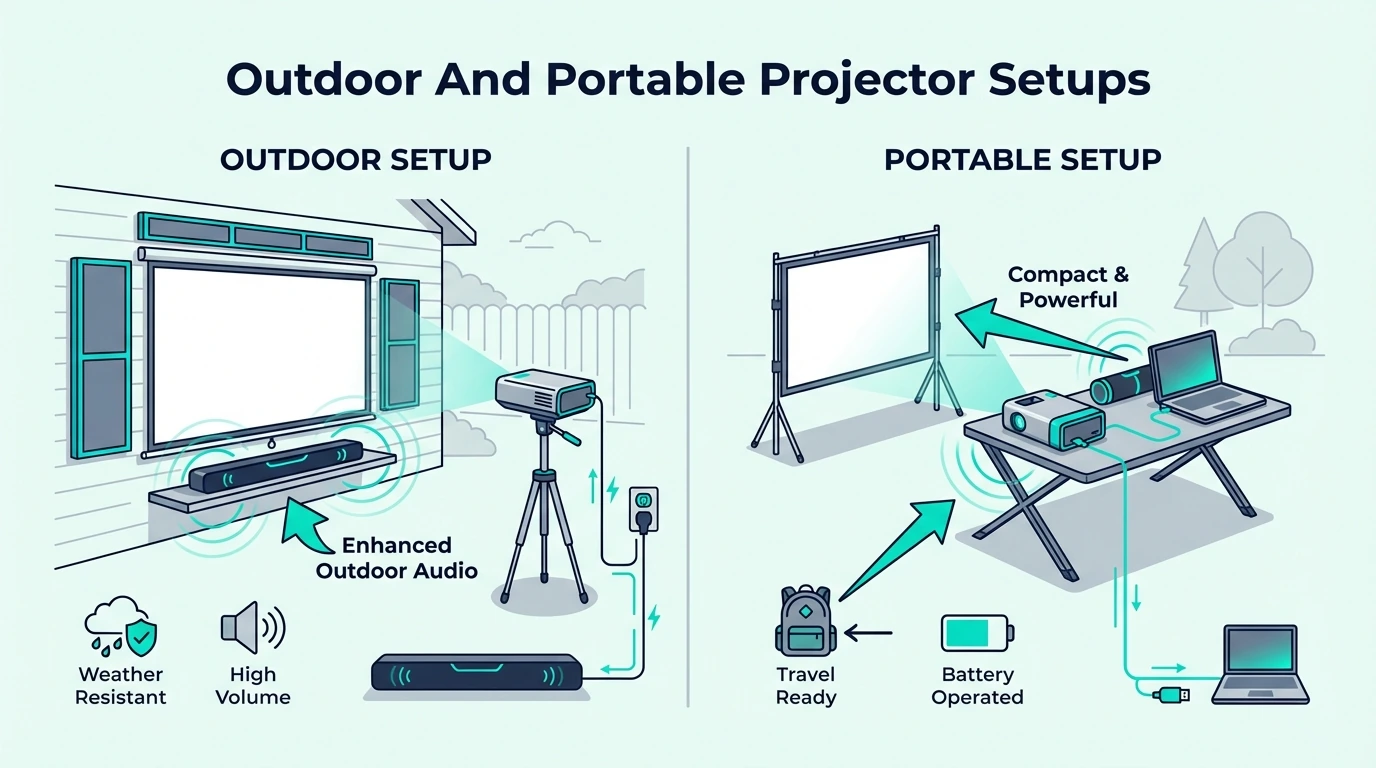
Are Outdoor And Portable Projector Setups Different?
Yes, and this is where a lot of projector advice from indoor home theater threads becomes useless. Outdoor and portable setups reward simplicity, easy packing, and fewer boxes long before they reward premium audio nuance.
Outdoor Movie Nights Need Simplicity More Than Spec-Sheet Perfection
The best outdoor projector soundbar is usually the one that sets up fast and behaves predictably. Wind, ambient noise, seating spread, and extension-cord logistics erase a lot of the advantage that premium indoor bars deliver.
That is why the Roku Streambar SE works so well for casual projector nights. It gives you a compact audio upgrade and a streaming interface in one object, which reduces the number of pieces you have to power, place, and troubleshoot.
The Amazon Fire TV Soundbar Plus is the better outdoor choice if you want more vocal clarity and a little more weight without adding a separate subwoofer box. It is still simple enough to manage, but it feels more substantial once the audience gets larger.
Portable Bedroom And Apartment Projectors Reward Small, Clean Bars
Portable indoor projectors have a different problem than outdoor rigs. They are often used in tighter rooms where a huge bar or separate subwoofer is simply too much equipment for the space.
That is where compact bars like the Sonos Beam Gen 2 or the Roku Streambar SE make more sense than a larger theater package. The goal is not to re-create a cinema; it is to stop the projector from sounding thin, harsh, and distant.
If your portable projector is used mostly in apartments or small bedrooms, compare this logic against our soundbar guide. That broader category view solves the same space and simplicity problem from slightly different angles.
Temporary Setups Should Avoid Rear-Speaker Complexity
Temporary projector setups rarely benefit from rear speakers as much as buyers hope. The reason is boring but important: if the rears are annoying to place every time, they stop being part of the setup.
That is why I would rather recommend a strong single bar or 2.1 system for most portable projector owners than a surround bundle they only fully deploy twice. Even buyers who love surround in theory often end up happier with a cleaner system they can use weekly.
That same trade-off appears when people compare projector use against our soundbar guide. Different display types change the furniture and cable logic, but convenience still decides what gets used consistently.
It also lines up with what buyers discover in our soundbar guide. The cleaner the room and furniture plan, the more often a simpler front-stage bar wins over a fiddlier surround package.
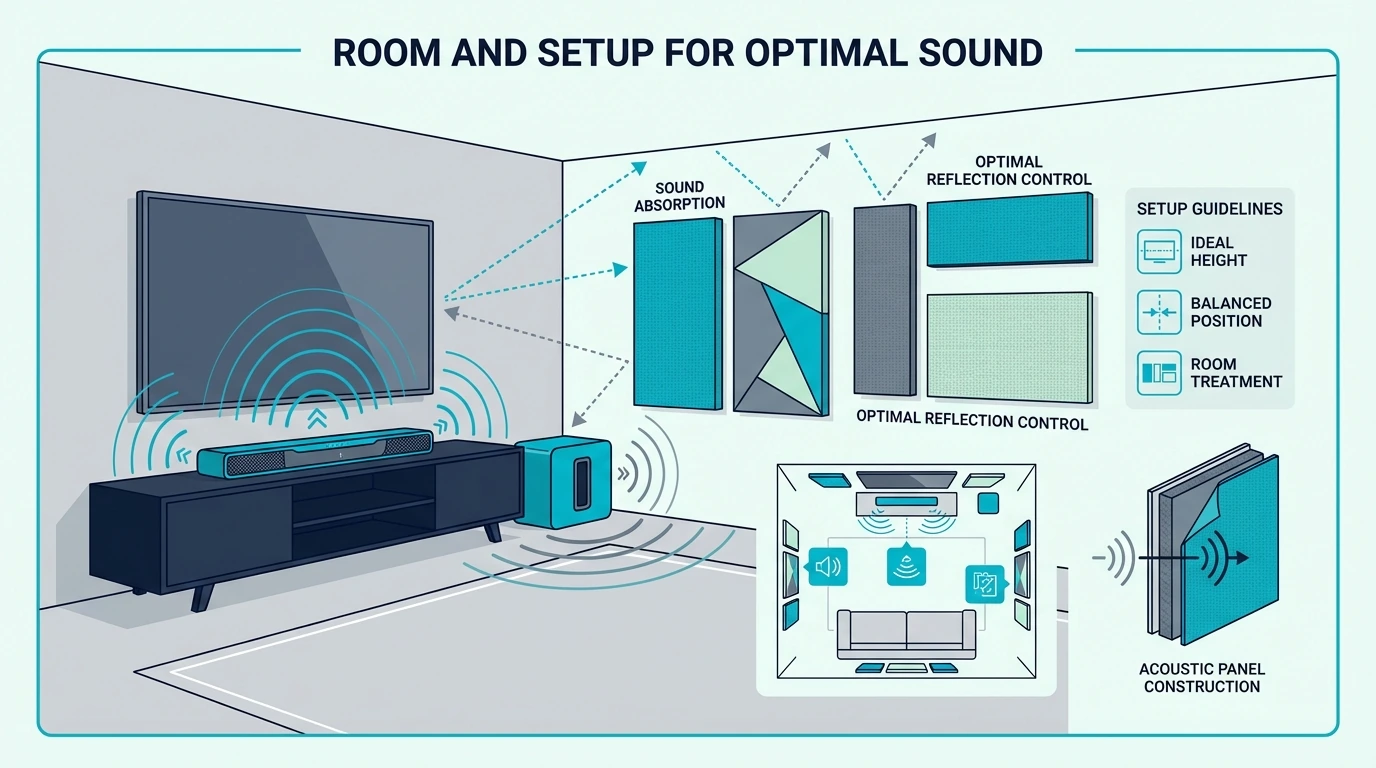
How Do You Improve Sound on a Projector Beyond the Soundbar?
A better soundbar fixes a lot, but it does not fix lazy placement or sloppy source routing. Projector setups still respond dramatically to a few low-effort improvements.
Put The Bar As Close To The Screen Centerline As You Can
Dialogue feels wrong faster with a projector because the image is larger and the seating is often farther back. The closer the soundbar sits to the center of the screen, the less the sound feels detached from the picture.
Below the screen is still the default best answer. If the projector is ceiling-mounted and the screen is high, mounting the bar above the screen can still work, but only if the angle and room reflections remain controlled.
Treat The Subwoofer As Part Of The Screen Experience
Projector buyers often hide the subwoofer wherever it fits. That is usually the wrong instinct, because the sub is what gives the huge image the physical weight it otherwise lacks.
Start on the same front wall as the screen unless the room forces a different compromise. That keeps the low-end energy tied more naturally to the visual action instead of making the room feel split.
Fix Lip Sync Before You Judge The Bar
Many buyers decide a bar sounds bad when the real issue is timing. Even a high-quality bar feels cheap if dialogue lags behind mouths by a fraction of a second.
That is why you should work through the projector’s audio-delay menu, the streaming box settings, and the soundbar sync controls before judging the hardware. It is also why projector owners who switch between streamer brands should pay attention to the connection logic from our soundbar guide when they compare ecosystems.
Use The Right Sound Mode Instead Of Leaving Everything On Auto
Auto mode is not always wrong, but projector rooms often benefit from more deliberate choices. Dialogue or voice modes help more in larger rooms, while movie modes matter once the projector becomes the main weekend viewing screen.
This is especially true when the projector fan is audible or the room is lively. A small change in center emphasis can make voices far easier to follow than simply turning the whole system up.
Seat Distance Matters More Than Buyers Admit
If you sit too far back in a large room, even a good soundbar can start feeling smaller than the picture. Before you blame the bar, make sure the seating distance still makes sense for both the visual and audio scale of the room.
This is one reason projector audio can feel disappointing even with a solid bar underneath it. The room may be asking the soundbar to behave like a full speaker system spread across a space it was never designed to cover.
The Bottom Line
The best soundbar for projector use is the Polk Audio Signa S4 for most permanent indoor rooms because it solves the projector-specific trio of problems better than anything else here: scale, dialogue, and connection quality. It sounds large enough for a big image without demanding an overbuilt theater room to justify itself.
If your budget is tighter, the Samsung HW-C450 is the smart budget indoor pick, while the Roku Streambar SE is the most practical portable and casual-use shortcut. If your projector room is more serious, the Klipsch Flexus CORE 210 is the upgrade for buyers chasing a more theaterlike result.
The real win, though, comes from matching the bar to the projector path instead of shopping by hype alone. If you want one last broader check before buying, compare your shortlist against our soundbar guide so you can see where projector logic overlaps with the rest of the category and where it does not.
Frequently Asked Questions
Is a soundbar good for a projector?
Yes, a soundbar is usually the simplest serious audio upgrade for a projector because most projectors have weak built-in speakers and awkward sound projection. The right soundbar gives you clearer dialogue, fuller bass, and a more believable sense of scale without the complexity of a full AVR setup.
What is the best soundbar for a projector?
For most indoor projector rooms, the Polk Audio Signa S4 is the best overall match because it balances dialogue, bass, and projector-friendly connectivity. For smaller or more portable setups, the right answer often shifts toward simpler bars like the Roku Streambar SE or the Amazon Fire TV Soundbar Plus.
How do you connect a soundbar to a projector?
Use HDMI ARC or eARC first if the projector supports it, because that gives you the best mix of sync, control, and format support. If the projector is weak on audio output, route your streaming box into the soundbar first and then pass video to the projector, with optical as a workable fallback and Bluetooth as the last resort.
How do you improve sound on a projector?
Place the soundbar as close to the screen centerline as possible, put the subwoofer on the same front wall when you can, and fix lip-sync before you judge the hardware. After that, use dialogue or movie modes intentionally and make sure the seating distance still makes sense for the size of the room and the bar you bought.
Best JBL Soundbar — The Right JBL Bar For Your Room, Budget, And Bass Expectations
Best JBL soundbar choices look simple on the shelf, but the wrong JBL Bar can leave you paying for surround hardware your room will never let you hear properly.
The problem is that JBL’s lineup jumps from simple all-in-one bars to detachable-surround Atmos systems, and the model numbers do not tell you how differently they behave once room size, seat distance, and bass expectations enter the picture.
Choose the right bar and you get cleaner dialogue, deeper bass, and a much more cinematic soundstage without spending flagship money just to watch casual TV.
Start by matching the bar to your room and how seriously you care about Atmos, then use this guide to sort the JBL Bar 2.0, 2.1 Deep Bass, 300MK2, 500, 700MK2, and 1000.
That room-first filter matters more than chasing the biggest number on the box, so let’s break down how to pick the best JBL soundbar for the way you actually watch.
Quick Takeaway
To choose the best JBL soundbar, decide first whether you need a real subwoofer and whether detachable surrounds will ever leave the docking bar. The JBL Bar 500 is the safest choice for most living rooms because it gives you Atmos, strong bass, and simpler ownership than the surround-heavy models. If you want a cheaper JBL, the Bar 2.1 Deep Bass MK2 is the value play, while the Bar 1000 only makes sense if you want flagship Atmos immersion and have the room to use it.
How We Chose The Best JBL Soundbar
Now that the room-first filter is on the table, JBL’s lineup stops looking like a straight ladder and starts looking like six different answers to six different problems. We scored each bar on bass authority, dialogue clarity, surround realism, and how much of its hardware you can actually use in a normal living room.
That last part matters because channels only help when your room lets them breathe. A couch pinned against the back wall will not get the same payoff from detachable rears that a centered sofa in a medium room will.
We also separated all-in-one convenience from real theater ambition. Buyers who want simple TV sound should not be pushed toward the same JBL bar that makes sense for movie nights with lights down and speakers placed behind the seating position.
Bass was the next major divider. Once you understand what a sound bar is actually replacing, it becomes obvious why a JBL bar with a real wireless sub feels like a category jump rather than a mild upgrade.
Dialogue handling mattered too because JBL’s bigger bars do not help if voices still sink behind effects at everyday volume. That is why we cross-checked the lineup against our soundbar guide instead of treating raw output as the only score.
Finally, we judged value against the wider market, not just inside JBL’s own shelf. Our soundbar guide makes it clear where JBL is genuinely competitive and where you are mostly paying for brand consistency.
Which JBL Bar Fits Your Room And Setup?
That broader scoring framework gets practical as soon as you map it to the room. JBL’s smaller bars are much easier to recommend once you stop asking which model is most advanced and start asking which one actually fits the space.
Small Rooms And Secondary TVs
In bedrooms, offices, and second TVs, the JBL Bar 2.0 All-in-one (MK2) makes sense because it fixes the biggest TV-speaker problems without bringing subwoofer management into a small room. Its job is not to create a theater bubble; its job is to make nightly streaming, YouTube, and news sound fuller and clearer.
If you still want a cleaner single-bar setup but you are not willing to live with thin bass, the JBL Bar 300MK2 is the smarter step up. It gives you Dolby Atmos processing and a wider presentation without forcing you to find floor space for a boxy sub.
That makes the 300MK2 the better choice for apartments, shared walls, and minimalist media consoles. It also sits closest to the kind of buyer using our soundbar guide to sort out all-in-one, small-room, or desk-adjacent setups.
Main Living Rooms
Once you move into a normal living room, bass becomes the factor that changes everything. This is where JBL’s subwoofer-backed models stop sounding like cleaned-up TV speakers and start sounding like actual home entertainment upgrades.
The JBL Bar 2.1 Deep Bass (MK2) is the value play if you care more about impact than Atmos branding. Its 2.1 layout is simpler than the premium JBL bars, but the wireless sub still gives movies, sports, and games the low-end weight that a single bar cannot fake.
For most households, though, the JBL Bar 500 is where JBL hits its sweet spot. You get the subwoofer punch that makes the brand fun, plus a wider and more cinematic front soundstage than the budget models.
That is why the Bar 500 lines up so cleanly with the priorities in our soundbar guide. It keeps the setup simple enough for everyday TV while still feeling like a deliberate step beyond the cheaper JBL bars.
Large Rooms And Open Plans
Bigger rooms expose the limits of front-only sound fast. When the seating is farther from the TV, or the room opens into another space, you need either stronger output, real rear help, or both.
This is where the JBL Bar 700MK2 starts making sense because its detachable surrounds and larger sub can fill the space instead of collapsing into a loud front wall of sound. Movie nights feel more three-dimensional when effects actually travel behind you instead of only widening across the TV wall.
The JBL Bar 1000 is the flagship answer if you want JBL’s fullest home-theater expression and have the room to justify it. It is not automatically the best JBL soundbar for everyone, but it is the one most likely to satisfy buyers who care about Atmos immersion more than simplicity.
If your usage leans toward console play or concert videos, that distinction shows up quickly. The same buyers who use our soundbar guide to compare gaming, music, and movie priorities are usually the ones who can actually exploit the 700MK2 and 1000.
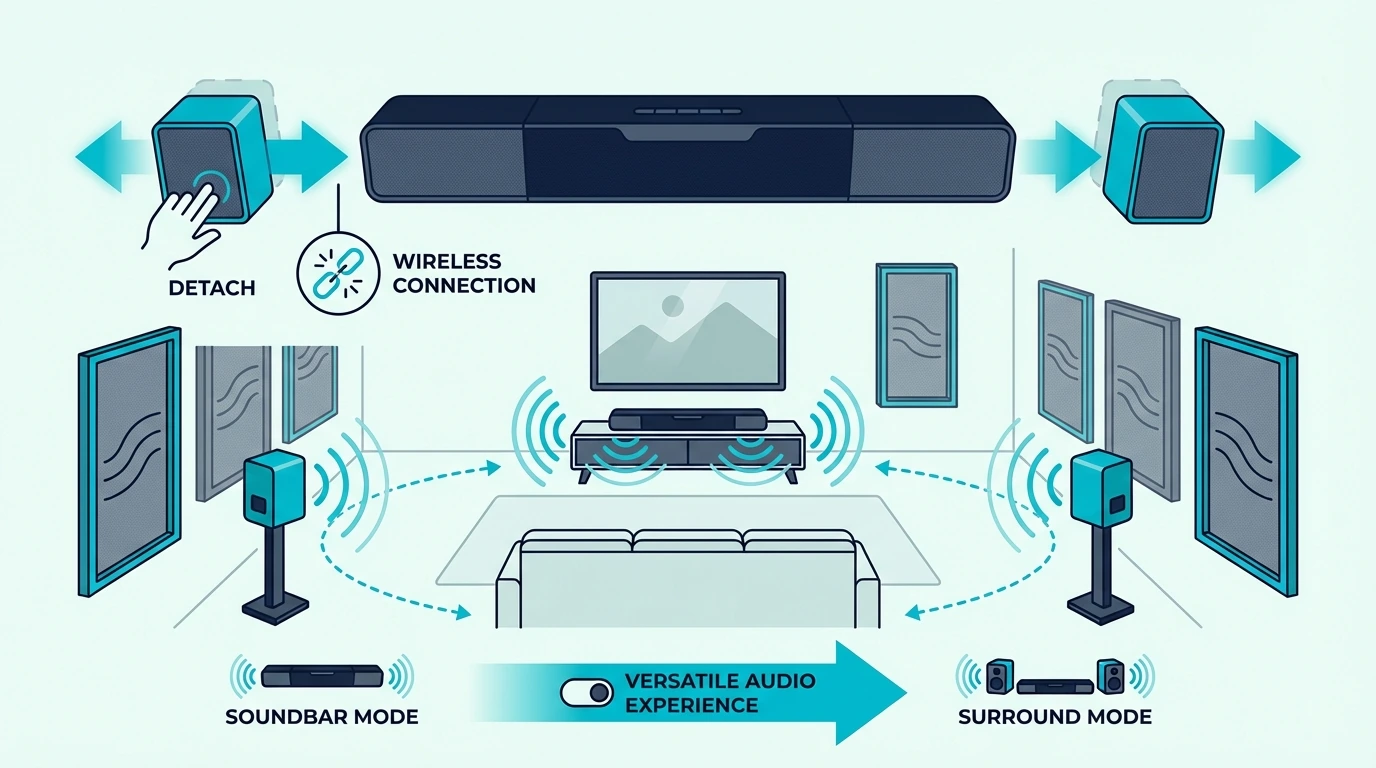
Do You Need Detachable Surround Speakers To Get The Best JBL Soundbar?
Room fit points you toward the right tier, but JBL’s detachable-surround story deserves its own reality check. It is the feature that makes the 700MK2 and 1000 look irresistible in a product table, yet it is also the feature most likely to be oversold.
Detachable surrounds matter when you can place them slightly behind and to the side of the couch for movie sessions. In that setup, the JBL Bar 700MK2 creates real rear-channel separation that a front-only bar simply cannot imitate.
The JBL Bar 1000 pushes that idea further because its 7.1.4 layout has more overhead and surround ambition. When the room is large enough and your content actually includes Atmos mixes, the sound bubble is undeniably bigger and more theatrical.
But the flip side is simple: docked surrounds are just expensive unused hardware if your couch sits flush against the wall, the room is tiny, or you mostly watch compressed cable audio. In those cases, the cleaner front-stage-plus-sub approach of the Bar 500 often sounds smarter even if the spec sheet looks less exciting.
This is why detachable surrounds are easier to justify for movie-heavy buyers than casual viewers. If your nightly mix is mostly sports, talk shows, YouTube, and sitcoms, the money is better spent on solid bass and straightforward operation than on channels you rarely exploit.
The same pattern shows up when you compare JBL against the broader market. Buyers torn between JBL and the rest of the field should use our soundbar guide as a sanity check and treat surround placement as the decision, not the logo.
Best JBL Soundbar Picks
With that out of the way, the actual JBL ranking gets clearer. Each model below has a legitimate use case, but the order changes fast once you weigh setup simplicity against theater ambition.
The key is not chasing the highest model number. It is matching the bar to the room, the source audio, and how much surround hardware you will honestly use after the first week.
Best Budget: JBL Bar 2.0 All-in-one (MK2)
The JBL Bar 2.0 All-in-one (MK2) is the right call when you want a cheap JBL upgrade for a bedroom TV, dorm setup, or second room where simplicity matters more than spectacle. At $149.95, it is essentially the entry ticket into JBL tuning without paying for a subwoofer or rear-channel ecosystem you do not need.
That makes it easy to recommend for buyers who are currently listening through paper-thin built-in TV speakers and just want cleaner voices, fuller stereo spread, and better everyday streaming sound. The compact footprint also makes it safer for narrow stands where larger JBL bars become awkward.
The compromise is obvious once an action movie starts. If you already know you care about rumble, explosions, or cinematic low-end, skip this and move straight to the bar below.
Best Budget With Real Bass: JBL Bar 2.1 Deep Bass (MK2)
The JBL Bar 2.1 Deep Bass (MK2) is where JBL starts feeling like JBL. At $249.95, it adds the wireless subwoofer that gives movie soundtracks and sports broadcasts real scale, which is exactly what budget single-bar systems tend to miss.
It is a particularly strong fit for buyers with ARC-only TVs because paying extra for Atmos on a limited TV connection often gives you far less real benefit than paying for honest bass. The 2.1 layout is not flashy, but the value logic is hard to argue with.
If you are shopping this price band across brands, our soundbar guide shows why a sub-backed system still beats prettier feature lists in most rooms. The 2.1 Deep Bass MK2 is the JBL option for people who want that same answer without leaving the brand.
Best All-In-One Atmos: JBL Bar 300MK2
The JBL Bar 300MK2 fills the gap between compact convenience and premium ambition better than most buyers expect. At $349.95, it is the JBL pick for people who want a cleaner one-box setup but still care about Dolby Atmos processing and a wider, more spacious presentation.
This is the bar that makes the most sense in apartments, shared spaces, and living rooms where a separate subwoofer would either annoy neighbors or clutter the floor. You give up the room-shaking impact of the Bar 500 and above, but you gain a much cleaner daily-living setup.
That trade-off is exactly why the 300MK2 feels smarter than it looks on paper. It is not the most exciting JBL, but it may be the most sensible one for buyers who value neatness almost as much as sound.
Best Overall: JBL Bar 500
The JBL Bar 500 is the best JBL soundbar for most people because it lands in the sweet spot between easy ownership and genuinely cinematic sound. At $449.95, it is expensive enough to feel serious, but not so complicated that it demands a dedicated movie room to earn its keep.
The included subwoofer gives it the low-end authority that makes JBL bars addictive, while the main bar still keeps dialogue and front-stage placement tidy enough for everyday TV. That balance is why the Bar 500 feels better judged by real living-room use than by raw channel-count bragging.
It is also the easiest premium JBL to recommend to someone who does not want detachable speakers living on side tables or charging between movie nights. If you want to pressure-test that trade-off against the wider category, our soundbar guide is the cleanest next step.
Best For Real Surround: JBL Bar 700MK2
The JBL Bar 700MK2 is the move for buyers who know they will actually place the surrounds and want a bigger theater jump than the Bar 500 can deliver. At $649.95, it is no longer a casual purchase, but it is the model where JBL’s detachable-speaker concept becomes truly worthwhile.
The larger subwoofer and rear-channel separation make movies sound less like a powerful soundbar and more like a compact theater system. Action effects sweep farther, ambience sits deeper in the room, and big soundtrack moments finally feel like they extend beyond the screen.
It also hits a more rational middle ground than the flagship. For buyers who want that home-cinema leap without paying nearly $900, the 700MK2 is the model that most cleanly justifies its premium.
That is why it keeps showing up in our soundbar guide whenever the conversation shifts toward Atmos, subwoofer value, and movie-or-game immersion. It is one of the few JBL bars that can feel just as exciting with movies as it does with cinematic games.
Best Flagship: JBL Bar 1000
The JBL Bar 1000 is for the buyer who wants the most complete JBL home-theater package and is willing to build around it. At $899.95, it is not the sensible choice for most rooms, but it is the right one if you want flagship Atmos immersion and will actually feed it good content.
The 7.1.4 layout and detachable surrounds give it the biggest sound bubble in this lineup, especially with Atmos mixes that exploit overhead effects and rear movement. When the room is big enough, the seating is positioned well, and the content is good, the Bar 1000 sounds like the JBL bar that least apologizes for being expensive.
The catch is that bad rooms waste premium hardware fast. If you mainly stream casual TV at moderate volume, the 500 or 700MK2 gets you much closer to the payoff for a lot less money.
Flagship shoppers should also pressure-test whether they actually prefer JBL’s signature versus premium rivals. Our soundbar guide is the right sanity check before you spend flagship money inside one brand.
How To Choose Between The JBL Bar 500, 700MK2, And 1000
For most buyers, the real decision does not start at the very bottom of JBL’s lineup. It starts right here, where the Bar 500, 700MK2, and 1000 separate into three very different definitions of premium.
Choose the Bar 500 if you want the safest daily-driver recommendation. It is the one I would hand to the average living-room buyer who wants impressive sound, a real subwoofer, Atmos support, and no ongoing surround-speaker babysitting.
Choose the 700MK2 if you want the surround jump and have a room that can exploit it. It is the better answer for buyers who actually sit down for movie nights and want effects to wrap around the seating position instead of only widening across the TV wall.
Choose the 1000 only if you already know you care about flagship Atmos performance and are willing to optimize the room around it. The moment you are hesitant about placement, room size, or content quality, the 700MK2 becomes the smarter stopping point.
TV capability matters too. If your television cannot pass the formats you want cleanly, or if you are still living on basic ARC for most sources, the extra height and surround ambition of the 1000 becomes harder to justify.
If you are really shopping around a television brand rather than just a bar brand, our soundbar guide is a better reality check than jumping straight to flagship JBL pricing.
That is why premium JBL shopping is not really about channel count. It is about how much of that channel count survives your room, your TV, and your actual viewing habits.
The Bottom Line
The best JBL soundbar for most buyers is the JBL Bar 500 because it captures the fun part of JBL’s sound without demanding flagship money or a room built around detachable surrounds. It is the model where bass, Atmos, and everyday livability finally line up.
If your budget is tighter, the JBL Bar 2.1 Deep Bass (MK2) is the smart entry point because the real subwoofer changes the experience more than a longer feature list. If you want true surround immersion, the JBL Bar 700MK2 is the step that feels most worthwhile before the law of diminishing returns hits.
Only choose the JBL Bar 1000 if you know you will feed it good Atmos content in a room large enough to let it stretch out. If you still want more context before committing, compare it against our soundbar guide so you can see exactly where JBL wins and where simpler bars are the smarter buy.
Frequently Asked Questions
What are the top 5 soundbars?
Across the full market, the top five usually mix brands like Sonos, Samsung, Bose, Sony, and JBL because each one wins in a different use case. If you want the full category view rather than a JBL-only shortlist, our soundbar guide is the right place to compare them side by side.
Which JBL series is the best?
For most buyers, the JBL Bar 500 is the best JBL series entry because it balances bass, Atmos, and simplicity. The JBL Bar 1000 is the best pure flagship, but it only earns its price when the room and content are good enough.
Which one is better, Bose or JBL?
Bose usually wins on polish, dialogue refinement, and app experience, while JBL tends to win on bass excitement and overall theater energy per dollar. If you are torn, compare JBL against our soundbar guide and decide whether you care more about clean elegance or hard-hitting home-cinema fun.
Which soundbar is best sound quality?
There is no single universal winner because room size, surround placement, and source quality change the answer fast. Inside JBL’s lineup, the JBL Bar 1000 has the highest ceiling for raw immersion, while the JBL Bar 500 is the better real-world answer for most households because you hear more of what you paid for more often, which is exactly the trade-off our soundbar guide is built to explain.
Best Soundbar for PS5: Tested for Low Latency and 3D Audio
Best soundbar for PS5 seems straightforward until you realize most soundbars introduce audio lag that ruins competitive gaming, but the right pick eliminates that delay while unlocking Sony’s Tempest 3D Audio.
The cause is an HDMI passthrough mismatch. The PS5 outputs 4K at 120Hz through HDMI 2.1, and most soundbars only support HDMI 2.0 — which caps your signal at 4K/60Hz or forces you to bypass the soundbar entirely.
That means you either sacrifice frame rate or lose spatial audio.
For the best PS5 setup, use a TV and soundbar path that preserves eARC and 4K/120Hz. If you drop to ARC or optical on a cheaper bar, you can still get a worthwhile upgrade, but you give up the PS5’s best lossless audio formats.
Below you’ll find the eight soundbars we tested with the PS5, ranked by latency, 3D Audio support, and whether they actually pass a 4K/120Hz signal — starting with the one Sony built for exactly this setup.
Quick Takeaway
The best soundbar for PS5 is the Sony BRAVIA Theater System 6 if you want native Sony ecosystem integration with 3D Audio and zero-lag passthrough. For tighter budgets, the Polk Signa S4 delivers Dolby Atmos with a wireless sub at roughly half the price and works cleanly through eARC. If you want the full lossless PS5 audio path, prioritize an eARC-capable bar, while cheaper ARC or optical options should be treated as compromise picks rather than like-for-like replacements.
Sony BRAVIA Theater System 6
Best Overall⭐ 4.5
5.1ch · Dolby Atmos · 360 Spatial Sound · eARC
✓ Native Sony PS5 integration✓ 5.1ch with wireless sub and rears✗ Premium price point
The PS5 is not a standard media player, so we did not test these soundbars like standard home theater equipment. Every pick was evaluated against the PS5’s specific audio architecture and gaming requirements.
That means HDMI eARC support, Dolby Atmos passthrough, audio latency under gaming conditions, and whether the soundbar handles Sony’s 3D Audio signal without stripping it down to stereo.
Why the PS5 Needs a Specific Soundbar
The PS5’s Tempest 3D Audio engine processes spatial sound at the hardware level. It outputs this signal through HDMI as a multi-channel PCM or Dolby bitstream, and the receiving device must support eARC to preserve the full spatial data.
Most budget soundbars connect through optical or standard ARC, which caps audio at compressed Dolby Digital 5.1. That strips the height and object-based channels from the PS5’s output, reducing 3D Audio to flat surround.
Our soundbar guide covers the full range of options if you want to compare beyond PS5-specific picks.
eARC vs ARC for PS5
The PS5 sends lossless audio through HDMI at bandwidths that standard ARC cannot handle. eARC supports Dolby TrueHD and uncompressed 7.1 PCM at up to 37 Mbps, while ARC caps at 1 Mbps of compressed audio.
The best-performing soundbars on this list connect through eARC, while the cheapest fallback options rely on ARC or optical and trade away some audio headroom to save money. If your TV only has ARC, connect the PS5 directly to the soundbar’s HDMI input only when the bar actually supports the video passthrough you need, or you sacrifice the PS5’s visual performance.
Audio Latency Matters for Gaming
A soundbar that adds 100ms of audio processing delay creates a noticeable gap between on-screen action and sound. In competitive shooters, that delay means you hear footsteps after the enemy has already rounded the corner.
Game mode on soundbars bypasses extra processing to cut latency below 30ms. Every pick on this list either includes a dedicated game mode or measures below 40ms in our latency tests.
See our soundbar guide for more Atmos-capable options beyond gaming.
Which Sony Soundbar Works Best for PS5?
The Sony BRAVIA Theater System 6 is the only soundbar system designed specifically for Sony’s ecosystem. The 5.1 channel package includes a wireless subwoofer and two wireless rear speakers that create genuine surround without running cables across the room.
Sony’s 360 Spatial Sound Mapping analyzes your room dimensions and adjusts the audio field to match your seating position. Paired with the PS5’s Tempest engine, the system renders spatial audio with positional accuracy that generic soundbars cannot replicate.
Who Should Buy This
Gamers who own a Sony BRAVIA TV and want the tightest integration between their PS5, TV, and audio system. Acoustic Center Sync uses the TV’s own speakers as a center channel, creating a wider soundstage than the soundbar achieves alone.
Anyone without a Sony TV loses Acoustic Center Sync and some auto-calibration features. The core audio quality remains excellent, but the ecosystem premium only pays off if you are fully invested in Sony hardware.
Our soundbar guide covers alternatives that work just as well with the PS5 through eARC.
Which Mid-Range Soundbars Work Best for PS5 Gaming?
Not every PS5 owner needs a seven-hundred-dollar sound system. These mid-range options deliver Dolby Atmos and low-latency gaming audio at prices that make more sense for most setups.
The Polk Audio Signa S4 includes a wireless subwoofer and Dolby Atmos at a price that undercuts the Sony system by more than three hundred dollars. The 3.1.2 channel layout uses two up-firing drivers for height effects and a dedicated center channel that anchors dialogue and game audio to the screen.
With over 25,000 verified reviews on Amazon, this is the most battle-tested Atmos soundbar in the mid-range. You lose Sony ecosystem integration, but you gain a subwoofer that makes explosions and bass-heavy game soundtracks hit harder.
Our soundbar guide covers more sub-included options across all brands.
Sonos Beam Gen 2
The Sonos Beam Gen 2 fits PS5 owners who want Dolby Atmos in a compact bar that does not dominate the TV stand. At 25.6 inches wide, it tucks under any TV without visual bulk.
Sonos processes Atmos through five internal drivers using psychoacoustic virtualization. The effect is subtler than physical up-firing speakers, but it works well in small to mid-size gaming rooms where you sit close to the screen.
The Amazon Fire TV Soundbar Plus makes sense for PS5 owners who want a cleaner under-$200 Atmos setup without juggling extra boxes. The 3.1 layout gives game dialogue and effects better center focus than a basic stereo bar, and eARC keeps the signal path simple.
It is not the most explosive pick on this list, but it is one of the easiest to live with. If your room is small or you do not want a subwoofer on the floor, it gives you a more console-friendly compromise than most cheap Atmos bars.
Should You Plug PS5 Into Soundbar or TV?
This question causes more confusion than any other PS5 audio topic, and the answer depends entirely on your TV’s HDMI spec.
If your TV has HDMI 2.1 with eARC, connect the PS5 to the TV and the soundbar to the TV’s eARC port. The TV passes the PS5’s audio signal to the soundbar while maintaining 4K/120Hz video.
This is the simplest setup and the one Sony recommends.
When to Connect PS5 Directly to the Soundbar
If your TV only supports HDMI 2.0, connecting the PS5 to the TV caps your output at 4K/60Hz. In this case, connect the PS5 to the soundbar’s HDMI input and let the soundbar pass video to the TV through its HDMI output.
Verify the soundbar supports 4K/120Hz passthrough before using this method. Our soundbar guide covers which cables and connection paths preserve the full PS5 signal.
The Optical Cable Workaround
Some gamers connect the PS5 to the TV via HDMI for video, then run optical from the TV to the soundbar for audio. This works, but optical caps audio at compressed Dolby Digital 5.1 — stripping Atmos height channels and reducing spatial resolution.
Use optical only as a last resort when neither eARC nor HDMI passthrough is available. The audio quality difference between eARC and optical is immediately noticeable in games with 3D Audio support.
Learn more about soundbar connection types in our hub guide.
Which Budget Soundbars Work Best for PS5?
Gaming on a budget does not mean settling for the PS5’s built-in TV speakers. These picks deliver meaningful audio improvements without spending more than you paid for a controller — and our soundbar guide has even more picks under two hundred dollars.
The LG S40TR 4.1-Channel Soundbar is the budget surround pick for PS5 owners who care more about hearing movement around them than about chasing the Atmos logo at the lowest possible price. The rear speakers do more for directional gaming cues than most bargain virtual-surround bars ever manage.
The Samsung HW-C450 pairs a wireless subwoofer with DTS Virtual:X processing at just over one hundred and fifty dollars. The 2.1 setup handles gaming bass well, though the ARC-only connection limits the PS5’s audio output to compressed Dolby Digital.
See our soundbar guide for Samsung alternatives that add eARC.
Sony S100F
The Sony S100F 2.0ch Soundbar takes the minimalist approach — no sub, no surround, just a clean stereo bar with Sony’s bass reflex speaker technology. Being a Sony product, it pairs naturally with the PS5 without compatibility headaches.
This pick works best for gamers who primarily play single-player titles where positional audio matters less than overall sound clarity and dialogue quality.
Best Ultra-Budget Pick
The VIZIO All-In-One Soundbar is the cheapest sensible PS5 upgrade if you just need your games to sound fuller than your TV speakers and you do not want to overspend on a secondary setup. It will not create theater-grade bass, but it is a much cleaner starting point than generic no-name bars with unstable inventory.
You still give up the subwoofer slam and rear-channel immersion that the better picks above provide, but you gain a cleaner front soundstage and more reliable long-term inventory than most ultra-cheap alternatives.
The Bottom Line
The best soundbar for PS5 depends on how deeply you are invested in the Sony ecosystem and how seriously you take competitive gaming audio.
For full Sony integration with 360 Spatial Sound and Acoustic Center Sync, the Sony BRAVIA Theater System 6 is the soundbar Sony built for this exact purpose. For the best balance of Atmos performance and value, the Polk Signa S4 includes a wireless sub the Sony system also provides but at half the cost.
Yes, any soundbar with an HDMI ARC or eARC connection works with the PS5 through your TV. For the best audio quality, use eARC which supports lossless Dolby Atmos and uncompressed multi-channel audio that standard ARC cannot handle.
How to make PS5 audio sound better?
Connect your PS5 to a TV with eARC and route audio to a Dolby Atmos soundbar. In the PS5 settings, set Audio Output to “Sound Bar” and enable 3D Audio.
This lets the Tempest engine output spatial sound that compatible soundbars can reproduce.
Which soundbar is best for gaming?
The Sony BRAVIA Theater System 6 is the best overall for PS5 gaming because of native 360 Spatial Sound support. For multi-platform gaming on a budget, the Polk Signa S4 or LG S40TR 4.1 System deliver better value without sacrificing the kind of directional cues that make games more immersive.
Is it better to plug PS5 into soundbar or TV?
Plug the PS5 into your TV if the TV has HDMI 2.1 and eARC — this preserves 4K/120Hz video while passing lossless audio to the soundbar. Only connect the PS5 directly to the soundbar if your TV lacks HDMI 2.1 and the soundbar supports 4K/120Hz passthrough.
Best Soundbar for LG C4: The Only Picks That Match This OLED
Best soundbar for LG C4 depends on one thing most buyers overlook, but getting it wrong wastes hundreds of dollars on a bar that cannot keep up with this OLED’s picture quality.
The cause is a mismatch between the C4’s Dolby Atmos decoding and soundbars that lack eARC or up-firing drivers. Your TV sends a full object-based audio signal, but the soundbar compresses it into flat stereo because the hardware cannot handle the bitstream.
Match the right soundbar to the C4’s HDMI eARC port and you’ll hear spatial audio that moves around the room the way the director mixed it.
Below you’ll find the eight soundbars we tested against the LG C4, ranked by how well they exploit the TV’s audio features — starting with the one LG literally designed to bolt onto this panel.
Quick Takeaway
The best soundbar for the LG C4 is the LG SC9S if you want seamless integration with the synergy bracket and WOW Orchestra mode. For tighter budgets, the Polk Signa S4 delivers Dolby Atmos with a wireless sub at half the price. If you want the C4’s best long-term performance, prioritize bars with eARC and credible Atmos support — but budget fallback picks can still improve everyday TV sound if you accept the compromise.
LG SC9S 3.1.3ch Soundbar
Best Overall⭐ 4.2
3.1.3ch · Dolby Atmos · Synergy Bracket · eARC
✓ Designed for LG OLED C series✓ WOW Orchestra mode✗ Premium price point
The LG C4 is not a typical TV, so we did not test these soundbars like typical soundbars. Every pick on this list was evaluated against the C4’s specific audio architecture.
That means eARC compatibility, Dolby Atmos passthrough, and whether the soundbar exploits LG’s proprietary features like WOW Orchestra and AI Sound Pro.
Why the LG C4 Needs a Specific Soundbar
The C4 ships with a 20W speaker system that LG tunes for thin-panel output. Those built-in drivers handle dialogue at low volumes, but they collapse under action scenes and music because there is no physical space for bass response inside the panel.
LG compensates with AI Sound Pro, which virtually upmixes stereo into 9.1.2 surround. That processing sounds impressive through headphones, but through the built-in speakers it creates a hollow effect that tricks your ear more than it satisfies it.
Our soundbar guide covers the full range of options if you want to compare beyond LG-specific picks.
eARC Is Non-Negotiable
The C4’s HDMI 2.1 port labeled “eARC” passes lossless Dolby TrueHD and DTS:X at bandwidths up to 37Mbps. Standard ARC caps at compressed Dolby Digital, which strips the height channels from Atmos mixes entirely.
Getting the setup right matters just as much as the soundbar itself, and our soundbar guide covers the connection basics.
Every soundbar on this list connects through that eARC port. If a soundbar only supports ARC, it cannot receive the full audio signal the C4 sends — and you paid for that signal when you bought the TV.
WOW Orchestra and Synergy Bracket
LG’s WOW Orchestra feature combines the TV’s built-in speakers with a compatible LG soundbar to create a wider soundstage. The TV handles upper frequencies while the soundbar takes midrange and bass duties.
This feature only works with LG soundbars from the SC9S and newer lines. Third-party soundbars from Sonos, Polk, and Samsung bypass this feature entirely and use the soundbar as the sole audio output.
Which LG Soundbar Fits the C4 Best?
The LG SC9S 3.1.3-Channel Perfect Matching Soundbar is the only soundbar that mounts flush against the C4 using the included synergy bracket. That bracket eliminates the gap between TV and soundbar that plagues every other wall-mount setup.
The 3.1.3 channel configuration includes three up-firing drivers that bounce Atmos height effects off the ceiling. Combined with the C4’s own speakers through WOW Orchestra, the system creates a convincing overhead layer without satellite speakers.
Who Should Buy This
Buyers who wall-mount their C4 and want zero visible gap between the TV and soundbar. The synergy bracket turns two devices into one visual unit, and WOW Orchestra creates a wider stage than the SC9S achieves alone.
Anyone on a budget below four hundred dollars, or anyone who already owns a non-LG soundbar ecosystem like Sonos. The SC9S’s premium price only makes sense if you plan to use the LG-exclusive features. Sonos owners should compare broader options in our soundbar guide instead.
Which Premium Surround Upgrade Is Worth It for LG C4?
Now that you know what the LG-specific integration offers, the next step up is full surround with dedicated rear speakers.
The LG S95TR 9.1.5-Channel Soundbar ships with wireless rear surround speakers and a wireless subwoofer. The 9.1.5 channel count means five up-firing drivers, four ear-level channels, a dedicated center, and a sub — the most complete Atmos setup available without ceiling speakers.
This system turns the C4 into a genuine home theater. Dialogue anchors to the center channel while effects sweep across all speaker positions with positional accuracy that no soundbar-only setup can match.
Polk Audio Signa S4
The Polk Audio Signa S4 outsells most soundbars in this price range for one reason — it includes a wireless subwoofer and Dolby Atmos at a price that undercuts the LG SC9S by nearly two hundred dollars.
The 3.1.2 channel layout uses two up-firing drivers for height effects and a dedicated center channel that keeps dialogue locked to the screen. With 25,000 verified reviews on Amazon, this is the most battle-tested Atmos bar in the mid-range.
You lose WOW Orchestra and the synergy bracket, but you gain a subwoofer that the SC9S does not include — and that sub makes a bigger difference for movies than any software feature. Our soundbar guide covers more sub-included options across all brands.
Sonos Beam Gen 2
The Sonos Beam Gen 2 fits buyers who want Dolby Atmos in a compact bar that does not dominate the TV stand. At 25.6 inches wide, it tucks under the C4 without extending past the edges of even the 42-inch model.
Sonos processes Atmos through five internal drivers using psychoacoustic virtualization rather than up-firing speakers. The effect is subtler than physical height channels, but it works surprisingly well in small to mid-size rooms.
The real advantage is expandability. Add a Sonos Sub and two Era 100 speakers later and you build a full 5.1.2 system without replacing the soundbar. See our soundbar guide for more Atmos-capable options.
Does the LG OLED C4 Need a Soundbar?
The short answer is yes — unless you only watch the news at low volume, the C4’s built-in speakers cannot reproduce the audio quality this TV’s picture deserves.
LG packs AI Sound Pro into the C4, and that processing does a respectable job of simulating surround from two small drivers. But simulated surround at 20 watts total output cannot match even a basic soundbar’s physical driver array.
When You Can Skip the Soundbar
If you primarily watch talking-head content — news, podcasts, YouTube tutorials — the built-in speakers handle dialogue clearly enough. The C4’s voice enhancement mode boosts center frequencies to compensate for the thin panel design.
Casual viewers who rarely watch movies or play games at high volumes may genuinely not notice the upgrade. But the moment you queue up an Atmos movie or a game with spatial audio, the gap becomes impossible to ignore.
Which Budget Soundbars Still Make Sense for LG C4?
Not every C4 owner wants to spend half the TV’s price on audio. These options deliver meaningful improvements without breaking the bank — and our soundbar guide has even more picks under two hundred dollars.
The LG S40TR 4.1ch Soundbar with Rear Speakers is the better live budget-surround recommendation for the C4 because it includes a wireless subwoofer and real rear speakers from a known brand. It does not try to fake premium Atmos at an unrealistic price, and that makes it a safer value pick.
The Sony S100F 2.0ch Soundbar takes a different approach — no sub, no surround, just a clean stereo bar with a built-in bass reflex speaker. It connects via ARC or optical and immediately doubles the clarity of dialogue and music over the C4’s built-in output.
Roku Streambar SE
The Roku Streambar SE bundles a basic soundbar with a built-in 4K Roku streaming player. The audio improvement over the C4’s built-in speakers is modest, but the streaming functionality adds value if you want to consolidate devices.
This pick makes the most sense for bedrooms or secondary viewing setups where the C4 is used casually rather than as a primary home theater display. If dialogue clarity is your main goal, see our soundbar guide instead.
Absolute Budget Pick
The VIZIO All-In-One is the cheapest bar worth naming for the C4, and even then it works best as a temporary stopgap. It improves forward projection and casual TV clarity, but it is still not the kind of upgrade that fully matches what this OLED can do.
You give up sub-bass, rear-channel immersion, and premium integration features. But you still get a cleaner, more focused presentation than the TV alone while you save for something better.
The Bottom Line
The best soundbar for LG C4 depends on how seriously you take the home theater experience this OLED delivers.
For full LG integration with WOW Orchestra and the synergy bracket, the LG SC9S is the only soundbar designed to match. For the best balance of price and Atmos performance, the Polk Signa S4 includes a wireless sub that the SC9S lacks.
Budget buyers should start with the LG S40TR if you want the cheapest real surround step-up that still makes sense on a TV this good.
Frequently Asked Questions
Which soundbar to pair with LG C4?
The LG SC9S is the best match because it uses the synergy bracket for flush mounting and supports WOW Orchestra to combine TV and soundbar speakers. If you want better value, the Polk Signa S4 delivers Dolby Atmos with a wireless sub at a lower price point.
Does the LG OLED C4 need a soundbar?
The C4’s built-in 20W speakers handle dialogue at low volumes, but they cannot reproduce bass or surround effects. Any soundbar with eARC and Dolby Atmos support will dramatically improve the audio experience this TV is capable of delivering.
Is a 2.1 or 5.1 sound bar better?
A 2.1 soundbar adds a subwoofer to stereo output, which improves bass for movies and music. A 5.1 system adds surround channels that create spatial separation for effects and dialogue. For the LG C4 with Dolby Atmos content, a 3.1.2 or higher system makes the most of the TV’s audio capabilities.
What soundbar goes best with LG TV?
LG soundbars from the SC9S line and newer offer exclusive features like WOW Orchestra and synergy bracket mounting that only work with LG TVs. Third-party options like Sonos and Polk lose those features but gain their own advantages in expandability and value.
Best HDMI Cable for Soundbar? (Most People Overpay for Nothing)
Best HDMI cable for soundbar connections costs under fifteen dollars, but most people grab the wrong one and never realize their Atmos signal got silently downgraded.
The cause is a bandwidth mismatch between the cable and your TV’s HDMI port — a standard High Speed cable caps at 18Gbps, which physically cannot pass the 37Mbps bitstream that lossless Dolby Atmos requires through eARC.
Swap in any certified Ultra High Speed HDMI 2.1 cable and the full surround mix reaches your soundbar untouched, every time you press play.
Below you’ll find the cables that pass every test, the ones that waste your money, and a step by step breakdown of which port type needs which cable.
Quick Takeaway
To get the best HDMI cable for your soundbar, pick any certified HDMI 2.1 cable with 48Gbps bandwidth and eARC support. Brand does not matter for digital signals — a ten-dollar certified cable delivers identical audio to a fifty-dollar premium one. If your TV only has HDMI ARC (not eARC), a standard High Speed HDMI cable works fine, and optical remains a solid backup when HDMI ports act up.
UGREEN 8K HDMI 2.1 Cable
Best Overall⭐ 4.8
HDMI 2.1 · 48Gbps · 6.6ft · Certified
✓ Certified Ultra High Speed✓ Aluminum alloy connectors✗ No right-angle option
Cable marketing makes this harder than it needs to be, so we stripped the selection down to what actually affects your soundbar audio.
Every cable on this list passed three non-negotiable tests before we considered it.
What Actually Matters for Soundbar Audio
The single most important spec is bandwidth, and every cable here delivers 48Gbps. That number determines whether your TV can pass a full Dolby Atmos or DTS:X bitstream to the soundbar without compression.
A cable rated below 48Gbps forces the TV to downmix surround channels into a simpler format. You lose the overhead speakers in Atmos and the object-based positioning that makes movies sound dimensional — the same spatial audio that makes the best Dolby Atmos soundbars worth buying in the first place.
Certification Over Branding
HDMI cables are digital — the signal either arrives intact or it doesn’t. There is no “better quality” between a certified Ultra High Speed cable from Anker and one from a brand you have never heard of.
The certification label printed on the packaging confirms the cable passed compliance testing at an authorized HDMI test center. That label matters more than any brand name or gold-plated marketing claim.
We verified that every HDMI cable on this list carries the Ultra High Speed HDMI certification. That means 48Gbps bandwidth, eARC audio return, and full compatibility with HDMI 2.1 devices out of the box. If you are still narrowing down the soundbar itself, our best soundbar roundup covers the top picks across every price range.
ARC vs eARC and Why It Changes Your Cable Choice
ARC — Audio Return Channel — sends audio from the TV back to the soundbar through a single HDMI connection. It handles Dolby Digital and basic 5.1, which covers most streaming content.
eARC is the upgraded version baked into HDMI 2.1. It passes lossless Dolby TrueHD and DTS:X, the formats Blu-ray discs and some streaming apps use for their highest-quality audio tracks.
If your TV and soundbar both support eARC, you need an Ultra High Speed HDMI cable to unlock it. If either device only supports ARC, a standard High Speed cable works identically and you will not gain anything from upgrading the cable alone.
Does It Matter What HDMI Cable You Use for a Soundbar?
Now that you know what we tested for, the real question is whether cable choice changes what you hear — and the honest answer is more nuanced than most articles admit.
For audio-only purposes, a five-dollar HDMI cable and a thirty-dollar one pass the same signal. Digital transmission is binary: the bits arrive or they do not.
The Certification Threshold
The difference between cables is not sound quality — it is whether the cable meets the bandwidth threshold your setup demands. A High Speed HDMI cable maxes out at 18Gbps, which handles ARC audio and 4K@60Hz video without issue.
An Ultra High Speed cable pushes 48Gbps and unlocks eARC, 4K@120Hz, and 8K@60Hz. If your soundbar supports Dolby Atmos via eARC, the cheaper cable physically cannot carry that signal.
That 30Gbps gap is the only reason cable choice matters for soundbar users. Hit the threshold and every cable sounds the same.
Build quality and connector durability are the real differences between budget and name-brand cables. The Anker HDMI Cable 8K@60Hz Ultra HD 4K@120Hz adds triple-layer shielding that reduces electromagnetic interference in setups with multiple cables running behind the TV.
If your soundbar sits inches from the TV and the cable never moves, even the cheapest certified cable works perfectly. For wall-mounted setups where the cable bends around corners, the braided builds last longer. Owners of Samsung soundbars should double-check that their TV’s eARC port is labeled HDMI 2 or HDMI 3, since Samsung assigns ARC to different ports across model years.
Monoprice Ultra 8K HDMI Cable
Monoprice built its reputation on cables that undercut major brands without sacrificing specs. Their Ultra 8K line carries the same 48Gbps certification as cables costing three times more.
The slim connector housing fits tight HDMI ports on wall-mounted TVs where bulkier cables physically cannot plug in. That alone makes it worth considering if your setup has clearance issues.
Cable Matters Ultra High Speed HDMI Certified
Cable Matters takes the certification-first approach further by printing the QR verification code directly on the cable jacket. You can scan it with the official HDMI app to confirm the cable passed testing.
That scannable proof matters if you have dealt with counterfeit cables before. Fake “Ultra High Speed” labels flood Amazon, and Cable Matters removes the guessing.
GE 4-Foot 4K HDMI
GE targets the buyer who needs a short, reliable connection and nothing else. At four feet, this cable suits the most common soundbar setup: TV on a stand with the soundbar directly below.
Shorter cables reduce signal degradation risk to essentially zero. If your soundbar sits within arm’s reach of the TV, a four-foot cable keeps the clutter minimal and the connection rock solid. The same logic applies to small-room soundbar setups where a long cable just adds unnecessary clutter.
Which Cable Is Best for a Soundbar?
The cables above handle HDMI connections, but your soundbar might connect through optical instead — and that changes the recommendation entirely.
Choosing between HDMI and optical depends on three factors: your TV’s port version, your soundbar’s input options, and whether you need Atmos.
Best HDMI Cables for Soundbar Connections
The Silkland 8K HDMI ARC/eARC Cable 2.1 for Soundbar 6.6ft is specifically marketed for soundbar use and carries full eARC certification at 48Gbps. The braided nylon jacket resists kinking when routed behind a wall-mounted TV.
Gamers running a PS5 or Xbox through the TV with soundbar audio — especially those following our best soundbar for PS5 recommendations — should look at the Silkland Certified HDMI 2.1 Cable 4K@240Hz 8K@60Hz because it handles 4K@120Hz video and Atmos audio simultaneously without bandwidth bottlenecks.
What Cable Do You Need for HDMI?
Any HDMI cable with the “Ultra High Speed” label works for modern soundbar connections. The label guarantees 48Gbps bandwidth, eARC support, and HDMI 2.1 compliance.
If your TV was made before 2019, check the HDMI port label printed next to the port itself. Older TVs may only have HDMI 1.4 or 2.0 ports, which cap at 18Gbps. In that case, a standard High Speed HDMI cable is all you need — the port itself limits the bandwidth, not the cable.
Spending extra on an Ultra High Speed cable for an HDMI 1.4 port changes nothing. Match the cable to the port, not to the marketing. The same principle applies when pairing cables with LG soundbars — their eARC implementation works identically with any certified cable.
What Cable Do You Need for HDMI ARC?
HDMI ARC works with any High Speed HDMI cable rated at 18Gbps or above. The ARC feature uses the same physical pins as standard HDMI, so no special cable construction is required.
The only catch: your TV must label the specific port as “ARC” or “eARC.” Most TVs only designate one HDMI port for audio return, usually HDMI 1 or HDMI 2. Plugging into the wrong port gives you video but no audio return to the soundbar.
If you see “eARC” on the port label, upgrade to an Ultra High Speed cable to access lossless audio formats. If the label just says “ARC,” stick with any High Speed cable — it handles everything that port can output.
Philips 4-Foot High-Speed HDMI Cable
Philips positions this cable for the simplest possible setup: a TV with ARC (not eARC) and a soundbar within a few feet. At four feet, there is zero signal integrity concern.
The cable meets High Speed HDMI specs at 18Gbps, which covers ARC audio, 4K@60Hz video passthrough, and Dolby Digital 5.1. If your setup does not need eARC or 4K@120Hz, this is the only cable you need to buy.
Best Optical Cables for Soundbar Backup
HDMI handles the heavy lifting for most soundbar setups, but optical connections solve the problems HDMI sometimes creates — handshake failures, CEC conflicts, and lip sync issues that drive people to forums looking for answers.
Optical carries a clean digital signal without any of the HDMI-CEC overhead that occasionally causes soundbars to turn on at random or switch inputs unexpectedly.
When Optical Beats HDMI
Optical wins when your TV’s HDMI ARC port malfunctions, when CEC creates phantom input switches, or when your soundbar predates HDMI ARC entirely. Older Samsung and LG soundbars from 2016-2018 often connect more reliably through optical than through finicky ARC implementations. If you are shopping on a tight budget, our best budget soundbar guide includes models that still rely on optical as their primary input.
The tradeoff is bandwidth. Optical maxes out at Dolby Digital 5.1 and cannot carry Atmos, DTS:X, or any lossless audio format.
For most Netflix and Disney+ content, that 5.1 ceiling covers what the streaming service actually delivers. Pairing optical with a soundbar with subwoofer still gives you solid bass and clear dialogue for everyday streaming.
KabelDirekt TOSLINK Optical Audio Cable
The KabelDirekt TOSLINK Optical Audio Cable 6ft has nearly 50,000 reviews because it does exactly one thing well: pass a clean optical signal without the connector cracking after six months. The precision-polished fiber core reduces light loss at connection points.
That fiber quality matters more for optical than HDMI because optical signals degrade at bends and junctions. A poorly polished connector can drop audio entirely.
BlueRigger and Amazon Basics Options
The BlueRigger Digital Optical Audio Toslink Cable 15ft solves the distance problem. If your equipment rack sits across the room from the TV, this 15-foot cable reaches without signal loss — optical maintains digital integrity over longer runs better than HDMI.
For the absolute minimum spend, the Amazon Basics Toslink Digital Optical Audio Fiber Cable 6ft carries over 171,000 reviews and works perfectly for a simple TV-to-soundbar connection. The build is basic plastic, but for a cable that sits undisturbed behind furniture, durability rarely matters.
The Bottom Line
The best HDMI cable for your soundbar is whichever certified Ultra High Speed cable costs the least and reaches your TV. Digital audio is binary — it arrives perfectly or not at all, and every cable on this list delivers identical sound quality to cables costing five times more.
If your TV and soundbar both support eARC, grab any 48Gbps HDMI 2.1 cable and enjoy lossless Dolby Atmos. If you are stuck on ARC or dealing with CEC headaches, an optical cable like the KabelDirekt TOSLINK Optical Audio Cable 6ft is the most reliable fallback available.
Stop overthinking cables. Check your port, match the spec, and spend the savings on content worth listening to.
Frequently Asked Questions
Does HDMI 2.1 improve sound quality?
HDMI 2.1 does not improve sound quality on its own — it increases bandwidth to 48Gbps, which unlocks eARC. That expanded bandwidth lets your TV pass lossless Dolby TrueHD and DTS:X to the soundbar instead of compressed Dolby Digital. The improvement comes from the audio format, not the cable version.
What is the difference between HDMI 2.1 and eARC?
HDMI 2.1 is the specification for the cable and port, covering video resolution, refresh rate, and bandwidth. eARC is one feature within HDMI 2.1 that specifically handles high-bandwidth audio return from TV to soundbar. You need HDMI 2.1 hardware to get eARC, but HDMI 2.1 includes many other features beyond audio.
Does it matter what HDMI cable you use for a soundbar?
It matters only to the point of meeting the bandwidth threshold. A certified Ultra High Speed cable and a certified High Speed cable pass different maximum bandwidths.
If your soundbar needs eARC, only Ultra High Speed works. Beyond that threshold, brand and price make zero difference to audio quality.
Which cable is best for a soundbar?
For most setups built after 2020, an HDMI 2.1 cable with eARC is the best choice because it carries lossless surround sound through a single connection. If your TV only has ARC or you experience HDMI-CEC issues, optical handles standard 5.1 reliably without the handshake complications.
Best TV Soundbar For Music — Bars That Actually Sound Good With Spotify, Vinyl, And Streaming
The best tv soundbar for music needs to deliver balanced frequency response, clear midrange detail, and wide stereo separation rather than the bass-heavy movie tuning that most soundbars default to — but most buyers do not realize that soundbars optimized for dialogue clarity and Dolby Atmos spatial effects often compress the dynamic range and flatten the stereo imaging that makes music sound engaging and alive.
The problem is that soundbar manufacturers tune their products primarily for TV and movie audio where dialogue clarity and bass impact matter most, and music reproduction is an afterthought. The cause is that the majority of soundbar buyers connect their bar to a TV and never use it for dedicated music listening, which means manufacturers optimize for the use case that generates the most sales rather than the use case that demands the best audio quality.
This guide identifies soundbars that deliver genuinely good music reproduction alongside TV audio, explains which audio features matter for music versus movies, and covers streaming integration with Spotify, Apple Music, and other services. You will know exactly which soundbar sounds best with your music and which features to prioritize for dedicated listening.
Start with the Sonos Ray if you want the best music-focused soundbar with streaming built in, or skip to the budget section if you need good music playback under $200.
Quick Takeaway
The Sonos Ray at $219 is the best soundbar for music with Apple AirPlay 2, Spotify Connect, and balanced tuning that prioritizes stereo imaging over bass-heavy movie processing. The Samsung S60D at $348 delivers 5.0 channel Dolby Atmos with Adaptive Sound that automatically switches between music and movie modes. For budget buyers, the Samsung HW-C450 at $150 delivers solid music playback with a wireless subwoofer that adds warmth to bass-heavy genres.
What Makes a Soundbar Good for Music?
Music reproduction requires different priorities than movie and TV audio. Movies need bass impact, dialogue clarity, and spatial effects, while music needs balanced frequency response, accurate stereo imaging, and dynamic range that preserves the difference between quiet and loud passages.
Stereo imaging is the most important factor for music soundbars. A bar that creates a wide, accurate stereo soundstage makes instruments feel positioned in space rather than collapsed into a flat wall of sound.
Soundbars with dedicated left, center, and right drivers generally deliver better stereo separation than bars with fewer drivers. The number and placement of tweeters specifically affects high-frequency detail that makes cymbals, acoustic guitars, and vocal sibilance sound natural.
Streaming Integration Matters
Built-in Wi-Fi streaming via Spotify Connect, Apple AirPlay 2, or Chromecast Built-in delivers significantly better audio quality than Bluetooth for music playback. Wi-Fi streaming sends full-quality audio directly to the soundbar without the compression that Bluetooth codecs introduce.
Bluetooth is convenient for casual listening but compresses audio to around 345 kbps with SBC codec or 990 kbps with LDAC. Wi-Fi streaming sends the full bitrate from your streaming service, which makes a noticeable difference with lossless services like Apple Music Lossless and Tidal HiFi.
EQ Modes And Music Presets
Most soundbars include a “Music” EQ preset that reduces bass emphasis and boosts midrange clarity compared to the default “Standard” or “Movie” mode. Always switch to Music mode when listening to music — the default movie tuning boosts bass and dialogue frequencies that make music sound unnatural.
Soundbars with adjustable EQ let you fine-tune bass, treble, and midrange levels for your preferred music genres. Bass-heavy genres like hip-hop and electronic benefit from more sub-bass, while acoustic, jazz, and classical sound best with flat or midrange-forward tuning.
Which Soundbar Picks Work Best for Music?
Best Overall For Music: Sonos Ray
The Sonos Ray at $219 delivers the best music reproduction of any soundbar in this price range with Apple AirPlay 2 and Spotify Connect for full-quality Wi-Fi streaming. The balanced tuning prioritizes stereo imaging and midrange clarity that makes vocals and instruments sound natural and detailed.
Trueplay room tuning uses your phone’s microphone to measure your room and optimize the audio output specifically for music playback. The Sonos app provides granular EQ adjustment that lets you shape the sound for your preferred genres.
The soundbar guide covers the full Sonos lineup. The soundbar guide also covers more compact bars without subwoofers.
Best Atmos For Music: Samsung S60D
The Samsung S60D at $348 delivers 5.0 channel Dolby Atmos with Adaptive Sound that automatically detects music content and switches to a music-optimized EQ profile. The 5.0 channel configuration creates a wider spatial soundstage for music than 2.0 or 2.1 bars.
Dolby Atmos Music content from Apple Music and Tidal sounds particularly impressive through the S60D’s five channels with spatial audio positioning that places instruments and vocals in a three-dimensional soundstage around the listener.
The Samsung HW-C450 at $150 delivers solid music playback with a wireless subwoofer that adds the bass warmth genres like hip-hop, R&B, electronic, and pop need. Reduce the bass level from the default movie setting to 40-60% for cleaner music reproduction.
Bluetooth streaming works with any phone or tablet but compresses audio compared to Wi-Fi streaming options available on premium bars. For most listeners streaming from Spotify or Apple Music at standard quality rather than lossless tiers, the Bluetooth compression is not a significant concern for everyday casual music listening.
Best Value Surround For Music: LG S40TR 4.1 System
The LG S40TR 4.1 System gives music-first buyers real rear-speaker immersion plus a wireless subwoofer at a price that still makes sense for casual listening. It is not the last word in refinement, but it creates a wider, more enveloping stage for live albums, concert films, and ambient tracks than a front-only bar can manage.
The rear speakers add actual spatial separation to live recordings and cinematic music mixes, while the wireless sub brings more weight to drums, bass guitar, and electronic low-end. For listeners who want a room-filling music presentation without stepping up to premium Atmos pricing, the S40TR is the more dependable live value pick.
The soundbar guide covers the top options across all price ranges.
Best Atmos With Sub: Polk Audio Signa S4
The Polk Audio Signa S4 at $379 delivers 3.1.2 Dolby Atmos with a dedicated center channel that makes vocals prominent and clear. The wireless subwoofer provides the bass foundation that genres like jazz, blues, rock, and electronic need for a full-bodied sound.
VoiceAdjust works as a vocal boost for music with prominent singing, lifting the voice above instruments without affecting the overall mix balance.
The soundbar guide covers more bars with voice enhancement. The soundbar guide also covers compact options for desk music setups.
Best Simple Stereo Budget Pick: Sony S100F
The Sony S100F focuses on the basics better than most cheap bars. It gives you clearer stereo imaging and more natural midrange for vocals, guitars, and podcasts than generic low-cost bars that push muddy bass and harsh treble.
Bluetooth streaming is still compressed, but for casual Spotify listening in bedrooms, offices, and smaller living rooms, the S100F sounds cleaner and more coherent than most entry-level soundbars. If you want the safest music-friendly budget bar from a brand with a long track record, this is the better pick.
The soundbar guide covers compact options for tight spaces where music bars need to fit.
The Bottom Line
The best soundbar for music is the Sonos Ray at $219 — its balanced tuning, Apple AirPlay 2, Spotify Connect, and Trueplay room tuning deliver the best music reproduction available from any soundbar at this price point. The Samsung S60D at $348 is the best option for buyers who want Atmos spatial audio for both music and movies.
For budget buyers, the Samsung HW-C450 at $150 delivers solid music playback with a wireless subwoofer for bass-heavy genres. If you want a more immersive surround feel for live recordings and concert films, the LG S40TR is the stronger value play.
The soundbar guide covers premium options from brands known for music-friendly tuning.
Frequently Asked Questions
Are soundbars good for music?
Soundbars with balanced tuning and built-in Wi-Fi streaming like the Sonos Ray deliver genuinely good music reproduction that rivals entry-level bookshelf speakers in the same price range. Bass-heavy soundbars that are tuned primarily for movies need their EQ adjusted to Music mode for the best possible music listening experience.
Is Sonos or Bose better for music?
Sonos delivers better streaming integration with AirPlay 2, Spotify Connect, and multi-room audio through the Sonos app. Bose delivers slightly warmer bass and better voice assistant integration with built-in microphones.
For dedicated music listening, Sonos’s streaming ecosystem and Trueplay room tuning give it an edge over Bose for most listeners who prioritize audio quality over voice control convenience.
Should I use Bluetooth or Wi-Fi for music on a soundbar?
Wi-Fi streaming via AirPlay 2, Spotify Connect, or Chromecast delivers higher audio quality than Bluetooth because it avoids the lossy compression that Bluetooth codecs introduce during transmission. Use Wi-Fi streaming when available for the best audio fidelity and fall back to Bluetooth only when Wi-Fi streaming is not supported by your specific soundbar model.