Soundbar vs Speakers for PC: Which Desktop Audio Setup Wins?
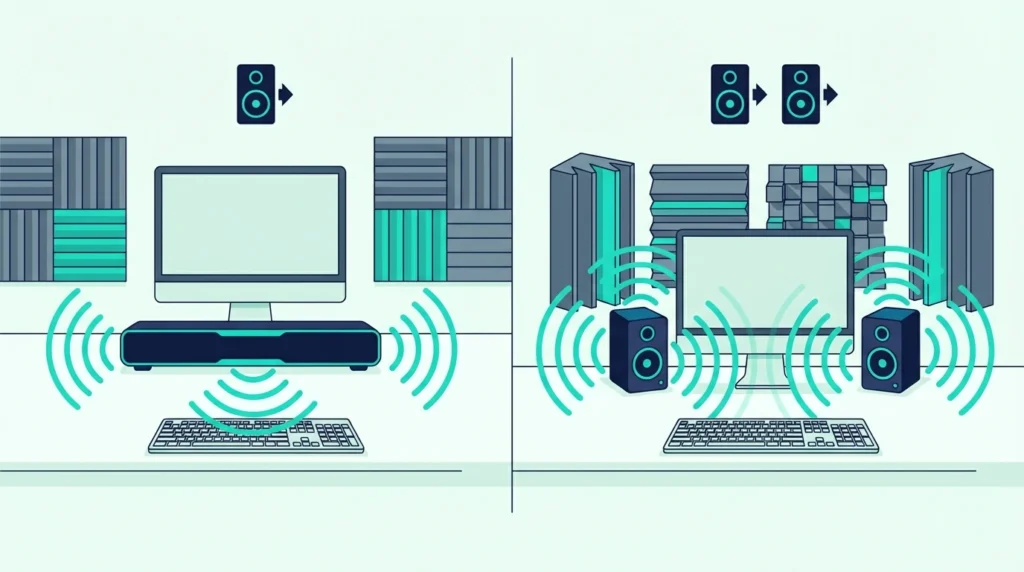
The soundbar vs speakers for pc decision seems straightforward — but pick the wrong one for your desk setup and you’ll either sacrifice gaming precision or deal with unnecessary clutter.
If you play competitive shooters where hearing footsteps from the left means the difference between a kill and a death, desktop speakers win — two separate units create real directional audio at arm’s length.
If you watch movies at your desk, want bass without clutter, or simply don’t have room for two speakers beside a 27-inch monitor, a soundbar makes more sense.
The problem is that most people don’t realize how much desk distance changes the equation.
At the typical 2–3 foot listening distance, the stereo imaging advantage of separated speakers is far more pronounced than in a living room.
Your ears are close enough to tell exactly where sound originates, which makes a soundbar’s simulated width noticeably more obvious.
Once you know how each option performs at arm’s length, the right choice becomes clear.
Below, we compare sound quality at desk distance, space impact, gaming performance, and which setup fits different budgets.
Desktop speakers are the better choice for PC gaming, music production, and any use where stereo imaging and positional audio matter. The physical separation between left and right channels creates a natural soundstage that a soundbar cannot replicate at desk distance.
A PC soundbar is the better choice if desk space is limited, you primarily watch movies and videos, or you want a single unit with built-in bass that doesn’t require positioning two separate speakers.
For casual use including video calls, YouTube, and background music, either option works well and the choice comes down to desk layout preference.
Sound Quality at Desk Distance
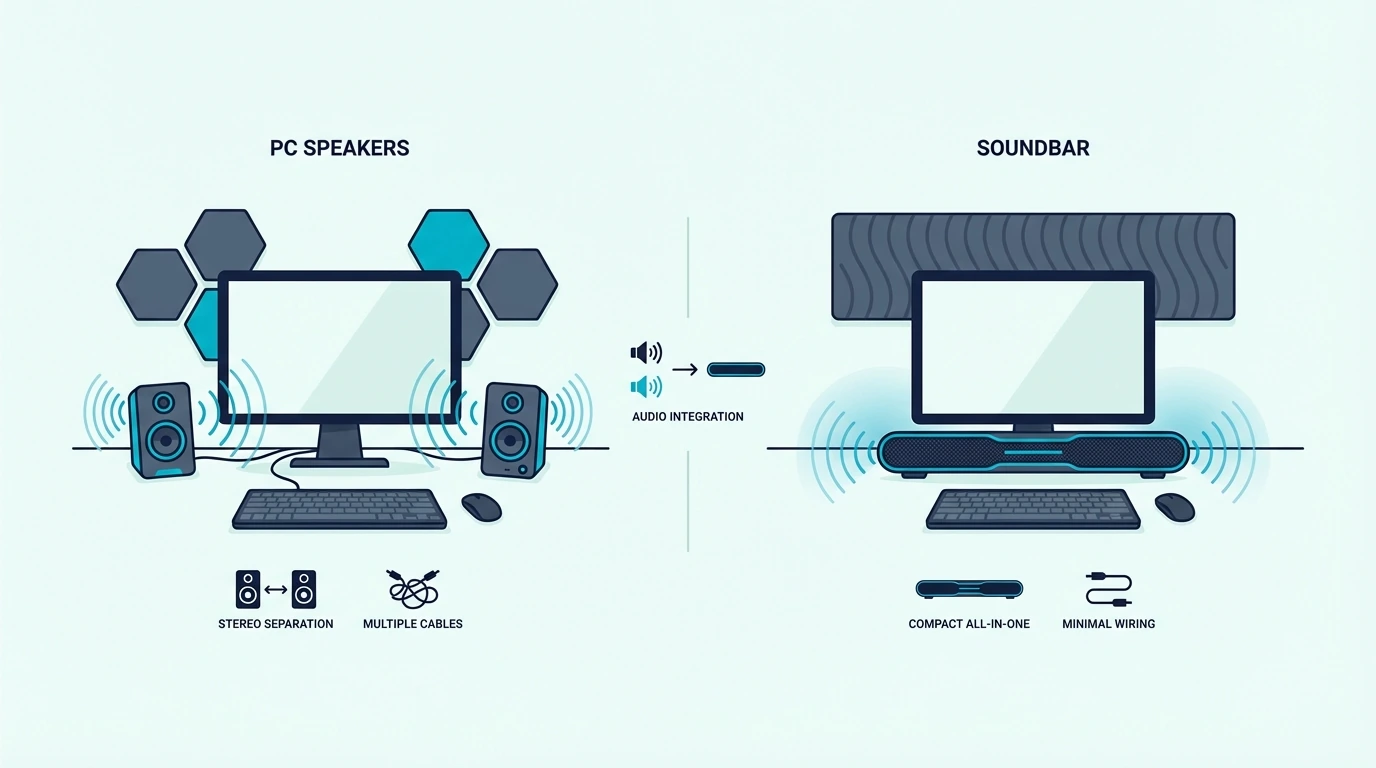
At 2–3 feet — arm’s length — your ears are close enough to pinpoint exactly where sound originates.
This proximity makes the physical separation of desktop speakers significantly more valuable than it is in a living room setting, and a soundbar’s DSP-simulated width noticeably less convincing at this close range.
Desktop Speakers: Natural Stereo at Arm’s Length
Desktop speakers placed on either side of your monitor create genuine stereo separation with channels positioned 2–4 feet apart.
At arm’s length, this physical distance produces a detailed and precise soundstage where you can point to where a guitar sits in a mix, where an enemy is moving in a game, or which direction a car is approaching from in a movie.
For competitive gaming, this matters tactically — footsteps from the left come from the left speaker, and a grenade thrown from the right comes from the right speaker.
Desktop speakers reproduce these directional cues naturally because the channels are physically separated — no DSP processing or psychoacoustic tricks required.
Powered desktop speakers in the $100–200 range typically include dedicated tweeters and woofers in each separate enclosure, delivering detailed highs and solid midrange reproduction for music listening and audio production work.
Even a compact pair like the Creative Pebble V3 provides real stereo separation at $40 with USB-C power and Bluetooth — no external power supply needed.
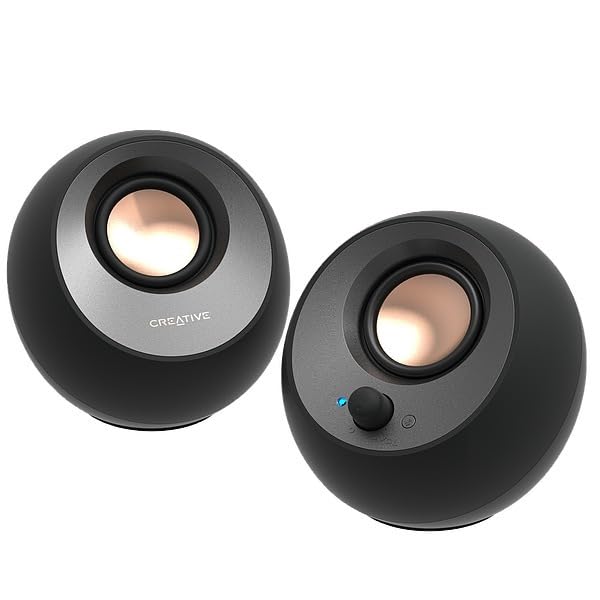
Creative Pebble V3
Our soundbar vs speakers guide covers the broader comparison between these two categories, and our soundbar vs bookshelf speakers guide explains how larger bookshelf speakers compare.
PC Soundbar: Consolidated Audio with Simulated Width
A PC soundbar sits under your monitor as a single unit, using DSP and angled drivers to simulate stereo width from a 20–30 inch enclosure.
At desk distance, the simulation is noticeably less convincing than at living room range — your ears are close enough to tell that all sound originates from a single point below the screen rather than from distinct positions around you.
Where a PC soundbar wins is bass and volume density — the larger single enclosure houses bigger drivers with significantly more low-end extension than compact desktop speakers.
Add a wireless subwoofer and you get desk-shaking bass that no compact desktop speaker pair under $200 can come close to touching.
A soundbar like the Polk Audio Signa S4 delivers Dolby Atmos processing and a wireless subwoofer that creates a more immersive movie and gaming experience than most desktop speakers.
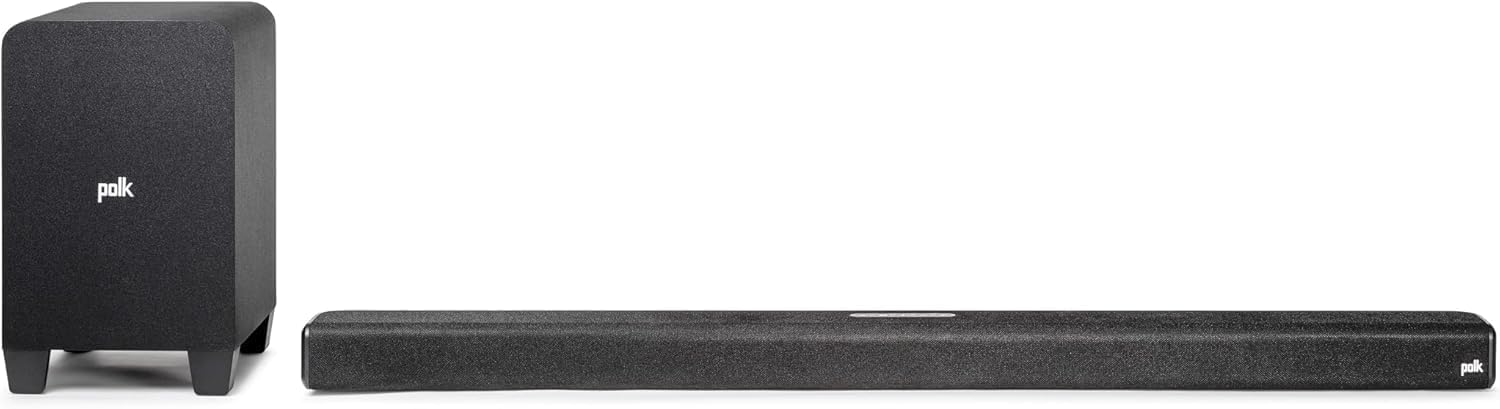
Polk Audio Signa S4
But the stereo imaging at desk distance is narrower than a $150 pair of powered desktop speakers placed properly on either side of the monitor.
Our soundbar fundamentals guide explains how soundbar driver configurations affect audio performance, and our how to use a soundbar with PC guide covers the specific setup process for desktop use.
Desk Space, Setup, and Practical Considerations
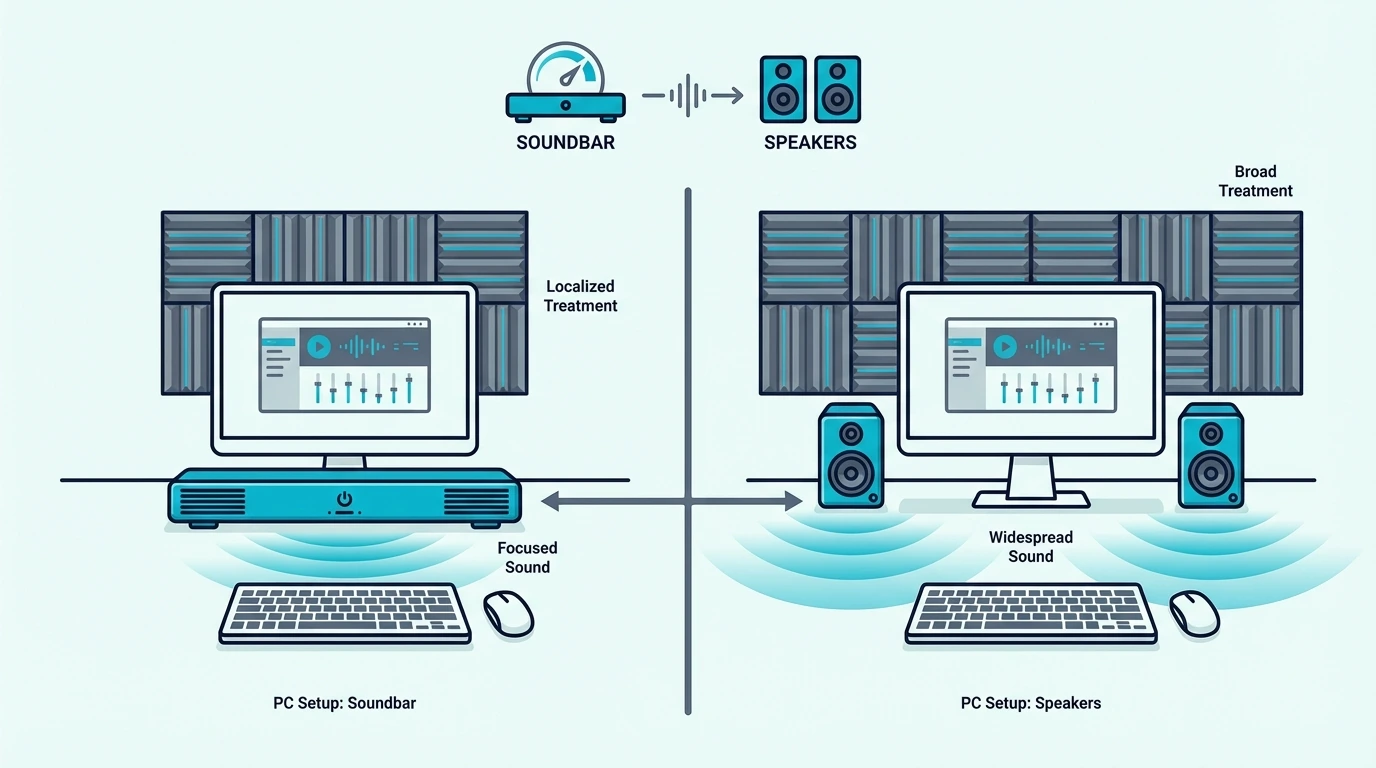
Beyond sound quality, footprint and setup complexity matter significantly on a desk already occupied by monitors, keyboards, mice, and peripherals.
Desk real estate is finite, and audio equipment competes directly with your workspace.
Soundbar: One Unit, Minimal Footprint
A PC soundbar sits in a single strip under your monitor — 2–3 inches deep, 20–30 inches wide.
One cable (USB, 3.5mm, or Bluetooth), slide it into place, and you’re done.
Wireless subwoofer goes on the floor under the desk, completely out of sight and out of the way.
A current value example is Polk Audio Signa S4 3.1.2ch Soundbar with Wireless Subwoofer and Dolb…, which is a stronger fit for more immersive movie playback.
Our soundbar setup guide covers the full configuration process, and our connection guide explains the different input options available on most soundbars.
Desktop Speakers: Two Units, More Cables, Better Positioning
Desktop speakers need two positions — one per side of your monitor — plus cables from each speaker to your PC or to each other, and each occupies a 4×6 inch footprint with cable routing adding visual clutter.
A 2.1 system like the Logitech Z313 adds a separate subwoofer on the floor, giving you real bass from compact satellite speakers — but that’s three units total plus additional cabling.
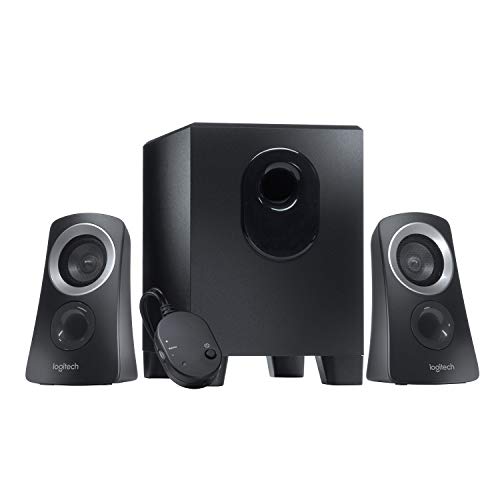
Logitech Z313
Positioning flexibility is both a benefit and a burden — you can angle speakers inward for optimal stereo imaging, but you need at least 3–4 feet of desk width for adequate channel separation.
On a compact 48-inch desk with a 27-inch monitor, fitting two speakers plus a keyboard, mouse, and a drink gets genuinely tight.
For understanding how different audio setups compare in value across use cases, our is a soundbar worth it guide covers the cost-benefit analysis.
Our soundbar vs surround sound comparison explains the broader audio quality spectrum from soundbars up to full discrete speaker systems.
Gaming: Where the Choice Matters Most
For competitive gaming where hearing an enemy’s position wins rounds, desktop speakers outperform a soundbar. You physically perceive directional cues from separated channels.
A footstep from the left speaker means left, not “somewhere in front of you.” A soundbar’s simulated width works for casual and single-player games but falls short in ranked matches where millisecond directional reactions matter.
For single-player gaming, movies, and media consumption, a soundbar with subwoofer delivers more cinematic impact — explosions have physical weight, soundtracks fill the space, and Dolby processing creates a more enveloping experience.
Our HDMI vs optical guide covers connection options, and our Bluetooth vs optical guide explains wireless connectivity for flexible PC audio setups.
Get Studio Tips Weekly
Join 5,000+ creators getting acoustic treatment advice every week.
No spam. Unsubscribe anytime.The Bottom Line
Desktop speakers win for gaming, music, and any task where stereo imaging matters — physical separation at desk distance creates a soundstage a soundbar can’t match.
A PC soundbar wins for desk space, movies, and casual use where bass and convenience matter more than precise stereo positioning.
Our best soundbar for PC guide ranks the current picks that work well at desk distance.
For most people who use their PC for a mix of gaming, streaming, and video calls, the choice comes down to whether desk space or audio precision matters more to their daily workflow.
If you’re considering a shared TV-and-desktop setup, our best soundbar guide covers universal picks that span both use cases.
Our soundbar vs receiver guide covers more advanced desktop audio setups, and our 2.1 vs 5.1 soundbar guide explains the channel configurations available if you decide a soundbar is the right fit for your PC desk.
Frequently Asked Questions
Are sound bars better than speakers for PC?
For desk space, bass output, and single-unit convenience — yes, soundbars are the better option.
For competitive gaming positional audio, music production, or any use where precise left-right separation at arm’s length matters, desktop speakers at $100–200 outperform soundbars at the same price.
Can I use a soundbar as a PC speaker?
Absolutely — connect via USB, 3.5mm, Bluetooth, or HDMI depending on the model and your PC’s available outputs.
Audio quality is dramatically better than laptop speakers or monitor built-in speakers, with the only meaningful trade-off being narrower stereo imaging at the typical 2–3 foot desk distance.
What are the benefits of using a PC soundbar?
One unit instead of two, built-in bass from larger drivers, significantly simpler cable management, and a much cleaner desk aesthetic overall.
Many include Bluetooth for wireless phone streaming alongside USB or 3.5mm for your PC — so you can switch between computer audio and phone calls without unplugging anything.