Can You Use an iPad as a MIDI Controller? 3 Ways That Work
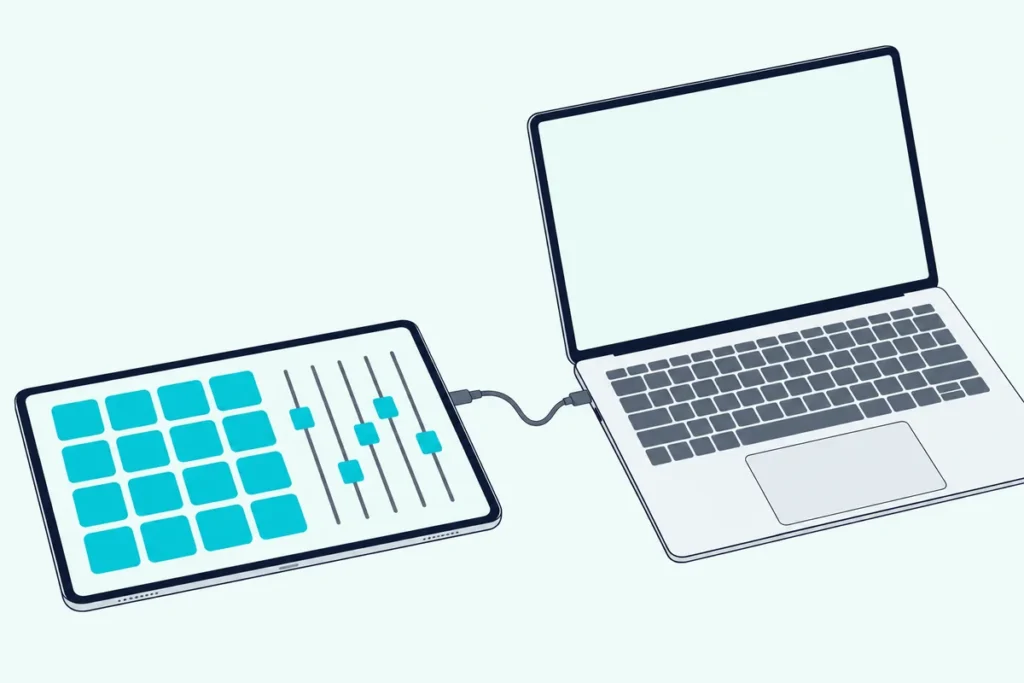
Yes, you can use an iPad as a MIDI controller: Apple’s Logic Remote does it for Logic Pro and GarageBand, and an app such as TouchOSC sends MIDI to any DAW over Wi-Fi or a USB cable.
An iPad’s screen looks like a ready-made keyboard, right up until you plug it in and your DAW shows no new device.
That’s because a tablet only sends MIDI when an app tells it to, and the computer has to be listening on the other end.
Below are the three routes that work, the setup steps for the one that suits any DAW, and the limits of playing on glass.
First, here’s how the routes compare.
How Do You Use an iPad as a MIDI Controller?
Three routes cover nearly every setup, and the right one depends on your DAW:
| Route | Works with | Connects by | Needs |
|---|---|---|---|
| Logic Remote | Logic Pro, GarageBand and MainStage on a Mac | Wi-Fi, or a USB-C or Lightning cable | The Logic Remote app |
| TouchOSC | Any DAW that accepts MIDI | Wi-Fi network, or a USB cable on iOS | TouchOSC and its Bridge program |
| Bluetooth MIDI | Apps and DAWs that support it | Bluetooth | A Mac set up in Audio MIDI Setup |
If you use Logic Pro or GarageBand, start with Logic Remote, since it needs no MIDI setup at all. Anyone with another DAW should use TouchOSC, which the later sections cover.
Our guide to what a MIDI controller is explains the messages an iPad would be sending.
Is Logic Remote the Easiest Route?
For Logic Pro and GarageBand users it is, because it’s Apple’s own route. Apple says it controls Logic Pro, GarageBand and MainStage on a Mac (Apple).
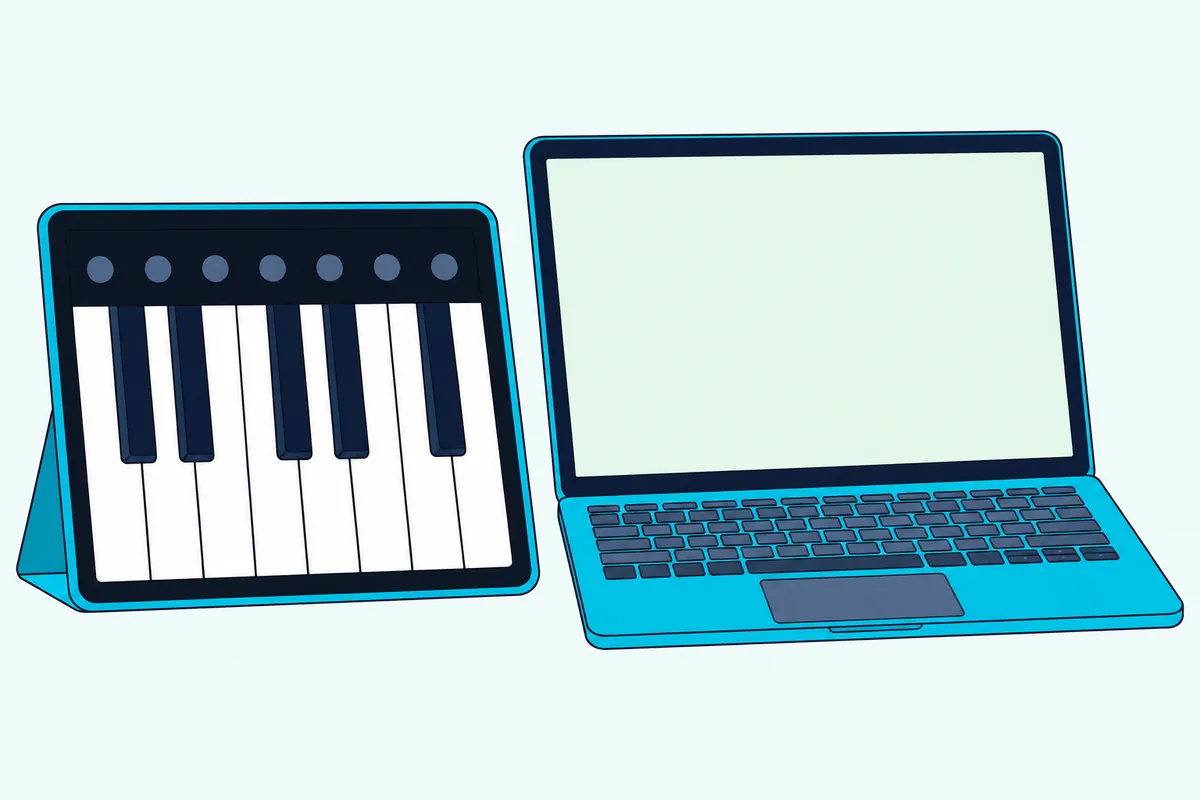
Its Touch Instruments include a keyboard, drums, guitar, bass and strings that play the software instruments in your project.
To connect it, put the Mac and iPad on the same Wi-Fi network, or join them with a USB-C or Lightning cable. Then confirm the connection with the prompt that appears on the Mac.
The keyboard has octave buttons, a glissando setting for swiping across keys, a chord strips view and a sustain control (Apple).
Get Studio Tips Weekly
Join 5,000+ creators getting acoustic treatment advice every week.
No spam. Unsubscribe anytime.How Do You Send MIDI From an iPad to Any DAW?
That leaves every other DAW, and there TouchOSC turns the iPad into a MIDI control surface. Its Bridge program acts as a virtual MIDI interface that carries MIDI between the iPad and your computer, over the network or over a USB cable on iOS (Hexler).
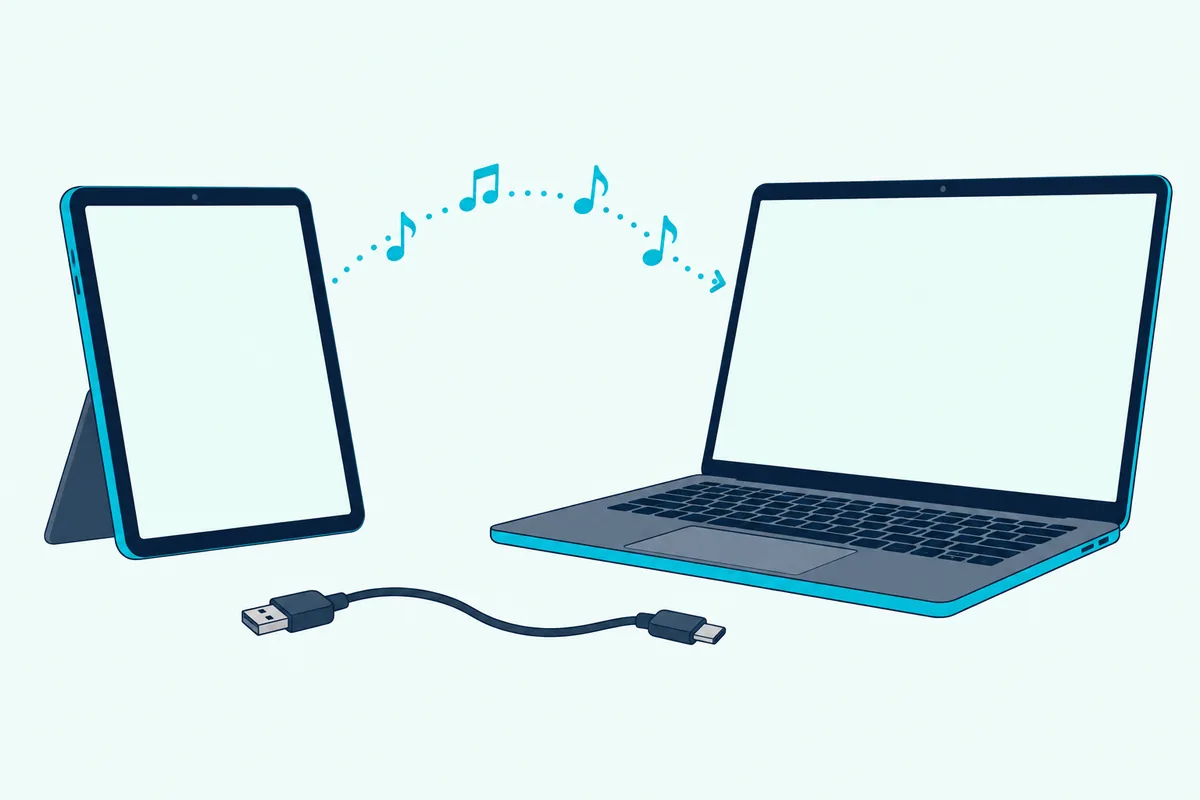
Hexler’s own tutorial for the setup runs like this (Hexler):
- Install TouchOSC Bridge on the computer and launch it, which adds an icon to the menu bar on macOS or the task tray on Windows.
- In TouchOSC on the iPad, open Connections and switch to the Bridge tab.
- Enable Connection 1 and use Browse to pick the computer running Bridge.
- On the MIDI tab, enable Connection 1 and choose the Bridge port for both Send Port and Receive Port.
- Load a layout, then switch to control surface mode and touch a control.
On iOS you can use the reserved connection name <USB> instead of a network host, to reach Bridge on a computer joined by a USB cable. If you connect over a network on Windows, Hexler warns that the Windows firewall can stop the setup from working.
Your DAW then has to accept that MIDI. In Ableton Live, for example, you turn on Track for the input port in Link, Tempo & MIDI, and the track’s monitor must be set to In, or to Auto with the track armed (Ableton).
Does an iPad Work as a MIDI Controller on Windows?
Partly, because the routes split by system. Logic Remote only controls apps on a Mac, per Apple, so it’s out on a Windows PC.
TouchOSC Bridge is the Windows answer: Hexler’s tutorial shows it running in the Windows task tray and creating a MIDI port your DAW can use. The Windows firewall is the usual snag on a network connection, and Hexler suggests turning it off temporarily to test.
Can You Connect an iPad Over Bluetooth?
Sometimes, and it depends on the app and the computer, so it’s the third route rather than the first. Apple says Bluetooth MIDI connections are bidirectional between Macs and iOS or iPadOS devices, and Audio MIDI Setup on a Mac has a Configure Bluetooth button in its MIDI Studio window (Apple).
A Mac can also advertise itself, so a Bluetooth host can find and connect to it. The iPad app has to support Bluetooth MIDI, and TouchOSC’s MIDI settings include a dialog for Bluetooth MIDI controllers on iOS.
Bluetooth saves a cable, but it’s a second thing to pair and to debug. If a wired or Wi-Fi route already works, there’s little reason to switch.
What Are the Limits of Playing an iPad as a MIDI Keyboard?
Whichever route you pick, a screen has no key travel, which is the biggest limit. It’s fine for triggering pads, sketching ideas and moving faders, but a hardware keyboard feels better once you’re playing chords or fast lines.
Apple’s keyboard page describes swiping and glissando rather than key weight, which shows what the glass is built for.
The other limit is that the iPad has to stay connected. Network setups need both devices on the same Wi-Fi, and a cable route needs the cable in place.
When you want real keys, our list of the best MIDI keyboards for iPad has options, and our guide to connecting a MIDI keyboard to GarageBand on an iPad covers the wiring.
Frequently Asked Questions
Can you use an iPad as a MIDI keyboard for Ableton Live or FL Studio?
Yes, through a control surface app. TouchOSC sends MIDI to any DAW that accepts it, once Bridge is running on the computer and the DAW’s MIDI input for that port is switched on.
Do you need an app to use an iPad as a MIDI controller?
Yes. An iPad doesn’t send MIDI by itself, so you need an app such as Logic Remote for Apple’s software or TouchOSC for any DAW.
Can an iPad be the sound source as well as the controller?
Yes, for its own apps. Apple’s GarageBand for iPad has a touch keyboard that plays its instruments directly, with no computer involved.