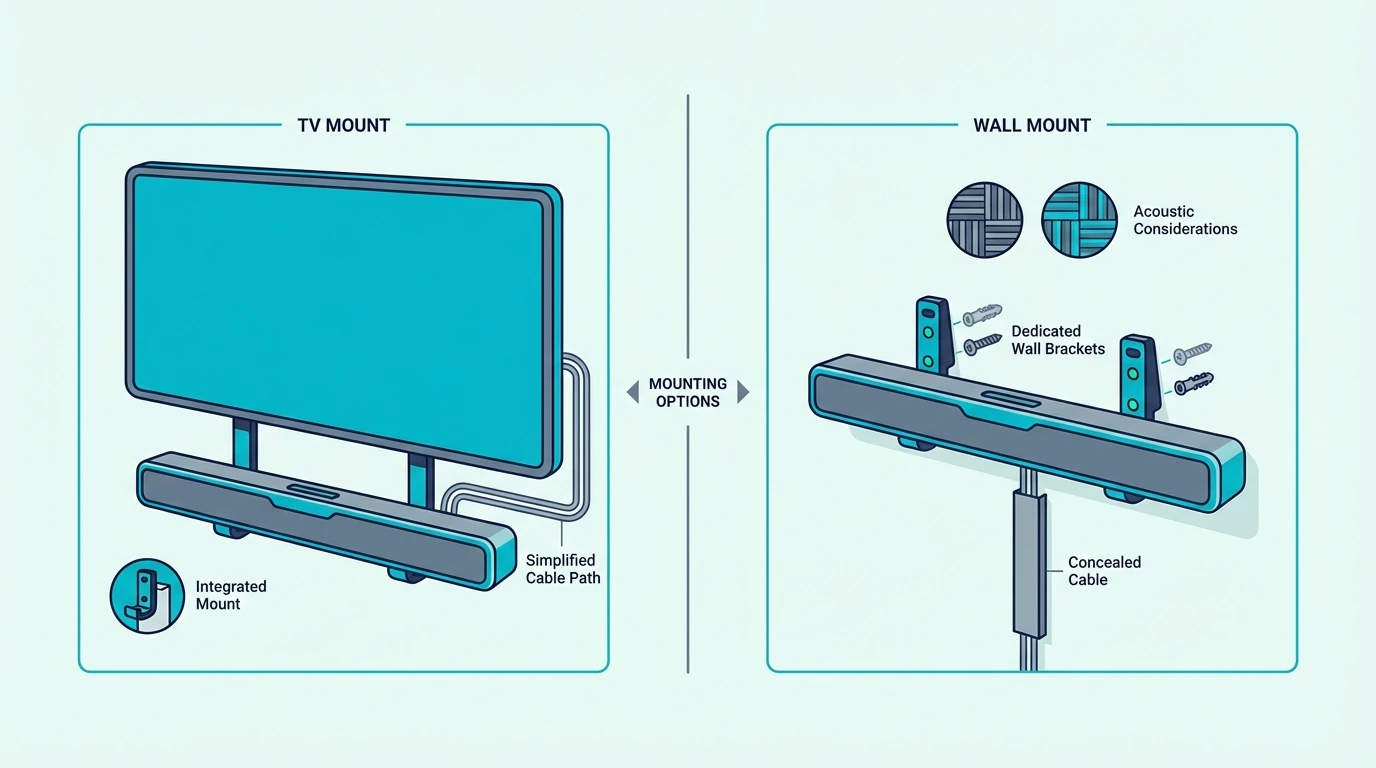
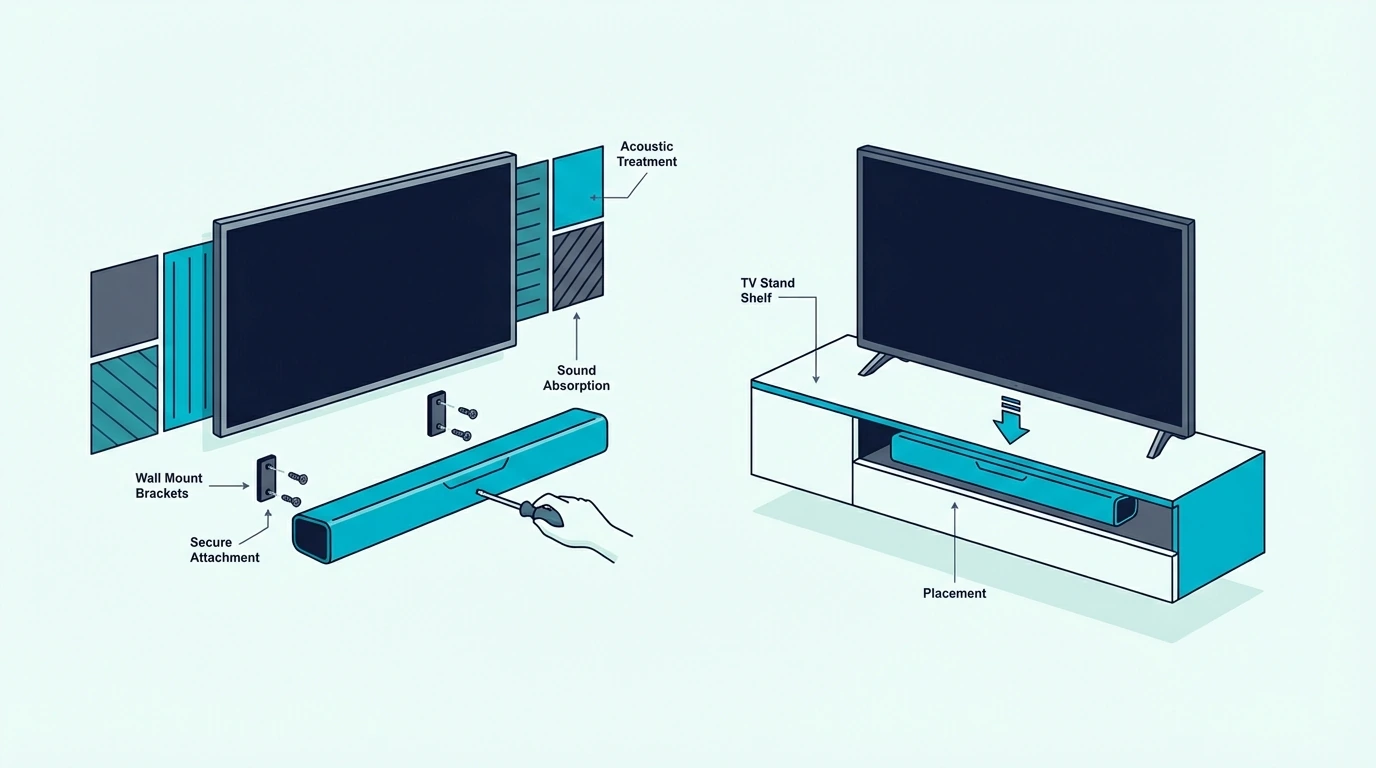
How To Hide Soundbar — Cleaner Placement, Hidden Wires & What To Avoid

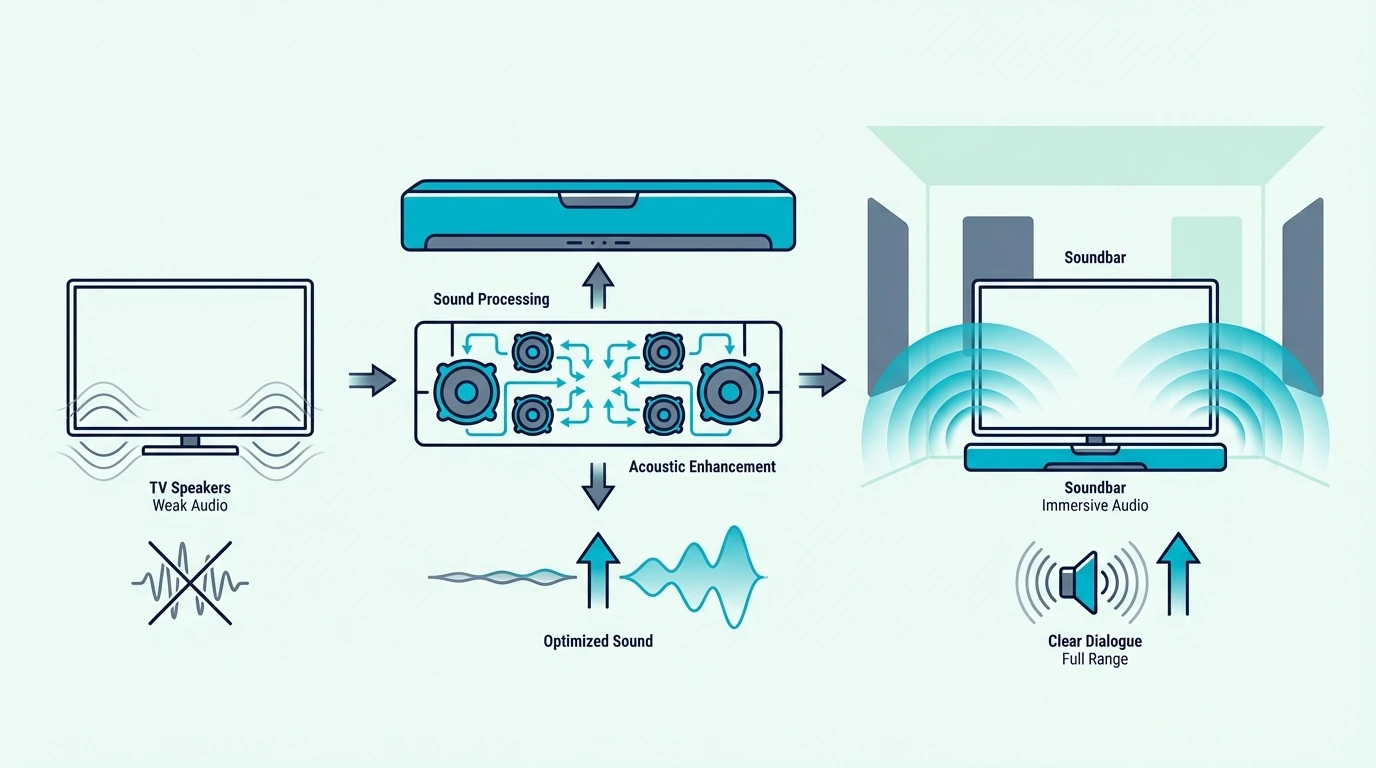
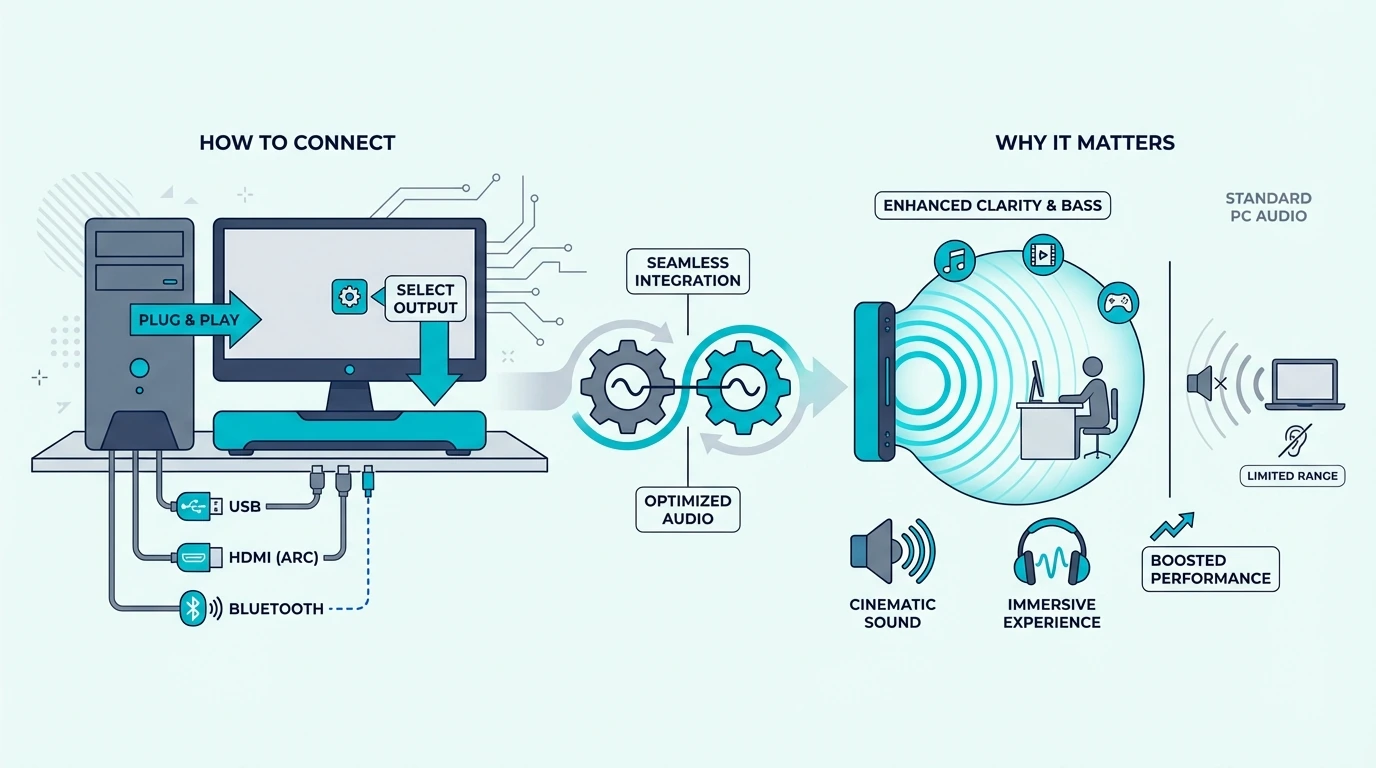
How to hide soundbar can make a living room TV setup look far cleaner, but only if the hiding method keeps the front of the bar open and the cables managed safely.

The usual problem is that people try to make the soundbar disappear by shoving it behind the TV, sealing it inside a cabinet, or stuffing extra wire anywhere it will fit. That may reduce visual clutter for a moment, but it often creates muffled dialogue, blocked remote sensors, cramped cable paths, or a setup that looks tidy while sounding worse.

Handle concealment the right way and the result is better on both fronts: the room tv area looks more intentional, the bar still projects into the room, and the wiring stops pulling attention away from the screen.

So start by deciding whether the soundbar should hide in plain sight under the TV or inside furniture that still lets sound out, because that first decision shapes everything from cable routing to how good the system will sound later.

Now that the concealment goal is clear, let us walk through how to hide soundbar the smart way.

Quick Takeaway

To hide a soundbar well, keep it visually integrated below the TV or inside furniture that still leaves the front of the bar open to the room. Do not bury the bar behind the TV or hide the power cord inside a wall; the cleanest result usually comes from proper mounting, safe cable management, and placement that still lets the sound travel directly toward the seating area.

Why Does Hiding a Soundbar Matter?
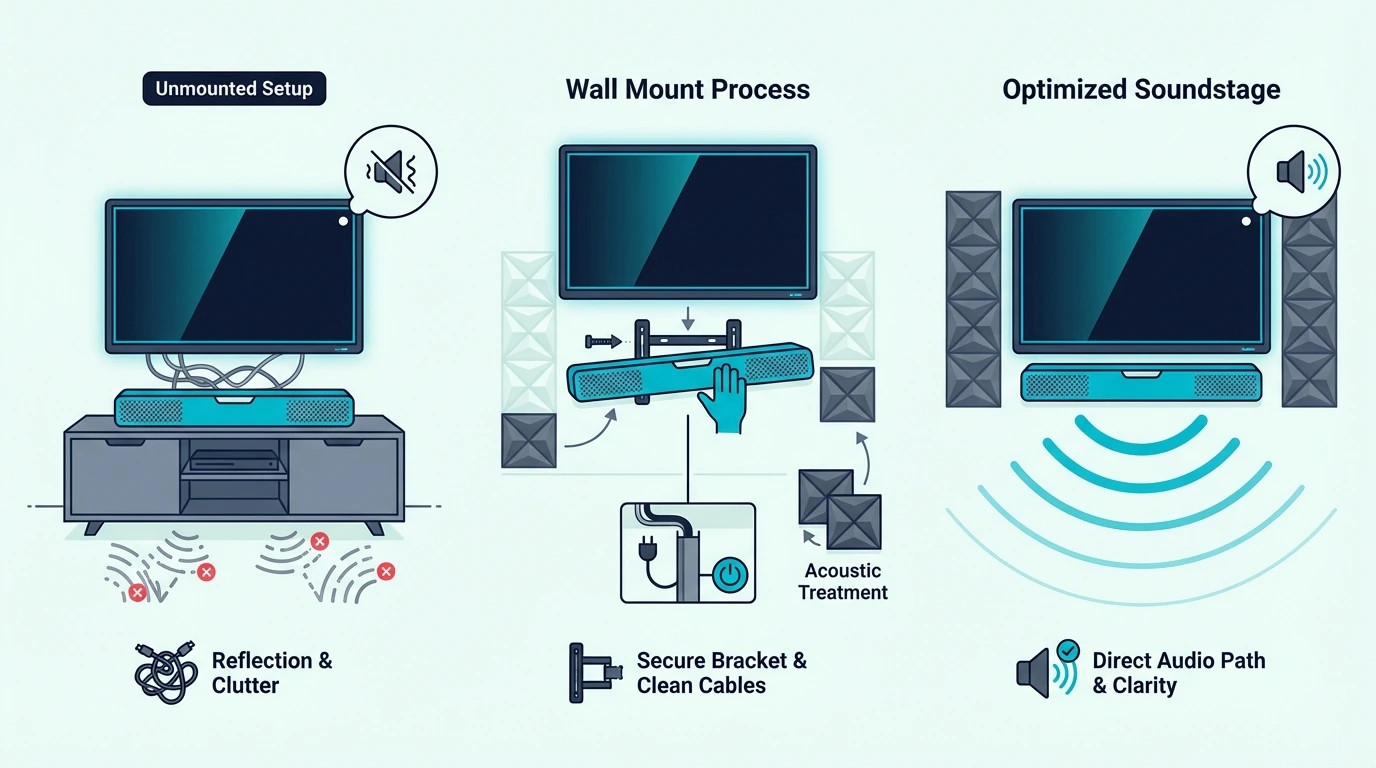
Why hiding a soundbar can affect audio performance

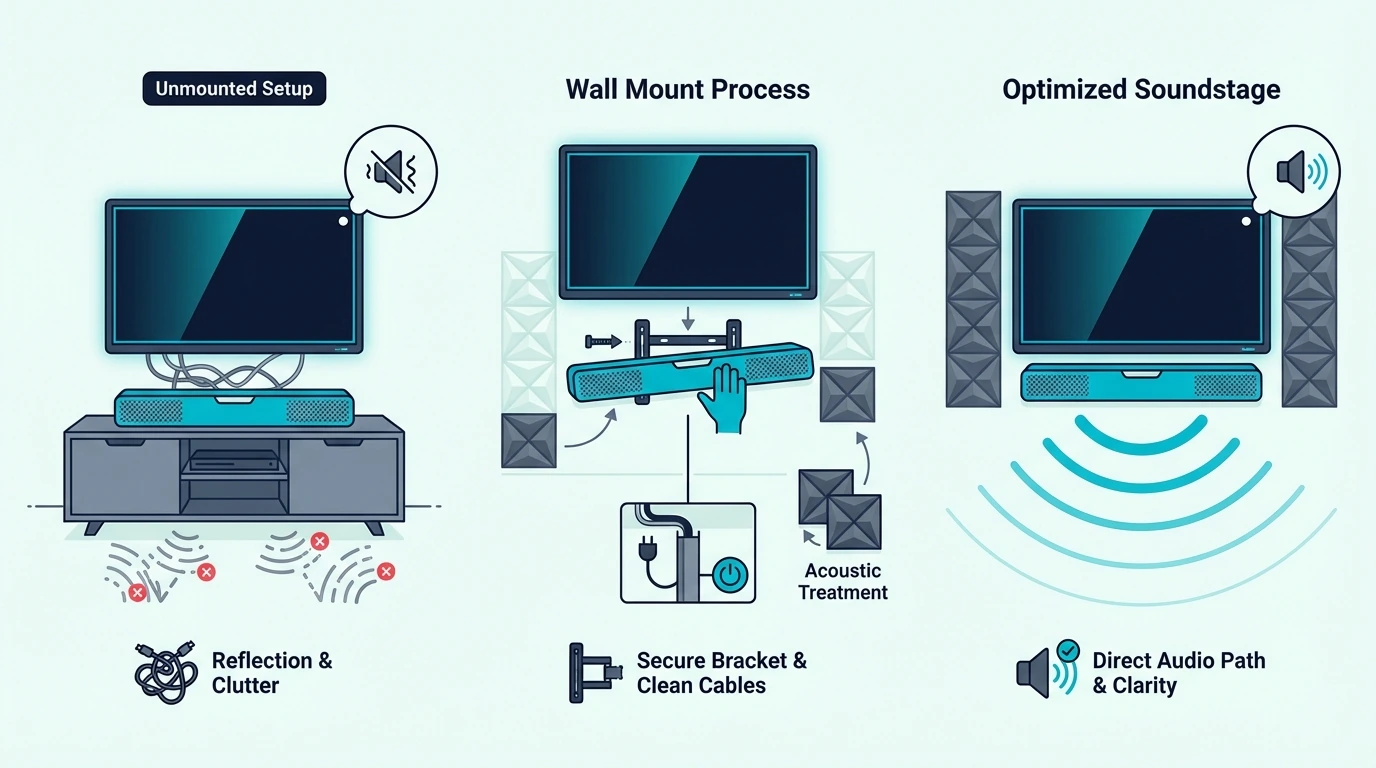
Hiding a soundbar is really about concealment without sabotage. The goal is to make the home theater setup look cleaner without blocking the drivers, cramping the cable path, or forcing the bar into a position where the TV, cabinet, or media wall gets in the way of the sound.

That matters because many soundbar hiding ideas solve only the visual problem — a cabinet can look beautiful in a living room, but if the door blocks the front of the bar, the sound waves bounce around inside the furniture instead of reaching the seating position cleanly. A behind-the-TV setup can feel clever, but if the TV blocks the front channel, you usually hear the downside long before you forget how neat it looked.

This is where hiding a soundbar differs from simply mounting one. This article is about concealment choices: what can be visually hidden, what should stay open to the room, and how to keep the whole room tv area looking intentional instead of cluttered.

It also overlaps with installation and setup without replacing them. If the soundbar is newly installed or you are still deciding which shape fits the room best, the broader soundbar hub, our best soundbar guide, and the best soundbars for small rooms roundup are better next stops before you focus on hiding it.

The best hiding plans also depend on the bar itself. A slim all-in-one model is easier to blend into a media wall or tv cabinet than a deeper unit with upward-firing drivers or a wide footprint, which is why buyers often end up happier after checking the best soundbar guide or the Samsung Frame TV soundbar guide before they redesign the room around the wrong bar.

So the core rule is simple: hide the setup, not the sound path. Once you think about concealment that way, most bad ideas fall away quickly.

How Do You Hide A Soundbar Without Hurting Sound?
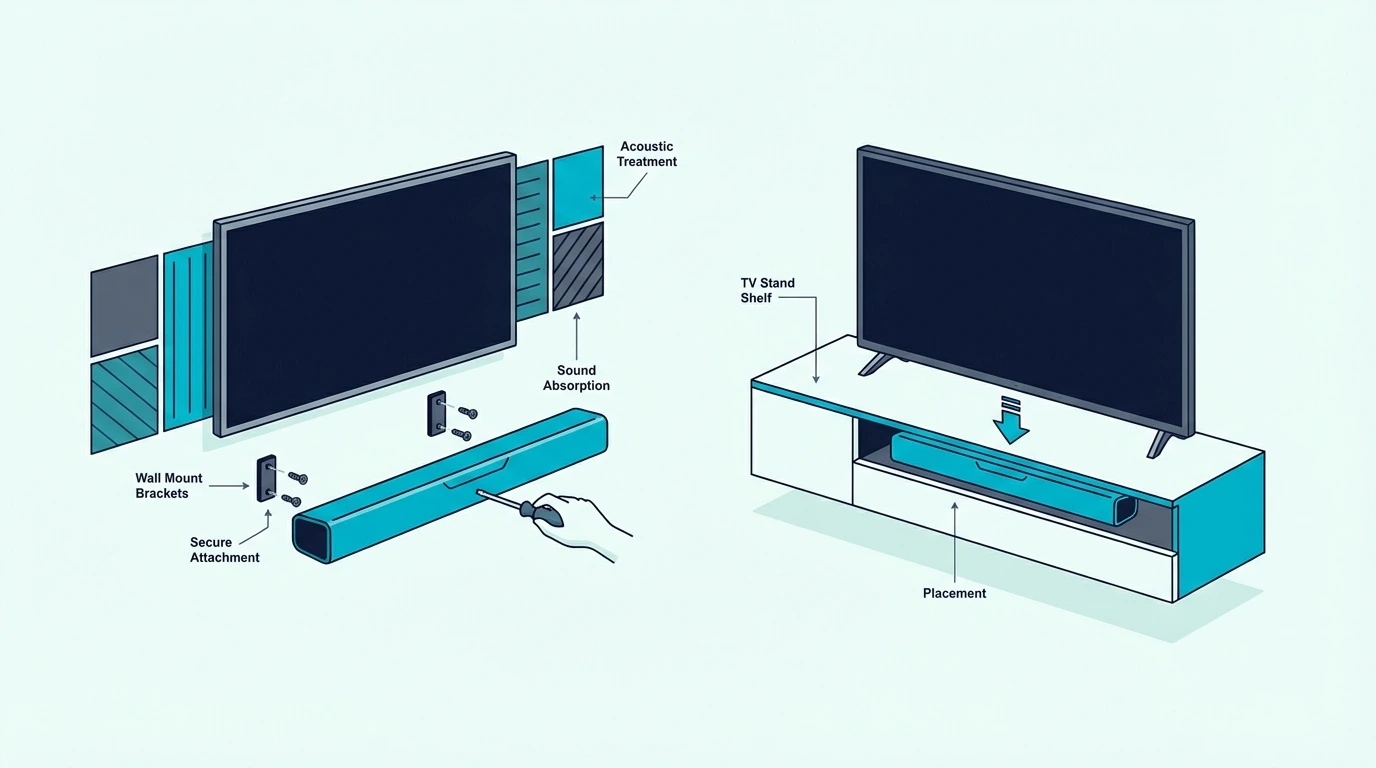
Ways to hide a soundbar without blocking sound

The cleanest concealment methods all do the same thing. They make the bar less visually dominant while still letting it face the room, breathe properly, and keep its cable path manageable.

Hide it in plain sight below the TV

In many rooms, the best way to hide a soundbar is not to fully hide it at all. It is to make it look like a deliberate part of the TV setup by centering it directly under the screen and keeping the gap, width, and height visually consistent.

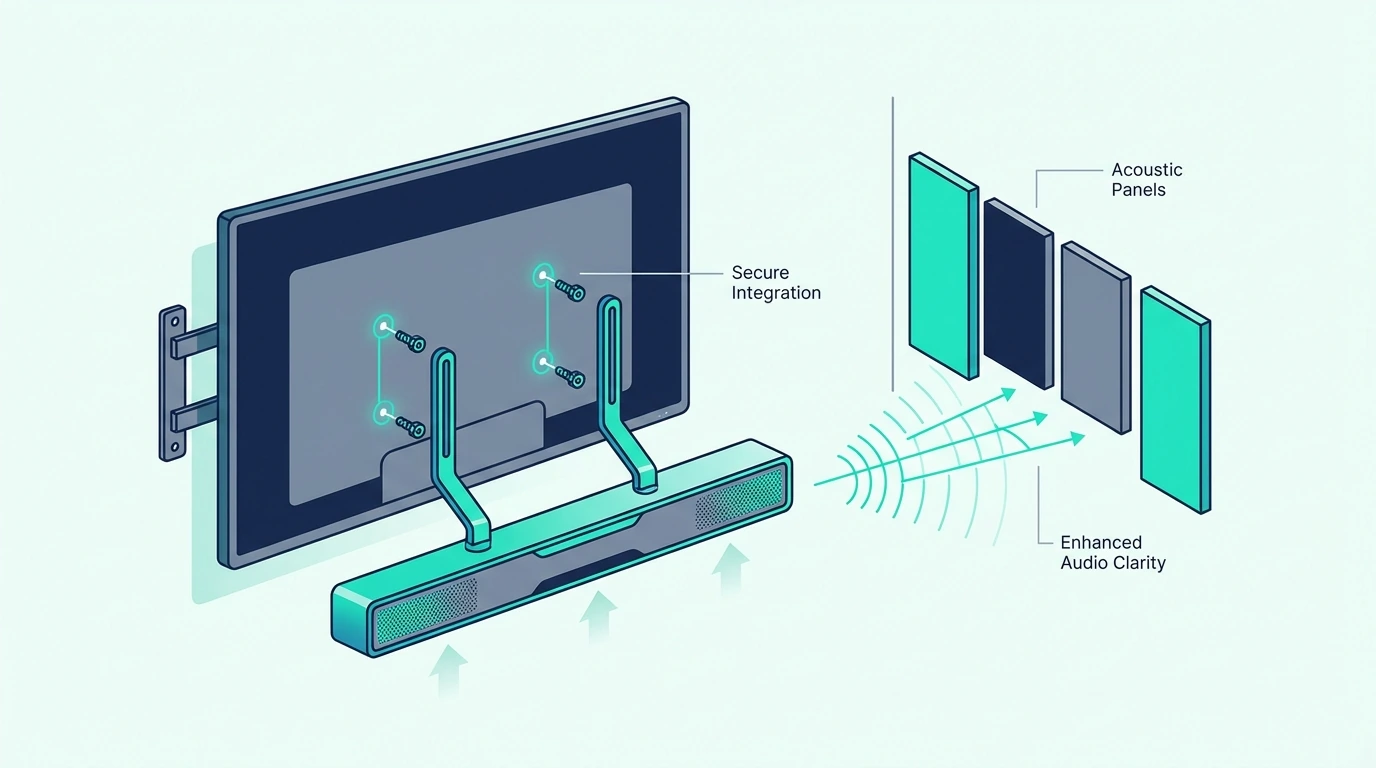
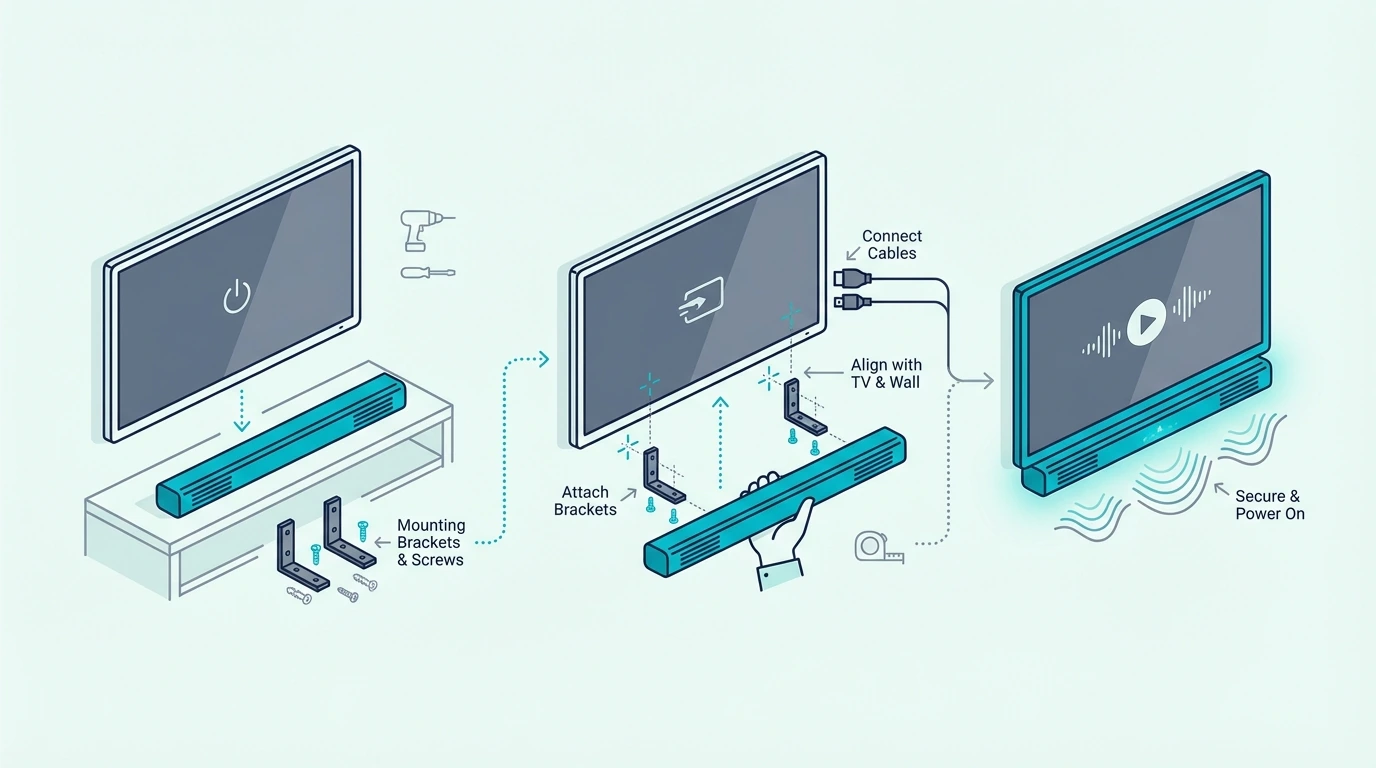
That is why a mount-below-TV solution often looks cleaner than dropping the bar loosely on a cabinet top. A bracket like the Mounting Dream Soundbar Mount Bracket works well when the main goal is making the TV and soundbar read as one clean unit instead of two separate objects.

A more adjustable option like the Perlegear Soundbar Mount is useful when your real problem is visual alignment rather than the lack of a place to set the bar.

This is often the cleanest path because it frees the top of the tv cabinet, simplifies cable routing, and keeps the soundbar front-facing instead of tucked backward into furniture.

Use an open shelf or the right kind of cabinet

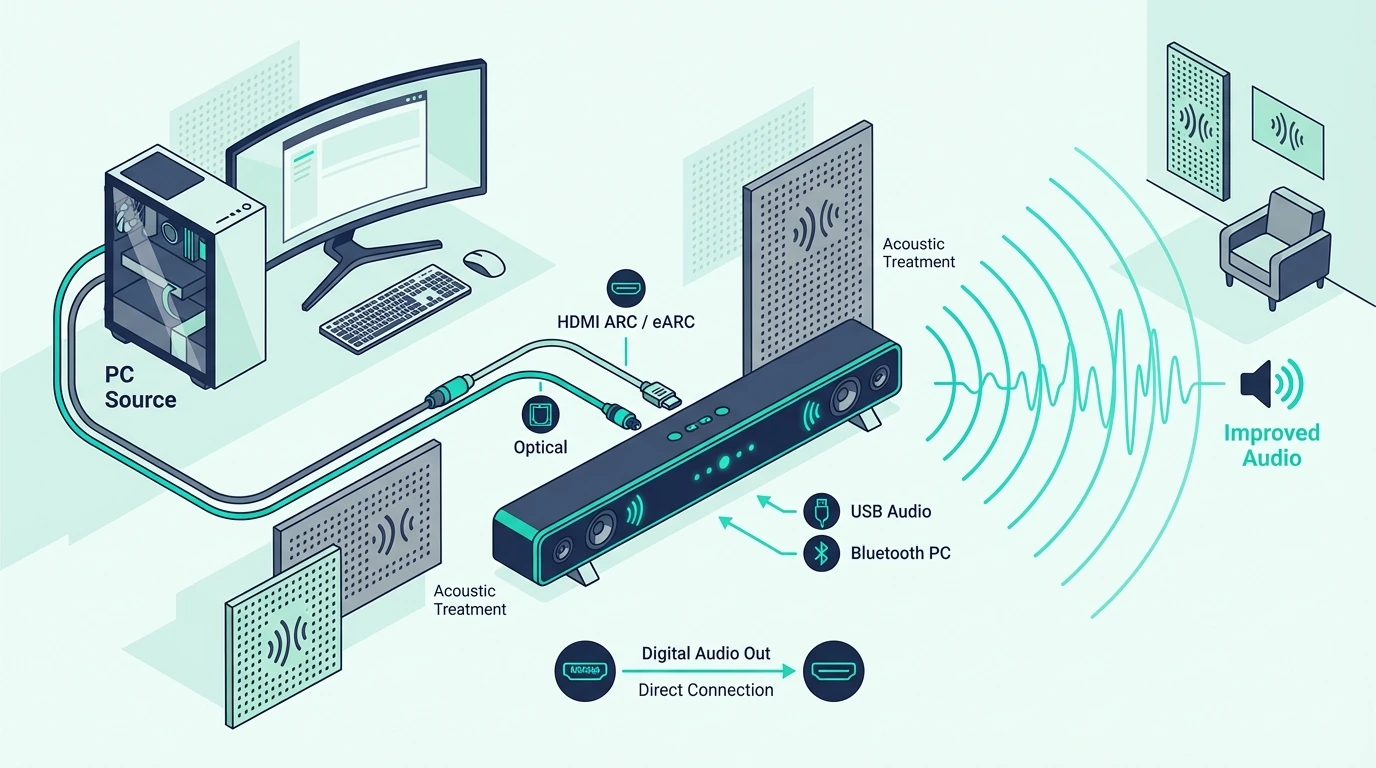
A tv cabinet or console can hide a soundbar well, but only when the cabinet design respects the sound path. Open-front shelves are the safest option because the bar remains visually tucked under the TV while still firing directly into the room.

If the cabinet has sliding doors, removable panels, or a mesh-style front that lets sound pass through, it can also work. The main point is that the front of the soundbar should not be buried behind solid wood or decorative doors during normal use.

That distinction matters more than people think — a large bar may physically fit in a cabinet, but depth, airflow, and cable bend room still matter. A cabinet that is barely deep enough can force ugly power-cord tension and make later upgrades harder than they need to be.

If your setup needs a larger bar held cleanly below the TV instead of balancing on furniture, a sturdier bracket like the WALI Universal Soundbar Mount often gives a cleaner result than forcing the cabinet to do a job it was not shaped to do.

Do not bury the soundbar behind the TV

This is the most important warning in the article because it sounds smart until you think about what the soundbar is supposed to do. If the soundbar is truly behind the TV and the TV blocks the front of the bar, the TV is literally standing between the sound and your ears.

That usually means duller output, weaker dialogue, and a setup that solves one design problem by creating a performance problem — though one nuance is that a soundbar sitting slightly back on a deep console can still work if its front edge remains unobstructed and the drivers still project into the room. But once the screen itself blocks the bar, the idea stops being good.

If you want the bar to disappear visually, the better answer is usually a smaller-profile model, a cleaner under-TV mount, or furniture with a proper open shelf.

Hide soundbar wires the safe way

Visible cables are often the real reason the whole setup looks messy. In many rooms, you do not actually hate the soundbar itself; you hate the cable spaghetti running between the TV, power outlet, and soundbar.

The safest clean fix is to separate the cable types — low-voltage signal cables like HDMI or optical can sometimes be routed in-wall when the wall type and cable rating support it, but power cords are different. As a general rule, you should not bury a regular soundbar power cord inside a wall just to make it disappear.

That is why the cleaner solution is often a recessed outlet behind the soundbar, a proper low-voltage wall pass-through for the signal cable, or a surface raceway that disappears once painted. In apartments, rentals, or fireplace walls where in-wall routing is unrealistic, a neat external raceway can look better than a dangerous shortcut.

Leave enough slack for the bar to sit flat, avoid a big power brick jamming the unit away from the wall, and make sure any bracket still leaves room for the cables to bend naturally behind the setup.

Make it look good in Frame TV and media wall setups

A hidden soundbar for Frame TV or a design-first media wall works best when the soundbar looks proportional to the TV and stays visually tied to it. The bar should usually sit centered under the screen with a small intentional gap, not off to one side or half-buried in a shelf that looks like an afterthought.

That is where a flexible bracket like the USX MOUNT Universal Soundbar Mount can help when the main challenge is getting the bar to blend with the screen cleanly across a wide range of TV-and-soundbar combinations.

The biggest visual wins usually come from matching widths, reducing visible wires, and keeping the bar low-profile enough that it feels part of the media wall. The point is not to make it invisible at any cost — the point is to make it look like it belongs there.

If you want more product-specific ideas for a design-led screen, the Samsung Frame TV soundbar guide is the best next stop. If you are still deciding whether the bigger design issue is the bar itself or the room layout, go back to the broader soundbar hub before you start rebuilding furniture around the wrong unit.

The Bottom Line

How to hide soundbar comes down to a simple rule: make the setup look cleaner without putting anything solid between the soundbar and the room. That usually means hiding it in plain sight below the TV, using an open shelf or sound-friendly cabinet design, and routing the cables so they stop stealing attention.

The bad options are the ones that try to erase the soundbar completely at the cost of performance. If the TV blocks the front of the bar, the cabinet traps the sound, or the power cord is hidden unsafely, the setup may look cleaner for a minute but it is not actually a better solution.

If you keep the sound path open and the cable management honest, the room can look cleaner without turning the soundbar into a compromise. If you are also trying to make the whole setup feel lighter and less bulky, the best soundbars for small rooms roundup is a useful next step.

Frequently Asked Questions

Is there a way to hide a soundbar?

Yes. The best way is usually to keep the soundbar visually integrated under the TV or inside an open-front shelf so it blends with the setup without blocking the drivers.

How to hide sound bar wire?

Hide the signal cable with a proper raceway or approved in-wall low-voltage route when the wall supports it. Do not bury a normal soundbar power cord inside a wall just to make it disappear.

Is it okay to put a soundbar behind a TV?

Usually no — if the TV blocks the front of the soundbar, the sound becomes more muffled and dialogue suffers. A slight set-back can work only when the bar still projects openly into the room.

How to make a sound bar look good?

Keep it centered below the TV, minimize visible wires, and match the bar’s width and profile to the screen and furniture. The cleanest setups usually look intentional rather than fully hidden.
How To Connect To iLive Sound Bar Bluetooth — Pairing Mode, Device Setup & Fixes

How to connect to iLive sound bar Bluetooth sounds simple, but most pairing failures happen because the soundbar is not actually in Bluetooth mode, the phone or laptop is reconnecting to stale device data, or the user is following TV-audio advice for a problem that is really source-device pairing.

The usual frustration is that the soundbar powers on, says Bluetooth, or shows a blue light, but the phone never sees it, the old device keeps stealing the connection, or the model name appears differently than expected in the Bluetooth menu.

Once you know how iLive pairing mode actually works, what a successful connection looks like, and when to forget the device and start over, the process gets much cleaner. You can also tell when Bluetooth is the wrong path and a wired fallback will save more time.

Start by treating this as device-to-soundbar pairing, not as TV-to-soundbar Bluetooth output, because that one distinction prevents a lot of wasted troubleshooting.

Now that the pairing path is clear, let us walk through how to connect to iLive sound bar Bluetooth the smart way.

Quick Takeaway

To connect to an iLive soundbar over Bluetooth, switch the bar into Bluetooth input, put it into pairing mode, and then select its model name from your phone, tablet, or laptop Bluetooth menu. If it will not reconnect cleanly, forget the old pairing, enter pairing mode again, and stop forcing Bluetooth when optical or HDMI is the more stable long-term path.

Why Does the iLive Sound Bar Bluetooth Pairing Path Matter?

Why Bluetooth soundbar pairing setup matters

The first thing to clear up is the connection type. This topic is about pairing a phone, tablet, or laptop directly to the iLive soundbar as a Bluetooth audio receiver.

That is different from the TV-specific workflow in the how to connect TV to soundbar via Bluetooth guide. If your real goal is sending TV audio wirelessly to the soundbar, that is a different setup path with different failure points.

Many iLive bars support Bluetooth as a listening input, so the bar has to be in Bluetooth mode and close to the source device before pairing will work. iLive support materials describe the same basic pattern across models: power on, switch to Bluetooth source, enter pairing mode, and then select the soundbar from the device menu.

The model name can vary by unit, so your soundbar may appear as a device code like IT382B or ITB259 rather than under a generic label like iLive Soundbar.

Bluetooth pairing also works best from close range with only one likely source device trying to connect. If an old phone, tablet, or laptop is still nearby, the soundbar can look broken when it is really reconnecting to the wrong device first.

If the soundbar is newly installed, still not connected to the TV correctly, or is failing across every input, the how to set up a sound bar guide, the how to connect soundbar to TV guide, the how to fix no sound from soundbar using HDMI ARC guide, and the how to reset soundbar guide will usually solve the real problem faster than more Bluetooth troubleshooting.

How Do You Pair, Reconnect, Or Fix Bluetooth on an iLive Soundbar?

Pairing and reconnecting an iLive Bluetooth soundbar

The cleanest way to pair an iLive soundbar is to start fresh and make the bar discoverable before you open the Bluetooth menu on the source device. That order matters because many failed pairings happen when the phone is searching before the soundbar is really ready.

Pair a phone, tablet, or laptop the first time

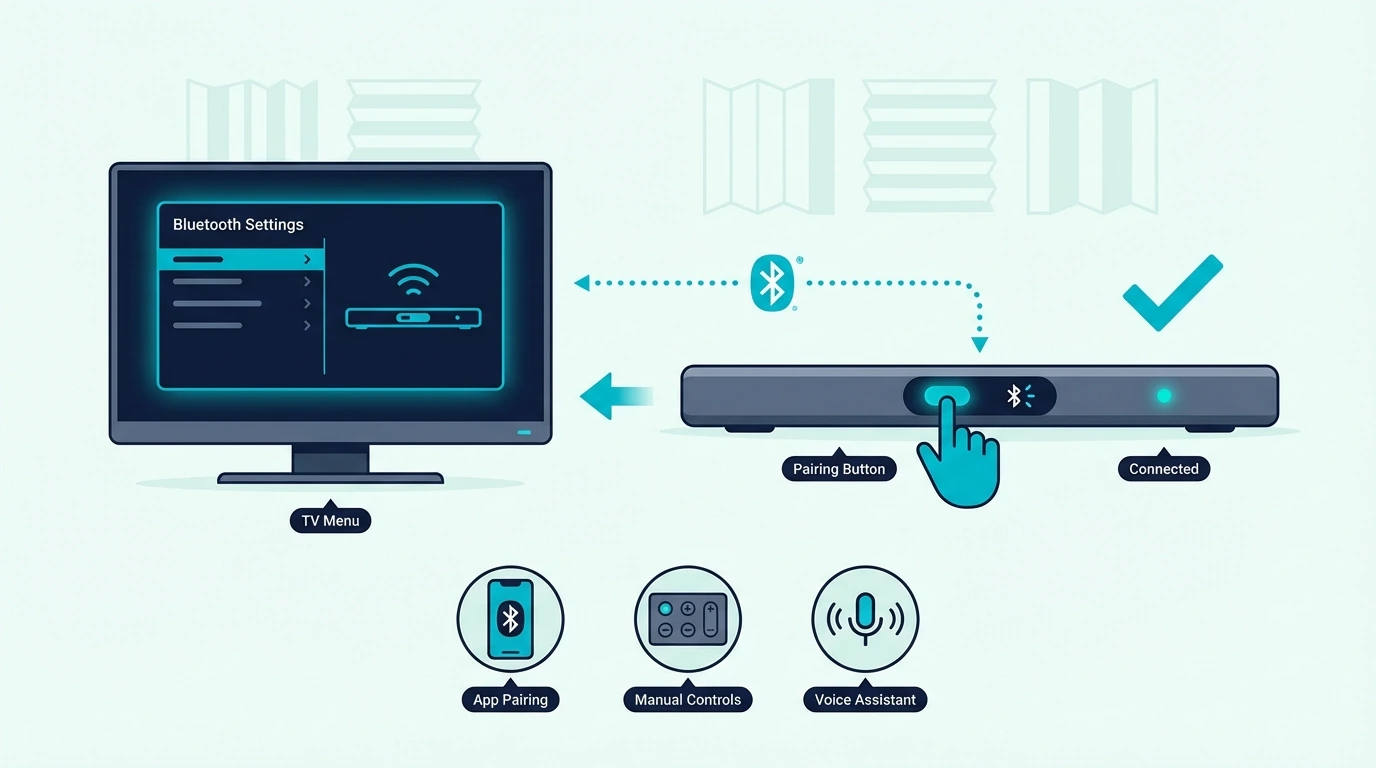
Power on the soundbar first. Then switch it to Bluetooth source with the remote or the bar controls, because iLive models usually need to be in Bluetooth mode before they can appear in the device list.

On some iLive units, the remote has a dedicated Bluetooth or Blue BT button. On others, use the side Bluetooth or pairing control until the front light begins flashing blue or the voice prompt confirms that Bluetooth is active.

If the bar does not appear right away, explicitly trigger pairing mode instead of assuming Bluetooth mode and pairing mode are always the same thing.

If the bar says Bluetooth but the light is solid instead of flashing, treat that as a clue that it may already be connected rather than discoverable. Disconnect the previous device or force pairing mode again before you keep refreshing the Bluetooth menu on the new one.

Once the indicator is flashing, open Bluetooth settings on the phone, tablet, or laptop and look for the soundbar by its device name, even if it appears as a model identifier rather than a plain-language product title.

When the pairing succeeds, you will usually get a beep or voice prompt, and the light changes from flashing blue to solid blue. Then play audio from the connected device and make sure the source app is using the soundbar as the active Bluetooth output instead of the device speakers.

What if the soundbar was paired before but will not reconnect?

This is one of the most common iLive Bluetooth problems. The bar may still remember an older phone or tablet, and the new device keeps failing because the soundbar auto-connects to the last known source whenever that old device is nearby.

Start by turning Bluetooth off on the old phone, tablet, or laptop if it is still in the room. Then go into the current device’s Bluetooth menu, choose Forget This Device or the equivalent option, turn Bluetooth off and back on, and start the pairing process again from scratch.

If the pairing still feels stuck, reboot the soundbar and your source device before you retry. If the bar keeps holding onto bad settings or old connection behavior, the how to reset soundbar guide is the better next step than endlessly forcing the same pairing attempt.

A source-side accessory can also help when the original device is the weak point rather than the soundbar. If you need a cleaner Bluetooth source path from older hardware, an option like the Avantree Oasis Plus 2 Bluetooth TV Transmitter can make the source side more predictable when the original device is not giving you a clean wireless output path.

If you want a cheaper version of the same idea, the 1Mii B06TX Bluetooth transmitter is a simpler budget bridge for older TVs or source devices that need a basic Bluetooth output path without jumping straight to a more expensive transmitter.

Can you pair an iLive soundbar without the remote?

Sometimes, yes, but it depends on whether your specific iLive model exposes Bluetooth or pairing controls on the bar itself. If the unit has a side Pairing, Bluetooth, Source, or Input button, use that first instead of assuming the remote is mandatory.

Watch for the real pairing indicators. If the light never starts flashing blue and the soundbar never announces Bluetooth mode, the bar is probably not discoverable yet even if it is powered on.

If the front or side controls are unclear, use the exact manual flow for your model instead of guessing at button combinations.

When should you stop fighting Bluetooth and use a wired fallback?

Bluetooth is convenient, but it is not always the best daily-use path. If the sound keeps dropping, the bar reconnects to the wrong device, or the main job is stable TV audio rather than casual music playback, the better answer is usually a wired connection.

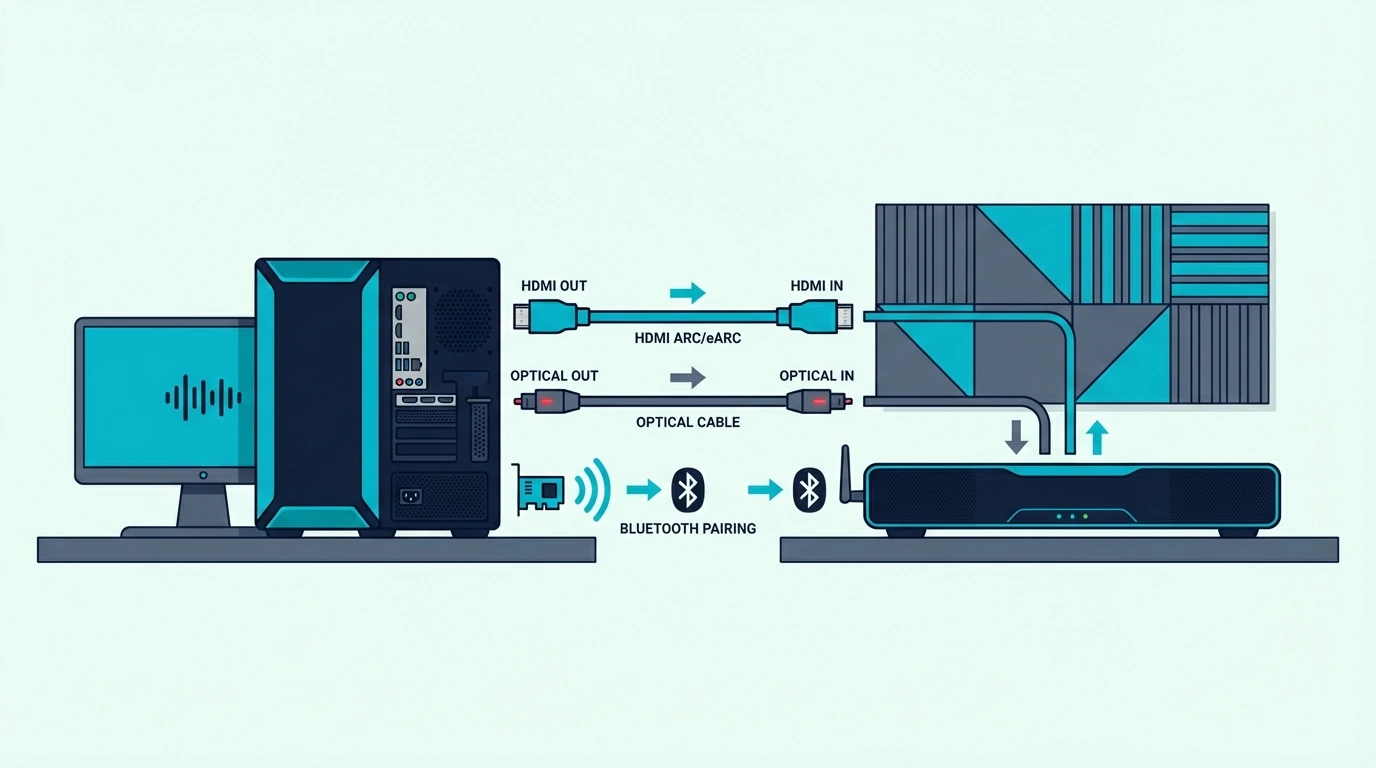
If you just need a simple fallback that removes wireless variables, a cable like the KabelDirekt TOSLINK Optical Audio Cable is a cleaner move than repeating the same broken pairing process over and over.

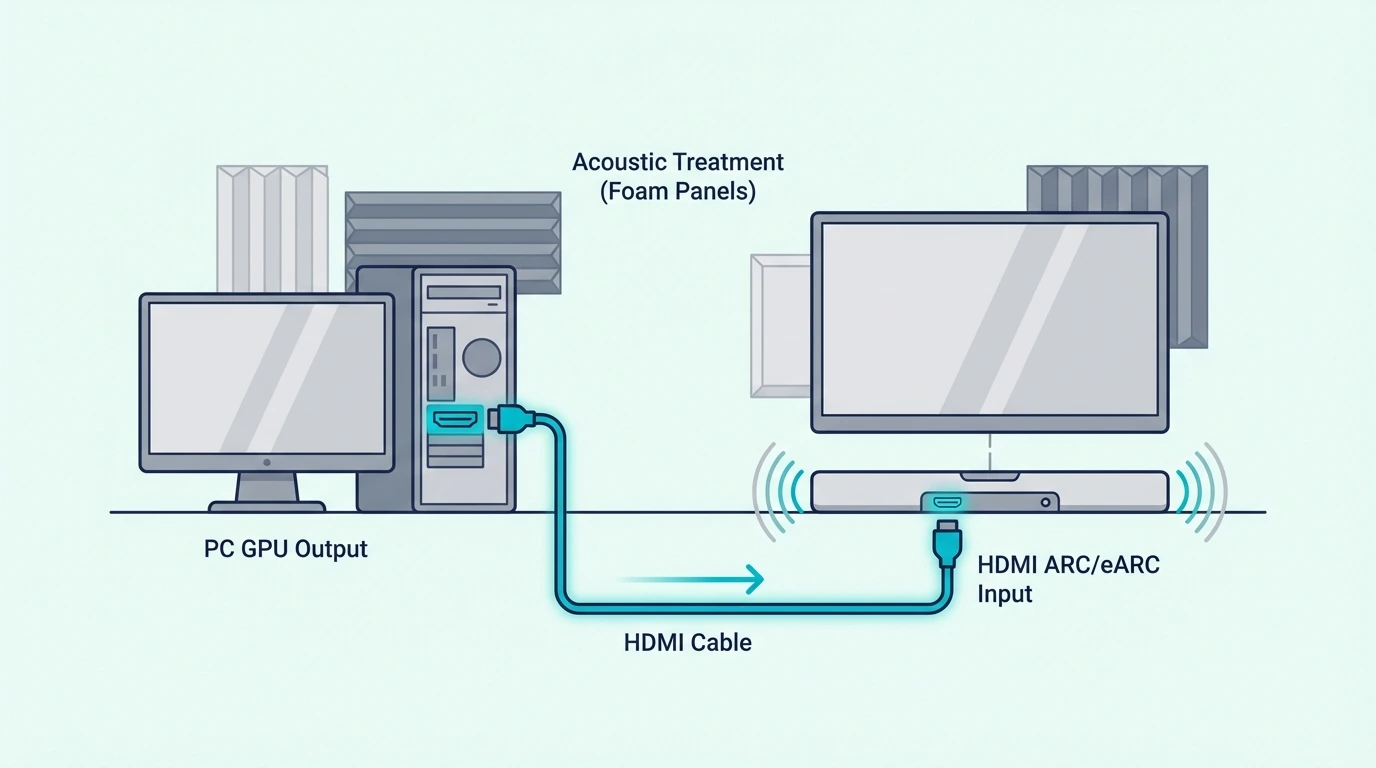
If the real goal is everyday TV playback, HDMI ARC or eARC is usually the stronger long-term path than Bluetooth. A dependable option like the Silkland 8K HDMI ARC/eARC Cable makes more sense when you are trying to build a stable TV setup rather than a casual wireless music link.

If you are really troubleshooting TV audio, go back to the TV-to-soundbar Bluetooth guide or the broader soundbar hub instead of forcing this iLive pairing guide to solve a different problem.

The Bottom Line

How to connect to iLive sound bar Bluetooth gets much easier when you separate source-device pairing from TV audio setup, put the soundbar into real pairing mode, and clear stale Bluetooth relationships before retrying. Most iLive Bluetooth failures are order-of-operations problems, not proof that the soundbar is dead.

If the bar enters Bluetooth mode, shows the right indicator, and still will not connect after you forget the device and retry from close range, the next decision is simple. Either reset the Bluetooth relationship properly, or stop forcing wireless and move to the more stable wired path that actually fits your setup.

Frequently Asked Questions

How do I put my iLive soundbar in Bluetooth pairing mode?

Power on the bar, switch it to Bluetooth source, and then press the model’s pairing or Bluetooth button until the light flashes blue or the voice prompt confirms pairing mode. On some iLive models, the remote has a dedicated Bluetooth button, while others rely on a side control on the bar.

Why won’t my iLive Bluetooth connect?

The most common reasons are that the soundbar is not truly in pairing mode, an older phone or tablet is still auto-connecting first, or the current device is holding stale Bluetooth data. Forget the soundbar from the device, toggle Bluetooth off and on, and then repeat the initial pairing steps from close range.

Can I connect to an iLive soundbar without the remote?

Sometimes, yes, if the model has physical Bluetooth, pairing, source, or input controls on the soundbar itself. If it does not, you need the exact manual method for that unit rather than guessing at button combinations.

Can I use Bluetooth for TV audio on an iLive soundbar?

Sometimes, but that depends more on the TV’s Bluetooth audio output support than on the soundbar alone. If your goal is TV sound rather than phone or laptop audio, the better guide is the TV-focused Bluetooth connection workflow, and wired HDMI or optical is often more stable anyway.

How To Reset Soundbar — Soft Reboot, Factory Reset & What To Do Next

How to reset soundbar sounds like a last-resort move, but it only helps when the real problem is software or saved settings.

If the issue is really in HDMI ARC handshakes, a bad cable, or the TV audio menu, a factory reset can erase pairings and still leave you with the same no-sound problem.

The smarter path is to start with the lightest reset first so you can keep useful settings longer, avoid unnecessary wipe-and-repair cycles, and isolate the fault faster.

That makes it easier to tell whether the soundbar actually needed a reset or whether the signal chain, input path, or TV setup needs attention next.

That matters most when several sources fail at once, because a clean reset order keeps you from blaming the bar for a bad TV or cable path.

Below, we will walk through the right reset order, what to test after each step, and how to know when repeating the reset is no longer helping.

Quick Takeaway

Start with a soft reboot before you try a factory reset.

A reboot is best for frozen behavior or temporary glitches. A factory reset is for stubborn pairing, input, or settings problems that survive a restart.

After any reset, retest the soundbar on a known-good path.

That tells you whether the reset fixed the bar or whether the real issue is still in the TV, HDMI ARC chain, or cable setup.

How To Reset Soundbar — And Why Does It Matter?

section_reset_sounduar_why_it_matters

Resetting matters because not every soundbar problem means the hardware is bad.

A bar can act broken when the real issue is a stuck Bluetooth pairing, a confused HDMI ARC handshake, or settings that no longer match the TV.

That is why this page is not the same as the broader how to fix no sound from soundbar using HDMI ARC guide.

It is also not the hardware-diagnosis angle in the how to tell if soundbar is bad guide.

This guide is about using reset steps properly before you decide the soundbar needs deeper troubleshooting or replacement.

A soft reboot and a factory reset are not the same thing.

A reboot clears temporary behavior and power-state weirdness.

A factory reset wipes saved settings and forces the bar back to its default condition.

That difference matters because a full reset costs you information.

If you erase inputs, Bluetooth pairings, or custom settings too early, the next test becomes less useful.

A reset is most helpful when the soundbar powers on and still responds.

It is less helpful when the bar has no power, dead controls, or clear hardware symptoms across every input.

It also helps to understand what reset cannot do.

Resetting does not repair a bad HDMI cable.

It does not fix a broken TV ARC port.

It also does not cure a soundbar that has already failed internally.

That is why good reset logic always includes retesting after the reset.

If the same failure returns instantly on the same path, the stored settings may never have been the real problem.

If the soundbar was recently installed or moved, the setup context matters even more.

In that case, the how to set up a sound bar guide can help you rebuild the setup cleanly.

The how to connect soundbar to TV guide can help you verify the connection path.

How Do You Reboot Or Factory Reset A Soundbar?

section_reuoot_or_factory_reset_sounduar

Start with a soft reboot whenever the soundbar still powers on but behaves strangely.

Unplug it from power and wait about a minute.

Reconnect it and let it boot completely before you judge the result.

A soft reboot is the right first move for frozen volume changes or failed handshakes after an update.

It is also a low-risk first step for odd Bluetooth behavior or a bar that seems stuck on the wrong input.

It is fast and often enough to clear temporary glitches.

If the problem survives a clean reboot, move to a factory reset only after you know what you are giving up.

A factory reset usually erases paired devices, custom sound settings, and saved input behavior.

That is why it should be the second step, not the first.

The exact button combination depends on brand and model.

Verify the manufacturer method for your unit before holding random buttons. On budget brands like ONN, where the same model number can ship with different button layouts year over year, the ONN-specific factory reset and re-pair flow that accounts for inconsistent button labels and wireless subwoofer behavior is the brand-targeted path before any universal shortcut.

The workflow stays the same even when the key combo changes.

Confirm the bar is powered on.

Trigger the correct reset method and wait for the indicator behavior to finish.

Then set the bar up again from scratch.

If you still have the remote, use it when possible.

Most full reset procedures are easiest that way.

If you do not have the remote, first check whether the soundbar has physical controls that allow a restart or reset sequence from the bar itself.

That is also why it helps to know whether the real issue is reset-related or connection-related.

If the bar looks fixed after reset but the TV path still behaves badly, the next test should be the signal chain rather than another reset.

A known-good cable matters here.

If you want a clean HDMI retest after the reset, a dependable option like the UGREEN 8K HDMI 2.1 Cable helps create a known-good path.

That makes it easier to tell whether the reset changed anything or whether the old HDMI chain is still the real problem.

If your setup depends on ARC or eARC, retest that specific path.

A cable like the Silkland HDMI ARC/eARC Cable is more useful than a generic retest when the problem only shows up in the TV-return chain.

If HDMI still looks unstable, switch to optical as a simple fallback test.

A cable like the KabelDirekt TOSLINK Optical Audio Cable helps answer whether the soundbar itself is back to normal even if HDMI is still messy.

For full-chain setups, swapping both HDMI runs can save time after a reset.

A two-cable option like the JSAUX HDMI 2.1 2-Pack helps rule out leftover signal-path noise before you keep resetting the bar again.

A reset without the remote is sometimes possible.

It depends heavily on the soundbar model.

If the bar has physical input and power controls, check the manual method for that exact unit rather than guessing.

Guessing can put the device into a different mode by accident.

The bigger lesson is that a reset should create a cleaner test.

It should not become the whole strategy.

If the soundbar is still broken after a correct reset and a clean retest, repeating the reset usually adds less information than testing the chain or diagnosing the hardware.

That is why the next pages after a failed reset are usually the how to tell if soundbar is bad guide and the broader how to fix no sound from soundbar using HDMI ARC guide.

One helps you decide whether the bar itself is failing.

The other helps when the setup path is still the real problem.

The Bottom Line

How to reset soundbar gets much easier when you start with a soft reboot.

Use a factory reset only when it is justified.

Then retest the bar on a clean path afterward.

A reset is useful, but only when it is part of a smarter troubleshooting order.

If the reset works, the soundbar should behave differently right away on a known-good source or connection path.

If one source works after the reset and another still fails, that usually points to the remaining cable, port, or TV path rather than the bar itself.

If nothing changes after a correct reset and clean retest, the problem usually lives in the hardware or the rest of the chain.

If you need the broader path after that, the soundbar hub is the best next place to keep going.

Frequently Asked Questions

Why is my sound bar suddenly not working?

A soundbar can suddenly stop working because of a frozen software state or a bad HDMI ARC handshake.

Wrong input selection, a failed cable, or a real hardware issue can also cause it.

A reset helps when the problem is stuck behavior or settings.

It will not fix every path problem.

How to reset Samsung soundbar and subwoofer?

The exact reset sequence depends on the Samsung model.

Verify the brand-specific button combination for your unit before doing a factory reset.

Start with a basic reboot first.

Do the proper factory reset only if the problem survives the restart.

How do I reboot my soundbar?

The simplest way to reboot a soundbar is to power it off and unplug it for about a minute.

Then reconnect it before testing it again.

That clears temporary glitches without wiping saved settings the way a factory reset does.

Can I reset my soundbar without the remote?

Sometimes, yes.

It depends on whether your soundbar has physical controls that support a reset sequence on the bar itself.

Check the exact model instructions first.

Button combinations vary, and guessing can send the bar into the wrong mode instead of resetting it.

How To Tell If Soundbar Is Bad — Failure Signs, Quick Tests & When To Replace It

How to tell if soundbar is bad sounds simple, but a soundbar that seems dead is often dealing with the wrong input, a bad HDMI ARC handshake, or TV audio settings that make healthy hardware look broken.

The usual mess looks the same every time: no sound, random cutouts, buzzing, or a bar that powers on but refuses to play audio from the TV. That’s where people either replace a soundbar too early or keep troubleshooting for hours when the hardware is actually failing.

Once you check power behavior, input response, alternate sources, and a fallback cable path in the right order, the answer gets much clearer. You can tell whether the real problem is the soundbar itself or the chain feeding it.

Start by checking whether the soundbar can still power on, switch inputs, and play sound from a second known-good source, because that one test separates a dead bar from a bad setup faster than anything else.

Now that the diagnostic path is clear, let’s walk through how to tell if a soundbar is bad without guessing.

Quick Takeaway

To tell if a soundbar is bad, do not judge it by one failed TV setup alone. A soundbar is more likely truly failing when the same no-power, distortion, dead-controls, or repeated-dropout problem follows it across multiple inputs and sources even after you try a known-good HDMI or optical path; if it still works on another input, the issue is usually the signal chain or settings instead.

How To Tell If Soundbar Is Bad — And Why Does It Matter?

This matters because “not working” and “actually bad” are not the same thing. A soundbar can fail to play sound for reasons that have nothing to do with hardware failure.

That’s why this page is not the same as the broader soundbar hub or the replacement guidance in the best soundbar guide. Those pages help once you know whether the bar still works, while this guide is about deciding whether the bar itself is the real problem.

A soundbar usually looks worse than it is when only one source is failing. If the TV path is wrong, the HDMI ARC chain is unstable, or the soundbar is stuck on the wrong input, healthy hardware can look completely dead.

That’s also why testing with a second path matters so much. If the soundbar suddenly works with another source, another input, or another cable, the bar is usually not bad at all.

The bigger mistake is treating every silent soundbar like a replacement case. Many “dead” units are really connection problems, remote-control confusion, or TV output settings that changed after an update or power cycle.

At the same time, truly failing hardware has a pattern of its own. The symptoms tend to follow the soundbar across more than one source and keep returning even after basic setup issues are ruled out.

What Signs Usually Mean The Soundbar Itself Is Failing?

The strongest sign of a bad soundbar is consistency. If the same failure happens across different inputs, different sources, and after a clean reset, the hardware is much harder to excuse.

One major warning sign is power behavior that makes no sense after the basics are checked. If the outlet is good, the power cable is secure, and the unit still will not power on or keeps shutting off at random, the problem may be inside the bar rather than in the TV chain.

Another strong sign is distortion that stays with the soundbar no matter what source you use. If voices buzz, crackle, clip, or sound badly broken at normal volume on HDMI, optical, and Bluetooth alike, that points more toward failing hardware than a simple setup problem.

Buttons and input controls matter too. A bar that will not respond to input changes, ignores physical controls on the chassis, or shows strange lights without behaving normally is much harder to defend as a settings-only issue. On smart soundbars like Bose specifically, the blinking orange or amber LED is rarely a dead-bar signal — it usually points to Wi-Fi setup, Bose Music app notification, or firmware update, so check the app before adding the bar to the failure list.

Intermittent dropouts can be tricky, because they sometimes come from HDMI handshakes and sometimes come from the soundbar itself. The key difference is whether the dropout follows the bar across more than one path.

If the bar cuts out only on one TV over ARC, the ARC chain may be the problem. If it cuts out on every input after warm-up, during multiple sources, or even while sitting idle between signals, that is a much worse sign.

Smell and heat matter more than people think. A burnt smell, unusually hot chassis, popping noises at startup, or sound that degrades as the unit warms up can all point to an internal failure that normal setup fixes will not solve.

The opposite signs are just as useful. If the soundbar works on Bluetooth, works on optical, or plays cleanly from a phone or PC, you are usually looking at a path problem rather than a dead bar.

That kind of result also tells you whether a replacement would really solve the problem or just change the setup around it. If the soundbar still works somewhere cleanly, the next useful comparisons are the best budget soundbar roundup and the best soundbars for small rooms guide, because both help you sanity-check whether you need a new bar or just a simpler path.

How Do You Test Whether The Soundbar Or The Signal Path Is The Problem?

Start simple. Power the soundbar off fully, unplug it for a minute, reconnect it, and then test whether it can change inputs and respond normally before the TV enters the picture.

Next, try a second source if possible. A phone over Bluetooth, a laptop, or a different TV path can tell you very quickly whether the soundbar can still decode and play audio at all.

If you are testing HDMI, use a known-good cable instead of the oldest spare cable in the house. A reliable option like the UGREEN 8K HDMI 2.1 Cable helps you rule out whether the HDMI chain is lying to you before you blame the bar.

If the setup uses TV passthrough over ARC or eARC, the test needs to be more specific. A cable like the Silkland HDMI ARC/eARC Cable is useful when the bar seems bad only in the TV-return chain and nowhere else.

If HDMI remains messy, move to optical as a clean fallback test. A simple cable like the KabelDirekt TOSLINK Optical Audio Cable helps answer a critical question: does the soundbar still play cleanly when HDMI is removed from the equation?

That one test is often decisive. If the bar plays properly over optical after failing over ARC, the problem usually lives in the HDMI chain, the TV settings, or CEC behavior rather than inside the soundbar itself.

If the chain includes more than one HDMI run, swap both instead of just one. A two-cable test setup like the JSAUX HDMI 2.1 2-Pack makes it easier to tell whether the failure follows the bar or stays in the rest of the setup.

A second-source test from a computer can help too, especially if the TV menus are confusing or unstable. That gives you another clean path to verify whether the bar can still accept and play audio normally.

When Should You Repair, Replace, Or Stop Troubleshooting?

Stop troubleshooting and start thinking replacement when the soundbar fails the same way across multiple inputs and sources. That’s the point where more menu changes usually waste time instead of creating new information.

No power after outlet checks, repeated shutdowns, severe distortion on every path, or dead controls are the biggest red flags. If those symptoms survive resets and alternate-source tests, repair may not be worth chasing unless the bar is unusually expensive or still under warranty.

Age matters too. A soundbar that has already given years of service and now fails across multiple paths is often not worth endless testing, especially when the failure affects power stability or core audio output.

This is also where frustration creates bad decisions. Buyers sometimes replace the TV, buy extra adapters, or keep swapping settings when the simpler answer is that the bar has become unreliable and is no longer worth building around.

If the soundbar still works on at least one clean path, you probably are not at replacement stage yet. In that case, the better move is usually to fix the connection chain or simplify the setup instead of shopping immediately.

If replacement is the right call, the best next pages are the best soundbar guide, the best budget soundbar roundup if price matters, and the best soundbars for small rooms guide if you want something easier to place.

The Bottom Line

How to tell if soundbar is bad comes down to whether the failure follows the bar across multiple inputs and sources or only appears in one setup path. A bar that still works over another input is usually not dead.

The most useful tests are the boring ones: power behavior, input response, a second source, and a known-good fallback path over HDMI or optical. Once those are checked in order, it becomes much easier to decide whether you should keep troubleshooting or move on.

If you need the bigger picture after that, the broader soundbar hub is the best next place to keep going.

Frequently Asked Questions

How long should a soundbar last?

A good soundbar should usually last several years if it is not abused, overheated, or constantly fighting unstable power. If an older unit now has the same failure across multiple inputs and sources, replacement often makes more sense than extended troubleshooting.

What are common problems with soundbars?

Common problems include no sound, wrong input selection, HDMI ARC handshake issues, remote or CEC problems, Bluetooth pairing failures, and intermittent dropouts. Those are not all signs of a bad soundbar, which is why testing more than one source matters.

How to test if a sound bar is working?

Test it with a second source, a different input, and a known-good cable path. If the soundbar powers on, changes inputs, and plays audio cleanly somewhere else, the hardware is usually still working.

What causes a sound bar to stop working?

A soundbar can stop working because of internal hardware failure, power issues, overheating, bad HDMI or ARC handshakes, damaged cables, or incorrect TV audio settings. The real cause becomes much clearer when you test the same bar across more than one source and connection method.

How To Pick A Soundbar — Size, Channels, Features & Buyer Mistakes To Avoid

How to pick a soundbar sounds simple, but the wrong bar can leave you with muddy dialogue, weak bass, or features that look impressive on the box and barely matter in your room.

A lot of buyers compare Dolby Atmos badges, channel counts, and brand names before they decide whether they even need a compact single bar, a 2.1 setup with a subwoofer, or a fuller surround package. That is how people end up overspending on the wrong type of system instead of fixing the real weakness in their TV audio.

Once you match the soundbar type to your room size, listening habits, and connection path, the shortlist gets much easier. You stop shopping by hype and start choosing the bar that actually fits the way you watch TV.

Start by deciding how much bass, immersion, and simplicity you really want, because that one choice removes most of the wrong options before you compare brands.

Now that the decision path is clear, let us walk through how to pick a soundbar the smart way.

Quick Takeaway

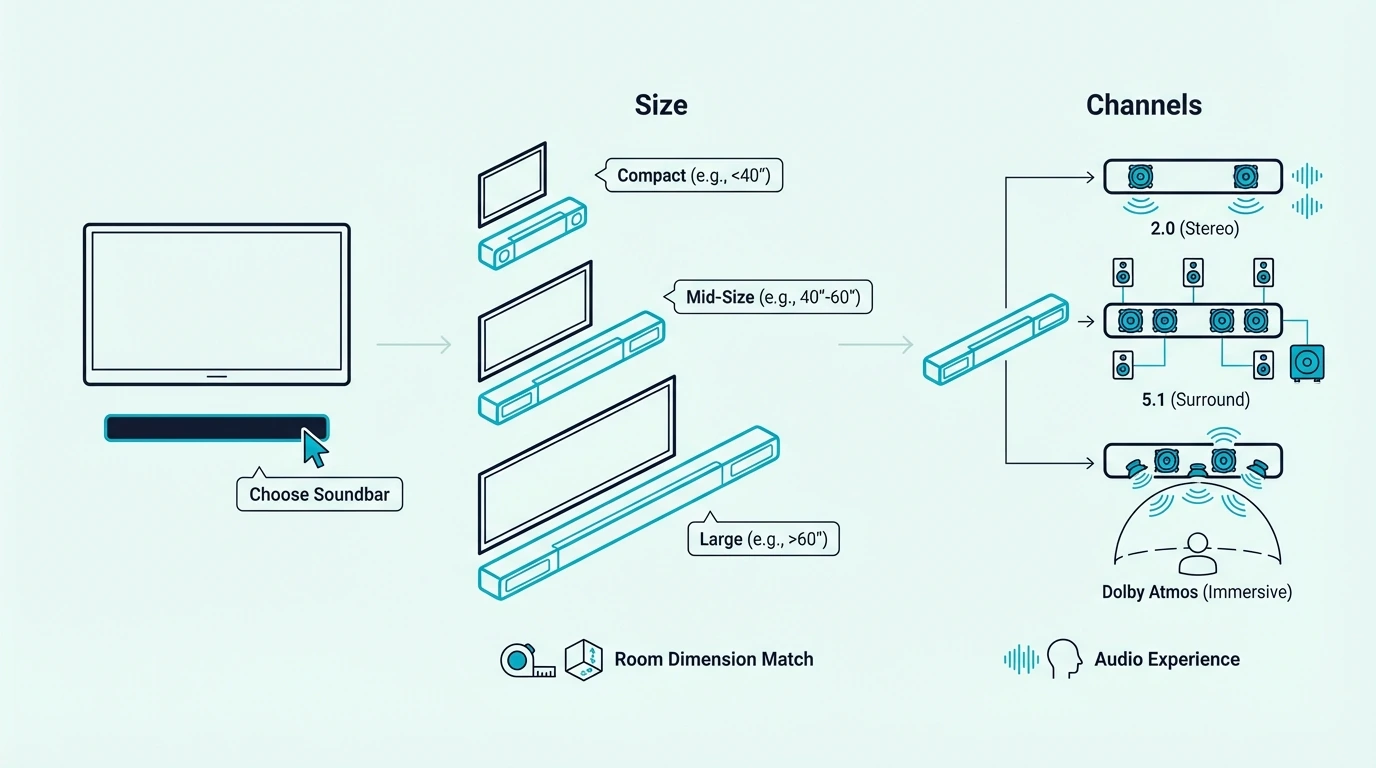
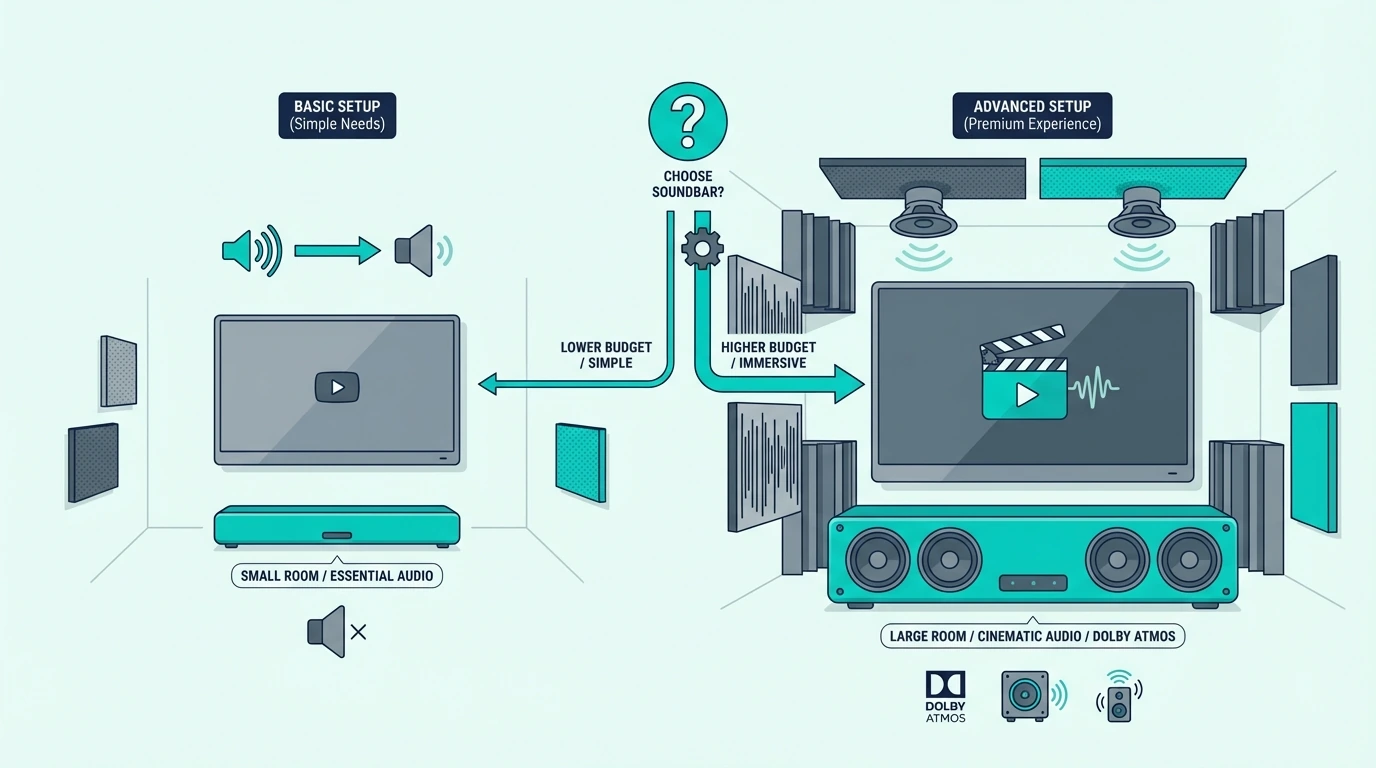
To pick a soundbar well, decide four things first: your room size, how much bass you want, whether you need advanced features like Dolby Atmos or eARC, and whether you actually have space for rear speakers or a subwoofer. Small rooms and casual TV watching usually do best with a compact bar, movie-heavy setups often benefit from a subwoofer, and larger rooms are where Atmos and surround packages start to make more sense.

Why Are TV Speakers Still the Real Problem?

Why choosing the right soundbar matters

The reason this matters is that TV speakers usually fail in the same few ways. Dialogue gets buried, action scenes sound flat, and the sound feels like it is coming from inside the screen instead of filling the room.

That does not mean every buyer needs the biggest or most expensive soundbar. It means you need a bar that fixes the specific weakness you notice most in your current setup.

That is also why this page is different from the broader best soundbar guide or the more budget-focused best budget soundbar roundup. Those pages help you compare finished product recommendations, while this guide helps you decide what kind of soundbar you should even be shopping for in the first place.

For some buyers, the main goal is speech clarity for news, sports, and everyday TV. In that case, the most useful comparison point is often the best soundbars for dialogue guide, because clear voices matter more than flashy surround labels.

For other buyers, the problem is that music, movies, and games feel too thin through built-in TV speakers. That is usually the point where bass, width, and immersion start to matter more than basic voice clarity.

One overlooked point is seating distance. If the couch is close to the TV, a clean front stage and better dialogue often matter more than chasing rear-channel immersion, but in a deeper room the same bar can feel small and strained.

The mistake is assuming more channels automatically equal better sound. If the room is small or the listening position is off-center, a simpler bar can outperform a more ambitious system that never gets used the way it was designed.

You also have to think about room context, not just product marketing. A bar that feels perfect in a bedroom or apartment can feel underpowered in a large open living room, while a big system with rear speakers can be wasted in a small room where you mostly watch dialogue-heavy shows.

That is why choosing well starts with honesty about the room and your habits. If you mostly want cleaner TV sound with less clutter, you should shop very differently than someone building a movie-first living room around immersive audio.

How Should You Filter by Size, Channels, and Speaker Layout?

Choosing soundbar size and channel layout

The first practical filter is not brand. It is size and speaker layout.

A soundbar should fit your room and furniture before it fits a spec sheet. If the bar is too small for the room, it can sound thin and limited, but if the system is too large for the space, you may pay for bass and surround effects that the room or listening distance never lets you enjoy properly.

Compact 2.0 or all-in-one bars make the most sense when you sit fairly close, watch mostly everyday TV, or simply want a clean upgrade without placing extra hardware. That is the same logic behind the broader best soundbar guide when the simplest one-piece options rise to the top over bigger, more complicated systems.

A compact option like the Sony S100F 2.0ch Soundbar with Bass Reflex Speaker is a good example of the buyer who should keep things simple. It works best when the real goal is better forward sound and easier placement, not cinematic low-end weight.

A 2.1 soundbar is the next step up when you want a more satisfying movie and music experience. The separate subwoofer changes the feel of explosions, drums, and low-end effects far more than most buyers expect.

That is why a model like the Samsung HW-C450 2.1ch Soundbar with Subwoofer is a helpful reference point when you are deciding whether a single bar will feel too limited. If you care about impact and warmth more than minimalism, a basic 2.1 system is often the smarter buy.

It also helps to think about where each extra piece will live before you buy. A wireless subwoofer still needs floor space and power, while rear speakers only help when the room lets people sit inside the sound field instead of far off to one side.

TV width matters too, but not in the simplistic way buyers sometimes hear online. You want the bar to sit cleanly under the screen and project across the seating area, not blindly match the exact width of the panel.

Once you move into 3.1, 5.1, or larger packages, the question changes again. At that point you are no longer just replacing TV speakers, and you are starting to build a more theater-style system around your room.

That is where the best soundbar with subwoofer guide becomes useful, because it shows when a packaged subwoofer setup is the right middle ground. If you are shopping for a desk, bedroom, or smaller display, a compact bar is usually the better comparison instead.

Which Features Matter and Which Ones Mostly Sound Good on Paper?

Soundbar features to compare before buying

This is the part where buyers often get distracted by marketing terms. A feature only matters if your TV, room, and habits can actually use it.

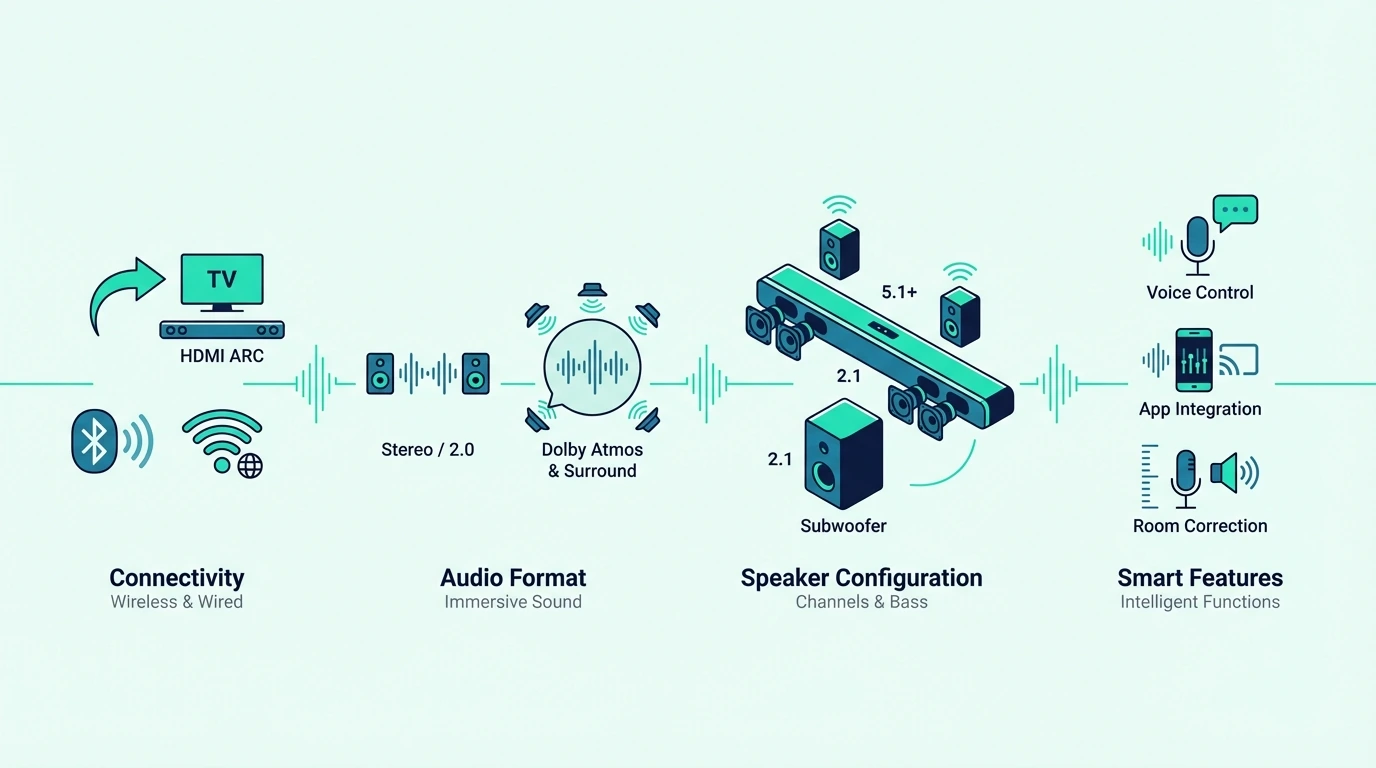
Start with connections before anything else. If the TV and soundbar are going to be part of your daily setup, HDMI ARC or eARC is usually more important than a long feature list because it affects how easily the system turns on, switches audio, and handles volume control.

That is why the how to connect soundbar to TV guide matters even before you buy. A soundbar that fits your room but fights your connection path can still become the wrong purchase.

Bluetooth is helpful for convenience, but it should not be the main reason you buy a bar for TV use. If Bluetooth matters to you, it is better to treat it as a bonus feature and understand its limits through the how to connect TV to soundbar via Bluetooth guide rather than assuming it replaces a stable HDMI path.

Dolby Atmos matters most when your room, seating distance, and content habits can actually benefit from a more spacious presentation. It matters less when your room is small, the ceiling is awkward, or your priority is simply clearer dialogue from everyday TV.

A model like the Sonos Beam Gen 2 – Soundbar with Dolby Atmos is a good example of where feature priorities become more nuanced. Buyers choose a bar like this because they want a cleaner premium system, smart-platform support, and room to expand later, not just because the word Atmos appears on the box.

You should also think about dialogue enhancement, room correction, voice assistants, and app quality in the same practical way. Those features matter most when they solve a real annoyance, such as struggling to hear speech at night or wanting the bar to fit neatly into a specific streaming or smart-home ecosystem.

It is also worth checking whether the bar supports the formats your TV can actually pass through. A flashy Atmos badge matters less if the TV only feeds stereo over optical, if eARC is missing, or if the set is known for handshake issues that make daily use annoying.

Remote behavior is another real-world filter buyers skip. If you want one-remote volume control and painless daily switching, HDMI behavior and CEC compatibility matter far more than a long list of secondary sound modes.

If your setup is not a standard TV living-room setup, this matters even more. Buyers using a projector or a PC should think carefully about ports, routing, and audio return paths, which is why the best soundbar for projector guide and the how to use soundbar with PC guide stay different from a standard TV-buying guide.

When Does Paying More Actually Change the Listening Experience?

When to spend more on a soundbar

Paying more only makes sense when the extra hardware or feature set changes your real listening experience. If it does not, you are just buying complexity.

A buyer who mostly watches news, sitcoms, sports, or everyday streaming in a modest room usually gets more value from a well-chosen simple bar than from a larger package. In that situation, cleaner speech, easier setup, and better everyday usability usually matter more than chasing the biggest surround effect.

The decision changes when you have a larger room, sit farther from the TV, or care a lot about movies and games. That is where stronger bass, wider front sound, Dolby Atmos processing, and rear speakers become easier to justify.

A fuller system like the Sony BRAVIA Theater System 6 5.1ch Soundbar is the kind of example that helps clarify this threshold. It represents the buyer who is no longer just trying to improve TV speakers and is ready for a more immersive room setup.

This is also where you have to be careful with premium marketing. Some buyers really do need the bigger step up, but plenty of people would be happier spending less on the right 2.1 or compact bar instead of stretching for features their room cannot reveal properly.

That is why the most useful comparison page at this stage is the best Dolby Atmos soundbar guide. It helps you see whether the premium is really about a better fit for your room or just a more expensive label.

Another good test is whether you plan to expand later or whether you want the purchase to stay simple for years. Some buyers are happier with a closed, easy system now, while others should buy into a platform that lets them add surrounds or a subwoofer later without replacing the whole bar.

If music is a major part of your decision, pay extra attention to tonal balance and bass control instead of shopping only by movie terms. If gaming matters more, focus on latency, input behavior, and how well the front stage stays clear during busy scenes.

The Bottom Line

How to pick a soundbar gets much easier when you stop asking which model is most impressive and start asking which setup actually matches your room, content habits, and connection needs. The right starting point is usually simpler than buyers expect.

Small rooms and everyday TV use often point toward a compact bar. Movie-heavy rooms, bass expectations, and longer seating distances are where subwoofers, Dolby Atmos, and larger surround packages begin to make sense.

If you want the fastest path from decision-making into actual product choices, the broader soundbar hub is the best next stop.

Frequently Asked Questions

How do I know which soundbar to get?

You know which soundbar to get by matching the bar to your room size, your content habits, and how much bass or immersion you actually want. Buyers who mostly want clearer TV audio should usually start simpler than buyers building around movies, gaming, or large-room listening.

Is a 2.1 or 5.1 sound bar better?

A 2.1 soundbar is better when you want stronger bass without adding too much complexity or taking over the room. A 5.1 system is better when you actually have the space, seating distance, and movie-focused habits to benefit from rear-channel immersion.

What should I consider when buying a soundbar?

The most important things to consider are room size, speaker layout, HDMI ARC or eARC compatibility, bass expectations, and whether you want a simple single bar or a bigger system with more hardware. It also helps to think about dialogue clarity, Bluetooth convenience, and whether you may want to expand the setup later.

What are the top 5 soundbars?

There is no single top five that fits every buyer, because the right pick changes based on budget, room size, and use case. The best way to narrow the field is to decide whether you want a compact all-in-one bar, a 2.1 system with a subwoofer, or a more immersive Atmos or surround setup first.

How To Use Soundbar With PC — Best Connection Methods, Settings & HDMI Fixes

How to use soundbar with PC can be straightforward, but only if you match the soundbar to the right connection path instead of assuming a computer behaves like a TV.

The common problem is that people plug in HDMI, see a picture, and then get no sound because Windows still uses the wrong audio output, the monitor does not return audio, or the soundbar expects ARC through a TV rather than direct PC audio. That is how a simple upgrade for better audio turns into a confusing mix of silent speakers, bad handshakes, and menus that never seem to save the right device.

Get the path right and the setup is much easier: the PC sends audio through the right output, the soundbar acts like a real desktop speaker solution, and you know when HDMI, optical, Bluetooth, or TV passthrough actually makes sense.

Start by deciding whether the PC should connect to the soundbar directly, pass through a TV first, or use optical as a fallback, because that one decision shapes every setting that comes after.

Now that the PC-use path is clear, let’s walk through how to use a soundbar with a PC the right way.

Quick Takeaway

To use a soundbar with a PC, choose the simplest supported path first: direct HDMI if the soundbar accepts it, TV passthrough plus ARC if the PC is feeding a TV, or optical if HDMI keeps failing. Then set the PC’s audio output to the soundbar path in Windows instead of assuming the cable alone will switch the sound automatically.

Why Is a PC Setup Different From a TV Setup?

Why PC-to-soundbar setup matters for desktop audio

Now that the basic goal is clear, the reason this matters is that a soundbar can be a real upgrade for a desk setup when built-in monitor speakers sound thin or when the PC already feeds a larger display for gaming, movies, or music.

That said, a PC audio setup is different from a TV audio setup. PCs may output through HDMI from the graphics card, optical from the motherboard or sound card, Bluetooth from the operating system, or analog audio from a headphone jack, and not every soundbar supports every path the same way.

That difference is why this page is not the same as the broader soundbar hub or the cable-first TV-to-soundbar guide. Using a soundbar with a PC is really about choosing the cleanest audio output path and then making Windows use it consistently.

If you are still deciding which kind of bar fits a desktop or gaming setup, the best soundbars for PC guide and the best gaming soundbar roundup help. Smaller bars and simpler input layouts are usually easier to manage at a desk.

What Are the Three Main Ways to Connect a PC to a Soundbar?

Connecting a PC to a soundbar

With the PC-versus-TV differences covered, the next step is choosing the actual connection. In most setups, there are three realistic paths: direct HDMI, PC to TV with ARC return, or optical from the PC or TV into the soundbar.

Direct HDMI is the cleanest when the soundbar actually has a standard HDMI input and the display chain supports it. If you are going this route, a known-good cable like the UGREEN 8K HDMI 2.1 Cable makes it easier to rule out cable problems while you configure the PC audio output.

If the PC is connected to a TV first, the setup changes. In that case, the TV often becomes the display endpoint while the soundbar receives audio from the TV rather than directly from the computer.

That is where the rest of the chain matters. A two-cable layout like the JSAUX HDMI 2.1 2-Pack is useful when you are building a PC to TV to soundbar chain and want to remove cable quality as the unknown.

Once the cables are in place, go straight to Windows sound settings and select the real audio output device. That step is easy to miss, and it is also why the TV-to-soundbar guide and the broader soundbar hub still matter even when the hardware path is different.

Can You Use a Soundbar as a Desktop Speaker?

Using a soundbar as a PC speaker

Once the connection path is sorted, the next question is whether the soundbar actually works well at desk distance. The answer depends on how close you sit, how the bar handles near-field listening, and whether the connection adds delay.

For a desk setup, a soundbar often works best when it is used as the main front speaker instead of pretending to be a full surround system. That can be great for better audio in games, YouTube, podcasts, and everyday work, especially when monitor speakers sound weak or non-existent.

The catch is that some bars are tuned for couch distance rather than near-field listening. That means the sound can feel too wide, too boomy, or a little odd on a small desk even when the connection is technically correct.

This is why the most useful buying references here are the best all-in-one soundbar roundup and the best soundbars for dialogue guide. The best PC bar is usually the one that stays simple, fits close to the display, and does not force a complicated home theater signal path onto a computer desk.

Why Is HDMI Silent Between a PC and a Soundbar?

HDMI issues when connecting a soundbar to a PC

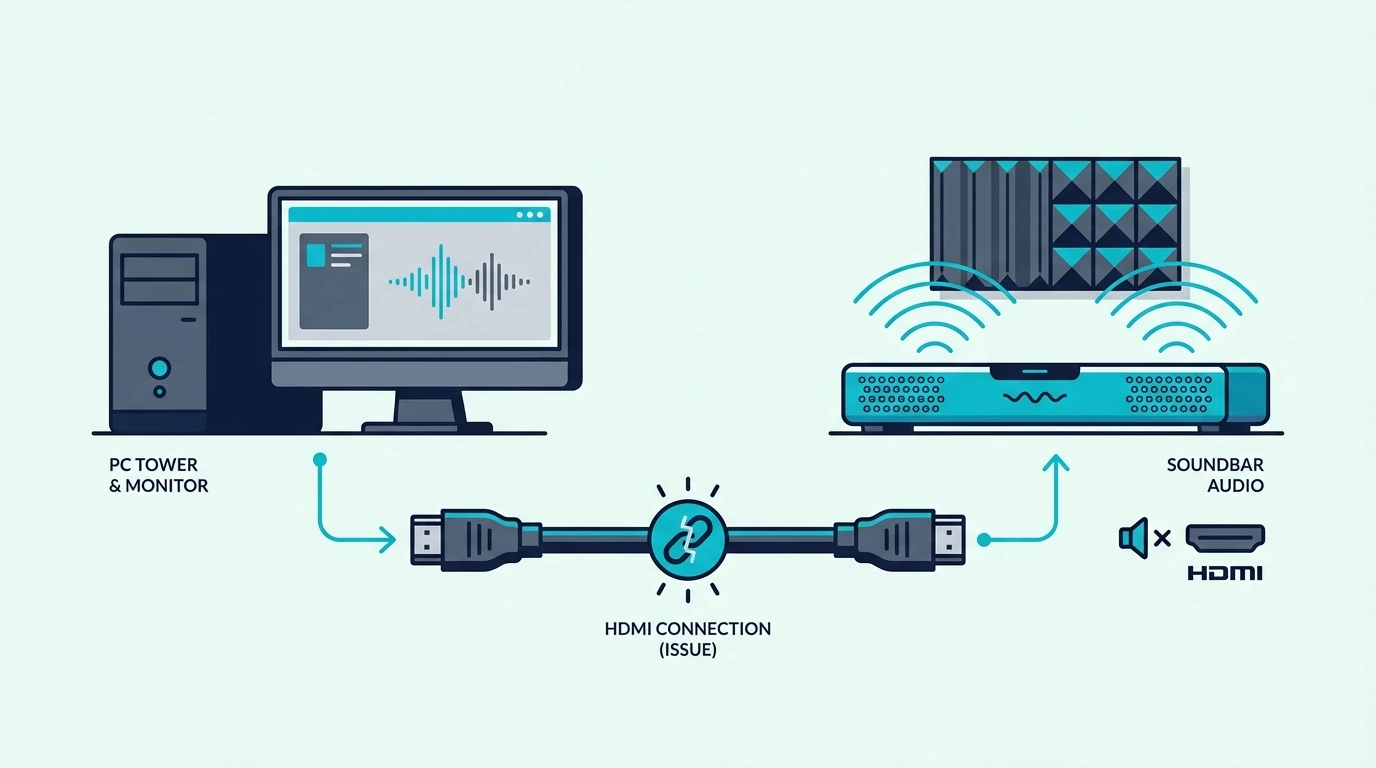
Even with the right cable and a soundbar that works at desk distance, HDMI can stay silent if Windows points audio at the wrong device. The graphics card, display order, soundbar input, and Windows output setting all have to agree.

Start with the Windows output menu. If the PC is still sending audio to built-in speakers, a monitor, or a disconnected device, the soundbar will stay silent even if the physical HDMI connection is correct.

Next, check whether the HDMI path is direct or indirect. If the PC runs into a monitor that has no audio return path, the soundbar may never receive usable audio from that chain.

If the PC runs into a TV first, the TV settings may need to pass audio onward to the soundbar.

When HDMI remains inconsistent, the simplest fallback is often optical. A dependable cable like the KabelDirekt TOSLINK Optical Audio Cable makes sense when you need a stable audio path more than you need HDMI convenience.

That is also why this issue overlaps with the troubleshooting logic in the broader soundbar hub. A soundbar that is hard to drive cleanly from a PC is often the wrong fit, not just a bad cable.

When Does HDMI ARC Actually Help on a PC?

Using HDMI ARC with a PC and soundbar setup

The HDMI troubleshooting above often leads people to wonder whether ARC is the missing piece. In most PC setups, it is not — ARC is mainly a TV-to-soundbar feature, not a PC-to-soundbar feature.

That distinction matters because many people see ARC on the soundbar and assume the PC should plug into it directly. In reality, ARC or eARC is most useful when the PC sends video and audio to the TV, and the TV then returns audio to the soundbar through the ARC port.

If your setup uses that PC to TV to soundbar chain, a cable like the Silkland HDMI ARC/eARC Cable is the right kind of product for the TV-to-soundbar part of the chain.

If there is no TV in the setup, ARC usually is not the real question. The real question is whether the soundbar supports direct HDMI audio from a PC or whether optical, Bluetooth, AUX, or USB audio is the more reliable fit.

That is one reason this article stays different from broader TV-first pages in the soundbar hub. On PC, the output source and operating system settings matter more than TV-only features.

The Bottom Line

How to use soundbar with PC comes down to choosing the correct signal path first and then forcing the computer to use that output consistently. Direct HDMI can work well, a PC to TV to soundbar chain can work even better in the right room, and optical is often the easiest fallback when HDMI gets messy.

The mistake to avoid is treating the PC like a TV. Once you separate direct HDMI, TV passthrough, ARC, Bluetooth, and optical into distinct paths, the setup gets much easier to troubleshoot.

If you want help choosing a soundbar that will actually fit a desk or gaming setup after the connection is done, the best next pages are the best soundbars for PC guide and the broader soundbar hub.

Frequently Asked Questions

Can you use a sound bar for a PC?

Yes, you can use a sound bar for a PC if the computer and the soundbar share a workable connection like HDMI, optical, Bluetooth, or AUX. The best result usually comes from the simplest supported path plus the correct Windows audio output setting.

How To Connect Pc To Soundbar Via Bluetooth?

Put the soundbar in Bluetooth pairing mode, open the PC’s Bluetooth settings, pair the soundbar, and then choose it as the active playback device. Bluetooth is convenient, but it is usually less stable than direct HDMI or optical for daily PC audio.

How To Connect Soundbar To Pc With Aux Cable?

Use a 3.5mm-to-analog connection only if the soundbar actually has an AUX or analog input. After connecting it, switch the soundbar to the matching input and select the PC’s headphone or line-out device as the active audio output.

How To Connect Soundbar To Pc Via Usb?

Only use USB if the soundbar explicitly supports USB audio from a computer. Many bars use USB only for service, firmware, or media playback rather than acting like a true USB speaker for Windows.

How To Connect Soundbar To Pc With Optical Cable?

Connect the optical cable from the PC’s optical output or the TV’s optical out port to the soundbar, switch the soundbar to optical input, and then select the matching digital audio output in Windows or on the TV. This is often the most reliable fallback when HDMI refuses to behave.

How To Connect TV To Soundbar Via Bluetooth — Pairing Steps, Settings & Better Alternatives

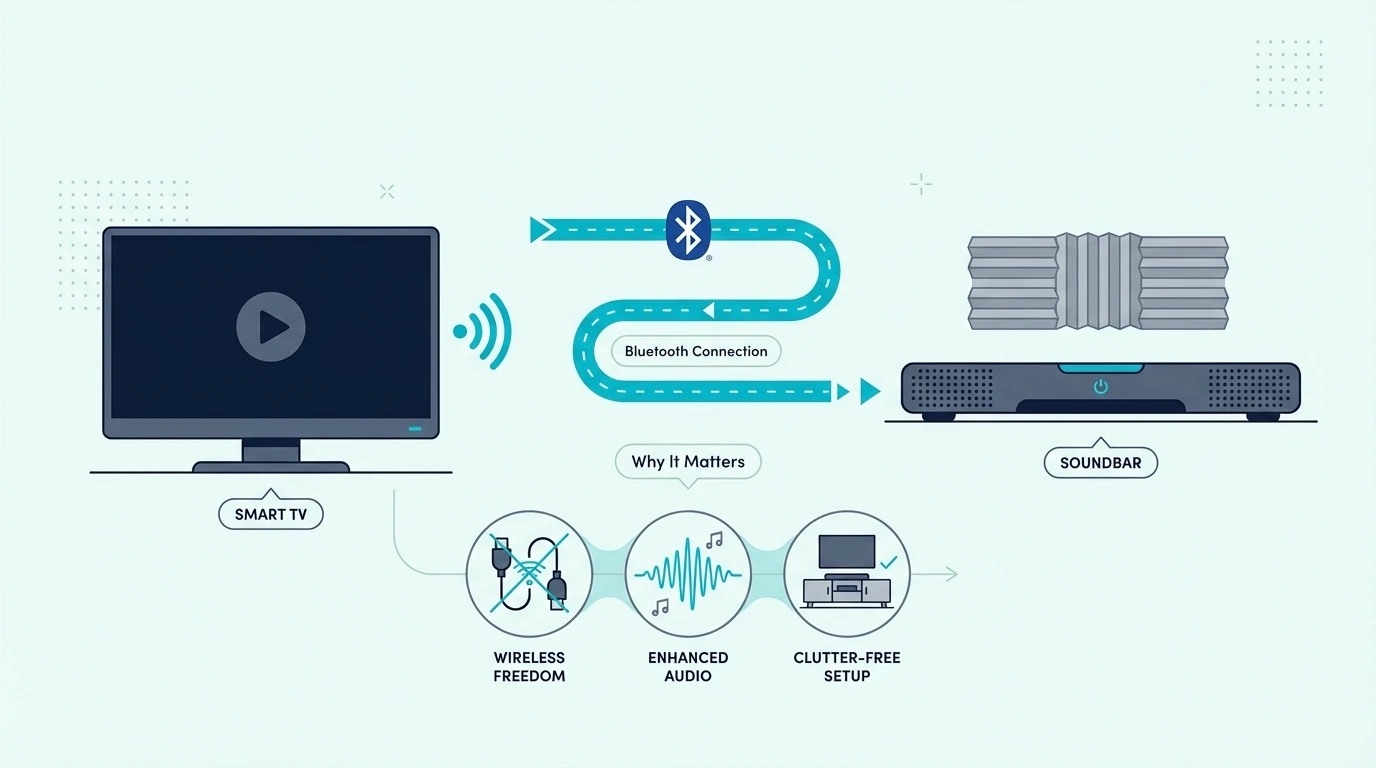
How to connect TV to soundbar via Bluetooth sounds simple, but the wireless path only works when the TV can actually send Bluetooth audio to external speakers.

The usual failure looks the same every time: the soundbar shows up in the Bluetooth menu, the TV keeps using its own speakers, or the audio lags badly because the set supports Bluetooth accessories but not a stable Bluetooth audio output path.

Once you verify the output type, pairing mode, and final speaker selection in the right order, the connection becomes much cleaner and you know when Bluetooth is worth using at all.

Start by checking the TV’s audio output options before you pair anything, because that one menu tells you whether Bluetooth is a real path or a dead end.

Now that the Bluetooth path is clear, let us walk through how to connect TV to soundbar via Bluetooth step by step.

Quick Takeaway

To connect a TV to a soundbar via Bluetooth, make sure the TV supports Bluetooth audio output, put the soundbar in pairing mode, and select it from the TV’s Bluetooth speaker list or external speakers menu. If the TV cannot send Bluetooth audio or the wireless connection keeps lagging, a dedicated Bluetooth transmitter can help, but optical or HDMI ARC is usually the more stable long-term solution.

Why Is Bluetooth TV Audio Trickier Than It Looks?

Why Bluetooth TV-to-soundbar connection settings matter

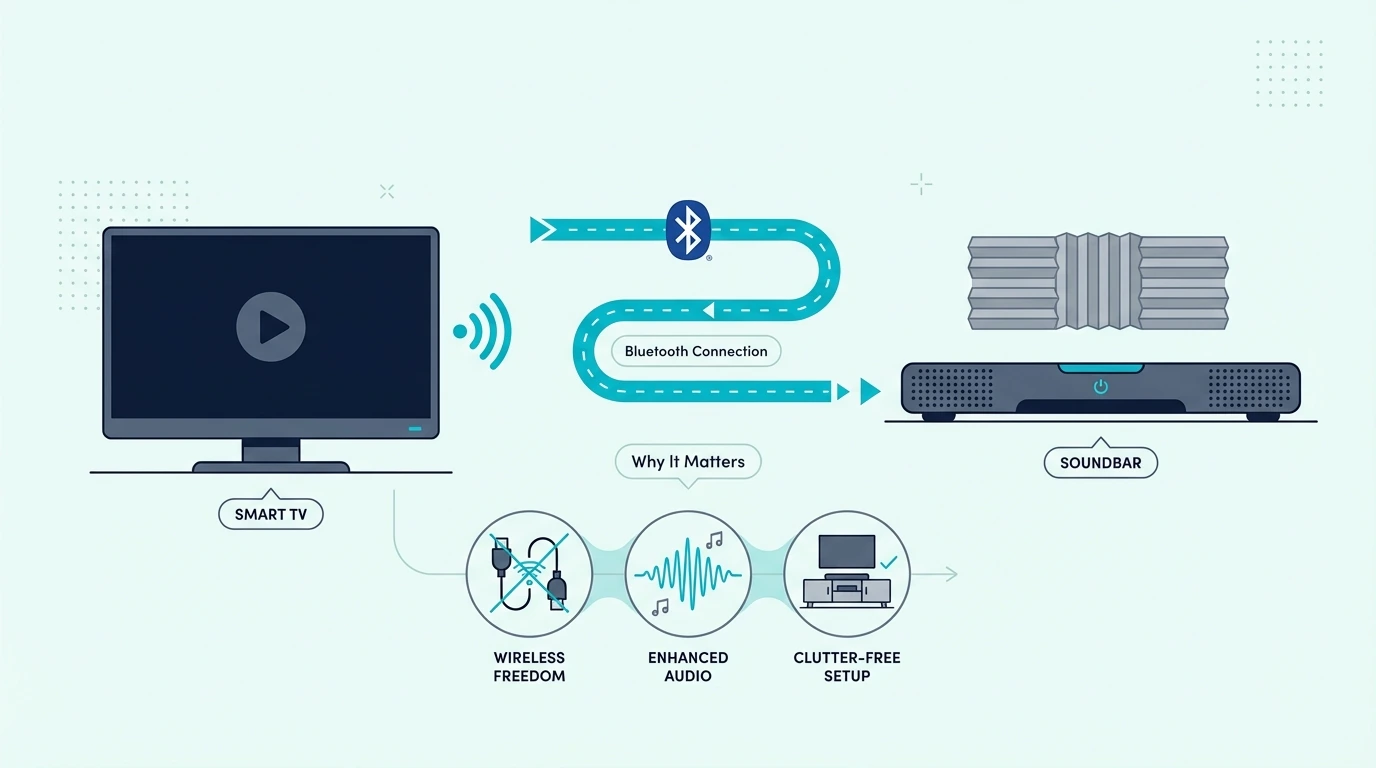
Now that the basic process is on the table, the real reason this topic matters is convenience. Bluetooth lets you skip a physical cable run between the TV and the soundbar, which can be useful in bedrooms, rental setups, or rooms where the soundbar sits away from the main TV stand.

That convenience only works if the TV can actually send Bluetooth audio to external speakers. Some TVs support Bluetooth for headphones, keyboards, or remotes but not for a soundbar, which is why checking the audio output options first saves so much frustration.

It also matters because Bluetooth is not the same as the wired connection advice in our how to connect soundbar to TV guide or the broader setup flow in the how to set up a sound bar guide. Wireless pairing solves a specific problem, but it is not always the best solution for everyday TV audio.

If you are still figuring out what kind of bar fits your room, this is also where the best soundbar roundup and the broader soundbar hub help, because simpler bars are often easier to pair and manage than large multi-piece systems.

Does Your TV Support Bluetooth Audio Output?

Checking whether a TV can connect to a soundbar over Bluetooth

With the convenience trade-off clear, the first real step is confirming the TV can actually send Bluetooth audio. Many TVs support Bluetooth for remotes or headphones but not for external speakers.

If either side is missing that feature, the TV will never finish the connection no matter how many times you retry the menu.

The easiest way to check is in the TV settings. Look for menu labels like Sound Output, Bluetooth Speaker List, Audio Output, or External Speakers, because that tells you whether the TV can send sound to a Bluetooth soundbar instead of only pairing with accessories.

If the TV does not support Bluetooth audio output directly, a product like the Avantree Oasis Plus 2 Bluetooth TV Transmitter can bridge that gap by giving the TV a dedicated wireless audio path when built-in Bluetooth is missing or limited.

That makes the Bluetooth route more practical on older sets, but it is still worth comparing your setup against the easier everyday options in the best soundbars for Samsung TV guide, the best LG soundbar roundup, and the best Sony soundbar guide, because brand menus and Bluetooth support can vary more than people expect.

How Do You Pair a TV to a Soundbar Over Bluetooth?

Pairing a TV and soundbar with Bluetooth

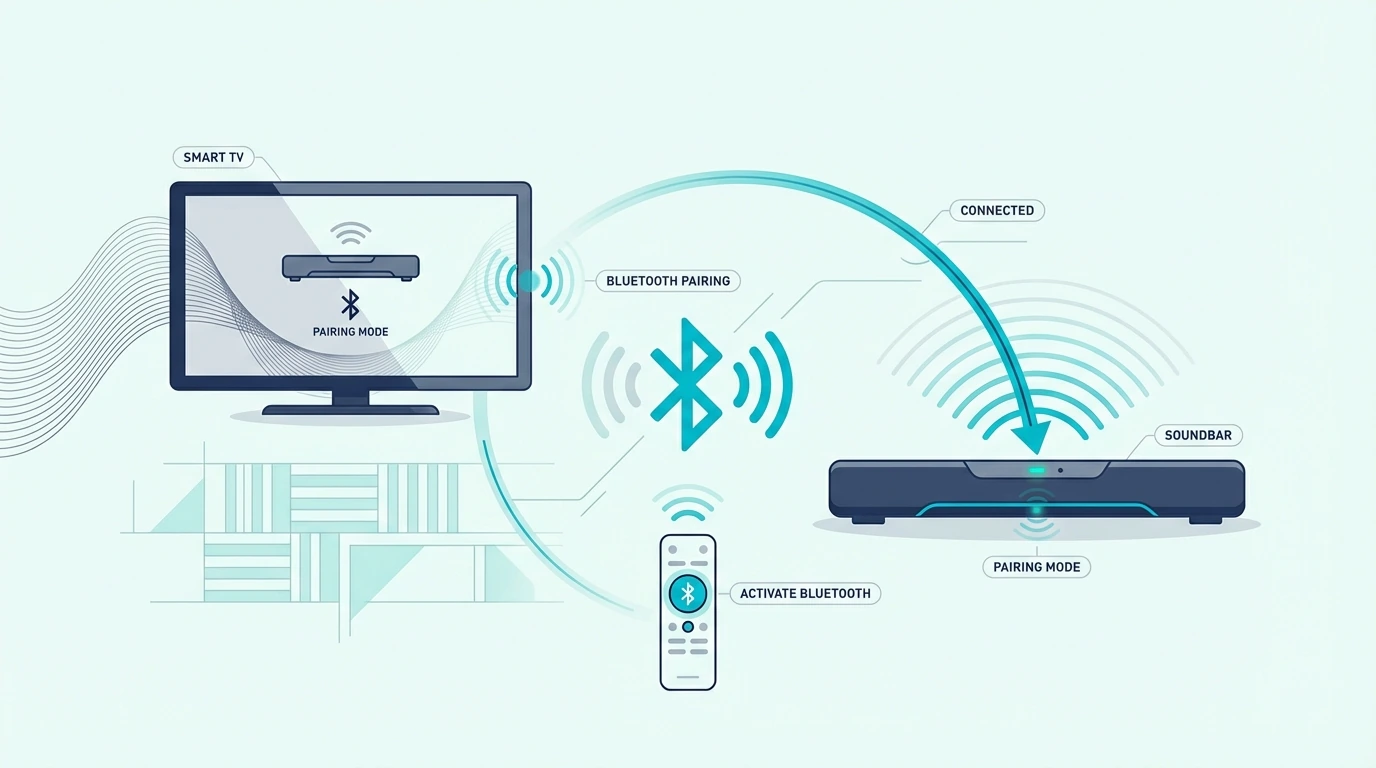
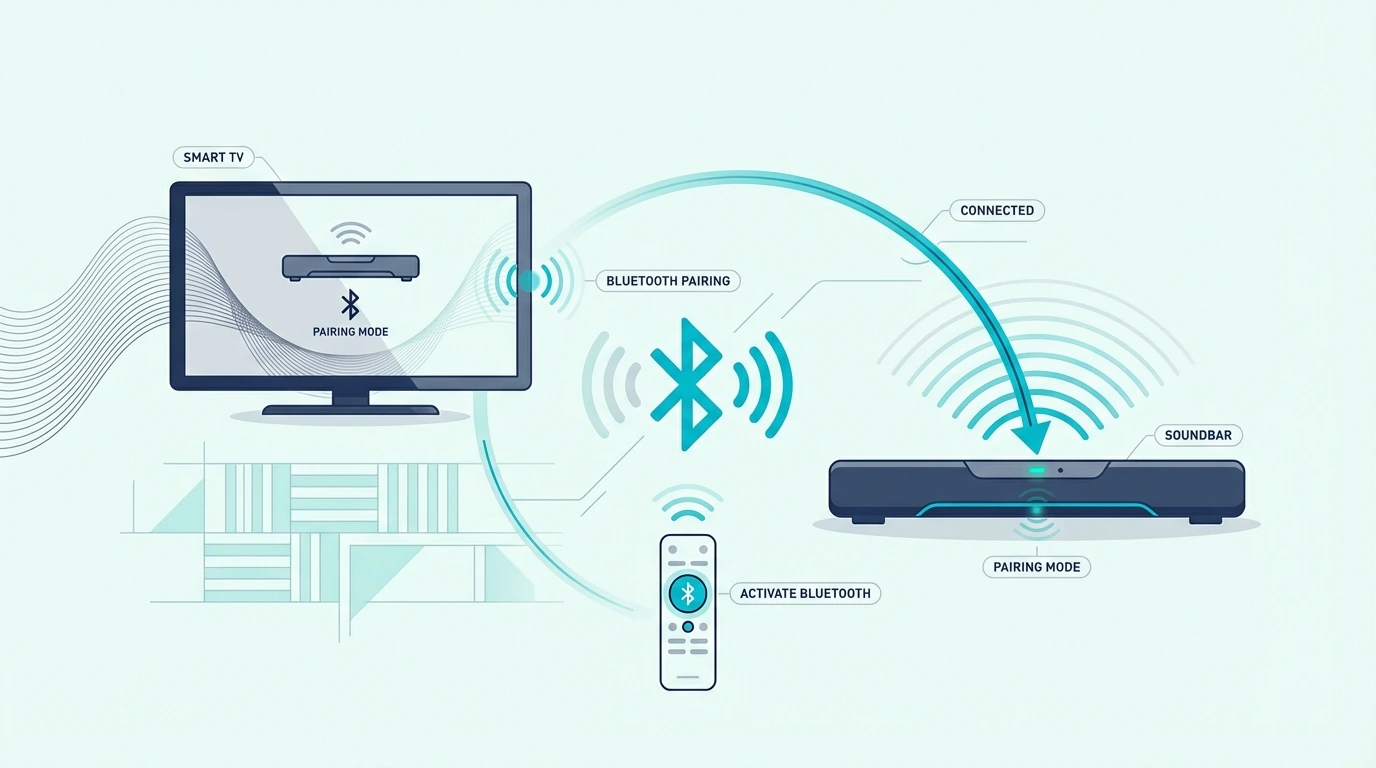
Once you know the TV can send Bluetooth audio, the next step is pairing mode. Turn on the soundbar first, switch it to Bluetooth input, and hold the pairing button or use the remote control until the bar enters discoverable mode.

Then open the TV sound settings and look for the Bluetooth device list. Select the soundbar when it appears, confirm the pairing request if the TV asks, and then change the final sound output to the newly paired soundbar instead of leaving audio on TV speakers.

If the soundbar pairs but audio still stays on the TV, go back into the sound menu and explicitly select the soundbar under external speakers or Bluetooth audio. This is the step many people miss, especially on smart TV interfaces that remember the pairing but not the active output.

When a TV needs an affordable external Bluetooth path rather than built-in wireless audio, the 1Mii B06TX Bluetooth 5.3 Transmitter is the kind of add-on that makes the wireless route possible on older TVs without forcing a full hardware change.

If pairing still breaks, clear old Bluetooth devices from both sides, reboot the TV and soundbar, and repeat the process from scratch. That same reset-first mindset also helps when you are troubleshooting muted or unstable output in the how to fix no sound from soundbar using HDMI ARC guide.

Is Bluetooth Better Than Optical or HDMI for TV Audio?

Optical cable versus Bluetooth connection for a soundbar

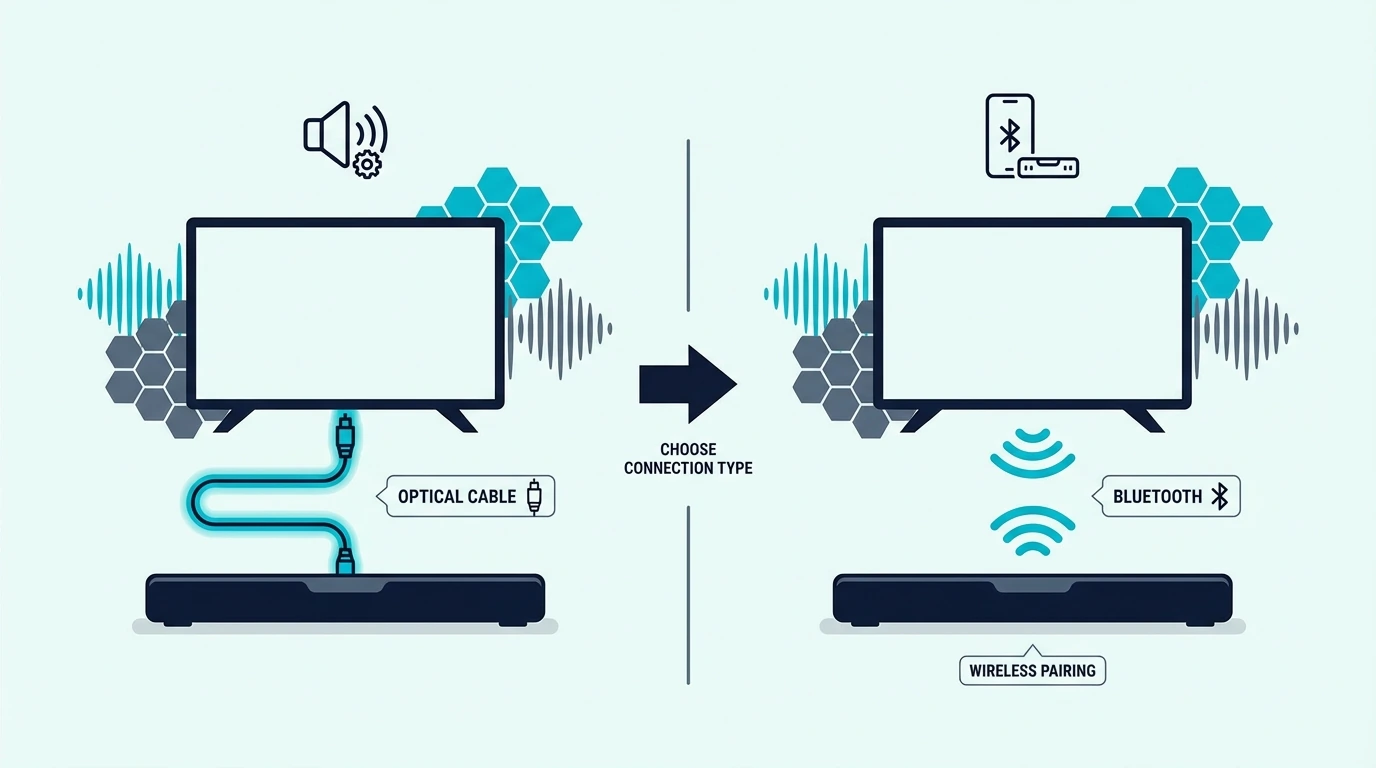
Once pairing is working, the bigger question is whether Bluetooth should stay as your daily TV connection. For pure convenience it wins, but for stable everyday viewing, optical or HDMI ARC usually wins.

Bluetooth is useful when you need a cable-free setup, the TV supports Bluetooth audio properly, and a little latency or compression is acceptable. That can work fine for casual TV use, bedroom setups, or temporary room layouts.

Optical is usually the better answer when you want stable audio output with fewer pairing issues. That is especially true if the TV and the soundbar sit close enough that a physical connection is easy and you do not want to fight reconnect behavior every time the TV powers on.

The optical fallback

A simple fallback like the KabelDirekt TOSLINK Optical Audio Cable makes more sense than endless re-pairing when the TV already has optical output and the soundbar supports it.

If both the TV and the soundbar support ARC or eARC, that is often even better than optical because it keeps the connection cleaner and more integrated. A reliable option like the Silkland 8K HDMI ARC/eARC Cable fits that more stable daily-use path.

That is why the real comparison is not Bluetooth versus one cable. It is convenience versus reliability, and most people care more about reliable TV audio after the first day than they care about keeping the setup fully wireless.

Can You Pair a TV to a Soundbar Without the Remote?

Connecting a Bluetooth soundbar without a remote

The stability comparison above assumes you can control the soundbar normally, but pairing gets harder without the remote. Without the remote control, you need the soundbar’s physical buttons to enter pairing mode, and not every model exposes the same controls clearly on the top panel or side panel.

Start by pressing the Input, Source, or dedicated Bluetooth button on the soundbar until it enters pairing mode. Then open the TV Bluetooth menu, look for the soundbar in the device list, and connect it there just like you would with the remote.

If the TV or soundbar has already stored too many old Bluetooth devices, clear them first before trying again. That matters because stale pairings often block new connections more than the missing remote itself.

If this still feels inconsistent, the safer long-term move is usually to abandon Bluetooth and switch to optical or HDMI instead of forcing a wireless method that your hardware handles poorly. Shoppers who care mostly about speech clarity often gravitate to the best soundbars for dialogue guide, where easier control and daily usability matter just as much as raw feature lists.

The Bottom Line

How to connect TV to soundbar via Bluetooth comes down to three checks: the TV has to support Bluetooth audio output, the soundbar has to enter pairing mode properly, and the TV still has to switch its final sound output to the paired device. When those three pieces line up, the wireless path can work well.

But Bluetooth is still a convenience method more than a best-practice method. If the TV lacks Bluetooth audio, if lag becomes distracting, or if pairing drops keep returning, optical or HDMI ARC is usually the better long-term answer.

If you want help choosing a soundbar that will be easier to live with after the initial pairing, the best next pages are the best soundbar roundup and the broader soundbar hub.

Frequently Asked Questions

How to connect TV to sound bar without HDMI?

If the TV and soundbar both support Bluetooth audio, you can pair them wirelessly through the TV sound settings. If Bluetooth is unavailable or unreliable, optical is usually the cleanest wired fallback.

How do I know if my TV has Bluetooth?

Check the TV settings for menu labels like Bluetooth Speaker List, Audio Output, or External Speakers. If the TV only shows Bluetooth options for remotes or accessories, it may not support Bluetooth audio output to a soundbar.

How To Connect Soundbar To TV With Bluetooth Without Hdmi?

Put the soundbar in Bluetooth pairing mode, open the TV Bluetooth audio settings, and select the soundbar as the active audio device. If the TV cannot send Bluetooth audio directly, you will need an external Bluetooth transmitter or a wired connection instead.

How To Connect Soundbar To Samsung Tv Using Optical Cable?

Connect the optical cable from the Samsung TV’s Optical Out port to the soundbar, switch the soundbar to optical input, and then change the TV sound output to external speakers. This is usually more stable than Bluetooth for everyday TV watching.

How To Mount Soundbar To TV — Best Brackets, Height & TV vs Wall

How to mount soundbar to TV is easier than it looks, but only if you decide first whether the bar should hang from the TV itself or sit on its own wall mount below the screen.

Most mounting mistakes happen before the first screw goes in.

People buy a bracket before checking the soundbar’s mounting holes or the TV mount layout.

They also miss the weight limit or the space needed for cables and upward-firing drivers.

That is how a simple project turns into a crooked bar, blocked Atmos channels, or a setup that rattles when the volume rises.

Get the mounting plan right and the result is cleaner.

The bar sits at the right height, and the setup looks intentional.

You also do not have to redo it after realizing the bracket or placement was wrong.

Start by choosing between a TV-mounted bracket and a separate wall mount. Then confirm bracket support, mounting compatibility, and cable clearance before you drill or tighten anything.

Now that the real mounting decision is clear, let us walk through how to mount a soundbar to a TV the right way.

Quick Takeaway

To mount a soundbar to a TV, first confirm the bar works with a TV-mounted bracket.

Center it directly under the screen and leave room for cables plus any upward-firing drivers.

If the TV mount cannot support the bracket cleanly, or the bar has no usable mounting holes, a separate wall mount under the TV is usually the safer option.

Should You TV-Mount or Wall-Mount a Soundbar?

Why soundbar mounting position matters

Now that the project is defined, the biggest question is not where the screws go. It is whether the soundbar should move with the TV or stay fixed on the wall.

That matters because TV-mounted and wall-mounted soundbars solve different problems.

A TV-mounted bar keeps the screen and sound system moving together on a swivel mount.

A separate wall mount gives you better stability, more room, and cleaner placement under a fixed screen.

Before you pick either route, check the soundbar’s mounting holes.

Confirm the bracket can handle the weight.

Leave space behind the TV for cables.

Make sure there is enough room below the screen so the bar will not block the picture or the remote sensor.

If you are building around a universal bracket, the Perlegear Soundbar Mount is the kind of bracket that makes this first-fit check easier because it is built around a straightforward under-TV mounting layout instead of a one-position-only design.

This decision also shapes which bars are easiest to live with long term.

Compact bars from the best soundbar roundup and the best budget soundbar guide are often easier to mount cleanly.

Oversized systems need more wall space and more connecting cables.

Can You Mount a Soundbar Directly to the TV?

Mounting a soundbar directly to a TV

With the basic choice clear, yes, you can mount a soundbar directly to a TV in many cases.

It only works when the bracket and the bar are actually compatible.

This is where many DIY installs go wrong.

A direct-to-TV setup usually attaches the bracket to the TV’s VESA hardware or TV-mount arms.

The soundbar then hangs above or below the screen, so it moves with the TV instead of staying fixed on the wall.

That can be a clean solution when the TV is already on a wall mount or full-motion mount.

It also works well in smaller rooms where keeping the screen and soundbar aligned makes the setup look less cluttered.

A bracket like the Mounting Dream Soundbar Mount Bracket fits this kind of install well because it is designed for above- or under-TV mounting instead of a floating-shelf style.

Not every soundbar should be mounted this way.

Larger bars, bars with weak mounting holes, and Dolby Atmos models with upward-firing drivers often fit better on a separate wall mount below the TV.

That is why shoppers comparing bigger systems in the best Dolby Atmos soundbar guide, the best soundbars with subwoofers roundup, or the best soundbars for small rooms guide still need to think about placement before pure sound quality.

How Do You Attach a Soundbar to the TV Mount Safely?

Attaching a soundbar to a TV mount

Now that direct mounting makes sense, the next step is the actual attachment process. This is where careful measuring matters more than rushing.

First, confirm the soundbar has usable mounting holes or a bracket-compatible underside.

Then check the TV mount or VESA area so you know where the soundbar wall mount will actually connect.

Second, loosely assemble the bracket before tightening anything fully.

Keep the bar centered under the TV.

Level it left to right.

Leave enough clearance so it does not cover the bottom bezel, the remote receiver, or the cable path.

Third, connect power and signal cables before the final tightening if access will get tight afterwards.

This sounds obvious, but it is one of the easiest ways to create a frustrating reinstall.

A heavier-duty option like the WALI Universal Soundbar Mount is useful when you want more margin for a larger bar or a sturdier-feeling installation instead of the lightest possible bracket.

If you are also choosing the bar around the install, the next useful references are the best soundbar roundup, the best budget soundbar guide, and the best soundbars for dialogue guide.

They help you avoid picking a bar that becomes awkward to place once the bracket is up.

When Is a Separate Wall Mount Better Than a TV-Mounted Bracket?

Choosing between TV-mounted and wall-mounted soundbar placement

This is the real decision section because both methods work well when matched to the room.

The better option depends on how the TV moves, how large the soundbar is, and how much control you want over placement.

Mounting the soundbar to the TV is usually better when the TV sits on a full-motion mount and you want the screen and soundbar to move as one unit.

It keeps alignment simple and often looks cleaner in smaller bedrooms, apartments, or flexible viewing rooms.

Wall mounting the soundbar separately is usually better when the TV is fixed in place, the bar is heavier, or you need more precise space below the screen.

A separate wall mount also gives you more flexibility when the soundbar’s mounting points are awkward or the cables need a cleaner route.

A universal option like the USX MOUNT Universal Soundbar Mount is useful here because it reflects the kind of flexible hardware people choose when they have not committed to a brand-specific bracket path.

The best answer still comes back to placement.

If TV-mounted hardware forces the bar too high, too low, or too tight to the wall, separate wall mounting usually wins even if it takes a little more work.

That trade-off shows up most clearly with bigger bars from the best Samsung soundbar guide, the best LG soundbar roundup, and the best Sony soundbar guide.

Size and driver layout can make placement more sensitive than it first appears.

Where Should a Mounted Soundbar Sit Under the TV?

Where to mount a soundbar under a TV

Once you know whether the bar should hang from the TV or the wall, placement height becomes the last big choice.

This is where a clean install can still underperform if the bar ends up jammed too close to the screen or too far below it.

In most rooms, the soundbar should sit centered under the TV with a small visual gap and enough room for airflow, cable bends, and any top-firing Atmos drivers.

Too high and it crowds the screen. Too low and the sound seems disconnected from the picture.

If the bar has upward-firing channels, do not tuck it into a cabinet lip or directly under a deep shelf.

Those soundbars need open space to bounce sound properly.

Tight placement can flatten the sound more than people expect.

If you are wall mounting on drywall, also think about stud placement and drywall anchors before you commit to the final height. A beautiful location is not the right location if the wall mounting hardware is unsupported.

This is also where the main soundbar hub and the best soundbars for dialogue guide help, because correct height and direct front-channel placement matter a lot when clear dialogue is your priority instead of just bass or volume.

The Bottom Line

How to mount soundbar to TV comes down to matching the bracket style to the room and to the soundbar itself.

If the bar is compatible and you want the screen and bar to move together, a TV-mounted bracket can work very well.

If the bar is larger, heavier, or more sensitive to placement, a separate wall mount below the TV is often the better answer.

The most important part is to decide the mounting method before drilling or tightening anything.

Check mounting holes, bracket support, cable clearance, and final height first.

Those details decide whether the install looks clean and sounds right.

If you want help choosing a bar that will be easier to place and live with after mounting, the best next pages are the best soundbar roundup, the best budget soundbar guide, and the broader soundbar hub.

Frequently Asked Questions

How far below the TV should the soundbar be mounted?

The soundbar should usually be mounted just below the TV with a small gap for cables, airflow, and any upward-firing drivers.

The goal is to keep the sound centered with the screen without blocking the picture or the remote sensor.

How should you mount an LG soundbar under a TV?

Use a compatible TV-mounted bracket or a separate wall mount below the TV after checking the LG soundbar’s mounting holes and weight.

If the model uses upward-firing drivers or needs extra cable room, separate wall mounting under the screen is usually the cleaner option.

How To Set Up A Sound Bar — Easy TV Setup, HDMI, Optical & Bluetooth

How to set up a sound bar gets much easier once you stop thinking of it as just plugging in one cable and start treating it like a full audio path from the TV to the soundbar.

The pain is that many first-time setups fail in small but predictable ways: the wrong HDMI port gets used, the TV audio output stays on internal speakers, the soundbar stays on the wrong input, or the bar gets locked into place before anyone checks whether the ports are still reachable.

Handle the setup in the right order and the result is cleaner: the bar sits where it can actually project forward, TV audio reaches it consistently, and the hub choice between TV-first and soundbar-first stops feeling random.

So start with placement and connection method, then confirm the TV audio output, then set the soundbar input and control options, because that sequence solves more setup headaches than random resets ever will.

Now that the setup logic is clear, let us walk through how to set up a sound bar step by step.

Quick Takeaway

To set up a sound bar, connect it to the TV with HDMI ARC or eARC first when available, switch the TV audio output to the soundbar, and make sure the bar is on the matching input. If ARC is not available or pairing keeps failing, use optical as the clean fallback, and only use Bluetooth when convenience matters more than the most stable audio path.

What Is the Right Setup Chain for a Soundbar?

Now that the basic goal is on the table, the biggest mistake is assuming setup ends when the cable is connected. A soundbar setup is really three decisions working together: connection method, audio output selection, and source control.

That matters because a soundbar can be wired correctly and still sound broken if the TV audio stays on internal speakers or the soundbar waits on Bluetooth, Optical, or a different HDMI input. The cable is only part of the chain.

The cleanest first pass is to treat the TV and the soundbar like one system. Check the labeled HDMI ARC or eARC port first, then power on the soundbar, then change the TV audio output so TV audio actually leaves the set.

This is also where install order matters. If the TV has ARC or eARC and enough open inputs, TV-first is usually the cleanest hub, but if it does not, a soundbar-first chain may be the only route that actually works.

If you are setting up more than one cable path at the same time, the JSAUX 8K HDMI Cable 2.1 2-Pack is practical because it lets you build a full setup chain without guessing whether the second cable is the weak point.

That full-chain mindset also makes the rest of the category easier to understand, especially if you are still comparing the main best soundbar roundup with the broader soundbar hub before deciding which type of bar actually fits your room and TV.

How Should You Place a Soundbar Before Setup?

With the setup logic in place, the next job is the physical layout. A soundbar should sit centered with the TV, face forward, and stay clear of anything blocking the drivers or the upward-firing channels on Atmos models.

Start by placing the bar directly under the TV when possible. If it sits too far back on a shelf or gets blocked by the TV stand lip, the front channels lose clarity and dialogue takes an unnecessary hit.

Before you lock anything in place, leave room for power and cable slack. If the outlet is awkward, the plug is under strain, or the cabinet forces a sharp bend right behind the bar, fix that now while the setup is still easy to move.

If the soundbar is going inside furniture or onto a wall bracket, keep the front open and the ports reachable. A surprising number of first installs sound weak simply because the bar was boxed in or mounted tight before the first audio test ever happened.

Then connect power and choose the main signal path. For most modern rooms, HDMI ARC or eARC is the best first setup because it keeps TV audio, remote control, and format handling in one route instead of splitting them across different menus and cables.

A reliable default like the UGREEN 8K HDMI 2.1 Cable helps because it removes cable bandwidth as an early setup variable. That is especially useful if you are working with TVs and bars from our best soundbars for LG TV guide or the best Samsung soundbar roundup, where ARC and eARC are usually the cleanest path.

If the bar includes a wireless subwoofer or surrounds, pair those after the main TV-to-bar connection is stable. Same principle applies here: finish the main audio path first, then add the extra speakers, not the other way around.

That order is also why buyers looking for simple everyday setups often lean toward the simpler picks in our best soundbar roundup or the best soundbars for small rooms roundup, because simpler hardware usually means fewer setup variables.

How Do You Fix Common Soundbar Pairing Failures?

Now that the wired setup is sorted, pairing problems make more sense. Most pairing failures happen because the TV and the soundbar are trying to use different connection methods at the same time.

If you are using HDMI ARC, pairing in the Bluetooth sense is usually not the real goal. You want the TV audio output on the soundbar, the soundbar on the correct input, and CEC or HDMI control enabled so both devices talk to each other properly.

Bluetooth pairing becomes relevant only when you are setting the soundbar up wirelessly. In that case, put the soundbar in pairing mode first, then open the TV Bluetooth audio menu and connect it there instead of expecting the TV to discover the soundbar automatically.

If the TV keeps failing to pair, clear old Bluetooth devices, reboot both units, and move back to HDMI or optical if you care more about stable TV audio than cable-free convenience. Wireless setup can work, but it is usually the least dependable path for everyday movie or gaming use.

This is where brand and room context matter too. People often end up with smoother results after comparing the more user-friendly options in our best Samsung soundbar guide, the best Sony soundbar roundup, or the more flexible picks in our best soundbars for music guide. On budget brands like ONN, where pairing inconsistencies follow from button-layout shifts across the same model year, a factory reset followed by re-pairing the wireless subwoofer and re-doing the TV-to-bar handshake is the brand-specific recovery path before you blame the soundbar.

How Do You Connect a Soundbar If the TV Has No ARC?

With pairing out of the way, the next common setup question is what to do when the TV has HDMI but no ARC. This is where people assume any HDMI port will behave like ARC, and that is exactly what creates silent setups.

If the TV does not support ARC or eARC, a normal HDMI connection from the TV to the soundbar usually will not send TV audio back. The better workaround is to connect your source device into the soundbar first, then pass video forward to the TV, but only if the soundbar has real HDMI input.

That setup works especially well for streamers, consoles, and movie-focused systems because the soundbar gets audio first and the TV only handles the picture. It is one of the reasons bars in our best Dolby Atmos soundbar guide, gaming soundbar roundup, and best soundbars for projectors guide often feel easier to build around when they include proper HDMI input.

When you need a cable aimed specifically at ARC or eARC-capable gear for the TVs and bars that do support it, the Silkland 8K HDMI ARC/eARC Cable is a solid known-good option. But if the TV truly has no ARC, the better fix is not a different HDMI cable; it is a different connection method.

Once you choose that hub order, run one clean test on that exact path before you add consoles, cable boxes, or Bluetooth back into the mix. That is the fastest way to catch a bad input choice while every cable is still easy to reach.

That linkback to the earlier setup logic is the real key. The port type decides the method, and the method decides whether the rest of the setup even has a chance to work.

When Should You Use Optical for a Soundbar?

Once you know HDMI without ARC is limited, optical becomes the clean fallback. Optical setup is not flashy, but it works well when the TV does not support ARC, the handshake is unstable, or you simply want a straightforward digital audio path.

Connect the optical cable from the TV’s Digital Audio Out or Optical Out port to the soundbar’s optical input. Then switch the soundbar to the matching optical input instead of leaving it on HDMI or Bluetooth.

Switching the TV Audio Output

The next step is the TV menu. Set the TV audio output to optical, external speaker, or audio system depending on the brand, because the optical cable does nothing if the TV still routes TV audio to its internal speakers.

Then keep your expectations realistic. Optical is great for stable TV audio, but it is not the same as a modern eARC setup for higher-bandwidth formats, so it fits best when reliability matters more than squeezing every surround format out of the chain.

A dependable fallback like the KabelDirekt TOSLINK Optical Audio Cable fits this job well. It is also a natural setup path for bars in the best budget soundbar roundup, the best LG soundbar guide, and the main best soundbar list when the TV side is older than the soundbar itself.

That is the real win with optical: it is rarely the fanciest route, but it is often the fastest way to finish the setup and get stable audio output the same day.

The Bottom Line

How to set up a sound bar comes down to choosing the right path first and then finishing the TV and soundbar settings in order. HDMI ARC or eARC should be your first setup option when both devices support it, optical is the best fallback when they do not, and Bluetooth works best as a convenience feature rather than the default answer.

If you remember the setup sequence from above, the whole process gets much easier: place the bar correctly, leave the ports reachable, choose the right connection, switch the TV audio output, confirm the soundbar input, and only then troubleshoot pairing or format issues. Most setup problems are really order-of-operations problems.

If you want help choosing a bar that is easier to live with after setup, the best next pages are the best soundbar roundup, the best soundbars for small rooms roundup, and the broader soundbar hub.

Frequently Asked Questions

Does it matter which HDMI port I use for a soundbar?

Yes. If you want TV audio to return to the soundbar over HDMI, you need the TV port labeled ARC or eARC, not just any HDMI input.

How do I connect my speaker bar to my TV?

The best first method is HDMI ARC or eARC if both devices support it. If they do not, use optical and then change the TV audio output to the soundbar in the settings menu.

Do you connect soundbar to TV or cable box?

If the TV supports ARC or eARC, the simplest setup is usually sources into the TV and one ARC or eARC cable from the TV to the soundbar. If the TV has no ARC but the soundbar has HDMI input, connecting the cable box through the soundbar first can be the better path.

How To Connect Tv To Soundbar Via Bluetooth?

Put the soundbar in pairing mode, open the TV Bluetooth audio menu, and select the soundbar there. Bluetooth works best for convenience, but HDMI or optical is usually more stable for everyday TV use.

What wires do you need for a soundbar?

Most setups use one HDMI cable for ARC or eARC, or one optical cable if ARC is unavailable. Some systems also need a second HDMI cable when a source device connects through the soundbar first instead of through the TV.

Do sound bars need to be plugged in?

Yes — a soundbar still needs power even when the audio signal comes through HDMI, optical, or Bluetooth. The audio cable carries sound, but the power cable is what actually turns the unit on and lets it amplify the signal.

How To Fix No Sound From Soundbar Using HDMI ARC — Fast Checks That Work

How to fix no sound from soundbar using HDMI ARC is usually straightforward, but only if you troubleshoot the signal chain in the right order instead of flipping random settings and hoping one of them sticks.

The pain is that ARC failures all look the same from the couch: the soundbar powers on, the TV picture looks normal, and yet the audio output is still stuck on internal speakers, the correct input is not selected, or the ARC audio handshake has quietly failed.

Fix the chain in the right order and the result is much better: your TV audio reaches the soundbar reliably, digital audio settings stop fighting the hardware, and you can tell whether the problem is the cable, the port, the control setup, or the bar itself.

So start by checking the ARC port, the soundbar input, and the TV audio output before you touch anything more advanced, because those first moves solve most no-sound problems faster than factory resets or menu deep-dives.

Now that the likely failure points are clear, let us walk through how to fix no sound from a soundbar using HDMI ARC step by step.

Quick Takeaway

To fix no sound from a soundbar using HDMI ARC, first make sure the HDMI cable is in the actual ARC or eARC port on both devices, then set the TV audio output to the soundbar or external audio system, and finally confirm the soundbar is on the matching input. If that does not restore sound, power-cycle both devices, toggle CEC or ARC settings back on, and test with a known-good cable or optical fallback to isolate whether the failure is the handshake, the cable, or the soundbar.

Where Does Sound Get Lost in the ARC Signal Chain?

Fixing no sound from a soundbar using HDMI ARC

Now that the symptom is clear, the fastest way to fix it is to stop treating ARC like magic. ARC only works when the TV, the soundbar, the cable, and the control setup all agree on the same audio path.

That matters because HDMI ARC is not just a cable connection. It is a return-audio system that depends on the right port, the right audio control settings, and a clean handshake between the TV and the soundbar.

Start with the physical chain first. The TV must be connected from its labeled ARC or eARC port to the soundbar’s matching ARC port, and the soundbar must be on the correct input instead of Bluetooth, Optical, or a standard HDMI input.

Then check the TV audio output menu. If the TV audio is still set to internal speakers, TV speaker, or a default digital audio mode that does not hand sound off properly, the soundbar can sit there powered on with no real signal reaching it.

A simple troubleshooting tool like the JSAUX 8K HDMI Cable 2.1 2-Pack is useful here because it lets you rule out more than one questionable cable without guessing which part of the chain is failing.

That same signal-discipline mindset also shows up in our TV-to-soundbar cable guide and the broader best soundbar roundup, because ARC issues often come from setup details rather than from some mysterious hardware defect.

What Are the Three Most Common ARC Failures?

Troubleshooting a soundbar not working over HDMI ARC

With the basic chain in place, the next question is whether ARC itself is actually active. A soundbar can look connected and still fail because ARC depends on both audio return and device control settings, not just the cable fitting in the port.

The most common causes are simple: wrong HDMI port, CEC turned off, ARC disabled in the TV audio settings, or the soundbar waiting on the wrong input. Those are boring failures, but they are exactly why this problem wastes so much time.

Correcting The HDMI ARC Input Connection

The first thing to correct is the port label. If the TV cable is plugged into a normal HDMI input instead of the ARC or eARC port, the TV can send video into devices but it will not send TV audio back to the soundbar.

Next, confirm that the soundbar is listening to the ARC input. Many bars remember the last used source, so if someone switched it to Bluetooth, Optical, or an HDMI input last night, ARC can be wired correctly and still stay silent.

After that, turn CEC back on in both places if the brand uses a different name like Simplink, Anynet+, Bravia Sync, or HDMI Control. ARC audio often rides alongside that control setup, so when CEC is disabled, audio return and volume control can both fall apart.

If the cable itself looks suspect, swap in a known-good ARC cable like the Silkland 8K HDMI ARC/eARC Cable. That is a clean way to remove cable doubt before you start blaming firmware or the soundbar.

This is also where brand-specific buying guides become useful, especially the best soundbars for Samsung TV guide and the best soundbars for LG TV guide, because ARC behavior often changes with TV firmware and HDMI implementation quality, not just with the bar brand. On budget brands like ONN, where button layouts can shift across the same model year, a clean factory reset followed by re-pairing the wireless subwoofer and re-doing the HDMI handshake restores ARC and sub link in one pass.

Why Is HDMI Connected but Still Silent?

HDMI connected to a soundbar but no audio playing

Once ARC looks physically correct, the next failure point is the audio path itself. This is where people see a connected cable and assume the soundbar should just work, even though the TV may still be sending audio somewhere else.

Start with the TV audio output menu and look for settings like External Speaker, Receiver, Audio System, or HDMI ARC. If the audio output is still locked to internal speakers, TV audio never leaves the television even though the HDMI cable is attached.

Then check the digital audio format. Some TVs behave badly when forced to PCM, while others fail when set to passthrough on bars that do not understand the chosen surround sound format, so Auto is usually the safest first test.

If you are still getting silence, isolate ARC from the rest of the chain by temporarily using optical. A fallback cable like the KabelDirekt TOSLINK Optical Audio Cable tells you something important: if optical works, the soundbar is probably fine and the real problem is ARC, CEC, or the TV’s control setup.

That distinction matters if you are comparing whether the real issue is cheap hardware or bad settings, which is why the next useful pages are the best budget soundbar roundup and the main soundbar hub. Sometimes the bar is failing, but most of the time the audio settings are.

What LG-Specific ARC Fixes Usually Restore Sound?

LG HDMI ARC connection stopped working with a soundbar

Now that the generic ARC failures are easier to spot, LG adds its own twist. ARC on LG TVs often breaks after a settings change, firmware update, or input reset that flips Simplink, eARC, or the TV audio output back to the wrong state.

The first LG check is Simplink. If Simplink is off, the TV may stop talking to the soundbar properly even though the cable is still connected and the ARC port never changed.

The second check is the sound output menu. LG sets can bounce between internal speakers, ARC, and passthrough behavior after updates, so go back into Sound Out, reselect the external audio device, and then power-cycle both the TV and the soundbar to rebuild the handshake.

If the problem started suddenly after everything used to work, replace the cable with a known-good certified lead like the UGREEN 8K HDMI 2.1 Cable. That gives you a clean baseline before you decide the TV firmware or the soundbar hardware is at fault.

LG-specific troubleshooting also connects naturally to the best LG soundbar guide and the best soundbars for LG TV roundup, because compatibility issues on LG usually show up around passthrough, eARC settings, and the TV’s own audio control behavior. For the full LG fault-isolation pass beyond ARC alone, the Simplink reset, eARC mode toggle, Digital Sound Out PCM test, subwoofer re-pair, and sound-mode reset sequence covers each branch when the silence is not only about ARC.

How Do You Fix a JBL Soundbar That Is Connected but Has No Sound?

JBL soundbar connected but producing no sound

The same principles still apply on JBL, but JBL bars often confuse people because the input label and startup behavior make the problem look worse than it is. A JBL bar can appear connected, power on normally, and still be waiting on the wrong source.

Start by forcing the JBL soundbar to the actual TV input instead of assuming it switched automatically. Then recheck the TV audio output so the set is handing TV audio to ARC instead of to internal speakers or a remembered Bluetooth device.

If that does not fix it, power-cycle the TV and the JBL bar completely and then disable and re-enable HDMI control. That reset matters because a software glitch or bad auto power handshake can leave the control setup half-working, where the devices wake each other up but audio never returns.

JBL buyers also run into this after mixing older TVs with newer soundbars that support more formats than the television passes correctly. Same principle applies: the cable may be fine, but the digital audio menu or the TV’s surround sound behavior can still break the signal.

That is why this brand-specific problem is best paired with the best JBL soundbar guide and the best all-in-one soundbar roundup, because strong everyday reliability depends as much on input logic and ARC behavior as it does on raw sound quality.

The Bottom Line

How to fix no sound from soundbar using HDMI ARC comes down to sequence. Check the correct ARC port first, confirm the soundbar input second, set the TV audio output to the soundbar third, and only then move into CEC, eARC, passthrough, or firmware troubleshooting.

If you work in that order, you can usually tell whether the problem is the control setup, the cable, the TV audio settings, or the soundbar itself without wasting time on random resets. Most ARC problems are simple once you stop treating them like mysterious hardware failures.

If you want the next layer of help, compare your setup against the TV-to-soundbar cable guide, the best soundbar roundup, and the main soundbar hub so you can separate connection problems from product-quality problems. On Bose smart soundbars specifically, the blinking orange or amber LED is rarely a dead-bar signal — it usually points to Wi-Fi setup, Bose Music app notification, or firmware update, so check the app before adding the bar to the failure list.

Frequently Asked Questions

Why is there no sound on my arc?

There is usually no sound on ARC because the TV is using the wrong HDMI port, the audio output is still set to internal speakers, CEC or ARC is disabled, or the soundbar is on the wrong input. Start with those checks before assuming the cable or the soundbar is broken.

How to get sound from HDMI ARC?

To get sound from HDMI ARC, connect the TV’s ARC or eARC port to the soundbar’s ARC port, switch the TV audio output to the external audio system, and turn on CEC or HDMI control if the brand requires it. If that still fails, power-cycle both devices and test with a known-good cable.