MIDI Keyboard vs Digital Piano: Which One Fits You?
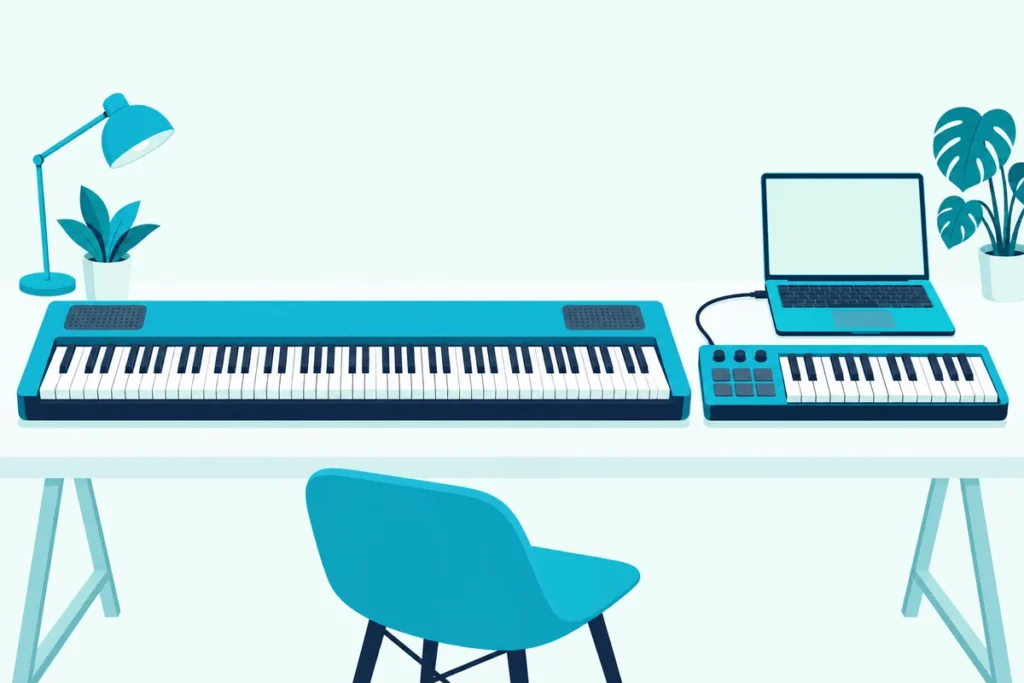
MIDI keyboard vs digital piano: which one should you buy? A digital piano plays the moment you plug it in, while a MIDI keyboard makes no sound until a computer or app gives it one.
Pick the wrong one and you either pay for speakers you never use or find out your keyboard is silent on the night you wanted to practice.
The makers’ spec pages and a learning app’s own guide show what each type gives you, what it lacks and where the two overlap.
Below, you’ll see the differences in sound, touch, size and setup, how each connects to apps, and which one suits learning, production or both.
Start with what each one actually is.
What Is the Difference Between a MIDI Keyboard and a Digital Piano?
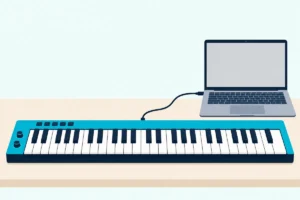
A MIDI keyboard sends note information to a computer, tablet or phone and has no sounds of its own, while a digital piano has built-in piano sounds and speakers, as Melodics’ guide to the two puts it (Melodics). That guide adds that most digital pianos also have a USB or MIDI output, so the two can overlap.
This table compares four real models from makers’ pages, one of each kind:
| Novation Launchkey 61 MK4 | M-Audio Keystation 88 MK3 | Roland A-88MKII | Casio CDP-S160 | |
|---|---|---|---|---|
| Type | MIDI keyboard with pads and faders | MIDI keyboard | Hammer-action MIDI keyboard | Digital piano |
| Keys | 61 semi-weighted | 88 semi-weighted | 88 hammer action | 88 scaled hammer action |
| Own sound | None | None | None | 10 tones, built-in speakers |
| Weight | 10.5 lb | 13.75 lb | 38 lb 10 oz | 23.1 lb |
| Width | 35.2 in | 54.24 in | 56 5/16 in | 52 in |
The specs come from Novation, M-Audio, Roland and Casio. The weight row already breaks a common assumption, which the size section explains.
If your main goal is learning piano, our guide to whether a first piano keyboard needs weighted keys goes deeper on key action, size and apps.
Which Feels More Like a Real Piano?
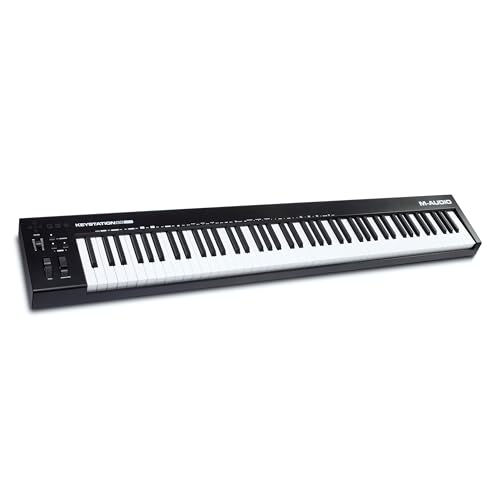
With those specs side by side, touch is where the two types split most clearly. Novation calls the Launchkey 61 MK4’s keys semi-weighted and M-Audio lists the Keystation 88 MK3 at 88 full-size velocity-sensitive semi-weighted keys, while Casio describes the CDP-S160’s keyboard as scaled, weighted hammer action.
A hammer-action MIDI keyboard exists for people who want the feel without the built-in sound. Roland’s A-88MKII uses its PHA-4 keyboard, which Roland calls hammer action, and adds eight knobs and eight pads.
Melodics puts the trade-off simply: a good MIDI keyboard still can’t fully copy an acoustic piano’s touch. Weighted actions get closer, which matters more the more you plan to play on acoustic pianos.
Get Studio Tips Weekly
Join 5,000+ creators getting acoustic treatment advice every week.
No spam. Unsubscribe anytime.Which Sounds Better?
Touch is only half of the experience, and the sound is the other half. A digital piano’s sound is fixed and ready, since Casio lists the CDP-S160 with 10 tones, a stereo speaker system and a headphone output.
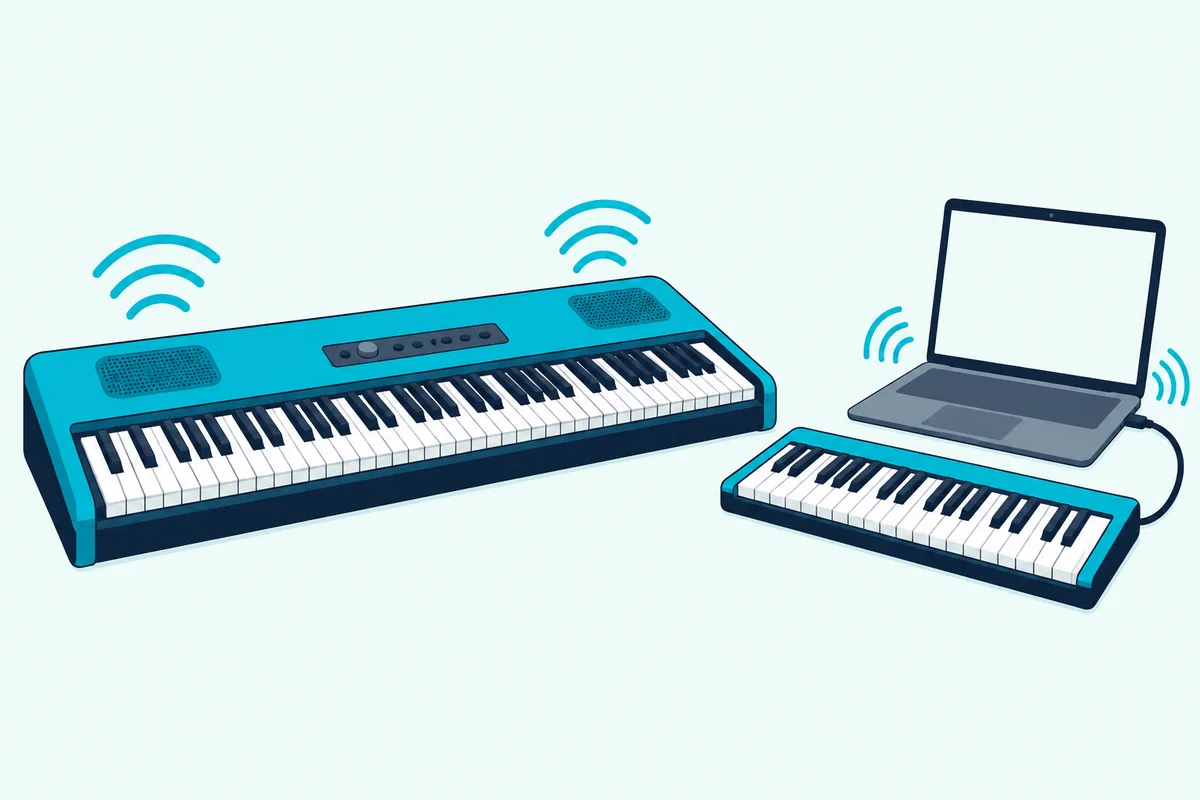
A MIDI keyboard’s sound depends on what you connect. Melodics says you’ll need a computer, tablet or phone running an app, a DAW or a virtual piano, plus headphones or speakers, and that laptop speakers don’t do piano sounds justice.
That makes the comparison less about quality than about choice. A digital piano gives you a handful of sounds with no setup, and a MIDI keyboard gives you as many as your software can load once you’ve set it up.
Which Is Easier to Set Up?
Sound choices lead straight to setup, and the digital piano wins on the first minute. Power it on, press a key and it plays, and Casio notes that the CDP-S160 can run from six AA batteries as well as its power supply.
A MIDI keyboard needs more before it makes a sound. Novation lists the Launchkey 61 MK4 as USB bus powered, so the cable both powers it and carries the notes, and you still need software on the other end.
Pedals split the two as well. Casio includes a sustain pedal with the CDP-S160, while M-Audio lists its SP-2 pedal as sold separately for the Keystation 88 MK3.
Can a Digital Piano Work as a MIDI Keyboard?
Many digital pianos can take on a second job as a MIDI keyboard. Casio’s CDP-S160 has a class-compliant USB-MIDI port with no drivers or installation needed, so it can send notes to a computer as well as play its own sounds.
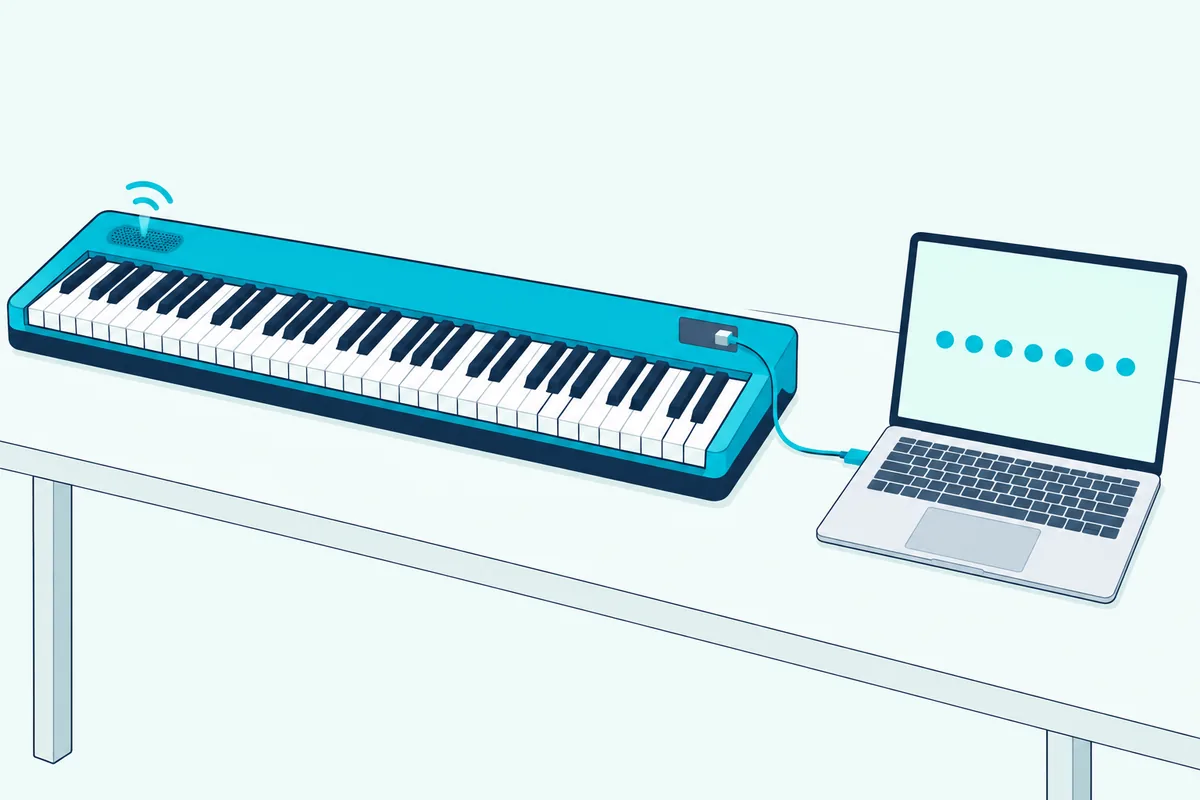
That’s the overlap Melodics describes. Our guide to setting up a Casio keyboard as a MIDI controller covers the ports, the connection order and the Local Control setting, which decides whether the instrument also plays its own sound.
For Yamaha, Roland and Kawai pianos, our page on can a digital piano be used as a MIDI controller compares the ports, cables and settings.
The catch is what you lose. A digital piano has no pads or faders, so it’s a keyboard controller and nothing more.
Can a MIDI Keyboard Replace a Digital Piano?
The reverse question has a narrower answer: only if you’re happy to keep a computer, tablet or phone next to it. Without one, the keyboard is silent, so the practice session starts with booting a device rather than pressing a key.
Sound also passes through that device before it reaches your ears. Our guide to how a MIDI keyboard’s sound reaches your speakers explains where the delay comes from and how to shrink it.
If the computer is always on your desk anyway, the difference shrinks. If you like to sit down and play without switching anything on, a digital piano is the easier habit.
Which Is Better for Learning Piano in a MIDI Keyboard vs Digital Piano Comparison?
Either works, as long as it connects to your app. Melodics says you can learn piano on all three kinds of instrument, and that any with a USB or MIDI output also works with learning apps like its own.
Piano Marvel makes a related point about apps: it says an acoustic piano in its Book Mode doesn’t completely ensure note accuracy, which is why it recommends a MIDI piano to get everything the app offers (Piano Marvel). A digital piano with USB counts as one.
For touch, the hammer-action instruments, the CDP-S160 and the A-88MKII in this comparison, are the closest match to an acoustic piano. For less desk space, a semi-weighted MIDI keyboard works for the first months.
Bundled lessons can tip the choice. M-Audio lists Skoove lessons and 40 free Melodics lessons with the Keystation 88 MK3, and Casio offers a free Music Space app for iOS and Android that learns MIDI songs, plays audio files and shows PDF scores with the CDP-S160.
Which Is Better for Making Music?
For music production the balance flips, because a MIDI keyboard is built for it. Novation’s Launchkey 61 MK4 adds nine faders, eight encoders and sixteen pads to its 61 keys, and lists a software bundle with Ableton Live Lite, Cubase LE and Komplete 15 Select plus lessons from Melodics.
Roland’s A-88MKII brings hammer action to the same job. Its eight pads, eight knobs and pedal inputs are aimed at a producer who also wants a piano feel.
A digital piano can play notes into a DAW, but it can’t launch clips or tweak filters. If production is half the reason you’re buying, choose a MIDI keyboard.
How Do Size and Weight Compare?
Production controls come with a size cost, since size follows the key count and weight follows the action. The Launchkey 61 MK4 is 35.2 inches wide and weighs 10.5 pounds, against 52 inches and 23.1 pounds for the CDP-S160.
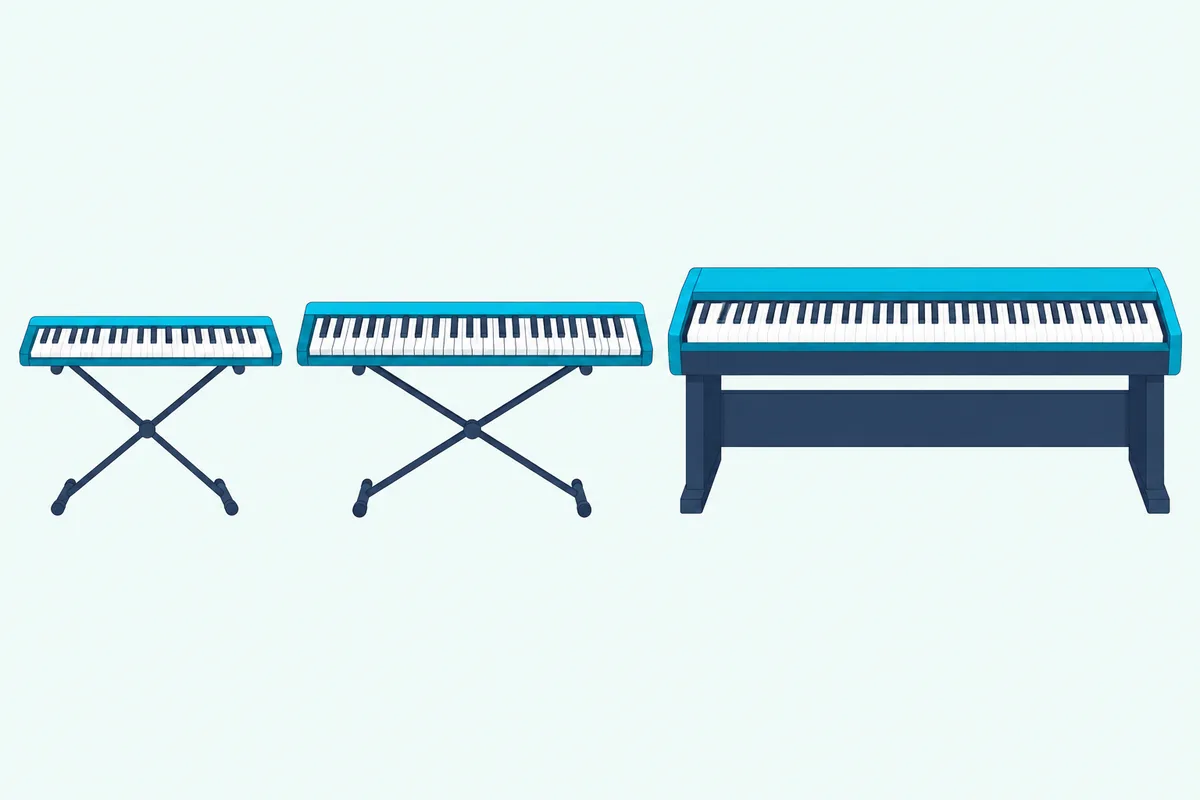
The surprise is the hammer-action MIDI keyboard. Roland lists the A-88MKII at 38 pounds 10 ounces, which is heavier than the digital piano with speakers.
That means a MIDI keyboard isn’t automatically the lighter option. If you want a weighted feel and portability, the digital piano with a slim case can be the easier one to carry.
What About Portable Keyboards?
A third type sits between the two. Melodics describes a portable keyboard as an instrument with built-in speakers and a large bank of sounds, typically 61 unweighted keys, and says most recent models include USB-MIDI.
That makes it a simple way to get sounds and a MIDI output in one box, though the unweighted keys are the weak point for piano learners. If you’re aiming at acoustic pianos, the weighted keys of a digital piano matter more than the extra sounds.
Can You Practice Quietly on Either One?
Yes, but the headphones plug in at different places. A digital piano has its own headphone output, and Casio lists one on the CDP-S160 alongside its stereo speakers.
With a MIDI keyboard, the headphones go into the computer, tablet or phone that makes the sound. That’s why Melodics lists headphones or speakers as part of the setup, and why a wired connection is the safer choice when you’re practicing timing.
What Should You Check Before Buying Either One?
A short checklist covers most of the trouble:
- The ports. Look for a USB or MIDI output, and check whether it’s class compliant.
- The key action. Semi-weighted is fine for starting out, and hammer action is closer to an acoustic piano.
- The pedal. Check whether a sustain pedal is included or sold separately, and whether the keyboard has a jack for one.
- The size and weight. Measure your space, since width follows key count and weight follows the action.
- The sound plan. Decide whether you’ll use built-in tones or software, and budget for headphones either way.
Those checks point in two directions. If you want to make music on a computer, the first item leads to a MIDI keyboard, and if you want to play with no setup, the second and fifth lead to a digital piano.
Which Should You Buy?
Match the instrument to what you’d do most nights:
- Choose a digital piano if you want to sit down and play with no computer, and you care about touch.
- Choose a MIDI keyboard if you make music on a computer, want pads and knobs, or need something light.
- Choose a hammer-action MIDI keyboard if you want a piano feel and production controls, and you have the desk space.
- Consider a digital piano with USB if you want one instrument for both, since it can send MIDI as well as play its own sounds.
For a portable digital piano, the Casio CDP-S160 covers the basics. For a full-size MIDI keyboard, the M-Audio Keystation 88 MK3 is the simple pick.
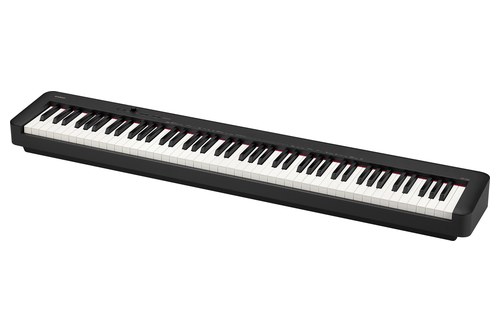
Casio CDP-S160
If you’d rather have pads and faders, the Novation Launchkey 61 MK4 adds them. Our list of weighted MIDI keyboards worth comparing covers more choices.
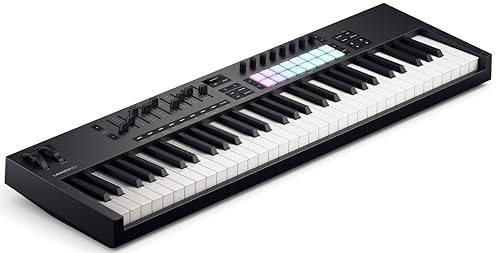
the Novation Launchkey 61 MK4
The Bottom Line
Choose a digital piano if you want to play the moment you sit down, and a MIDI keyboard if you make music on a computer or need something light.
A digital piano with a class-compliant USB port can do both jobs, which is why it’s worth checking the ports before you decide.
Frequently Asked Questions
What is the difference between a MIDI keyboard and a digital piano?
A MIDI keyboard sends note data to a computer, tablet or phone and has no sound of its own. A digital piano has built-in sounds and speakers, and most also have a USB or MIDI output.
Can you use a digital piano as a MIDI keyboard?
Yes, if it has a USB or MIDI output. Casio’s CDP-S160 has a class-compliant USB-MIDI port that needs no drivers.
Is a MIDI keyboard good for learning piano?
Yes, with a learning app or software that makes the sound. Melodics says you can learn piano on a MIDI keyboard, a digital piano or a portable keyboard, provided it has a USB or MIDI output.
Is a digital piano heavier than a MIDI keyboard?
Usually, but not always. The CDP-S160 weighs 23.1 pounds against 13.75 pounds for the Keystation 88 MK3, while Roland’s hammer-action A-88MKII weighs 38 pounds 10 ounces.
Do digital pianos come with a sustain pedal?
Some do. Casio includes one with the CDP-S160, and M-Audio lists its SP-2 as sold separately for the Keystation 88 MK3.