How to Connect Bluetooth to a Polk Soundbar
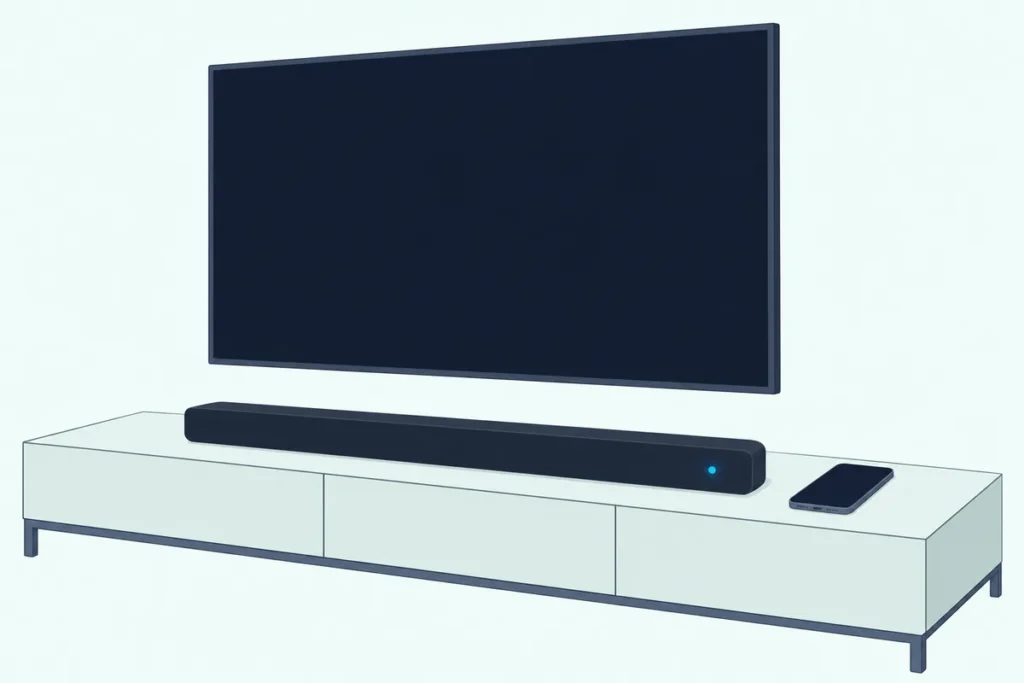
Here’s how to connect Bluetooth to a Polk soundbar: press the bar’s Bluetooth button, wait for a blinking blue light or the words BT READY TO PAIR, and tap the bar’s name in your phone’s Bluetooth settings.
The catch is that Polk’s bars play from one Bluetooth device at a time, so a phone that’s still connected can block the one in your hand.
Pair once and the bar remembers that phone, so next time a press of Bluetooth tries it first.
Below are the buttons, lights and names for each bar on Polk’s US site, from the Signa S2 and S4 to the MagniFi AX models and the React.
Then come the iPhone and Samsung Galaxy steps, how to switch Bluetooth off or hand the bar to someone else, and what to try when it won’t pair.
How to Connect Bluetooth to a Polk Soundbar
That button-first order holds on every current Polk bar. You switch the bar to its Bluetooth input, which puts a bar that hasn’t paired yet straight into pairing mode, and then pick its name on your phone or tablet.
Here are the four steps as Polk’s manuals give them:
- Turn the bar on and press its Bluetooth button, on the top panel or the remote (the React’s is on the remote).
- Watch for the pairing sign: a blinking or pulsing blue light on the Signa bars and the React, or BT READY TO PAIR on a MagniFi AX display.
- On your phone or tablet, open the Bluetooth settings and turn Bluetooth on.
- Tap the bar’s name in the list; the light goes solid blue, or the display reads BT CONNECTED.
Once a bar has a phone on record, a plain press of Bluetooth tries that phone first. On the Signa S4 and the MagniFi AX models, a 3-second hold of the Bluetooth button is what reopens pairing mode for a new one.
The device side is the same as with any brand’s bar, and our guide to phone pairing on other soundbar brands covers Samsung, Vizio, LG and Bose.
Which Button and Light Does Each Polk Soundbar Use?
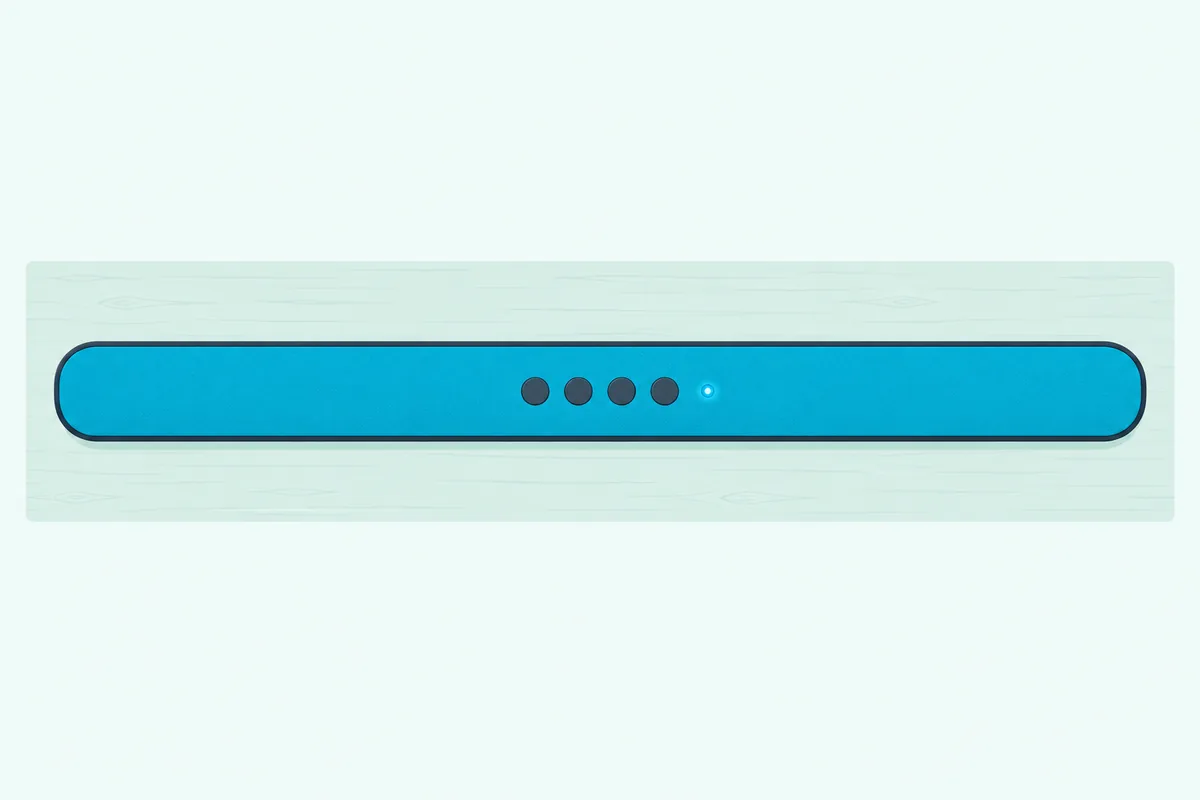
Those four steps change in the details from bar to bar. Every current model except the React has a Bluetooth button on the bar and the remote, and the pairing sign is a blue light on the Signa bars and the React and a written message on the MagniFi AX displays.
| Polk bar | Bluetooth button | Pairing sign | Name in the Bluetooth list | Pairing another device |
|---|---|---|---|---|
| Signa S2 | Bar or remote | Blue light pulses | Polk Signa S2 | Press Bluetooth to take over |
| Signa S3 | Bar or remote | Blue light blinks | Signa S3 | Hold Bluetooth about 3 seconds |
| Signa S4 | Bar or remote | Status light blinks blue | Polk Signa S4 | Hold Bluetooth 3 seconds |
| MagniFi Mini AX | Top panel or remote | BT READY TO PAIR | Polk MagniFi Mini AX | Disconnect the first, or hold Bluetooth 3 seconds |
| MagniFi Max AX and Max AX SR | Top panel or remote | BT READY TO PAIR | Polk MagniFi Max AX | Disconnect the first, or hold Bluetooth 3 seconds |
| React | Remote only | Status light blinks blue | Polk React Sound Bar | Press Bluetooth until the light blinks blue |
The names column matters because that’s what shows up in the Bluetooth list, and the S3’s has no “Polk” in front. The Max AX SR’s manual gives the same name as the Max AX, so look for Polk MagniFi Max AX on either.
Polk’s US site also lists the Signa S2D and S4D, each described like its S2 or S4 namesake but “in online exclusive finish,” so start with the S2 and S4 rows there. If you’re still choosing a model, our guide to how the current Polk bars compare matches them to room size and use.
What Are the Pairing Steps on a Signa S2, S3 or S4?
The three Signa rows share that blue light, though each guide words the steps a little differently. On all three you press Bluetooth on the bar or remote, wait for the blue light to pulse or blink, and pick the bar’s name, after which the light stays solid blue.
The Signa S2 quick start guide adds a setting called Bluetooth standby, which lets a registered device turn the bar on when it connects. It’s off from the factory, and the guide switches it by holding the TV button for about 5 seconds.
Watch which buttons you hold on the S2, though. Holding Bluetooth and VOL+ together for 5 seconds makes the bar search for its subwoofer, and that routine belongs with reconnecting a Polk subwoofer to its bar.
The S3 shows up as Signa S3 and turns itself on when a paired device connects while it’s in standby. To let a second device take over, its guide has you hold Bluetooth for about 3 seconds.
The S4 goes into pairing mode by itself the first time you pick Bluetooth, and its status light blinks blue until you choose Polk Signa S4. For each device after that, the Signa S4 owner’s manual has you hold Bluetooth for 3 seconds, and the light blinks blue again.
That manual lists Bluetooth 5.0 with the SBC codec and a range of about 32.8 feet (10 m) in line of sight, which it says varies with obstructions, microwave ovens and cordless phones.
Both the S3 and S4 also have a deep standby mode that saves power, and in it a Bluetooth connection can’t wake the bar. Press the bar’s power button first, and the connection works again.
How Does a MagniFi Mini AX, Max AX or Max AX SR Pair?
Unlike the Signa bars, the MagniFi AX models spell out each stage on the bar’s display. Press Bluetooth on the top panel or remote, wait for BT READY TO PAIR, choose Polk MagniFi Mini AX or Polk MagniFi Max AX in the Bluetooth list, and the display reads BT CONNECTED.
All three guides add the same two rules: a new device can’t pair until the connected one disconnects, and a press of the top-panel Bluetooth button tries to reconnect the most recent device first. That’s the one-device catch from the intro, written down.
To clear the way, disconnect in the first device’s Bluetooth settings, or hold the bar’s Bluetooth button for three seconds, which disconnects it and brings BT READY TO PAIR back. The MagniFi Max AX owner’s manual gives these steps, and the AX SR’s and Mini AX’s guides repeat them with their own names.
Polk’s US product pages list Bluetooth 5.0 for all three. These bars also stream over Wi-Fi, and the Max AX manual sets up Chromecast built-in through the Google Home app and AirPlay from an iPhone or iPad.
Where Is the Bluetooth Button on a Polk React?
That “remote only” row in the table is the React’s one quirk. Its Bluetooth button is on the remote: the React’s manual lists it among the remote’s input buttons, while the bar’s top panel holds volume, the Alexa action button and microphone mute.
Press it, wait for the status light to blink blue, and select Polk React Sound Bar, its default name; the light turns solid blue once they’re paired. The first time you choose Bluetooth it enters pairing mode on its own, and for each later device its manual says to press Bluetooth until the light blinks blue.
The React remembers up to eight Bluetooth devices, and a ninth replaces the oldest, though only one plays at a time. Its manual lists Bluetooth 4.2 with the SBC and AAC codecs and the same 32.8-foot line-of-sight range as the S4.
How Do You Connect an iPhone to a Polk Soundbar?
Once the bar is blinking or showing BT READY TO PAIR, the rest happens on the iPhone. Apple’s steps are to open Settings, tap Bluetooth and turn it on, then tap the bar’s name when it appears in the list.
Apple’s guide to connecting a third-party Bluetooth accessory notes that you might need to enter a PIN or passcode, and Polk’s pairing steps for these bars don’t mention one. If the bar doesn’t appear, Apple sends you to the accessory’s instructions for making it discoverable, which on a Polk bar means the pairing mode in the table above.
To start fresh, tap the More Info button next to the bar and choose Forget This Device. Apple says that unpairs it on every device signed in to your Apple Account, so an iPad on the same account lets go too.
How Do You Connect an Android Phone to a Polk Soundbar?
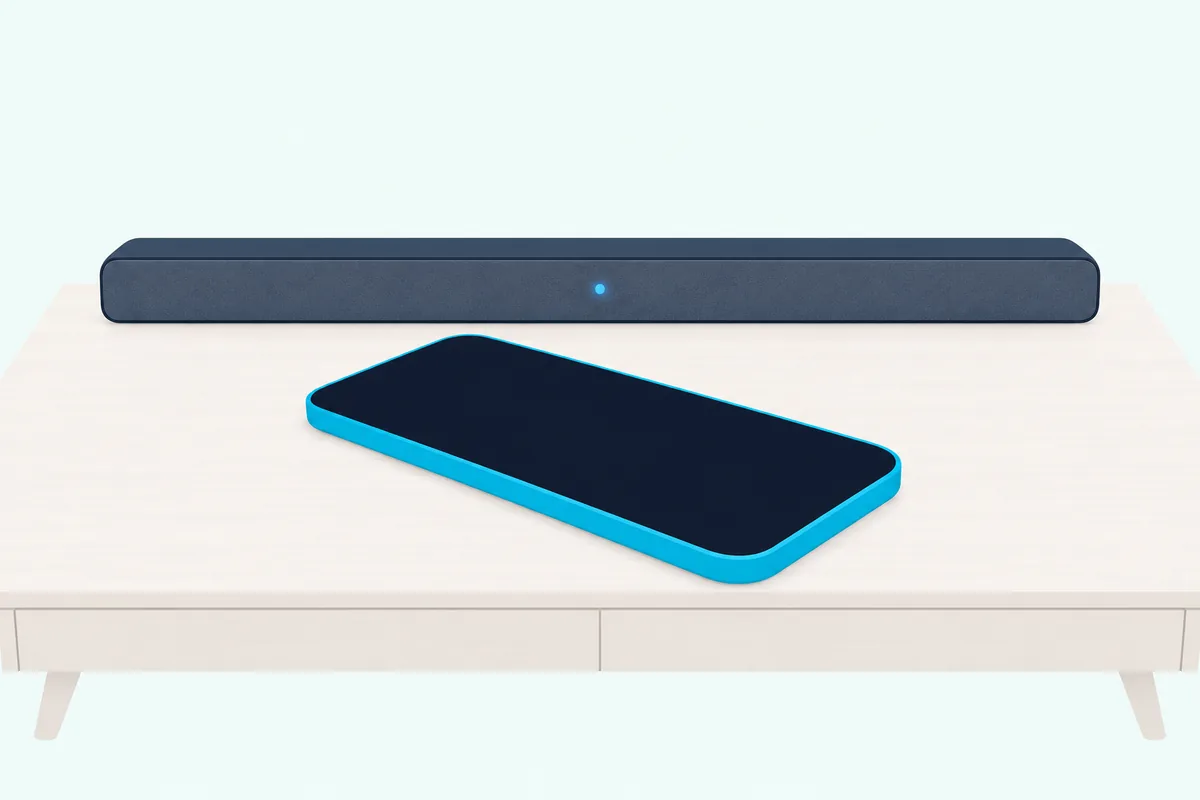
Android phones pair the same way, and Samsung’s Galaxy S25 user guide gives the exact taps for its own models. From Settings, tap Connections, then Bluetooth, turn Bluetooth on, and tap the Polk bar in the list and follow the prompts.
The Galaxy S25 user guide also gives each paired device Disconnect and Connect buttons, and an Unpair option under the settings icon next to its name. Unpair is the Android twin of Apple’s Forget This Device, and it’s the step Polk’s S4 manual asks for when a link starts misbehaving.
On another Android model, the Bluetooth switch lives in its own Settings app, and its user guide has the menu names. The Polk side doesn’t change: pairing mode on the bar, then the bar’s name in the list.
How Can You Turn Off Bluetooth on a Polk Soundbar?
Once a phone is paired, you’ll want the TV sound back sooner or later. Polk’s guides do it the simple way: press the bar’s TV or source button to change inputs, or disconnect in the device’s Bluetooth settings.
On a MagniFi AX bar, that 3-second hold disconnects the device but leaves the bar in pairing mode, so switching to the TV input is the cleaner stop. On the S2, the Bluetooth standby setting decides whether a registered device can wake the bar, and it stays off unless you turn it on with the 5-second TV hold.
The S4’s manual gives one more reason to switch inputs. While the S4 sits on Bluetooth, it won’t follow a TV connected over HDMI into standby, so a bar left on Bluetooth can stay on after the TV goes dark.
Why Won’t Your Polk Soundbar Pair or Stay Connected?
That one-device rule turns up again in Polk’s troubleshooting lists for the Signa S3, the S4 and the React. Polk’s checks are Bluetooth on at the device, the bar free of other devices, the device close by and a restart, and for dropouts, fewer obstructions and distance from microwave ovens, wireless LAN gear and other Bluetooth devices.
| What happens | What Polk’s manuals say to do |
|---|---|
| The bar doesn’t show up in the list | Turn Bluetooth on at the device, put the bar in pairing mode, move closer |
| Another device is still connected | Select the bar from your device’s list, or disconnect the other device first |
| It worked before and now won’t | Restart the device, remove the pairing on it, and pair again |
| The sound cuts out | Move closer, clear obstructions, move the bar away from microwaves and Wi-Fi gear |
| A Signa S3 or S4 won’t wake when you connect | It’s in deep standby, so press the bar’s power button |
The third row comes from the S4 manual, and it’s the same Forget This Device or Unpair step from the iPhone and Android sections. Apple’s checklist for an iPhone adds turning the accessory off and back on, and unpairing it from your other devices before you try again.
If none of that works, Polk’s AX guides say a factory reset erases all sound bar settings, Bluetooth included, so the bar starts clean. Our factory reset steps for each Polk model give the button holds, and you’ll need to pair again afterward.
Can You Connect a Polk Soundbar to a TV Over Bluetooth?
Everything so far pairs a phone, a tablet or a computer, and that’s the job Polk’s manuals give Bluetooth. Polk’s guides use it for music from those and from music players, and connect the TV through HDMI ARC or optical instead.
So for TV sound, the cable is the route Polk documents, and our guide to hooking a Polk soundbar up to your TV covers the cables, the ports and the TV remote. The steps, button names and lights on this page come from Polk’s manuals and quick start guides, Apple’s support pages and Samsung’s Galaxy S25 user guide.
Frequently Asked Questions
Can you pair a Polk soundbar without the remote?
Yes, on most current models. The Signa S2, S3 and S4 and the MagniFi AX bars have a Bluetooth button on the bar itself, so the steps above work without the remote. The React is the exception: its manual puts the Bluetooth button on the remote, while the bar’s top panel holds volume, the Alexa action button and microphone mute.
Do you need the Polk Connect app to pair an iPhone?
No. Polk’s App Store listing describes Polk Connect as the companion app for the Polk Command Bar, for connecting it to Wi-Fi and linking an Amazon account for Alexa. The pairing steps in the manuals for the current Signa, MagniFi AX and React bars run from the iPhone’s own Bluetooth settings, with no app.
Can two phones connect to a Polk soundbar at once?
Not at the same time. Polk’s manuals say one Bluetooth device connects at a time, though the React keeps up to eight in its memory. The Signa S2 and S3 let a second phone take over with a press or a 3-second hold of the Bluetooth button, and on a MagniFi AX bar you disconnect the first one before pairing the next.
How far can your phone be from a Polk soundbar?
About 32.8 feet (10 m) in line of sight, according to the Signa S4 and React manuals. Both add that the real range varies with obstructions, microwave ovens, cordless phones and other interference. If the sound drops, Polk’s first fixes are moving closer and clearing what’s between you and the bar.
Does an older Polk soundbar pair the same way?
The original MagniFi Mini’s guide follows the same pattern. Press the Bluetooth button, wait for a slowly pulsing blue light, pick Polk MagniFi Mini in the Bluetooth list, and press the source button (TV ARC, OPT or AUX) when you want the TV back. Polk’s archive also lists an older Polk Audio SurroundBar model with Bluetooth, so for a bar like that, check the guide that came with it for its Bluetooth button.