How to Hook Up a Sound Bar to a Hisense TV

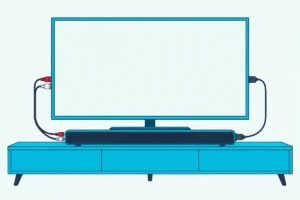
Here’s how to hook up a sound bar to a Hisense TV: connect an HDMI cable from the bar’s ARC socket to the TV’s port labeled ARC or eARC, turn on the TV’s CEC setting, and set its audio output to ARC.
Skip either setting and the TV keeps playing through its own speakers while the bar waits on its input in silence.
Get both right and Hisense’s manuals say your TV remote runs the bar’s volume too.
Those switches sit in different menus depending on whether your Hisense runs VIDAA, Google TV, Android TV, Roku TV or Fire TV, so you’ll start by finding out which one yours has.
Then come the menu names from Hisense’s manuals and Roku’s help, the input to pick on a Hisense bar, the optical and Bluetooth routes, and the fixes for a bar that stays quiet.
How to Hook Up a Sound Bar to a Hisense TV With HDMI ARC
That one cable from the opening line does two jobs: it carries the TV’s sound to the bar, and it carries CEC, the link Hisense’s TV manuals use to let the TV remote control the sound system. Hisense’s sound bar manuals add that the TV’s CEC and ARC must both be switched on, and its TV manuals ask only that the bar support ARC.
The steps below follow both sets of manuals:
- Connect the cable from the bar’s ARC socket (the HDMI OUT socket on Hisense bars with inputs for other devices) to the TV’s port labeled ARC or eARC.
- Switch the bar on and select its ARC input, since Hisense’s TV manuals say a sound system’s Input Selector must be set to TV.
- Turn on the TV’s CEC setting, which Hisense calls HDMI-CEC on VIDAA and HDMI control on Google TV and Android TV, and Roku calls Control other devices (CEC).
- Set the TV’s audio output to ARC, using your system’s entry from the table further down, and turn eARC on if both the TV and the bar support it.
Hisense’s VIDAA and 2025 Google TV manuals say the output switches to ARC by itself once the bar is connected and on, so step 4 is often done for you. If the TV’s own speakers keep playing too, check you didn’t pick one of the 2025 manual’s combined options, such as TV Speaker with HDMI.
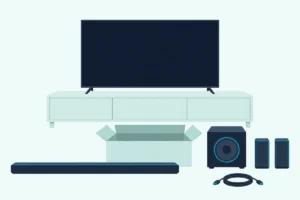
Hisense’s TV manuals list the cable as not provided, though most of the Hisense sound bar manuals read for this guide put one in the box, and Roku says eARC needs a High Speed cable with Ethernet, such as an Ultra High Speed one. If you need one, UGREEN’s 6.6 ft Ultra High Speed cable is certified, per its listing.

UGREEN’s 6.6 ft Ultra High Speed cable
Which System Does Your Hisense TV Run?
Those CEC names in step 3 depend on the software your Hisense runs, and the screen tells you which one it is. Open Settings and look at the menu names: VIDAA has Sound and System, Google TV has Display & Sound and Channels & Inputs, Hisense’s 2021 Android TV sets have Sound and Inputs, and a Roku TV has Audio and System.
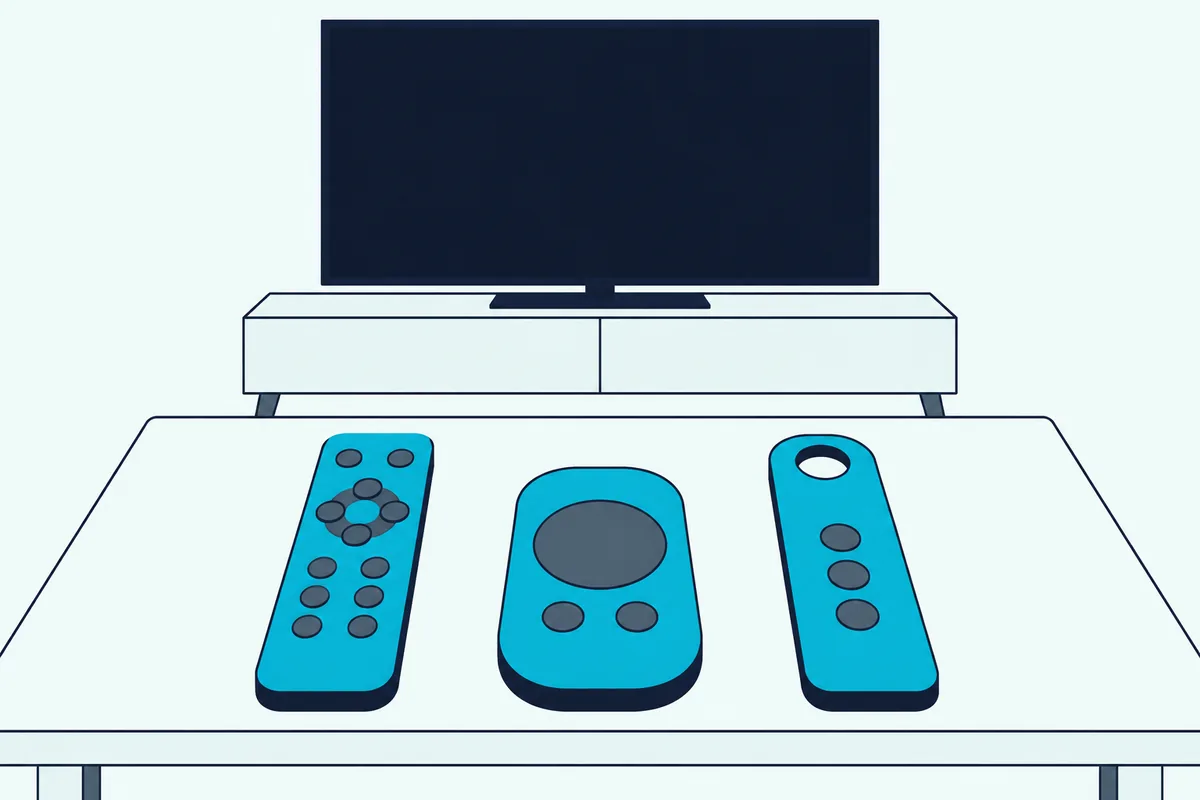
The startup screen and the Home screen give it away too, as Hisense’s manuals and Roku TV guides describe:
| Your Hisense runs | What you’ll see | Settings menus for sound and CEC |
|---|---|---|
| VIDAA | A VIDAA Account icon in the Home screen’s top bar | Sound; System |
| Google TV (2022 to 2025 models) | A Set up Google TV option at first startup | Display & Sound; Channels & Inputs |
| Android TV (2021 models such as the 75U7G) | Google Assistant, Inputs and Settings icons across the Home screen’s top | Sound; Inputs |
| Roku TV | A Hisense • Roku TV logo on the startup screen | Audio; System |
| Fire TV | A Voice Remote with Alexa in the box | Amazon’s Fire TV menus |
Hisense’s Fire TV guides cover the ports, and its 2025 one sends software questions to Amazon’s Fire TV support, so this guide gives no Fire TV menu path. Hisense Canada does list CEC and eARC on HDMI 3 for its 55QD6SF Fire TV, so the cable and the ARC port work the same way there.
Get Studio Tips Weekly
Join 5,000+ creators getting acoustic treatment advice every week.
No spam. Unsubscribe anytime.Where Are the ARC, CEC and Speaker Settings on Each Hisense System?
Once you know the system, each setting from the four steps has a fixed home. On VIDAA, CEC is under Settings > System > HDMI-CEC and the sound goes to the bar at Settings > Sound > Audio Output Settings > Audio Output > ARC, while Google TV splits the two between Channels & Inputs and Display & Sound.
| System (source) | CEC switch | Send the sound to the bar | eARC |
|---|---|---|---|
| VIDAA (55A6GV manual) | System > HDMI-CEC > HDMI-CEC | Sound > Audio Output Settings > Audio Output > ARC | No eARC setting in this manual |
| Google TV (2025 manual) | Channels & Inputs > External Inputs > HDMI control | Display & Sound > Audio Output > HDMI (ARC/eARC) | Display & Sound > Sound > eARC, set to Auto |
| Google TV (2022 and 2023 manuals) | Channels & Inputs > Inputs > HDMI control | Display & Sound > Audio Output > Audio Output > ARC | Display & Sound > Audio Output > eARC |
| Android TV (75U7G manual, 2021) | Inputs > HDMI control | Sound > Audio Output > eARC/ARC | Sound > eARC |
| Roku TV (Roku’s help) | System > Control other devices (CEC) > System audio control | System > Control other devices (CEC) > ARC | The eARC box in the same menu, on models that have it |
The VIDAA paths come from Hisense’s 55A6GV user manual and the newest Google TV ones from its 2025 Google TV manual, while Roku’s surround sound guide gives the Roku TV boxes. Every path starts from Settings: on VIDAA and Google TV that’s the Settings menu on the remote or Home screen, and on a Roku TV it’s Home, then Settings.
Roku’s help also lists 1-touch play beside System audio control, and Hisense’s VIDAA manual adds Device Auto Power Off and Device Auto Power On under HDMI-CEC. Those two decide whether the bar switches off and on with the TV.
Two more settings shape what the bar receives. Hisense’s manuals put Dolby Audio – Dolby Digital Plus under Digital Audio Out for 5.1-channel sound over ARC, and the 2025 manual adds a Passthrough option, while a Roku TV’s S/PDIF and ARC menu under System > Audio starts on Auto detect, which reads the bar’s abilities over the cable.
What Does a Hisense Sound Bar Add on a Hisense TV?
That CEC switch also opens an extra menu when the bar is a Hisense too. Hisense calls it EzPlay: its HS2100, HS5100, AX5100Q and AX5140Q manuals say a Hisense TV shows a Soundbar Setting menu when both support EzPlay, the two are joined over ARC and the TV’s CEC is on.
On the TV that menu is SoundBar Settings, under Settings > Sound on VIDAA, Settings > Display & Sound > Audio Output in the 2023 Google TV manual and Settings > Display & Sound > Sound in the 2025 one. Hisense’s TV manuals list EQ modes, surround, bass, treble and dimmer levels and a reset there, and they note that some sound bars can’t use it.
The 2025 list adds TV Mode, which gives the bar all of the TV’s sound modes, and a Wireless Speaker item for the bar’s wireless subwoofer and surround speakers. If the subwoofer still stays quiet, the PAIR button routines for connecting a Hisense sound bar to its subwoofer differ by model.
Hisense’s 2025 manual also says a notification pops up when the bar connects, offering to open SoundBar Settings straight away. The menu works only while the audio output is on the ARC entry and the bar is switched on, the same manual adds.
How Do You Connect a Hisense Soundbar to a TV?
That menu needs a Hisense TV, but a Hisense bar connects to any brand’s TV with the same cable. Plug the TV’s ARC or eARC port into the bar’s TV socket from the table below, press SOURCE on the bar or the remote until the bar shows its ARC input, and set the TV’s CEC and ARC to On, as Hisense’s sound bar manuals ask.
| Hisense bar | Socket for the TV | How the bar shows the TV input |
|---|---|---|
| HS205G, HS212F, HS214, HS218, HS1000, HS2100, HS5100 | HDMI ARC | A white light on the HS205G, HS214, HS1000 and HS2100; the mode name on the HS212F’s and HS218’s display; arc on the HS5100’s |
| HS312 | HDMI OUT (ARC) | The mode name on the display |
| AX5100Q, AX5140Q | HDMI (TV eARC/ARC) | arc, or e-ARC (eARC on the AX5140Q) on an eARC link |
| AX3120G | HDMI OUT (TV eARC/ARC) | Its eARC or ARC mode on the display |
| AX5125H | HDMI OUT (eARC/ARC) | Its eARC or ARC mode on the display |
| U5120GW+ | HDMI OUT (TV eARC/ARC) | ARC on the display |
All of those manuals but the HS312’s list a cable in the box, and the HS312’s shows one on its box page while its steps call it not included. Hisense asks for a cable of version 1.4 or higher for ARC.
On a Roku TV, the HS2100, HS5100, AX5100Q and AX5140Q manuals say to plug the cable into the TV’s ARC port and follow the Roku TV Ready on-screen instructions. Bars with inputs for other devices, such as the HS312, AX5140Q and AX5125H, also describe a standard hookup for a TV without ARC, with a game console or player plugged into the bar.
Can You Connect a Sound Bar to a Hisense TV With an Optical Cable?
If your bar or TV lacks an ARC port, optical is the wired fallback, and every Hisense bar in that table has an OPTICAL socket. Yes: run the cable from the TV’s DIGITAL AUDIO OUT to the bar’s OPTICAL socket, switch the bar on before the TV, then pick SPDIF on VIDAA or OPTICAL (S/PDIF) on 2025 Google TV models as the audio output.
The trade-off is control and format. Hisense’s manuals have you turn the TV’s volume down and use the sound system’s own volume over optical, and Roku’s help limits optical to two channels of PCM or 5.1 channels of compressed Dolby Digital or DTS, so Dolby Atmos needs ARC or eARC.
Burton’s walkthrough has the optical menus for every Hisense system, along with the format settings and no-sound checks. Hisense’s TV manuals list the optical cable as not provided, while the HS205G, HS212F, HS214, HS218, AX3120G, AX5125H and U5120GW+ manuals put one in the box.
If yours is missing, KabelDirekt’s 6 ft TOSLINK cable fits the DIGITAL AUDIO OUT port and a bar’s OPTICAL socket. Remove any plug caps first, since Roku warns that a cap left on can cause a faulty connection.
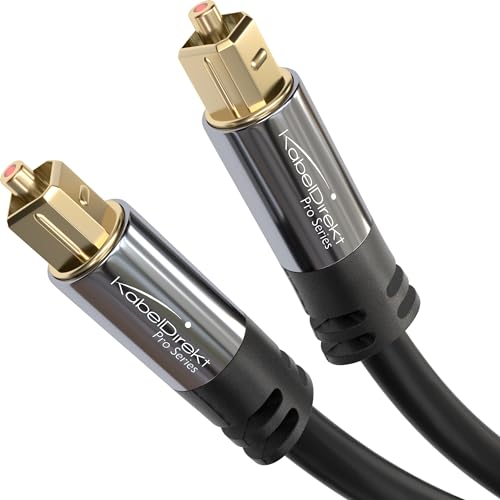
KabelDirekt’s 6 ft TOSLINK cable
Which Hisense TVs Can Send Sound to a Bluetooth Sound Bar?
Both of those routes need a cable, and Bluetooth is the one that doesn’t. Hisense’s VIDAA, Google TV and 2021 Android TV manuals all list Bluetooth as an audio output choice, while Roku’s help says a Roku TV other than Roku’s own Plus Series gets Bluetooth only by pairing Roku’s wireless speakers or sound bar.
The pairing menus differ by system:
- VIDAA: set Settings > Network > Bluetooth to On, pick the bar under Equipment Management, then choose Bluetooth at Sound > Audio Output Settings > Audio Output.
- Google TV: pair the bar under Settings > Remotes & Accessories > Pair accessory, then choose Bluetooth in Display & Sound > Audio Output (Bluetooth Speaker in the 2025 manual).
- Android TV (2021): pair it under Remotes & Accessories > Add accessory, then choose Bluetooth at Sound > Audio Output.
- Fire TV: Hisense Canada lists built-in Bluetooth for sound bars on its 55QD6SF, and Amazon’s menus handle the pairing.
Put a Hisense bar in Bluetooth mode first, and it appears in the TV’s list under its model name, such as Hisense HS2100. If it doesn’t show, the HS218 manual has you hold the PAIR button on the remote until the display reads PAIR.
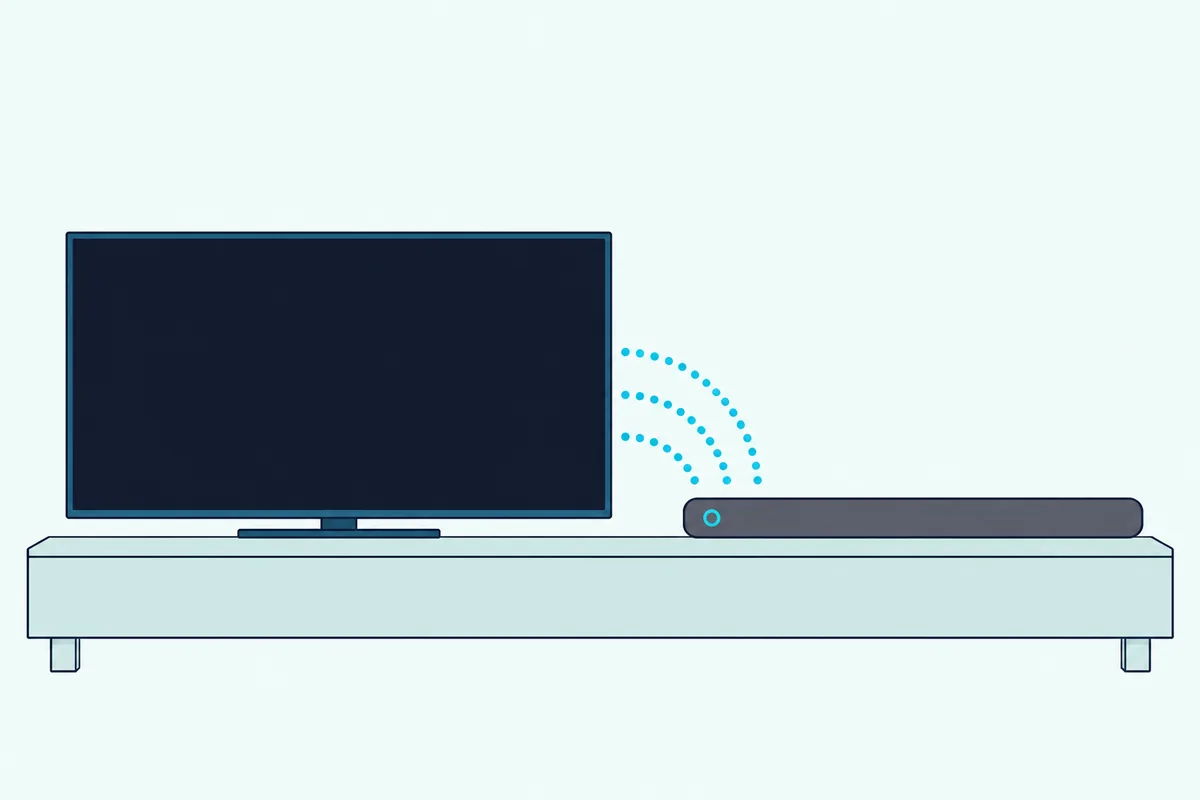
VIDAA connects one Bluetooth speaker at a time and warns that the link can drop if the bar is too far away, and Hisense’s HS5100 manual gives its Bluetooth range as about 8 m (26 ft). None of the Roku articles read for this guide sends a Roku TV’s sound to a Bluetooth bar, so on a Hisense Roku TV, ARC or optical is the way in.
Does an LG, Samsung or Other Brand’s Sound Bar Work With a Hisense TV?
Those Bluetooth names are Hisense’s own, but the cable hookup doesn’t care about the bar’s brand. Yes: Hisense’s TV manuals connect soundbars, amplifiers and other sound systems through the same port and ask only that they support ARC or eARC, so the bar’s own manual just names its TV socket and input.
On an LG bar such as the S60T, LG’s manual connects the bar’s TV (ARC) terminal to the TV’s HDMI IN (ARC) terminal, has you press Function until LED1 lights white, and then sets the TV’s speaker output to ARC. On a Hisense, that last step is the ARC setting in the system table above.
Owners who connect Samsung soundbars get a fallback for the volume: Samsung’s HW-Q990D, HW-S60D and HW-B400F manuals list Hisense among the TV brands whose infrared remotes the bar can follow in its ALL-TV REMOTE mode. Turn the Samsung bar off and push its remote’s WOOFER button up for 5 seconds at a time until the bar reaches ALL-TV REMOTE.
Samsung excludes remotes that need pairing, though, and Hisense’s VIDAA and Google TV manuals pair a Bluetooth remote to the TV, so try CEC first. If you’re still choosing a bar, Burton Acoustix’s sound bar picks for the Hisense U8N compare six bars from Polk, Samsung, LG, Sonos and Sony.
Why Is Your Hisense TV Not Playing Sound Through the Sound Bar?
Whichever brand of bar you connect, Hisense’s own troubleshooting points to the same few settings. Its no-sound checks start with the audio output: make sure ARC is selected, and if it isn’t, check that the bar is plugged into the TV’s ARC port or its optical port.
- The output. Audio Output set to ARC, or HDMI (ARC/eARC) on 2025 Google TV models, rather than TV Speaker.
- The format. Under Digital Audio Out, Hisense suggests trying Auto, Pass Through, PCM and the two Dolby Audio options, and its sound bar manuals say a bar mutes a format it can’t decode, so PCM is the safe start.
- CEC at both ends. Hisense’s CEC checklist confirms the bar is CEC compatible, both power cables and the cable between them are secure, and CEC is on in the TV and in the bar.
- The bar’s input. The ARC input selected on the bar, not optical or Bluetooth.
VIDAA has a quick way to split the problem: Settings > Support > Self Diagnosis > Sound Test plays a melody through the TV. If it plays without distortion, Hisense says the problem may lie with an external device or the broadcast signal’s strength.
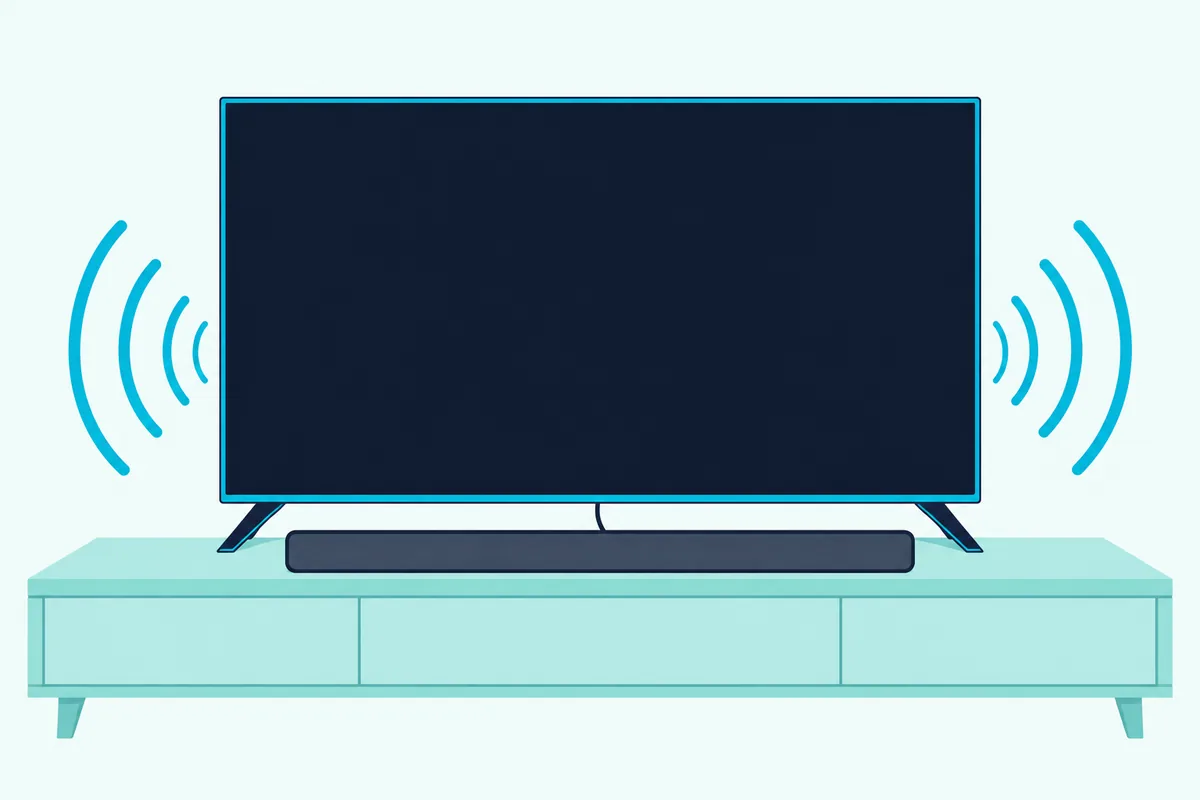
If voices lag the picture, Hisense’s 2025 manual sets Digital Audio Delay to 0 under Display & Sound > Sound > Digital Audio Output, then adjusts Lip Sync under TV Sound Effect. Hisense also warns that, depending on the device, CEC control may not work.
If the bar itself seems stuck, the HS2100, HS5100, AX5100Q and AX5140Q manuals reset it from the optical input by holding the power button on the bar. The steps to factory reset a Hisense soundbar cover the other models, including the ones whose manuals print no reset.
Frequently Asked Questions
Which HDMI port on a Hisense TV is the ARC port?
The one labeled ARC or eARC, and its number varies by model: the 65-inch R6E3 Roku TV marks HDMI 1 as ARC, the 50U6HF Fire TV labels that same port eARC, and Hisense Canada puts the 55QD6SF’s eARC on port 3. Use that port even if others are free, since every Hisense ARC step names it.
Can the Hisense TV remote control the sound bar’s volume?
Over ARC with CEC on, yes. Hisense’s TV manuals say the feature lets you control the sound system with the TV remote, its sound bar manuals name the volume and mute buttons, and Roku’s help says CEC lets a Roku TV remote adjust and mute a sound system. Over optical, Hisense’s manuals have you turn the TV’s volume down and use the sound system’s volume instead, and a Samsung bar’s ALL-TV REMOTE mode is the fallback described above.
Can you connect a sound bar to a Hisense TV without HDMI?
Yes, three ways. Optical runs from DIGITAL AUDIO OUT, Bluetooth works on VIDAA, Google TV and Android TV models, and the HS2100, HS5100 and AX5100Q manuals connect a TV’s headphone socket to the bar’s AUX socket with a 3.5 mm cable. On VIDAA, plugging into the HEADPHONE port turns the TV’s speakers off, Hisense’s 2025 manual lists Wired Headphone as an audio output, and Hisense notes that some models have no headphone port.
Do you need a special cable for eARC?
For eARC, yes. Roku’s help asks for a High Speed cable with Ethernet, naming a Premium High Speed cable with Ethernet or an Ultra High Speed cable, while Hisense’s sound bar manuals ask for version 1.4 or higher for plain ARC. HDMI.org says certified Ultra High Speed cables carry a certification label on the package and the cable name on the jacket, which is how to tell one apart.
Does Dolby Atmos work from a Hisense TV to a sound bar?
Over ARC or eARC it can. Roku’s help says ARC carries Dolby Atmos only in a compressed format while eARC carries it uncompressed, and HDMI.org lists Dolby Atmos, Dolby TrueHD and DTS:X among eARC’s formats. Hisense’s 2025 Google TV manual pairs the eARC setting, on Auto, with a Passthrough option that sends audio without processing. Over optical, Roku limits the link to 5.1 channels of compressed Dolby Digital or DTS.
How do you pair a Hisense sound bar to a TV?
Over ARC there’s no pairing step in Hisense’s manuals: the cable and the CEC setting do the work. For Bluetooth, press SOURCE until the bar reaches Bluetooth mode, then pick it in the TV’s Bluetooth list under its model name, such as Hisense HS218. If it doesn’t appear, the HS218 manual has you hold PAIR on the remote until the display shows PAIR, and the bar says “Paired” once it connects.