How to Connect a Hisense Sound Bar to Its Subwoofer
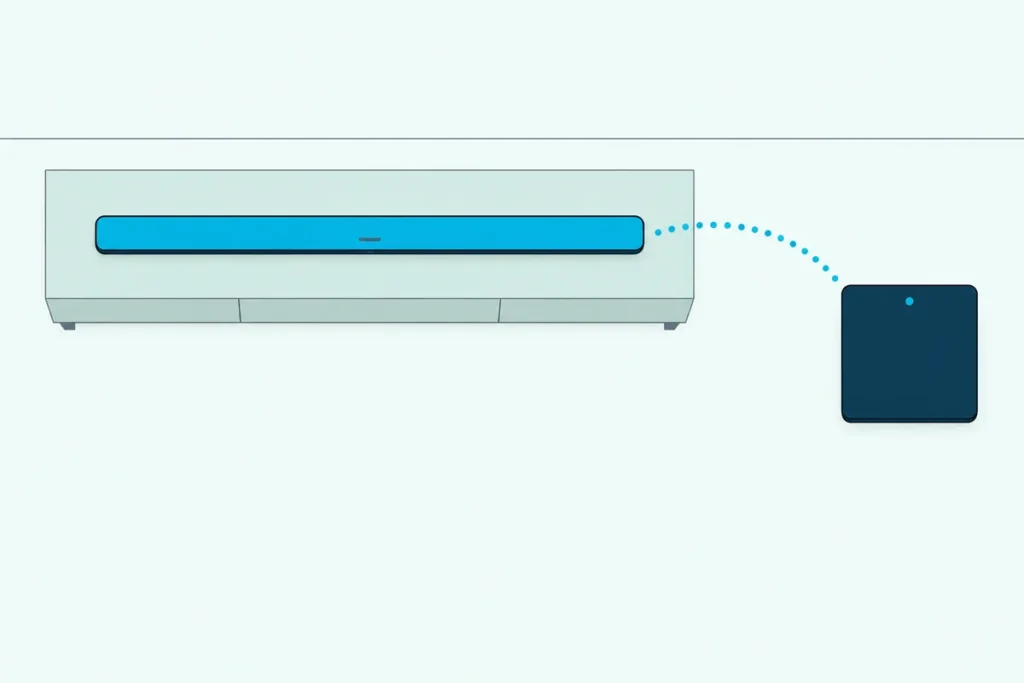
How to connect a Hisense sound bar to its subwoofer: plug both into the wall and switch the bar on, and they pair by themselves, but when the subwoofer stays silent, the PAIR button on its back starts a manual pairing.
Skip a step or press the buttons in the wrong order and the subwoofer’s light just keeps blinking while every explosion plays from the bar alone.
Get the order right and that light stays on, which is how Hisense’s manuals say a working link looks.
The order isn’t the same on every model: the HS218 has you press the subwoofer’s PAIR button first, while the AX5100Q has you hold the soundbar’s SOURCE button before PAIR.
Start with the general steps below, then find your model in the table and work through Hisense’s own fixes if the light still won’t settle.
How to Connect a Hisense Sound Bar to Its Subwoofer
That PAIR button does half the work in each of Hisense’s manual pairing routines read for this guide, and the soundbar’s power and SOURCE buttons do the rest. Five of the six Hisense user manuals for bars with a wireless subwoofer, from the HS218 to the HS5100, put the subwoofer first:
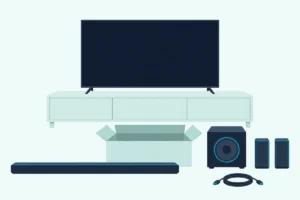
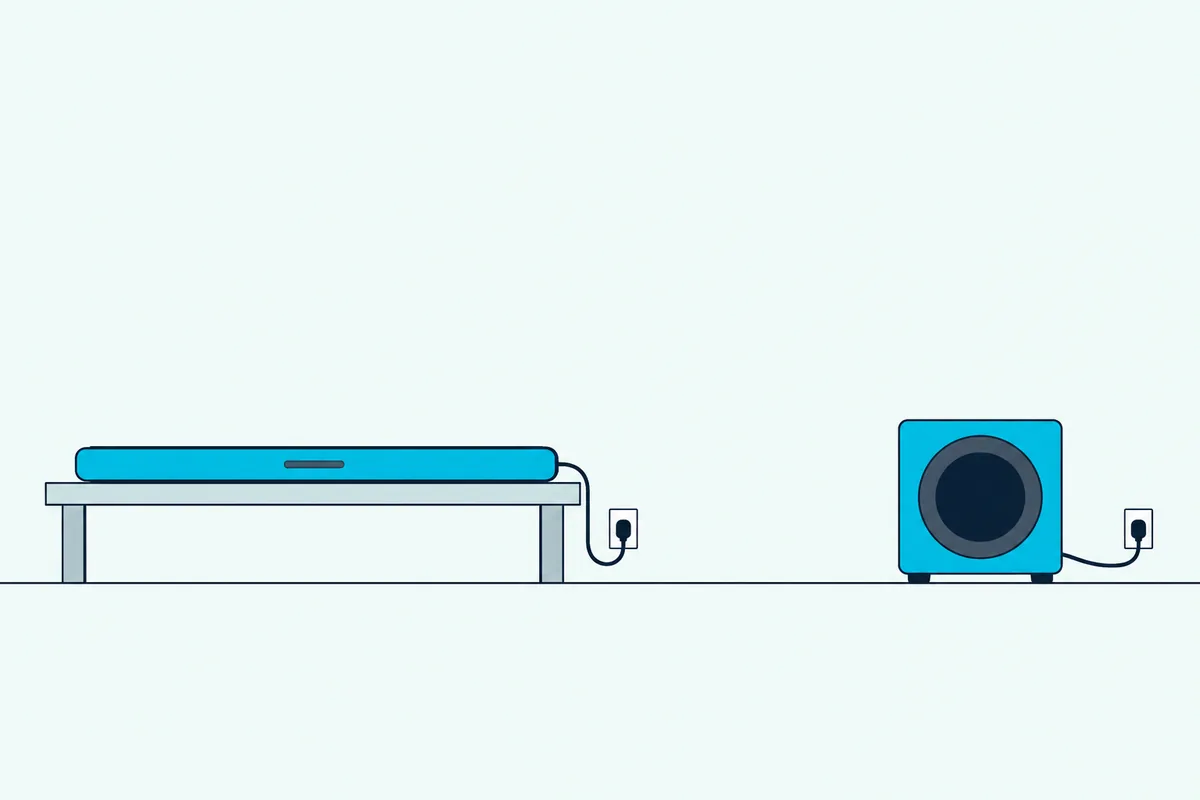
- Plug the soundbar and the subwoofer into wall outlets and leave the bar in standby; Hisense says no cable is needed between them.
- Hold the PAIR button on the back of the subwoofer for a few seconds, until its Pair light blinks quickly.
- Switch the soundbar on with its power button or the remote, and on the HS2100 and HS5100, then hold SOURCE for a few seconds.
- Watch the Pair light on the subwoofer: when it stops blinking and stays on, the two are linked.
The AX5100Q turns the first half around. In its user manual, you switch the bar on, hold SOURCE to put it in pairing mode until the display scrolls SW PAIRING, then hold PAIR on the subwoofer for a few seconds, and the display shows SW IN once they link.
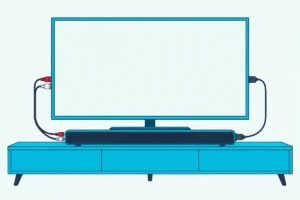
Those steps link the bar to its subwoofer, not to the TV. The TV connects separately, over HDMI ARC or an optical cable, and connecting a soundbar to a Hisense TV with an optical cable has menu steps of its own.
Over HDMI ARC, the TV side of a Hisense sound bar setup starts from the socket each Hisense bar uses for the TV and the CEC switch on the TV.
Does a New Hisense Subwoofer Need Pairing?
That manual routine is a repair, not part of setting up a new set. A new Hisense subwoofer pairs on its own: the manuals say the two link automatically once both are plugged in and the bar is switched on, and the AX5100Q’s manual says it happens on first use.
Hisense also asks you to leave PAIR alone unless you’re pairing by hand, a note that sits beside the automatic pairing in all six of those manuals. The AX5125H and AX3125H quick start guides show what a press does: holding PAIR for 2 seconds clears the subwoofer’s pairing record and puts it in pairing mode.
So try this before pressing anything: switch the bar on and look at the subwoofer’s Pair light. If it stays on, the link is already made, and the problem lies somewhere else.
Get Studio Tips Weekly
Join 5,000+ creators getting acoustic treatment advice every week.
No spam. Unsubscribe anytime.Which Button Order Does Your Hisense Model Use?
That automatic link works the same on every model, but the manual order doesn’t. In the HS218 manual and the HS312’s, pairing starts by unplugging both units for 3 minutes, the HS2100 and HS5100 add a hold of SOURCE after the bar turns on, and the AX5100Q holds SOURCE before you touch the subwoofer.
| Model (source) | Start from | First | Then | Linked when |
|---|---|---|---|---|
| HS218, HS312 (Hisense user manuals) | Both unplugged, then plugged back in after 3 minutes | Hold PAIR on the subwoofer a few seconds | Power on the bar or remote | Pair light turns solid |
| U5120GW+ (Hisense user manual) | Bar in standby | Hold PAIR on the subwoofer a few seconds | Power on the bar or remote | Pair light comes on |
| HS2100, HS5100 (Hisense user manuals) | Bar in standby | Hold PAIR on the subwoofer a few seconds | Power, then hold SOURCE a few seconds | Pair light comes on |
| AX5100Q (Hisense user manual) | Bar switched on from standby | Hold SOURCE until SW PAIRING scrolls | Hold PAIR on the subwoofer a few seconds | Light on, display shows SW IN |
| AX5125H (EE’s help guide) | Bar switched on | Hold SOURCE 3 seconds until SW Pairing shows | Hold PAIR on the subwoofer 2 seconds | Light on, display shows SW IN |
If the light keeps blinking instead, each of these guides says to unplug, wait and repeat. The wait is 3 minutes on the HS218, HS312, U5120GW+, AX5100Q and AX5125H, and 4 minutes on the HS2100 and HS5100.
The AX5125H row comes from EE’s help guide, and Hisense’s own quick start guide for that bar confirms the 2-second PAIR hold. Hisense Canada’s support page for the AX5140Q links the AX5100Q’s manual, and EE’s guide for the AX5140Q gives the same SOURCE-first order.
Not every Hisense bar has a subwoofer to pair. Hisense describes the HS214 as a 2.1-channel sound bar with a built-in subwoofer.
What Do the Lights on a Hisense Subwoofer Mean?
That Pair light on the back of the subwoofer tells you where the link stands. In Hisense’s manuals, a fast blink means the subwoofer is in pairing mode, a light that stays on means it’s connected, and a slow blink means the connection or pairing failed.
The soundbar gives its own signal: on the HS218, HS312, U5120GW+, HS2100 and HS5100, the bar’s POWER indicator flashes when it’s on but not connected to the subwoofer. On the AX5100Q, the subwoofer’s and rear speakers’ indicators flash slowly instead.
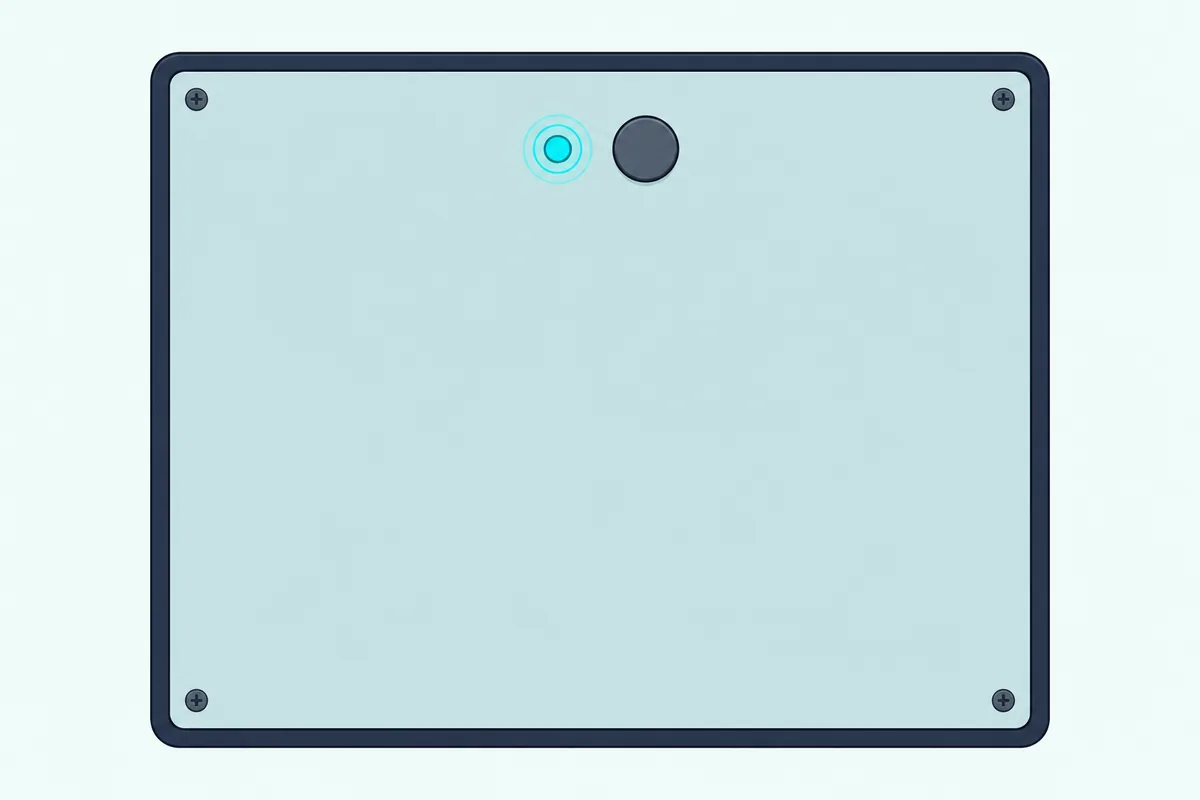
A dark Pair light is a different problem. For a subwoofer that sits idle or whose light won’t come on, the HS218, HS312, U5120GW+ and HS2100 manuals say to unplug its power cord and plug it in again after 4 minutes, which they call resetting the subwoofer.
Why Won’t Your Hisense Subwoofer Connect?
That slow blink is where Hisense’s troubleshooting starts. Between their setup notes and troubleshooting tables, the manuals point to four causes: the subwoofer sits too far from the bar, something stands between them, strong interference is nearby, or the two have simply lost their pairing.
Distance comes first. The setup notes say to keep the subwoofer within 6 m of the soundbar in an open area, and the troubleshooting tables in the HS312, HS2100, HS5100 and AX5100Q manuals tighten that to 5 m, the closer the better.
The HS218 and HS312 manuals also say to remove any objects between the two. All six user manuals add that if the connection fails again, you should look for a conflict or strong interference, such as an electronic device, remove it and repeat the pairing.
The No sound checklists in the HS312, HS2100, HS5100 and AX5100Q manuals add the lost link: the soundbar may have lost its connection with the subwoofer. Their fixes are to unplug both units, plug them back in and switch the bar on, then re-pair the two.
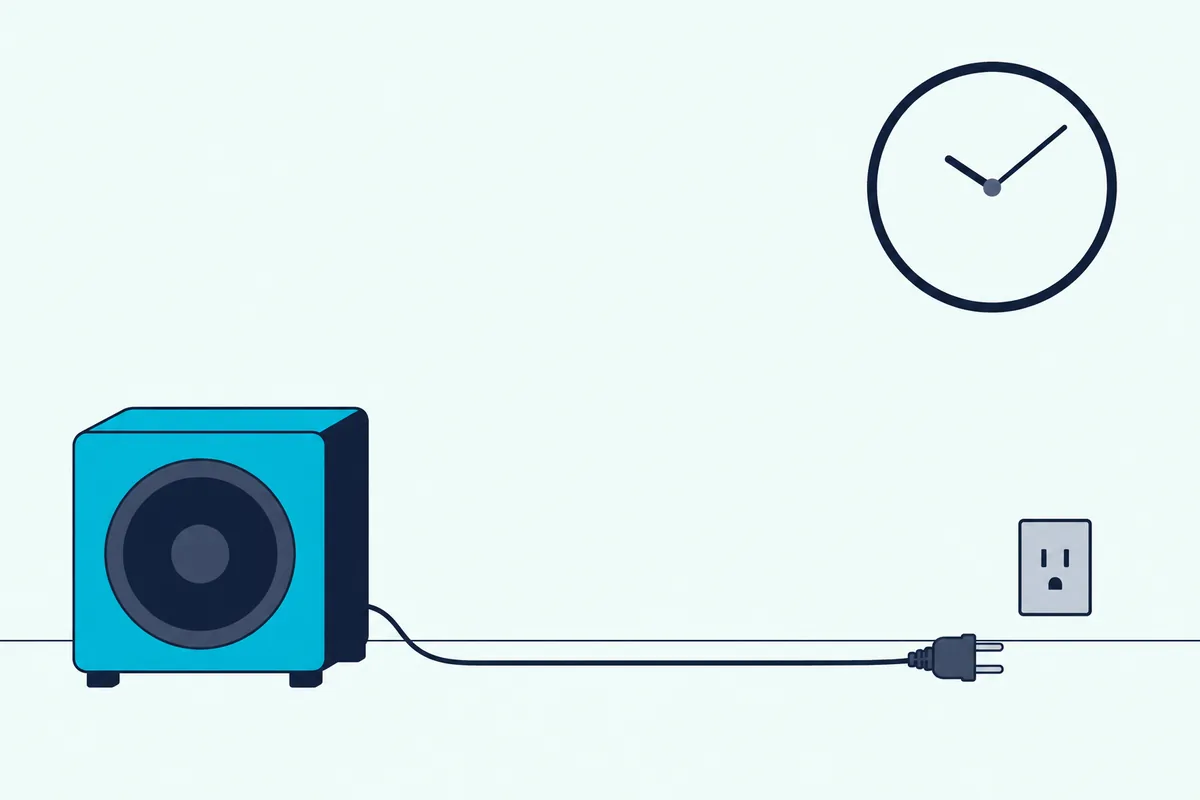
Give each unplug the full wait your manual names, 3 or 4 minutes, rather than plugging straight back in. If none of that brings a steady light, stop there, because Hisense’s troubleshooting pages say that to keep the warranty valid, you should never try to repair the system yourself.
A replacement set is the other way out, and Burton Acoustix’s picks of soundbars with subwoofers include Hisense’s HS2100.
Does Resetting a Hisense Soundbar Fix the Subwoofer?
Those unplug-and-wait steps are what Hisense’s manuals call resetting the subwoofer. A factory reset of the soundbar sits outside the pairing steps in every manual that has one, and none says whether it clears the subwoofer’s pairing, so re-pair first and keep the factory reset for last.
If you’re looking up how to reset Hisense soundbar models because the subwoofer went quiet, the steps differ by bar. The HS2100, HS5100 and AX5100Q reset when you switch to the optical input and press and hold the soundbar’s power button, and the bar then drops to standby.
The U5120GW+ resets from the remote instead: in standby, press previous, next, VOL+ and BASS- in sequence, and the display shows RESET. The HS218 and HS312 manuals don’t include a factory reset at all.
The AX5140Q resets the same way as the HS2100, and Burton Acoustix’s Hisense soundbar reset guide adds what each model’s reset puts back to its defaults.
The HS2100, HS5100 and AX5100Q manuals list what returns to its default, such as the input, volume, bass, treble and EQ, and the subwoofer’s pairing isn’t on any of those lists. Other brands work differently, and our guide explains the difference between a soft reset and a factory reset.
Do Hisense Rear Speakers Pair the Same Way?
That re-pair covers the rear speakers too on the sets that have wireless ones. On the U5120GW+, whose manual starts by inserting the wireless rear speakers’ dongle in the soundbar’s TYPE-C socket, they pair like the subwoofer: with the bar in standby, hold PAIR on the back of a rear speaker until its light blinks quickly, then turn the bar on.
Do one side at a time, since the U5120GW+ manual says the other rear speaker must be powered off while you pair. If it fails, unplug that speaker and wait 4 minutes before you repeat the steps.
The AX5100Q’s manual pairs the subwoofer or a surround speaker with the same SOURCE-first steps, and EE’s AX5140Q guide does the same. The HS5100’s rear speakers plug into SURROUND sockets on the back of its subwoofer, and its manual gives them no pairing step of their own.
Can You Use a Different Subwoofer With a Hisense Soundbar?
Those pairing steps all assume the subwoofer that came in the box. Hisense’s manuals don’t say whether a different Hisense subwoofer will pair with your bar, and none of the six bars in them lists a subwoofer output for a wired one.
Their back panels list connections for the TV and other sources instead, such as HDMI ARC, optical, coaxial, AUX or USB. So a lost or broken subwoofer has no stand-in that Hisense documents, which is why the warranty and the re-pair come first.
The Bottom Line
That leaves one routine for every Hisense set in this guide: plug both in, switch the bar on and let them pair by themselves before you touch PAIR. When the light keeps blinking, follow your model’s order in the table, keep the subwoofer within 6 m in the open, and unplug and wait 3 or 4 minutes before you try again.
Frequently Asked Questions
Can you connect a Hisense subwoofer without the remote?
Yes. Every pairing step in these manuals works from the soundbar’s own buttons: Hisense says to press the power button “on the unit or remote control,” the HS2100, HS5100 and AX5100Q manuals let you hold SOURCE on the soundbar or the remote, and PAIR sits on the back of the subwoofer itself. The one remote-only job is the U5120GW+’s factory reset, which uses the remote’s VOL+ and BASS- buttons.
Why is there an orange light on my Hisense soundbar?
On the HS2100, an orange LED means the soundbar is on its OPTICAL input, going by the HS2100 user manual, which also lists red for standby, green for AUX, blue for Bluetooth, white for HDMI ARC and yellow for USB. That color isn’t a pairing signal: Hisense describes the subwoofer’s Pair light only as blinking fast, blinking slowly or staying on, with no color named.
Does a Hisense subwoofer pair over Bluetooth?
Not in Hisense’s steps. Bluetooth pairing in these manuals is for devices such as a phone, tablet or laptop, which find the bar by name, while the subwoofer links through its PAIR button. The HS218’s specifications also list 2.4G wireless separately from Bluetooth.
How far can a Hisense subwoofer be from the soundbar?
Within 6 m (19.7 feet) in an open area, going by the setup notes in the HS2100 and HS5100 manuals. Their troubleshooting tables, and those of the HS312 and AX5100Q, say 5 m, the closer the better, so if the link drops, move the subwoofer nearer the bar and clear anything between them.
How do you connect a Hisense TV to a woofer?
Hisense’s manuals only describe pairing a wireless subwoofer with its own soundbar, which then connects to the TV over HDMI ARC or optical. For a separate powered subwoofer on the TV, our guide shows how to connect a subwoofer to a TV without a soundbar.