How to Reset a Hisense Soundbar (HS2100, HS5100, AX5140Q and More)
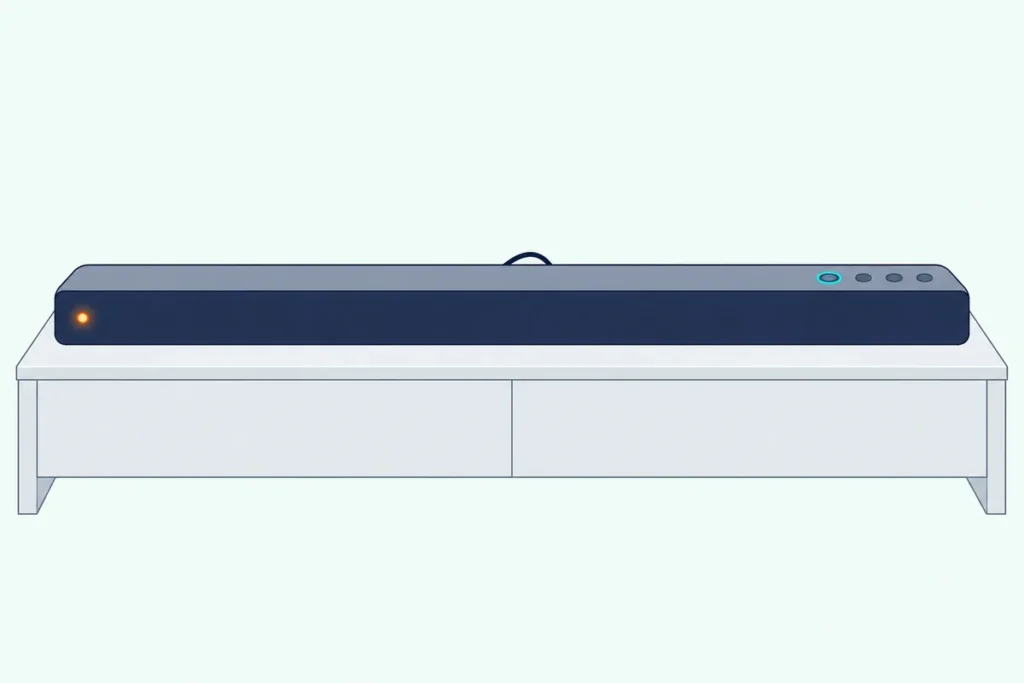
Here’s how to reset a Hisense soundbar such as the HS2100, HS5100, AX5100Q or AX5140Q: switch it to the OPTICAL input, then press and hold the power button on the bar itself until it switches to standby.
The catch is that Hisense names one input for that reset, and some of its bars, the HS218 and HS312 among them, have no factory reset in their manuals at all.
Get it right and the bar comes back on Hisense’s defaults, with the volume at 30 and the bass and treble at 0, ready to set up again.
The table below matches each Hisense bar with a readable manual, from the HS205G to the U5120GW+, with the reset it documents.
After it come the remote and no-remote routes, what a reset changes, the subwoofer, the bars without a reset and what to try when nothing happens.
How to Reset a Hisense Soundbar With the Buttons on the Bar
Those four bars share one reset, and the bar’s own controls are enough for it. Hisense prints the same routine in the HS2100, HS5100, AX5100Q and AX5140Q user manuals.

- Switch the soundbar on with its power button or the remote.
- Press the SOURCE button on the bar or the remote until the bar is on OPTICAL: the HS2100’s front light turns orange, and the HS5100, AX5100Q and AX5140Q show OPT on their display.
- Press and hold the power button on the soundbar itself.
- Keep holding until the bar enters its factory reset mode and switches to standby, which the HS2100 shows with a red light.
Hisense gives no hold time for that press, only the standby it ends in, so watch the light or the display rather than counting seconds. The HS2100 user manual and the AX5100Q user manual print the reset in the same words.
EE’s help guide for the AX5140Q gives the same two moves, pressing SOURCE repeatedly to reach OPTICAL and then holding the ON/OFF button. Hisense Canada’s support page for the AX5140Q links the AX5100Q’s manual, and the AX5140Q’s own user manual, posted on the partner portal of Gorenje (a Hisense Group brand), prints the same reset.
Which Reset Does Your Hisense Model Use?
That routine covers four bars, while Hisense’s other manuals either reset from the remote or print no reset at all. Match your model in this table.
| Model | Reset in Hisense’s manual | What you’ll see |
|---|---|---|
| HS2100 | OPTICAL input, then hold power on the bar | Orange light on OPTICAL, red light in standby |
| HS5100 | OPTICAL input, then hold power on the bar | OPT on the display, then standby |
| AX5100Q | OPTICAL input, then hold power on the bar | OPT on the display, then standby |
| AX5140Q | OPTICAL input, then hold power on the bar | OPT on the display, then standby |
| U5120GW+ | In standby, press previous, next, VOL+ and BASS- on the remote | RESET on the display |
| HS205G, HS212F, HS214, HS218, HS312, AX3120G, AX5125H, HS1000 | No factory reset printed | Hisense’s troubleshooting steps, further down |
Those eight bars without a printed reset still have Hisense’s own troubleshooting, which comes later. Manuals for other Hisense bars, the U3120G, AX5100G, AX5120G and HS3100 among them, weren’t found on Hisense’s sites or in a readable copy of Hisense’s own file, so the table leaves them out rather than guess.
If your bar isn’t a Hisense, the guide to resetting a soundbar from another brand has a brand-by-brand table.
Get Studio Tips Weekly
Join 5,000+ creators getting acoustic treatment advice every week.
No spam. Unsubscribe anytime.Can You Reset a Hisense Soundbar With the Remote?
That U5120GW+ row is the one full reset Hisense documents on a remote, and Hisense gives the keys in order. With the bar in standby, press previous track, next track, VOL+ and BASS- on the remote in that sequence, and the display shows RESET as the bar returns to its factory default settings.
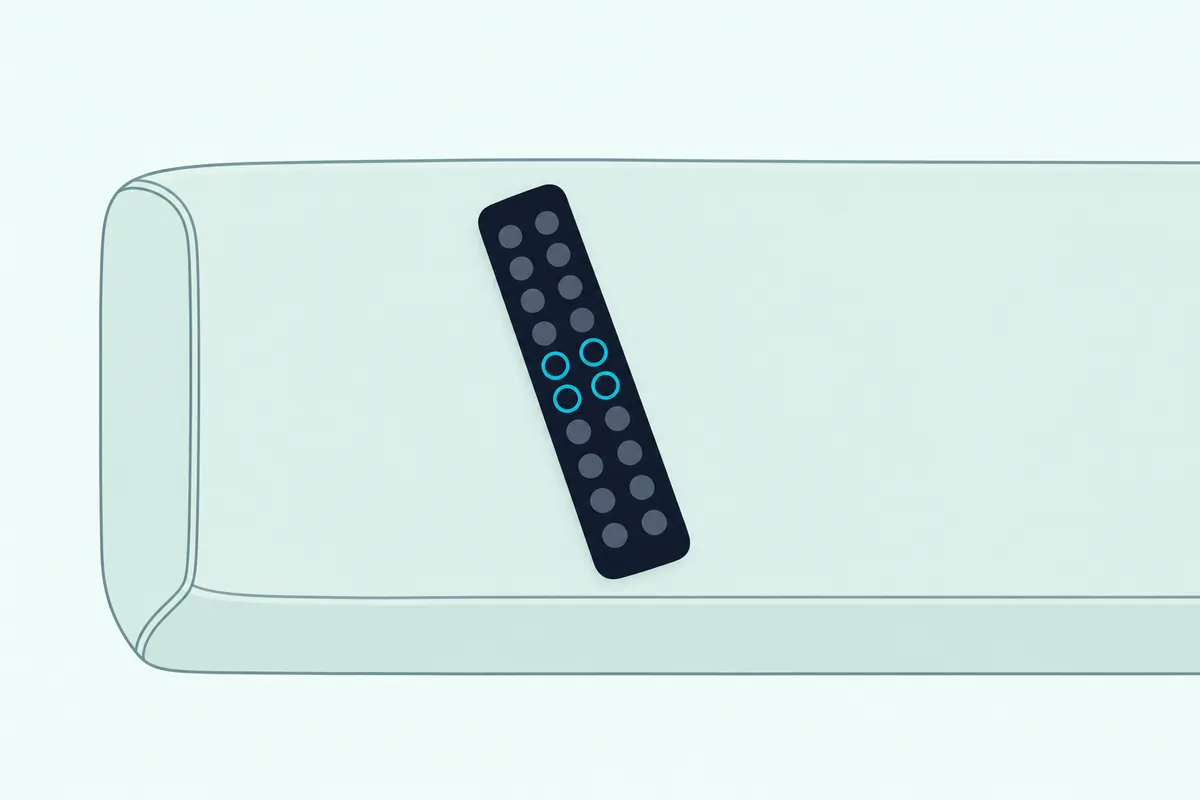
The U5120GW+ user manual lists two standby states, a single press of power for Semi Standby and a 5-second hold for Eco Standby, and its reset step says only standby. The same manual gives a second remote reset for the Wi-Fi alone: with the bar on, hold MUTE until RESET shows, and the Wi-Fi module goes back to its factory settings.
On the HS2100, HS5100, AX5100Q and AX5140Q, the remote’s SOURCE button can pick OPTICAL, but the hold that starts the reset is on the soundbar’s own power button. Those four also add a Soundbar Setting menu to a Hisense TV that supports EzPlay, once the two are joined by HDMI ARC and the TV’s CEC is switched on.
Hisense’s example of that TV menu, under Setting, Sound and Soundbar Setting, ends in a Reset item. The manuals don’t say what it resets and note that menus differ by TV model, so the routine on the bar above is the reset they actually document.
How Do You Reset a Hisense Soundbar Without the Remote?
Those four optical-reset bars don’t need the remote at all, since their power and SOURCE controls sit on the bar. Press SOURCE on the bar until it reaches OPTICAL, then hold power on the bar, the same moves as the steps above.
The U5120GW+ is the exception, because its manual gives the full reset only as a remote sequence. Without that remote, the closest step it documents is an 8-second hold of the PF (Wi-Fi Setup) button on the bar, until a second tone sounds and the Wi-Fi light pulses slowly, which Hisense says resets the Wi-Fi connection.
After that hold, the manual’s advice is to restart the app and run the setup again. So a lost U5120GW+ remote leaves that bar without a documented full reset.
What Does a Hisense Factory Reset Change?
Once the reset runs, each bar comes back on the defaults its manual lists, and they aren’t the same from model to model.
| Setting | HS2100 | HS5100 | AX5100Q | AX5140Q |
|---|---|---|---|---|
| Input | OPTICAL | ARC | ARC | eARC/ARC |
| Volume | 30 | 30 | 30 | 30 |
| Surround | On | Off | Off | PURE SUR |
| Dimmer | MAX | MAX | DIM 3 | DIM 3 |
| Bass and treble | 0 | 0 | 0 | 0 |
| EQ | Music | Movie | Movie | Movie |
| Auto Wake | Off | Off | Off | Off |
| Auto Standby | Off in Hisense Canada’s manual, on in the European one | On, except in the US and Canada | On, except in the USA, Canada and Mexico | Off |
The AX5140Q adds Hi-Concerto and sound mode, both off, and its manual says the reset also puts the LVL level menu back to its defaults and will “clear classic Bluetooth and LE audio TX.” For the U5120GW+, Hisense says only that the remote sequence restores the soundbar’s factory defaults, with the Wi-Fi module reset kept as a separate step.
None of the other manuals says whether a reset forgets your phone’s Bluetooth pairing, the subwoofer or a Hisense TV’s EzPlay link. Treat each as something you may need to set up again, which the setup section below covers.
What Happens to the Subwoofer After a Hisense Reset?
That gap matters most for the subwoofer, since none of the reset sections in these manuals mentions it. If the subwoofer stays silent once the bar is back on, pair it again: each model’s order differs, and the steps to connect a Hisense sound bar to its subwoofer again cover them one by one.
Hisense’s own subwoofer reset is simpler still. When the subwoofer sits idle or its light won’t come on, the HS2100, HS218, HS312, HS212F, AX3120G, AX5125H and U5120GW+ manuals say to unplug the power cord and plug it back in after 4 minutes to reset the subwoofer.
Should You Power Cycle a Hisense Soundbar First?
That 4-minute unplug isn’t the only one in Hisense’s troubleshooting, and none of its troubleshooting tables mentions the factory reset. For no sound, the HS2100, HS5100, AX5100Q, AX5140Q, HS312 and U5120GW+ manuals start with mute and volume, then have you press power to put the bar in standby and press it again to switch it on.
Next they say to unplug both the soundbar and the subwoofer, plug them back in and switch the bar on, and the AX3120G and AX5125H manuals list both of those steps too. After that comes the TV: set its audio output to PCM or Dolby Digital for an HDMI or optical connection.
A factory reset also sends the input, EQ and auto-standby choices back to their defaults, so it makes sense to run those checks first.
What If Your Hisense Soundbar Has No Factory Reset?
That leaves the eight bars whose manuals print no factory reset: the HS205G, HS212F, HS214, HS218, HS312, AX3120G, AX5125H and HS1000. On the HS312, AX3120G and AX5125H, the standby cycle and the unplug above are what Hisense offers for the bar itself, and the HS218 and HS212F manuals give a reset only for the subwoofer, the 4-minute unplug.
The HS218 user manual shows the pattern: its no-sound list covers volume, mute, the input and the TV’s PCM and fixed-output settings, with no power cycle. Past those checks, the HS218’s manual points to requesting service, and it warns that repairing the system yourself puts the warranty at risk.
What Do You Set Up Again After a Hisense Reset?
Once the bar is back on its defaults, the input comes first: the HS2100 returns on OPTICAL and the HS5100, AX5100Q and AX5140Q on the HDMI ARC input, so press SOURCE until the light or display matches the cable you use. If the TV went quiet too, this optical cable walkthrough covers the Hisense TV’s side.
Auto standby and auto wake come next, since the reset switches auto wake off on all four. On the HS2100, auto standby toggles in OPTICAL mode with two presses of previous and two of next on the remote, and auto wake with SOURCE and + pressed together on the bar.
On the HS5100, AX5100Q and AX5140Q, both live in the setup menu: hold play/pause on the remote for 3 seconds, step through with next until the display shows AUTO WAKE or AUTO STANDBY, change it with VOL+ or VOL-, then press play/pause to confirm.
Your phone comes last if it doesn’t reconnect: select Bluetooth mode with SOURCE or the remote’s Bluetooth button, then pick the bar’s name, such as Hisense HS2100, on the phone. To swap phones, hold the remote’s Bluetooth button to disconnect the current one first.
Why Won’t Your Hisense Soundbar Reset?
If you’ve followed the steps and nothing happens, check these differences from Hisense’s routine, one at a time.

- The bar isn’t on OPTICAL: the HS2100’s light should be orange, and the HS5100, AX5100Q and AX5140Q should show OPT.
- You held power on the remote, but the manuals put that hold on the soundbar itself.
- The U5120GW+ wasn’t in standby, or the four keys went in a different order than previous, next, VOL+ and BASS-.
- Your model, like the HS218 or HS312, has no factory reset in its manual.
EE’s help guide for the HS2100 describes a different routine: with the bar on, press and hold − and + together, and EE says all the lights glow for 5 seconds before two red dots show standby. None of the three Hisense HS2100 manuals checked here prints it, so try Hisense’s optical-and-power reset first and keep EE’s for a bar that ignores it.
If that − and + hold sounds familiar, it’s close to the reset on Samsung’s current bars, both Volume buttons held for at least 5 seconds, which Burton Acoustix’s Samsung soundbar reset steps cover. A Hisense bar that drops to standby after about 15 minutes without a signal is auto standby at work, not a failed reset.
Frequently Asked Questions
Where is the reset button on a Hisense soundbar?
None of the Hisense soundbars in these manuals has a dedicated reset button. The bars that reset use a hold of power on the bar while it’s on the OPTICAL input, or, on the U5120GW+, a sequence on the remote. The one button Hisense labels Reset sits on the HS212F’s wireless subwoofer, beside its PAIR indicator, and the HS212F manual says not to press it except for manual pairing.
How do you reset the volume on a Hisense soundbar?
A factory reset sets the HS2100, HS5100, AX5100Q and AX5140Q back to volume 30, with bass and treble at 0. For volume alone, the VOL+ and VOL- buttons on the bar or the remote change it directly. On the AX5140Q, the factory reset also returns the LVL menu to the defaults its manual lists: the subwoofer, center, height and rear levels and the left-right balance at 0, and the dimmer at 3.
Why is my Hisense soundbar flashing purple?
Hisense’s HS214 manual explains it: a purple light that blinks three times means the bar doesn’t support the digital audio format coming in. The same manual’s fix for a silent optical, HDMI ARC or coaxial input is to turn on PCM output on the TV or other source. None of the other Hisense manuals checked here mentions a purple light, so a purple flash on another model isn’t explained in Hisense’s paperwork.
How do you put a Hisense soundbar in pairing mode?
For a phone, select Bluetooth mode with SOURCE on the bar or the Bluetooth button on the remote. The HS2100’s blue light then flashes slowly, and the AX5100Q’s display shows NO BT until a phone connects; pick the bar’s name in the phone’s Bluetooth list. The subwoofer has its own pairing mode, which starts when you hold the PAIR button on its back.
Where can you find a Hisense sound bar manual?
Hisense Canada’s support pages list a model’s documents, such as the HS2100’s spec sheet, quick start guide and English and French user manual. The AX5140Q’s page there links the AX5100Q’s manual, which prints the same reset. Several manuals this guide uses also sit on Hisense USA’s download server, including the HS218, HS312 and U5120GW+ user manuals.