How to Reset a Sonos Soundbar (Arc, Beam, Ray, Playbar and More)
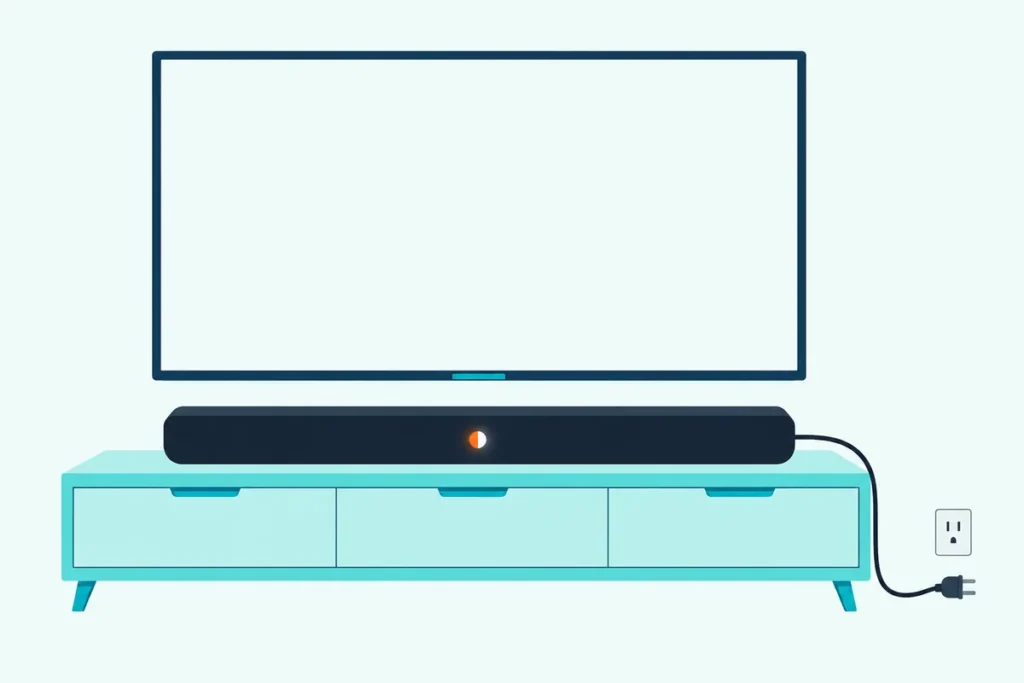
Here’s how to reset a Sonos soundbar: unplug it, then hold its Join button (Bluetooth on the Arc Ultra and Beam Ultra, Play/Pause on the Playbar) while you plug it back in, until the light flashes orange and white.
Reset it over a glitch a restart would have cleared, though, and you lose its registration, My Sonos content and content services, a step Sonos doesn’t recommend for troubleshooting.
Restart it first, 10 seconds unplugged, and save the reset for a bar that’s changing owners or that the Sonos app can’t find during setup.
The table below gives every model’s button, from the Arc and both Beam generations to the Ray, Playbar and Playbase.
After that, you’ll add the bar back in the Sonos app with its Sub, surrounds and TV remote, and sort out a setup that stalls.
How to Reset a Sonos Soundbar: Which Button Does Your Model Use?
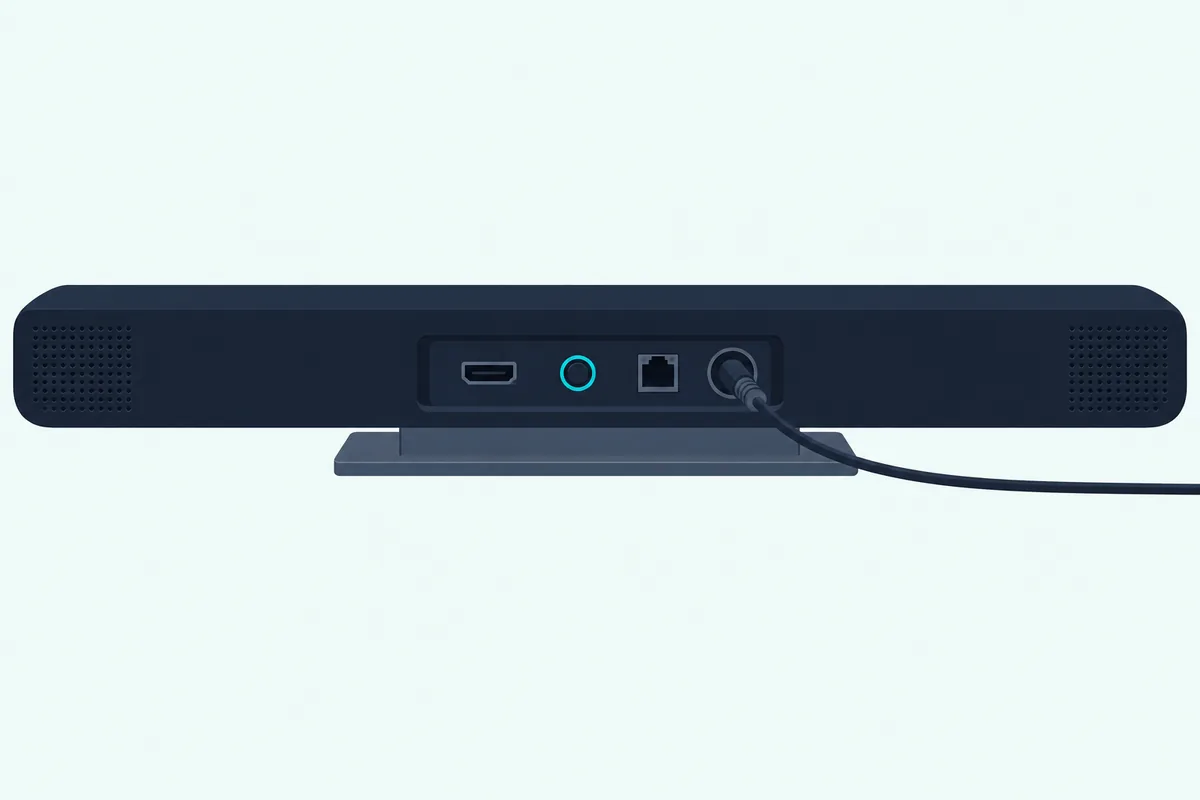
That Join button sits on the connector panel of most Sonos soundbars, where the power cord plugs in. To reset a Sonos soundbar, find your model and hold its button while you reconnect the power:
| Sonos soundbar | Button to hold while you plug it in |
|---|---|
| Arc, Arc SL | Join |
| Arc Ultra | Bluetooth, on the back panel |
| Beam (Gen 1), Beam (Gen 2) | Join |
| Beam Ultra | Bluetooth, on the back panel |
| Ray | Join |
| Playbase | Join |
| Playbar | Play/Pause, as it has no Join button |
- Unplug the soundbar’s power cord.
- Press and hold the button from the table while you plug the cord back in.
- Keep holding until the status light flashes orange and white.
- Wait for the light to flash green, which means the reset is done and the bar is ready to set up.
Those steps are Sonos’s own, from its factory reset article, and each button comes from that bar’s guide. Sonos allows Play/Pause or Mute where there’s no Join button, and the Playbar’s guide shows only Play/Pause and volume controls.
The orange and white light also shows during software updates, so a bar flashing it on its own is updating.
Should You Restart a Sonos Soundbar Before Resetting It?
That green light means the bar is waiting for setup from scratch, so restart first if you only want it working again. Yes: unplug the power cord, wait 10 seconds, plug it back in and allow a minute for it to boot, as Sonos’s reboot steps put it.
Sonos doesn’t recommend a factory reset for troubleshooting, and a restart is also its fix for a flashing red light (a new or reset bar not set up within 30 minutes) or a solid orange one after a setup that couldn’t finish.
Sonos’s 15-second force reboot is only for its Roam speakers and Ace headphones. Other brands follow the same restart-first order, as Burton Acoustix’s brand-by-brand reset guide shows.
Get Studio Tips Weekly
Join 5,000+ creators getting acoustic treatment advice every week.
No spam. Unsubscribe anytime.How Do You Factory Reset a Sonos Beam?
Those steps cover every Beam, but the Ultra uses a different button. On a Gen 1 or Gen 2 Beam, hold the Join button on the connector panel while you plug the power cord back in; on a Beam Ultra, hold its Bluetooth button instead, until the light flashes orange and white.
Sonos’s Gen 2 user guide lists that panel as the power input, Join button, Ethernet port and HDMI port, and the Gen 1 quickstart labels the same four. The Ultra’s panel has a Bluetooth button and a microphone switch but no Join button.
With the Ultra on, a 2-second hold of that button starts Bluetooth pairing instead, with a blinking blue light, so unplug the cord first.
Where Is the Reset Button on a Sonos Arc?
That Ultra difference repeats here. There’s no separate reset button: on the Arc and Arc SL you hold the Join button on the connector panel, and on the Arc Ultra the Bluetooth button on its back panel, each while you plug the power cord back in.
The Arc’s connector panel holds its HDMI port, Join button, Ethernet port and power input, and the SL’s has the same four. On the Ultra, that Bluetooth button also pairs devices while the bar is on, so start the reset with the cord out.
How Do You Reset a Sonos Ray, Playbar or Playbase?
Those two families aside, Sonos’s other soundbars use Join too, with one exception. The Ray and Playbase reset with the Join button on their connector panels, while the Playbar, which has no Join button, resets with Play/Pause held as you plug it back in.
Sonos’s combined user guide PDF shows only Play/Pause and volume buttons on the Playbar and a Join button on the Playbase’s connector panel.
What Does a Factory Reset Erase on a Sonos Soundbar?
Whichever button starts it, the reset clears the same things. Sonos says it deletes the bar’s registration information, the content saved to My Sonos and its content services, and that it’s commonly done before passing a product to a new owner.
Reset only the bar you mean to, and repeat the steps for any other product you’re erasing. Sonos warns that resetting every product in a system permanently deletes the system’s data, and it can’t be restored.
Sonos doesn’t say whether the reset clears Trueplay tuning or the bar’s link to a Sub or surrounds, so check both once it’s back in the app.
Setting a Sonos Soundbar Up Again After a Reset
Once the light flashes green, the bar is ready to join your system again. Sonos’s steps to add it back:
- Open the Sonos app and go to the Settings menu.
- In the section for your system, select Add Speaker or Component.
- Follow the on-screen prompts, signing in to your Sonos account if the app asks.
Starting a new system instead? Choose Speaker or component under Get started with setup, then create or sign in to your Sonos account.
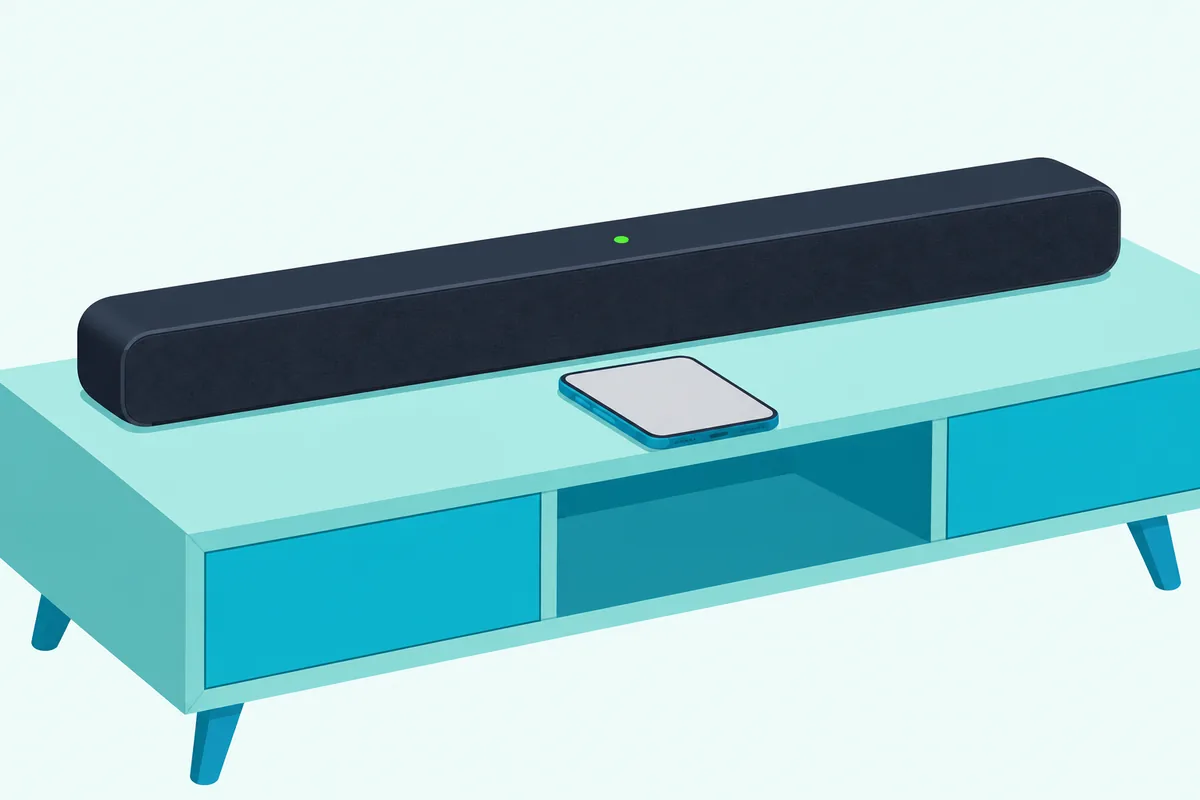
Once the bar is connected, Sonos says the app walks you through your TV remote, surround speakers and a Sub. A bar on HDMI ARC takes TV remote commands with no setup, while one on optical needs Remote Control Setup in the room’s settings.
If the bar came off the TV as well, our Sonos soundbar to TV setup guide covers the HDMI ARC port, the optical adapter and the TV settings to check.
Missed one? Connect Sub and Set up Surrounds sit in the room’s settings and Trueplay in the product’s, and Trueplay’s advanced tuning needs an iOS device.
For Bluetooth on the two Ultra bars, see how to put a Sonos soundbar into pairing mode. If the TV’s sound doesn’t come back through the bar, our checks for a silent soundbar on HDMI go through the connection link by link.
Why Won’t Your Sonos Soundbar Reset or Reconnect?
Setup can stall, and the status light shows where to start. If it never flashes orange and white, unplug the bar again and keep the button held from before the cord goes in until it does.
If the app can’t find the bar, Sonos’s Product not found checks start with that flashing green light. Then come a reboot, your phone within 10 feet of the bar, and a different phone.
If the bar has an Ethernet port, Sonos says to wire it to your router and run setup again, then switch back to Wi-Fi once it works.
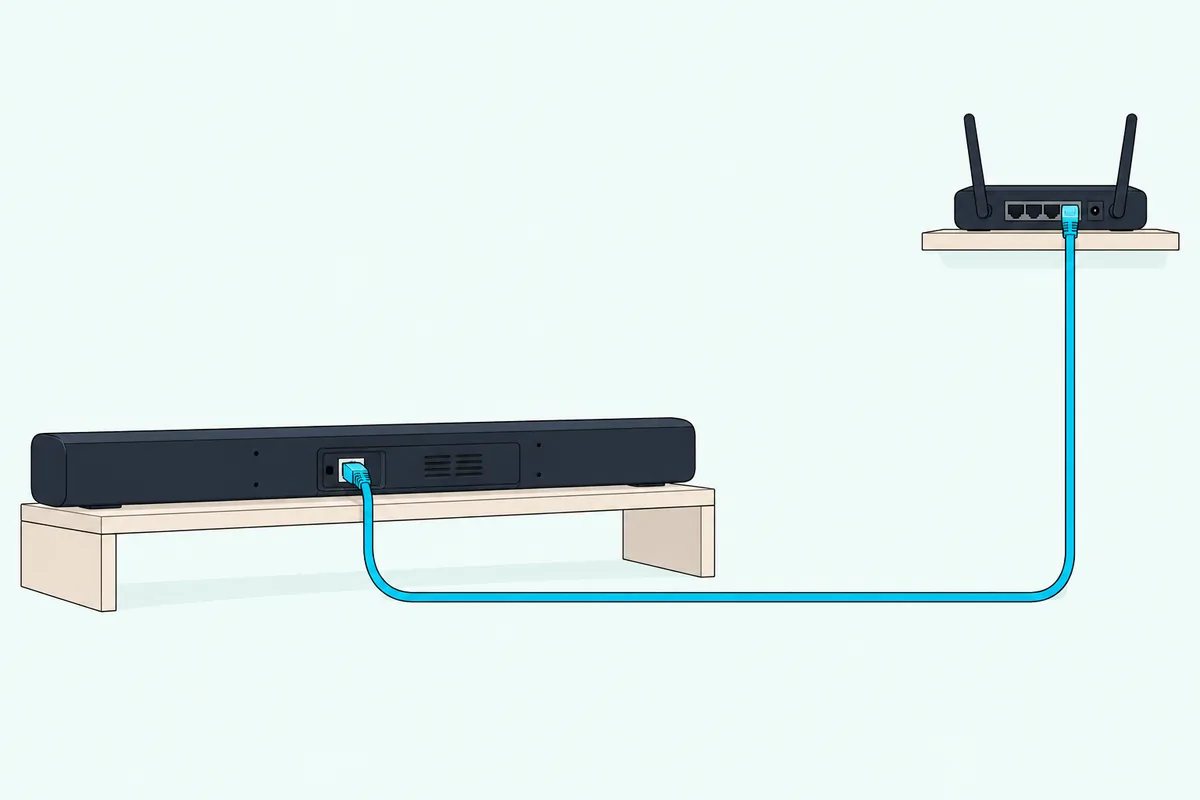
The Arc and Gen 2 Beam boxes include no Ethernet cable, so if you don’t have one, the Cable Matters Cat 6 Ethernet cable runs 10 feet.
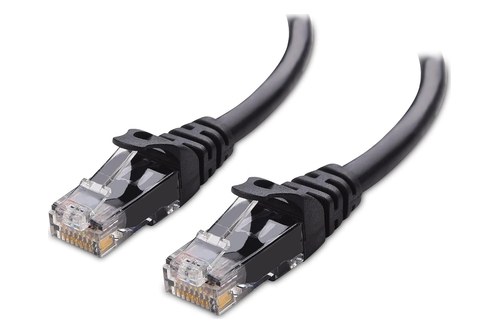
Cable Matters Cat 6 Ethernet cable
A light that keeps flashing orange and white with no reset or update under way can mean a fault. Sonos’s advice then is to contact Sonos Support.
Frequently Asked Questions
Can you reset a Sonos soundbar without the remote?
Yes. Every Sonos soundbar reset uses a button on the bar itself, held while you plug the power cord back in. Sonos’s guides name the Sonos app and your TV remote as ways to control these bars, and the reset needs neither.
Is a hard reset the same as a factory reset on a Sonos soundbar?
Sonos’s own articles don’t use the term. They describe a reboot, 10 seconds unplugged, and a factory reset, the button held as the cord goes back in. If you mean a full wipe before selling the bar, you want the factory reset.
Do you need to reset a Sonos soundbar for a new router or Wi-Fi password?
No. With a wireless setup, Sonos’s user guide says to open the Sonos app after a new router or password change, and it walks you through the update. With a wired setup, you don’t have to do anything, as long as a Sonos product is connected to the router.
How do you factory reset a Sonos Sub?
The same way as the bar: unplug it and hold its Join button while you plug it back in, until the light flashes orange and white. The Sub 4 and Sub Mini guides both show that button; once the light flashes green, add the Sub back with Connect Sub in the soundbar’s room settings.