Best Acoustic Panels for Streaming — Complete Creator Guide [2026]
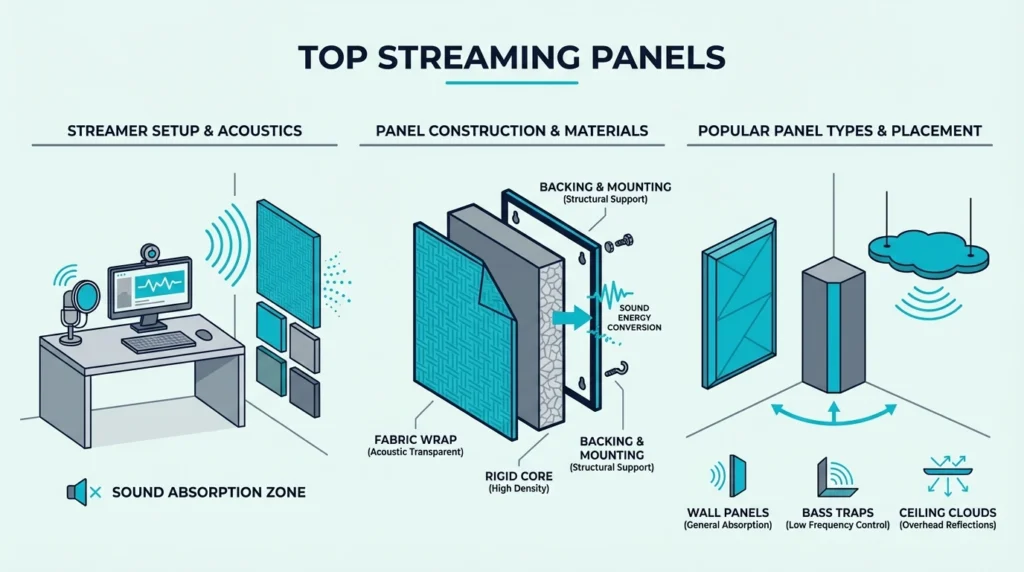
Best acoustic panels for streaming solve two problems at once: they clean up your microphone audio and create a professional-looking backdrop for your camera — but picking the wrong panels leaves you with a wall of foam that absorbs nothing below 2 kHz.
The echo in your room affects your audience more than your microphone choice does. A budget mic in a treated room sounds better than a premium mic bouncing off bare walls.
Below you will find the best panels for microphone clarity, camera backdrop coverage, and budget setups — with placement tips so you get the maximum return from each panel. Start with the wall directly behind your microphone.Best acoustic panels for streaming improve both your mic audio and camera backdrop in one upgrade. Prioritize 2-inch fiberglass or high-density cores for voice-frequency absorption, and large-format panels for seamless on-camera backdrops.
Top Streaming Panel Picks
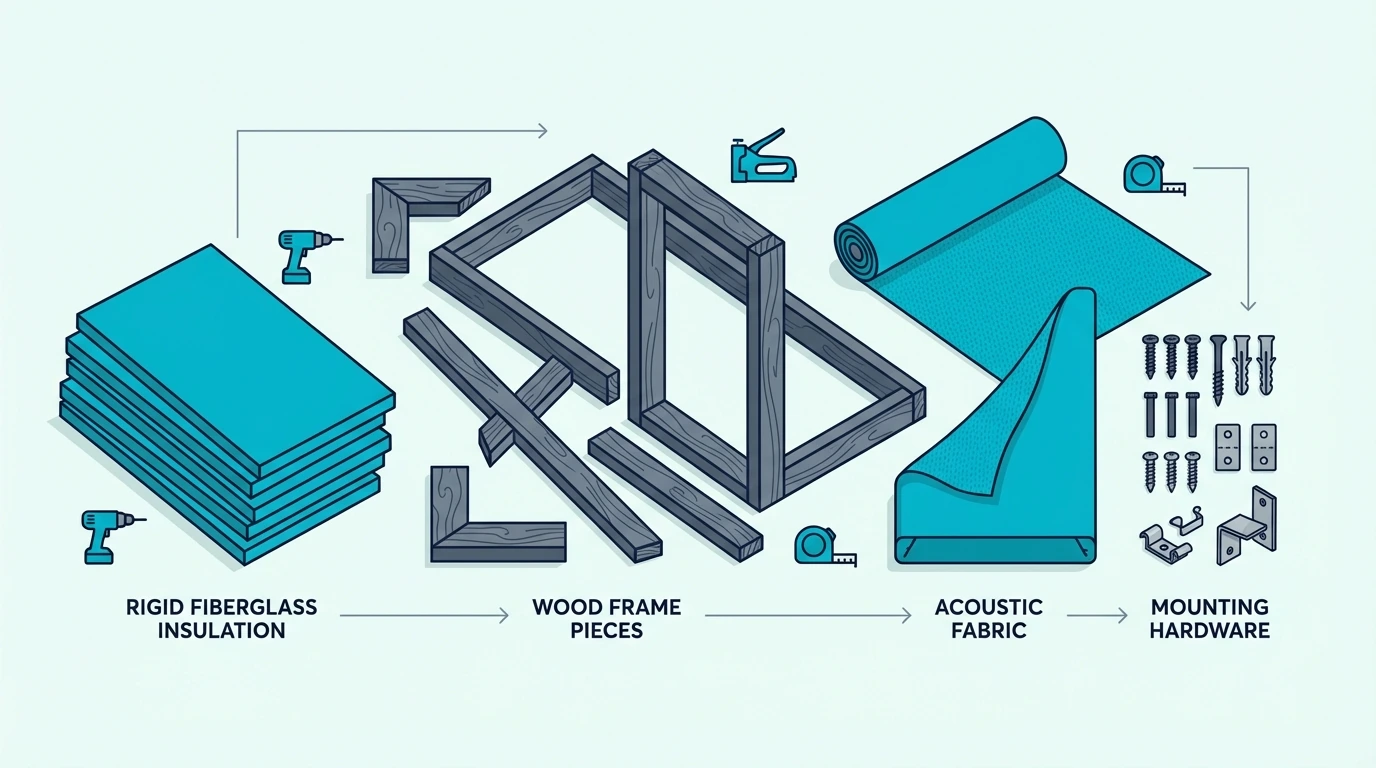 Three panels consistently outperform for streaming-specific needs — one for mic clarity, one for camera backdrops, and one for tight budgets.
Best Overall: The High-Density Core 4 Pack earns the top spot with its 2-inch thickness that handles the full voice frequency range. The 4.8-star rating from verified buyers confirms these panels just work.
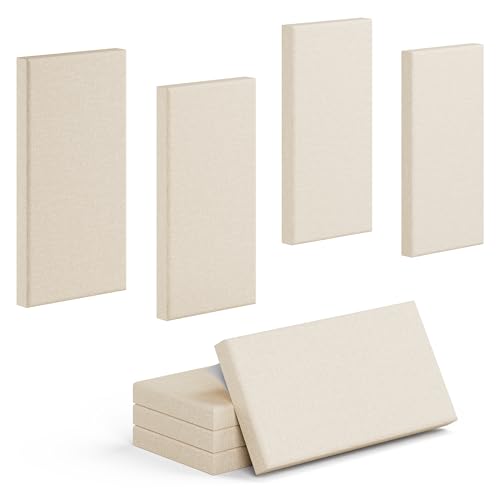
High-Density Core 4 Pack
Best for Backdrop: The TONOR Dual-Layer Panels dominate the backdrop category with their massive 47-inch coverage. Four panels create a professional-looking wall that makes your stream look like it belongs on a major platform.
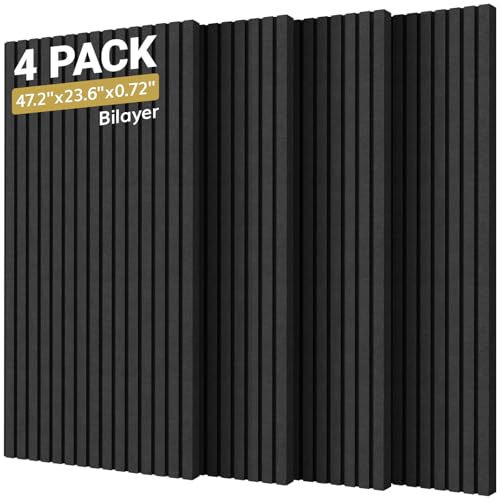
TONOR Dual-Layer Panels
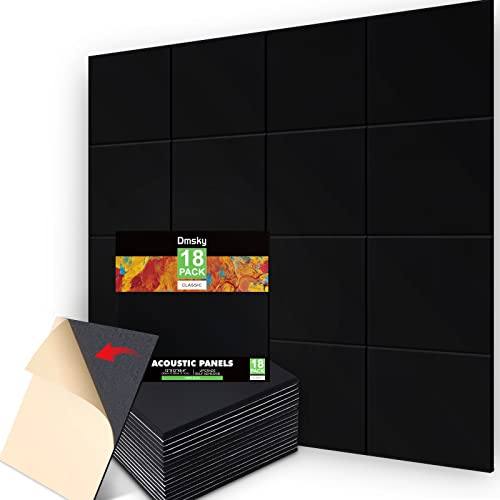
Best Budget: The 18 Pack Black Acoustic Panels prove you don’t need a big budget to start. Eighteen panels for under forty dollars means you can treat your primary streaming wall completely.
18 Pack Black Acoustic Panels
Why Streamers Need Acoustic Panels
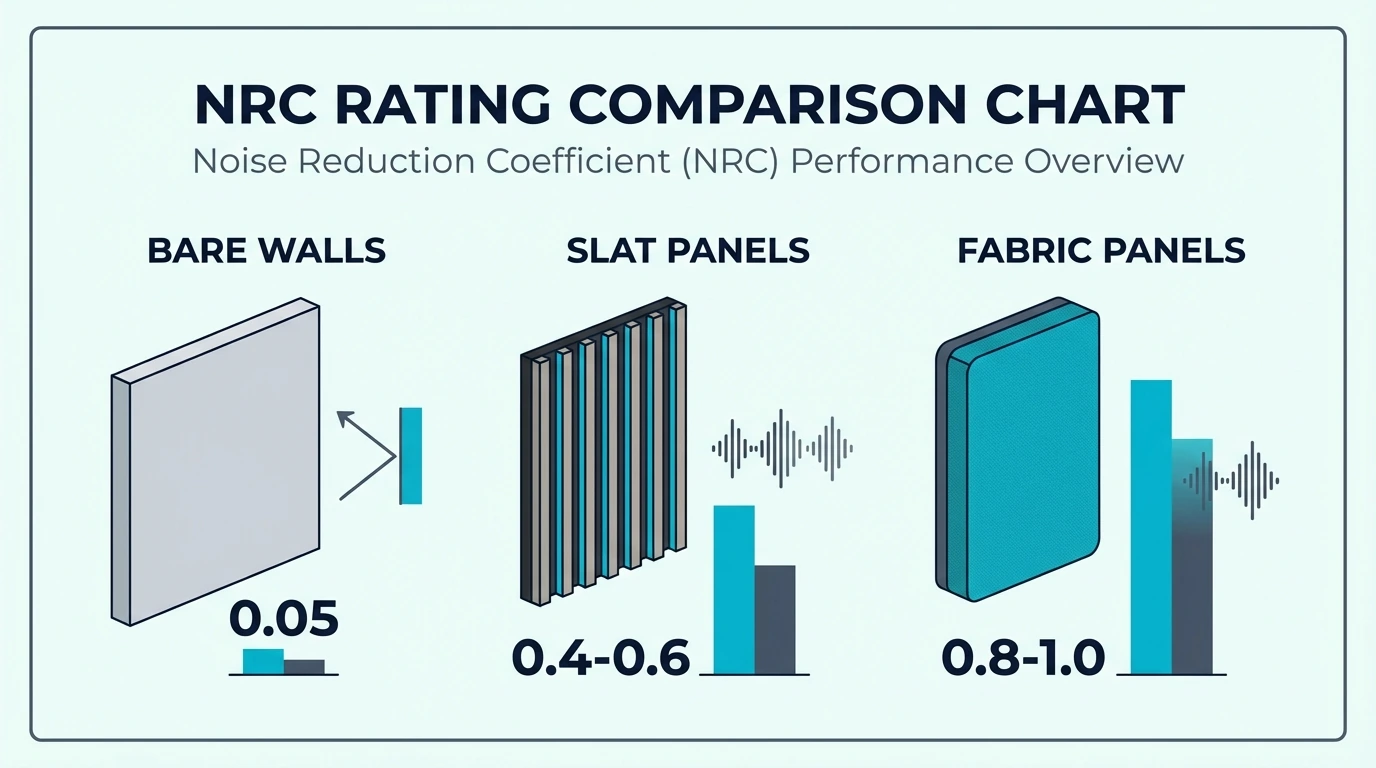 Acoustic panels solve three problems that every streamer faces: microphone echo, amateur-looking backdrops, and viewer drop-off from poor audio.
Cleaner Microphone Audio
Your streaming microphone captures everything in your room — including the sound bouncing off your walls, desk, and monitors. These reflections reach your mic milliseconds after your direct voice, creating that hollow, echoey quality that viewers associate with amateur streams.
Acoustic panels absorb these reflections before they can bounce back. The result is voice capture that sounds like a professional studio, not a bedroom.
Even premium microphones like the Shure SM7B or Rode NT1 cannot compensate for bad room acoustics. No amount of EQ or noise reduction fixes room echo — only physical absorption does.
The best fiberglass acoustic panels guide covers the core materials that matter most for voice clarity.
Professional Camera Backdrop
What viewers see behind you matters almost as much as your audio quality. Bare walls look amateur, busy backgrounds distract from your content, and green screens require extra lighting and post-processing.
Acoustic panels create a clean, professional backdrop that requires zero post-production. The consistent texture and color look intentional on camera, signaling to viewers that you take your content seriously.
Treating the wall behind your camera solves audio and video problems with a single purchase — the same principle that makes panels effective in bedroom studio setups.
Viewer Retention
Your audience might not consciously notice good audio, but they definitely notice bad audio. Echoey streams cause viewers to click away within seconds, often before they even realize why.
Clean audio keeps viewers engaged longer. They can focus on your content instead of straining to understand you through room reverb.
Get Studio Tips Weekly
Join 5,000+ creators getting acoustic treatment advice every week.
No spam. Unsubscribe anytime.Which Acoustic Panels Work Best for Camera Backdrop?
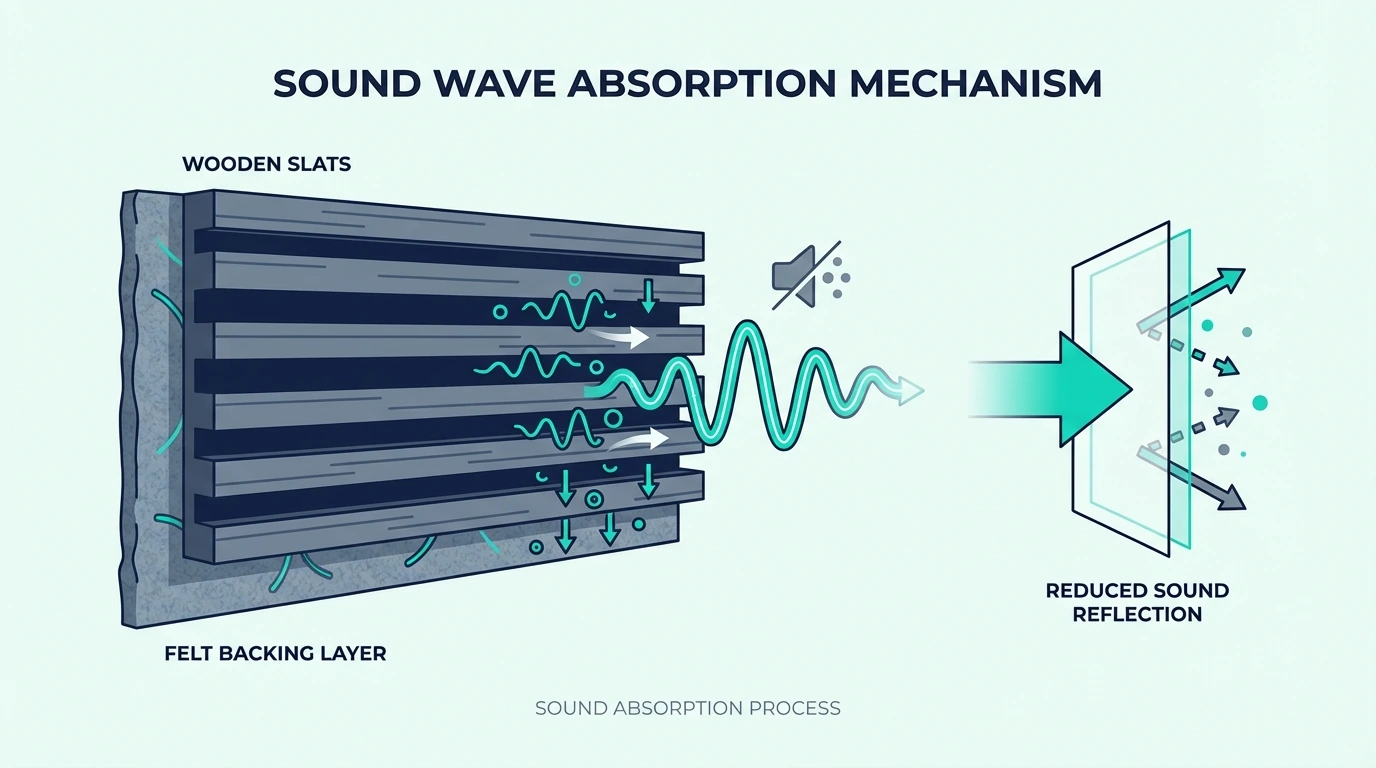 Camera-facing panels need to look clean on stream while still absorbing sound. These options balance both.
TONOR Dual-Layer Panels
The TONOR Dual-Layer Panels set the standard for streaming backdrops. Each panel spans nearly four feet, meaning four panels cover eight square feet of wall with minimal seams.
The dual-layer construction serves both purposes: the outer fabric layer creates a clean visual surface while the inner high-density core absorbs sound. With 868 verified reviews, these panels have been battle-tested by thousands of content creators.
Self-adhesive backing simplifies installation, though Command strips give renters easier removal when moving.
BUBOS Large Format Panels
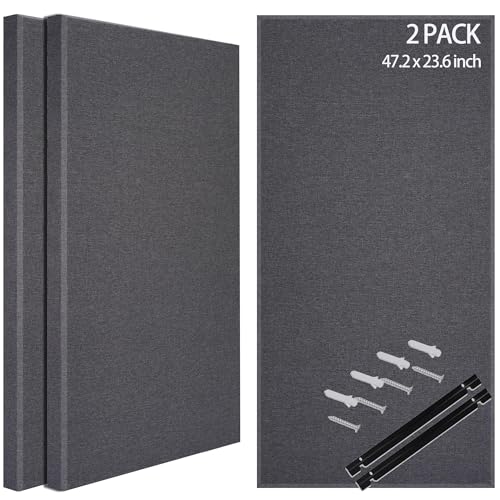
For streamers who want maximum coverage with minimal panels, the BUBOS Fabric Acoustic Panels deliver premium aesthetics. The 47×24-inch dimensions match popular streaming frame sizes.
BUBOS Fabric Acoustic Panels
The fabric wrapping adds a polished look that photographs well under any lighting conditions. These panels don’t develop the shiny spots that cheaper materials sometimes show on camera.
At the premium price point, these make most sense for dedicated streaming rooms where you want a permanent, professional installation.
Olanglab Fiberglass Panels
The Olanglab Fiberglass Panels offer genuine acoustic performance at a mid-range price. The fiberglass core puts these in a different absorption class than budget polyester panels.
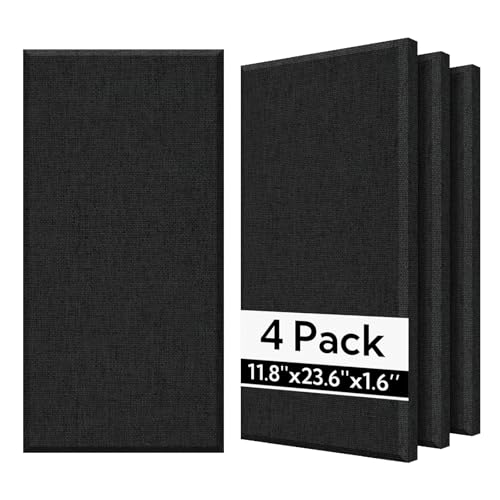
Olanglab Fiberglass Panels
For streamers who prioritize audio quality alongside visual appeal, these panels deliver both. The fabric finish looks professional on camera while the fiberglass handles voice frequencies effectively — the same core material used in recording studio panels.
Four panels won’t cover a full wall, but they create an excellent accent behind your primary streaming position. Order two packs for complete backdrop coverage.
Which Panels Deliver the Best Microphone Quality?
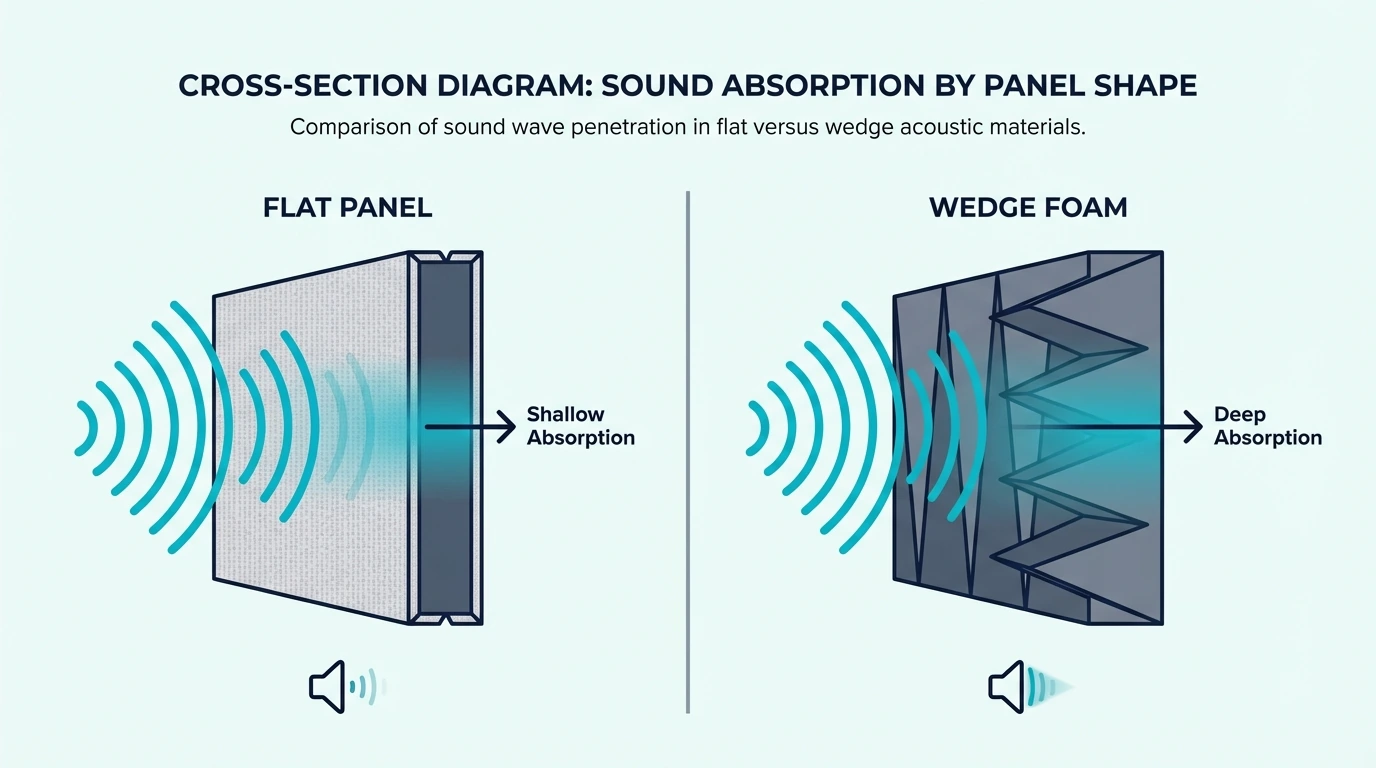 Backdrop panels handle the visual side — but the panels closest to your microphone determine your actual audio quality. Thickness and core density matter most here.
High-Density Core 4 Pack
The High-Density Core 4 Pack leads the mic quality category because of its 2-inch thickness. Voice frequencies primarily live in the 100–4000 Hz range, and 2-inch panels absorb this range effectively.
The self-adhesive backing makes these particularly valuable for streamers who rent their space. No drilling, no damage, and you can take them with you when you move.
At 4.8 stars with verified buyers, these panels deliver the audio improvement streamers need. Position them behind and beside your microphone for best results.
UMIACOUSTICS with Hanging Bracket
The UMIACOUSTICS Panels with Bracket solve the mounting problem by including hanging brackets in the box. No hunting for compatible hardware.
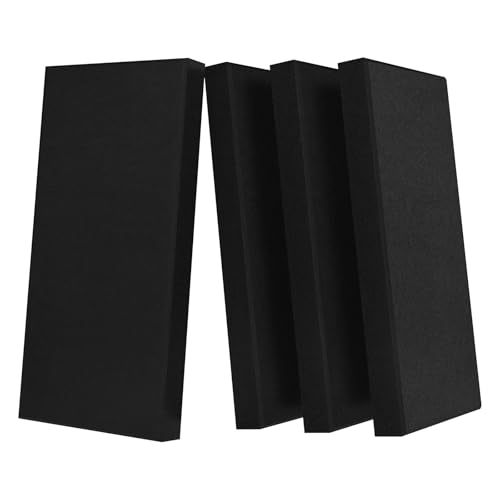
UMIACOUSTICS Panels with Bracket
The 2-inch fiberglass core matches professional studio panels in absorption capability. At 4.6 stars with 126 reviews, these panels have proven themselves across many streaming setups.
UMIACOUSTICS Standard Pack
The UMIACOUSTICS Standard 4 Pack delivers the same fiberglass core at a lower price by skipping the mounting hardware. If you already have Command strips or picture hangers, this saves money without sacrificing quality.
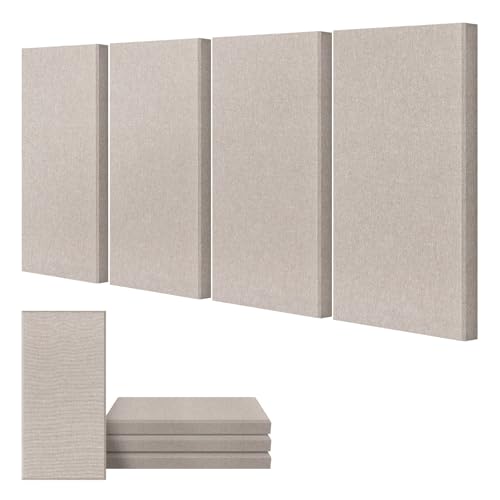
UMIACOUSTICS Standard 4 Pack
With 199 verified reviews, these panels are a reliable mid-range option for streamers. The fiberglass absorbs voice frequencies the same way regardless of price — physics does not care about branding.
What Are the Best Budget Streaming Panels?
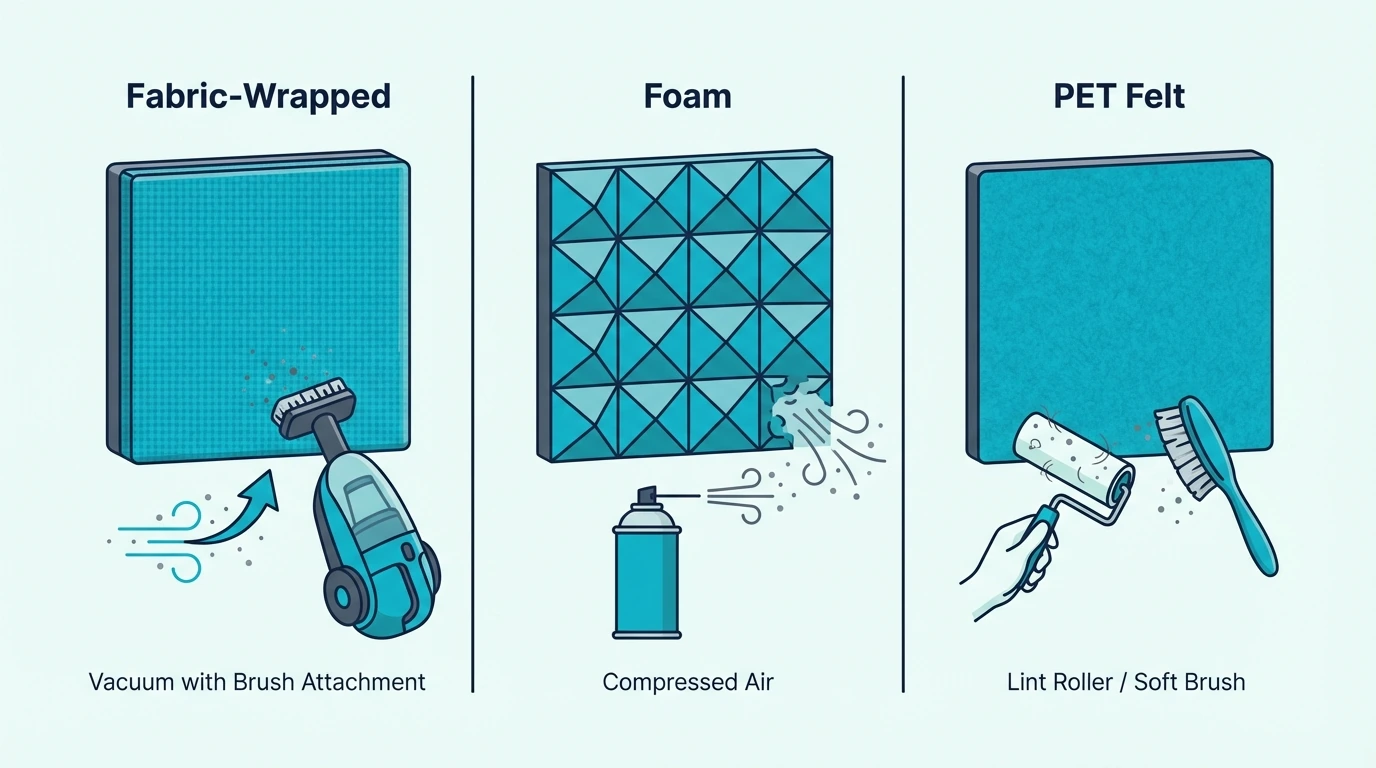 Not every content creator needs premium panels from day one. These budget options deliver meaningful improvement for streamers just starting out.
18 Pack Black Acoustic Panels
The 18 Pack Black Acoustic Panels dominate the budget category with sheer quantity. Eighteen panels means you can cover your entire streaming wall without buying multiple packs.
At this price point, you are prioritizing coverage over maximum absorption. The 0.4-inch thickness will not handle low frequencies, but for standard voice and headset audio, these panels make an audible difference.
The black color creates a professional backdrop that recedes on camera. Over 3,400 reviews confirm these panels work for budget-conscious streamers.
Decorative Budget Starter
For streamers who want personality alongside function, the 2 PCS Decorative Acoustic Panels offer the lowest entry price. Under thirty dollars gets you started with real acoustic treatment.
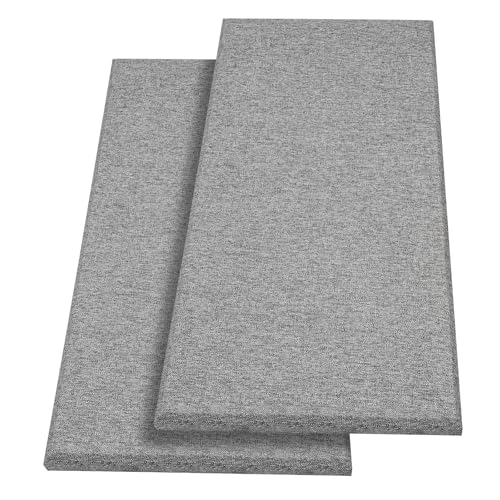
2 PCS Decorative Acoustic Panels
Two panels will not transform your room, but they let you test placement and hear the difference before committing to a larger investment.
Art Panel Budget Option
The Art Acoustic Panels 8-Pack combine acoustic treatment with visual interest. Eight 48×32-inch panels with printed designs create a backdrop that stands out on camera.
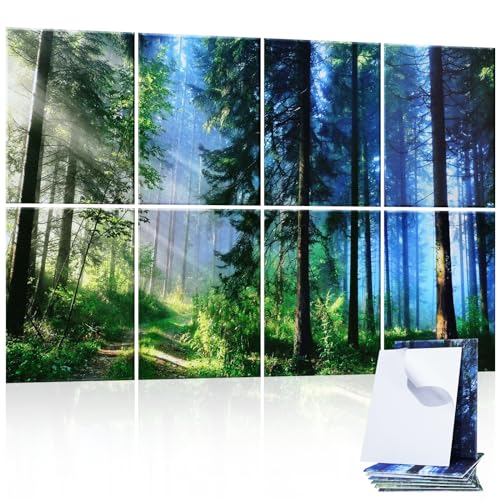
Art Acoustic Panels 8-Pack
For streamers building a brand aesthetic, these panels let you match your backdrop to your channel’s visual identity. The art prints show better on camera than plain black in many cases.
Where Should Streamers Place Acoustic Panels?
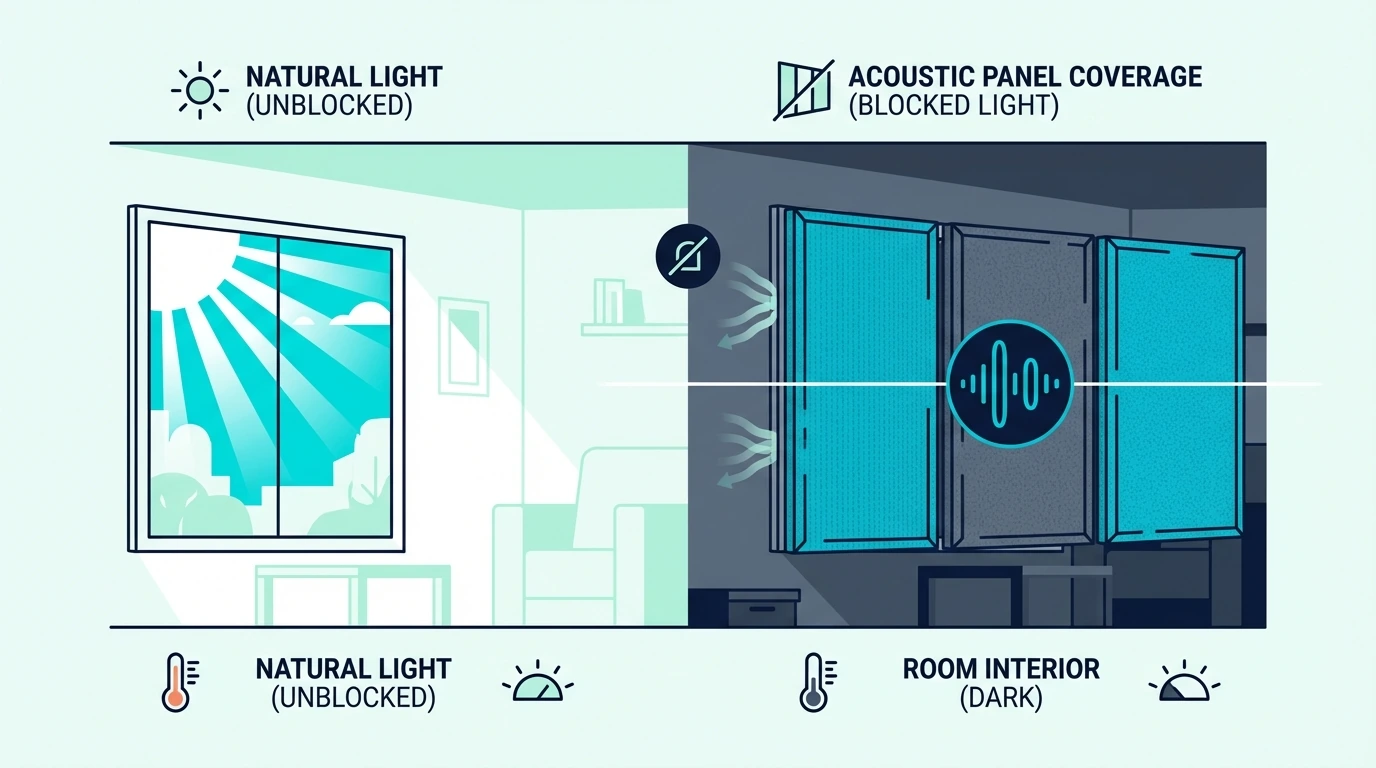 Placement determines whether panels actually improve your stream. Great panels in the wrong spots produce minimal results — three priority zones cover most streaming setups.
Backdrop Wall Coverage
The wall your camera sees is your first priority. It doubles as visual backdrop and acoustic treatment for sound bouncing toward your mic.
Place panels to fill your camera’s frame completely. Check your streaming software to see exactly what appears in your shot, then cover that area with panels.
For most webcam setups, treating a 4–6 foot wide section of wall is enough. Taller streamers or those with wider camera angles may need to extend coverage higher — the same logic applies to home theater setups where visual appearance matters.
Treatment Around Your Microphone
The second priority is treating the surfaces around your microphone. Sound from your voice bounces off nearby walls and returns to your mic, creating echo.
Panels on the wall behind you (from the mic’s perspective, not the camera’s) catch these first reflections. The mirror trick from the gaming panels guide applies here: if you can see your mic in a mirror on the wall, that wall is a reflection point.
Side walls within arm’s reach of your streaming position also matter. These surfaces create the “flutter echo” that makes voices sound metallic and thin — the acoustic panels placement guide covers the full priority order for any room shape.
Ceiling Treatment
Ceiling treatment helps but is not essential for most streamers. The walls behind your camera and around your mic handle the majority of problematic reflections.
If you have treated those primary spots and still hear echo, ceiling panels become the next upgrade. Walls deliver more improvement per panel for streaming setups.
How Do Streamers Install Panels Without Wall Damage?
 Getting panels on your walls without damaging your rental depends on your adhesive method. Two approaches cover most streaming setups.
Command Strip Method
3M Command strips remain the best option for streamers who rent. The medium or large picture hanging strips support most acoustic panels without issue.
Apply strips in an X pattern on the back of each panel for maximum hold. Let them cure for at least an hour before mounting — rushing this step leads to panels falling overnight.
When you move, Command strips remove cleanly from both panels and walls. Your deposit stays safe, and you take your acoustic investment to your next streaming space.
Self-Adhesive Panels
Many streaming-focused panels include self-adhesive backing. The trade-off is speed versus flexibility — once stuck, repositioning is difficult.
Test your placement with painter’s tape before committing to permanent adhesive. Stream a test session to verify your backdrop looks right on camera and your audio sounds clean.
For renters, self-adhesive panels may damage paint on removal. Weigh the installation convenience against potential move-out complications.
Behind-Desk Placement
If wall mounting is not possible, placing panels on a shelf or leaning them against the wall behind your desk works well for streaming backdrops.
The acoustic benefit is slightly reduced compared to wall mounting, but the visual improvement remains the same. Your camera does not know whether panels are mounted or leaning.
Conclusion
The right streaming panels match your priority — mic clarity, camera backdrop, or both — to a product and price point that fits your setup. Backdrop wall first, mic reflections second, ceiling last.
For full-spectrum voice absorption, the High-Density Core 4 Pack delivers professional-grade results with renter-friendly mounting. For maximum on-camera coverage, the TONOR Dual-Layer Panels fill your frame with four panels.
Budget-conscious creators can start with the 18 Pack Black Acoustic Panels and upgrade as the channel grows. The best acoustic panels guide covers every tier in detail.
Frequently Asked Questions
Do acoustic panels actually help streaming audio?
Yes. Panels absorb room reflections that make your voice sound echoey on stream.
Viewers notice cleaner audio immediately, even if they cannot pinpoint why the stream sounds more professional.
Should I prioritize backdrop or mic placement?
Start with your backdrop — the wall behind you that appears on camera. It doubles as visual upgrade and acoustic treatment, giving you the most improvement from your first panels.
Will cheap acoustic panels work for streaming?
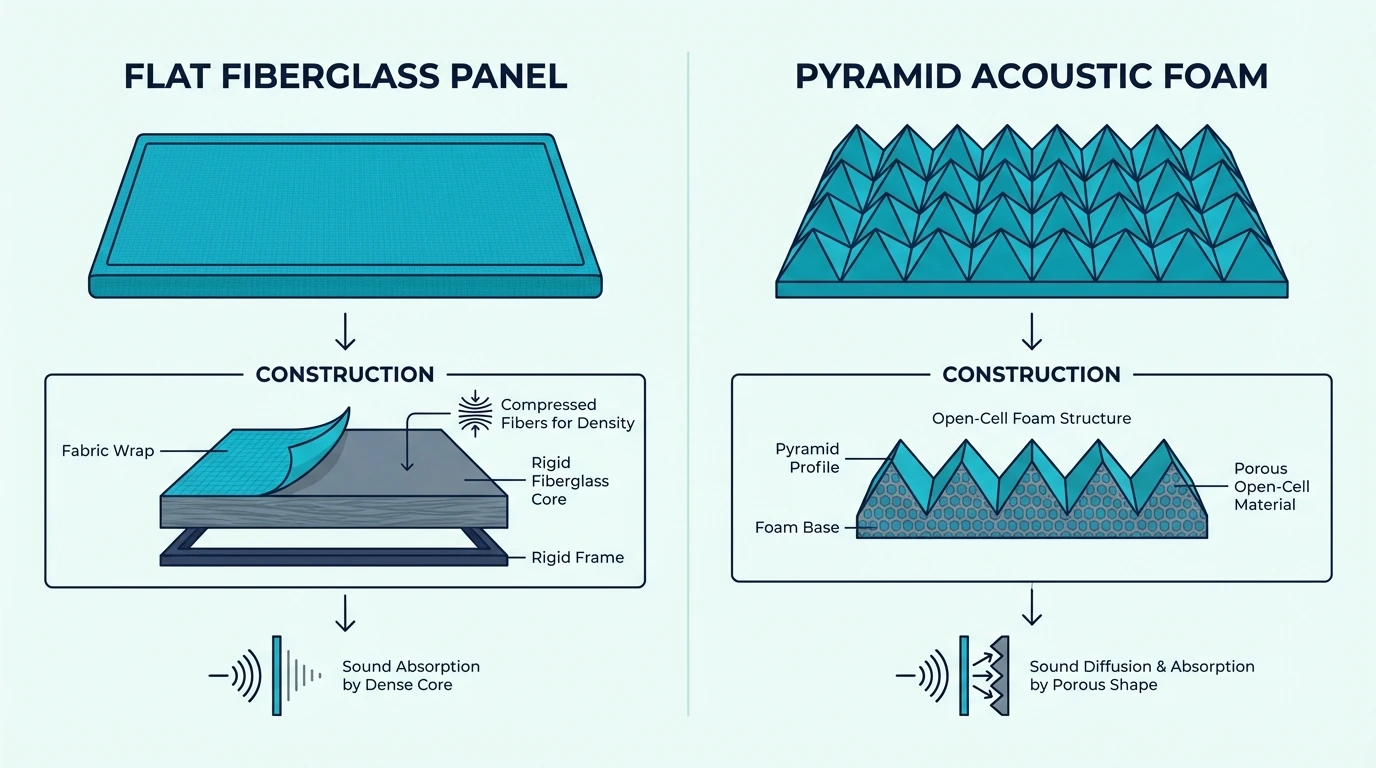
Budget panels work for visual backdrop and high-frequency absorption. For serious mic improvement, thicker panels (2 inches) with fiberglass or high-density cores perform noticeably better.
How many panels do I need for streaming?
For a typical streaming backdrop, 4–8 panels cover the camera’s view. Add 2–4 more around your mic position for audio improvement — 6–12 panels total for full treatment.
The how many acoustic panels guide has a room-size calculator for precise numbers.
Can I use acoustic foam instead of panels?
Acoustic foam (pyramid or wedge shapes) absorbs high frequencies but misses the voice range. Real panels with fiberglass or dense cores deliver better results for streaming audio.
Do panel colors affect audio quality?
No. The fabric color is purely aesthetic — a black panel absorbs the same frequencies as a white one with identical construction.
Choose colors that match your streaming brand.