Joystick to MIDI: Use a Game Controller as a MIDI Controller
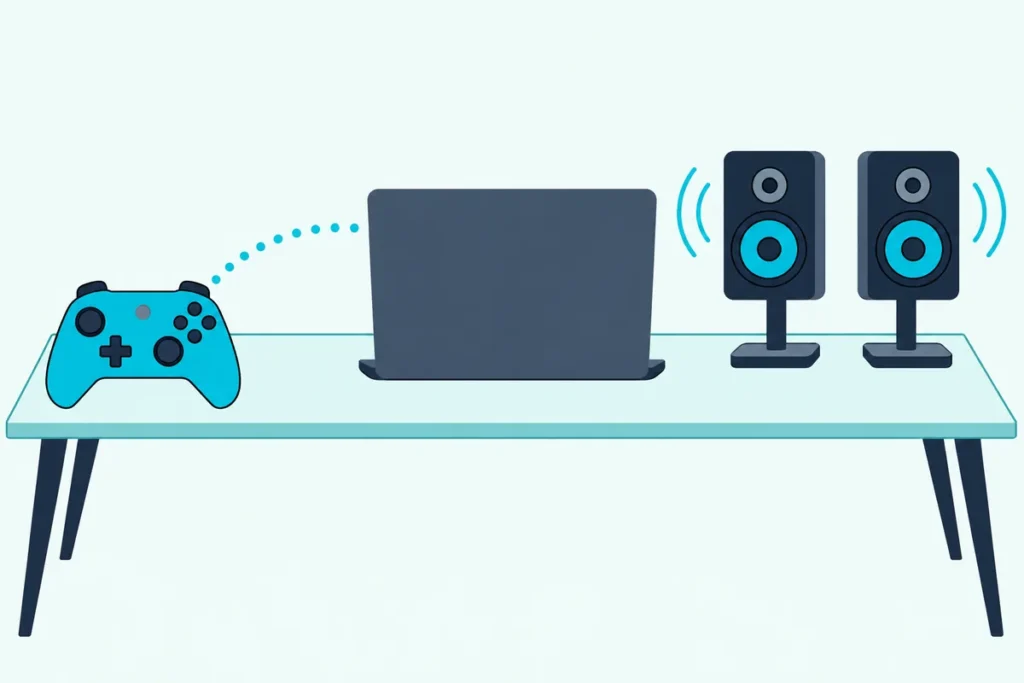
Getting a joystick to MIDI takes one translator program, because an Xbox or PlayStation controller talks to your computer as a game device, not as a musical instrument.
Plug it straight in and your DAW lists nothing, and the free converter at the top of Google’s results was last updated in August 2010.
Pick a maintained route instead, and your sticks, triggers and buttons become notes and knob moves that any DAW can map and record.
REAPER can do it on its own, Gamepad MIDI works with any DAW on Windows, macOS or Linux, and Ableton Live Suite can do it with a Max for Live device.
Start with what the controller actually sends, because that decides which controls make good notes and which make good knobs.
Can You Use a Game Controller as a MIDI Controller?
That translator is the whole trick. Yes, a game controller works as a MIDI controller once a program rewrites its data: Microsoft documents an Xbox-style gamepad as on-off buttons, two triggers that read 0 to 255 and sticks that read -32,768 to 32,767, while MIDI expects notes, Control Change (CC) values from 0 to 127 and pitch bend (Microsoft, MIDI Association).
Think of the converter as an interpreter: it hears every move and repeats it as a MIDI message on a port your DAW can open.
The SDL library behind Gamepad MIDI and Max’s gamepad object treats a joystick as a raw set of buttons and axes, and a gamepad as a joystick whose layout it knows, so an Xbox controller, a DualSense and a flight stick all count (SDL).
For a few notes, your laptop’s keyboard can already play them without any converter.
What Software Converts a Joystick to MIDI?
Those converters come in three kinds: built into a DAW, standalone, or inside Max. REAPER has offered programmable joystick and game controller to MIDI conversion since version 3.0 in May 2009, Gamepad MIDI is a paid standalone app, and Max 8.6 added a gamepad object for Max patches (REAPER, Pounding Systems, Cycling ’74).
| Converter | Runs on | Status on the maker’s site | Best for |
|---|---|---|---|
| REAPER’s joystick MIDI | Windows and macOS; Linux since 7.40 (June 2025) | Built in; REAPER 7.82 is dated October 4, 2026 | REAPER users |
| Gamepad MIDI (Pounding Systems) | Windows 10 and 11 (64-bit), macOS, Linux | Paid; version 1.5.0, August 2026 | Any music software |
| A Max for Live device, such as Side Brain’s Gamepad Control | Ableton Live with Max for Live | Gamepad Control needs the latest Live Suite 11 or 12 | Ableton users |
| Fergo JoystickMIDI | Windows | Free; last version 1.0.48, August 2010 | Not recommended |
| Ocean Swift Xbox and PS MIDI Control | Windows only | Free legacy download, supplied as-is without support | Not recommended |
The last two still sit near the top of Google, but both are old and unmaintained: Fergo’s download is a RAR archive over plain HTTP, and Ocean Swift promises no compatibility or updates.
Gamepad MIDI maps every stick, trigger, button, touchpad and motion sensor to notes, CC or pitch bend, for up to four controllers, each with its own MIDI output. Max’s gamepad object reports the same kinds of events from every connected controller, polling every 5 milliseconds by default (Cycling ’74).
Get Studio Tips Weekly
Join 5,000+ creators getting acoustic treatment advice every week.
No spam. Unsubscribe anytime.How Do You Set Up a Gamepad as a MIDI Controller?
Whichever converter you pick, setup follows the same four steps. You connect the controller, give the MIDI a port, map the controls, then switch that port on in your DAW.
- Connect it. USB is simplest; Sony pairs a DualSense by holding Create and the PS button until the light bar blinks, and Apple pairs Xbox and PlayStation controllers in a Mac’s Bluetooth settings (Sony, Apple).
- Give the MIDI a port. Gamepad MIDI creates one called Gamepad MIDI and REAPER needs none; older converters may need a virtual port.
- Map the controls. Assign buttons to notes and triggers or sticks to CC numbers, or start from a template such as Gamepad MIDI’s Drum Kit.
- Enable the port in your DAW. Ableton Live wants Track on for notes and Remote for mappings in its Link, Tempo & MIDI settings; FL Studio wants Enable clicked in MIDI settings (F10) (Image-Line).
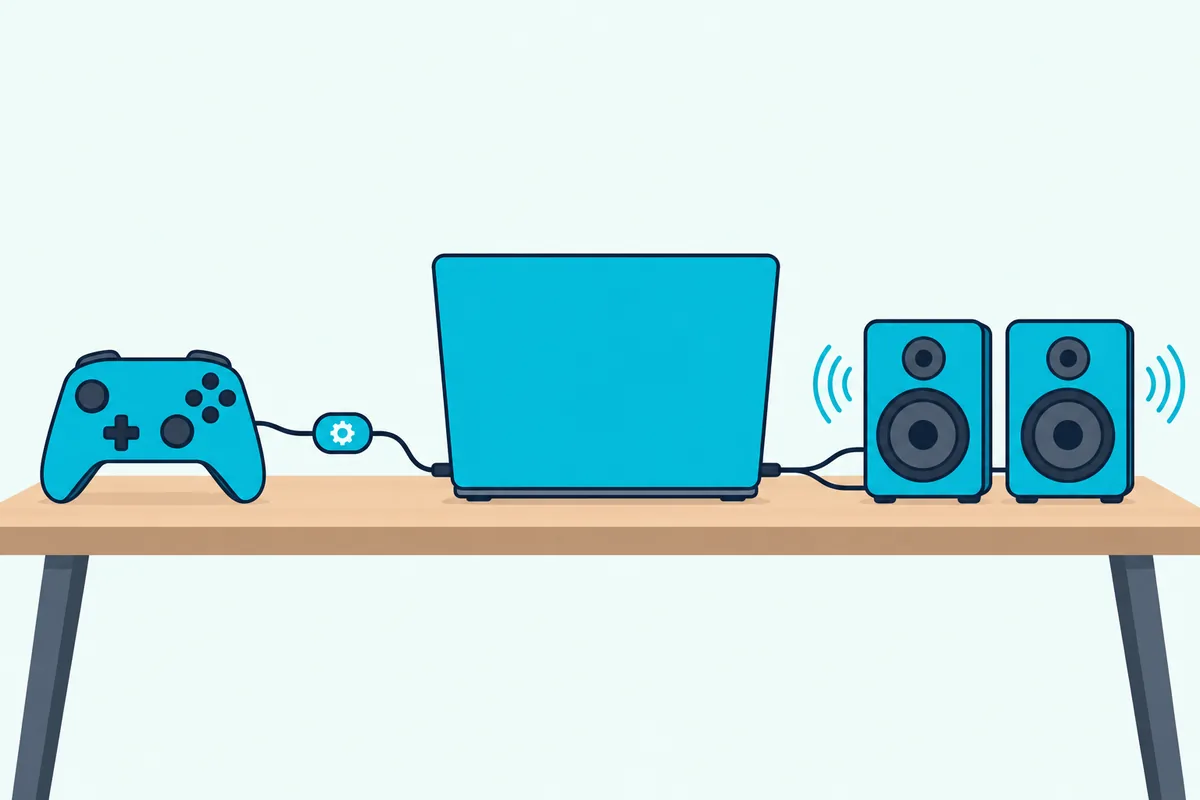
On a Mac, that virtual port is the IAC Driver in Audio MIDI Setup: choose Window, Show MIDI Studio, double-click it, tick Device is online and add a bus if the list is empty (Apple). Windows 11 is getting built-in loopback ports through Windows MIDI Services, with the setup app due in November 2026, while loopMIDI’s maker lists Windows 7 to 10 (Microsoft, Tobias Erichsen).
In REAPER, open Preferences, Audio, MIDI Inputs, click Add virtual MIDI, choose Add joystick MIDI, then pick the device and a processing script (REAPER). Our guide on how to use a MIDI controller in your DAW covers the other switches.
Which Controls Make the Best Notes and Knobs?
Once messages arrive, the numbers from the first section decide what each control suits. Buttons make notes, triggers make expression knobs, and sticks make the finest pitch bends, because one stick axis has 65,536 positions while pitch bend has 16,384 steps and a CC only 128.
An Xbox-style button is only on or off, so every note it plays carries the one velocity your converter sets, like a drum pad stuck at one volume. Each trigger’s 256 steps work out to two per CC value, which suits a filter sweep or a volume swell.
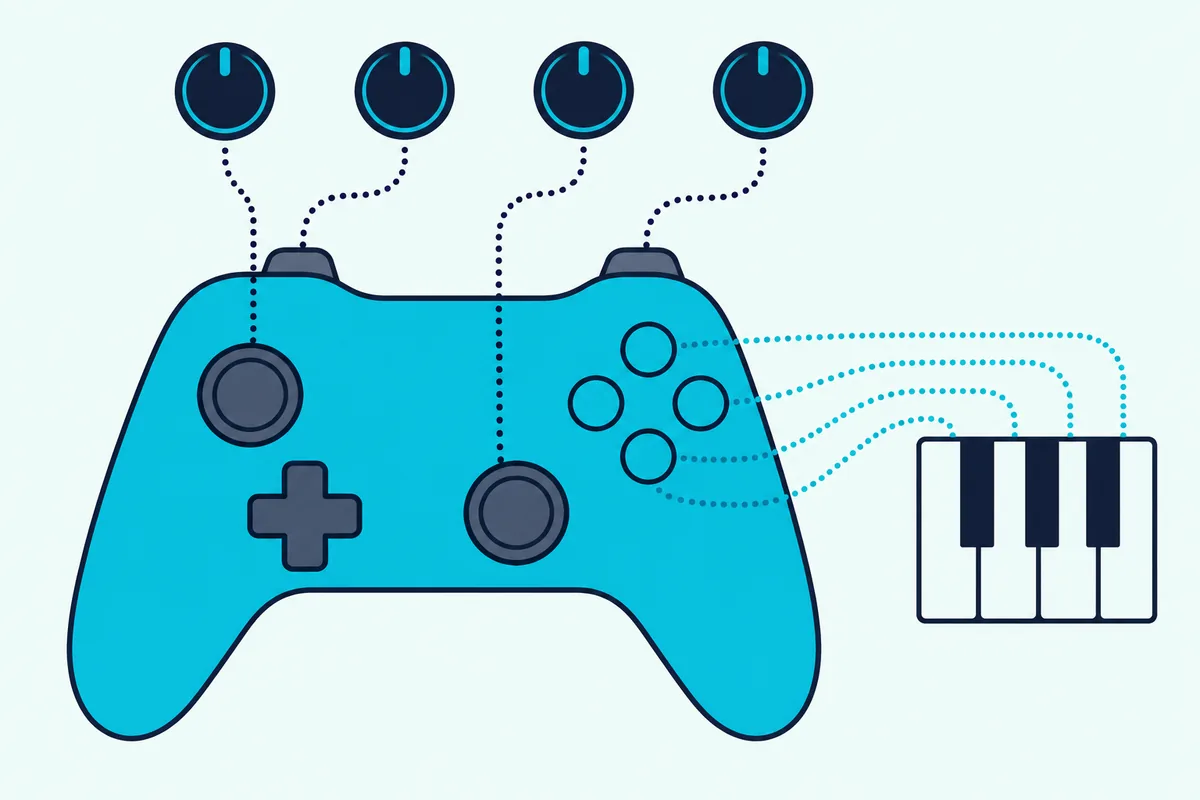
A stick rests at zero in the middle, so it fits pitch bend, whose center value is 8,192, or a CC that rests at 64. Gamepad MIDI sends pitch bend at full 14-bit resolution, and Microsoft defines dead-zone values for filtering out small moves near the center.
DualShock 4, DualSense and Switch Pro controllers add a gyroscope that Gamepad MIDI can map, so tilting one can open a filter (Pounding Systems). Give one spare button CC 123, All Notes Off, so one press silences a stuck note.
Does It Work With Xbox, PlayStation and Switch Controllers?
That gyro is one of the main differences between models. Gamepad MIDI lists Xbox Series X|S, Xbox One and Xbox 360 controllers, the DualSense, DualShock 4 and DualShock 3, the Switch Pro Controller and Joy-Con, plus generic USB and Bluetooth gamepads.
Sony supports the DualSense over USB-C or Bluetooth on 64-bit Windows 10, Windows 11 and macOS Big Sur 11.3 or later. Expect generic button names, since Gamepad MIDI’s docs say SDL3 standardizes layouts, so map a button by its position rather than its symbol.
Gamepad MIDI estimates 20 to 50 ms in total with your DAW, including 5 to 20 ms of smoothing, and says Bluetooth typically adds 5 to 10 ms. At 120 BPM a sixteenth note lasts 125 ms, so 50 ms is under half of one, and a cable keeps it lower.
Why Isn’t Your DAW Receiving Anything?
Delay is one problem; silence is another, and it usually starts at the MIDI port. Either the DAW’s input is off, or Windows hasn’t restarted since Gamepad MIDI installed its Bome MIDI driver, which its FAQ calls the most common issue.
Watch the traffic in a MIDI monitor: MIDI-OX on Windows or MIDI Monitor on a Mac. Messages there but not in the DAW point to the DAW’s input switch.
If the controller itself isn’t seen, test it in Windows’ Game controller settings, and on a Mac allow MIDI access and Input Monitoring when macOS asks. In FL Studio, a port that appeared after launch needs Refresh device list in the MIDI settings.
Is a Game Controller Worth It Instead of a MIDI Controller?
Those fixes aside, the trade-off is velocity and setup. A gamepad is worth it for live tweaks with sticks and motion, not for playing parts, because its buttons send on or off through a translator.
A small keyboard with its own joystick removes the translator. Akai’s MPK Mini Plus lets each axis of its X-Y joystick send pitch bend, one CC or two CCs, so it can move four parameters at once, beside velocity-sensitive keys and pads (Akai).
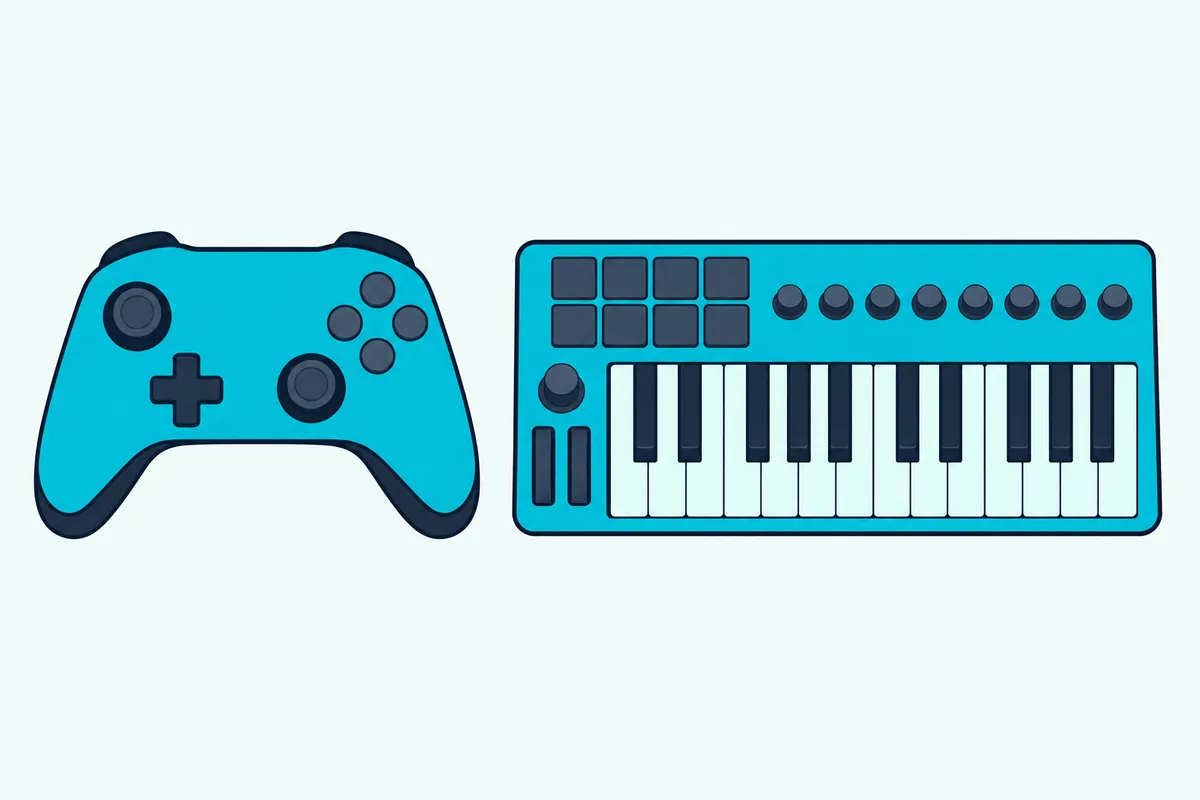
If you’d rather skip the converter, the Akai MPK Mini Plus is a MIDI controller whose joystick needs no software in between. Our roundup of other alternative MIDI controllers covers more ways to play without keys, and Burton Acoustix’s Arduino MIDI controller guide shows how to wire your own.
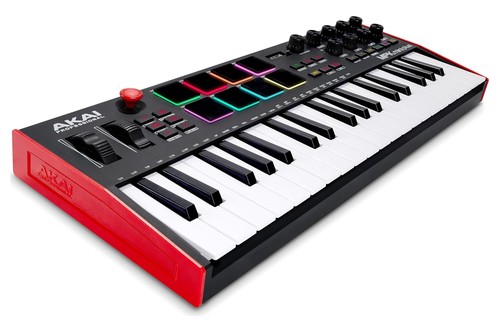
the Akai MPK Mini Plus
The Bottom Line
A game controller makes a capable MIDI knob box once a maintained converter sits in between: REAPER, Gamepad MIDI or a Max for Live device.
Map buttons to notes and sticks to CC or pitch bend, then switch the port on in your DAW.
Frequently Asked Questions
Can you use a MIDI keyboard as a game controller?
Yes, with software that works the other way. Bome MIDI Translator Pro 1.9.2, for Windows 10 and 11 and macOS 11 to 26, turns MIDI into keystrokes and mouse moves, and Bome lists MIDI control of games among its uses (Bome).
Is there free software to turn a joystick into MIDI?
Nothing I’d recommend yet: Fergo JoystickMIDI stopped at version 1.0.48 in August 2010, Ocean Swift’s tool is an unsupported legacy download, and a newer open-source one, GamepadToMidi, ships as code you build yourself. The maintained routes are REAPER, the paid Gamepad MIDI app and Max for Live devices.
Does a game controller work as a MIDI controller on a Mac?
Yes. Gamepad MIDI and REAPER both run on macOS, and Apple’s support page shows how to pair Xbox and PlayStation controllers over Bluetooth.