Bose Smart Soundbar vs Sonos Beam: Every Spec That Splits Them

The Bose Smart Soundbar vs Sonos Beam choice looks like a coin toss between two compact Dolby Atmos bars, but the two makers built height sound in opposite ways.
That leaves you comparing spec sheets that use different words for everything, from room tuning to dialogue modes to which voice assistant actually lives inside the bar.
Get the real differences straight and you’ll know which bar fits your TV, your phone and the room you’re putting it in.
This guide lines up the Bose Smart Soundbar and the Sonos Beam (Gen 2) from Bose’s and Sonos’s own spec sheets and manuals, with the Smart Soundbar 600 and 300 where you’re still weighing them.
The side-by-side table comes first, then each difference in turn, and finally which bar suits which setup, with the pros and cons of each.
What Separates the Bose Smart Soundbar vs Sonos Beam?
The short answer is how each bar makes Dolby Atmos height, then a string of smaller differences in ports, voice and setup. Bose gives the Smart Soundbar up-firing and side-firing speakers, while Sonos says the Beam (Gen 2) creates “phantom height channels” with processing instead (Sonos).
Here’s how the two compare, using only what each maker publishes:
| Feature | Bose Smart Soundbar | Sonos Beam (Gen 2) |
|---|---|---|
| Dolby Atmos height | Up-firing and side-firing speakers | Virtual height from front-facing drivers |
| Speakers | Five total, including a center tweeter | Four midwoofers, one tweeter, three passive radiators |
| Size | 2.21 x 27.34 x 4.09 inches, 6.91 pounds | 2.68 x 25.63 x 3.94 inches, 6.35 pounds |
| Suggested room | 10 by 12 feet | Up to 250 square feet |
| TV connection | HDMI eARC or ARC, or the included optical cable | HDMI eARC or ARC, or the included optical adapter |
| Ethernet | Not on its port list | Yes, 10/100 |
| Bluetooth | Yes, version 5.0 | Not on its spec list |
| Streaming | AirPlay 2, Chromecast built-in, Spotify Connect | AirPlay 2, plus services in the Sonos app |
| Voice | Alexa built in; works with a Google Assistant device | Sonos Voice Control, Alexa or Google Assistant |
| Room tuning | No ADAPTiQ listed | Trueplay, with an iOS device |
| Dialogue | AI Dialogue Mode | Speech Enhancement, on or off |
| Remote | Included | None; syncs with your TV remote |
Think of the Bose as the bar with more physical hardware for height and the Sonos as the bar with more ways to plug in and grow. If you’re weighing the two brands as a whole rather than these two models, our Sonos vs Bose soundbar brand comparison covers the full lineups.
Which Bar Has Real Dolby Atmos Height Speakers?
That first table row is the one most buyers ask about. Only the Bose has drivers aimed at your ceiling: its owner’s guide says the Smart Soundbar “uses up-firing and side-firing speakers” for Dolby Atmos (Bose’s Smart Soundbar owner’s guide).
The Beam takes the other route. Sonos’s FAQ says it renders two extra audio channels through its five speaker arrays and uses psychoacoustic HRTF processing “to give the impression of height,” and Sonos’s own comparison labels it “Virtualized Dolby Atmos” at 5.1.2.
Up-firing drivers need a ceiling to bounce off, which is why Bose’s guide asks you to keep the up-firing speakers on top and the side-firing speakers clear. Bose also says not to put the bar in an enclosed cabinet, so a shelf nook works against the very drivers that set it apart.
The Beam’s virtual height doesn’t depend on the ceiling, so a low shelf costs it less, though Sonos still asks for 2 inches of clearance on both sides there.
CNET’s comparison of the Beam and the Bose 600 (same up-firing approach) gave the Bose the edge on overhead effects in Mad Max: Fury Road and the Beam the edge for loud, dynamic music (CNET).
How Do the Drivers and Size Compare?
Those height drivers are one part of the hardware story, and the full driver list fills in the rest. Bose’s product page lists “five total speakers” for the Smart Soundbar, and its comparison table describes them as “5 total speakers and center tweeter” (Bose).
What Hi-Fi breaks those five down as two side-firing racetrack transducers, a center tweeter and two up-firing drivers. Sonos lists four elliptical midwoofers, one center tweeter and three passive radiators in the Beam, driven by five Class-D amplifiers.
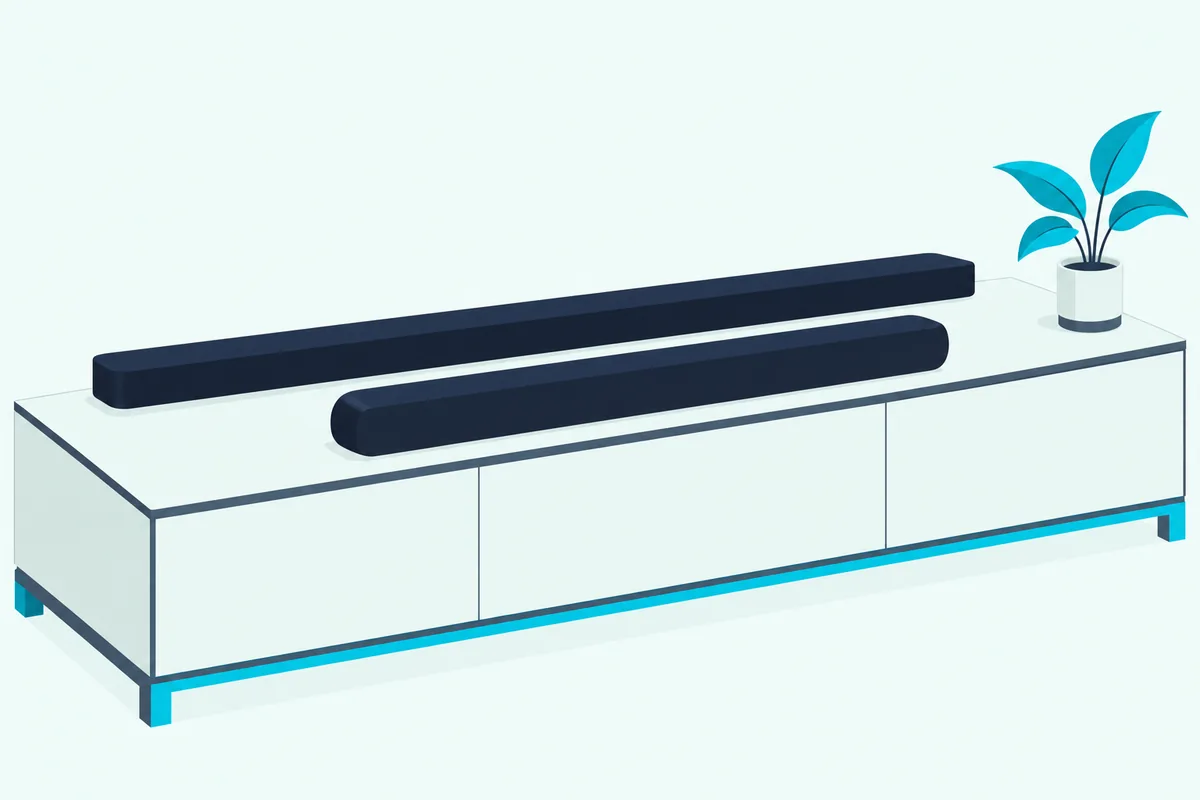
Sonos says those three passive radiators enhance low frequencies, its answer to bass without a sub. Bose doesn’t name a bass driver for the Smart Soundbar, so its low end stays a gap in the spec sheet.
On size, the Bose is lower and wider: 2.21 inches tall and 27.34 inches wide, against the Beam’s 2.68 inches tall and 25.63 inches wide. That half-inch of height matters if your TV sits on short feet, because a taller bar can block the bottom of the picture or the TV’s IR sensor.
The 1.7-inch difference in width matters less, since a 55-inch TV is roughly 48 inches across. What Hi-Fi notes the wider Bose is more likely to hang over a narrow stand (What Hi-Fi).
The makers also size them for different rooms, by their own charts rather than a loudness test. Bose suggests a 10 by 12 foot room, about 120 square feet, for the Smart Soundbar, while Sonos rates the Beam (Gen 2) for small or mid-size living rooms up to 250 square feet.
Do the TV Ports, eARC and Optical Match?
The room size settles where each bar goes, and the back panel settles how it connects. Both bars want the HDMI eARC or ARC port on your TV first, and both drop back to optical if your TV has neither.
Bose packs an optical cable in the box alongside the HDMI cable, while Sonos includes an HDMI cable and an Optical Audio Adapter that clips onto it for TVs with only an optical output.
Bose’s guide adds one optical-only trick, auto-wake, which powers the bar on whenever a sound signal arrives. Its back panel also carries a BASS port next to HDMI eARC, optical, IR, service and power.
The Beam’s back panel has power, a join button, an Ethernet port and HDMI. That Ethernet port is the one connection the Bose doesn’t list, and it matters if your Wi-Fi is weak where the TV lives.
On audio formats, Sonos lists Dolby Atmos, Dolby TrueHD, multichannel PCM and DTS Digital Surround for the Beam, adding that the DTS entry “is not an indication of a licensed decoder.” Bose’s Smart Soundbar documents name Dolby Atmos and never mention DTS.
A practical test helps here: check your TV’s HDMI ports for an ARC or eARC label before you buy. Sonos marks Dolby TrueHD and multichannel PCM as needing an eARC connection, while Dolby Atmos over Dolby Digital Plus carries no such note.
What About Wi-Fi, Bluetooth, AirPlay and Chromecast?
Those wired ports cover the TV, but music streaming is where the two spec sheets part ways again. Bose lists Bluetooth 5.0 with a 30-foot range on the Smart Soundbar, and Sonos’s spec list for the Beam (Gen 2) has no Bluetooth entry at all.
CNET flags the same gap: Bose’s system has Bluetooth, “which Sonos does not.” So a guest who wants to play something from a phone without joining your Wi-Fi can do it on the Bose and not on the Beam.
Both bars support Apple AirPlay 2. Bose adds Chromecast built-in and Spotify Connect, while Sonos’s Beam spec sheet names AirPlay 2 and leaves the rest to services inside the Sonos app, with What Hi-Fi confirming Spotify Connect works on the Beam.
Wi-Fi itself has one catch on the Sonos side. Sonos asks for a 2.4 GHz 802.11b/g/n network, and if your router broadcasts only 5 GHz, it says to switch on 2.4 GHz or wire the Beam to the router with that Ethernet port.
Who Wins on Voice Assistants and Remote Control?
That app-centered streaming leads straight into voice, where the two bars differ more than their spec sheets suggest. Bose builds Amazon Alexa into the Smart Soundbar and says you can reach Google Assistant by connecting “a Google Home device” to it.
Its owner’s guide lists Google under “Works with Google Assistant,” so a separate Google speaker on your network passes the commands along.
Sonos says the Beam (Gen 2) works with Sonos Voice Control, Amazon Alexa and Google Assistant, through a five-microphone far-field array in the bar. Two catches from Sonos’s support pages: Sonos Voice Control speaks only US English and French, and since September 2026 Google Assistant can’t be added from an Android device, only from iOS.
The remote story is just as split: Bose puts a remote in the box, with power, TV, Bluetooth, Bose app, play/pause, volume and mute buttons.
The Beam comes with no remote at all. Its infrared receiver syncs with your existing TV remote, and Sonos’s app and touch controls on top of the bar handle the rest.
Bose adds one TV feature Sonos doesn’t list. The Smart Soundbar is Roku TV Ready, so its guide says a Roku TV’s remote and on-screen menu can run it.
How Do ADAPTiQ, Trueplay and Dialogue Modes Compare?
Voice and remotes decide how you control each bar, and tuning decides how it sounds in your room. Sonos tunes the Beam with Trueplay, which measures how sound reflects off your walls and furniture, then adjusts the bar’s EQ (Sonos’s Trueplay guide).
The Beam’s Trueplay needs an iOS device: Sonos’s support article says only certain newer models, including the Arc Ultra and Beam Ultra, can be tuned from an Android phone.
Bose’s flagship room tuning, ADAPTiQ, isn’t part of the Smart Soundbar’s spec. Bose’s own comparison table marks ADAPTiQ “No” for the Smart Soundbar and “Yes” for the Smart Ultra, and the Smart Soundbar’s owner’s guide never mentions it.
What Bose offers instead is more manual control. Its app adjusts bass, treble, center channel, height channel and surround channels, against Sonos’s bass, treble and loudness.
Dialogue is where Bose leans hardest on software. AI Dialogue Mode senses when people are talking and balances voice against the effects automatically, and Bose says you can switch it off in the app if you prefer the original mix.
Sonos’s version is Speech Enhancement, which boosts the frequencies of the human voice. On the Beam (Gen 2) it’s a single on or off switch in the Sonos app, and the Beam adds Night Sound, which lifts quiet sounds and tames loud ones for late-night watching.
Can You Add a Subwoofer and Rear Speakers Later?
Tuning shapes the bar on its own, but both makers sell the rest of a surround system too. Bose’s owner’s guide lists four add-ons for the Smart Soundbar: the Bass Module 700, the Bass Module 500, the Surround Speakers 700 and the Surround Speakers.
Sonos’s FAQ says every generation of Sonos Sub works with the Beam (Gen 2), and the Beam is on Sonos’s list of products that support the smaller Sub Mini. For rears, Sonos names a matching pair of Era 300, Era 100, One, Five or older Play speakers, and it sells a Surround Set that pairs the Beam with two Era 100s.
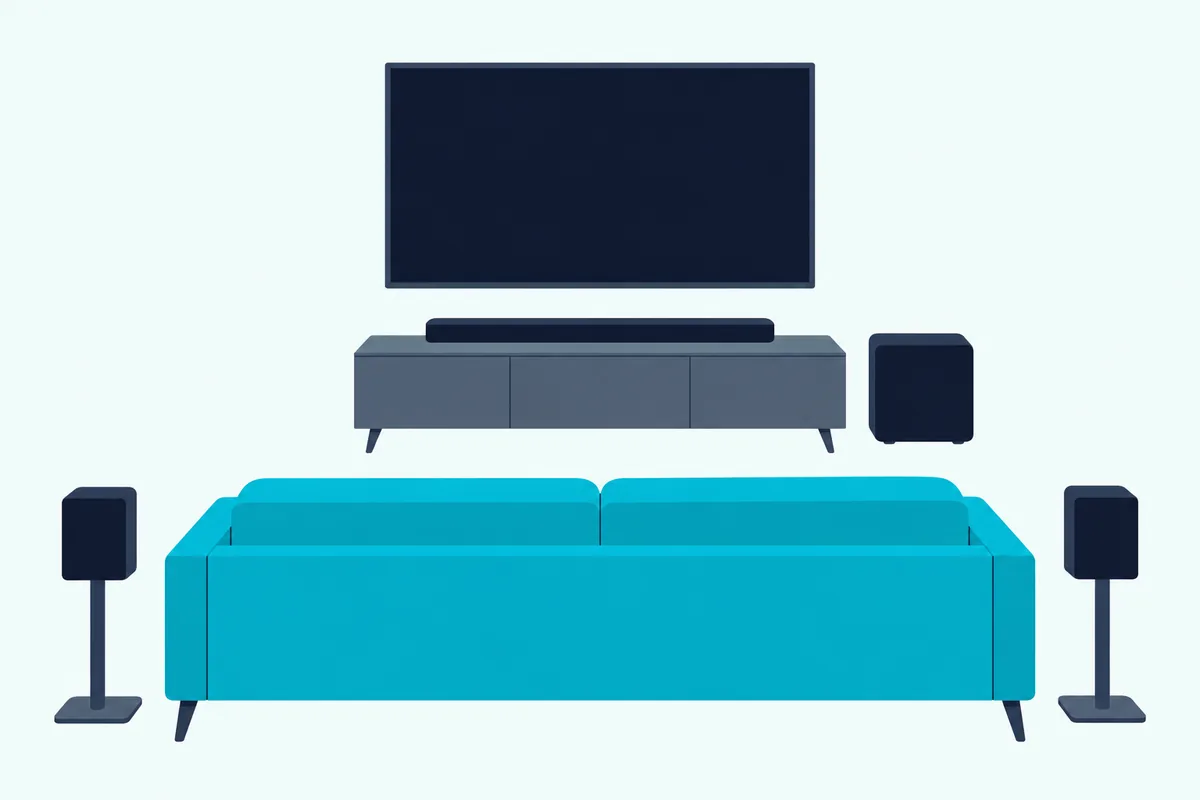
Each brand also has a headphone answer for one listener. Bose’s Personal Surround pairs the Smart Soundbar with Bose Ultra Open Earbuds as rear surround speakers for one person, and Bose says the bar’s processing limits it to a single listener.
Sonos’s TV Audio Swap moves the Beam’s sound to Sonos Ace headphones instead, and Sonos says two pairs of Ace can connect at once. That makes the Beam the better fit for two people sharing a quiet late-night movie.
Where Do the Bose 600 and 300 Fit In?
Those add-on lists carry over to Bose’s older bars, which is why searchers still compare them with the Beam. Bose’s FAQ says the Smart Soundbar “is similar in many ways to the Smart Soundbar 600” but adds AI Dialogue Mode and Personal Surround.
The 600’s owner’s guide backs that up: the same up-firing and side-firing speakers, the same HDMI eARC and optical ports, Alexa built in and Google Assistant through a separate device, and the same four accessories. What Hi-Fi calls the Smart Soundbar a replacement for the 600.
Finding a new 600 is getting harder. On 24 October 2026, Bose US’s product address for it redirected to a home theater category listing four other Bose bars and no 600.
So the 600 vs Beam question has the same answers as the Smart Soundbar vs Beam, minus those two Bose features.
The Smart Soundbar 300 is a different story. Its owner’s guide connects through HDMI ARC (cable not included) or optical, uses the older Bose Music app and offers both Google Assistant and Alexa, and its Dolby license line names Dolby Audio, with no mention of Dolby Atmos.
It does list the same four Bose add-ons as the newer bars. If Atmos is on your list, though, the 300’s guide gives no reason to expect it.
Which One Suits Your Room and Setup?
With the older Bose bars placed, the choice between the two current ones comes down to your room, your phone and your Wi-Fi. By the makers’ specs, the Bose suits an open stand in a smaller room, and the Beam suits a cabinet nook, a room up to 250 square feet or a wired network.
The Bose Smart Soundbar’s pros are physical up-firing height speakers, Bluetooth, Chromecast built-in, an included remote, Roku TV Ready support and AI Dialogue Mode. Its cons are no Ethernet port, no ADAPTiQ, Google Assistant only through a separate device, and Bose’s smaller suggested room.
The Sonos Beam (Gen 2)’s pros are a choice of three voice assistants inside the bar, an Ethernet port, Trueplay tuning, Sonos’s larger room rating and a bigger range of subs and rears. Its cons are virtual rather than physical height, no Bluetooth, no remote in the box and Trueplay that needs an iOS device.
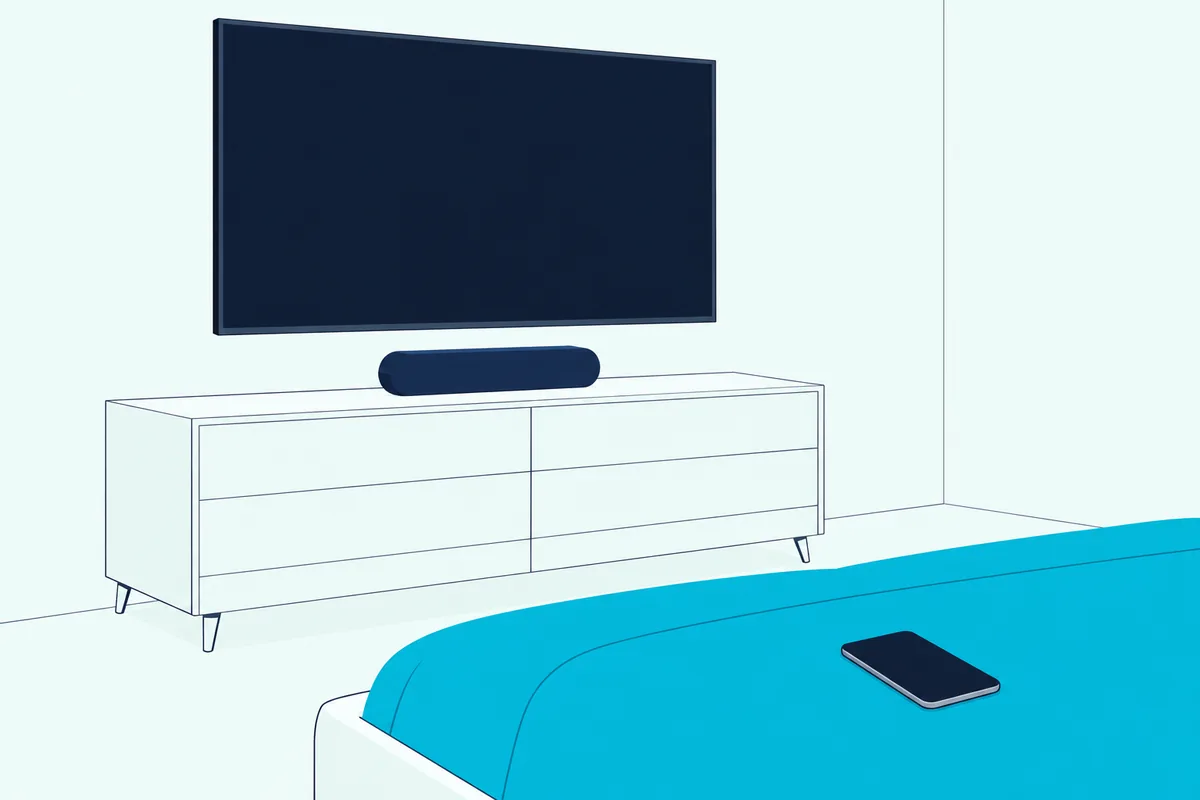
Take three common setups. In a 12 by 12 foot bedroom with the bar on an open TV stand, the Bose’s up-firing drivers have a ceiling to work with, and the room is close to Bose’s suggested 10 by 12 feet.
In a 15 by 16 foot living room, about 240 square feet, with the TV in a cabinet nook, the Beam’s virtual height and Sonos’s 250-square-foot rating make it the safer fit. The Bose’s guide warns against enclosed cabinets.
In a Google home, the Beam answers “Hey Google” itself once it’s added from an iPhone or iPad, while the Bose needs a Google speaker to relay. In an Apple home, both take AirPlay 2, but only the Beam can be tuned from your iPhone.
Should You Buy the Smart Soundbar, the Beam or the 600?
Those three setups point to a simple split. The Bose is the bar for height from above, and the Beam is the bar with more ways to connect and grow.
For physical Atmos height in a compact bar, the Bose Smart Soundbar is the one to get. It suits an open stand in a smaller room, with the remote and Roku support in the box.
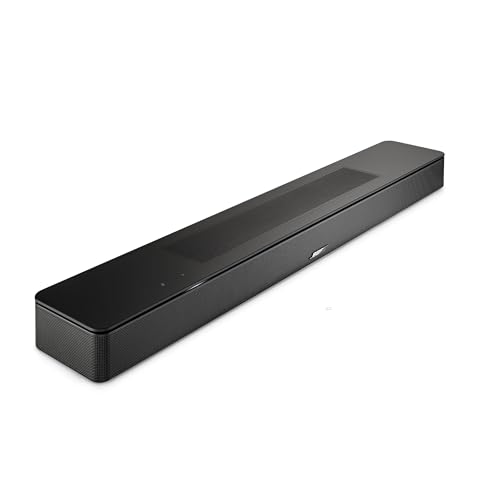
the Bose Smart Soundbar
For flexible setup and a bigger system later, the Sonos Beam (Gen 2) is the pick. It fits a cabinet nook or a room up to 250 square feet, and every Sonos Sub works with it.
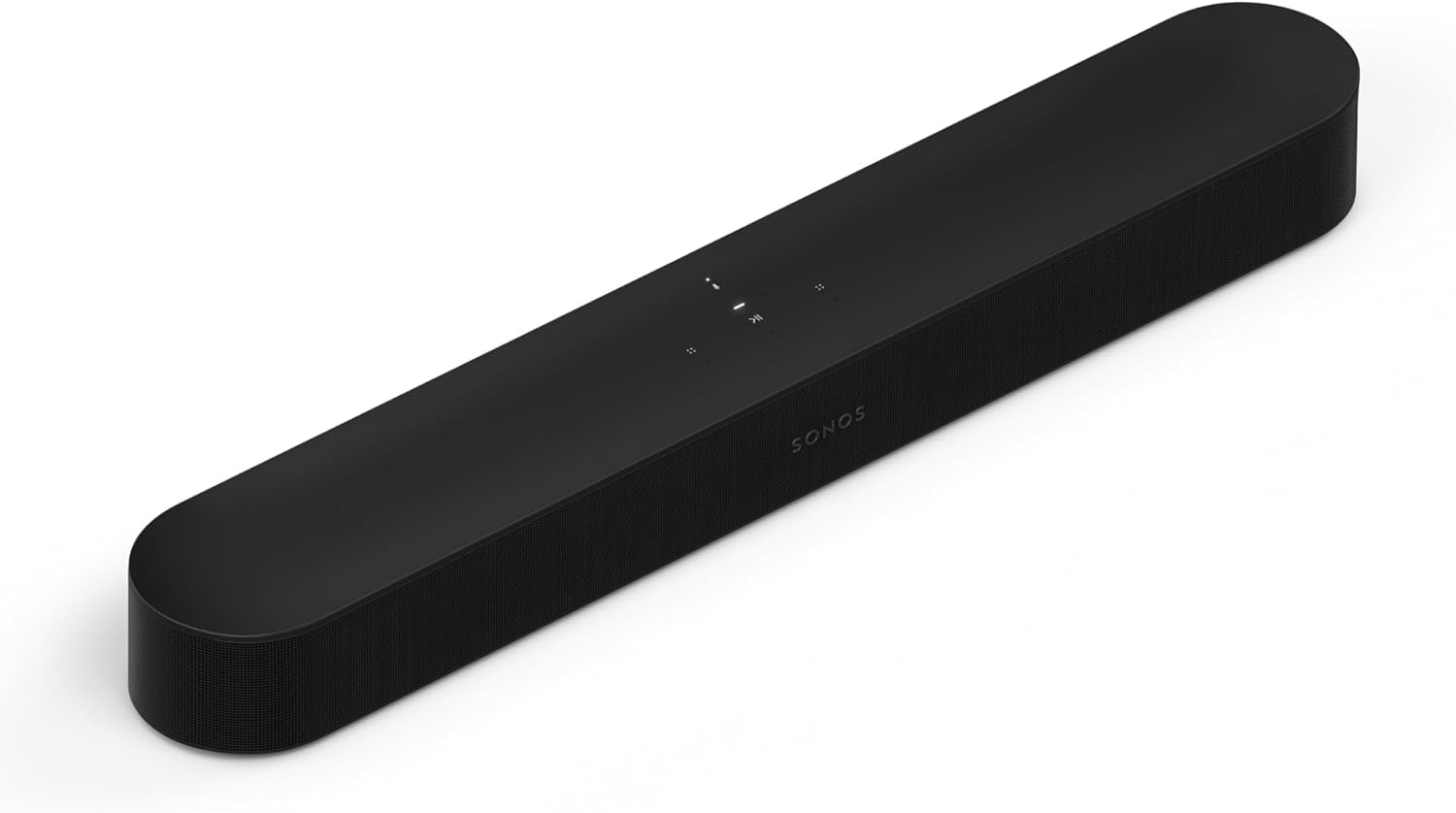
the Sonos Beam (Gen 2)
For the older Bose design, the Bose Smart Soundbar 600 still makes sense if you find it new. Check that the listing is new, not renewed, since Bose’s own store no longer sells it.
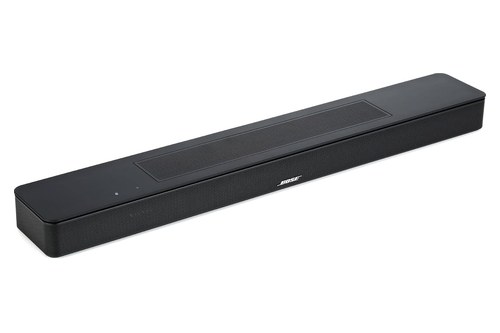
the Bose Smart Soundbar 600
For the rest of the Sonos range, from the Ray to the Arc Ultra, see every current Sonos soundbar sized by room.
The Bottom Line
The rows in that first table tell the story: up-firing height, Bluetooth and a remote on the Bose, and an Ethernet port, Trueplay and three voice assistants on the Beam. Neither maker’s documents name a winner, so your room, your phone and your Wi-Fi do the deciding.
If you’d rather stay with Bose but want more from a single bar, how the Smart Soundbar stacks up against the Smart Ultra is the next comparison to read. For the whole Bose range from the TV Speaker up, see Burton Acoustix’s Bose soundbar buying guide.
Frequently Asked Questions
Is the Sonos Beam Gen 2 better than the Bose Smart Soundbar?
Neither maker’s spec sheet makes one better across the board. The Bose has physical up-firing height speakers, Bluetooth and a remote, while the Beam has Ethernet, Trueplay and three built-in voice assistants.
CNET’s test of the Beam against the Bose 600 split the same way, favoring the Bose for overhead effects and the Beam for loud music.
Does the Sonos Beam (Gen 2) have Bluetooth?
No. Sonos’s spec list for the Beam (Gen 2) has no Bluetooth entry, and CNET’s comparison says the same.
The Bose Smart Soundbar lists Bluetooth 5.0 with a 30-foot range, and Sonos’s newer Beam Ultra has Bluetooth 5.3.
Can you wall mount the Bose Smart Soundbar and the Sonos Beam?
Yes, each with its own bracket. Bose says to use only the Bose Soundbar Wall Bracket and to keep the top of the bar at least 4 inches away from the TV, then adjust the audio for wall mounting from the remote or the app.
Sonos recommends its Beam Wall Mount and asks for at least 1 inch of space above the bar so you can reach the touch controls. Sonos also sells a Sanus mount that attaches the Beam to an existing TV mount.
Where does the Sonos Beam Ultra fit in?
The Beam Ultra sits above the Beam (Gen 2) in Sonos’s lineup. Sonos rates it at 7.1.2 with Dolby Atmos and nine drivers for mid-size living rooms of 250 to 350 square feet, against the Gen 2’s virtualized 5.1.2.
It also adds Bluetooth 5.3, Wi-Fi 6 and a USB-C line-in. If you want physical height speakers in a Sonos bar, look at the Beam Ultra or an Arc, not the Beam (Gen 2).