Can an LG Magic Remote Control a Sound Bar?
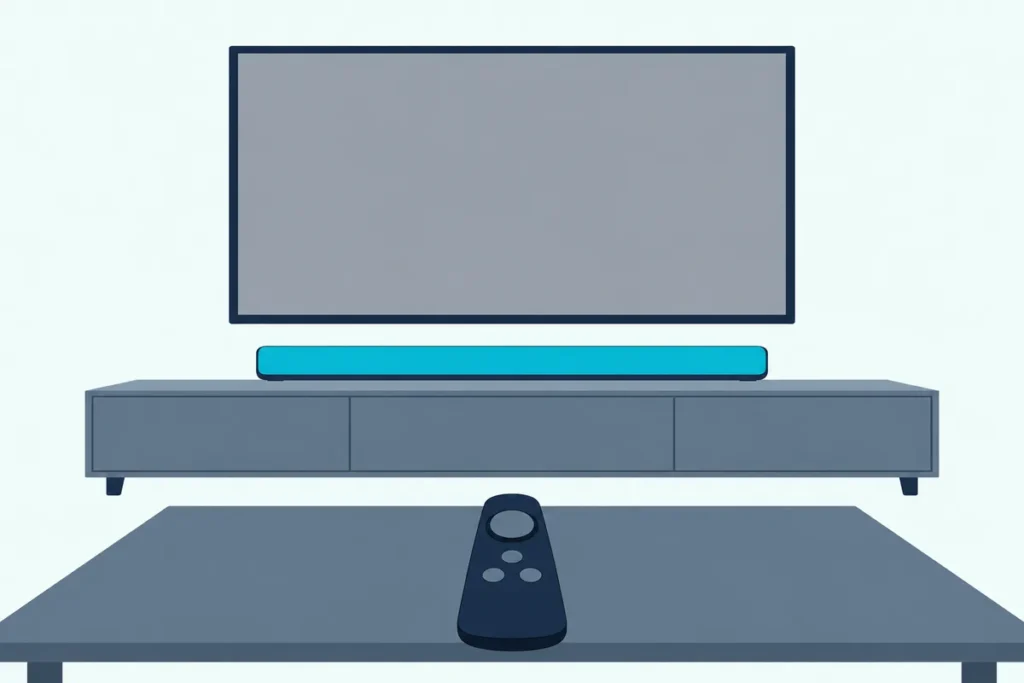
Can an LG Magic Remote control a sound bar? Yes, once the bar sits on the TV’s HDMI (eARC/ARC) port with SIMPLINK (HDMI-CEC) on, the remote runs its volume and mute, on LG bars and other brands’.
The catch is that the Magic Remote talks to the TV by radio, not infrared, so a bar on optical, or with SIMPLINK off, needs LG Sound Sync or a Universal Control setup before it follows.
Set the right link and one remote handles the picture and the everyday sound controls.
Start with the cable, since HDMI ARC, LG Sound Sync over optical and Bluetooth each give the Magic Remote a different amount of control.
After that come the webOS menus by year, Universal Control for infrared-only bars, and the fixes when the remote still won’t reach the bar.
Why Can’t the Magic Remote Talk to the Bar Directly?
That radio link is the whole story. Sonos explains that the LG Magic Remote uses radio frequencies or Bluetooth to reach the TV instead of infrared, and LG’s 2023 OLED manual has you pair it with the TV before first use (Sonos).
Think of the TV as an interpreter. Out of the box the remote speaks only to the TV, so the TV passes each volume press on over HDMI-CEC or LG Sound Sync, unless you set the remote up to send infrared itself.
That’s why LG’s own bars warn that their TV REMOTE function, which follows a list of TV brands’ remotes, can’t be run by the Magic Remote. The S95QR and SC9S manuals both say “You cannot control the product with the LG TV’s Magic Remote Control” in that mode.
Can an LG Magic Remote Control a Sound Bar Over HDMI?
HDMI is where the interpreter works best. Yes: LG’s S95TR manual says a SIMPLINK-compatible LG TV remote controls the bar’s power, volume and mute once the two are joined by HDMI (LG).
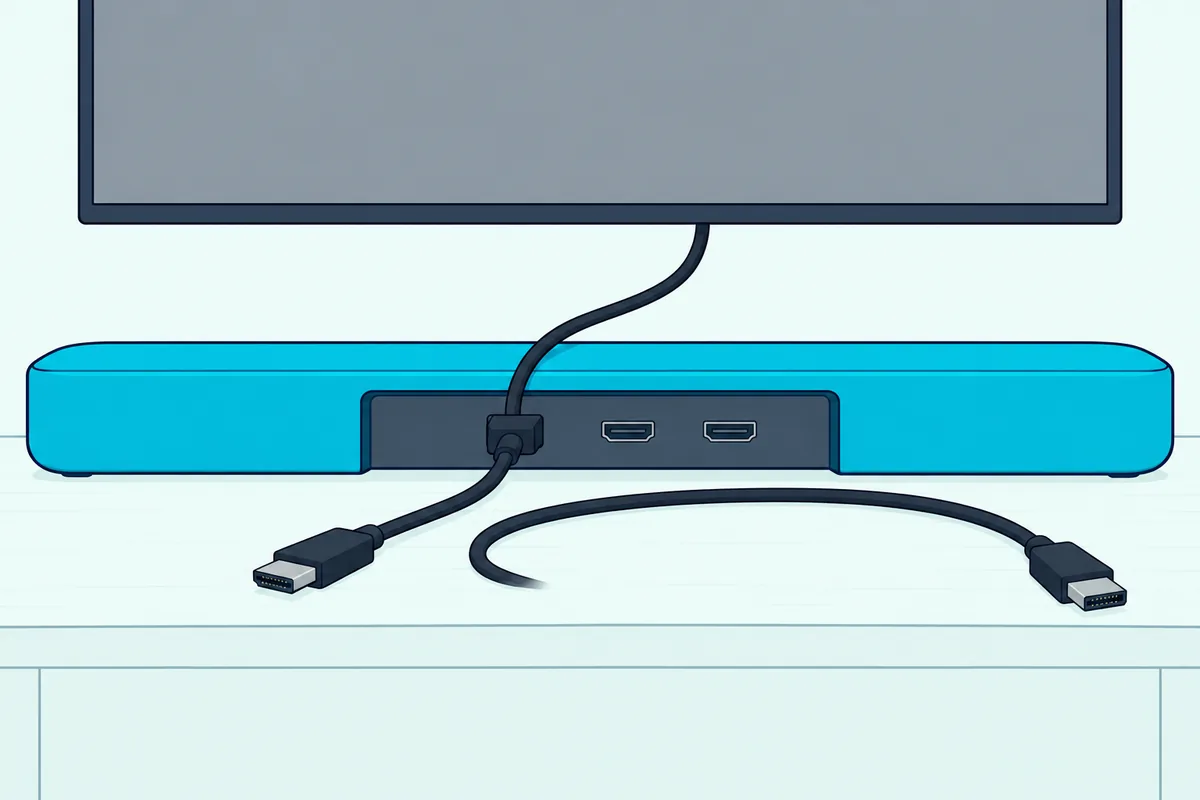
- Connect the bar’s HDMI TV (eARC/ARC) port to the TV’s HDMI (eARC/ARC) port.
- On the TV, go to General > External Devices > HDMI Settings and set SIMPLINK (HDMI-CEC) to On.
- Go to Sound > Sound Out > Use Wired Speaker and pick HDMI(ARC) Device.
- Press volume up on the Magic Remote and watch the bar’s level change.
LG’s 2025 webOS guide says picking HDMI(ARC) Device turns SIMPLINK on by itself, and that turning SIMPLINK off sends the sound back to the default speakers. It also asks for a High Speed HDMI cable with CEC, which uses pin 13 to pass information between the devices.
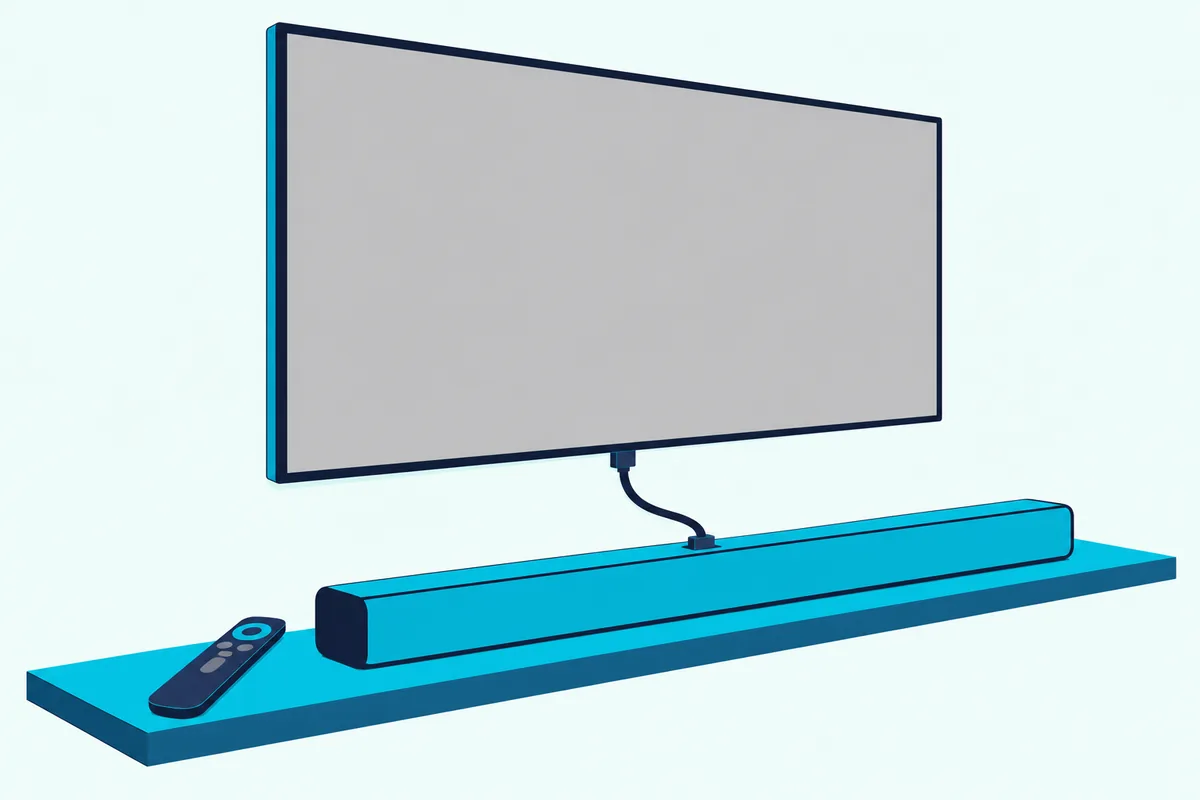
The S95TR manual adds “Use a certified cable with the HDMI logo.” UGREEN’s 6.6 ft certified HDMI cable is sold as Certified Ultra High Speed, and HDMI.org says genuine certified cables carry a label you can scan to check them.

UGREEN’s 6.6 ft certified HDMI cable
The same steps are the backbone of the LG TV soundbar hookup guide, which covers the sound settings beyond the remote.
Get Studio Tips Weekly
Join 5,000+ creators getting acoustic treatment advice every week.
No spam. Unsubscribe anytime.Which webOS Menu Holds SIMPLINK on Your LG TV?
That step 2 path shifts with the TV’s year, while the sound menu stays put. LG’s guides put SIMPLINK (HDMI-CEC) under All Settings > General > Devices > HDMI Settings on webOS 2022, and under General > External Devices > HDMI Settings on webOS 2023, 2024 and 2025.
| LG webOS guide | SIMPLINK (HDMI-CEC) | Sound output |
|---|---|---|
| webOS 2022 | All Settings > General > Devices > HDMI Settings | All Settings > Sound > Sound Out > Use Wired Speaker |
| webOS 2023 | General > External Devices > HDMI Settings | Sound > Sound Out > Use Wired Speaker |
| webOS 2024 | All Settings > General > External Devices > HDMI Settings | All Settings > Sound > Sound Out > Use Wired Speaker |
| webOS 2025 | General > External Devices > HDMI Settings | Sound > Sound Out > Use Wired Speaker |
Some sets use different words again. Sonos notes that the steps vary by TV model and software, and its instructions start from Home > Device Connector, falling back to Universal Control Settings where Device Connector isn’t offered.
Does LG Sound Sync Let the Magic Remote Run an Optical Bar?
Optical is where the interpreter needs LG’s own language. Yes, on a bar that supports LG Sound Sync: LG’s S95QR manual says the LG TV remote adjusts volume and mute over an optical cable on a TV that supports LG Sound Sync (LG).
On the TV, set Sound Out to Optical Out Device, then turn on Sound > Advanced Settings > LG Sound Sync, as the 2025 webOS guide lays it out. The S95QR shows “LGOPT” in its display when the link works.
The guide adds a power bonus. If the LG bar’s auto power feature is on, the bar turns on and off with the TV.
Amazon Basics’ 6-foot Toslink cable covers a bar sitting just under the TV. Pull the protective caps off both plugs first, as the S95QR manual says.
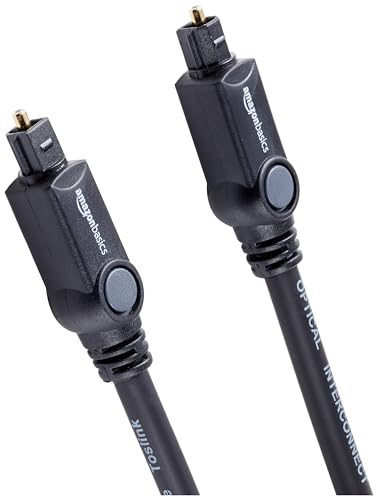
Amazon Basics’ 6-foot Toslink cable
Can the Magic Remote Control a Bar Over Bluetooth?
Wireless follows the same rule as optical. LG’s S60T, S70TY and S75QR manuals say the LG TV remote adjusts the volume when the TV and bar are joined by LG Sound Sync (Wireless), and the TV’s volume and mute status carry over to the bar (LG).
You start it from the bar: press its Bluetooth pair button, then on the TV open the Speaker menu and pick the bar. The S75QR shows “LG TV” in its display once it’s ready.
Other brands’ Bluetooth bars are less certain. The 2025 webOS guide says only that “For some Bluetooth devices, the device volume can be controlled” from the connection list, under Sound > Sound Out > Use Wireless Speaker.
Will the Magic Remote Control a Samsung, Sonos or Other Bar?
HDMI ARC is the cross-brand route. Yes, over HDMI ARC with CEC on: Sonos says its HDMI-ARC products work with IR and RF remotes when the TV has CEC enabled, and Samsung’s HW-Q990D manual says to use the TV remote’s volume buttons on an ARC link.
LG’s S95TR manual lists the other makers’ names for the same CEC feature: Sony BRAVIA Sync/Link, Philips EasyLink and Samsung Anynet+. LG’s webOS guides are more cautious, saying SIMPLINK works only with devices carrying the SIMPLINK logo and that other products may cause problems.
Optical is the hard case. Sonos says its optical products only take infrared remotes and names the LG Magic Remote among remotes that don’t output IR by default, and Samsung’s TV-remote mode is “used with IR remote controls only,” with remotes that need pairing not supported.
For a Samsung bar, the Samsung bar on an LG TV walkthrough covers the menus on both sides. For an optical bar of any brand, the infrared setup below is the way in.
How Do You Set Up Universal Control for an Infrared Bar?
That missing IR signal is what Universal Control supplies. LG’s 2025 webOS guide says Universal Control lets the Magic Remote run peripherals such as a home theater or set-top box, and it works only with the Magic Remote, though some models let a provided IR blaster stand in for a regular remote.
- Turn the bar on, since the guide says a device must be powered on before you change its settings.
- Go to General > External Devices > Universal Control Settings.
- On webOS 2025, pick the HDMI port the device uses, select Manage Settings, then Start Setting; the 2023 guide asks for the device type instead.
- Point the Magic Remote at the bar when you test it, with nothing in front of the bar.
An earlier LG Smart TV online manual lists Sound Bar among the device types you can register for Universal Control (LG).
On sets with Device Connector, Sonos’s optical steps run through Settings > General > Device Connector: choose Optical for sound output, then the bar’s maker. Sonos suggests Philips or Bose if Sonos isn’t listed, then has you finish the remote setup on the Sonos side.
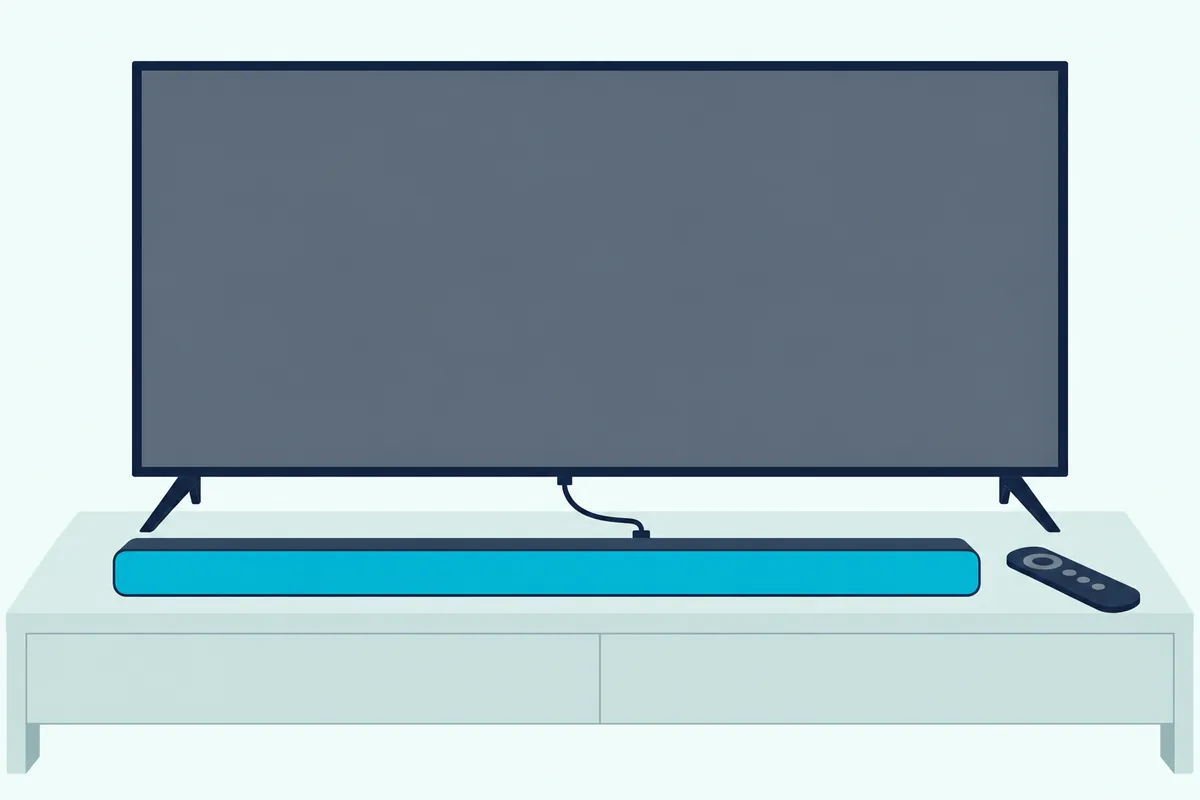
The guide warns that some buttons may not work, depending on the device. Bars that learn a remote have their own steps, which the guide to teaching a soundbar your TV remote’s buttons covers brand by brand.
Why Won’t the Magic Remote Control the Sound Bar?
Most failures trace back to one broken link in that chain. Check the cable first, then SIMPLINK and Sound Out, then the remote itself.
| Symptom | What to check |
|---|---|
| Remote changes the TV’s volume, bar stays quiet | Sound Out set to HDMI(ARC) Device and SIMPLINK (HDMI-CEC) on |
| Optical LG bar ignores the remote | LG Sound Sync on, TV supports it, cable seated (S75QR troubleshooting) |
| Optical bar of another brand ignores it | Universal Control set up for the bar’s maker; Sonos also suggests disabling SIMPLINK for optical |
| LG bar’s TV REMOTE mode misbehaves | LG says it may not work properly with SIMPLINK or Sound Sync on, or over HDMI |
| Pointer and buttons stop working | Re-register the Magic Remote |
LG’s S95TR manual adds that SIMPLINK may not work properly depending on the state of the bar or other connected devices. A set-top box in the chain is worth switching off and on, as the webOS guide suggests for sound faults.
For the remote itself, LG’s 2023 OLED manual says to press Back and Home together for five seconds to unpair it, or hold Home and Q. Settings for more than five seconds to disconnect and re-register in one go.
The same manual suggests keeping a Wi-Fi access point more than 0.2 m from the TV, since one closer than that can cause interference.
If the bar still won’t respond to anything, the LG soundbar fault-finding guide covers lights, resets and Bluetooth drops.
Frequently Asked Questions
Can the LG TV remote turn the sound bar on and off?
Yes, over HDMI on bars that support it. LG’s webOS 2022 guide says turning off the TV also turns off devices connected through SIMPLINK (only on certain devices), and that turning on a SIMPLINK device turns on the TV. Over optical, the 2025 guide says an LG Sound Sync bar with auto power on follows the TV.
Do I need the sound bar’s own remote at all?
You’ll still want it for sound modes and settings. LG’s S70TY manual says you can keep using the bar’s remote after connecting it to an LG TV, and the S95QR and SC9S manuals use the bar’s remote for settings such as TV REMOTE.
How far away does the Magic Remote work?
LG’s 2025 webOS guide says to use it within 10 meters (33 feet) of the TV, and that an obstacle between the remote and the TV can stop it working properly. For Universal Control, the bar also has to see the remote, so keep its front clear.