Compare the JBL Bar 5.0 MultiBeam With the Samsung HW-Q600B Soundbar
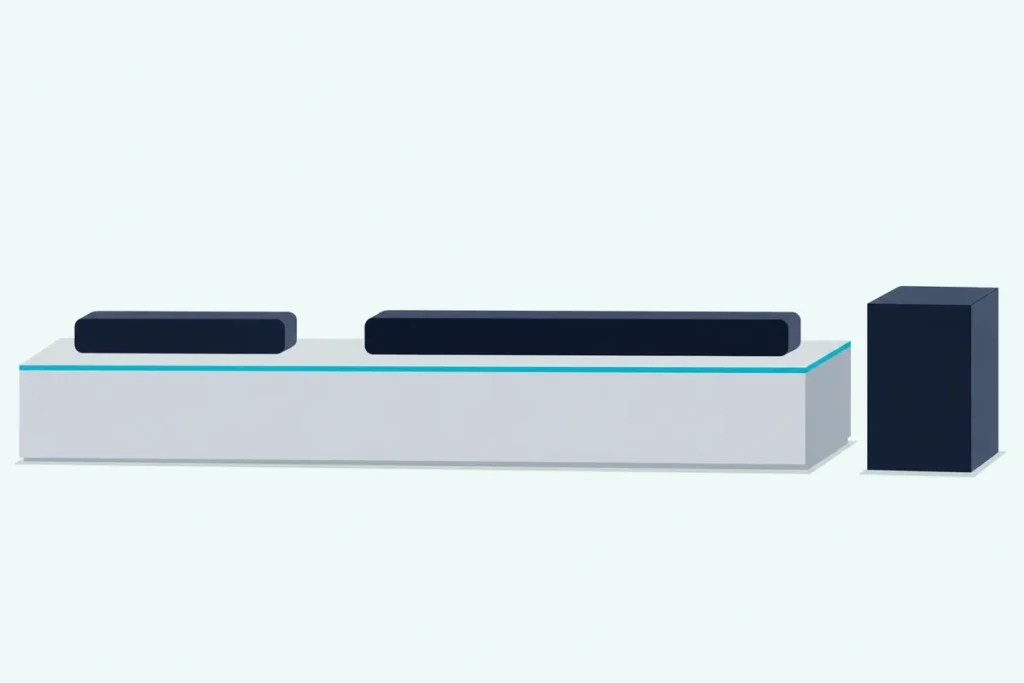
To compare the JBL Bar 5.0 MultiBeam with the Samsung HW-Q600B soundbar, start with the boxes, because only Samsung’s holds a subwoofer and only JBL’s joins your Wi-Fi.
Choose on channel counts alone and you can end up with a bass box you don’t have floor space for, or a soundbar that plays your phone’s music only over Bluetooth.
Line the two up feature by feature and the choice gets simpler, since they do the same job in opposite ways: a wider soundbar with a wireless subwoofer, or a narrower one with side-firing drivers and casting built in.
The side-by-side table comes first, then each difference in turn, from drivers and ports to apps and remotes, and which room suits each model.
By the end, you’ll know which of the two fits your TV, your room and the way you play music.
How Do You Compare the JBL 5.0 With the Samsung Q600B Soundbar?
That box difference sets up almost everything else. The JBL Bar 5.0 MultiBeam is a one-piece soundbar with five drivers, four passive radiators, Wi-Fi, Chromecast built-in, AirPlay 2 and virtual Dolby Atmos, while the Samsung HW-Q600B is a 3.1.2-channel soundbar with a wireless subwoofer, Dolby Atmos and DTS:X among its formats, and Bluetooth in place of Wi-Fi.
So the real question is which trade suits your setup: built-in streaming in a compact cabinet, or a separate subwoofer, a longer format list and the option of rear speakers later. The descriptions come from the makers’ manuals.
JBL’s manual carries a 2020 copyright and Samsung’s a 2022 one, so for the brands’ newer models, how JBL and Samsung soundbars compare across their ranges is the wider read.
The Two Soundbars Side by Side
Those trades are easiest to see in one table. Where the makers measure differently, as with power, each figure keeps its maker’s own terms.
| JBL Bar 5.0 MultiBeam | Samsung HW-Q600B | |
|---|---|---|
| Channels | Five drivers, 5 x 50 W | 3.1.2, or 5.1.2 with Samsung’s rear kit |
| Drivers | Five 48 x 80 mm racetrack drivers (three front, two side-firing), four 3 in passive radiators | Not listed |
| Subwoofer | None in the box | PS-WB67B wireless, 160 W rated |
| Power | 250 W total, max. at 1% THD | 200 W rated (30 W x 6 + 10 W x 2) |
| HDMI | One input, one output with eARC | One input, one HDMI TO TV (eARC/ARC) |
| Optical | One input | One input |
| Network | Wi-Fi (2.4 and 5 GHz) and Ethernet | No Wi-Fi in the manual |
| Bluetooth | Version 4.2 | One TV or two devices at once |
| Streaming | Chromecast built-in, AirPlay 2, Alexa, Spotify | Bluetooth, plus Tap Sound for Samsung phones |
| Formats named | Dolby Atmos (virtual), Dolby Digital | 13, from Dolby TrueHD and Dolby Atmos to DTS:X and LPCM 8ch |
| Sound modes | Smart, Standard | Surround Sound, Game Pro, Adaptive Sound, Standard |
| Room calibration | Automatic MultiBeam Calibration | None named |
| Size | 27.9 x 2.4 x 3.9 in, 2.8 kg | 40.6 x 2.2 x 4.1 in, 3.8 kg, plus a 7.2 x 13.5 x 11.6 in subwoofer |
| In the box | Remote, power cord, HDMI cable, wall-mount kit and template | Subwoofer, remote, two power cords, AC/DC adapter, HDMI cable, wall-mount kit |
Read the network and subwoofer rows together and you have most of the decision. The Q600B’s manual covers Bluetooth but no Wi-Fi, and the JBL’s covers no subwoofer, so each leaves out the other’s headline feature.
How Do JBL’s Five Drivers Compare With Samsung’s 3.1.2 Channels?
That driver row is where the two manuals stop speaking the same language. JBL counts hardware, five racetrack drivers with three facing forward and two firing sideways, plus four passive radiators and 5 x 50 W of output power, while Samsung counts output channels, 3.1.2, and amplifier power, 30 W x 6 + 10 W x 2, without listing a driver.
So the two can’t be lined up driver for driver, and neither manual measures its design against the other’s.
In JBL’s Bar 5.0 MultiBeam owner’s manual, the MultiBeam name belongs to the product and to its calibration. Automatic MultiBeam Calibration uses the microphone on top to optimize the surround effect for your seating position, and the manual’s drawing aims the sound at the room’s side walls.
Samsung’s “.2” gets its own control instead. The remote’s CH LEVEL button sets the center and top channels separately, each from -6 to +6, plus a rear level once the rear kit is connected.
Does the JBL 5.0 Need a Subwoofer to Match the Q600B?
Those channel counts leave out the bass, and that’s the biggest physical difference between the two. The JBL has no subwoofer, so everything plays from one cabinet that JBL quotes at 50 Hz to 20 kHz, while the HW-Q600B ships with the PS-WB67B wireless subwoofer, rated at 160 W.
JBL’s bass setting runs in five steps, LVL 1 to LVL 5, starting at LVL 3. Samsung’s WOOFER button runs from -12, or -6 to +6, with 0 as the default.
Samsung’s subwoofer pairs on its own when you power it first, and its wireless link reaches about 10 m (32.8 ft). Samsung warns that a steel-concrete or metal wall between the two may stop it working at all.

Try this before choosing the Samsung: measure the floor beside your TV stand for a box 7.2 in wide, 11.6 in deep and 13.5 in tall, the subwoofer’s size in the US edition of Samsung’s manual. If there’s no such spot, the one-piece JBL is the simpler fit.
Which HDMI, eARC and Optical Connections Does Each One Have?
Both models take the same three cables, and that’s where they look most alike. Each has one HDMI input for a player or streaming box, one HDMI output with eARC and ARC for the TV, and one optical input, and both boxes include an HDMI cable but no optical cable.
On either one, HDMI wins when both cables are plugged in. JBL adds an Ethernet port, and both have USB for updates, with MP3 playback on the JBL’s US version and music files from MP3 to FLAC on the Samsung.
The fine print differs. JBL gives HDCP 2.3 and asks for an HDMI cable rated V2.0 or later for your player, while Samsung recommends a High Speed HDMI Cable with Ethernet and lists 4K (3840 x 2160) pass-through below 60 fps and none at 120 fps.
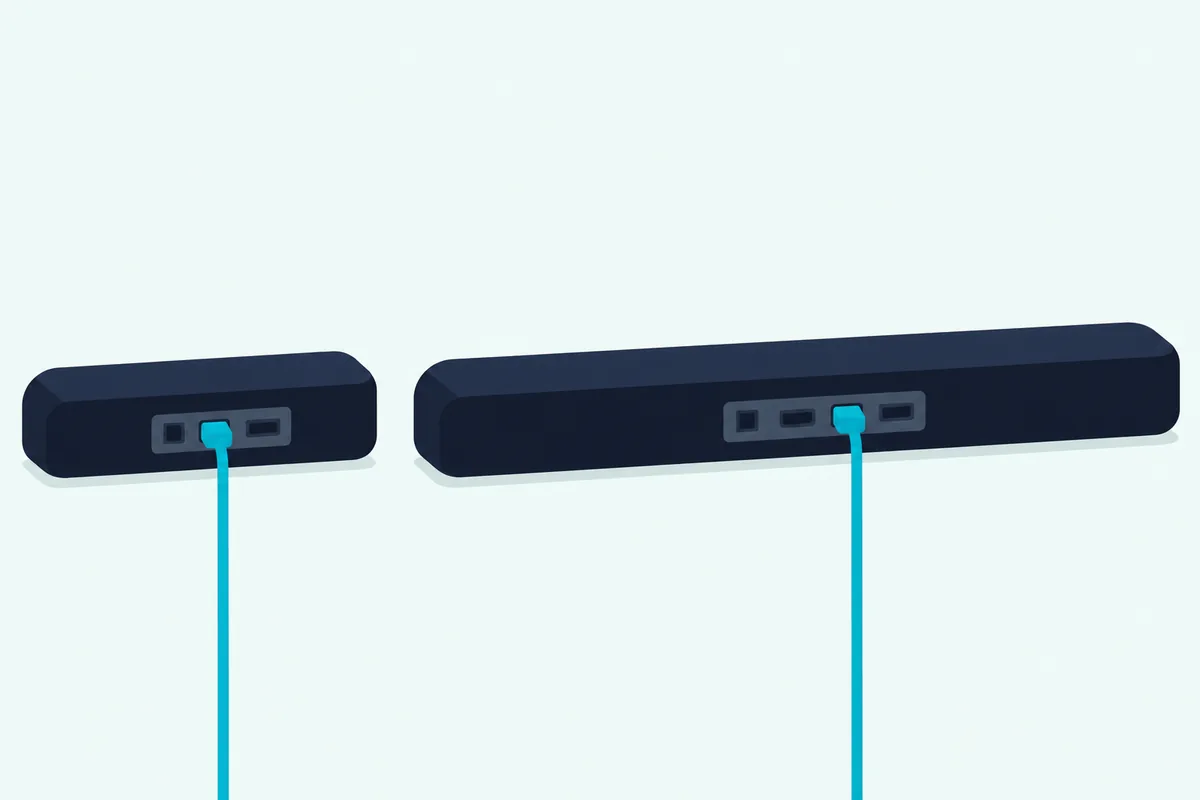
That 120 fps line matters for gaming. A console sending 4K at 120 fps belongs in the TV rather than the Q600B’s HDMI input, with the TV passing the sound back.
What Changes With a TV That Has ARC but No eARC?
That TV port matters more than the cable you buy. JBL’s manual says that with a TV lacking eARC, your player should go into the soundbar’s HDMI input rather than the TV, or the Dolby Atmos information can’t pass through, and it labels that hookup the recommended connection for the best Dolby Atmos experience.
Samsung’s HW-Q600B full manual says Dolby Atmos is supported over ARC or eARC, and that eARC’s higher bandwidth lets you enjoy formats such as Dolby Atmos and DTS:X. Its chapter on external devices shows the same hookup, player into the soundbar and the soundbar into the TV’s ARC port, under a heading that calls it capable of Dolby Atmos decoding and playback.
So for an ARC-only TV, both manuals point the same way. TV sound still returns over ARC, while a player or streaming box plugs into the soundbar.
Which Formats Does Each Soundbar Decode, and How Is Dolby Atmos Handled?
That Atmos route leads into the bigger split, which is how each maker describes its formats. Samsung’s manual lists 13 supported play formats, from Dolby Digital Plus, Dolby TrueHD and Dolby Atmos to DTS:X, DTS-HD MA and LPCM 8ch, and its output table plays Dolby Atmos and DTS:X as 3.1.2 channels, or 5.1.2 with the rear kit, in every sound mode.
JBL’s manual describes virtual Dolby Atmos instead: height effects in the TV and HDMI IN sources, switched by the remote’s ATMOS button, which is on by default. Its Dolby surround upmixer expands older Dolby Digital content, 5.1 and 7.1 included, into what JBL calls an immersive 3D Atmos experience.
DTS is the clearest gap on paper. JBL’s manual names no DTS format, while DTS makes up eight of Samsung’s 13 entries.
If most of your movies come from 4K discs with DTS:X tracks, Samsung’s is the manual that names them. If they come from a streaming app in Dolby Atmos, both manuals cover that format, though JBL adds that Atmos doesn’t play over Bluetooth or casting.
Which Apps and Voice Assistants Work With Each Soundbar?
That casting note is where the two part ways completely. The JBL sets up on Wi-Fi through the Google Home app for Chromecast built-in and AirPlay, Apple’s AirPlay speaker setup on an iOS device, or an Amazon Echo or the Alexa app for Amazon Music and Alexa Multi-Room Music, while the HW-Q600B’s manual has no Wi-Fi section.
On the network, the JBL can switch to Ethernet, join Apple’s Home app with other AirPlay 2 speakers and group with up to six Chromecast speakers if your network’s bandwidth allows. Its trademark page adds Spotify, and it streams audio, not video.
On voice, JBL’s manual covers Alexa for music through an Echo or the Alexa app, and it lists its own microphone for audio calibration. Samsung’s manual names no voice assistant.
Samsung’s manual gives the SmartThings app one job on this model, Tap Sound, which the SmartThings guide for the Q600B covers in full. Turn on Tap View, Tap Sound in SmartThings on a Samsung phone running Android 8.1 or later, then tap the phone on the soundbar to connect over Bluetooth.
Bluetooth is the fallback on both and the Q600B’s only wireless link to a phone. Each gives about 10 m (33 ft) of range, and the Samsung holds two devices at once where the JBL reconnects the last one paired.
Which Sound Modes Does Each Maker Name?
Those links get sound into the soundbar, and the modes decide what happens next. JBL names two, Smart mode, on by default, which applies EQ settings and JBL Surround Sound, and Standard mode, which applies preset EQ, while Samsung names four: Surround Sound, Game Pro, Adaptive Sound and Standard.
JBL suggests Standard for news and weather forecasts, and the JBL returns to Smart mode at every power-on. How to enable Smart mode on the JBL 5.0 covers the button presses, along with the ATMOS button, bass and calibration.
Samsung’s descriptions are short: Surround Sound gives a wider sound field than standard, Game Pro gives stereoscopic sound for gaming, Adaptive Sound analyzes the content in real time, and Standard outputs the original sound. Its Sound Control menu adds Voice Enhance, Night Mode, Audio Sync and Virtual, and a 7-band EQ works in Standard.
JBL’s manual names no night or dialogue mode. For the best settings for a Samsung Q600B soundbar, from the modes to WOOFER and CH LEVEL, the Q600B has its own walk-through.
Can a TV Remote Run Either Soundbar?
Once the modes are set, most days you’ll want one remote. Both models follow a TV remote’s volume over HDMI, and both have a fallback for infrared remotes: the JBL learns your TV remote’s volume, mute and power buttons, while the Samsung has three remote settings, chosen by holding its WOOFER button up for 5 seconds with the soundbar off.
Samsung ships that setting at OFF-TV REMOTE, so its infrared function stays off until you switch to SAMSUNG-TV REMOTE or ALL-TV REMOTE. Its supported makers are Samsung, Vizio, LG, Sony, Sharp, Philips, Panasonic, Toshiba, Hisense and RCA, and neither model’s fallback works with a Bluetooth TV remote.
The supplied remotes differ as much as the TV side does. JBL’s carries Power, TV, Bluetooth, ATMOS, HDMI, volume and Mute, so bass, audio sync, Smart mode and calibration sit behind long presses, while Samsung’s has its own SOUND MODE, WOOFER, TONE CONTROL, CH LEVEL and Sound Control buttons.
Which Soundbar Fits Your Room and TV?
Those connection and remote details add up to a few clear cases. By the manuals’ own terms, the Q600B suits floor space for a subwoofer, DTS soundtracks and plans for rear speakers, while the JBL suits a narrower stand and music you stream over your home network.
A TV without eARC. Either one works, with the player plugged into the soundbar as both manuals show.
A wall mount. Both boxes hold a wall-mount kit for a vertical wall. JBL’s comes with a template you place at least 2 in (50 mm) below the TV, and Samsung’s brackets and holder-screws need wall screws you buy, M5 and at least 1 3/8 in (35 mm) long.

A small room. JBL’s placement drawing puts the seat 2.5 to 3.0 m (8.2 to 9.8 ft) away in a room more than 4 m (13 ft) wide, and calibration tunes the effect to where you sit. Samsung gives no seating distance, only a gap of at least 1.2 in (3 cm) from the TV and 3 to 4 in (7 to 10 cm) of space around it for ventilation.
A narrow stand. At 27.9 in, the JBL is about 12.7 in narrower than the Q600B’s 40.6 in, and the two are within 0.2 in of each other in height.
A subwoofer. Only the Q600B comes with one, like most of the Samsung soundbars we recommend, and JBL’s manual has none to pair.
Rear speakers later. Samsung’s manual names its Wireless Rear Speaker Kit, the SWA-9100S or SWA-9200S, sold separately, which takes the system to 5.1.2 channels. JBL’s manual describes no rear speakers.
Which Settings Will You Need on Either Soundbar?
Whichever you pick, both manuals start with the same few TV settings. Turn on HDMI-CEC and eARC or ARC on the TV, switch its sound output to the external speaker or soundbar, and set your player’s audio output to bitstream: “Bitstream” or “Raw data” in JBL’s words, “No Encoding” for Bitstream in Samsung’s.
Samsung adds one TV setting of its own. When a broadcast is in Dolby Digital and the TV’s digital output is set to PCM, it recommends changing that output to Dolby Digital.
Lip sync works differently on each. JBL’s audio sync is a hold of the remote’s TV button, then plus or minus, and Samsung’s Audio Sync sets a delay of 0 to 300 milliseconds, though not in USB or Bluetooth mode.
Frequently Asked Questions
Does the JBL Bar 5.0 MultiBeam work with Samsung’s Q-Symphony?
JBL’s manual doesn’t mention Q-Symphony. Samsung’s HW-Q600B manual describes it as a link with a Samsung TV: the soundbar syncs with the TV so sound plays through both devices, “TV+Soundbar” appears under the TV’s Sound Output menu, and it needs an HDMI or optical connection. Samsung adds that it works with some Samsung TVs and some soundbar models only. A JBL soundbar on a Samsung TV connects the ordinary way, over HDMI ARC, eARC or optical.
Can you add a subwoofer to the JBL Bar 5.0 MultiBeam?
JBL’s manual doesn’t describe one. It lists no subwoofer or rear speakers to pair, so everything plays from the JBL’s own five drivers and four 3-inch passive radiators, with bass set in five levels from the remote. If a separate subwoofer matters to you, the HW-Q600B includes one.
Does the Samsung HW-Q600B have Wi-Fi or AirPlay?
Its manual has no Wi-Fi section and names no AirPlay, Chromecast or Alexa. Audio from a phone or tablet goes over Bluetooth, with up to two devices connected at once, and Samsung phones running Android 8.1 or later can connect by tapping the soundbar once Tap Sound is on in the SmartThings app.