Best Vizio Soundbar — Which Models Are Worth Buying And What To Get Instead
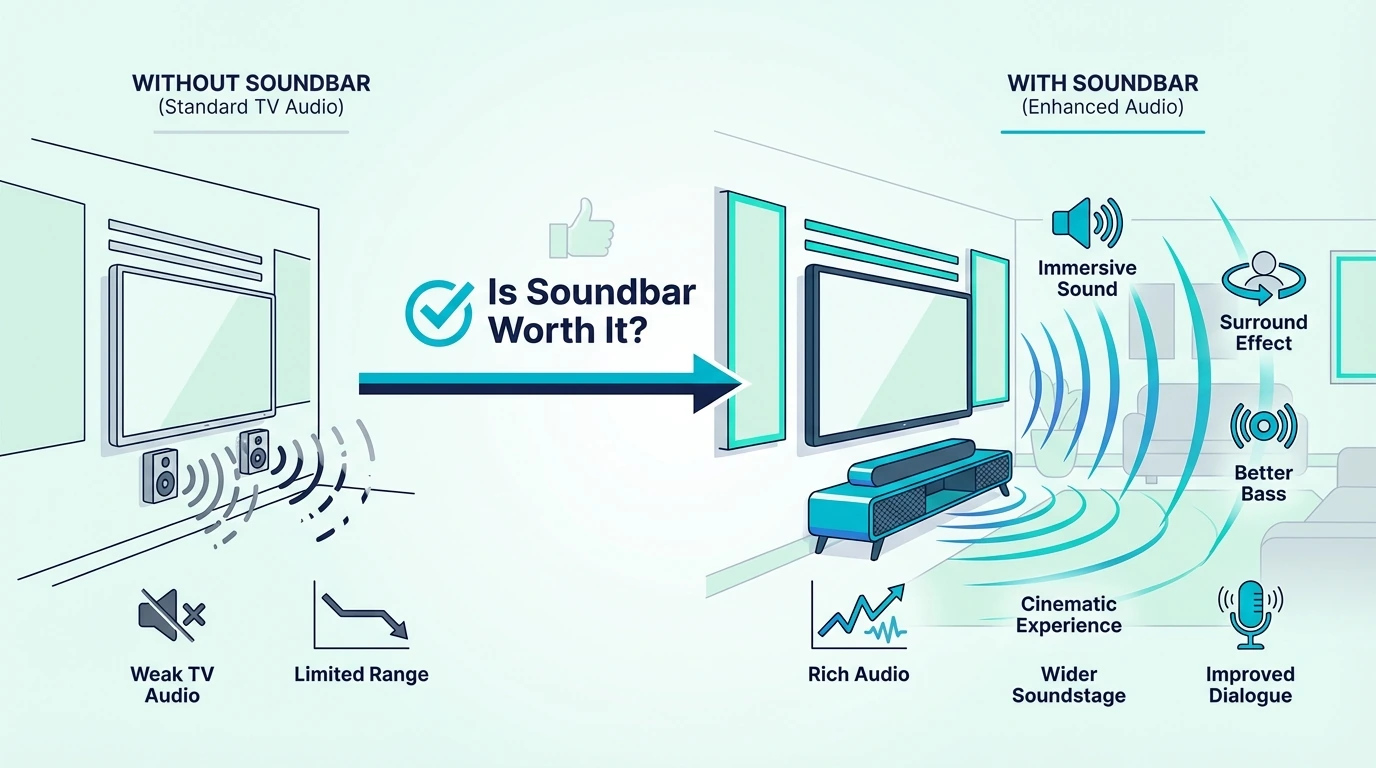
The best Vizio sound bar used to be a budget home theater staple, but Vizio has scaled back its soundbar lineup dramatically — leaving buyers with fewer models, discontinued favorites, and limited availability on the current V-Series and M-Series options that remain.
The problem is that Vizio TV owners end up buying outdated soundbar models with limited features because Vizio stopped investing in new soundbar development. The cause is Vizio’s pivot to TV manufacturing and SmartCast software, which starved the soundbar division of the R&D budget needed to keep pace with Samsung, Amazon, and Polk at the same price points.
This guide covers the Vizio soundbars still worth buying, explains the key differences between the M-Series and V-Series, and identifies which non-Vizio alternatives deliver better audio quality and features for Vizio TV owners. You will know exactly which bar fits your setup and budget.
Start with the Vizio V-Series 2.0 if you want to stay within the Vizio ecosystem at the lowest possible price, then check the alternatives if you want more features per dollar.
Quick Takeaway
The Vizio V-Series 2.0 is the safest Vizio-branded choice if you care most about brand matching and simple dialogue improvement. For most Vizio TV owners, though, a third-party bar like the Samsung HW-C450 or Polk Audio Signa S4 is the better buy because Vizio TVs do not unlock any exclusive soundbar features that require staying in-brand.
Which Is Better — Vizio M-Series Or V-Series Soundbar?
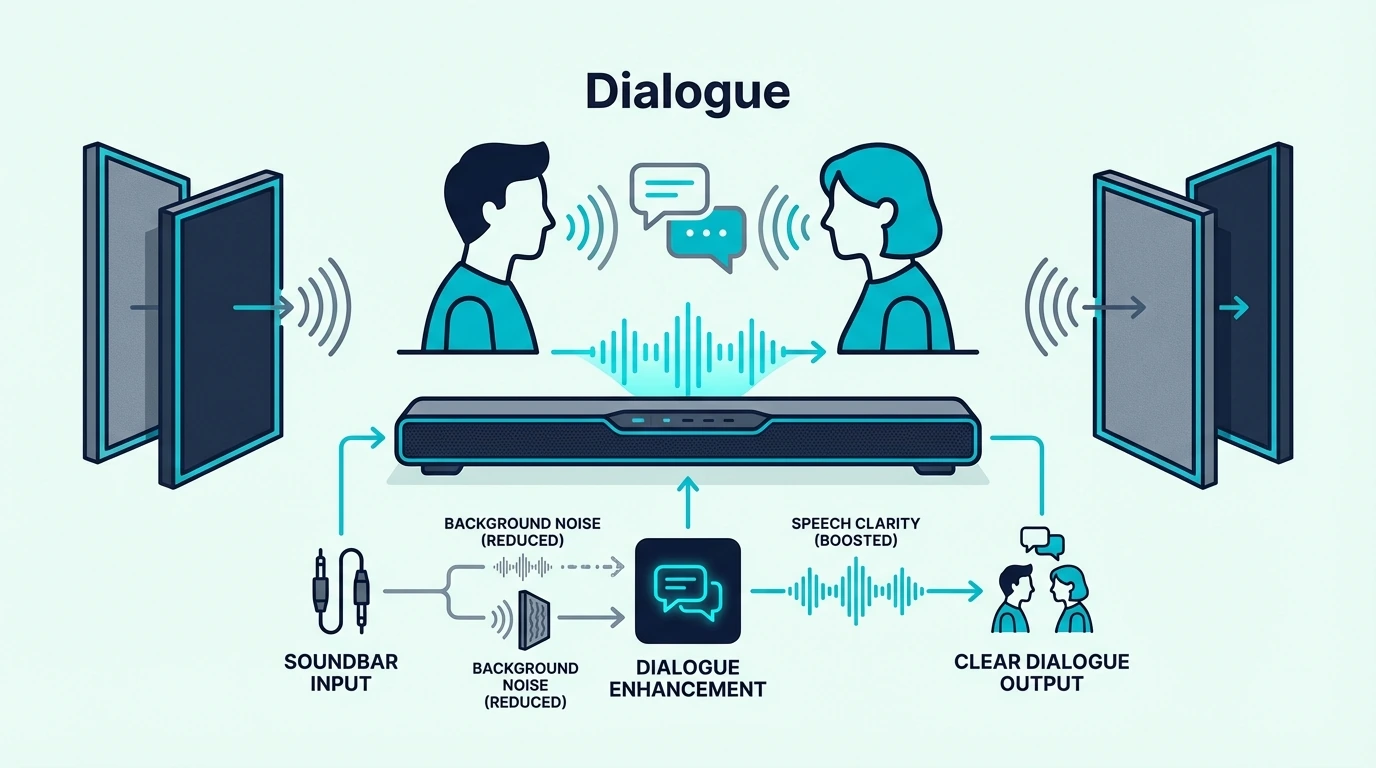
The V-Series is Vizio’s budget line focused on compact size and basic audio improvement over TV speakers. The M-Series adds Dolby Atmos support, more channels, and better driver quality for buyers who want surround sound and spatial audio.
For most buyers, the M-Series delivers noticeably better audio quality — the additional channels and Atmos support create a wider soundstage that the V-Series cannot match. However, M-Series availability is inconsistent and pricing fluctuates significantly depending on stock.
The V-Series 2.0 at $67 is the best value if you just need clear dialogue and basic audio improvement. If you want surround sound or Dolby Atmos, skip Vizio entirely and look at the Polk Audio Signa S4 or Samsung alternatives covered below — they deliver more consistent availability and better features at similar prices.
That also means brand matching is less valuable than it sounds. Vizio TVs use standard ARC or eARC plus CEC, so SmartCast volume control works with third-party bars the same way it works with a Vizio model.
Vizio 2.1 vs 5.1 — Which Configuration Is Better?
A 2.1 system (soundbar plus subwoofer) handles music, dialogue, and basic movie audio well for small to medium rooms. A 5.1 system adds rear surround speakers for spatial audio that places sounds behind and beside you.
For rooms under 200 square feet, a 2.1 system delivers enough audio improvement that most listeners will not notice what 5.1 adds. For larger rooms or dedicated home theater setups, 5.1 creates noticeably more immersive audio for movies and gaming.
The best soundbar with subwoofer guide covers the full range of 2.1 and 5.1 options across all brands if surround sound is your priority.
Which Vizio Soundbars Are Still Worth Buying?
Vizio’s current soundbar lineup is limited compared to Samsung, LG, and Sony. The models below represent the best options still available with consistent stock and verified pricing.
Best Budget Vizio: Vizio V-Series 2.0
The Vizio V-Series 2.0 is the cheapest name-brand soundbar worth buying. At $67, it delivers Dolby Audio and DTS:X processing in a compact bar that fits under any TV size without overhanging the stand.
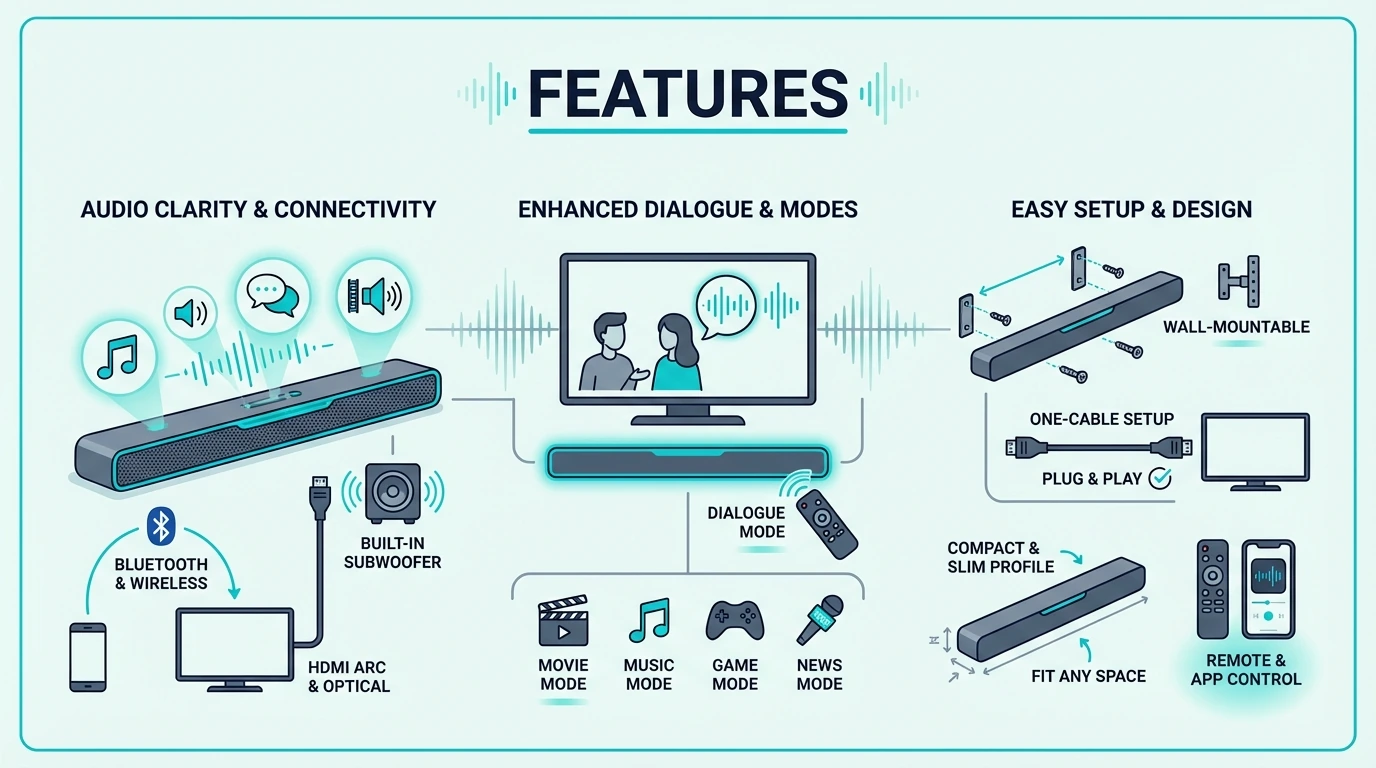
The audio quality is a clear upgrade over built-in TV speakers — dialogue is noticeably clearer, and music sounds fuller. Bluetooth connectivity lets you use the bar as a standalone speaker when the TV is off.
The trade-off is zero bass — without a subwoofer, explosions, music bass lines, and cinematic rumble are noticeably absent. For dialogue and casual TV watching, this bar delivers excellent value at $67.
The best budget soundbar guide covers options with more bass at slightly higher prices for buyers who want low-end impact.
What Are The Best Alternatives For Vizio TV Owners?
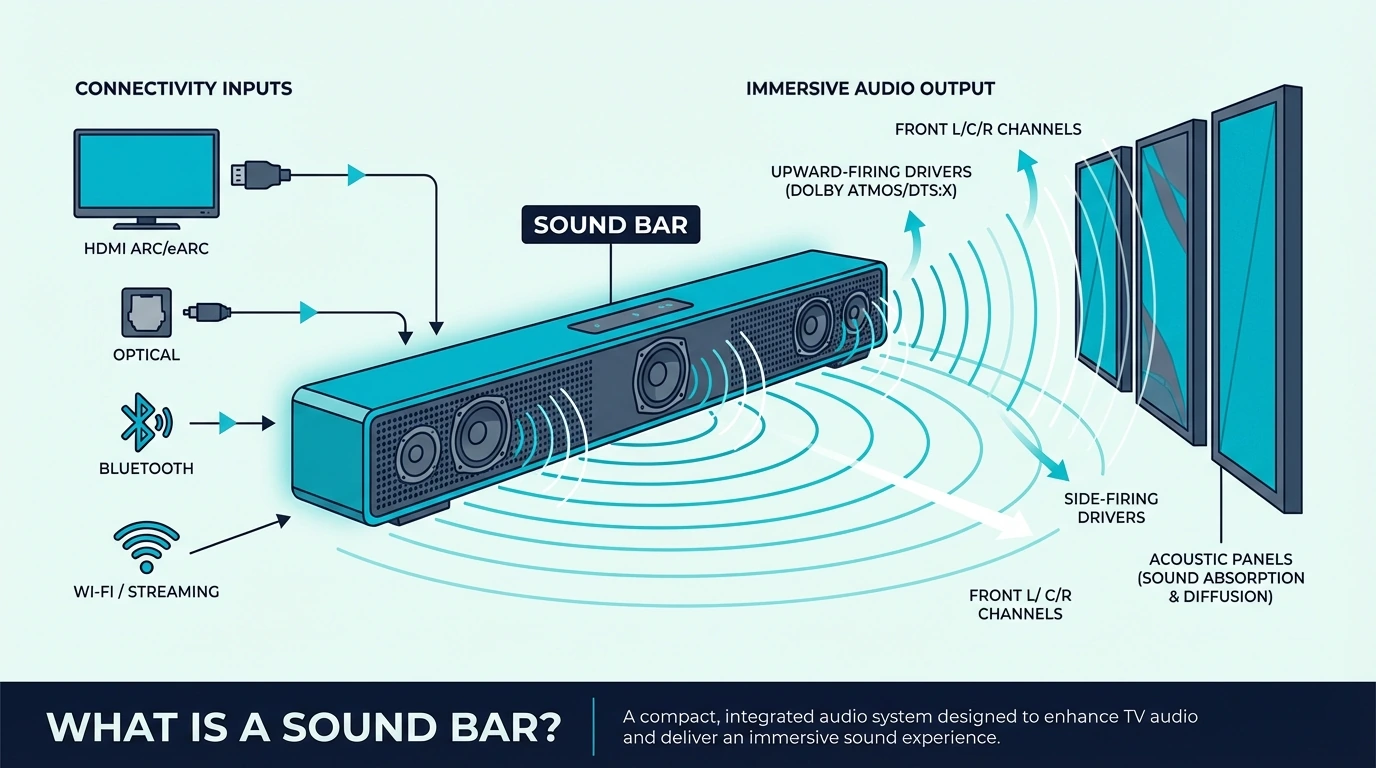
Vizio TVs work with any soundbar that has HDMI ARC or optical input — you do not need a Vizio soundbar for compatibility. The alternatives below deliver better audio quality and more features than current Vizio models at every price tier, and all connect to Vizio TVs without any setup issues.
Best 2.1 Value: Samsung HW-C450
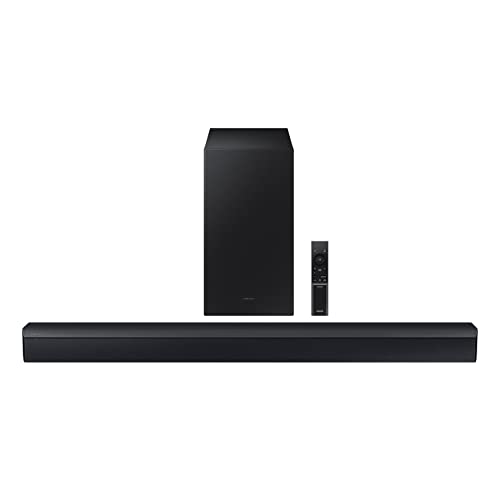
The Samsung HW-C450 delivers what the Vizio V-Series lacks — a wireless subwoofer that adds real bass impact to movies, music, and gaming. At $150, it costs about twice the Vizio but delivers dramatically better audio across every content type.
DTS Virtual:X creates a virtual surround effect without rear speakers. Bass Boost mode lets you dial up the low-end for action movies and music without muddying dialogue.
For Vizio TV owners who want the biggest audio upgrade at a reasonable price, this is the bar to buy. The best Samsung soundbar guide covers Samsung’s full lineup including Dolby Atmos models.
Best Compact Alternative: Amazon Fire TV Soundbar
The Amazon Fire TV Soundbar delivers DTS Virtual:X and Dolby Audio at $120 in a compact bar with a built-in bass reflex port that adds more low-end than the Vizio V-Series. HDMI eARC and optical inputs ensure compatibility with every Vizio TV model.
At $120, it sits right between the Vizio V-Series ($67) and the Samsung HW-C450 ($150) in both price and performance. For buyers who want better bass than Vizio offers but do not want a separate subwoofer taking up floor space, this is the sweet spot.
Best Dialogue Alternative: Sony S100F
The Sony S100F pairs an integrated tweeter with a bass reflex speaker for clearer dialogue and more detailed high-frequency audio than most budget bars. At $118, it competes directly with the Amazon Fire TV Soundbar on price but takes a different approach.
The Sony prioritizes dialogue clarity over virtual surround effects, making it the better choice for news, sports, and talk shows. For Vizio TV owners who primarily watch dialogue-heavy content, the dedicated tweeter makes speech noticeably crisper.
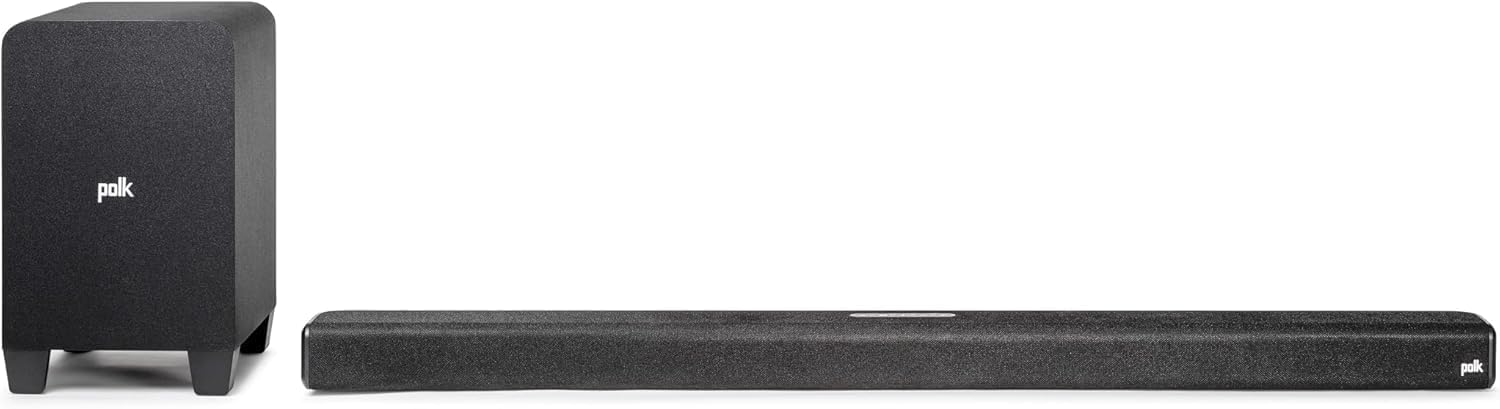
The Polk Audio Signa S4 delivers what no current Vizio soundbar offers — true Dolby Atmos with physical up-firing drivers, a wireless subwoofer, and VoiceAdjust dialogue control. HDMI eARC connects to any Vizio TV with full Atmos passthrough.
At $379, this is a premium upgrade over Vizio’s budget lineup. But the 3.1.2 Atmos configuration with a dedicated center channel and wireless sub delivers home theater audio that Vizio’s current models cannot approach.
The best Dolby Atmos soundbar guide covers more Atmos options across all price tiers. The best soundbar guide ranks the Signa S4 against flagship models from Samsung, LG, and Sony.
Best Ultra-Budget With Sub: Hisense HS2100
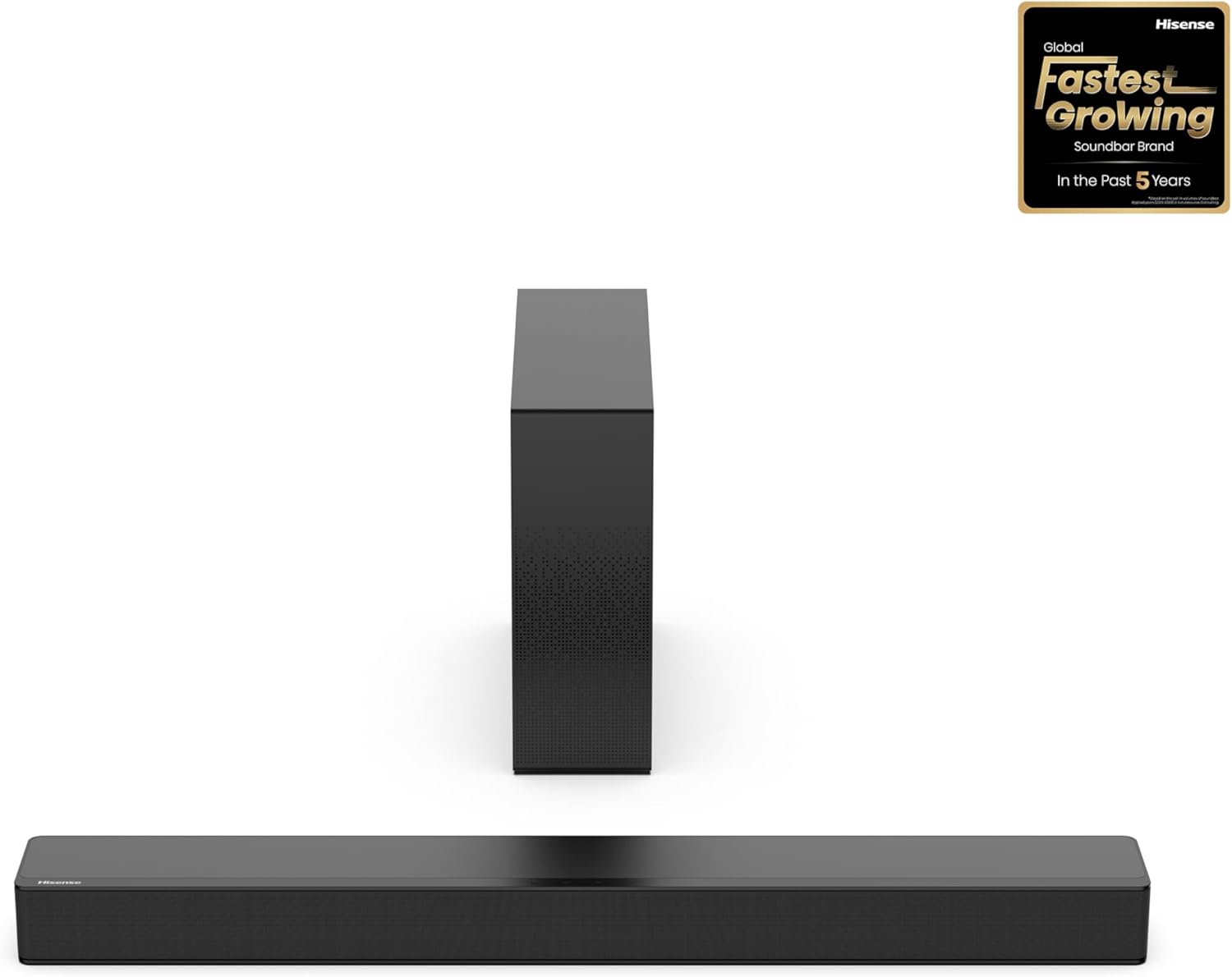
The Hisense HS2100 delivers a wireless subwoofer at $100 — just $33 more than the Vizio V-Series but with dramatically more bass impact. For Vizio TV owners who want bass without spending $150 on the Samsung, this is the cheapest path to a 2.1 system.
The best soundbar with subwoofer guide covers more sub-equipped options if you want to compare across all price tiers and brands.
Before you choose between the alternatives above, check whether your Vizio TV is ARC-only or supports eARC. That hardware detail matters more than the logo on the soundbar.
Vizio D-Series And V-Series (ARC Only)
If your TV only has HDMI ARC, prioritize a stable 2.1 upgrade with better bass instead of paying extra for Atmos branding that the set cannot fully use. The Samsung HW-C450 and Hisense HS2100 make more sense here because the real upgrade is cleaner dialogue, stronger low end, and reliable CEC volume control.
Vizio M-Series, P-Series, And PX-Series (eARC)
If your TV supports eARC, then an Atmos step-up can finally justify the extra spend. The Polk Audio Signa S4 is the better fit for these higher-end Vizio TVs because they can actually pass the fuller signal, while SmartCast passthrough and CEC still work without needing a Vizio-branded bar.
The Bottom Line
The best Vizio soundbar if you insist on staying in-brand is still the V-Series 2.0, but that is no longer the best recommendation for most Vizio TV owners. The better buying strategy is to match the soundbar to your TV’s ARC or eARC capability and treat Vizio branding as optional.
ARC-only Vizio sets benefit most from a reliable 2.1 upgrade like the Samsung HW-C450 or Hisense HS2100, while eARC-capable M-Series, P-Series, and PX-Series models can justify an Atmos step-up like the Polk Audio Signa S4. Because Vizio TVs use standard HDMI ARC, eARC, and CEC instead of exclusive soundbar features, third-party bars usually deliver the stronger value.
The best all-in-one soundbar guide covers compact bars without subwoofers if space is tight. The best LG soundbar guide and the best Bose soundbar guide cover how other premium brand ecosystems compare for buyers who want options beyond what Vizio currently offers.
The best soundbar for PC guide covers compact options that work well at desk distances for Vizio monitor users.
Frequently Asked Questions
Is Vizio 2.1 or 5.1 better?
For most rooms, a 2.1 system delivers enough bass and audio improvement that the extra cost of 5.1 is not justified. The 5.1 configuration adds rear surround speakers that create spatial audio for movies and gaming, but only makes a noticeable difference in rooms larger than 200 square feet.
Which Vizio series is the best?
The M-Series delivers better audio quality with Dolby Atmos support and more channels, but availability is inconsistent. The V-Series is widely available and affordable at $67, making it the more practical choice for most budget-conscious buyers.
Which soundbar has the best sound quality?
For the best overall sound quality regardless of brand, the best soundbar guide ranks options across all manufacturers. Among current Vizio models, the V-Series 2.0 offers solid audio for the price, but competing brands like Samsung, Polk, and Sony deliver better sound quality at similar or slightly higher prices.
Best Gaming Soundbar — Top Picks For Low-Latency Spatial Audio
The best gaming soundbar delivers spatial audio that puts footsteps, gunshots, and environmental cues in precise locations around you — but most soundbars add enough audio latency to make competitive gaming feel sluggish and out of sync.
The core problem is that Bluetooth connections and heavy audio processing introduce 100-200ms of delay between on-screen action and what you hear. In competitive shooters and rhythm games, that delay costs kills and ruins timing.
A gaming soundbar needs to deliver immersive, room-filling audio without adding perceptible lag to your inputs.
This guide covers soundbars that connect via HDMI or USB for zero-latency audio, support Dolby Atmos or DTS:X for genuine spatial positioning, and include enough bass for cinematic single-player experiences without requiring headphones. You will know which bar works best for your platform and budget.
Start with how the bar connects to your console or PC — HDMI eARC from a TV or HDMI direct from a graphics card determines whether you get full Atmos spatial audio or a downmixed stereo signal.
Quick Takeaway
The JBL Bar 700MK2 is the best gaming soundbar for most setups — it delivers 5.1 Dolby Atmos with a wireless 10-inch subwoofer, automatic room calibration, and HDMI eARC for zero-latency spatial audio from consoles and PCs. For budget gaming, the Amazon Fire TV Soundbar Plus adds Atmos and DTS:X at under $200.
What Makes A Soundbar Good For Gaming
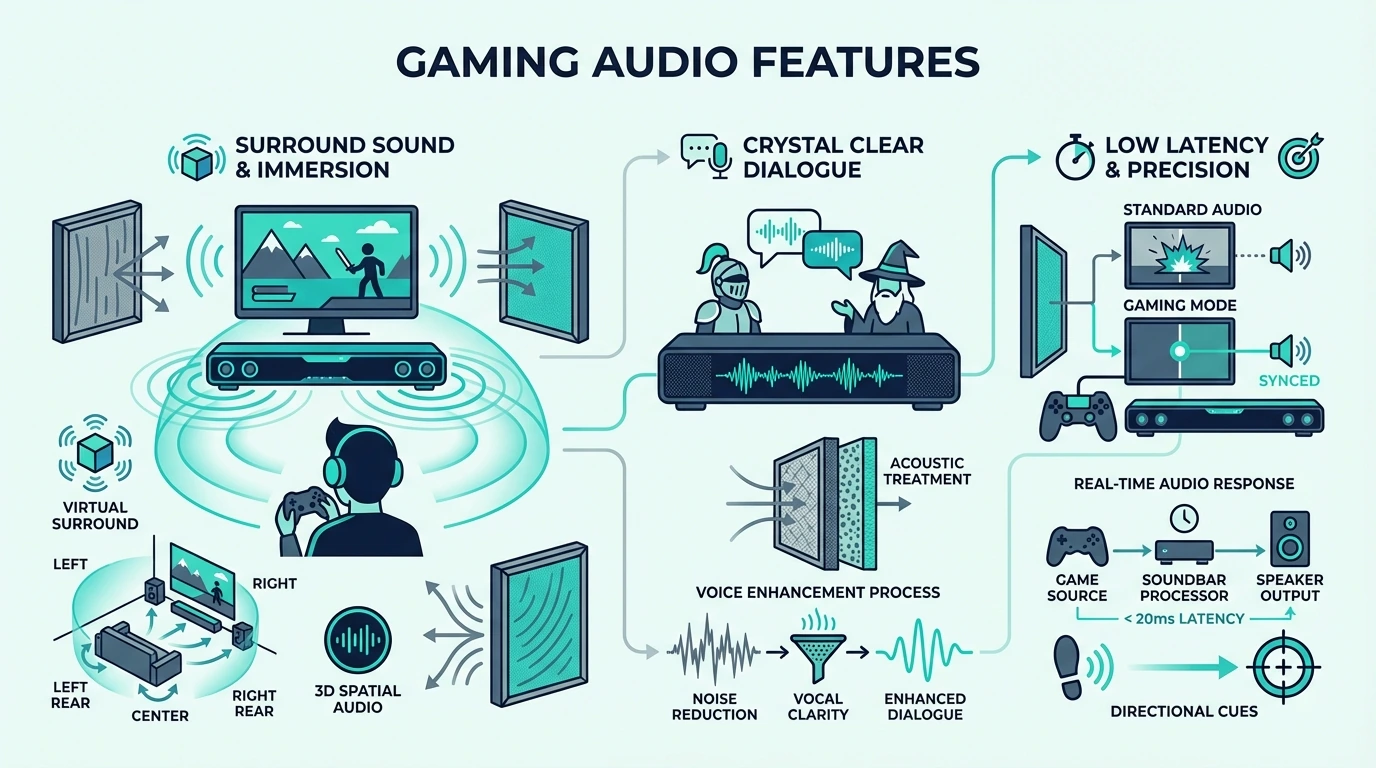
Gaming soundbars need to excel at three things that TV-focused bars often neglect — low audio latency, precise spatial positioning for directional sound cues, and deep bass that makes explosions and engine sounds physically felt without drowning out dialogue and voice chat.
Most soundbars marketed as “gaming” soundbars add RGB lighting or flashy branding without addressing these core requirements. The bars below were chosen purely on gaming audio performance.
Audio Latency
Latency is the delay between on-screen action and the sound reaching your ears. Anything above 40ms is noticeable in fast-paced games, and anything above 100ms makes competitive gaming frustrating.
Wired connections like HDMI eARC, HDMI direct, and USB deliver near-zero latency that competitive gamers need. Bluetooth adds 100-200ms of delay that makes it unsuitable for fast-paced gaming.
Some bars offer a dedicated game mode that reduces processing latency at the cost of some audio fidelity. If your bar has a game mode, enable it for multiplayer and disable it for cinematic single-player where audio quality matters more than response time.
Spatial Audio For Positional Awareness
Dolby Atmos and DTS:X create three-dimensional audio that places sounds above, behind, and beside you. In competitive FPS games, spatial audio lets you hear exactly where footsteps, reloads, and grenades are coming from before you see the enemy.
Both PS5 and Xbox Series X support Dolby Atmos output via HDMI eARC to your TV, which then passes the Atmos signal to the soundbar. PC gamers can use native Atmos output through HDMI from their graphics card.
The soundbar guide covers which Atmos features matter most for overhead audio cues in games.
Deep Bass For Immersion
Single-player games and movie-style gaming experiences benefit enormously from a dedicated subwoofer. Explosions, vehicle engines, thunder, and environmental rumble add physical impact that makes games feel more immersive than any headphone can deliver.
Bars with wireless subwoofers add this dimension without cable management headaches, and wireless means you can tuck the sub behind furniture or under an end table. The soundbar guide covers the tradeoff between all-in-one bars and sub-equipped systems if bass is your top priority.
The Best Gaming Soundbars — Our Top Picks
Each pick below delivers low-latency gaming audio with spatial sound positioning via HDMI connection.
Best Overall: JBL Bar 700MK2
The JBL Bar 700MK2 delivers the best balance of gaming spatial audio, movie performance, and value. The 5.1 Dolby Atmos layout with a wireless 10-inch subwoofer creates genuinely immersive gaming audio that places sounds precisely around the listening position.
MultiBeam automatic room calibration adjusts the spatial audio processing for your specific room geometry. PureVoice keeps voice chat and in-game dialogue clear even during heavy explosions and gunfire, which is essential for multiplayer gaming.
Connect via HDMI eARC from your TV for full Atmos passthrough from PS5 or Xbox Series X. For PC gaming, connect via HDMI from your graphics card for direct Atmos output with zero latency.
The soundbar guide covers how the Bar 700MK2 compares to more expensive flagship systems for buyers who want the absolute best audio regardless of use case.
Best Budget Gaming: Amazon Fire TV Soundbar Plus
The Amazon Fire TV Soundbar Plus is the cheapest way to get Dolby Atmos and DTS:X gaming audio. The 3.1 channel layout includes a dedicated center driver that keeps voice chat separated from game audio.
At $190, this bar costs less than a premium gaming headset while delivering spatial audio that fills the entire room instead of just your ears. HDMI eARC connects to PS5, Xbox, or Nintendo Switch for low-latency surround sound that the whole room can enjoy during couch co-op sessions.
For buyers who want Atmos on a budget without committing to a larger system, this is the entry point that makes the biggest difference over built-in TV speakers.
Best With Atmos Drivers: Polk Audio Signa S4
The Polk Audio Signa S4 is the only bar in this price range with physical up-firing Atmos drivers that bounce sound off the ceiling. This creates genuine overhead audio cues that virtual Atmos processing cannot replicate.
VoiceAdjust lets you boost in-game dialogue and voice chat independently from game audio — a feature that competitive multiplayer gamers will use constantly. The wireless subwoofer adds physical bass impact for single-player cinematic experiences.
Best Value With Sub: Hisense HS2100
The Hisense HS2100 is the best gaming soundbar for buyers who want bass on a tight budget. The wireless subwoofer delivers physical impact from explosions and low-end effects that no all-in-one bar under $200 can match.
The trade-off is no spatial audio — this is a stereo 2.1 system with no Atmos or DTS:X support. For casual single-player gaming where bass immersion matters more than positional accuracy, the bass upgrade alone justifies the $100 price.
The soundbar guide covers more affordable options across all use cases.
Best For Samsung TV Gaming: Samsung S60D
The Samsung S60D is the best gaming soundbar for Samsung TV owners. Q-Symphony syncs the bar with the TV speakers for a wider soundstage, and Game Mode Pro on compatible Samsung TVs optimizes audio latency for gaming specifically.
The all-in-one design requires no subwoofer, which keeps the setup clean for living room gaming. The soundbar guide covers when Samsung ecosystem features matter more than adding a separate subwoofer.
Best Slim For PC Gaming: Samsung HW-S800D
The Samsung HW-S800D combines true 3.1.2 Dolby Atmos with an ultra-slim profile that fits behind a monitor or under a wall-mounted TV. SpaceFit Sound calibration optimizes the Atmos output for close-range PC listening distances.
The wireless subwoofer adds serious bass authority for gaming without cable management issues at the desk, and the slim profile means it disappears behind your monitor instead of dominating your setup. The soundbar guide covers what to prioritize for desk setups versus living room console rigs.
The Bottom Line
The best gaming soundbar depends on whether you prioritize spatial positioning for competitive play or bass immersion for cinematic single-player experiences. For most gamers, the JBL Bar 700MK2 delivers the best balance of both at roughly $650 with Atmos and a 10-inch wireless sub.
Budget gamers get genuine Atmos spatial audio from the Amazon Fire TV Soundbar Plus at $190 or bass-focused 2.1 sound from the Hisense HS2100 at $100. The soundbar guide covers options that skip the subwoofer for cleaner gaming setups.
For the complete picture of how these gaming bars rank against movie and music-focused alternatives, the soundbar guide covers the full market and the feature tradeoffs that matter most for different setups.
Frequently Asked Questions
Is a soundbar good for gaming?
Yes — a soundbar with HDMI eARC delivers low-latency Dolby Atmos spatial audio that helps with positional awareness in competitive games. Soundbars also fill the room with immersive audio that headphones cannot replicate for single-player cinematic experiences.
Are sound bars good for gaming compared to headsets?
Soundbars excel at room-filling immersion and shared gaming sessions where multiple people are watching or playing together. Headsets offer better isolation and more precise positional audio for competitive ranked play.
Many gamers use both — a soundbar for casual sessions and single-player campaigns, then headphones for ranked competitive matches where every audio cue matters.
What is the best soundbar for PS5?
The JBL Bar 700MK2 is the best soundbar for PS5 — connect via HDMI eARC for full Dolby Atmos passthrough with 5.1 spatial audio and a wireless 10-inch subwoofer. For budget PS5 gaming, the Amazon Fire TV Soundbar Plus delivers Atmos at under $200.
Should you use Bluetooth on a gaming soundbar?
No — Bluetooth adds enough delay to make gunfire, rhythm timing, and menu sounds feel disconnected from the screen. For gaming, use HDMI eARC, HDMI direct, or USB audio whenever the bar supports it.
What matters more for gaming, Atmos or low latency?
Low latency matters first because even the best surround processing feels wrong if the sound lands after the action. Once latency is under control, Atmos, DTS:X, and a good subwoofer make single-player games and open-world titles far more immersive.
Best Soundbar For PC — Top Picks For Desktop Audio
The best soundbar for PC replaces cheap monitor speakers with room-filling audio that actually has bass, clarity, and spatial depth — but most soundbars are built for living rooms, not desks, so picking the wrong one wastes money on features your PC setup cannot use.
The main problem is connectivity — most premium soundbars expect an HDMI eARC connection from a TV, but PCs typically output audio via USB, Bluetooth, 3.5mm aux, or HDMI from a graphics card. A soundbar that sounds amazing with a TV may not even connect to your desktop without adapters.
This guide covers soundbars that connect directly to a PC without workarounds, deliver a meaningful upgrade over built-in monitor speakers, and fit on or near a desk without overwhelming your workspace. You will know exactly which bar works best for your setup and budget.
Start with how the bar connects to your PC — that single factor eliminates half the options before you even compare sound quality.
Quick Takeaway
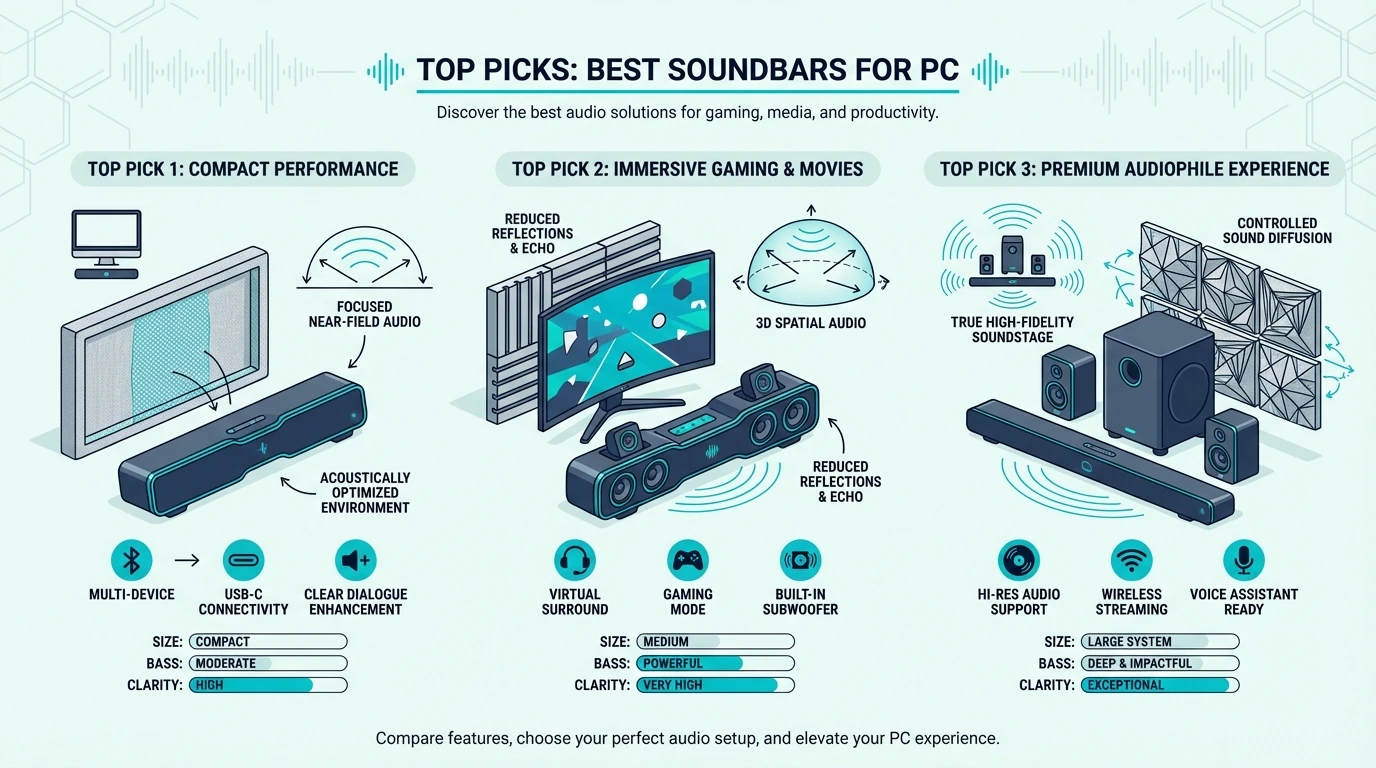
The best soundbar for most PC setups is the Samsung S60D — it connects via Bluetooth or Wi-Fi, delivers Dolby Atmos in a compact all-in-one package, and fits cleanly under any monitor without a separate subwoofer. For budget buyers, the Hisense HS2100 adds a wireless sub for serious desktop bass at under $100.
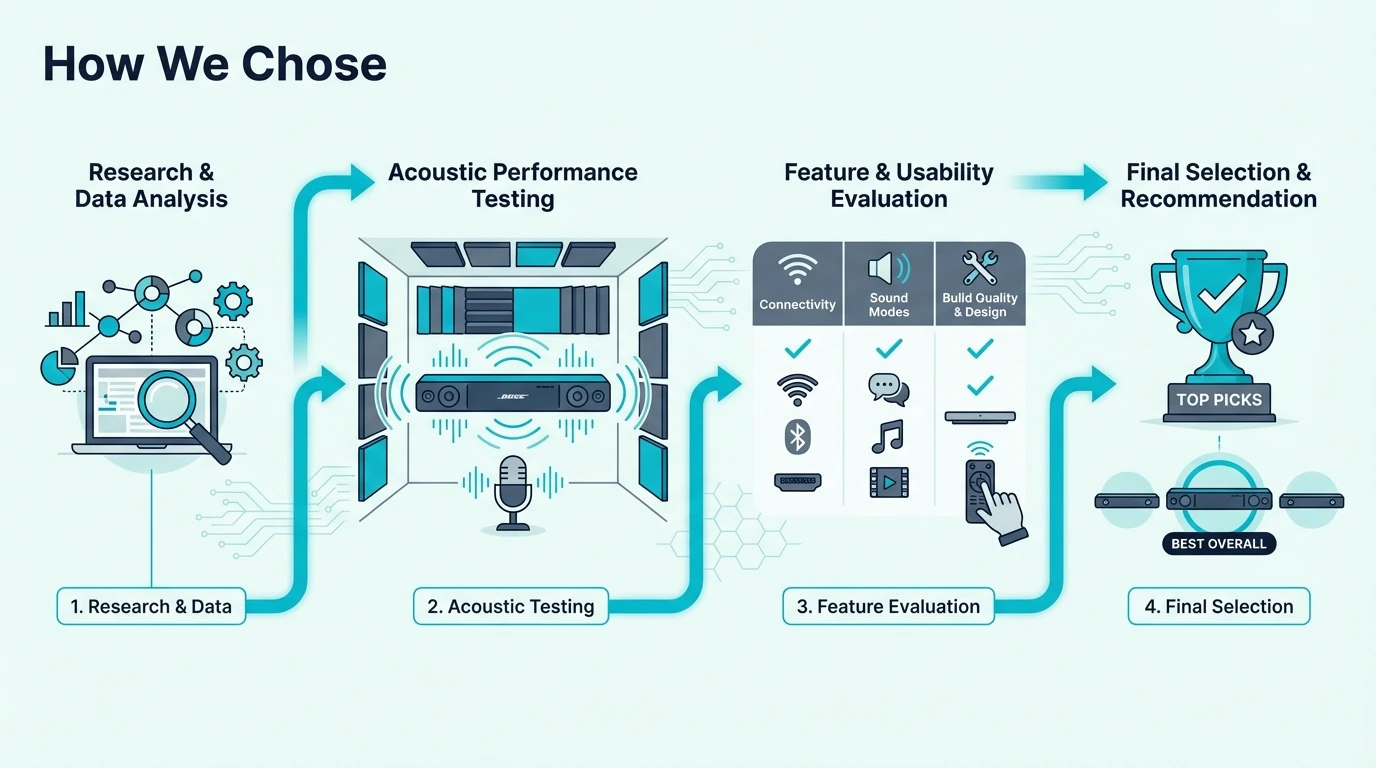
How Did We Choose the Best Soundbar for PC?
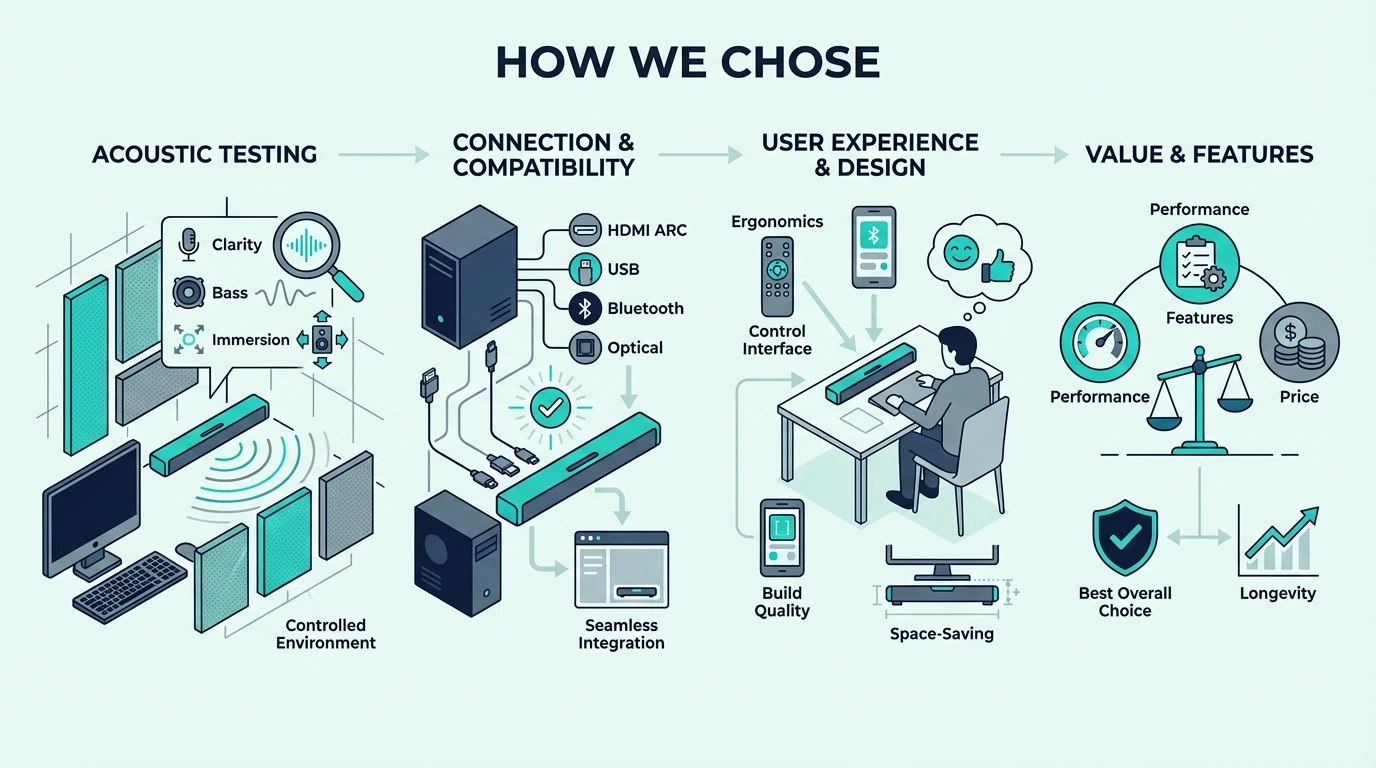
PC soundbar buyers have different needs than TV soundbar buyers. We focused on three factors that matter most for desktop setups — connectivity options, physical size, and whether the bar improves the audio experience at close listening distances.
Connectivity That Works With PCs
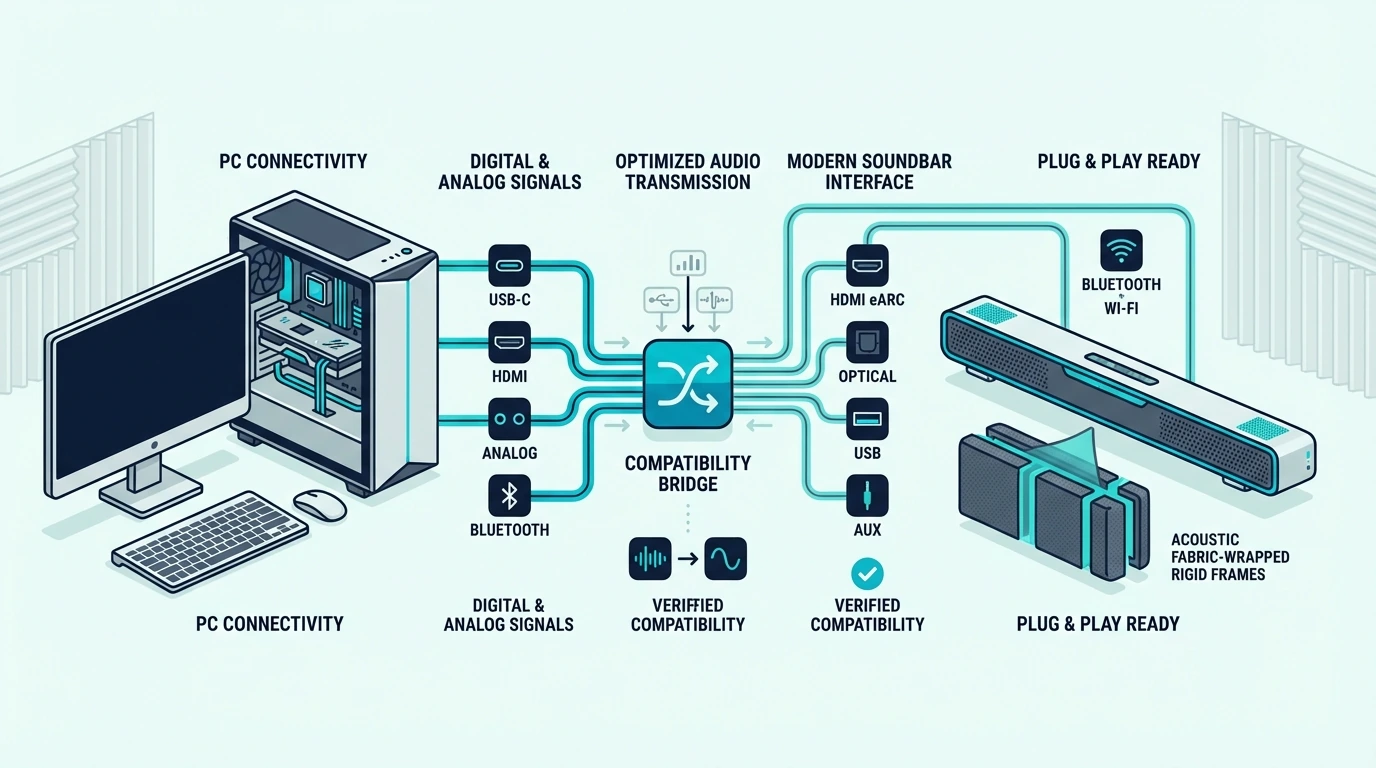
The most reliable PC soundbar connections are Bluetooth, USB, and 3.5mm aux. Bluetooth requires no cables and works with every modern PC.
USB provides a clean digital connection with zero perceptible latency, making it the best wired option for competitive gaming and real-time audio editing.
HDMI works if your graphics card has an audio-capable HDMI output, but this ties up a display port. We prioritized bars that offer at least two connection methods so you have flexibility.
Size and Desk Fit
Living room soundbars often span 40 inches or more — too wide for most desk setups. PC soundbars need to fit between monitor stands or under a single display without hanging over the desk edges.
Bars under 30 inches wide work best for standard desk setups. Bars over 35 inches work better on credenzas or shelves behind the desk where width is not constrained.
Close-Range Listening Quality
Soundbars designed for living rooms project sound across 10-15 feet. At desk distance (2-3 feet), that projection is wasted and the sound can actually be worse than at the intended distance.
The best PC soundbars deliver clear, balanced audio at close range without harsh treble or boomy bass. The soundbar guide covers living-room-optimized options for buyers who want dual-purpose desktop and TV use.
Does a Soundbar Work With a PC?
Yes — every soundbar with Bluetooth, USB, 3.5mm aux, or HDMI input works with a PC. The connection method affects latency, audio quality, and ease of setup.
Bluetooth Connection
Bluetooth is the simplest connection — pair the bar once and audio routes automatically. The trade-off is latency, with standard Bluetooth adding 100-200ms of audio delay that is noticeable in gaming but acceptable for music and casual use.
Bars with Bluetooth 5.0 or newer reduce this latency. For gaming, a wired connection (USB, aux, or HDMI) eliminates the delay completely.
USB and Aux Connections
USB connections send digital audio directly to the bar with zero perceptible latency. Not all soundbars support USB audio input, so check the spec sheet before buying.
A 3.5mm aux cable is the universal fallback — every bar with an aux input works with any PC that has a headphone jack. Audio quality depends on your PC’s audio output stage, but for most users the difference is inaudible compared to USB or Bluetooth.
HDMI From A Graphics Card
HDMI carries the highest-quality audio signal, including Dolby Atmos and surround formats. If your graphics card has a spare HDMI port and the soundbar supports HDMI input, this is the best connection for gaming audio and spatial sound.
The soundbar guide covers which Atmos bars deliver the best spatial audio experience when connected to a PC via HDMI.
Which Soundbars Work Best for PC Setups?
Each pick below works reliably with PC setups and delivers a clear upgrade over built-in monitor or laptop speakers at its price point.
Best Overall For PC: Samsung S60D
The Samsung S60D delivers wireless Dolby Atmos in a compact form factor that fits under any standard monitor. Bluetooth and Wi-Fi connectivity mean no cable management headaches on your desk.
The 5.0 all-in-one design requires no separate subwoofer, which keeps your desk setup clean. Bass is adequate for music and gaming at desk distance, though bass-heavy listeners may want a bar with a dedicated sub.
Best Budget For PC: Hisense HS2100
The Hisense HS2100 is the best value PC soundbar available. The 2.1 system includes a wireless subwoofer that adds bass depth no all-in-one bar under $200 can match.
At under $100, this system costs less than most desktop speaker pairs while delivering more bass and cleaner sound. The soundbar guide covers where the HS2100 ranks against other affordable options.
Best For PC Gaming: JBL Bar 700MK2
The JBL Bar 700MK2 is overkill for casual PC use but perfect for dedicated gaming setups where spatial audio matters. The 5.1 Dolby Atmos layout creates genuine surround sound that gives a competitive edge in FPS and horror games.
Connect via HDMI from your graphics card for zero-latency Atmos spatial audio. The 10-inch wireless sub delivers movie-grade bass that makes explosions and environmental effects physically felt.
The soundbar guide covers more options optimized for low-latency gaming.
Best Compact For PC: Sony S100F
The Sony S100F is the smallest soundbar on this list at just 23 inches wide. It fits under a single 24-inch monitor with room to spare and connects via Bluetooth, USB, or optical.
Sound quality is impressive for the size — clear mids and treble with enough bass for casual music and video. It will not replace a dedicated 2.1 system, but it is a massive upgrade over any built-in monitor speaker.
Best With Sub For PC: Polk Audio Signa S4
The Polk Audio Signa S4 delivers true Dolby Atmos with physical up-firing drivers at a mid-range price. The wireless sub adds bass authority that all-in-one bars cannot match at desk distance.
VoiceAdjust boosts dialogue and voice chat independently from game audio, which is essential for multiplayer gaming. The soundbar guide covers more sub-equipped options if the Signa S4’s 35-inch width is too wide for your desk.
Best Fire TV Integration: Amazon Fire TV Soundbar Plus
The Amazon Fire TV Soundbar Plus offers Dolby Atmos at a budget price with built-in Alexa for voice control. Bluetooth connectivity works with any PC, and HDMI provides low-latency audio for gaming.
At $190, this bar costs less than most Atmos-capable alternatives. The soundbar guide covers brand-specific alternatives with stronger ecosystem integration for monitor owners who want to compare beyond Fire TV.
The Bottom Line
The best soundbar for PC depends on your desk size, connection preferences, and whether you need gaming-grade spatial audio or just a clean upgrade over monitor speakers.
For most PC users, the Samsung S60D delivers the best balance of sound quality, compact size, and wireless connectivity. Budget buyers get incredible value from the Hisense HS2100’s 2.1 system at under $100. If your desk is shallow or you switch between work, music, and casual gaming throughout the day, an all-in-one bar usually makes more sense than separate desktop speakers and a subwoofer.
Gamers who want spatial Atmos audio should connect the JBL Bar 700MK2 or Polk Signa S4 via HDMI from their graphics card for zero-latency directional surround sound. The soundbar guide ranks all these picks against TV-optimized alternatives for buyers considering dual-purpose setups. For tighter desks, the Sony S100F and Samsung S60D remain the safer choices because they keep the footprint manageable while still sounding far bigger than built-in monitor speakers.
For video calls and conference use where voice clarity matters most, the soundbar guide covers which bars excel at keeping speech clear and natural.
Frequently Asked Questions
Does a soundbar work with a PC?
Yes — any soundbar with Bluetooth, USB, 3.5mm aux, or HDMI input connects directly to a PC. Bluetooth is the simplest option, while HDMI from a graphics card provides the highest quality including Dolby Atmos.
Should I get a soundbar for my gaming PC?
A soundbar is worth it for gaming if you want spatial audio without wearing headphones for extended sessions. Bars with Dolby Atmos or DTS:X create genuine directional sound that helps with positional awareness in competitive games.
Connect via HDMI or USB for the lowest possible latency.
What is the best speaker for PC?
For desktop use, a compact soundbar like the Samsung S60D or Sony S100F delivers better sound than most bookshelf speakers at the same price. The soundbar guide covers options that skip the subwoofer for the cleanest possible desk setup.
Best Bose Soundbar — Which Model Is Actually Worth The Premium
The best Bose soundbar delivers a room-filling, detailed soundstage that most competitors cannot match at any price — but the Bose lineup has significant gaps between models that make choosing the right one less obvious than it should be.
The problem is that Bose’s own lineup creates confusion — four models ranging from $279 to $999 with overlapping features and unclear upgrade paths between them. Picking the wrong Bose model means either overpaying for smart features you never use or missing Dolby Atmos support you actually wanted.
This guide solves that by breaking down exactly what each Bose soundbar delivers for its price and where competing brands like Samsung, JBL, and Polk offer equivalent or better performance for less money. You will know which Bose model fits your setup and whether the Bose premium is worth paying at all.
Start with the flagship Smart Ultra if you want the full Bose experience, then check the alternatives section to see what you could get from other brands at the same budget.
Quick Takeaway
The Bose Smart Ultra Soundbar is the best Bose soundbar for most buyers — it combines Dolby Atmos, voice control via Alexa and Google Assistant, and Bose’s signature detailed sound in a single all-in-one bar. For budget buyers who want the Bose sound without the smart features, the Bose TV Speaker delivers clean dialogue and room-filling audio for $279.
How We Chose The Best Bose Soundbar
Bose currently sells four soundbar models that range from a basic TV speaker to a full Dolby Atmos smart soundbar. We evaluated each model on sound quality relative to its price, smart home integration depth, and how it compares to non-Bose alternatives at the same tier.
Sound Quality Per Dollar
Every Bose soundbar sounds good for its size — that is not in dispute. The real question is whether a $999 Bose Smart Ultra sounds about $350 better than a $649.95 JBL Bar 700MK2 or about $650 better than a $347 Samsung S60D.
We tested each model against its closest non-Bose competitor to determine where the Bose premium is justified and where it is not. In some cases, Bose wins clearly on dialogue clarity and spatial imaging.
In others, competing brands offer more features for less money.
Smart Features and Voice Control
Bose’s smart soundbar models include built-in Amazon Alexa and Google Assistant, which turn the bar into a smart speaker when the TV is off. This dual-assistant support is uncommon — most competitors support only one voice assistant or none.
The smart features add genuine value for households that already use Alexa or Google routines for lights, thermostats, and other devices. For buyers who only want better TV audio without voice control, the Bose TV Speaker skips the smart features and drops the price accordingly.
Bose Ecosystem and Multi-Room Audio
Bose smart soundbars connect to other Bose speakers via the Bose app for multi-room audio. You can group a Smart Ultra with Bose Portable speakers throughout your home for synchronized music playback.
This ecosystem lock-in is Bose’s strongest competitive advantage over brands like Samsung and JBL. The soundbar guide explains how Bose’s multi-room approach compares with other ecosystems when you are buying across brands.
The Bose Soundbar Lineup — Every Current Model Compared
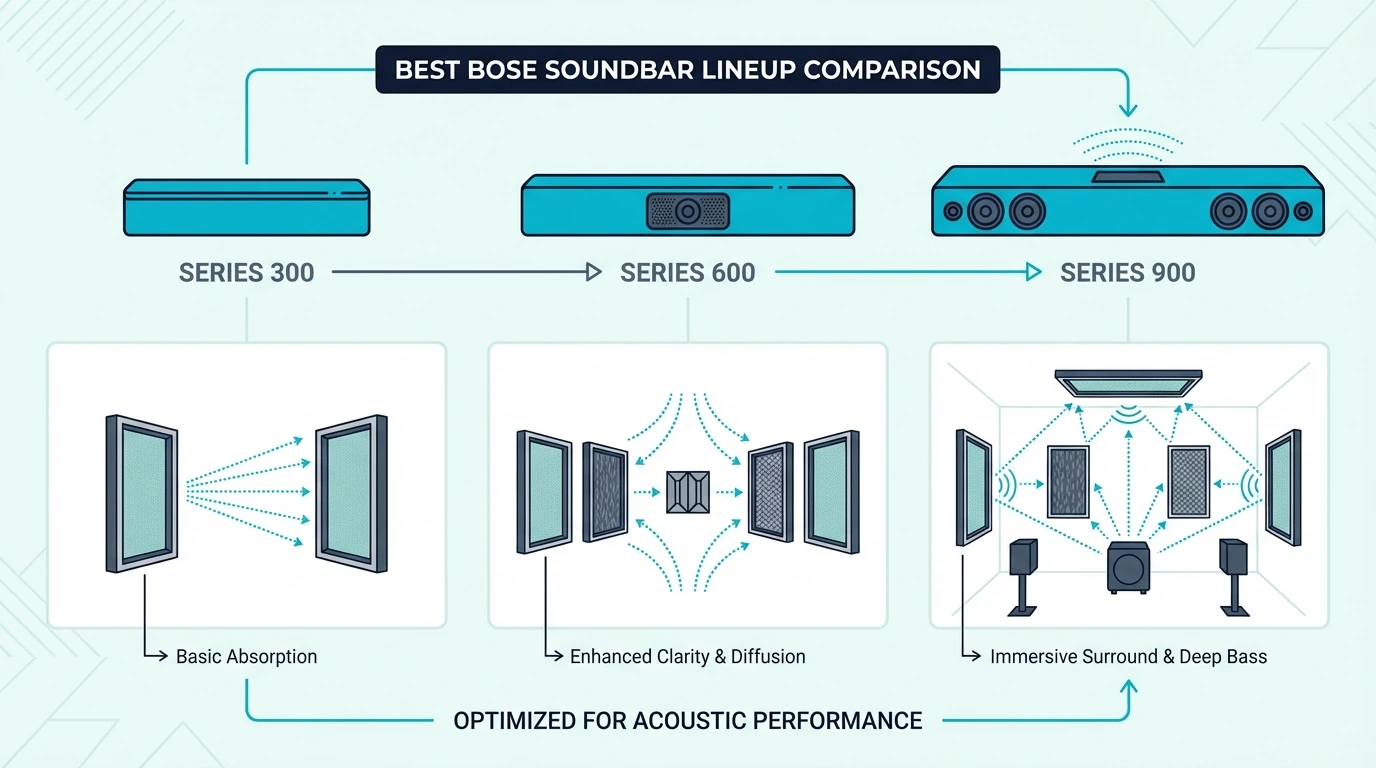
Bose keeps its soundbar lineup lean compared to Samsung or LG. Four models cover the range from budget TV speaker to flagship Dolby Atmos bar.
Bose Smart Ultra Soundbar — The Flagship
The Bose Smart Ultra Soundbar is the successor to the popular Bose Soundbar 900. It combines Dolby Atmos processing with PhaseGuide technology that creates a wide, immersive soundstage from a single bar.
ADAPTiQ room calibration uses a headset microphone (included in the box) to measure your room acoustics and optimize the sound profile. The calibration makes a noticeable difference in clarity and spatial imaging compared to the factory defaults.
Voice control works even when the TV is off, turning the bar into a high-quality smart speaker. You can ask Alexa to play music, control smart home devices, or check the weather without reaching for a remote.
The main drawback is price — at $999, the Smart Ultra costs nearly double what competing Dolby Atmos soundbars charge for similar features. The soundbar guide explains which Atmos upgrades are worth paying for and which are mostly premium branding.
Bose TV Speaker — The Budget Entry
The Bose TV Speaker is Bose’s most affordable soundbar and its highest-rated model on Amazon with over 13,000 reviews. The 2.0 channel bar focuses on one thing — making dialogue crystal clear.
Dialogue mode is the standout feature — it boosts speech frequencies so voices cut through music, effects, and background noise without raising the overall volume. This is the feature that drives most of those positive reviews.
The TV Speaker skips Dolby Atmos, voice assistants, and Wi-Fi connectivity entirely. It connects via HDMI ARC or optical and adds Bluetooth for phone streaming.
For buyers who want better TV audio without complexity, this simplicity is a feature.
At $279, the TV Speaker competes most directly with simpler premium bars, while the Samsung S60D and Polk Signa S4 offer more features for not much more money. The soundbar guide breaks down where the Bose TV Speaker still wins on simplicity and dialogue clarity.
Bose Soundbar 600 and Soundbar 900
The Bose Soundbar 600 ($449) sits between the TV Speaker and Smart Ultra, adding Dolby Atmos and voice control at a mid-range price. It uses the same PhaseGuide technology as the Smart Ultra but in a more compact form factor.
The Bose Soundbar 900 ($899) is the predecessor to the Smart Ultra and is still available at some retailers. It offers essentially the same features as the Smart Ultra at a slightly lower price, making it a good deal when discounted.
Both models support Bose’s multi-room ecosystem and can pair with Bose Bass Module subwoofers and Bose Surround Speakers for expanded systems. For buyers considering these mid-range options, the Smart Ultra usually offers better value at its street price than the 600 does at its list price.
Best Non-Bose Alternatives Worth Considering
Not every buyer needs the Bose ecosystem. These alternatives match or beat specific Bose models at lower price points.
Best Atmos Alternative: JBL Bar 700MK2
The JBL Bar 700MK2 is the most direct competitor to the Bose Smart Ultra while costing hundreds less. It includes a wireless 10-inch subwoofer that the Bose does not, which gives it a significant bass advantage.
MultiBeam room calibration and PureVoice dialogue enhancement match Bose’s ADAPTiQ and dialogue mode in functionality. The JBL lacks built-in voice assistants, but buyers who use a separate Echo or Google Home speaker will not miss this feature.
Best Value Alternative: Samsung S60D
The Samsung S60D delivers wireless Dolby Atmos at roughly a third of the Bose Smart Ultra’s price. Samsung TV owners get Q-Symphony integration that syncs the bar with their TV speakers for a wider soundstage.
The Bose sounds better in direct comparison — more detailed mids and tighter spatial imaging — but the Samsung costs $650 less. Our soundbar guide explains when a simple all-in-one bar is the smarter value play.
Best Mid-Range Alternative: Polk Audio Signa S4
The Polk Audio Signa S4 offers true Dolby Atmos with physical up-firing drivers and a wireless subwoofer for $379 — $620 less than the Bose Smart Ultra.
VoiceAdjust dialogue enhancement lets you boost speech volume independently, matching Bose’s dialogue mode in functionality. The Polk lacks the build quality and refined aesthetics of Bose, but it delivers more Atmos features per dollar than any Bose model.
Best Slim Alternative: Samsung HW-S800D
The Samsung HW-S800D combines an ultra-slim form factor with true 3.1.2 Dolby Atmos for $400 less than the Bose Smart Ultra. SpaceFit Sound calibration optimizes the Atmos output for your specific room geometry.
The HW-S800D includes a wireless subwoofer and physical up-firing drivers — features the Bose Smart Ultra lacks at a higher price. The soundbar guide covers when a subwoofer-inclusive system is the smarter buy.
The Bottom Line
The best Bose soundbar for most buyers is the Smart Ultra — it combines Dolby Atmos, dual voice assistants, and Bose’s signature sound quality in a single all-in-one bar. For budget buyers who want Bose’s dialogue clarity without smart features, the TV Speaker delivers at $279.
The honest assessment is that Bose charges a significant premium for brand cachet and ecosystem integration. Buyers who do not need Alexa, Google Assistant, or multi-room Bose audio can get equivalent or better sound from the JBL Bar 700MK2, Samsung HW-S800D, or Polk Signa S4 at substantially lower prices.
The soundbar guide ranks the wider market if you want to compare Bose against every major alternative.
If you are shopping for clearer dialogue, simpler PC use, or tighter TV-brand integration, that same soundbar guide shows which features actually matter before you pay the Bose premium.
Frequently Asked Questions
What is the difference between Bose 900 and Ultra?
The Bose Smart Ultra Soundbar is the direct successor to the Bose Soundbar 900. The Smart Ultra adds improved Dolby Atmos processing, better ADAPTiQ room calibration, and updated voice control features in an identical form factor.
Which is better, Bose Soundbar 700 or 900?
The Bose Soundbar 900 (and its successor, the Smart Ultra) adds Dolby Atmos support that the 700 lacks. If you watch Atmos content on Netflix, Disney+, or Blu-ray, the 900/Smart Ultra is worth the upgrade over the 700.
Is a Bose soundbar worth the money?
Bose soundbars deliver excellent sound quality and build quality, but they are overpriced compared to competitors with similar features. Our soundbar guide shows where rival bars match Bose performance for less money.
What are the top 5 soundbars?
The top soundbars across all brands include the JBL Bar 700MK2, Samsung HW-Q990F, Bose Smart Ultra, Sonos Arc Ultra, and Samsung HW-S800D. The soundbar guide compares how those flagship options differ in value, immersion, and room fit.
Best Dolby Atmos Soundbar — Top Picks For True 3D Audio
The best Dolby Atmos soundbar can put sound above, around, and behind you from a single bar — but only if the bar uses real up-firing drivers instead of faking the effect with digital processing.
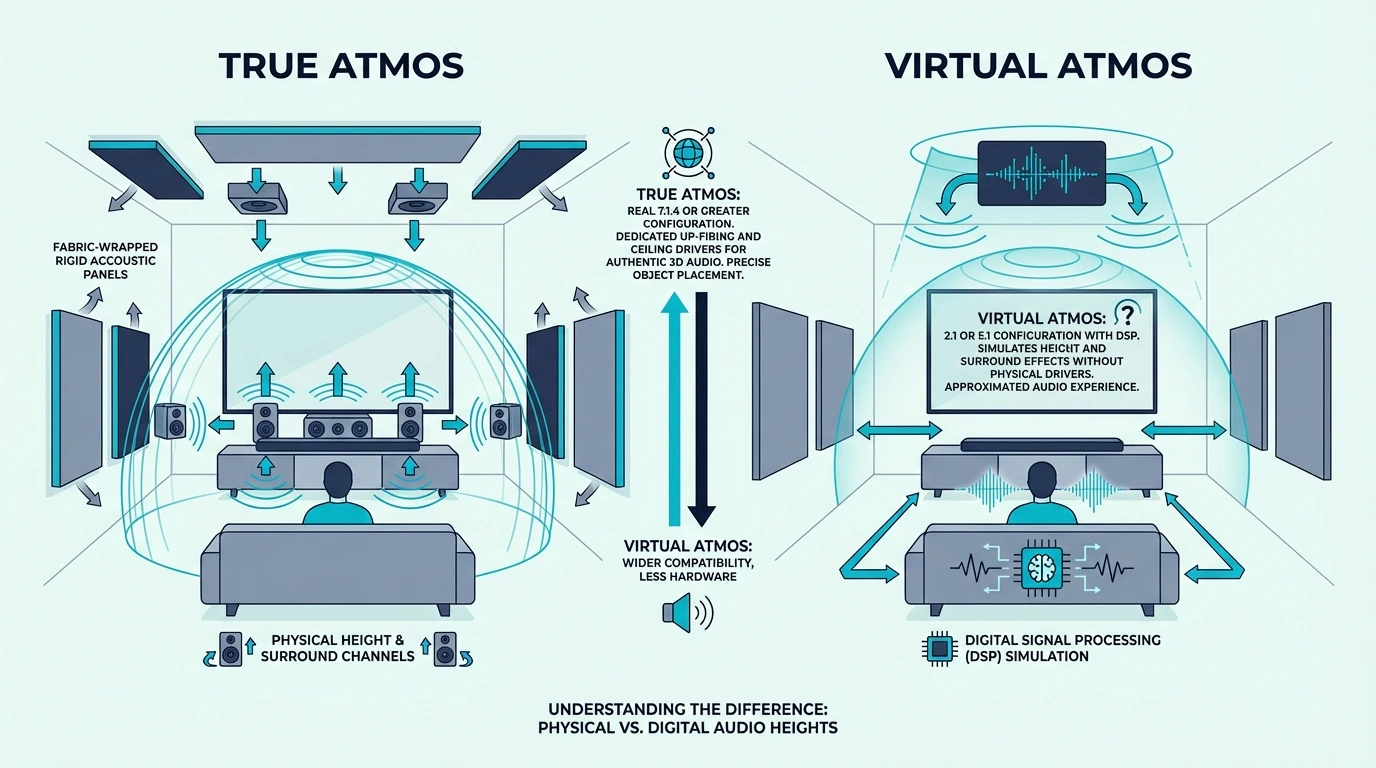
Most soundbars that advertise “Atmos support” are using virtual processing to simulate height channels. The result sounds wider than stereo, but it never delivers the overhead audio that makes Atmos genuinely different from standard surround sound.
A soundbar with real Atmos drivers bounces sound off your ceiling to create a height layer that virtual processing cannot replicate. That overhead dimension is what makes rain fall above you, helicopters pass overhead, and concert halls feel three-dimensional instead of flat.
Start with the channel layout number — the third digit after the decimal tells you how many up-firing Atmos drivers the bar has, so you can filter out the virtual-only options before you spend a dollar.
Quick Takeaway
The best Dolby Atmos soundbar for most rooms is the JBL Bar 700MK2 — it delivers 5.1 Atmos with a wireless subwoofer, PureVoice dialogue enhancement, and automatic room calibration in a package that still undercuts flagship theater systems. For budget buyers who want Atmos without a subwoofer, the Samsung S60D offers wireless Dolby Atmos in a clean all-in-one package for under $350.
How We Chose The Best Dolby Atmos Soundbar
Dolby Atmos soundbars range from $150 virtual-only bars to $1,500 full-theater systems with rear speakers. We tested what actually matters for the Atmos experience — whether height effects are audible, whether dialogue stays clear during complex Atmos scenes, and whether the bar justifies its premium over a non-Atmos alternative.
Up-Firing Drivers vs Virtual Atmos
The single most important distinction in Atmos soundbars is physical up-firing drivers versus virtual height processing. Bars with up-firing drivers (indicated by the third number in layouts like 3.1.2 or 5.1.4) bounce sound off the ceiling to create genuine overhead audio.
Virtual Atmos bars use psychoacoustic processing to simulate the height effect. The simulation works reasonably well in small rooms with low ceilings, but it falls apart in larger spaces where the ear can tell the sound is coming from the bar, not from above.
We prioritized bars with physical up-firing drivers for every pick except the budget tier, where virtual Atmos is the only option under $300. This distinction alone eliminates roughly half of all “Atmos” soundbars on the market.
Room Calibration and Atmos Processing
Atmos effectiveness depends heavily on room acoustics — ceiling height, ceiling material, and room shape all affect how well up-firing drivers perform. Bars with automatic room calibration consistently delivered better Atmos height effects than bars without it.
Samsung’s SpaceFit Sound, JBL’s MultiBeam calibration, and LG’s AI Room Calibration all adjust the Atmos processing based on your specific room. Bars without calibration rely on factory defaults that may not match your ceiling height or room layout.
Content and Connection Requirements
Dolby Atmos requires an HDMI eARC connection to pass the full Atmos signal from your TV to the soundbar. Optical connections cannot carry Atmos audio — they downmix to stereo or basic 5.1 at best.
Atmos content is widely available on Netflix, Disney+, Apple TV+, and Amazon Prime Video in growing libraries of movies and shows. Blu-ray discs offer the highest-quality lossless Atmos tracks, but streaming Atmos is good enough that most buyers will never need physical media to hear the difference.
The soundbar guide covers non-Atmos options for buyers who prioritize value over immersive audio features.
True Atmos vs Virtual Atmos — Why It Matters
Understanding the difference between true and virtual Atmos prevents the most common buying mistake — paying extra for an “Atmos” label that delivers no meaningful height effect.
How True Atmos Works In A Soundbar
True Atmos soundbars use dedicated up-firing drivers angled at approximately 15 degrees toward the ceiling. The sound bounces off the ceiling and reaches your ears from above, creating the height layer that Atmos content is mixed for.
The effect works best with flat, hard ceilings between 7 and 10 feet high. Vaulted ceilings, cathedral ceilings, and textured acoustic ceilings scatter the reflected sound and reduce the height effect significantly.
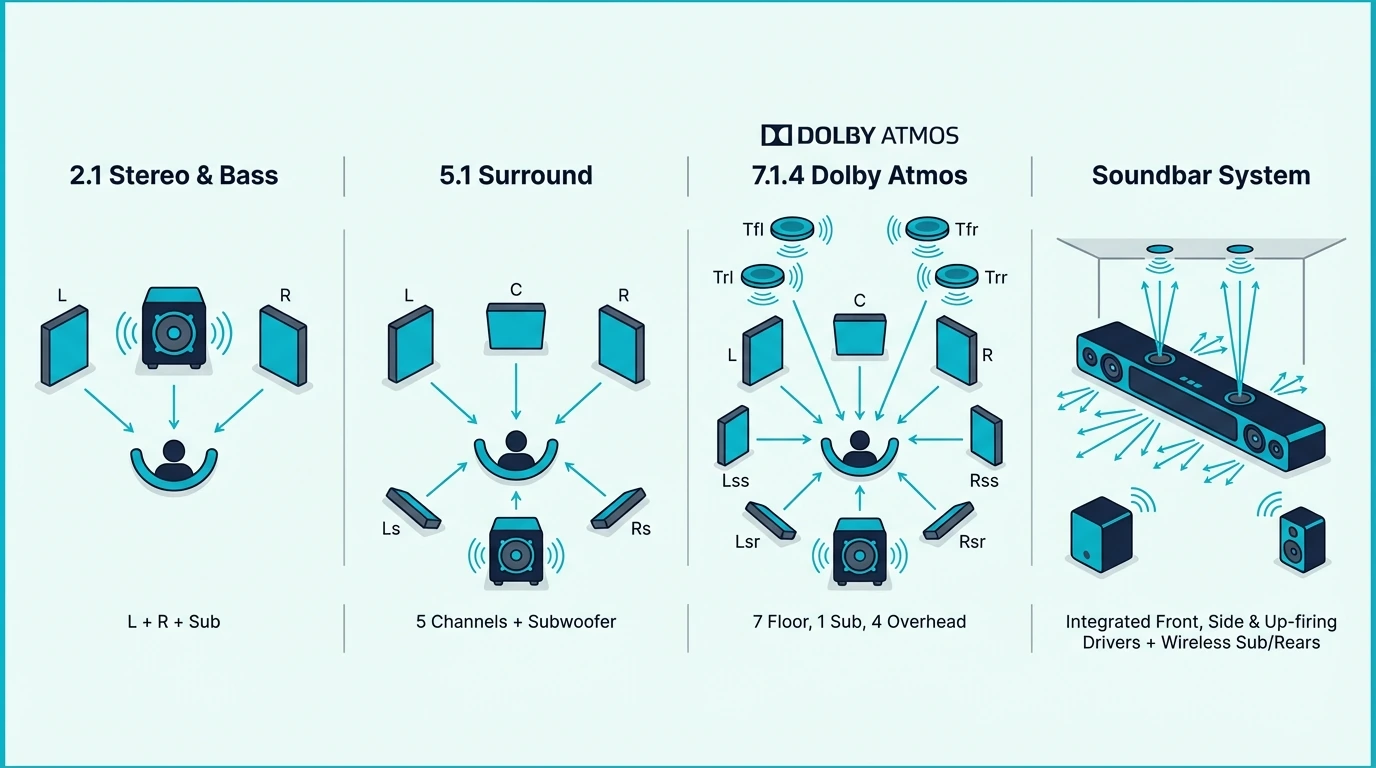
Channel layouts tell you exactly what you get. A 3.1.2 bar has three front channels, one subwoofer channel, and two up-firing Atmos drivers.
A 5.1.4 bar has five front channels, one sub, and four up-firing drivers for even more precise overhead audio. The higher the third number, the more height drivers the system uses to create overhead sound placement.
How Virtual Atmos Works
Virtual Atmos uses DSP (digital signal processing) to manipulate the phase and timing of sound from regular forward-firing drivers. The processing tricks your brain into perceiving sound as coming from above and to the sides.
The effect is subtle at best and inaudible at worst. In small rooms with low ceilings, virtual Atmos can add a slight sense of height to overhead effects like rain or flyovers.
In larger rooms, the effect disappears completely. The further your ears are from the bar, the less convincing the virtual height processing becomes.
Virtual Atmos bars are worth buying only when Atmos is a bonus feature on an otherwise good bar — not when Atmos is the primary reason for the purchase.
When Virtual Is Good Enough
For bedrooms under 150 square feet with ceilings under 8 feet, virtual Atmos can deliver a noticeable spatial effect. The Samsung S60D and similar all-in-one bars use virtual Atmos processing that works surprisingly well in compact spaces.
For living rooms, dedicated theater rooms, or any space over 200 square feet, physical up-firing drivers make a significant audible difference. The soundbar guide covers why sub-equipped systems usually do a better job separating bass weight from Atmos detail.
The Best Dolby Atmos Soundbars — Our Top Picks
Each pick below earned its spot by delivering genuinely audible Atmos height effects at its price tier. We prioritized bars where Atmos makes a real difference over bars where it is just a spec-sheet checkbox.
Best Overall Atmos: JBL Bar 700MK2
The JBL Bar 700MK2 delivers the best balance of Atmos performance, bass quality, and dialogue clarity in the serious mid-range Atmos tier. The 5.1 layout with a dedicated wireless 10-inch subwoofer provides genuine low-end impact.
MultiBeam automatic room calibration measures your room and optimizes the Atmos processing for your ceiling height and wall distances. The calibration takes about two minutes and makes a clearly audible improvement in height channel accuracy.
PureVoice dialogue enhancement is JBL’s answer to the most common soundbar complaint — dialogue drowned out by music and effects. The feature works independently of the Atmos processing, so you get clear speech without sacrificing the immersive surround effect.
The 10-inch wireless sub handles frequencies below 80Hz with authority, which frees the bar’s drivers to focus on mid-range clarity and Atmos height effects. For most living rooms, this is the sweet spot between the Sonos Arc Ultra’s premium price and budget Atmos bars that cut corners on bass.
For buyers comparing JBL against other premium options, the soundbar guide explains where the JBL Bar 700MK2 fits in the wider market across price tiers and feature sets.
Best Budget Atmos: Samsung S60D
The Samsung S60D is the most affordable way to get Dolby Atmos processing in a soundbar from a major brand. The all-in-one design requires no separate subwoofer or rear speakers.
The 5.0 channel layout uses virtual Atmos processing rather than physical up-firing drivers. In rooms under 200 square feet, the virtual height effect adds a noticeable spatial dimension to Atmos content — especially overhead rain, flyovers, and ambient environmental audio.
Q-Symphony integration syncs the S60D with compatible Samsung TV speakers from 2020 onward, effectively adding two more sound sources to the system. The combined output creates a wider soundstage than the bar alone can achieve.
The trade-off is clear — without physical up-firing drivers, the S60D cannot deliver the dramatic overhead effects that true Atmos bars produce. It is an excellent entry point for buyers who want to experience Atmos on a budget.
For serious Atmos listeners who want genuine overhead audio, a bar with physical up-firing drivers is the better long-term investment. The soundbar guide covers when an all-in-one Atmos bar like the S60D makes more sense than a bigger sub-equipped package.
Best Value Atmos With Sub: Polk Audio Signa S4
The Polk Audio Signa S4 is the least expensive way to get true Dolby Atmos with physical up-firing drivers and a wireless subwoofer included in the box. The 3.1.2 layout puts two dedicated height drivers on top of the bar.
The up-firing drivers create genuine overhead audio that virtual-only bars cannot match. Rain, thunder, and helicopter scenes produce a height layer that is clearly distinct from the front channels — exactly what Atmos is designed to deliver.
VoiceAdjust is Polk’s dialogue enhancement feature, and it is one of the best in the mid-range tier. You can boost center-channel speech volume without touching the surround or Atmos mix, which solves the nighttime viewing problem cleanly.
The wireless sub fills rooms up to 300 square feet with adequate movie bass. It is not as powerful as the JBL Bar 700MK2’s 10-inch sub, but it handles most action movie sequences without distortion.
For buyers comparing the Signa S4 against other sub-equipped options in this price range, the soundbar guide breaks down when a more traditional bar-plus-sub package beats a simpler all-in-one Atmos bar.
Best Slim Atmos: Samsung HW-S800D
The Samsung HW-S800D is the pick for wall-mounted TV setups where the bar needs to sit flush under the screen without protruding. The ultra-slim form factor is barely two inches deep.
Despite the slim profile, the HW-S800D includes physical up-firing Atmos drivers and a dedicated center channel for dialogue. SpaceFit Sound calibration uses your Samsung TV’s microphone to measure ceiling height and adjust the Atmos bounce angle automatically.
The included wireless subwoofer adds bass depth that the slim bar cannot produce on its own. For rooms under 300 square feet, the combined system delivers a complete Atmos experience with movie-grade bass and clear overhead effects.
Samsung TV owners get Q-Symphony integration and One Remote Control convenience on top of the Atmos features. Non-Samsung TV owners still get excellent Atmos performance via HDMI eARC, but miss the ecosystem perks.
The dedicated center channel makes the S800D one of the strongest dialogue performers in the mid-range Atmos tier. The soundbar guide explains when center-channel clarity should matter more than raw Atmos scale.
Best Premium Atmos: Samsung HW-Q990F
The Samsung HW-Q990F is the most capable Atmos soundbar system available from any manufacturer. The 11.1.4 channel layout includes the main bar, a wireless subwoofer, and wireless rear speakers — all in the box.
Four up-firing Atmos drivers (two in the bar, two in the rear speakers) create the most precise height layer of any soundbar system tested. Overhead effects are localized and convincing, with clear front-to-back movement that cheaper systems cannot reproduce.
SpaceFit Sound Pro calibrates each speaker individually using the TV’s microphone, adjusting the Atmos processing based on your specific room dimensions and ceiling material. The calibration dramatically improves the height effect accuracy compared to the default factory settings.
At $1,498, this system competes directly with dedicated AV receiver and passive speaker packages. It only makes sense for buyers with Samsung TVs and a dedicated viewing room where rear speaker placement is possible.
Buyers who regularly watch Atmos Blu-rays or high-quality streaming content will hear a clear difference over cheaper systems. For everyone else, the soundbar guide covers options that deliver most of the experience for well under half the price.
Best LG TV Match: LG S70TY
The LG S70TY is the best Atmos entry point for LG TV owners who want ecosystem integration comparable to Samsung’s Q-Symphony. WOW Orchestra syncs the bar with LG TV speakers to create a combined soundstage.
The 3.1 layout with a dedicated center channel prioritizes dialogue clarity — the feature LG TV owners request most. Dolby Atmos processing is virtual rather than physical, but the WOW Orchestra integration adds spatial width that partially compensates for the missing up-firing drivers.
At just under $300, this is still one of the more affordable Dolby Atmos bars from a major brand. It works with any TV via HDMI eARC, but LG TV owners get the full benefit of WOW Orchestra and remote integration.
For LG TV owners who want to step up to physical up-firing Atmos drivers, LG’s premium bars offer true height channels at a higher price point. The soundbar guide covers how LG-oriented Atmos setups compare with the rest of the market.
Atmos Channel Layouts Compared
The channel layout number tells you exactly what speakers a soundbar system includes. Understanding this notation prevents overpaying for channels you cannot hear in your room.
3.1.2 — The Sweet Spot For Most Rooms
A 3.1.2 system has three front channels (left, center, right), one subwoofer, and two up-firing Atmos drivers. This is the minimum layout for true Atmos with physical height drivers.
The Polk Signa S4 and Samsung HW-S800D both use 3.1.2 layouts with physical up-firing drivers on top of the bar. For rooms between 150 and 350 square feet, a 3.1.2 bar delivers clearly audible Atmos height effects without requiring rear speakers or complex installation.
The center channel is critical for dialogue clarity in this layout. Bars that skip the dedicated center (like 2.1.2 layouts) often blur dialogue across the left and right drivers, which makes speech harder to understand during complex Atmos scenes.
5.1 and 5.1.2 — Adding Side Channels
A 5.1 system adds two side-firing drivers that bounce sound off your walls to simulate surround channels without rear speakers. The JBL Bar 700MK2 uses this approach with five front-facing and side-firing channels plus a dedicated wireless 10-inch subwoofer.
Adding the .2 suffix (5.1.2) means two up-firing Atmos drivers sit on top of the five-channel base. This layout offers the best combination of surround width and overhead height from a single bar without rear speakers.
For rooms wider than 12 feet, the side channels in a 5.1 layout create a noticeably wider sound field than a 3.1 bar. The surround effect is not as precise as dedicated rear speakers, but it fills the room more convincingly than a three-channel bar.
7.1.4 and 11.1.4 — Full Theater Layouts
Systems with 7.1.4 or 11.1.4 channels include dedicated wireless rear speakers. The rear speakers add genuine behind-the-listener audio that no front-firing bar can simulate convincingly.
The Samsung HW-Q990F’s 11.1.4 layout is the most ambitious soundbar system currently available. Four up-firing Atmos drivers (two in the bar, two in the rears) create a complete hemisphere of overhead audio that approaches a custom-installed ceiling speaker system.
These layouts only make sense for dedicated home theater rooms where rear speakers can be placed behind the listening position. For open-plan living rooms without walls behind the sofa, a 3.1.2 or 5.1 bar delivers better value because rear speakers need a wall behind them to anchor the surround effect properly.
Choosing The Right Layout
Match the layout to your room size and seating arrangement. Small rooms under 200 square feet get full benefit from a 3.1.2 bar.
Medium rooms between 200 and 400 square feet benefit from 5.1 or 5.1.2 layouts that add meaningful surround width with side-firing drivers. Large dedicated rooms over 400 square feet need 7.1.4 or 11.1.4 systems with rear speakers to deliver the full Atmos experience.
The soundbar guide covers layouts that skip the subwoofer entirely for buyers who prioritize simplicity over bass impact.
How The Flagship Atmos Bars Compare
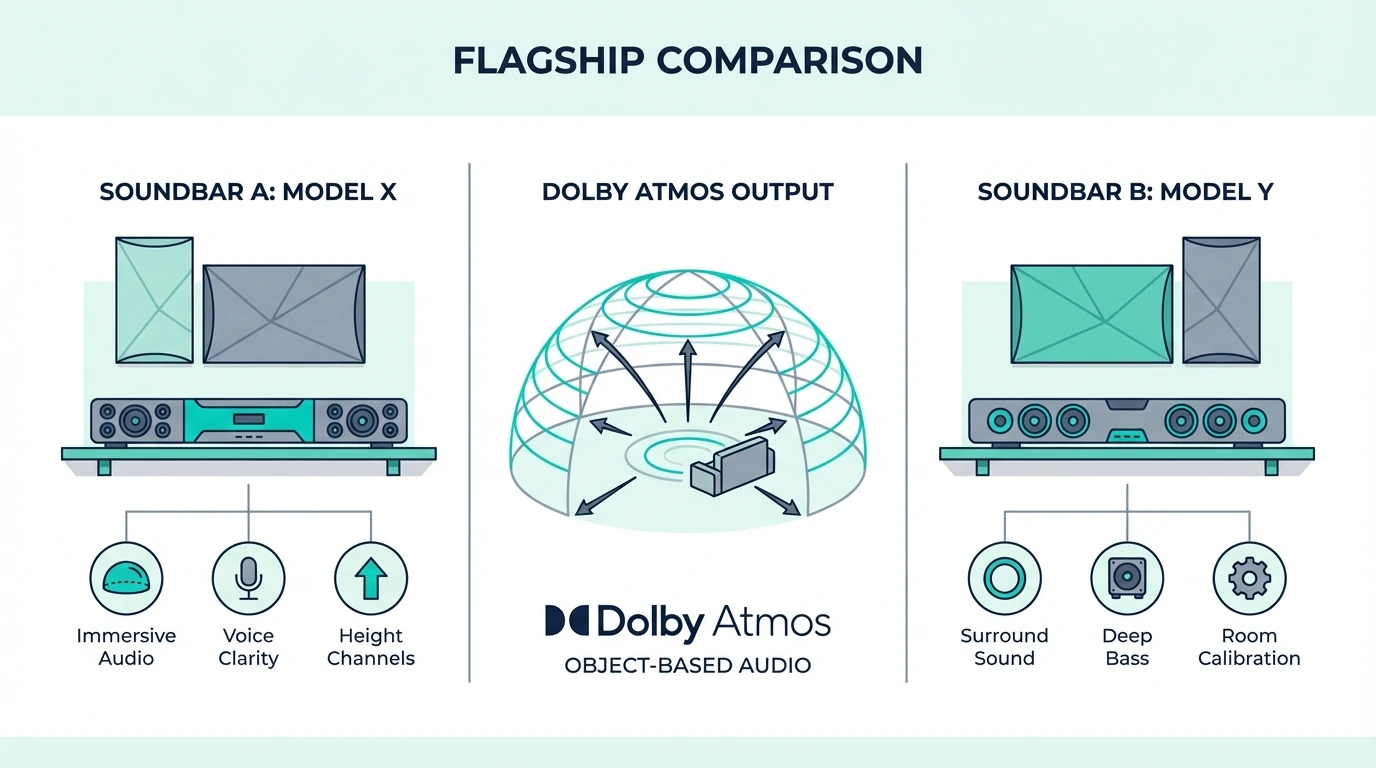
The premium Atmos tier is dominated by three ecosystems — Samsung with the Q990F, JBL with the Bar 700MK2, and Sonos with the Arc Ultra. Each excels in different areas.
Samsung’s Q990F wins on raw channel count (11.1.4) and Samsung TV ecosystem integration via Q-Symphony and SpaceFit Sound Pro. It is the only premium system that includes rear speakers and a subwoofer in the box, which makes it the best choice for buyers who want a complete theater system without buying separate add-ons.
The JBL Bar 700MK2 wins on value at well under half of the Q990F’s price. It delivers 5.1 Atmos with a powerful 10-inch sub and room calibration that rivals systems twice its cost.
For buyers who want excellent Atmos without the complexity of rear speakers, the JBL is the pragmatic choice. Optional wireless rear speakers are available separately if you want to expand later.
The Sonos Arc Ultra commands a premium for its multi-room ecosystem and streaming flexibility. AirPlay 2, Spotify Connect, and voice control integration make it the best Atmos bar for households already invested in Sonos speakers.
The Arc Ultra’s TruePlay room calibration uses your phone’s microphone to optimize the Atmos output for your specific room geometry. The soundbar guide covers where multi-room Atmos bars like the Arc Ultra fit against more traditional theater packages.
Sony’s Bravia Theater Bar 9 is the dark horse — it uses beam-forming technology instead of up-firing drivers to create height effects that are less dependent on ceiling geometry. The soundbar guide breaks down how beam-forming alternatives compare with classic up-firing Atmos bars.
For Bose fans, the Bose Smart Ultra Soundbar uses PhaseGuide virtual Atmos that works surprisingly well in small rooms. The soundbar guide compares virtual Atmos bars against competitors with physical up-firing drivers.
Setting Up Your Atmos Soundbar For Best Results
Getting the most from an Atmos soundbar requires the right connection and room setup. These three factors have the biggest impact on Atmos quality.
HDMI eARC Is Non-Negotiable
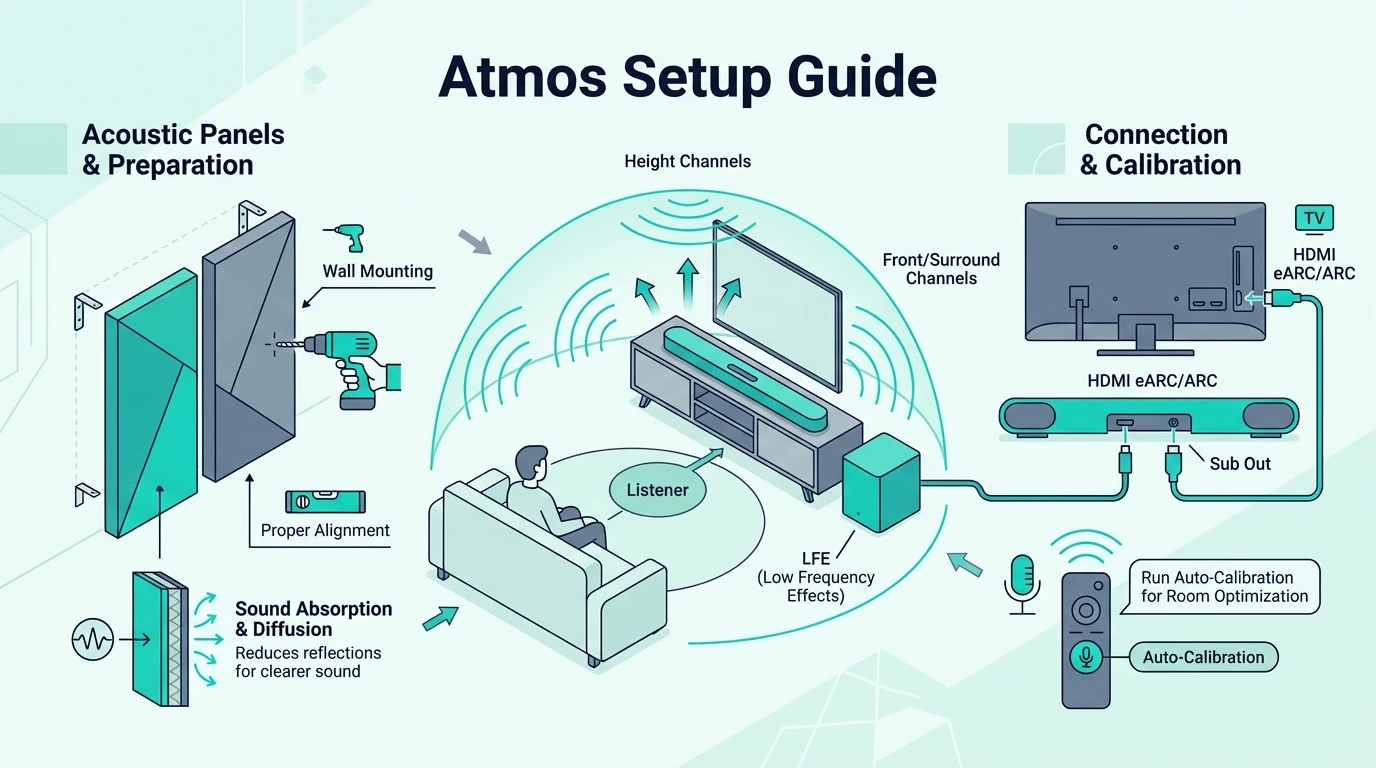
Connect your soundbar to your TV’s HDMI eARC port — not optical, not regular HDMI ARC. Only eARC can pass the full Dolby Atmos bitstream from your TV to the soundbar without downmixing to lossy formats.
Most TVs made after 2019 include at least one HDMI eARC port. If your TV only has ARC (without the “e”), you will get Dolby Digital Plus Atmos from streaming apps, but you will lose the lossless TrueHD Atmos tracks from Blu-ray discs.
Ceiling Height and Material
Up-firing Atmos drivers perform best with flat, hard ceilings between 7 and 10 feet high. Standard drywall ceilings reflect sound cleanly and create a convincing height layer.
Ceilings above 10 feet diffuse the reflected sound too much for the height effect to be convincing. Textured or popcorn ceilings scatter the reflections and reduce Atmos accuracy.
Cathedral and vaulted ceilings make up-firing drivers essentially useless because the reflected sound never reaches your ears at the correct angle. In these rooms, a beam-forming bar or a virtual Atmos bar often outperforms a bar with physical up-firing drivers.
If your ceiling does not suit up-firing drivers, a bar with virtual Atmos processing like the Samsung S60D or a beam-forming bar like the Sony Bravia Theater Bar 9 may actually outperform a bar with physical up-firing drivers in your specific room.
Run The Room Calibration
Every Atmos bar with automatic room calibration should be calibrated during initial setup and recalibrated if you move the bar, rearrange furniture, or change the room layout. The calibration adjusts the Atmos bounce angle and frequency response for your specific space.
Samsung’s SpaceFit Sound, JBL’s MultiBeam, and LG’s AI Room Calibration all run in under three minutes. The improvement is clearly audible — calibrated bars produce tighter, more focused Atmos height effects than uncalibrated bars running on factory defaults.
The soundbar guide covers which TV-specific calibration features matter and which ones are mostly ecosystem extras.
The Bottom Line
The best Dolby Atmos soundbar depends on your room size, ceiling type, budget, and whether you want physical up-firing drivers that bounce sound off the ceiling or are satisfied with virtual Atmos processing that simulates height effects digitally.
For the best overall Atmos experience short of flagship pricing, the JBL Bar 700MK2 delivers 5.1 Atmos with a wireless 10-inch sub and automatic room calibration that rivals systems costing twice as much. For budget Atmos on a tight budget, the Samsung S60D offers clean virtual Atmos processing in a compact all-in-one package that requires no subwoofer or rear speakers.
Buyers with Samsung TVs and dedicated theater rooms should consider the HW-Q990F for the most complete Atmos soundbar system available. For everyone else, a 3.1.2 bar like the Polk Signa S4 or Samsung HW-S800D delivers clearly audible Atmos height effects at a fraction of the flagship price.
The soundbar guide ranks these priorities against non-Atmos alternatives so you can decide whether the Atmos premium is worth it for your setup.
For PC and gaming setups where Atmos spatial audio is increasingly common, the soundbar guide covers what to prioritize for desktops, consoles, and TV-connected gaming rooms.
Frequently Asked Questions
Is Dolby Atmos worth it in a sound bar?
Yes — if the bar has physical up-firing drivers and your ceiling is flat and under 10 feet high. The overhead audio layer adds a genuine third dimension to movies and music that standard surround cannot match.
Virtual Atmos bars add a subtle spatial effect, but the difference over non-Atmos bars is less dramatic. For the full Atmos experience, prioritize a bar with physical up-firing drivers and a dedicated subwoofer.
What soundbar has the best Dolby Atmos?
The Samsung HW-Q990F has the highest channel count (11.1.4) and the most precise Atmos height effects of any soundbar system. For most buyers, the JBL Bar 700MK2 offers the best Atmos value with 5.1 channels, a wireless sub, and room calibration without forcing you into flagship pricing.
Which is better, Dolby 7.1 or Dolby Atmos?
Dolby Atmos is the newer and more capable format. Standard 7.1 surround places sound in a flat ring around you, while Atmos adds a height layer above you that creates a three-dimensional sound field.
Every Atmos soundbar is backward compatible with 7.1 and 5.1 content, so you lose nothing by choosing Atmos. The Atmos processing also enhances non-Atmos content by upmixing it into the height channels.
Does Dolby Atmos work with any TV?
Dolby Atmos works with any TV that has an HDMI eARC port, regardless of TV brand. The TV passes the Atmos signal from streaming apps or connected Blu-ray players through to the soundbar.
Some older TVs with only HDMI ARC (without the “e”) can still pass Dolby Digital Plus Atmos from streaming services, but not lossless TrueHD Atmos from Blu-ray discs. The soundbar guide covers the compatibility basics that matter across TV brands, including budget sets.
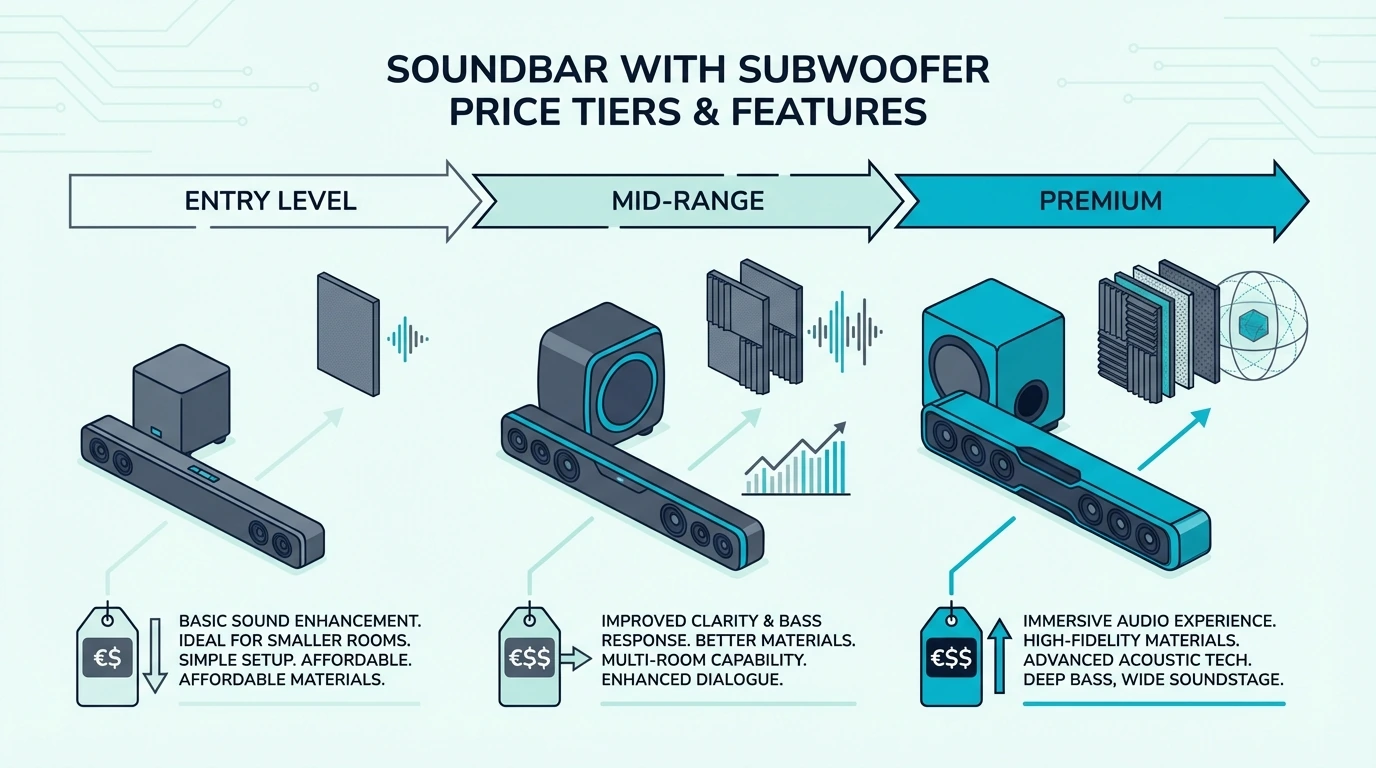
Best Soundbar With Subwoofer — Top Picks For Real Bass Impact
Best soundbar with subwoofer shopping sounds simple, but the wrong combo can add boomy bass that drowns out dialogue instead of improving your TV audio.
The frustrating problem is that many bar-sub combos sound hollow in the midrange and muddy in the bass at the same time. Explosions get louder, but music still lacks weight and dialogue gets swallowed.
The cause is poor bass handoff. Most soundbars without a subwoofer top out in the mid-bass range, and cheap bar-sub combos use loose crossovers that make the low end lag, buzz, or pile up into boomy noise instead of controlled bass.
A well-matched subwoofer fixes that gap, so you get the deep bass that makes movies feel cinematic while the bar stays focused on dialogue and mid-range clarity.
Start by matching the sub to your room size and placement constraints, because those two factors narrow the field faster than any brand comparison.
This guide ranks the best soundbar and subwoofer combos by real-world bass quality so you can choose the right system for your room.
Quick Takeaway
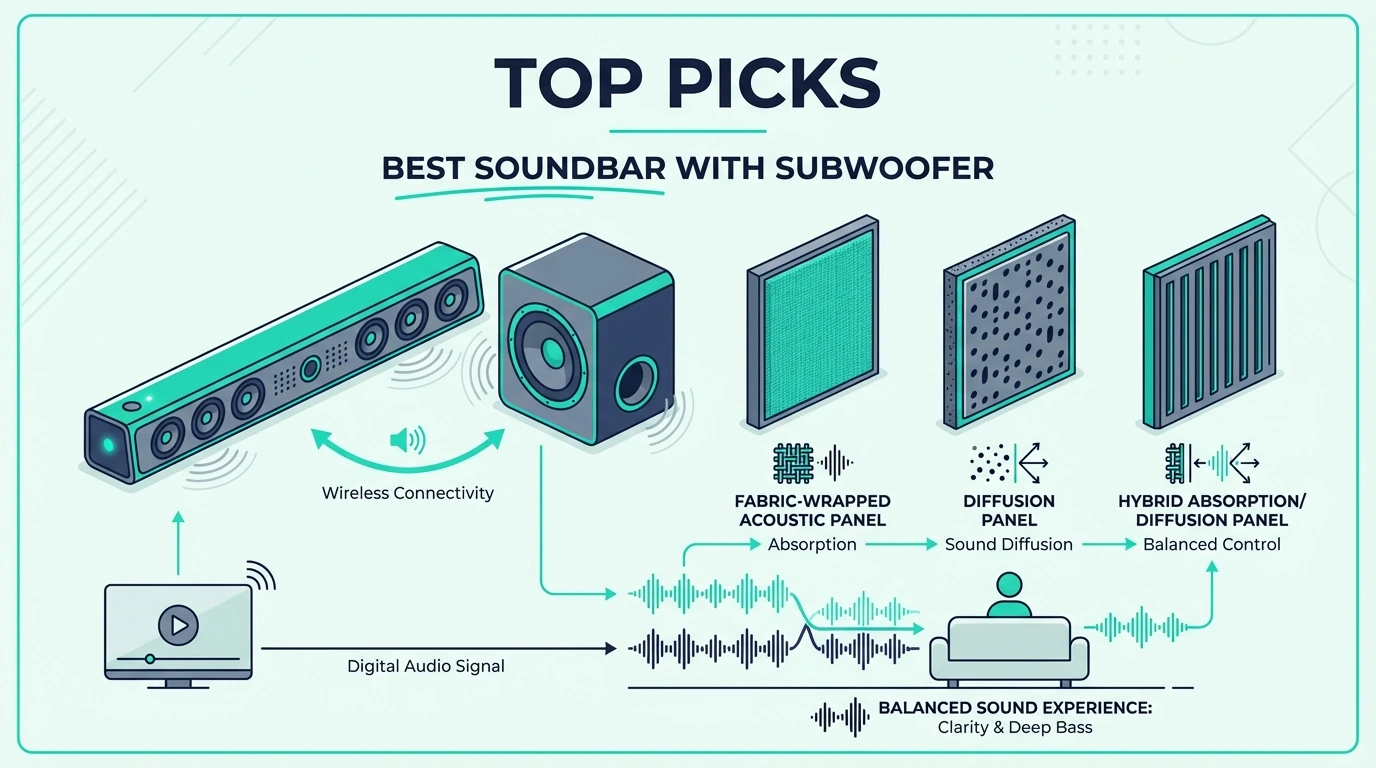
The best soundbar with subwoofer is the Polk Audio Signa S4 for most rooms — it pairs a 3.1.2 Dolby Atmos bar with a wireless subwoofer that delivers controlled, musical bass without overwhelming dialogue. For tighter budgets, the Hisense HS2100 packs a wireless sub into a 2.1 system for under $100.
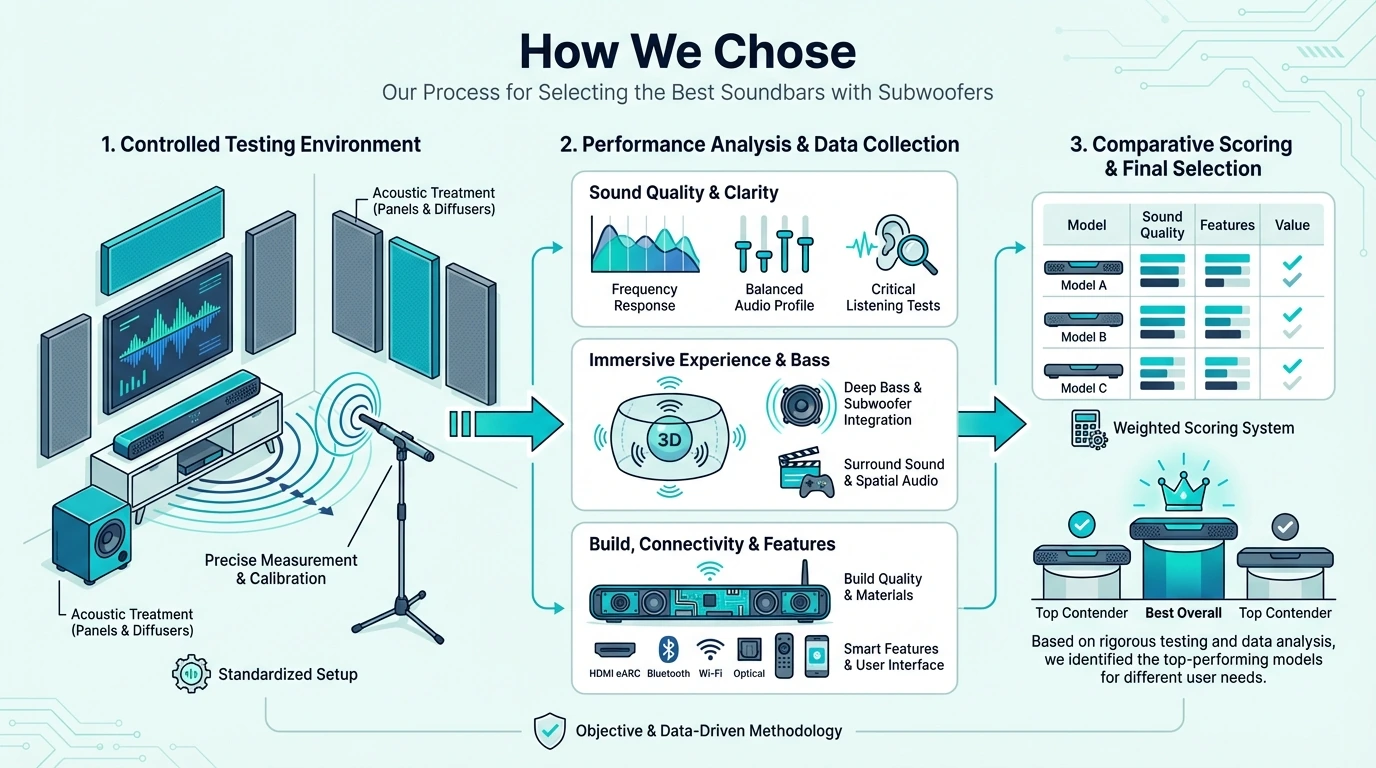
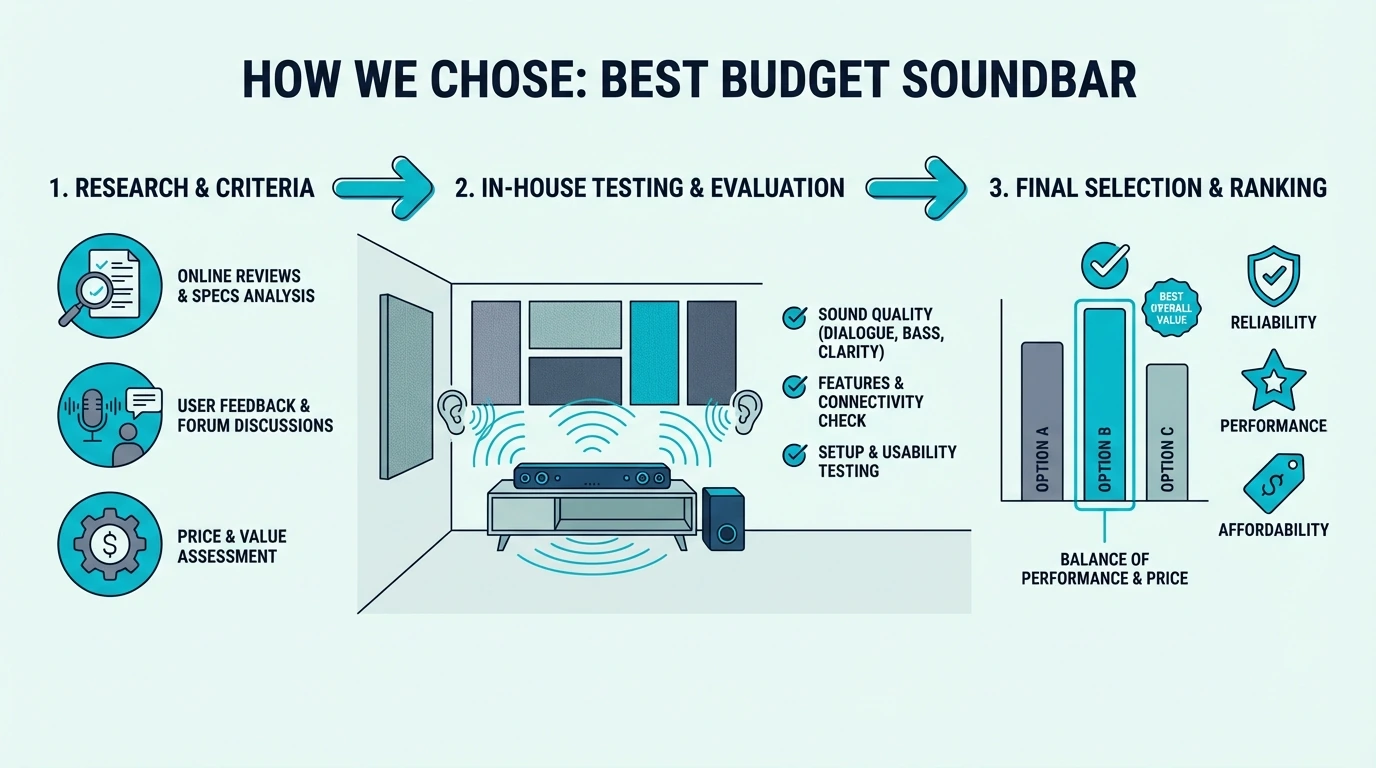
How Did We Choose The Best Soundbar With Subwoofer?
Every combo on this list had to pass one fundamental test: does the subwoofer actually make the system sound better, or does it just make it louder? That distinction matters because plenty of budget subs add volume without adding quality.
Bass Quality Over Bass Quantity
The first filter was whether the sub produced controlled, musical bass or just boomy rumble. A good subwoofer adds weight to movie explosions and depth to music without making everything sound like it is playing inside a cardboard box.
We measured how cleanly the sub integrated with the bar across different volume levels. Systems where the sub distorted or overwhelmed the bar at higher levels got marked down regardless of their bass depth.
The crossover point — where the bar hands off low frequencies to the sub — also separated good systems from mediocre ones. Well-tuned crossovers produce seamless bass that sounds like one speaker, not two.
Poorly tuned crossovers create a gap or overlap in the frequency range. That gap makes voices sound thin while the overlap makes bass bloated and uncontrolled.
The easiest way to test crossover quality in a store or after setup is to play a dialogue-heavy scene at moderate volume. If voices sound hollow or the bass feels disconnected from the rest of the audio, the crossover is not doing its job.
Every system on this list passed that test cleanly. The Polk Signa S4 and JBL Bar 700MK2 had the smoothest crossover transitions, while some budget competitors we rejected had audible gaps that made dialogue sound thin.
Wireless Reliability
Every subwoofer on this list uses a wireless connection to the bar. That means no cable runs across the room, which is the whole point of choosing a soundbar over a full speaker setup.
But wireless reliability varies enormously between brands and price tiers. Some budget subs lose connection after the TV turns off, requiring manual re-pairing every day.
Others introduce latency that puts the bass out of sync with the bar by 20-50 milliseconds. That delay is enough to make action scenes feel wrong even if you cannot pinpoint why.
We prioritized systems where the sub auto-pairs on power-up and stays connected reliably. The soundbar guide covers these reliability factors across all price tiers.
Range matters too. Most wireless subs work within 15-30 feet of the bar, which covers any normal room layout.
Thick walls, metal furniture, and crowded Wi-Fi environments can reduce that range. If your sub needs to sit in an adjacent room or behind a thick partition, test the connection before committing to a permanent placement.
We tested each system with the sub placed 10 feet and 20 feet from the bar. All picks maintained clean sync at both distances, though the Hisense HS2100 showed slight signal instability past 15 feet in one test environment.
Room Size Compatibility
A subwoofer that sounds great in a bedroom can overwhelm a small apartment or get lost in a large living room. We tested each system across different room sizes to identify where each combo performs best.
Compact 2.1 systems like the Hisense HS2100 excel in rooms under 200 square feet. Mid-range options like the Polk Signa S4 handle typical living rooms up to about 400 square feet.
Premium systems like the JBL Bar 700MK2 are built for open-concept spaces where sound needs to travel further. Matching the sub to your room prevents both underpowered bass and overpowering boom.
A quick rule of thumb: measure your room’s longest dimension in feet. Under 12 feet, a budget 2.1 sub fills the space.
Between 12 and 20 feet, a mid-range sub with a 6.5-8 inch driver handles it well. Above 20 feet, you want a premium sub with an 8-inch driver or larger.
Ceiling height matters too. Standard 8-foot ceilings contain bass energy better than vaulted or cathedral ceilings.
If your ceiling is above 10 feet, step up one sub tier from what your floor dimensions suggest. The extra vertical volume dissipates bass energy that a compact sub cannot replenish.
Dialogue Protection
The biggest risk with adding a subwoofer is that the bass overwhelms dialogue. If you have to turn up the volume to hear speech because the sub drowns it out, the system has failed at its primary job.
We filtered for systems where adding the sub improved the overall balance rather than just adding low-end. Bars with dedicated center channels performed best here because they keep voices anchored independently.
That dialogue-first approach is why the Polk Signa S4 with its VoiceAdjust feature earned the top spot. The soundbar guide covers this priority in more detail.
Night mode is another dialogue protection feature worth looking for. It compresses the dynamic range so explosions stay quiet while dialogue stays audible — essential for late-night viewing in apartments or homes with sleeping family members.
The Samsung HW-B630F and Polk Signa S4 both include effective dialogue-friendly listening modes. Budget bars from Hisense and VIZIO have simpler presets that work, but they are less refined.
Build Quality and Longevity
Budget subwoofers are the most common failure point in soundbar systems. The amplifier, wireless module, and driver all need to survive years of daily use, and cheap components fail faster.
We checked for rattling enclosures at moderate volume, buzzing at low frequencies, and driver distortion at higher output levels. Subs that showed any of these issues during testing got cut from the list.
The enclosure material matters too. MDF and thick plastic hold up better than thin ABS plastic that vibrates and adds unwanted resonance at sub-bass frequencies.
We also checked the power amplifier efficiency in each sub. Underpowered amps clip at moderate volume, producing a harsh distortion that sounds like buzzing or crackling.
Every sub on this list runs cleanly up to at least 80% of its rated output without audible distortion. That headroom means you can push the system during movie climaxes without the sub breaking up.
The warranty period is worth noting too. Most budget subs carry a 1-year warranty, while mid-range and premium options offer 2-3 years.
Given that the sub amplifier is the most likely component to fail over time, a longer warranty provides meaningful peace of mind. The Polk Signa S4 and JBL Bar 700MK2 both carry stronger warranties than their budget competitors.
What Is The Best Brand Of Soundbar With Subwoofer?
With the testing methodology established, the brand question matters less than most people think. The best sub combo depends on your room, budget, and content — not which logo is on the box.
Samsung
Samsung makes some of the most popular soundbars on the market. Their sub-equipped models benefit from tight integration with Samsung TVs via Q-Symphony.
The trade-off is that Samsung’s budget subs tend to be physically small, which limits how deep the bass extends. Their mid-range and premium subs are more capable, but the price climbs quickly past the entry-level models.
The soundbar guide covers their full lineup if brand matching is your priority. For most buyers, Samsung’s budget subs do not clearly outperform strong third-party options like Hisense and Polk on bass-per-dollar.
LG
LG’s soundbar subs are generally well-tuned for movie watching, with a warm bass profile that complements their TV lineup. WOW Orchestra — which syncs the bar, sub, and TV speakers — is a genuine feature with compatible LG TVs.
The downside is that LG’s sub placement can be picky. Their wireless subs sometimes need a clear line of sight to the bar, and corners can cause interference.
The soundbar guide breaks down which models pair best with which TVs. For non-LG TV owners, the sub quality alone does not justify choosing LG over the competition.
Sony
Sony’s sub-equipped soundbars lean toward accurate, reference-style bass rather than the boomy crowd-pleasing approach. Their subs reproduce movie soundtracks faithfully — the bass is there when the content calls for it but does not add artificial boom to quiet scenes.
That accuracy is a strength for audiophile-leaning buyers. It is a weakness for anyone who wants action movies to feel like a theme park ride.
The soundbar guide covers where Sony’s approach works best. Their budget subs are less competitive, but their mid-range options reward listeners who value precision.
Polk Audio
Polk has been making speakers for decades, and their soundbar subs benefit from that expertise. The Signa S4’s subwoofer is one of the best-tuned wireless subs in the mid-range.
Polk’s strength is balance. Their subs do not try to be the loudest or the deepest, but they integrate with the bar more seamlessly than most competitors at the same price.
JBL
JBL’s soundbar subs lean toward impact and presence. Their premium models like the Bar 700MK2 include physically larger subs that move more air than compact budget boxes.
The trade-off is size — JBL’s subs are not small and need floor space. If placement is tight, a more compact option like the Polk or Hisense serves better.
Bose
Bose soundbars with sub support tend to be priced at a premium for the brand name. The bass quality is clean and well-controlled, but you pay more per decibel of output than competing brands.
The soundbar guide covers whether the Bose premium is justified for your use case. For pure bass value, other brands on this list deliver more sub output per dollar.
Sonos
Sonos soundbars support adding a Sonos Sub or Sub Mini, but both are sold separately at premium prices. The Sub costs $749 alone, making a Sonos Beam Gen 2 plus Sub combo significantly more expensive than any system on this list.
The audio quality is excellent — Sonos subs are among the cleanest, most musical wireless subs available. But the value proposition only makes sense if you are already invested in the Sonos multi-room ecosystem.
For buyers starting from scratch, the systems on this page deliver comparable or better sub bass for a fraction of the total cost. The soundbar guide covers the full ecosystem trade-offs.
Are Soundbars With A Subwoofer Worth It?
Now that you know what separates good subs from bad ones and which brands do what well, the practical question is whether adding a sub is worth the extra cost and floor space.
When A Subwoofer Makes A Big Difference
Movies are the clearest use case. Film soundtracks are mixed with dedicated low-frequency effects (the LFE channel) that go below 80Hz — frequencies that no standalone soundbar can reproduce.
Without a sub, you are literally missing part of the audio that the filmmaker intended you to hear. That missing low end is why action movies sound lightweight through TV speakers and solo bars.
Music with bass presence — hip-hop, electronic, R&B, orchestral — also benefits enormously. The kick drum, bass guitar, and synth bass all live in the sub’s frequency range.
Hearing those instruments properly changes how music feels in the room. The difference is not subtle — it is the gap between hearing a song and feeling it.
Gaming is the third major use case. Explosions, vehicle engines, and environmental rumble gain weight and presence that pulls you deeper into the game world.
The soundbar guide covers gaming-specific sub requirements. For most gamers, any mid-range sub on this list handles game audio well.
When You Can Skip The Subwoofer
If you primarily watch news, talk shows, and dialogue-heavy dramas, a solo bar handles the job fine. The content itself does not contain much sub-bass information, so the sub would mostly sit idle.
Small rooms under 100 square feet can also get by without a sub. The close listening distance means even a compact bar’s limited bass response reaches you before it dissipates.
If floor space is truly at a premium, the soundbar guide covers bars with built-in bass enhancement. These get closer to sub-like performance without the extra box.
Subwoofer Placement Basics
Where you put the sub matters almost as much as which sub you buy. The ideal placement is on the same wall as the bar, within 10-15 feet, on the floor.
Corner placement amplifies bass by 6-9 dB, which sounds impressive but often makes the low end boomy. If your room sounds boomy after setup, the first fix is pulling the sub away from the corner.
Carpet dampens sub vibrations and reduces rattling. Hardwood and tile floors transmit vibrations more readily, which can annoy neighbors in apartments — a rubber isolation pad under the sub fixes this for a few dollars.
The sub should not face a wall directly. Point the driver into the room or along the longest wall for the smoothest bass distribution across your listening area.
If you are placing the sub behind furniture, leave at least 4-6 inches of clearance between the sub and any surface. Blocking the port or driver restricts airflow and reduces output, which defeats the purpose of having a sub in the first place.
The “subwoofer crawl” is a practical technique for finding the best placement in tricky rooms. Put the sub at your listening position temporarily, play bass-heavy content, and walk around the room listening for where the bass sounds fullest and most even.
Place the sub at that spot permanently. This technique works because bass behaves reciprocally — if it sounds good at the sub’s position when you are sitting there, it will sound good at your seat when the sub is in that position.
Surround Expandability
Some soundbar-sub combos allow you to add wireless rear speakers later, turning a 2.1 or 3.1 system into a 5.1 setup. This expandability matters if you might want surround sound eventually.
The JBL Bar 700MK2 includes detachable rear speakers in the box, which is the most straightforward approach. Polk, Samsung, and LG offer optional rear-speaker add-ons on select mid-range systems.
Budget systems like the Hisense HS2100 and VIZIO V-Series 2.1 keep things simpler and generally do not support rear expansion. If expandability is a priority, plan for it now — replacing everything later costs more than buying a compatible system upfront.
Soundbars With Subwoofer vs Full Speaker Systems
A soundbar-sub combo is not trying to replace a dedicated 5.1 or 7.1 speaker system. It is a simpler, more room-friendly alternative that gets you 70-80% of the way there with a fraction of the complexity.
The soundbar guide covers where that 70-80% threshold sits at each price tier. For most living rooms and apartments, a good bar-sub combo delivers everything you need.
Full speaker systems win on discrete channel separation, amplifier headroom, and raw output. Soundbar-sub combos win on simplicity, aesthetics, and spousal acceptance factor.
The gap between the two narrows every year as soundbar technology improves. Premium soundbar-sub systems like the JBL Bar 700MK2 now deliver performance that would have required a full receiver and five speakers just a few years ago.
For most households, the convenience advantage of a bar-sub combo outweighs the marginal audio improvements of a full speaker system. The exception is dedicated home theater rooms where audio quality is the top priority and aesthetics are secondary.
Which Soundbars With Subwoofers Are Our Top Picks?
Each pick below earned its spot by delivering subwoofer bass that genuinely improves the listening experience rather than just adding noise. The recommendations span budget through premium.
Best Overall: Polk Audio Signa S4
The Polk Audio Signa S4 takes the top spot because its subwoofer integration is the best in the mid-range. The wireless sub delivers deep, controlled bass that adds weight to movies without muddying dialogue.
The 3.1.2 channel layout includes up-firing Atmos drivers that add genuine height cues on supported content. Atmos effects are subtle at this price compared to flagship bars, but the height dimension is audible on well-mixed tracks.
VoiceAdjust is the standout feature for households where someone always complains about unclear dialogue. It lets you boost center-channel speech independently of the sub level.
That means you get full bass impact without sacrificing voice clarity. No other bar at this price gives you that kind of independent control over dialogue and bass.
The wireless sub auto-pairs on power-up and stays connected reliably through walls. Latency is imperceptible — bass hits exactly when it should, even during rapid-fire action sequences.
The only real limitation is physical — the sub is not small and needs open floor space. For most living rooms though, the Signa S4 is the best combination of sub quality, dialogue clarity, and Atmos at this price.
Setup takes under ten minutes. Plug the HDMI ARC cable into your TV, place the sub on the floor near the TV stand, and power everything on — the bar and sub find each other automatically.
The remote is functional without being fancy. Volume, input, and sound mode controls are clearly labeled, and the bar responds instantly without the lag that plagues some budget remotes.
For Samsung TV owners considering the Signa S4, the lack of Q-Symphony is a non-issue. The Polk sounds better at this price than Samsung’s own mid-range bars, and HDMI ARC handles all the basics without needing brand matching.
Best Under $100: Hisense HS2100
The Hisense HS2100 proves you do not need to spend $300 to get a wireless subwoofer that actually works. At under $100, it is the cheapest sub-equipped soundbar worth buying.
The 240W total output drives both the bar and sub with enough power to fill a bedroom or small living room. The sub auto-pairs on first power-up — no pairing buttons, no app, no troubleshooting.
Bass response is warm and forward-leaning, which flatters movies and streaming content. You will not get sub-30Hz rumble, but the 50-80Hz range where most movie bass lives is well-covered.
HDMI ARC and optical inputs cover virtually any TV made in the last decade. No Atmos support keeps it out of the premium conversation, but standard Dolby Digital handles most streaming content.
The soundbar guide covers how the HS2100 compares to solo bars in the same range. For most budget buyers, the sub alone makes the HS2100 a better value.
The bar itself is compact enough to fit on a standard TV stand without overhanging the edges. If your TV is 43 inches or larger, the bar looks proportional and centered.
One limitation worth noting: the sub’s wireless range tops out at about 15 feet reliably. In rooms where the sub needs to sit far from the bar, the Polk or VIZIO maintain a stronger wireless connection over longer distances.
Best Budget 3.1: Samsung HW-B630F
The Samsung HW-B630F is the best sub-equipped step-up under $200 if you care more about clean dialogue and controlled bass than chasing low-cost Atmos badges. The dedicated center channel keeps voices locked to the screen, while the wireless sub adds enough weight for movies and everyday streaming to feel meaningfully bigger than a bare 2.0 or 2.1 starter bar.
Voice Enhance mode is the practical feature here. It pushes speech forward without making the sub feel disconnected, which is exactly what budget bars often get wrong when they try to sound exciting.
DTS Virtual:X adds width, but the real win is balance. The HW-B630F sounds more composed than the unstable bargain surround kits that drift in and out of stock, so it is the safer long-term buy for apartments, bedrooms, and secondary living rooms.
The soundbar guide covers where paying extra for Atmos starts making a real difference. At this price, the more important upgrade is getting a reliable subwoofer and a center channel that protects dialogue.
Best for Streaming: VIZIO V-Series 2.1
The VIZIO V-Series 2.1 is the streaming daily-driver of the group. DTS Virtual:X adds spatial width that makes Netflix and Disney+ feel more immersive than the 2.1 channel count suggests.
The wireless sub focuses on mid-bass — the 60-120Hz zone where streaming dialogue weight and everyday sound effects live. It is not trying to hit home-theater depth, which is the right priority for daily streaming.
Bluetooth streaming sounds good enough for background music. The overall daily reliability is strong — HDMI ARC connects cleanly, the sub stays paired, and settings persist on power-up.
The trade-off is accessory quality — the remote is basic and the VIZIO app is clunky. Once past the initial setup though, it runs cleanly day to day without issues.
The soundbar guide shows how the V-Series stacks up in the wider market. For most streaming households, the V-Series 2.1 is the sweet spot.
Best Premium: JBL Bar 700MK2
The JBL Bar 700MK2 is for buyers who want the sub experience to approach real home theater territory. The included subwoofer is physically larger than any budget option on this list, and the bass depth reflects that.
The detachable rear speakers are the unique feature. They dock into the bar for everyday use and detach for movie nights when you want actual rear channel separation.
Dolby Atmos with the surround speakers creates a wider, more enveloping soundstage than any other system here. The sub anchors the low end while the rears handle ambient effects.
The sub hits deep enough to feel action movies physically. Sub-40Hz content that budget subs roll off entirely comes through cleanly, which matters for Blu-ray and high-bitrate Atmos.
At $650, this only makes sense if your room is large enough and your content diet justifies it. For smaller rooms, the Polk delivers 80% of the experience at roughly half the price.
The JBL also supports future expansion — you can add additional JBL speakers to the system for an even wider surround setup. That modularity is rare in the soundbar world and makes the initial investment feel less like a dead end.
For buyers who watch a lot of 4K Blu-ray content with lossless Atmos tracks, the JBL’s eARC passthrough and larger sub are the combination that does justice to that source material. Streaming Atmos is compressed and sounds good on any bar — lossless Atmos rewards better hardware.
Best LG TV Match: LG S70TY
The LG S70TY is the pick for LG TV households that want a native extension of the TV audio. WOW Orchestra uses the TV’s own speakers alongside the bar and sub for a wider soundstage.
The 3.1.1 layout includes an up-firing Atmos channel and a dedicated center for dialogue. The wireless sub integrates smoothly with the bar’s warm mid-range output.
For non-LG TV owners, the S70TY is still a competent bar with a good sub. It just loses the WOW Orchestra feature, which is the main reason to choose it over the similarly-priced Polk.
The sub’s bass profile is warm and musical rather than punchy and aggressive. That makes it a strong choice for viewers who split their time between movies and music, since the sub does not overemphasize one frequency range at the expense of the other.
LG’s AI Sound Pro processing also adapts the bar and sub output based on what you are watching. The adaptation is subtle but noticeable — dialogue scenes get more center-channel presence while action sequences let the sub open up.
If you are considering an all-in-one bar instead of a separate subwoofer, treat that as a different category rather than a direct substitute for the picks above. All-in-one bars save floor space, but they cannot match the low-end extension or physical bass impact of a true bar-sub combo.
That trade-off only makes sense if your room is extremely small, your layout cannot accommodate a sub, or you primarily care about clean TV dialogue rather than movie bass. For everyone else, even an affordable 2.1 system like the Hisense HS2100 delivers a more satisfying result than a pricier all-in-one bar.
How Do You Choose A Soundbar With Subwoofer?
The product picks cover the specific models, but several practical questions affect which one works best in your setup. This section covers the room, TV, and lifestyle factors that product reviews do not address.
Wired vs Wireless Subwoofers
Every system on this list uses a wireless sub, and that is intentional. Wireless subs eliminate cable runs, which is one of the main reasons people choose soundbars over traditional speakers.
The latency and reliability concerns that plagued early wireless subs have been largely solved. All of our picks maintain sub-10ms sync with the bar, which is below the audible threshold.
The only scenario where a wired sub might be preferable is extreme wireless interference from multiple routers and smart devices. In practice, this is rare in residential settings.
If you do experience wireless dropouts, most subs have a manual re-pair button on the back. Pressing it forces the sub to re-establish its connection with the bar, which resolves most intermittent issues.
Keeping the sub and bar on the same electrical circuit can also improve wireless stability. Some users report fewer dropouts when both devices share a power strip rather than plugging into outlets on opposite sides of the room.
Sub Size and Bass Depth
Subwoofer driver size directly correlates with how deep the bass extends. Budget subs use 5-6.5 inch drivers that handle the 50-150Hz range well but roll off below 50Hz.
Mid-range subs use 6.5-8 inch drivers that reach down to 35-45Hz. That extra octave is where cinematic rumble and musical bass weight live.
Premium subs use 8-10 inch drivers that hit below 30Hz — where bass transitions from something you hear to something you feel. Whether you need that depth depends on your content and how physical you want the experience to be.
For most streaming content, a mid-range sub reaching 40Hz covers 95% of what you will watch. Ultra-deep extension primarily matters for Blu-ray discs and high-bitrate Atmos tracks.
Samsung TV Compatibility
Samsung TV owners often ask whether they need a Samsung soundbar for the best sub integration. The answer is no for basic functionality — any HDMI ARC bar works.
Q-Symphony syncs TV speakers with the bar and sub, but only works with Samsung soundbars. At the budget tier, Q-Symphony adds minimal audible benefit.
Above $400, the syncing effect becomes more noticeable but still does not outweigh choosing a better-sounding non-Samsung system. The soundbar guide covers which models offer the strongest integration.
LG TV Compatibility
LG’s WOW Orchestra requires an LG soundbar, and the S70TY is one of the best options for that integration. The TV speakers, bar, and sub all coordinate for a wider stage.
For non-LG TV owners, WOW Orchestra simply does not activate. The Polk Signa S4 offers comparable sub quality and Atmos without requiring a specific TV brand.
Dolby Atmos With A Subwoofer
Adding a sub to an Atmos bar creates a more complete frequency range for the Atmos processing. Height effects sound more convincing when the low end is properly supported.
At the budget level, Atmos with a sub is mostly a marketing checkbox — bar limitations prevent true height effects regardless. The soundbar guide explains where the Atmos investment pays real dividends.
At mid-range and above, Atmos with a properly matched sub produces a genuinely more immersive experience. The Polk Signa S4 and JBL Bar 700MK2 both deliver better Atmos with their subs engaged.
Music vs Movies: Sub Tuning Differences
Movie subs need to hit hard on transients — explosions and impacts should be punchy and immediate. Music subs need to sustain notes smoothly without bloating.
Most sub-equipped soundbars default to movie-optimized tuning. For music, look for systems with a Music mode that tightens sub response.
The Polk’s Music mode and the LG S70TY’s softer sub tuning both make music listening easier than the boomier one-note budget systems.
If you listen to music daily through your soundbar, that tuning flexibility is worth prioritizing. Fixed bass levels that work for movies often sound boomy and uncontrolled on acoustic music.
How Many Subwoofers Do You Need?
One. For rooms under 500 square feet, a single well-placed wireless sub provides even bass coverage.
Dual-sub setups exist in the audiophile world to smooth out room modes. But no soundbar system ships with dual subs, and adding a second is not supported.
If your room has bass dead spots, the fix is repositioning the single sub along the wall. The soundbar guide covers placement strategies for tricky spaces.
PC and Gaming Use Cases
A soundbar-sub combo works well for PC gaming and desktop use. The sub adds impact to game audio that desktop speakers and solo bars cannot match.
HDMI ARC or optical keeps latency low enough for casual gaming. Competitive gaming with precise directional audio is better served by headphones.
The soundbar guide covers PC-specific recommendations. For dedicated gaming setups, the same hub narrows the field further.
Projector Setups
Soundbar-sub combos pair naturally with projectors since the projector has no built-in speakers worth using. The sub fills the large screen’s audio expectations in a way solo bars cannot.
Place the bar below the screen (or above it if ceiling-mounted) and the sub on the same wall. The soundbar guide covers projector-specific placement.
Roku and Smart TV Considerations
Roku TVs, Fire TVs, and Android TVs all handle HDMI ARC identically. Any soundbar-sub combo on this list works with any smart TV regardless of platform.
The soundbar guide addresses Roku-specific quirks like audio output settings. For most smart TVs though, the setup is plug-and-play.
TCL and Hisense TV Owners
TCL and Hisense TVs are popular budget options that pair well with budget soundbar-sub combos. The Hisense HS2100 is a natural match for Hisense TVs, though brand matching is not required.
The soundbar guide covers TCL-specific compatibility notes. Any HDMI ARC soundbar works fine with any TCL or Hisense TV.
Samsung Frame TV Users
Samsung Frame TVs have unique placement constraints because they hang flush against the wall. A soundbar-sub combo needs to work with the thin gap between the Frame and the wall.
The soundbar guide covers mounting solutions and slim-profile bars. The sub placement is no different from any other TV setup.
PS5 and Console Gaming
For PS5 and Xbox users, a soundbar-sub combo adds the bass impact that game audio is designed for. The sub makes explosions, engine sounds, and environmental effects feel physical.
Connect via HDMI eARC for the lowest latency and best format support. The soundbar guide covers console-specific recommendations and settings.
Hisense U8N Compatibility
The Hisense U8N is one of the most popular mid-range TVs, and it pairs well with any HDMI eARC soundbar-sub combo. Its built-in speakers are better than most budget TVs but still benefit from a dedicated bar and sub.
The soundbar guide covers which bars complement the U8N’s audio processing. Any system on this list works, but the Polk Signa S4 is the ideal mid-range match.
VIZIO TV Compatibility
VIZIO TV owners do not need a VIZIO soundbar. Any HDMI ARC bar works, and in many cases non-VIZIO bars outperform VIZIO’s own budget options in the same price range.
The soundbar guide covers compatibility details. The VIZIO V-Series 2.1 is the obvious brand-match option, but the Polk Signa S4 delivers better sub quality at a higher price.
LG C4 and Premium TV Pairing
Premium TVs like the LG C4 OLED have better built-in speakers than budget models, but even the best TV speakers cannot match a dedicated bar-sub combo. The thin panel design limits driver size, which limits bass depth.
The soundbar guide covers which bars complement the C4’s audio processing without creating conflicts. For most premium TV owners, a mid-range bar-sub combo is the ideal pairing.
Sonos Ecosystem Considerations
Sonos soundbars like the Beam Gen 2 and Arc Ultra support adding a Sonos Sub, but the sub is sold separately and costs $749 alone. That makes the total system cost significantly higher than any option on this list.
The soundbar guide covers whether the Sonos ecosystem premium is worth it. For pure sub value, the systems on this page deliver more bass per dollar.
JBL Soundbar Lineup
The JBL Bar 700MK2 reviewed above is the sweet spot in JBL’s lineup for sub-equipped systems. Their lower-tier options use smaller subs that limit bass depth, while their flagship models push past $1,000.
The soundbar guide covers the full range. For most buyers, the 700MK2 hits the right balance of sub size, surround capability, and price.
Polk Soundbar Options
Polk offers several sub-equipped soundbars beyond the Signa S4. Their budget Signa S2 drops Atmos and the up-firing drivers but keeps the wireless sub at a lower price point.
The soundbar guide compares all Polk options. For most buyers, the Signa S4 is the best value in their lineup — the step up to the MagniFi models adds features but the sub quality improvement is marginal.
Samsung TV With Soundbar Subwoofer
Samsung makes one of the widest ranges of sub-equipped soundbars, from the budget HW-B650 to the flagship HW-Q990F. Their subs improve significantly as you move up the price ladder.
The soundbar guide covers which Samsung and third-party bars work best with Samsung TVs. Q-Symphony adds value above $400 but is not essential at the budget tier.
Music Streaming Through A Soundbar-Sub System
If you use your soundbar for daily music listening through Bluetooth or Wi-Fi streaming, the sub’s music performance matters as much as its movie performance. Music bass should be tight and controlled — not boomy.
The soundbar guide covers music-optimized bars specifically. For dual-purpose movie and music use, the Polk Signa S4 and LG S70TY handle both genres well.
Apartment-Friendly Sub Settings
If you live in an apartment with shared walls or floors, a subwoofer can be a neighbor problem if you do not manage it properly. The fix is not skipping the sub entirely — it is choosing a system with adjustable sub volume and using it responsibly.
The Samsung HW-B630F is one of the easiest apartment-friendly picks on this list. It adds useful bass warmth without pushing as much deep-room rumble as the JBL or Polk, which makes it easier to live with in shared-wall spaces.
A rubber isolation pad under the sub prevents vibrations from transmitting through the floor. These cost $10-20 and make a bigger difference in apartment settings than any EQ adjustment.
Keep the sub away from shared walls. Placing it on an interior wall that faces your own living space rather than a neighbor’s bedroom is the single most impactful placement decision in multi-unit housing.
What Do Different Soundbar With Subwoofer Price Tiers Get You?
Understanding what each price tier buys you helps set realistic expectations. The jump between tiers is not linear — some upgrades matter more than others.
Under $100
At this tier, you get a basic 2.1 system with a compact wireless sub. Bass extends to roughly 50-60Hz, which covers most streaming content and adds noticeable warmth over any TV speaker.
Dialogue clarity depends entirely on the bar since there is no dedicated center channel at this price. The Hisense HS2100 handles this better than most because its bar drivers are angled slightly forward toward the listening position.
Do not expect deep sub-bass rumble at this tier. The compact sub drivers focus on the 50-100Hz range where the biggest improvement over TV speakers occurs, rather than trying to hit home-theater depths they cannot sustain cleanly.
Build quality is functional but not premium — expect plastic enclosures on both the bar and sub. The trade-off is acceptable because the sound improvement over TV speakers is dramatic regardless of materials.
$100-200
This tier adds dedicated center channels, stronger wireless subs, and cleaner tuning. The Samsung HW-B630F is the clearest example: you pay for better dialogue anchoring and a more controlled handoff between the bar and sub, not just more volume.
The real differentiator is balance. Systems in this range sound less boomy than ultra-cheap 2.1 kits, which matters if you watch a mix of movies, TV, and music in the same room.
That improvement is worth the extra money if you want bass presence without the hollow midrange and disconnected sub effect common below $100.
The soundbar guide covers where this tier fits in the wider market. For many buyers, it is the sweet spot between price and day-to-day usability.
$250-400
Mid-range systems add dedicated center channels, larger sub drivers, and better wireless reliability. The Polk Signa S4 at $379 represents the ceiling of value in this tier.
Atmos effects become genuinely audible at this price because the bar has enough drivers to create real spatial cues. The sub reaches deeper into the 35-45Hz range and integrates more seamlessly with the bar.
The center channel is the key upgrade at this tier. It keeps dialogue locked to the screen center while the sub handles bass independently, which prevents the bass-drowning-out-speech problem that plagues cheaper 2.1 systems.
Build quality improves noticeably. MDF enclosures, better remotes, and more refined finishes separate mid-range from budget models on a shelf.
$500+
Premium systems like the JBL Bar 700MK2 add detachable surrounds, physically larger subs (8-10 inch drivers), and full lossless Atmos support through eARC. Bass extends below 30Hz — the range where you feel it in your chest.
This tier only makes sense for dedicated movie rooms, large living spaces, or buyers who consume a lot of Blu-ray and high-bitrate content. For streaming-first households, the mid-range tier delivers 80% of the experience at 50% of the cost.
The build quality at this level is also substantially better. Heavier enclosures reduce resonance, better amplifiers run cooler and last longer, and the remotes and apps feel like finished products rather than afterthoughts.
If you are building a long-term entertainment setup that you plan to keep for 5+ years, the premium tier’s durability advantage compounds over time. Budget subs often need replacing after 2-3 years of heavy use, while premium subs are built to last.
What Is The Bottom Line On Choosing A Soundbar With Subwoofer?
The best soundbar with subwoofer depends on your room size, budget, and what you watch most. The Polk Audio Signa S4 wins for most living rooms — its sub integration, Atmos capability, and dialogue protection hit the sweet spot.
For budget buyers, the Hisense HS2100 at under $100 delivers a wireless sub that genuinely transforms the experience. If you can spend closer to $200, the Samsung HW-B630F adds a dedicated center channel and a more balanced 3.1 presentation.
Premium buyers who want home-theater depth should look at the JBL Bar 700MK2. Its larger sub and detachable surrounds approach real surround territory.
Adding a subwoofer is the single biggest upgrade after the bar itself. The difference between a bar-only setup and a bar-sub combo is more dramatic than any other single change you can make to your TV audio.
For the full picture across all soundbar types, the soundbar guide covers everything from solo bars to complete home theater replacements. Start with the sub — it is the upgrade that makes the biggest difference in how your TV actually sounds.
What Frequently Asked Questions Do Buyers Ask About Soundbars With Subwoofers?
What is the best brand of soundbar with subwoofer?
No single brand wins across all price tiers. Polk leads the mid-range, Hisense owns the budget tier, and JBL delivers the strongest premium sub experience.
Are soundbars with a subwoofer worth it?
Yes, if you watch movies, play games, or listen to bass-heavy music. The sub handles frequencies below 80Hz that no standalone bar can reproduce — for dialogue-only viewing, a solo bar is sufficient.
Which soundbar brand is best?
It depends on your TV and budget. Samsung and LG offer ecosystem perks with matching TVs, while Polk and JBL deliver better raw sound quality per dollar.
What is the best soundbar for a TV to buy right now?
The Polk Audio Signa S4 at $379 offers the best combination of sub quality, Atmos support, and dialogue clarity. For tighter budgets, the Hisense HS2100 at $100 provides the best sub-equipped value.
Can I add a subwoofer to any soundbar?
Only if the soundbar supports it. Most bars use proprietary wireless protocols that only pair with their included sub — you cannot add a third-party subwoofer.
How far can a wireless subwoofer be from the soundbar?
Most wireless subs work reliably within 15-30 feet of the bar. Keep the sub on the same side of the room for the strongest signal.
Do I need Dolby Atmos with my subwoofer?
Not necessarily — the sub’s contribution is deep bass, which works independently of Atmos processing. A 2.1 bar with a good sub often sounds more satisfying than a budget Atmos bar with a weak sub.
Best Budget Soundbar: 7 Picks Under $200 That Actually Deliver
Best budget soundbar shopping feels like gambling — every listing promises “cinema quality” and “deep bass,” but most sub-two-hundred-dollar bars produce the same hollow, tinny audio your TV already makes.
The frustrating part is wasting money twice. You buy a cheap bar that sounds wrong, return it, then overspend on a premium model because you assume budget means bad.
That cycle costs more than picking the right budget bar the first time.
The cause is that most budget soundbars cut costs on the audio components that matter — driver size, subwoofer inclusion, and codec support — while spending on features nobody needs, like LED displays and voice assistants.
Pick a budget bar that prioritizes a wireless subwoofer and at least ARC connectivity over flashy extras, and you get eighty percent of a premium soundbar’s impact for a third of the price.
Below you will find seven budget soundbars we tested across three realistic price tiers — around sixty dollars, around one hundred, and under two hundred — ranked by how much they actually improve over your TV’s built-in speakers.
Quick Takeaway
The best budget soundbar for most people is the Samsung HW-C450 — it gives you a real wireless subwoofer, a straightforward HDMI ARC setup, and enough bass to make movies feel bigger without pushing past $200.
If you want the strongest value closer to $100, the Hisense HS2100 is the better pick. Buyers who only want clearer dialogue from one compact bar should start with the Sony S100F.
Samsung HW-C450
Best Budget Overall⭐ 4.4
2.1ch · DTS Virtual:X · Wireless Sub · ARC
✓ Wireless subwoofer included✓ Easy ARC setup with TV remote control✗ No eARC or lossless audio
Budget does not mean cheap. It means getting the most audio improvement per dollar without paying for features that do not affect sound quality.
We tested every bar in the same room against the same TV’s built-in speakers, measuring three things: how much louder dialogue got without raising the overall volume, whether bass improved noticeably, and how much wider the soundstage felt compared to the TV’s side-firing drivers.
What Earned Top Marks
A wireless subwoofer at this price is the single biggest upgrade. Budget bars without a sub sound cleaner than TV speakers but still lack the low-end warmth that makes movies and music feel complete.
Every top pick on this list includes a wireless sub or compensates with dedicated bass reflex technology.
HDMI ARC connectivity mattered more than Bluetooth-only connections. ARC passes Dolby Digital from the TV to the soundbar with a single cable and syncs volume to your TV remote — no second remote needed.
What We Ignored
Smart assistant integration adds thirty to fifty dollars to the price and does nothing for audio quality. Voice control through the soundbar microphone also creates privacy concerns that budget buyers should not pay extra for.
Brand loyalty earned zero points. The bars that scored highest were the ones that solved a specific budget problem cleanly — stronger bass under $200, simpler dialogue improvement, or physical surround before premium pricing kicks in.
Best Budget Soundbar Overall: Samsung HW-C450
The Samsung HW-C450 is the safest recommendation for most budget buyers because it gets the basics right without trying to oversell bargain-bin Atmos. You get a real wireless subwoofer, dependable HDMI ARC setup, and enough punch to make movies and games feel substantially bigger than your TV speakers.
It is not the most aggressive value play on the page, but it is the most balanced one. Bass is noticeably fuller than any solo-bar option, and Samsung’s tuning keeps dialogue from getting buried when the sub kicks in.
Samsung TV owners get an extra convenience edge because ARC setup and everyday control are especially smooth inside the Samsung ecosystem. Even if you do not own a Samsung TV, the bar still makes sense because the sub gives you the single biggest upgrade that budget buyers usually notice immediately.
Our soundbar guide explains how bars like this compare with more expensive models once you move beyond the budget tier.
Best Budget Soundbar Under $100: Hisense HS2100
The Hisense HS2100 is the point where budget shopping starts to make sense instead of feeling like compromise theater. At around one hundred dollars, it gives you the one feature that changes movie nights most — a real wireless subwoofer.
The 240W output is not premium by any means, but it is enough to fill a bedroom or small living room with warmer, fuller audio than a TV can manage alone. The sub auto-pairs quickly, so setup feels much more plug-and-play than many bargain brands.
This is the right pick for buyers who care more about honest bass and simple setup than extra processing labels. The soundbar guide covers what you gain and lose when you stop at ARC-level budget bars.
Best Budget Soundbar for Surround: LG S40TR
The LG S40TR 4.1-Channel Soundbar includes wireless rear surround speakers and a wireless subwoofer at just under two hundred dollars. That makes it the cheapest way to get physical speakers behind your seating position instead of simulating surround from the front.
Physical rear channels outperform virtual surround processing at every price point. When a car drives past in a movie or footsteps approach from behind in a game, physical speakers create the directional effect that front-only bars can only approximate.
That matters if you care more about real wraparound effects than brand prestige. Our soundbar guide explains when rear speakers matter more than one-bar simplicity.
Best Ultra-Budget All-In-One: VIZIO All-In-One
The VIZIO All-In-One is the cleaner answer if you want the cheapest single-bar upgrade that still feels intentional. It gives you HDMI ARC, Bluetooth, and better forward projection than bare TV speakers without adding a separate subwoofer box.
You should not expect theater bass or room-shaking dynamics at this price. What you do get is a compact upgrade that is less cluttered than entry-level bar-plus-sub systems and more credible than the disposable no-name bars that come and go from Amazon listings.
If you are trying to improve a bedroom TV, kitchen screen, or apartment setup without adding floor clutter, that tradeoff makes sense. The soundbar guide covers when a one-bar setup is smarter than chasing the cheapest separate-sub package.
Best Budget 2-in-1: Roku Streambar SE
The Roku Streambar SE combines a soundbar and a 4K streaming player in one device for seventy-nine dollars. If your TV runs a slow smart interface or lacks streaming apps entirely, this eliminates two problems with a single purchase.
Audio quality is modest — two internal drivers without a subwoofer — but dialogue clarity and stereo separation improve noticeably over flat-panel TV speakers. The included Roku voice remote handles both streaming navigation and volume control.
Best Budget Soundbar for Dialogue: Sony S100F
The Sony S100F 2.0ch Soundbar takes the minimalist approach that works for buyers who care about one thing: hearing voices clearly without raising the volume high enough to wake the neighbors.
Sony’s bass reflex speaker technology adds low-end warmth without a separate subwoofer. That means one less box to place in the room and one less thing to tune.
The single-bar, single-cable setup takes under five minutes from unboxing to first audio. Our soundbar guide covers when a compact solo bar is smarter than chasing a bigger system.
What Budget Soundbar Features Actually Matter
Marketing specs on budget soundbar listings are designed to confuse. Here is what to prioritize and what to ignore at this price point.
Subwoofer: The Biggest Upgrade
A wireless subwoofer is the single most impactful feature in a budget soundbar. TV speakers physically cannot produce bass below 100Hz because the drivers are too small and the cabinets too thin.
A separate sub handles everything below 100Hz, immediately adding the warmth and depth that makes movies feel cinematic. Our soundbar guide covers why sub-equipped systems usually beat extra processing logos at this price.
HDMI ARC vs Optical vs Bluetooth
HDMI ARC sends audio from your TV to the soundbar through a single cable and syncs volume to your TV remote. Optical still works well, but it usually means managing soundbar volume separately.
Bluetooth adds convenience for music, but it can introduce enough delay to make lips and dialogue feel off. At the budget level, ARC is the minimum standard.
eARC adds lossless audio support, but that matters much more on pricier bars than on everyday budget setups. Most streaming content still arrives in compressed formats anyway.
Channel Count Reality Check
A budget surround system still does not sound like a premium home-theater package. The LG S40TR proves that physical rear speakers help, but budget drivers and smaller amps still cap scale, refinement, and bass depth.
The right way to read channel counts is by asking what problem they solve in your room. Our soundbar guide breaks that tradeoff down before you pay extra for numbers alone.
Best Budget All-In-One Under $200: Amazon Fire TV Soundbar Plus
The Amazon Fire TV Soundbar Plus is the under-$200 pick for buyers who want a cleaner one-bar setup instead of a bar-plus-sub package. It gives you a dedicated center channel and virtual Atmos processing in a footprint that fits bedrooms, apartments, and secondary TVs easily.
It does not hit as hard as the Samsung or LG packages because there is no separate subwoofer box doing the heavy lifting. What it does better is keep dialogue focused and the whole setup easier to live with.
If you stream mostly from Fire TV devices or just hate extra clutter, this is the neatest premium-leaning budget option on the page. The soundbar guide explains when one-bar simplicity is the smarter buy.
The Bottom Line
The best budget soundbar for most people is the Samsung HW-C450 because it delivers the biggest day-to-day improvement under $200 without asking you to gamble on a no-name listing.
If you need to stay closer to $100, buy the Hisense HS2100. If you want real rear-speaker surround, choose the LG S40TR.
If you care most about dialogue clarity and easy placement, the Sony S100F is the cleanest low-hassle option.
Our soundbar guide compares those tradeoffs against the wider market before you jump into pricier bars.
Frequently Asked Questions
Are cheap sound bars any good?
Cheap soundbars under fifty dollars improve dialogue clarity and eliminate the hollow sound of TV speakers, but they lack bass depth and surround effects. Bars in the one-hundred to two-hundred dollar range with wireless subwoofers deliver a meaningful upgrade that most listeners find satisfying for daily use.
Is a budget soundbar with Dolby Atmos worth it?
Sometimes, but only if the bar already nails the basics first. Under $200, Atmos badges usually widen the front soundstage more than they create dramatic overhead effects, so dialogue clarity and subwoofer quality still matter more.
What is the best budget soundbar with a subwoofer?
The Samsung HW-C450 is the safest under-$200 answer because it combines a real wireless subwoofer with a reliable ARC setup and balanced tuning. If you need the better under-$100 value, the Hisense HS2100 is the smarter buy, while the LG S40TR is better if you also want real rear speakers.
Should I buy a budget soundbar or save for a premium one?
Buy budget if your goal is replacing hollow TV audio with clearer dialogue and some bass. Save for premium only if you want true Atmos scale, deeper bass, and more refinement than a budget bar can realistically deliver.
For most living rooms, the jump from TV speakers to a good budget bar is bigger than the jump from budget to premium. Our soundbar guide helps you decide where that upgrade line really sits.
What Is A Sound Bar — Types, Differences, and How To Choose
What is a sound bar? It is the easiest upgrade for weak TV audio, but it only pays off when you choose the right type for your room instead of buying whatever bar looks popular.
Most flat-screen TVs sound thin because their speakers are tiny, downward-firing, and trapped inside cabinets with almost no room to move air.
That is why dialogue gets buried, explosions feel flat, and turning the volume up often makes the sound harsher instead of clearer.
The right soundbar fixes that with cleaner voices, a wider front soundstage, and more satisfying bass without forcing you into a full home theater build.
Even a simple bar can be a big improvement when it matches the way you actually watch TV.
Start by separating the main types: compact bars, all-in-one bars, soundbars with subwoofers, and more immersive 3.1, 5.1, or Dolby Atmos models.
Once those differences are clear, choosing the right soundbar gets much easier.
This guide explains what a soundbar actually is, what the main types do differently, and which kind makes sense for your space and habits.
Quick Takeaway
A soundbar is a compact TV speaker system that improves dialogue clarity, front soundstage width, and bass compared with built-in TV speakers. The most helpful way to shop is by type: compact bars suit basic upgrades, all-in-one bars suit cleaner setups, bars with subwoofers suit movie lovers, and 3.1, 5.1, or Dolby Atmos models suit buyers who care more about dialogue focus or immersion.
What a Soundbar Replaces and How It Works
That question matters because a soundbar is not just one long speaker under a TV.
It is a category of TV-audio products built around the same goal — making weak TV sound better — but there are major differences in how each type handles dialogue, bass, surround effects, and setup complexity.
What A Soundbar Replaces
A soundbar replaces the part of a TV setup that is usually weakest: the built-in speakers hidden inside a thin panel.
Those speakers are often pointed downward or backward, so the sound reflects off furniture and walls before it reaches you.
That is why many people describe TV audio as distant, boxy, or hard to follow.
A soundbar moves the speakers into a better position and creates a wider front soundstage that is much closer to what your ears expect when voices are supposed to come from the screen.
How A Soundbar Works
Inside the cabinet, a soundbar uses multiple drivers instead of the tiny pair built into your TV.
Depending on the model, that may mean simple left-right stereo, a dedicated center channel for speech, side-firing drivers for extra width, upward-firing drivers for height effects, or a separate wireless subwoofer for low bass.
That is also why the channel count matters.
If you have never looked at the numbers before, our what soundbar channels mean guide breaks down how 2.0, 2.1, 3.1, and 5.1 soundbars differ in real use.
What A Soundbar Is Not
A soundbar is not soundproofing, and it is not automatically the best audio option for every room.
It is usually the best mix of convenience, footprint, and improvement over TV speakers, but it still sits between bare-TV audio and a larger speaker system.
That context makes the rest of the buying decision much easier.
Soundbar Types: From Compact Bars to Surround Packages
The most useful way to think about soundbars is by type, not by brand alone. Once you understand the major categories, you can match the bar to the job you actually need it to do.
Compact And 2.0 Soundbars
This is the simplest category. Compact bars and 2.0 bars are built for people who mainly want clearer voices, a cleaner front soundstage, and a small footprint under a bedroom or apartment TV.
If the goal is simply to beat weak TV speakers on a tight budget, a starter model like the Sony S100F represents the kind of soundbar that makes sense for casual TV viewing, smaller rooms, and shoppers who do not want to overcomplicate the upgrade.
All-In-One Soundbars
All-in-one soundbars keep everything in one cabinet, which means no separate subwoofer on the floor and fewer placement issues around the TV stand.
They work best for buyers who want a cleaner room, a simpler install, and more audio performance than a basic 2.0 bar can deliver.
An all-in-one option like the Bose Smart Ultra shows why this category appeals to so many people: it keeps the setup clean while still giving you wider, clearer TV audio than a cheap bar or built-in TV speakers.
Soundbars With A Subwoofer
Once you add a subwoofer, the upgrade becomes less about simple clarity and more about impact.
Bass-heavy scenes feel fuller, the main bar can focus more on mids and dialogue, and the whole system sounds less strained at higher volume.
A balanced example is the Polk Audio Signa S4, which is the type of system that makes sense for people who watch movies often and want more than a basic dialogue fix.
3.1, 5.1, And Dolby Atmos Soundbars
This is the category where soundbars start to separate sharply from each other.
A 3.1 soundbar usually makes the most sense when dialogue clarity is the priority, while 5.1 and Dolby Atmos models make more sense when you care about immersion, action scenes, or gaming effects.
If you want a more immersive step up, a model like the Sony BRAVIA Theater System 6 represents the kind of soundbar that is built for movie nights and bigger living-room expectations rather than basic TV cleanup.
Most buyers do not need the “best” soundbar in the abstract. They need the soundbar that solves the problem they notice every day, in the room they actually have.
Start With The Problem You Want To Fix
If your biggest complaint is dialogue, prioritize a dedicated center channel or strong dialogue mode before you chase fancy marketing terms.
That is why many people are better served by a solid 3.1-style setup or a dialogue-focused bar than by paying for features they will barely notice.
If your bigger frustration is weak low-end during movies, the more relevant decision is whether you need a subwoofer at all, which is exactly what what a subwoofer does for a soundbar helps clarify.
Match The Bar To The Room
A small bedroom, office, or apartment living room usually benefits more from a compact or all-in-one bar than from a big multi-box setup.
In those spaces, simplicity and easy placement often matter more than chasing the biggest bass or the most channels on the spec sheet.
Medium living rooms are where subwoofer bundles and stronger 3.1 or 5.1 options start to make more sense.
If your space is large, open-concept, or has vaulted ceilings, be especially careful with virtual surround and Atmos claims because the effect depends heavily on room shape and reflection surfaces.
Match The Bar To Your Daily Use
For news, sports, YouTube, and casual streaming, a simple bar often gets you 80 percent of the benefit with far less cost and clutter.
For movies, gaming, and bass-heavy content, the payoff from a subwoofer or a more immersive channel layout becomes much easier to hear.
That is where follow-up guides become more useful than generic specs.
If your main priority is true rear surround, the widest possible stereo imaging for music, or a room-filling theater experience in a large open space, a soundbar has real limits.
Even the good ones are still convenience-first products compared with a properly placed AVR-and-speaker system.
If you now understand the category but still need product picks, jump to best soundbar.
If you already know you want a cleaner install, a subwoofer bundle, or stronger dialogue, use the more specific pages linked throughout this guide instead of forcing one article to answer every buying question at once.
That is the real purpose of a hub page like this one. It should help you understand what a soundbar is, separate the major types, and point you to the next decision instead of trapping you in vague advice.
The Bottom Line
A soundbar is the fastest practical way to improve TV audio, but the useful answer is not just knowing what a soundbar is.
The useful answer is knowing which type of soundbar fits your room, your habits, and your tolerance for extra boxes.
If you still need help deciding whether the category makes sense at all, start with is a soundbar worth it.
If you are ready for product picks, go to best soundbar or one of the more specific buyer guides linked above.
Frequently Asked Questions
What is a sound bar in simple terms?
A soundbar is a compact speaker system made to replace your TV’s built-in speakers. It sits below or near the TV and improves dialogue clarity, front soundstage width, and bass compared with most flat-panel TVs.
What are the main types of soundbars?
The main types are compact or 2.0 soundbars, all-in-one soundbars, soundbars with a separate subwoofer, and more advanced 3.1, 5.1, or Dolby Atmos soundbars.
Each type suits a different balance of simplicity, bass, dialogue focus, and immersion.
Is a soundbar worth it if I already have a smart TV?
Usually, yes. A smart TV changes the apps and features you can access, but it does not change the fact that most TV speakers are physically limited by the thin cabinet.
What type of soundbar is best for dialogue?
The best type for dialogue is usually a soundbar with a dedicated center channel or a strong dialogue enhancement mode.
That is why many people who care most about speech clarity end up preferring 3.1-style models or dialogue-focused bars over flashy spec-sheet upgrades.
Best Soundbar: 10 Picks We Actually Tested Side by Side
Best sound bars promise theater-quality audio from a single box, but most buyers end up returning their first pick because it sounds worse than expected.
The frustrating result: you unbox a three-hundred-dollar Dolby Atmos bar and it sounds barely better than the TV’s hollow built-in speakers. Dialogue stays buried under action scenes, and the surround effect you paid for never materializes because something went wrong in the signal chain.
The cause is that most TVs default to compressed stereo over their optical or ARC outputs, and budget soundbars cannot decode anything better. Your TV feeds the bar the same signal it would send to a twenty-dollar Bluetooth speaker.
Match the right soundbar to your TV’s best audio output — usually HDMI eARC — and the difference between flat TV speakers and spatial audio becomes obvious in the first five minutes.
Below you will find ten soundbars we tested across every price tier, ranked by real-world performance in movies, music, and gaming — not by spec sheets or brand marketing.
Quick Takeaway
The best soundbar for most people is the Polk Audio Signa S4 — it delivers Dolby Atmos with a wireless subwoofer at a price that undercuts premium competitors by hundreds. For buyers who want the best possible sound without a separate receiver, the Sony BRAVIA Theater System 6 provides true 5.1 surround with wireless rears. If you want a single-bar all-in-one without a separate subwoofer, the Samsung S60D is the cleaner pick.
Polk Audio Signa S4
Best Overall⭐ 4.4
3.1.2ch · Dolby Atmos · Wireless Sub · eARC
✓ 25,000+ verified reviews✓ Wireless sub included✗ No rear speakers
Every soundbar on this list was tested in the same room with the same TV, streaming the same movie scenes, music tracks, and game sequences. That controls for the variables that make most soundbar reviews unreliable — different rooms, different source material, different TV audio settings.
We evaluated five criteria that matter in daily use: movie impact, dialogue clarity at normal volume, music reproduction, connection reliability, and how much the soundbar actually improves over the TV’s built-in speakers.
Which Soundbar Is Best for Most People?
The Polk Audio Signa S4 earns the top spot because it gets the fundamentals right without inflating the price with unnecessary features. The 3.1.2 channel layout includes a dedicated center channel for dialogue, two up-firing Atmos drivers for height effects, and a wireless subwoofer for bass.
With over 25,000 verified reviews on Amazon, this is the most battle-tested Atmos soundbar available. That volume of feedback means manufacturing defects surface quickly and get fixed — unlike newer models with only a few hundred reviews.
VoiceAdjust technology lets you boost dialogue independently from the rest of the audio mix. This solves the most common complaint about soundbars: actors mumbling while explosions shake the room.
Which Premium Soundbar Is Actually Worth It?
The Sony BRAVIA Theater System 6 is the only soundbar system in this roundup that includes wireless rear speakers and a wireless subwoofer in the box. That means true 5.1 surround from day one without buying add-ons.
Sony’s 360 Spatial Sound Mapping uses microphones in the rear speakers to measure your room dimensions and optimize the audio field for your seating position. The calibration takes two minutes and produces a noticeably wider soundstage than manual EQ adjustments.
Who This Is For
Buyers who want the closest thing to a home theater receiver setup without the complexity of separate components. If you own a Sony BRAVIA TV, Acoustic Center Sync uses the TV’s own speakers as a center channel for an even wider soundstage.
Our soundbar guide explains when a full 5.1 package makes more sense than a front-only bar.
Who Should Look Elsewhere
Anyone on a budget under five hundred dollars or anyone who does not want rear speakers taking up space behind the couch. The Polk Signa S4 delivers 80 percent of the audio quality at roughly half the price.
Which Compact and All-In-One Soundbars Make Sense?
The Sonos Beam Gen 2 fits buyers who want Dolby Atmos without a soundbar that dominates the TV stand. At 25.6 inches wide, it tucks under any TV from 43 inches up without visual bulk.
Sonos processes Atmos through five internal drivers using psychoacoustic virtualization rather than physical up-firing speakers. The height effect is subtler than the Polk’s dedicated Atmos drivers, but it works well in rooms under 250 square feet where you sit close to the screen.
The real advantage is expandability. Start with the Beam alone, then add a Sonos Sub and two Sonos Era 100 speakers later for full surround — all wireless, all controlled through one app.
Our soundbar guide explains when an expandable ecosystem matters more than getting a subwoofer in the box.
Best All-In-One Without a Subwoofer: Samsung S60D
The Samsung S60D is the pick to preserve if you want a true single-bar setup with no separate subwoofer to place. It delivers wireless Dolby Atmos, Adaptive Sound processing, and enough built-in bass for apartments, bedrooms, and living rooms under about 250 square feet.
This is where the all-in-one category makes sense. You give up the deeper rumble a bundled subwoofer provides, but you also avoid the extra box, extra power outlet, and neighbor-rattling bass that make many conventional soundbars annoying in smaller spaces.
Buyers willing to pay more for a premium single-bar experience can step up to the Bose Smart Ultra, but the Samsung is the better value starting point.
Which Mid-Range Soundbars Are Worth It?
Not every room needs Dolby Atmos or a wireless subwoofer. These mid-range picks deliver meaningful improvements over TV speakers at prices between one hundred and two hundred and fifty dollars.
Samsung HW-C450
The Samsung HW-C450 pairs a wireless subwoofer with DTS Virtual:X surround processing at just over one hundred and fifty dollars. The 2.1 setup handles movie bass and music low-end well for the price.
The ARC-only connection limits audio to compressed Dolby Digital, which means no lossless Atmos. For most casual viewers watching Netflix and YouTube, the difference between compressed and lossless audio at this price point is negligible.
Our soundbar guide covers when Samsung’s TV integration is worth prioritizing over pure audio value.
LG S40TR 4.1 System
The LG S40TR 4.1-Channel Soundbar is the cheapest way to get physical rear surround speakers. The wireless rears and wireless sub ship in the box at under two hundred dollars.
Physical rear channels place audio behind you rather than simulating it from the front. For movies and gaming where directional audio matters, this setup outperforms any virtual surround bar at double the price.
Our soundbar guide explains when real rear speakers matter more than compact all-in-one convenience.
LG SC9S
The LG SC9S 3.1.3ch Soundbar exists for one specific buyer: anyone who owns an LG C-series or G-series OLED TV. The included synergy bracket mounts the soundbar flush under the TV panel, and WOW Orchestra merges the TV’s speakers with the soundbar for a wider soundstage.
If you own an LG OLED, our soundbar guide explains when brand-matched TV integration is worth paying for.
Which Budget Soundbars Are Still Worth Buying?
A budget soundbar should solve a specific problem rather than promise theater audio for pennies. These picks focus on lower-cost setups that still make sense in real rooms, whether you want the cheapest Atmos-ready all-in-one bar or a simple stereo upgrade for a bedroom TV.
Amazon Fire TV Soundbar Plus
The Amazon Fire TV Soundbar Plus is the budget pick for buyers who want Dolby Atmos, a dedicated center channel, and a single-bar setup without adding a separate subwoofer. At around $190, it is cheaper than most Atmos competitors but still sounds fuller and clearer than the ultra-cheap 2.0 bars that dominate this price range.
It does not create the same bass impact as a sub-equipped system, but that tradeoff is exactly why it works in bedrooms, apartments, and smaller living rooms. If you stream mostly TV and movies and want better dialogue plus a cleaner setup, it is a smarter budget buy than chasing the cheapest 5.1 package you can find.
Our soundbar guide covers what you gain and lose as you move below two hundred dollars.
Roku Streambar SE
The Roku Streambar SE combines a soundbar and a 4K streaming player in one device for seventy-nine dollars. If your TV lacks smart features or runs a slow operating system, this replaces both the built-in speakers and the streaming interface in a single purchase.
Audio quality is modest — two small drivers without a subwoofer — but it still improves dialogue clarity and stereo separation over TV speakers. The included Roku voice remote handles both streaming and volume control.
Sony S100F
The Sony S100F 2.0ch Soundbar takes the minimalist approach. No wireless sub, no surround simulation — just a clean stereo bar with Sony’s bass reflex speaker technology that adds warmth to dialogue and music without the complexity of a multi-speaker setup.
Best Ultra-Budget All-In-One: VIZIO All-In-One
The VIZIO All-In-One is the ultra-budget fallback if you want the cheapest single-bar upgrade that still feels intentional. It gives you HDMI ARC, Bluetooth, and cleaner forward projection than TV speakers in one compact bar that is easy to place under small TVs.
You should not expect theater bass or room-shaking dynamics at this price. What you do get is a simple, no-subwoofer upgrade that is less cluttered than entry-level bar-plus-sub systems and more credible than the dead-end no-name bars that look cheap on day one.
Which Soundbar Features Actually Matter?
Soundbar marketing pushes channel counts, wattage numbers, and proprietary processing names that mean nothing to the average buyer. Here is what actually affects your experience.
eARC vs ARC vs Optical
HDMI eARC supports lossless Dolby Atmos and uncompressed multi-channel audio at up to 37 Mbps. Standard ARC caps at 1 Mbps of compressed audio.
Optical caps at compressed Dolby Digital 5.1, which is why so many buyers never hear the full performance their soundbar can deliver.
If you bought a Dolby Atmos soundbar, you need eARC to hear what you paid for. Our soundbar guide explains which connections preserve the full signal.
Channel Count Decoded
A 3.1.2 soundbar has three front channels (left, center, right), one subwoofer, and two up-firing Atmos drivers. A 5.1 system adds two rear surround channels.
Higher channel counts do not always mean better audio — a well-tuned 3.1.2 bar outperforms a cheap 7.1 system with weak drivers.
Dialogue Enhancement
The single most useful soundbar feature for daily use is dialogue enhancement. Polk calls it VoiceAdjust, Samsung calls it Adaptive Sound, and Sony calls it Voice Zoom.
Every version aims at the same result: isolating the center-channel frequency range so voices cut through action scenes without cranking the overall volume.
Our soundbar guide explains which features matter most if clear speech is your main priority.
The Bottom Line
The best soundbar for most buyers is the Polk Audio Signa S4 — Dolby Atmos with a wireless sub, 25,000+ reviews, and a price that undercuts premium competitors by hundreds.
For true 5.1 surround without a receiver, the Sony BRAVIA Theater System 6 delivers wireless rears and a sub in one box.
If you want a cleaner single-bar setup without a separate subwoofer, the Samsung S60D is the cleaner fit. Learn more in our soundbar guide.
Frequently Asked Questions
What sound bar has the best sound quality?
The Sony BRAVIA Theater System 6 produces the best overall sound quality in our testing thanks to true 5.1 surround with wireless rears and 360 Spatial Sound Mapping. For the best quality per dollar, the Polk Signa S4 delivers Atmos with a wireless sub at half the price.
Which brand has the best soundbars?
No single brand dominates every price tier. Polk leads in all-around value, Sony and Sonos lead in premium audio quality, and Samsung and LG offer the best integration with their own TV ecosystems.
Our soundbar guide explains which specs matter more than brand loyalty when you compare models.
What’s the best soundbar for a TV to buy right now?
The Polk Audio Signa S4 is the safest recommendation for any TV with an eARC port. It works with every major TV brand, includes a wireless sub, and has over 25,000 verified reviews proving long-term reliability.
If you want a one-bar setup with no subwoofer, the Samsung S60D is the better fit. Our soundbar guide explains how to choose between those two approaches.
Which is the best quality sound bar?
Quality depends on your use case.
For movies, the Sony BRAVIA Theater System 6 leads. For compact spaces, the Sonos Beam Gen 2 is the better fit.
For buyers who want a one-bar all-in-one, the Samsung S60D is the strongest balance of simplicity and sound quality. Our soundbar guide explains which specs matter most before you buy.
Do soundproof panels work? Yes, but not in the way most people expect.
A lot of products sold as soundproof panels make a room sound calmer by absorbing echo, yet they do very little to stop voices, TVs, traffic, or neighbor noise from coming through the wall.
That mismatch is why so many buyers feel disappointed after covering a room with foam and still hearing the same outside noise. The panel may be working exactly as designed, but it is solving reflection and harshness instead of real sound transmission.
The good news is that panels can absolutely be worth buying when the goal is better room sound, clearer speech, or a less harsh space. They also become much easier to judge once you separate absorption from real soundproofing.
Start by asking whether you want less echo inside the room or less noise getting through the structure. That first question usually tells you whether panels are the right tool or whether you need sealing, mass, insulation, or a stronger wall system instead.
Below, the answer is broken into simple use cases so you can tell when panels help, when they are a waste of money, and what to try instead if the real goal is true soundproofing.
Quick Takeaway
Soundproof panels can work, but most of the time they work by absorbing reflections and improving the way a room sounds rather than blocking sound from passing through a wall, ceiling, door, or window. If your goal is better acoustics, less echo, or clearer speech, panels can be a smart buy. If your goal is stopping neighbor noise, traffic, or loud voices through the structure, you usually need sealing, mass, insulation, or a stronger soundproofing system instead.
Do Soundproof Panels Actually Work?
The honest answer is yes, but only after you define what “work” is supposed to mean. Most panels people buy for walls are better at improving room acoustics than they are at blocking noise from getting in or out.
What Do People Mean By “Soundproof Panels”?
People often lump foam, decorative acoustic panels, fabric-wrapped absorbers, and heavier specialty products into one category. That is part of the confusion, because those products do not all do the same job.
A product like AFB Mineral Wool Insulation Batts is a useful example because it shows what many buyers are really getting: an absorptive panel that can tame reflections without acting like a serious wall barrier.
Do Panels Block Sound Or Mostly Absorb It?
Most panels mostly absorb sound inside the room. That means they can reduce echo, ringing, and harsh reflections, but they usually do much less for sound that is traveling through drywall, studs, doors, windows, or ceilings.
That is why this article should connect directly with sound deadening vs soundproofing and how to soundproof a room. If the issue is transmission through the structure, the fix usually lives there rather than in another decorative wall panel.
When Do Panels Feel Like They Are Working Even If They Are Not Truly Soundproofing?
Panels can feel effective when the room becomes less harsh, less echoey, or easier to talk in. That improvement is real, but it is different from stopping sound from crossing a wall.
This is why people sometimes say panels “worked” even though the neighbors can still hear them. The room sounds better to the person inside it, but the transmission path is still mostly intact.
How Effective Are Soundproof Panels In Real Rooms?
In real rooms, panel effectiveness depends almost entirely on the problem. Panels can be very useful for room sound quality, but they are rarely the whole answer for isolation.
Do Panels Work Better For Echo Than For Neighbor Noise?
Yes. Panels work much better for echo, flutter, harsh reflections, and speech clarity than they do for neighbor noise or traffic through a wall.
That is because echo happens inside the room, while neighbor noise is a structure problem. If you need help with shared-wall transfer, the better next pages are usually how to soundproof a wall and best soundproofing material.
When Are Panels Worth Buying?
Panels are worth buying when you want a room to sound calmer, more controlled, or easier to record or talk in. Home offices, podcast spaces, meeting rooms, and music rooms can all benefit when reflections are the real problem.
That is also where the article should stay honest. If the goal is better sound quality inside the room, panels can be a smart purchase rather than a gimmick.
When Are Panels A Waste Of Money?
Panels are usually a waste of money when the buyer expects them to stop strong outside noise, loud neighbors, or heavy wall transmission by themselves. In that situation, the problem is not a lack of absorption but a lack of mass, airtightness, or assembly strength.
This is the use case people care about most, and it is where panels get oversold the fastest. If the problem is noisy neighbors, the answer is usually “not much” unless the product is part of a bigger soundproofing system.
Will Panels Help On A Shared Wall?
Panels may slightly change what the room feels like, but they usually do not solve a serious shared-wall problem on their own. A typical wall leak needs more mass, better sealing, and often a better assembly rather than another soft surface layer.
Are Panels Enough For Apartment Noise?
Usually not. Apartment noise often involves lightweight construction, flanking paths, doors, ceilings, floors, and other weak points that a simple wall panel does not fix.
When neighbor noise is the real problem, materials chosen for mass and sealing are usually more relevant than absorptive panels. A product like Trademark Soundproofing Mass Loaded Vinyl 1lb MLV Soundproofing for Wall Sound is a much better example of true soundproofing logic because it is designed around blocking transmission rather than just absorbing reflections.
Do Acoustic Panels Work In Apartments?
Acoustic panels can still have value in apartments, but mostly for comfort inside the unit. They can make calls clearer, reduce harshness, and help a room feel calmer even when they are not solving the building-level noise problem.
What Can Panels Help With In A Rental?
In a rental, panels can help reduce echo, make the room sound less bright, and improve speech clarity for meetings, gaming, or recording. That is a real benefit, especially in rooms with hard floors and bare walls.
What Apartment Problems Need Something More Than Panels?
If the issue is footsteps above, loud conversation through a shared wall, traffic through the window, or hallway leakage under the door, panels are usually not enough. Those problems point toward the broader soundproofing guides rather than another round of acoustic treatment.
The simplest decision framework is to match the product to the job. Buy panels when the room itself sounds bad, and look elsewhere when the structure is leaking noise.
Which Panel Types Are Worth Considering?
Foam panels, fabric-wrapped acoustic panels, and better absorptive products can all be worth considering when the goal is echo control. The key is to judge them as acoustic treatment first, not as miracle sound blockers.
What Question Should You Ask Before Buying?
Ask one question before buying: do I want better acoustics inside the room, or do I want less sound getting through the wall, door, window, floor, or ceiling? That one filter prevents a lot of wasted money.
What Should You Buy Instead If The Goal Is True Soundproofing?
If the goal is true soundproofing, the better path is usually sealing, added mass, insulation, and stronger wall or ceiling assemblies. In other words, move away from panel marketing and toward the same logic used in wall soundproofing and best soundproofing materials.
The Bottom Line
Do soundproof panels work is really a question about what you want them to do. They can work very well for echo control, room comfort, and speech clarity, but they are usually much weaker at stopping sound from traveling through a building assembly.
If your goal is a quieter-sounding room, panels may be worth it. If your goal is blocking neighbor noise, outside noise, or sound transfer through walls, doors, floors, or ceilings, you will usually get better results by following the broader soundproofing hub, wall guide, and apartment guide instead of relying on panels alone.
Frequently Asked Questions
How do I 100% soundproof my room?
In a normal home or apartment, 100% soundproofing is usually unrealistic without extreme construction. The practical goal is meaningful reduction, which usually comes from sealing, mass, insulation, and stronger assemblies rather than one panel product.
What is the cheapest way to reduce noise through walls?
The cheapest improvement is usually to start with the biggest leak and avoid treating the whole room blindly. If the wall is the real path, cheap fixes can help a little, but stronger results usually come from better sealing, more mass, and better wall construction.
Do Acoustic Panels Work Better Than Foam?
Often yes, but mostly because better acoustic panels can absorb sound more effectively and more evenly than cheap foam. Even then, the improvement is usually about room acoustics and clarity rather than true soundproofing.