Best Gaming Soundbar: Low-Latency Picks for Consoles and PC
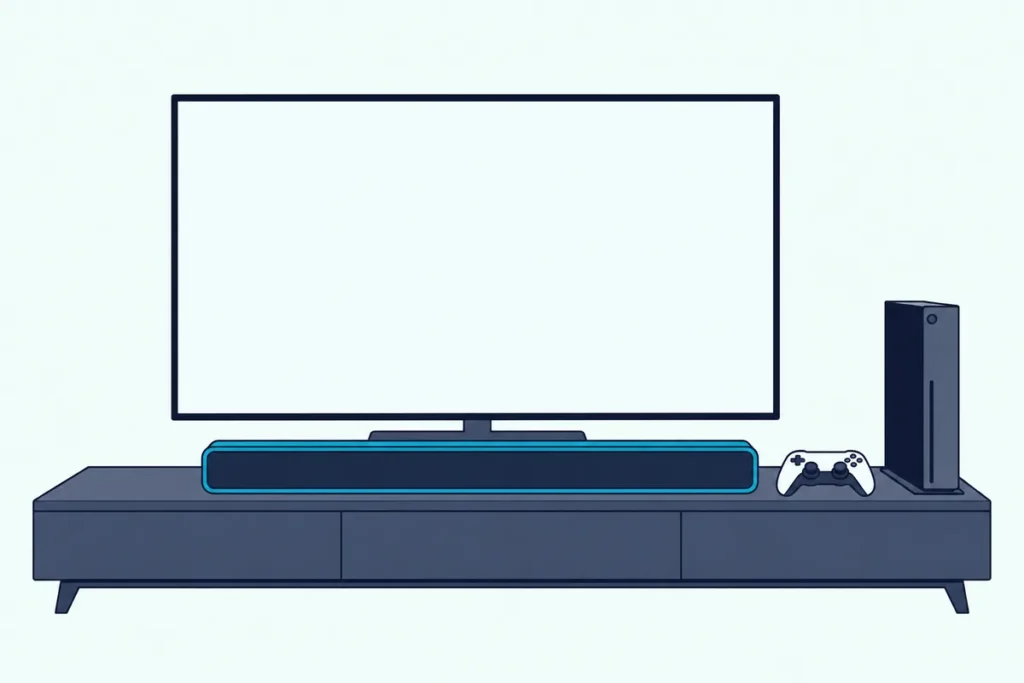
The best gaming soundbar connects over HDMI eARC, HDMI from a graphics card or USB, so sound stays in sync with the picture, and adds Dolby Atmos or DTS:X so footsteps and gunfire come from the right direction. That goes for a PS5 or Xbox through your TV and for a gaming PC at a desk.
The core problem is that Bluetooth connections and heavy audio processing add a delay between on-screen action and what you hear. In competitive shooters and rhythm games, that delay costs kills and ruins timing.
A gaming soundbar needs to deliver immersive, room-filling audio without adding perceptible lag to your inputs.
This guide covers soundbars that connect via HDMI or USB for low-latency audio, support Dolby Atmos or DTS:X for genuine spatial positioning, and include enough bass for cinematic single-player experiences without requiring headphones. You will know which bar works best for your platform and budget.
Start with how the bar connects to your console or PC — HDMI eARC from a TV or HDMI direct from a graphics card determines whether you get full Atmos spatial audio or a downmixed stereo signal.
The JBL Bar 700MK2 is the best gaming soundbar for most setups — it delivers 7.1 Dolby Atmos with a wireless 10-inch subwoofer, automatic room calibration, and HDMI eARC for low-latency spatial audio from consoles and PCs. For budget gaming, the Amazon Fire TV Soundbar Plus adds Atmos and DTS:X.
What Makes A Soundbar Good For Gaming
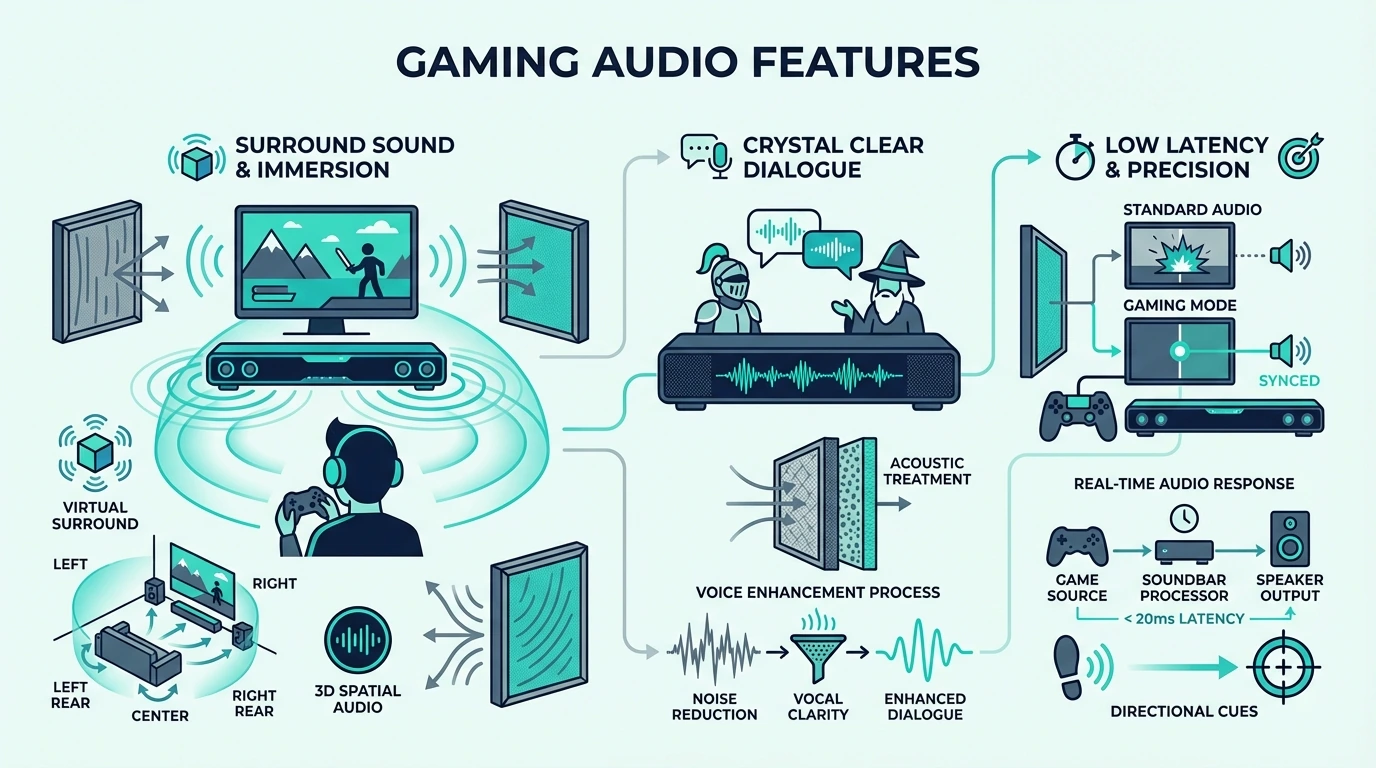
Gaming soundbars need to excel at three things that TV-focused bars often neglect — low audio latency, precise spatial positioning for directional sound cues, and deep bass that makes explosions and engine sounds physically felt without drowning out dialogue and voice chat.
Most soundbars marketed as “gaming” soundbars add RGB lighting or flashy branding without addressing these core requirements. The bars below were chosen purely on gaming audio performance.
Audio Latency
Latency is the delay between on-screen action and the sound reaching your ears.
Wired connections like HDMI eARC, HDMI direct, and USB skip the extra delay a Bluetooth link adds, which makes Bluetooth a poor fit for fast-paced gaming.
Some bars offer a dedicated game mode that reduces processing latency at the cost of some audio fidelity. If your bar has a game mode, enable it for multiplayer and disable it for cinematic single-player where audio quality matters more than response time.
Spatial Audio For Positional Awareness
Dolby Atmos and DTS:X create three-dimensional audio that places sounds above, behind, and beside you. In competitive FPS games, spatial audio lets you hear exactly where footsteps, reloads, and grenades are coming from before you see the enemy.
Both PS5 and Xbox Series X send Dolby Atmos to your TV over HDMI, and the TV passes it to the soundbar over ARC in a compressed format or over eARC uncompressed, as Roku’s ARC and eARC guide explains. PC gamers can use native Atmos output through HDMI from their graphics card.
On a PS5 the switch is Settings > Sound > Audio Output > Audio Format (Priority) > Dolby Atmos, one of the steps in our PS5 soundbar setup guide.
Dolby says Xbox Series X|S games in Atmos can play through a TV, soundbar or home theater setup, and our Xbox soundbar setup guide gives the cable order that keeps 4K at 120 Hz.
For overhead cues, Atmos soundbars sorted by where the height comes from compare up-firing drivers with virtual height.
Deep Bass For Immersion
Single-player games and movie-style gaming experiences benefit enormously from a dedicated subwoofer. Explosions, vehicle engines, thunder, and environmental rumble add physical impact that makes games feel more immersive than any headphone can deliver.
Bars with wireless subwoofers add this dimension without cable management headaches, and wireless means you can tuck the sub behind furniture or under an end table. Burton Acoustix’s guide to soundbar types sets all-in-one bars against bars with a subwoofer if bass is your top priority.
| Product | Link |
|---|---|
Best Overall Gaming 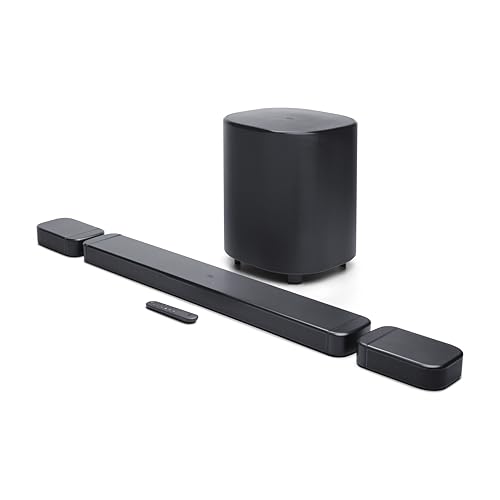 | See ratings |
Best Budget Gaming 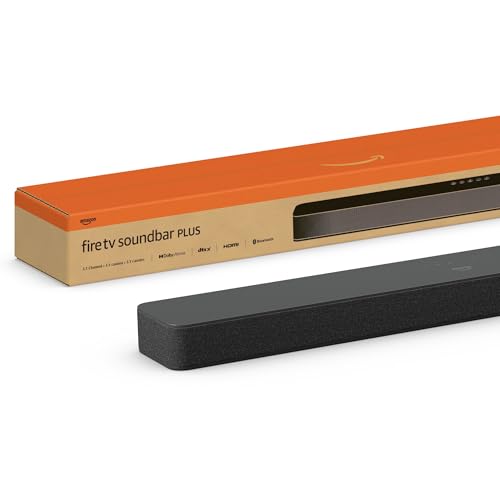 | See ratings |
Best Budget With Sub 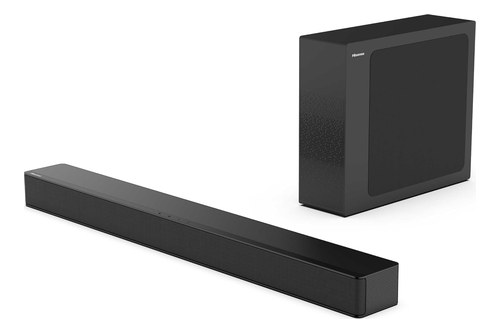 | See ratings |
Best For PC Gaming 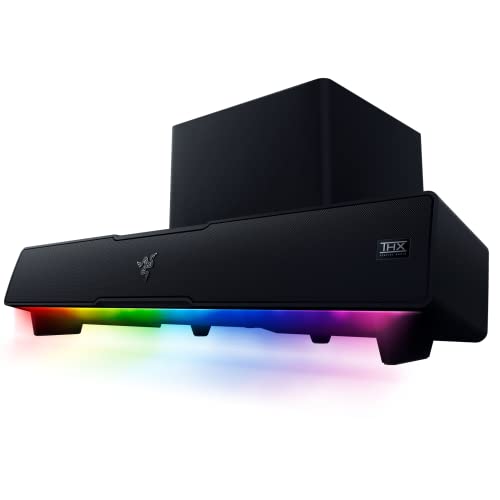 | See ratings |
The Best Gaming Soundbars — Our Top Picks
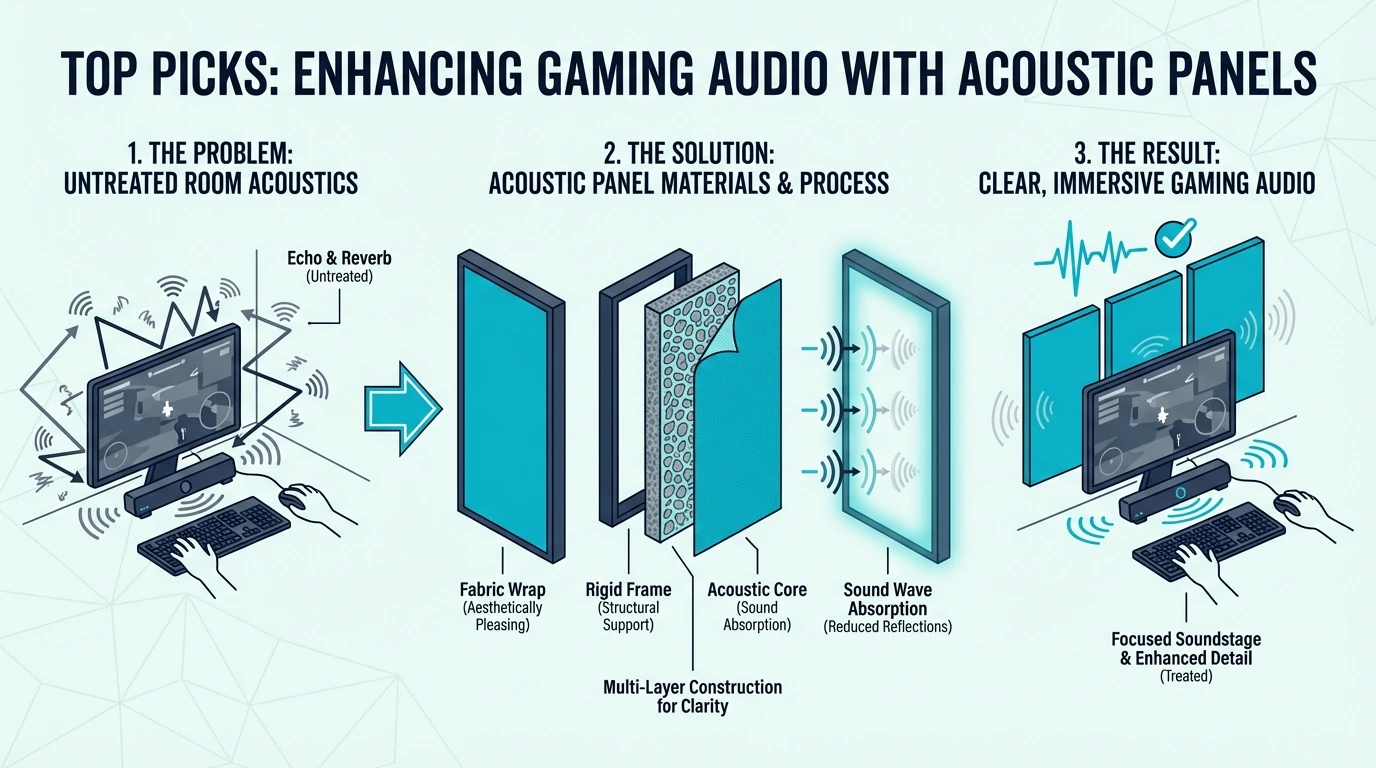
Each pick below delivers low-latency gaming audio with spatial sound positioning via HDMI connection.
Best Overall: JBL Bar 700MK2
The JBL Bar 700MK2 delivers the best balance of gaming spatial audio, movie performance, and value. The 7.1 Dolby Atmos layout with detachable wireless surround speakers and a wireless 10-inch subwoofer creates genuinely immersive gaming audio that places sounds precisely around the listening position.
JBL Bar 700MK2
MultiBeam automatic room calibration adjusts the spatial audio processing for your specific room geometry. PureVoice keeps voice chat and in-game dialogue clear even during heavy explosions and gunfire, which is essential for multiplayer gaming.
Connect via HDMI eARC from your TV for full Atmos passthrough from PS5 or Xbox Series X. For PC gaming, connect via HDMI from your graphics card for direct Atmos output.
For the step above it, the JBL lineup guide sets the Bar 700MK2 against the 7.1.4 Bar 1000.
Best Budget Gaming: Amazon Fire TV Soundbar Plus
The Amazon Fire TV Soundbar Plus is the cheapest way to get Dolby Atmos and DTS:X gaming audio. The 3.1 channel layout includes a dedicated center driver that keeps voice chat separated from game audio.
Amazon Fire TV Soundbar Plus
This bar delivers spatial audio that fills the entire room instead of just your ears. HDMI eARC connects to PS5, Xbox, or Nintendo Switch for low-latency surround sound that the whole room can enjoy during couch co-op sessions.
For buyers who want Atmos on a budget without committing to a larger system, this is the entry point that makes the biggest difference over built-in TV speakers.
Best Value With Sub: Hisense HS2100
The Hisense HS2100 is the best gaming soundbar for buyers who want bass on a tight budget. The wireless subwoofer delivers physical impact from explosions and low-end effects that no all-in-one bar under $200 can match.
Hisense HS2100
The trade-off is no spatial audio — this is a stereo 2.1 system with no Atmos or DTS:X support. For casual single-player gaming where bass immersion matters more than positional accuracy, the bass upgrade alone makes it worth buying.
More bars at this end of the range, the HS2100 among them, are on the budget soundbar shortlist.
Best For PC Gaming: Razer Leviathan V2
The Razer Leviathan V2 is built for a desk rather than a TV stand: a multi-driver bar that sits under your monitor, with THX Spatial Audio for positional cues at close range.
Razer Leviathan V2
The included subwoofer adds bass for gaming, and low-latency Bluetooth 5.2 lets you switch to your phone without re-cabling. For a desk bar that does more work than play, our guide to the best PC soundbar compares widths and PC connections.
The Bottom Line
The best gaming soundbar depends on whether you prioritize spatial positioning for competitive play or bass immersion for cinematic single-player experiences. For most gamers, the JBL Bar 700MK2 delivers the best balance of both, with Atmos and a 10-inch wireless sub.
Budget gamers get genuine Atmos spatial audio from the Amazon Fire TV Soundbar Plus or bass-focused 2.1 sound from the Hisense HS2100. For one box with no separate subwoofer, the all-in-one soundbar picks build the bass into the bar.
To compare these gaming bars with picks for movies, music and every TV, the soundbar picks by category cover the wider market.
Frequently Asked Questions
Is a soundbar good for gaming?
Yes — a soundbar with HDMI eARC delivers low-latency Dolby Atmos spatial audio that helps with positional awareness in competitive games. Soundbars also fill the room with immersive audio that headphones cannot replicate for single-player cinematic experiences.
Are sound bars good for gaming compared to headsets?
Soundbars excel at room-filling immersion and shared gaming sessions where multiple people are watching or playing together. Headsets offer better isolation and more precise positional audio for competitive ranked play.
Many gamers use both — a soundbar for casual sessions and single-player campaigns, then headphones for ranked competitive matches where every audio cue matters.
What is the best soundbar for PS5?
The JBL Bar 700MK2 is the best soundbar for PS5 — connect via HDMI eARC for full Dolby Atmos passthrough with 7.1 spatial audio and a wireless 10-inch subwoofer. For budget PS5 gaming, the Amazon Fire TV Soundbar Plus delivers Atmos.
Should you use Bluetooth on a gaming soundbar?
No — Bluetooth adds enough delay to make gunfire, rhythm timing, and menu sounds feel disconnected from the screen. For gaming, use HDMI eARC, HDMI direct, or USB audio whenever the bar supports it.
What matters more for gaming, Atmos or low latency?
Low latency matters first because even the best surround processing feels wrong if the sound lands after the action. Once latency is under control, Atmos, DTS:X, and a good subwoofer make single-player games and open-world titles far more immersive.