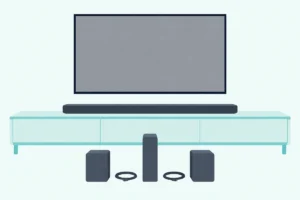
How to Adjust Bass on a Vizio Sound Bar, Old Remote or New App
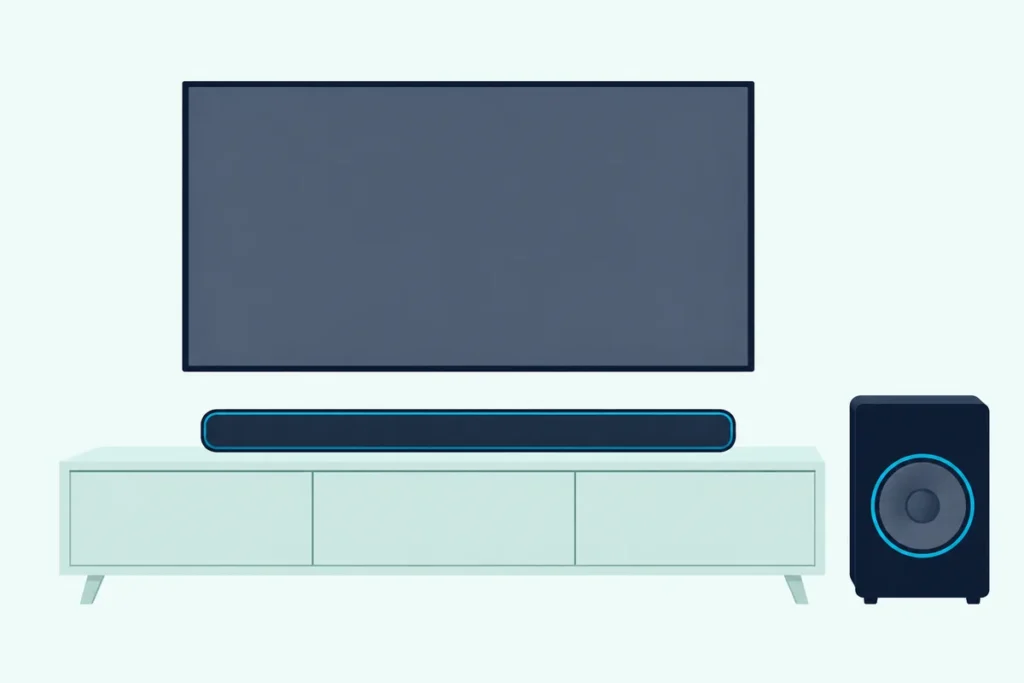
Here’s how to adjust bass on a Vizio sound bar: press BASS (or LEVEL, then Bass) on the bar’s remote and step it with Next or Previous, or use the VIZIO mobile app on bars from 2024 on.
The trouble is that Vizio has moved that control several times since its 2008 VSB210WS, which had only SUB+ and SUB- keys, so steps written for one bar often fail on the next.
Match your bar to its control and, on most older models, each press shows on the bar’s own lights or tones, so you know the change took.
This guide covers each generation Vizio documents, what the level lights mean, how to get back to the default and what to check when bass won’t budge.
Start with the table, then jump to the section for the control that came with your bar.
How to Adjust Bass on a Vizio Sound Bar, by Control Type
That depends on what came in the box. Most Vizio bars take Bass from their own remote, raised or lowered with Next and Previous, while bars from 2024 on use the VIZIO mobile app:
| Control | Bars in Vizio’s documents (document year) | Bass and treble | Subwoofer level |
|---|---|---|---|
| SUB+ and SUB- keys | VSB210WS (2008) | None listed | SUB+ and SUB- |
| Small display and MENU key | S4251w-B4 (2013), S3851w-D4 (2014), SB4551-D5 (2016), SB3651-E6 (2017), SB36512-F6 (2018) | MENU, Up or Down to Bass or Treble, then Next or Previous | Subwoofer, same menu |
| BASS and TREB keys | SB3831-C6M (2015), SB2920-D6 (2016), SB3621n-G8 (2019), V20x-J8, V21t-J8, V21d-J8 and SB2021n-J6 (2021), M213ad-K8 (2022) | BASS or TREB, then Next or Previous | SUB, if the sub is separate |
| Display and LEVEL key | V51-H6, M51a-H6 and V51x-J6 (2021-2022) | LEVEL, then Bass or Treble | LEVEL, then Subwoofer |
| VIZIO mobile app | SV510X, SV200M-0805 and SV510M-0806 (2024), SV410XW-0905 and SV210M-0808 (2025), SV210D-0806 (2026) | In the app, or a Vizio TV’s audio menu | In the app |
Each year is the document’s own date (its copyright, or the file date on the 2024 guides), so match an unlisted bar by its controls. Once you’ve found yours, the best settings for a Vizio sound bar suggests where to set the levels for TV, music and late nights.
Where Is Bass on a Vizio Remote With a Display?
That small display is the first clue to your bar’s age. On these remotes you press MENU on the 2013 to 2018 bars or LEVEL on the V51-H6, M51a-H6 and V51x-J6, pick Bass or Treble with Up and Down, then change it with Next or Previous.
Vizio’s S4251w-B4 guide shows each setting’s name on the display while LEDs on the bar show its level, and the same menu holds Subwoofer, Center and Night Mode. The V51x-J6 user manual gives the newer path:
- Press LEVEL.
- Press Up or Down until the display reads Bass, Treble or Subwoofer.
- Press Next to raise the level or Previous to lower it, and watch the LEDs on the bar.
A Display key shows the bar’s current settings. The 2016 SmartCast bars, such as the SB4051-D5, also put Bass, Treble and Subwoofer in the SmartCast app, under Speaker Settings and then Audio.
Get Studio Tips Weekly
Join 5,000+ creators getting acoustic treatment advice every week.
No spam. Unsubscribe anytime.Which Vizio Remotes Have Their Own BASS Button?
If your remote has no display, look for a key marked BASS instead. The SB3831-C6M, SB2920-D6, SB3621n-G8, V20x-J8, V21t-J8, V21d-J8 and M213ad-K8 all have one: press BASS, or TREB (TREBLE on some) for treble, then Next or Previous.
Bars with a separate subwoofer add a SUB key, as on the SB3621n-G8 and V21t-J8, and on the V21t-J8 a long press of SUB turns on Night Mode. On the SB2920-D6, which takes a wired subwoofer, BASS also sets that sub’s output.
The SB2021n-J6 works the same way but answers in tones instead of lights. A high double beep means the maximum, a single medium beep the middle, which is the default, and a low double beep the minimum.
What Do the Lights Tell You About the Bass Level?
Those Next and Previous presses show up on a row of LEDs on most of these bars. Two lit LEDs in the middle mean level 0, and the light moves up as you add bass and down as you cut it, or right and left on bars whose LEDs run sideways, such as the S4251w-B4 and V21d-J8.
The V21d-J8 and M213ad-K8 mark 0 with three center LEDs instead of two. No document read for this guide gives the levels as numbers, only where 0 sits and which way the light moves.
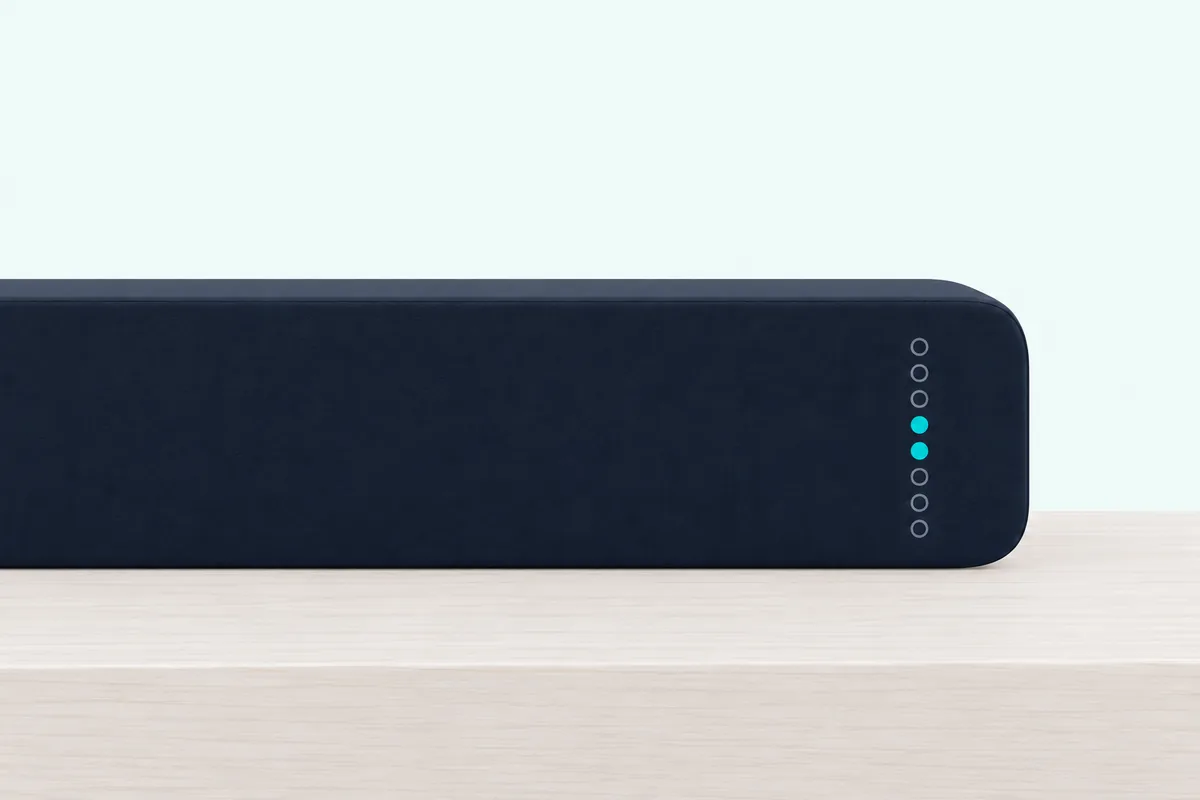
So treat level 0 in the middle as home base, as the SB2021n-J6 does with its default middle tone. The bottom of the subwoofer’s scale is different: Vizio says the minimum turns the sub off on the V51x-J6 and SB36512-F6 and mutes it on the SB3621n-G8, V21t-J8 and SB2021n-J6.
On the SB3651-E6 and SB4551-D5, taking Bass itself to the minimum mutes the subwoofer, and on the SB2920-D6 it turns a wired sub’s output off.
How Do You Change Bass in the VIZIO Mobile App?
Bars from 2024 on move that control into the app, and Vizio’s SV410XW-0905 and SV210M-0808 manuals say no soundbar remote comes in the box. You pair the app with the bar over Bluetooth, then change Bass, Treble or Subwoofer in its audio settings, as the SV210M-0808 user manual lays out:
- Install the VIZIO mobile app and sign in with the account your bar’s guide names: a VIZIO account (2024 and 2025 guides), a customer account (SV210M-0808, SV510XW-0906) or a Walmart account (SV210D-0806).
- Turn on your phone’s Bluetooth and stand next to the bar.
- Open the app and pick the bar from the discovered devices.
- Change Bass, Treble or Subwoofer under the personalized audio settings.
The newest guides (SV210M-0808, SV210D-0806, SV510XW-0906) say the app finds the bar for the first 72 hours after you plug it in, then a quick press of the bar’s Bluetooth button opens pairing for up to 1 hour. The 2024 guides give one hour, then a 5-second hold of that button for up to 3 minutes.
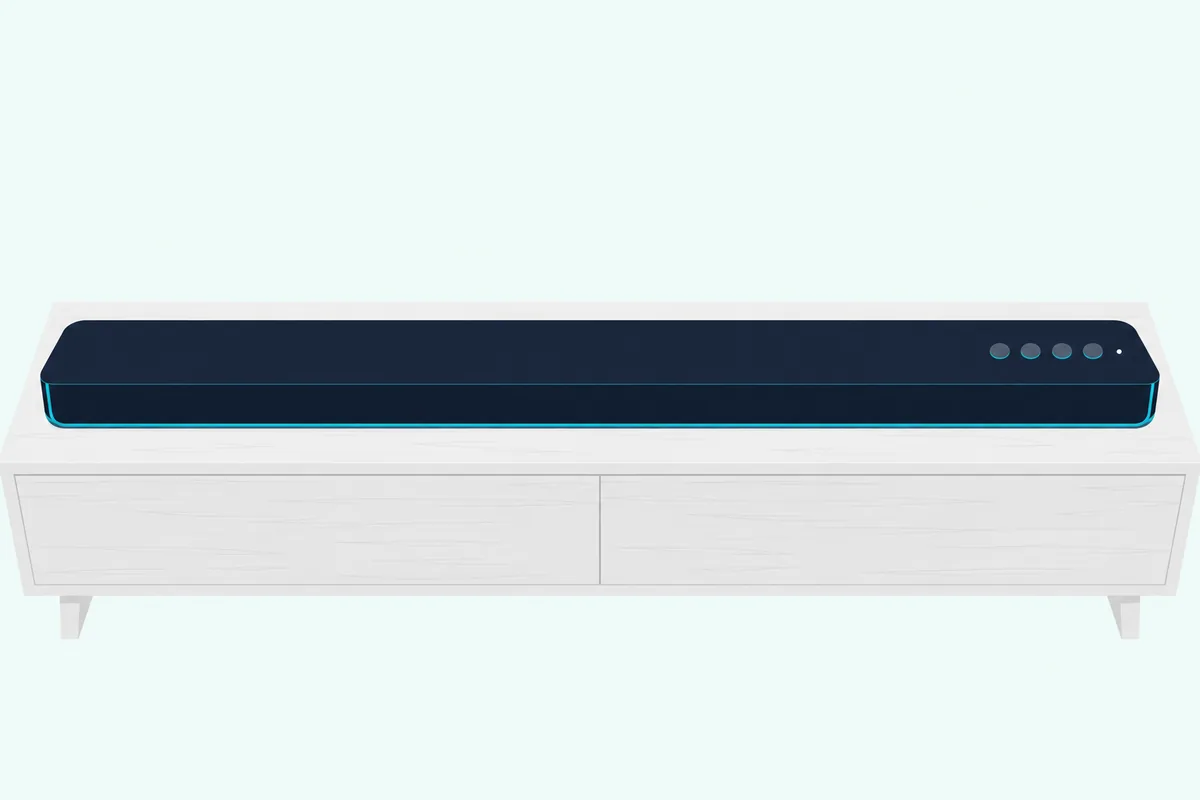
Only one phone can control the bar at a time, and the app disconnects when you close it or swipe to another screen. Without a phone, the SV210M-0808 guide leaves your TV’s remote with volume, mute and what it calls limited audio settings.
Can a TV Remote Change a Vizio Sound Bar’s Bass?
That TV fallback has one bigger door, on Vizio TVs. On a Vizio TV it can: Vizio’s 2024 SV200M-0805 setup guide sends you to the Settings button on a Vizio TV remote, then ALL SETTINGS and AUDIO, where the pictured menu lists the bar’s Treble, Bass, ClearDialog, Virtual:X and Height.
In that picture, Bass and Treble read Medium and ClearDialog reads High, rather than a number. Vizio’s 2022 V-Series TV manual does something similar for a Vizio bar on HDMI ARC or eARC with CEC on: its settings appear under Menu, Audio, Sound Bar Settings, and which ones depends on the bar.
Other TVs reach less. The 2024 guides say your TV remote will control the bar’s volume, mute and unmute, and on older bars the VIZIO TV Remote setting lets a Vizio TV remote turn the bar on and control its volume, with no mention of bass.
Is the Bass Setting the Same as the Subwoofer Level?
Both settings sit side by side in those menus, but they do different jobs. No: Bass adjusts the low-frequency sound of the bar, while Subwoofer sets the volume of the separate sub.
Bars with a built-in subwoofer fold the two together. On the V21d-J8 and M213ad-K8, Vizio says taking Bass to its lowest setting reduces bass and subwoofer levels on the bar, which it suggests for late-night TV.
If the sub sounds too boomy or lacks impact, Vizio’s V21x-J8 guide says to adjust the Subwoofer level or try other placements. Night Mode is the third bass control: older guides say it lowers bass frequency levels, and the SV210M-0808 guide says it reduces the subwoofer level.
It doesn’t stay on, though: the V51x-J6 turns it off after a power cycle and the SV210M-0808 when the bar goes into standby.
What Resets Bass and Treble to the Default?
Once those levels have wandered, you can bring them back by hand or with a reset. By hand, set Bass and Treble back to the two center LEDs, or the middle tone on a beeping bar; on the LEVEL-menu bars, SETUP and then Reset Audio returns only audio settings, such as bass and treble, to default.
On the V51x-J6, all the LEDs flash 3 times when the settings reset. The app bars split it the same way: Reset Settings restores the default audio settings and keeps paired Bluetooth devices, while Factory Reset also unpairs them (SV210M-0808 and SV210D-0806).
The other bars in these documents offer only a factory reset, from the menu or a button combination, and it erases every setting along with the bass. For the buttons on yours, follow Burton Acoustix’s model-by-model Vizio reset steps.
Why Won’t the Bass Change on a Vizio Sound Bar?
Even after those steps, the bass can refuse to move. It won’t change when the sound you hear isn’t coming from the bar, when a setting is holding it down or when the sub isn’t linked, so check these in order:
| Check | What Vizio says |
|---|---|
| Are the TV’s own speakers playing? | Vizio’s 2022 TV manual has a TV Speakers On/Off setting under Audio and turns them off when it finds a sound bar |
| Is the bar on the right input? | Press INPUT on the remote or the bar; on the V51x-J6 the input light is magenta for HDMI ARC and red for optical |
| Is Night Mode on? | It lowers bass until you, a power cycle or standby switch it off |
| Is the subwoofer at its minimum? | The bottom step turns the sub off or mutes it on several bars |
| Is the subwoofer linked? | A sub with no sound may need re-linking to the bar |
| Is the app still connected? | One phone controls the bar at a time, and closing the app disconnects it |
For that linking check, follow these steps for re-pairing a Vizio subwoofer with its sound bar, with each model’s buttons and lights. If the bar’s remote does nothing at all, the V51x-J6 manual says to replace its batteries and point it at the center of the bar.
When it still won’t respond, work through fixes for a Vizio remote that stops responding. On bars before 2024 that remote is the main way to reach bass, so it’s worth fixing first.
Frequently Asked Questions
What is EQ on a Vizio sound bar?
EQ is Vizio’s set of preset sound modes, not a separate bass control. The V51x-J6 offers Movie, Music, Direct and Game, with Movie as the default, the SB2021n-J6 swaps Direct for Dialogue, and the SV210M-0808’s app offers Movie, Music and Direct, where Direct removes virtualization. Change it with the EQ button or under EQ Modes in the app.
Can you adjust the bass on a Vizio sound bar without the remote?
On bars from 2024 on, yes: use the VIZIO mobile app, or a Vizio TV’s ALL SETTINGS and AUDIO menu shown in the 2024 guides. On the V51x-J6, the buttons on top of the bar cover power, input, Bluetooth and volume, with no bass key; the 2016 SmartCast bars also take bass in the SmartCast app.
Does Night Mode lower the bass on a Vizio sound bar?
Yes. Vizio’s guides say Night Mode lowers bass frequency levels for quieter listening, and the SV210M-0808 guide says it reduces the subwoofer level. It switches off after a power cycle on the V51x-J6 and in standby on the SV210M-0808, so turn it on again each night.
How do you turn down a Vizio subwoofer that’s too loud?
Lower the Subwoofer level: SUB on a BASS-key remote, LEVEL and then Subwoofer on a LEVEL remote, or Subwoofer in the app. Vizio’s V21x-J8 guide also suggests other placements for a boomy sub, and Night Mode cuts the bass late at night.