Bose Soundbar 700 vs 900: Atmos, Ports, Remote and Add-Ons

Most people weighing the Bose Soundbar 700 vs 900 want one answer, and Bose’s own documents give it: the 900 adds Dolby Atmos through two up-firing drivers, and the 700 has none.
The rest of the list blurs, because both bars share the glass top, the Bose Music app, the same two voice assistants and most of the same add-ons.
Sort out the few real differences and you’ll know whether a 900 is worth hunting down, or whether the 700 you own already covers what you watch.
This guide lines the two up spec by spec from Bose’s owner’s guides and product pages: speakers, Atmos, HDMI, streaming, voice, the remote, add-ons, size and mounting.
The side-by-side table comes first, then each difference in turn, and finally which bar is still worth buying new.
What Separates the Bose Soundbar 700 vs 900?
Three things separate them on paper: height drivers, the remote and the HDMI wording. Bose’s own product comparison on its 900 page lists 7 speakers for the Smart Soundbar 700 and 9 for the Smart Soundbar 900, with Google Assistant and Alexa built into both (Bose).
Here’s how the two compare in Bose’s own owner’s guides and pages:
| Feature | Bose Smart Soundbar 700 | Bose Smart Soundbar 900 |
|---|---|---|
| Speakers | 7 | 9, two of them up-firing dipole transducers |
| Dolby Atmos | Not mentioned in its guide | Yes |
| Sound settings in the app | Bass | Bass, treble, center channel, height channel |
| TV connection | HDMI (listed as ARC; Bose’s FAQ says eARC-capable) or optical | HDMI eARC or optical |
| Ethernet | Yes | Yes |
| Streaming | Wi-Fi, Bluetooth, AirPlay 2, Spotify | Wi-Fi, Bluetooth, AirPlay 2, Chromecast, Spotify Connect |
| Voice | Alexa or Google Assistant built in, one at a time | Alexa or Google Assistant built in, one at a time |
| ADAPTiQ calibration | Yes, headset in the box | Yes, headset in the box |
| Remote | Universal remote, four AA batteries | Smaller remote with six preset buttons, two AAA batteries |
| Bose add-ons in the guide | Six, including older Acoustimass 300 and Virtually Invisible 300 | Four: Bass Module 500 and 700, Surround Speakers and Surround Speakers 700 |
Think of the 900 as the 700’s design with height drivers added and the remote simplified. If you’re also weighing Bose’s newer Smart Ultra, our Bose Smart Ultra vs 900 breakdown covers that step.
Does the Bose 700 Have Dolby Atmos?
That Atmos row is the one most shoppers care about. No: the 700’s owner’s guide never mentions Dolby Atmos, and its Dolby notice covers only “Dolby Audio,” while the 900’s guide says it “supports Dolby Atmos technology” with “additional up-firing speakers” (Bose’s Smart Soundbar 900 owner’s guide).
Bose’s 900 page calls those extra two “upward-firing dipole transducers” that “direct more sound above you.” CNET’s 900 review breaks the nine down as two tweeters, four racetrack transducers, a center tweeter and the two up-firing dipoles (CNET).
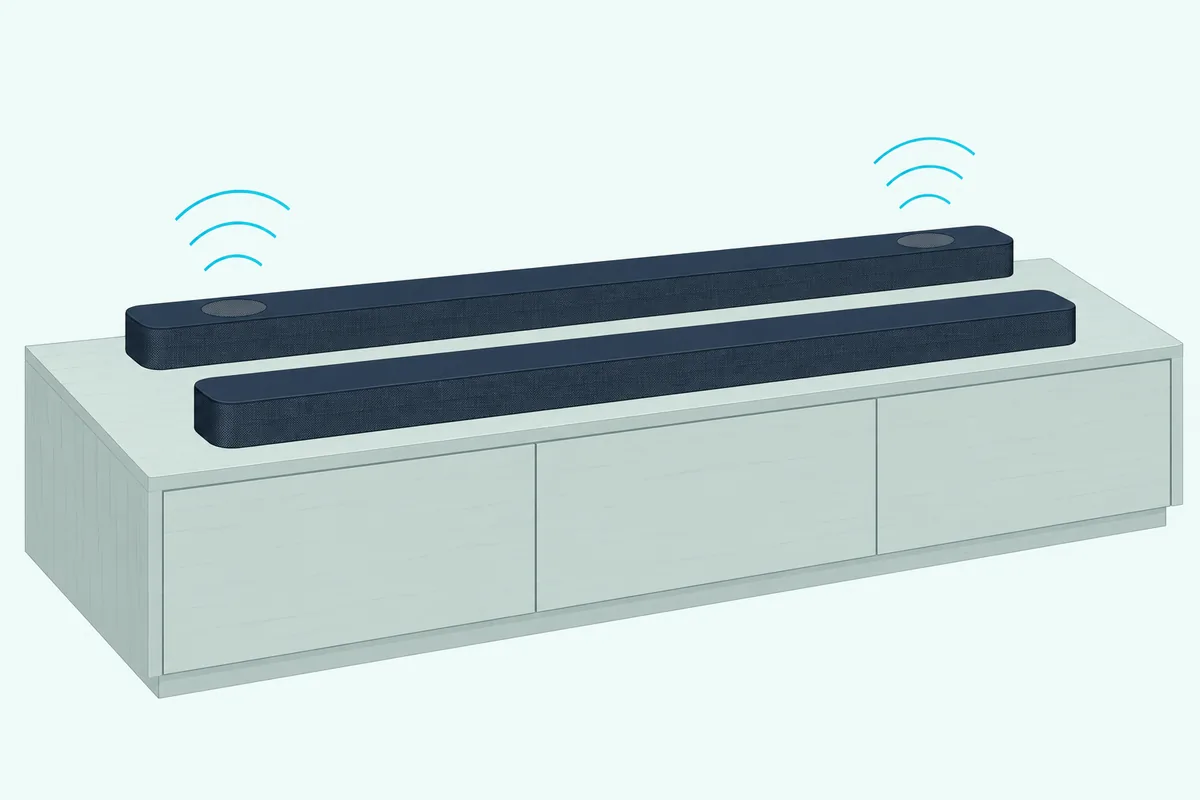
The 700’s seven, by produck.de’s count, are four woofers, a front tweeter and two more tweeters (produck.de). Bose credits its PhaseGuide technology for the 700’s spaciousness, and CNET says the 900 uses PhaseGuide for its Atmos content too.
Bose publishes no channel count for either bar, so treat any “3.0” or “5.0.2” label online as a reviewer’s shorthand.
Formats split along the same line. The 700’s guide carries a DTS license notice and the 900’s doesn’t mention DTS at all, while produck.de lists Dolby TrueHD alongside Atmos for the 900.
Get Studio Tips Weekly
Join 5,000+ creators getting acoustic treatment advice every week.
No spam. Unsubscribe anytime.Is the 700’s HDMI ARC or eARC?
Atmos needs a path from the TV, which is where the HDMI wording gets muddy. Bose’s 700 page lists “HDMI ARC connectivity” in its highlights, yet the same page answers “Yes” to “Does the Bose Smart Soundbar 700 have HDMI-eARC capability?” (Bose Smart Soundbar 700 page).
The 900 page is plain about it: choose “the HDMI-eARC connection or the optical audio connection,” with both cables in the box. The gap matters less than it looks: the 700 has no Atmos to carry, and both guides say to use the TV port labeled eARC or ARC, or optical if it has neither.
Neither bar is a switcher for other boxes. Bose’s 700 FAQ says a cable box or game console connects to the TV, with one cable from the TV to the soundbar, and CNET wished the 900 had more HDMI inputs.
Do Streaming and Voice Control Work the Same?
Once the TV link is sorted, the smart features line up almost exactly. Both guides stream AirPlay 2 from iOS 11.4 or later, pair Bluetooth phones, and run setup and presets in the Bose Music app.
Voice is a near match too. Each guide offers Amazon Alexa or Google Assistant built in, with the same note that you can’t use both at once, and both support Voice4Video, Bose’s Alexa feature for turning on the TV and tuning a cable or satellite box by voice.
The small gap is Chromecast. Bose’s 900 page lists “Chromecast built-in” with Spotify Connect, while the 700’s guide doesn’t mention Chromecast and its Bose page only answers yes to casting audio to groups of Bose speakers.
Both guides also include SimpleSync for pairing select Bose headphones or SoundLink speakers, so a 700 owner moving up keeps the same habits.
How Different Are the Two Remotes?
The app may match, but the remote in the box is where the 700 pulls ahead. Bose ships the 700 with its Soundbar Universal Remote, which has four programmable source buttons for a TV, cable or satellite box, game system or disc player, plus DVR and channel keys (Bose’s Smart Soundbar 700 owner’s guide).
Bose’s 700 page says the remote is backlit and talks to the bar over Bluetooth Low Energy, needing no line of sight. The soundbar then sends infrared commands to your other devices, and the remote runs on four AA batteries.
The 900’s remote is pared back to power, volume, mute, source, media playback and six preset buttons, on two AAA batteries. Its guide says it controls the soundbar, Bluetooth connections and presets, and unlike the 700’s guide it lists no cable-box buttons.
So if one clicker for the whole TV stand matters to you, that’s a point for the 700. Both bars keep six presets either way: the 700 puts them on its number keys 1 to 6.
Which Bass Modules and Surround Speakers Fit Each Bar?
The remotes split them, but the add-ons bring them back together. Bose’s Bass Module 700 page lists the Smart Soundbar 700 and the Smart Soundbar 900 among its compatible bars, and its Surround Speakers 700 page says those rears connect wirelessly to both.
The 900’s guide lists four accessories: the Bass Module 700, the Bass Module 500, the Surround Speakers 700 and the Surround Speakers. The 700’s guide lists those four plus two older Bose models, the Acoustimass 300 bass module and Virtually Invisible 300 wireless surround speakers.

Bose’s 700 page adds that its bass modules can be mixed and matched across bars, for example a Smart Soundbar 700 with a Bass Module 500. So either Bass Module or either Surround Speakers model bought for a 700 moves to a 900, while the Acoustimass 300 and Virtually Invisible 300 don’t appear in the 900’s list.
Run ADAPTiQ again after any change. Both guides say to rerun it when you add a bass module or surround speakers or move furniture, and each run needs about 10 minutes in a quiet room.
How Much Bigger Is the 900, and How Do They Mount?
Carrying a sub across is easy, but the bar itself grows a little. CNET gives the 900 as 2.3 inches high, 4 inches deep and 41 inches long; Bose’s readable pages list no 700 dimensions.
produck.de fills that gap with 97.79 cm (about 38.5 inches) and 4.76 kg for the 700, against 104.5 cm and 5.75 kg for the 900. That makes the 900 about 7 cm, under 3 inches, longer and about 1 kg heavier, so measure the space under your TV before you swap.
Both guides allow only the Bose Soundbar Wall Bracket and warn against other hardware. Both also want the back of the bar at least 0.4 inches (1 cm) from any surface, because blocking its ports hurts the sound.
The 900 adds rules of its own for the wall. Keep its top at least 4 inches (10 cm) from the TV with the up-firing speakers clear, and run ADAPTiQ again after mounting it.
Can You Still Buy Either Bar New?
Size only matters if you can find one, and Bose’s US store no longer lists either bar in its soundbar range. On 25 October 2026, Bose US’s Smart Soundbar 700 page still loaded but marked the bar out of stock with a “Notify me” button.
The 900’s store address redirected to Bose’s soundbar category that morning, and that category listed five bars, with no 700 or 900 among them. Bose’s help page for the 700 goes further and labels it “Sold from 2018 – 2023.”
Bose’s readable pages give no end date for either bar’s software support, so this page doesn’t guess one. Amazon’s black 900 listing showed only a few left that day, and the 700’s showed no availability on two checks.
If a 700 turns up, check whether the listing is new or renewed. If neither is in stock, Bose’s Smart Ultra FAQ says the Ultra has the 900’s features plus AI Dialogue Mode.
Which One Should You Buy?
The stock picture and the table point the same way. If you want Atmos height effects, eARC in Bose’s own words and more sound settings in the app, look for the 900.
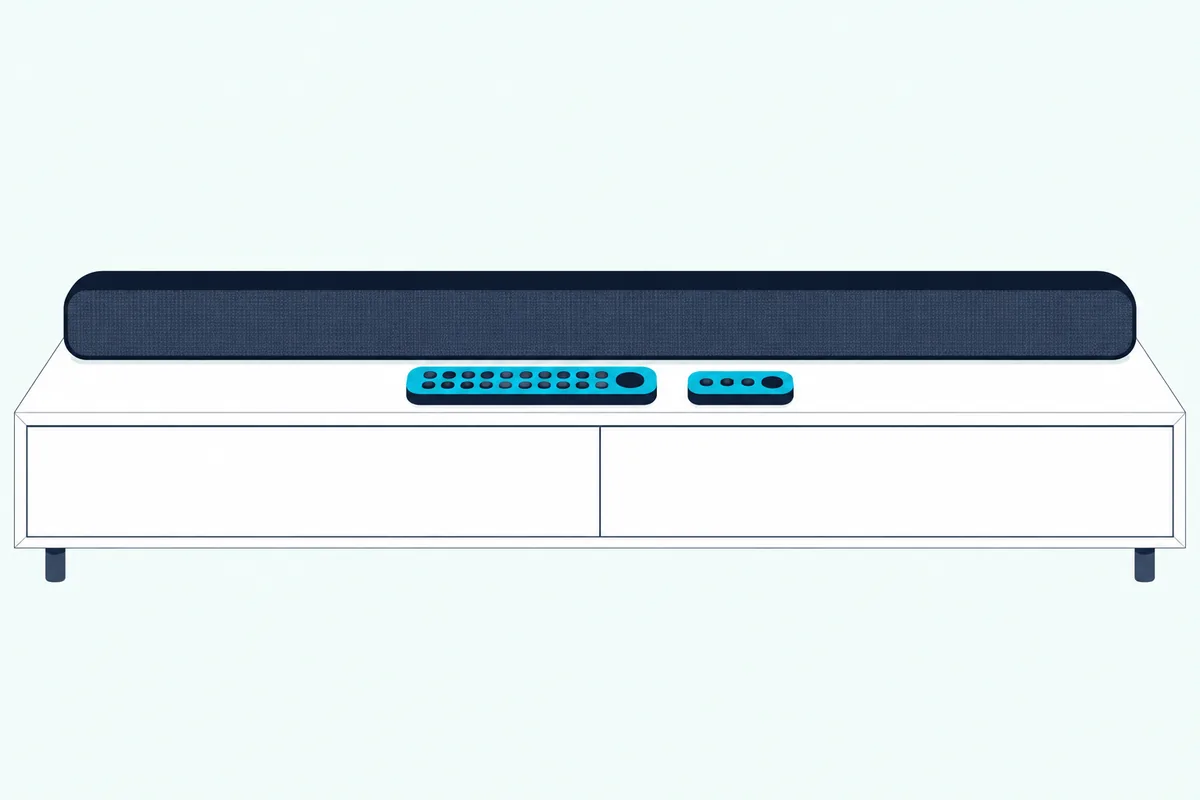
For height effects you can add to later with Bose’s sub and rears, the Bose Smart Soundbar 900 is the bar to get while new stock lasts.
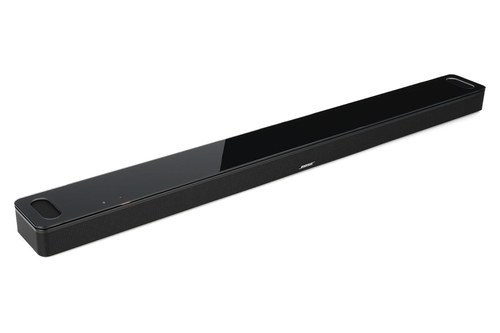
the Bose Smart Soundbar 900
Keep a 700 you already own if you rely on its universal remote or don’t watch Atmos content. A Bass Module 700 or Surround Speakers 700 added to it now still carries over to a 900 later.
For the rest of the range, from the TV Speaker to the Smart Ultra, see the full Bose lineup ranked.
The Bottom Line
The table tells the story in two rows: the 900’s nine speakers with two firing upward for Atmos, and the 700’s universal remote. Most of the rest, from the app and voice assistants to the bass modules and the wall bracket, is shared.
If you’re setting up either bar, Burton Acoustix’s Bose TV hookup guide walks through the HDMI and optical steps.
Frequently Asked Questions
Is the Bose Soundbar 700 the same as the Smart Soundbar 700?
Yes, Bose uses both names for one bar. Its page and owner’s guide say Bose Smart Soundbar 700, while the guide’s Wi-Fi step has you select “Bose Soundbar 700” and Bose sells a “Soundbar 700/500 Programmable Remote Control.”
Can an update add Dolby Atmos to the Bose 700?
Nothing in Bose’s 700 page or owner’s guide mentions one. The 900’s Atmos comes from two up-firing dipole transducers that the 700’s documents never mention, so don’t buy a 700 expecting height effects.
Can I move my Bass Module 700 from a 700 to a 900?
Yes. Bose’s Bass Module 700 page lists both the Smart Soundbar 700 and the Smart Soundbar 900 as compatible, and both owner’s guides list it as an accessory.
Each guide points you to the accessory’s own owner’s guide for the pairing steps. Run ADAPTiQ again once the module is connected to the new bar.
Does the Bose 900 support DTS?
Its owner’s guide doesn’t list DTS, while the 700’s guide carries a DTS license notice. produck.de lists DTS for the 700 and Dolby formats, including Dolby TrueHD and Atmos, for the 900.