How to Connect a JBL Soundbar to a TV, Port by Port
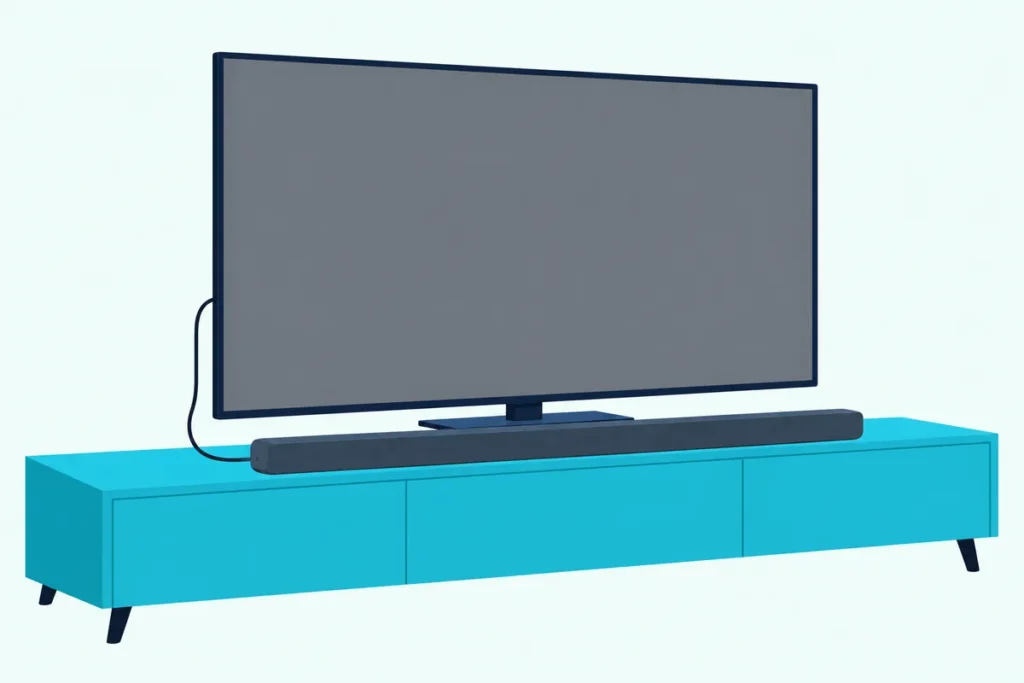
Figuring out how to connect a JBL soundbar to a TV comes down to one cable and two settings: HDMI from the bar’s TV ARC port to the TV’s ARC or eARC input, HDMI-CEC switched on, and TV selected on the remote.
Miss one and the bar powers up but stays quiet, or sits on Bluetooth while the TV keeps its own speakers.
Get the order right and the bar wakes with the TV, shows TV or a solid white light, and answers your TV remote.
The first move is finding the port name on your bar, which JBL’s manuals label HDMI OUT (TV ARC), HDMI OUT (TV ARC/TV eARC) or HDMI ARC (TV), depending on the model.
Below are the HDMI, optical and Bluetooth steps, each JBL family’s ports, the TV menus to change, and the checks for a silent bar.
How to Connect a JBL Soundbar to a TV With HDMI?
HDMI is the connection JBL’s manuals call the best option, and the cable comes in the box. On the Bar 300, JBL’s owner’s manual gives the steps in this order:
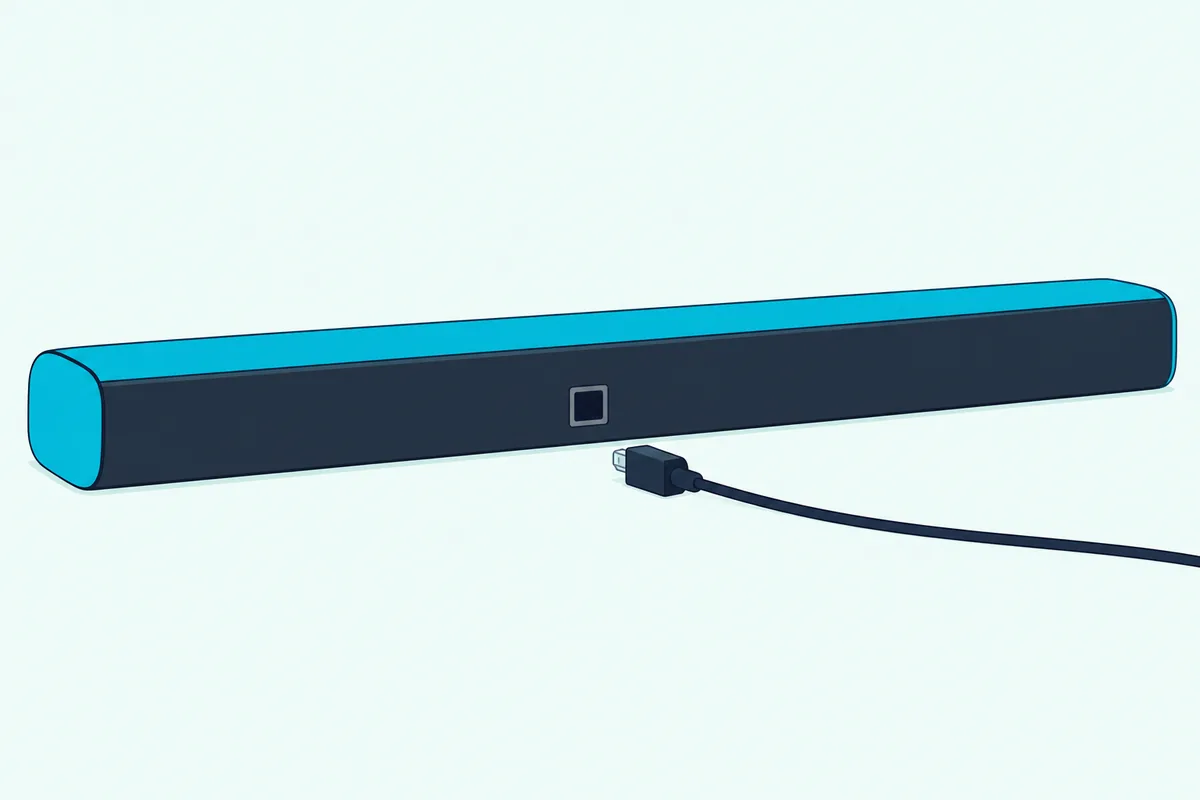
- Plug the supplied HDMI cable into the bar’s HDMI OUT (TV ARC/TV eARC) port and the TV’s HDMI input marked ARC or eARC.
- On the TV, check that HDMI-CEC and HDMI ARC are turned on.
- Set the TV to play through external speakers and mute its built-in speakers.
- Press the Source button on the bar or TV on the remote until the display reads TV.
The TV source is the factory default, so on a new bar step 4 may already be done. Once linked, the bar also wakes from standby on its own when the TV switches on.
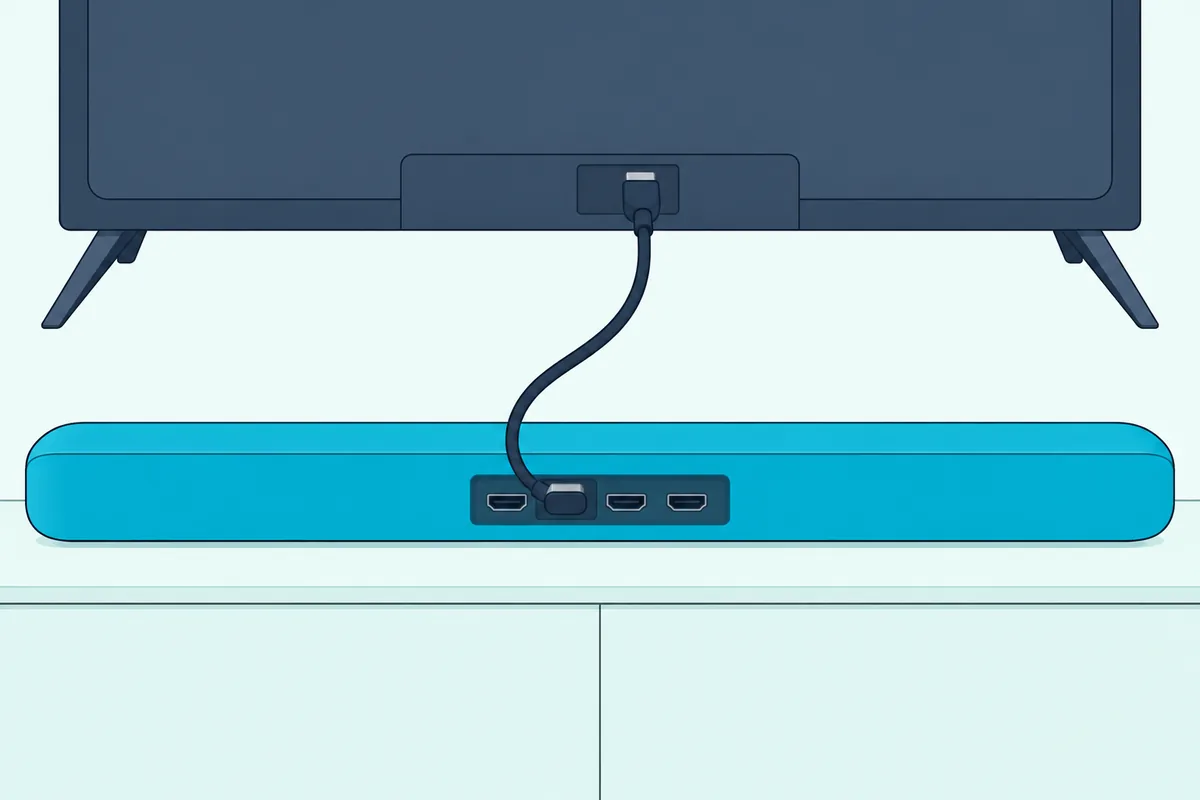
A second HDMI cable matters only if you own a game console or streaming box. JBL asks for a version 2.0 or later cable for that device, plugged into the bar’s HDMI IN.
Which Connections Does Your JBL Soundbar Have?
That TV ARC port is the one connection all these JBL bars share. Every one of them also has an optical input and Bluetooth, while HDMI inputs and eARC depend on the family:
| JBL bars | HDMI link to the TV | HDMI inputs | Other wired inputs |
|---|---|---|---|
| Bar 2.0 All-in-One, 2.0 All-in-One MK2 | ARC | None | Optical |
| Bar 2.1 Deep Bass, 2.1 Deep Bass MK2, 5.1 Surround | ARC | 1 | Optical |
| Bar 2.1 (2017) | ARC | 1 | Optical, 3.5 mm AUX |
| Bar 3.1, Bar 5.1 (2017) | ARC | 3 | Optical, 3.5 mm AUX |
| Bar 5.0 MultiBeam, Bar 9.1, Bar 300, 500, 700, 800, 300MK2, 500MK2, 800MK2 | eARC | 1 | Optical |
| Bar 1000, 1300, 1300X and their MK2 versions | eARC | 3 | Optical |
| Cinema SB140, SB160, SB180, SB270, SB510, SB560 | ARC | None | Optical |
| Cinema SB190 | eARC | 1 | Optical |
Read the second column against your TV. An eARC bar still works with an ARC-only TV, but the Bar 300 manual says Dolby Atmos then can’t pass from the TV to the bar, so plug the player into the bar’s HDMI IN instead.
How Do You Switch a JBL Soundbar to the TV Input?
With the cable in, the bar still has to listen to the right input. Press Source on the bar, or TV on the remote, and check what the bar shows back.
Bars with a display spell it out, with TV for the TV source and BT PAIRING for Bluetooth on the Bar 300. The 2017 bars cycle through HDMI ARC, HDMI 1 (up to HDMI 3 on the 3.1 and 5.1), Optical, AUX, Bluetooth and USB on each press of SOURCE.
Bars without a display use a light instead. JBL’s Bar 2.0 All-in-One manual lists solid white for the TV source, solid blue for a Bluetooth connection, flashing blue for pairing and solid amber for standby.
The Cinema bars are the trap. The SB140, SB180 and SB270 start on Bluetooth by default, so press the remote’s HDMI ARC button, and on the SB140 and SB270 a solid white light confirms it.
JBL’s Cinema SB190 manual adds yellow for HDMI IN and amber for optical. A blue light on any of them means the bar is still listening to Bluetooth.
Which TV Settings Does a JBL Soundbar Need?
Those lights only tell you about the bar’s side of the link. The TV needs HDMI-CEC switched on and its sound sent out, and each maker names the switch differently:
| TV | HDMI-CEC setting | Where the sound goes out |
|---|---|---|
| Samsung | Anynet+ (HDMI-CEC) | Sound > Sound Output, set to the connected device |
| LG (webOS 24) | SIMPLINK (HDMI-CEC), under External Devices > HDMI Settings | Sound Out > HDMI(ARC) Device |
| Sony BRAVIA | BRAVIA Sync | Display & Sound > Audio output > Speakers > Audio system |
| Roku TV | System > Control other devices (CEC) | Audio > Audio Output > eARC |
LG adds a shortcut: picking HDMI(ARC) Device turns SIMPLINK on by itself. For Sony, the BRAVIA Help Guide gives the Audio system path, and Burton Acoustix’s soundbar-to-TV menu guide lists the paths for seven TV brands, including TCL, Hisense and VIZIO.
When Should You Use the Optical Port?
If the TV’s menus offer no ARC at all, the optical jack is the next stop. JBL calls the optical cable sold separately, and it runs from the TV’s optical output to the bar’s OPTICAL input.
Then select the TV source the same way as before. If an HDMI cable and an optical cable both feed the bar, JBL’s manuals say the HDMI connection wins, so pull the HDMI cable when you’re testing optical.
For a cable, IVANKY’s 10 ft Toslink cable is listed as a fiber optic S/PDIF digital audio cable.
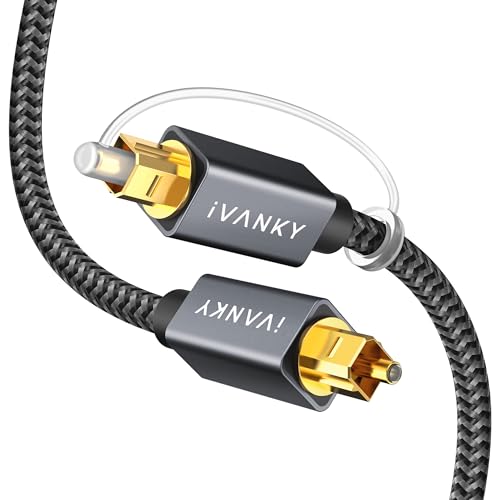
IVANKY’s 10 ft Toslink cable
Silence over optical has one documented fix. The Cinema SB160 manual says that if the light flashes with no sound, you may need to set the TV’s output to PCM or Dolby Digital.
Can a JBL Soundbar Pair With a TV Over Bluetooth?
Bluetooth skips the cable entirely, and every bar in that ports table has it. Press the Bluetooth button and the Bar 300 shows BT PAIRING, while the Bar 2.0 All-in-One flashes blue.
Then pick the bar on the TV’s Bluetooth list, such as JBL BAR 300, within three minutes. To pair a second device, hold the Bluetooth button for 3 seconds until pairing mode returns.
Keep the TV within 33 ft (10 m), the range JBL gives before the link drops. Think of Bluetooth as the spare key: it works, but JBL’s Bar 300 manual says Dolby Atmos isn’t supported over Bluetooth.
What If Your TV Has No HDMI ARC?
That spare key matters most on a TV without ARC, though the cable routes come first. Without ARC, connect the optical cable, or plug your streaming box into the bar’s HDMI IN and run the bar’s HDMI OUT to the TV.
JBL’s 2017 manuals describe that second route: the picture goes to the TV and the sound plays on the bar. Sound from the TV’s own apps still needs the optical cable, since JBL’s manuals route TV audio through HDMI ARC or optical.
The 2017 Bar 2.1, 3.1 and 5.1 add a 3.5 mm AUX IN, with an AUX cable in the box. For TVs with neither ARC nor optical, our guide to hooking up a soundbar without HDMI ARC covers the adapters.
Can Your TV Remote Control the JBL Soundbar?
Over HDMI, yes, once CEC is on, and that’s another reason to choose HDMI over optical. JBL’s manuals say a CEC TV remote then runs the bar’s volume, mute and power, which Burton Acoustix’s soundbar TV remote guide sets beside seven other brands.
On optical, teach the bar instead. On the Bar 300 through Bar 1300X and the MK2 bars, hold Source and + until LEARNING appears, then press the matching TV remote button as POWER, VOL+, VOL- and MUTE show, and DONE confirms each one.
The Bar 2.1 Deep Bass, 5.0 MultiBeam and 5.1 Surround work the other way round: press a bar button, then the TV remote’s, within 15 seconds. The Cinema SB190 learns from standby, starting with Power and + held until the light flashes amber, and the steps for other brands are in how to program any soundbar to a TV remote.
Is the JBL Bar 2.1 Set Up Any Differently?
The 2.1 bars follow the same HDMI steps, with the subwoofer as the only addition. The Bar 2.1 Deep Bass manual says the sub connects to the bar automatically after power-on, and its light turns solid white.
The 2017 Bar 2.1 has one extra trick. Its manual says it responds to most Samsung, LG, Sony and VIZIO TV remotes automatically for volume and mute, though not to LG’s Magic Remote.
A sub light that keeps blinking slowly means the link is lost, in JBL’s 2017 wording. Re-pairing a JBL soundbar and subwoofer covers the button sequence for each generation.
Why Is My JBL Soundbar Not Playing TV Sound?
Each of the earlier steps can leave a bar silent, so run the checks in JBL’s order. Its troubleshooting list starts with mute and the input source, then the cable, then a factory reset.
Work through these:
- Input: TV on the display or a white light, not BT or blue.
- TV speakers: set to external speakers, with the built-in speakers muted.
- CEC and ARC: both on in the TV’s menu from the table above.
- Cable: in the TV’s ARC or eARC input, not a plain HDMI port.
For echo, JBL’s fix is to mute the TV or turn off its built-in speakers. The last step resets everything: on the Bar 2.0 All-in-One, hold Power and Source for more than 10 seconds, and the HDMI ARC no-sound checklist adds the TV-side fixes.
The Bottom Line
Use the HDMI cable in the box, plug it into the TV’s ARC or eARC input, turn on CEC, and select TV. Then confirm it: TV on the display, or a solid white light.
If the TV has no ARC, optical is the fallback and Bluetooth is the spare. On optical, teach the bar your TV remote so one remote still runs both.
Frequently Asked Questions
How do I put my JBL soundbar in pairing mode?
Press the Bluetooth button on the bar or remote. The Bar 300 shows BT PAIRING and the Bar 2.0 All-in-One flashes blue, and your device then has three minutes to find the bar.
To add another phone or TV, hold the Bluetooth button for 3 seconds. If the device paired before, JBL says to unpair the bar on that device first.
Can I connect a JBL soundbar to a TV without the remote?
Yes. The Source button on the bar selects the TV input, and once HDMI-CEC is on, the TV remote handles volume, mute and power.
On optical, the bar can learn your TV remote’s buttons through the routine above.
Do JBL soundbars come with an HDMI cable?
Yes, JBL’s manuals list an HDMI cable in the box, from the 2017 Bar 2.1 to the Cinema SB190. The optical cable is the one JBL calls sold separately.
Why does my JBL soundbar turn on by itself?
That’s auto wake-up. JBL’s manuals say the bar wakes when an HDMI ARC-linked TV switches on, and the Bar 2.0 All-in-One also wakes when it detects sound on the optical cable.