How to Reset a Polk Soundbar (Signa, MagniFi and React)
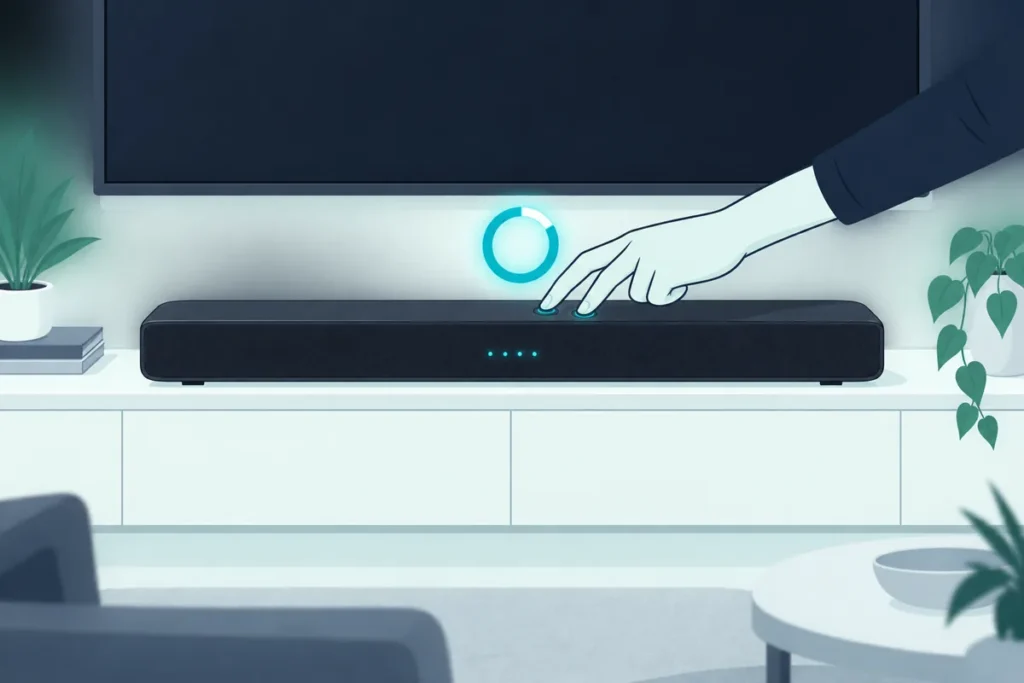
To reset a Polk soundbar, hold the reset buttons for your model on the bar itself until the lights blink or it plays a tone. A Signa S2, for example, needs Power, Source and Volume Up held together for at least 10 seconds.
The TV’s playing, the Polk bar is lit, and nothing comes out of it. Or it’s stuck on the wrong input and ignores every press of the remote.
A factory reset clears that, but Polk doesn’t use one button combination across its range. Holding the wrong buttons just changes the volume.
That’s why the model matters before anything else. The model name is printed on the bar’s back panel or its box.
Below you’ll find the exact reset for each Polk model covered by Polk’s published instructions, what a reset erases, and what to try first.
Which Buttons Reset Your Polk Soundbar?
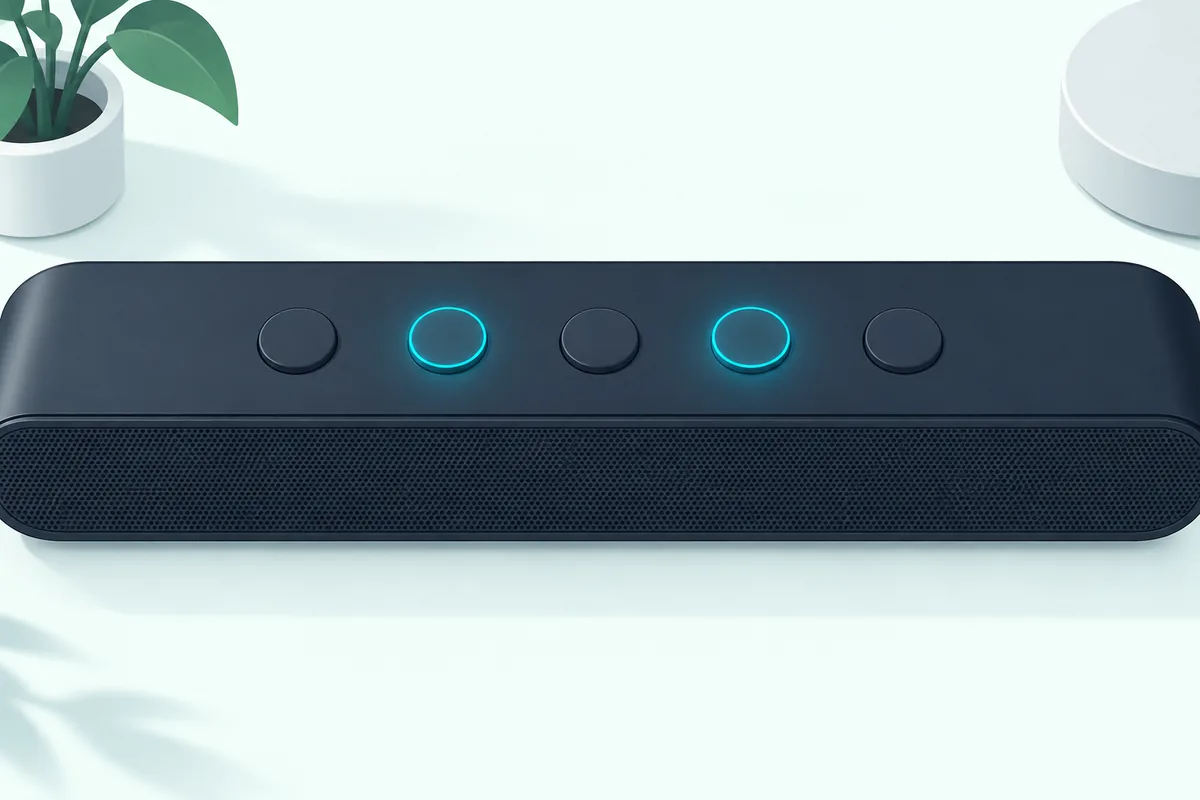
Every reset in this table uses buttons on the bar, so you don’t need the remote. Hold them together and keep holding until you see or hear the confirmation.
| Model | Hold these | For how long | You’ll know it worked when |
|---|---|---|---|
| Signa S2 | Power + Source + Volume Up (top of bar) | At least 10 seconds | Settings are erased and the bar restarts |
| Signa S4 | Power + Input Source + Volume Up (top of bar) | 5 seconds | LEDs 1 to 4 blink red three times |
| MagniFi Mini | Reset button (back of bar) | At least 15 seconds | You hear a two-tone sound |
| MagniFi Max | Reset button (back, beside the USB port) | About 15 seconds | You hear two “dings” |
| React | Action button | About 25 seconds | The light bar turns orange, then blue |
The sources are Polk’s Signa S4 reset page and React manual, plus Polk’s Australian distributor for the Signa S2 and MagniFi Mini.
Other Polk models, including the Signa S3, use their own combination or a rear reset button. Check the quick start guide for your model rather than guessing, since the wrong buttons change settings instead of clearing them.
If you can’t tell which model you own, the best Polk soundbar picks show the current range side by side.
Resetting a MagniFi Max
The MagniFi Max needs a little more than a button hold, because its reset also starts a firmware update. Polk’s Australian distributor gives these steps (Westan support):
- Make sure the soundbar and subwoofer are on, along with the SR1 surround speakers if you have them.
- Find the small reset button on the back, below the Wi-Fi light and beside the USB port.
- Hold it for about 15 seconds, until you hear two “dings.”
- Reconnect the bar in the Google Home app, check the firmware version in the app’s settings, and set it up again.
- If the subwoofer and SR1 speakers don’t resync by themselves, press the Sync button on each.
White lights glowing on and off mean firmware is being sent to the speakers. That takes several minutes, the bar switches itself off when it’s done, and Westan suggests leaving it alone for about 15 minutes.
When the Update Is the Real Fix
Westan says that connection problems or noises such as rhythmic subwoofer thumps, hissing or buzzing from the SR1 surrounds are most likely fixed by a firmware update. So on a MagniFi Max, the reset is often the way to get that update rather than the fix itself.
It also suggests starting the process before bed so the update can run overnight. A little hiss from the SR1 speakers during the update is normal and stops once it finishes.
Should You Reset It, or Is Something Else Wrong?
A reset clears your settings, so it’s worth two minutes of checks first. Many “Polk soundbar not working” problems are really a TV setting or a loose cable.
Unplug the bar from the wall for a minute, then plug it back in. That clears a frozen state without erasing anything.
Next, check the input. If the TV connects over HDMI ARC, the bar has to be on its HDMI input, and the TV’s audio output has to be set to an external speaker rather than its own.
Polk’s steps for the HDMI ARC and optical routes, along with the TV settings, are in our guide on how to connect a Polk soundbar to a TV.
If there’s still no sound over HDMI, our steps to fix no sound from a soundbar go through the TV-side settings in order. Only reset once those checks come up clean.
A worn HDMI cable can cause the same silence, and a certified replacement such as the UGREEN 8K HDMI 2.1 Cable rules it out.

UGREEN 8K HDMI 2.1 Cable
Get Studio Tips Weekly
Join 5,000+ creators getting acoustic treatment advice every week.
No spam. Unsubscribe anytime.What Does a Factory Reset Erase?
Once you do reset, expect to set the bar up again. Polk’s Signa S4 page lists exactly what goes back to default.
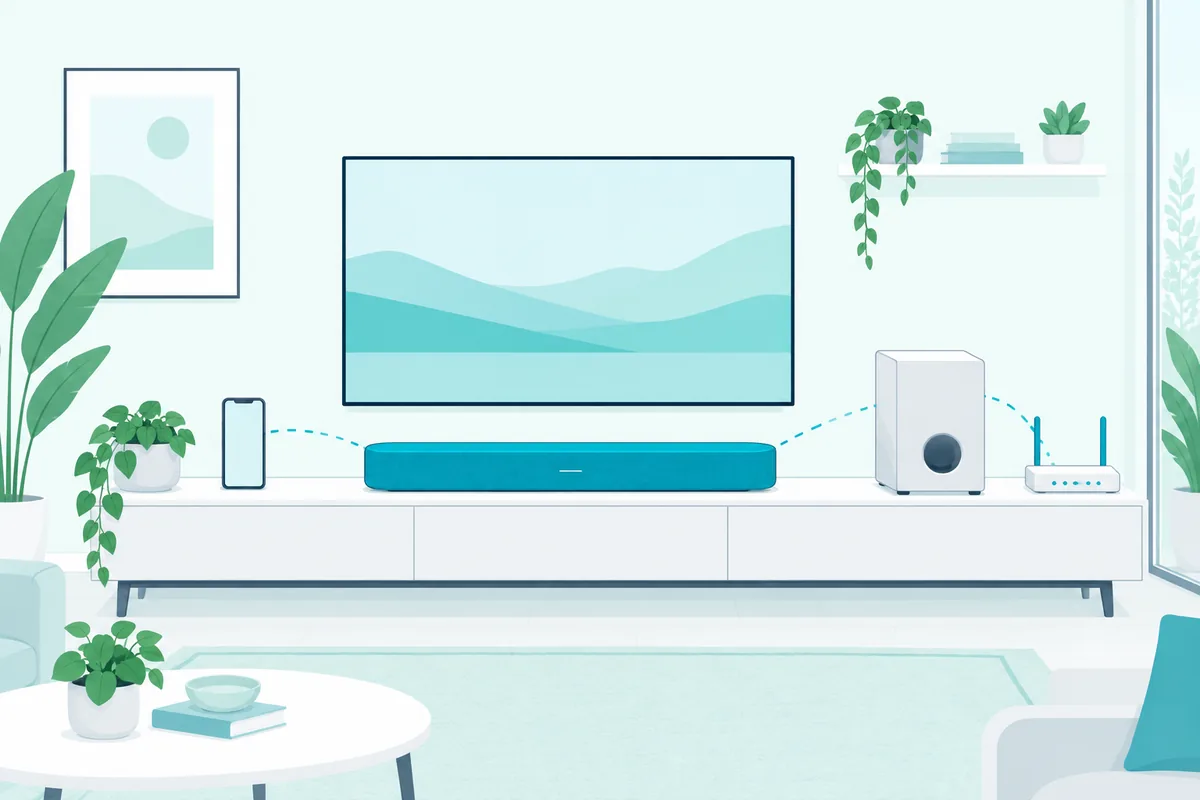
Volume, input, bass level and sound mode return to their factory values. Learned remote codes are cleared, and so are Bluetooth pairings and HDMI information.
Two things survive on the Signa S4: the subwoofer pairing and the current firmware. A reset doesn’t roll back an update.
Wi-Fi models ask for more. After a MagniFi Mini reset, you’ll need to connect it to your Wi-Fi again from scratch.
What If the Subwoofer Won’t Reconnect After the Reset?
That kept pairing isn’t guaranteed on every model. If the sub’s light keeps blinking after a reset, link the two again by hand.
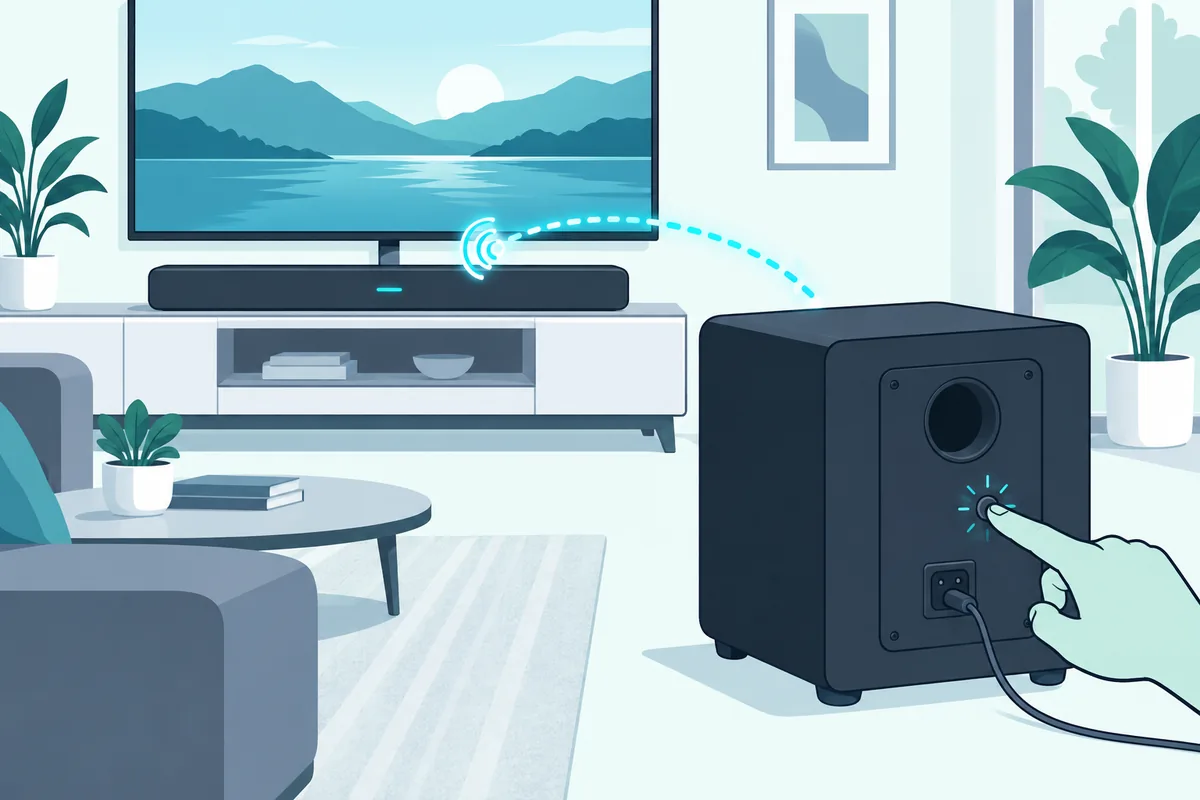
On a Signa S1 or S2, turn the bar on and hold the LINK button on the back of the subwoofer for 3 seconds. Then hold Bluetooth and Volume Up on the bar for 5 seconds, according to Polk’s distributor.
The first two LEDs on the bar flash while it searches and stop once the sub connects. If they flash together five times, it didn’t connect, so move the sub closer and try again.
Other brands use a similar routine, and Burton Acoustix’s subwoofer pairing guide covers the common patterns.
When Is a Reset Not Enough?
Even a clean reset only fixes settings, not hardware. If the bar won’t power on, won’t show any lights, or cuts out even after a clean reset, the fault is likely inside the unit.
For those symptoms, our step-by-step checks walk through the tests that separate a dead bar from a setup problem. If yours is still under warranty, contact Polk before opening anything.
If the bar is out of warranty and failing, the Polk Signa S2 is the closest like-for-like replacement, with its own wireless subwoofer.
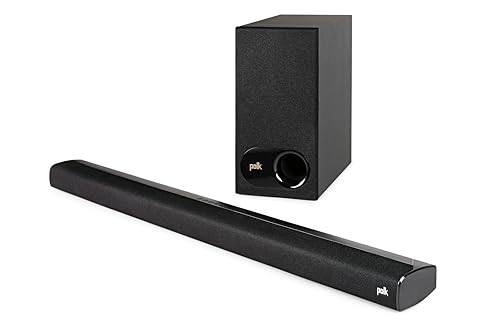
Polk Signa S2
For Dolby Atmos, the Polk Signa S4 adds height channels while staying just over 2 inches tall.
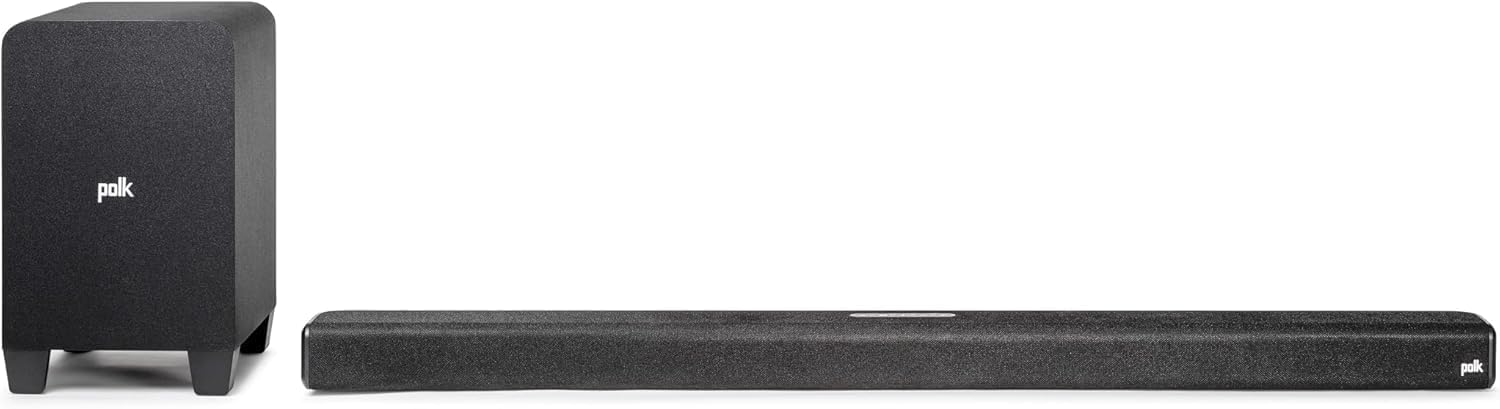
Polk Signa S4
In a small room, the Polk MagniFi Mini AX packs Dolby Atmos and Wi-Fi streaming into an ultra-compact bar.
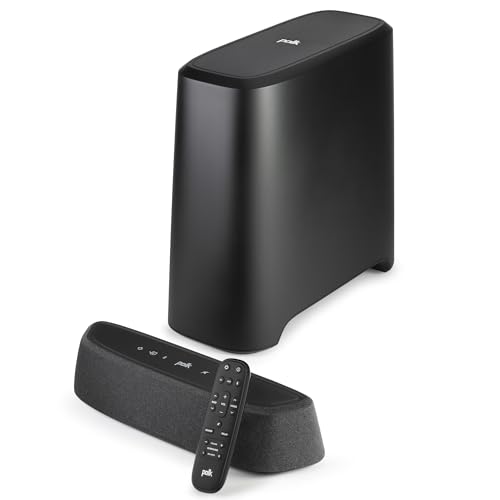
Polk MagniFi Mini AX
Resetting a different brand? The button patterns for Samsung, Vizio, Sony and others are in our guide on how to reset a soundbar of any brand.
Frequently Asked Questions
Does resetting a Polk soundbar remove the subwoofer pairing?
On the Signa S4, no. Polk says the subwoofer pairing and firmware are kept, while volume, input, sound mode, remote codes and Bluetooth pairings are reset.
Can I reset a Polk soundbar without the remote?
Yes. Every reset listed above uses buttons on the bar itself, so the remote isn’t needed.
Why won’t the buttons on my Polk soundbar respond?
If the remote works but the bar’s buttons don’t, the buttons themselves may be sticking. iFixit’s MagniFi troubleshooting guide suggests cleaning under the keys before assuming a bigger fault (iFixit).
How long does a Polk soundbar reset take?
The hold time runs from 5 seconds on a Signa S4 to about 25 seconds on a React. The bar then restarts, and a MagniFi Max can take about 15 minutes more while its firmware updates.