How to Connect a Fire TV Soundbar, or Any Soundbar to Fire TV
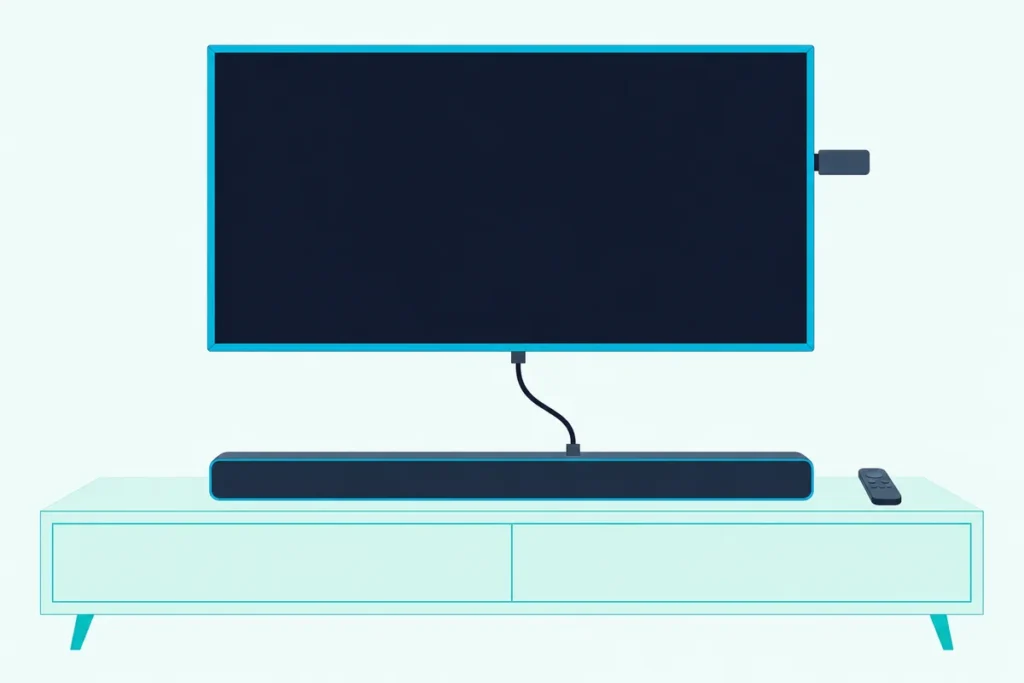
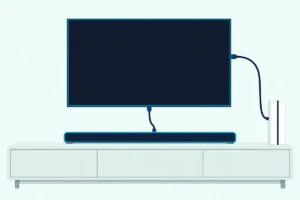
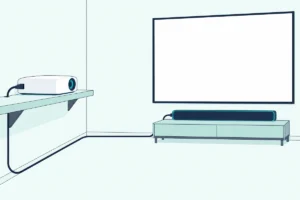
Here’s how to connect a Fire TV soundbar, whether it’s Amazon’s own bar or any bar on a Fire TV Stick or Fire TV smart TV: run HDMI from the TV’s eARC/ARC port to the bar, then turn on HDMI CEC.
Two menus matter as much as the cable, since a TV that still plays through its own speakers just needs that output switched off.
Once both are set, one Fire TV remote runs the TV and the bar, which is what Amazon means by calling its soundbars Fire TV Ready.
Below are the two layouts soundbar makers document for a Fire TV Stick or Cube, the Fire TV menu paths, and the optical and Bluetooth fallbacks.
Start with the layout that matches what you own, then use the checks at the end if the bar stays quiet.
How to Connect a Fire TV Soundbar to Your TV
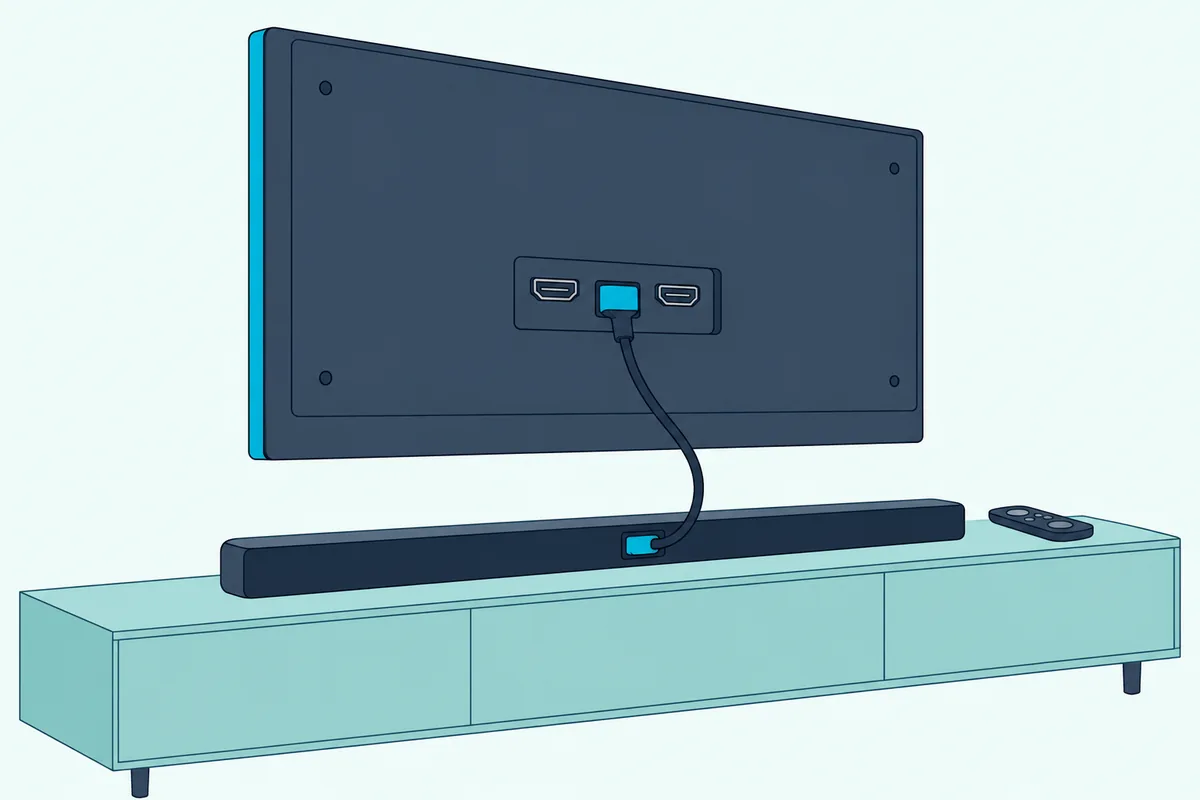
That eARC/ARC port is the main step for Amazon’s own bars. Amazon’s listings for the Fire TV Soundbar and Fire TV Soundbar Plus give one step: plug the included HDMI cable into the HDMI eARC/ARC port on your TV.
The TV and soundbar makers fill in the rest:
- Find the TV’s HDMI port marked eARC or ARC (HDMI 2 on Panasonic’s Fire TVs, HDMI 1 on the W70 series).
- Connect the bar to it with the included cable, and power both on.
- Turn on ARC and HDMI-CEC on the TV; on an Insignia Fire TV that’s Display & Sounds > External Inputs > HDMI CEC Device Control.
- Switch the TV speakers off so only the bar plays.
Amazon says both bars work with smart TVs and TVs connected to streaming media players, so the TV needn’t run Fire TV. AFTVnews’ launch report adds that the original Fire TV Soundbar has an optical input for older TVs.
Amazon’s own setup pages couldn’t be read for this guide, so these steps stop where the listings and TV makers stop. Other TVs’ menus are in our guide on how to hook up a soundbar to any TV.
Where Does the Fire TV Stick Plug In When You Add a Soundbar?
That same ARC cable matters when the Fire TV is a stick or a Cube. Nakamichi recommends plugging the Fire TV 4K or Cube straight into a TV HDMI input and sending the sound to the bar over the TV’s HDMI ARC.
| Layout | Where the Fire TV plugs in | Who documents it |
|---|---|---|
| Through the TV | A TV HDMI input; the bar sits on the TV’s ARC port | Nakamichi’s Fire TV CEC pages |
| Through the bar | The bar’s HDMI input, ahead of the TV | Nakamichi’s audio pages, Yamaha’s YAS-109 sheet |
The second layout puts the stick ahead of the TV. Nakamichi’s Fire TV Stick page plugs the Fire TV Stick 4K Max into its bars’ HDMI 2 or 3, which it calls the processing-prioritized ports.
Yamaha’s YAS-109 sheet plugs the stick’s included HDMI extender into the bar’s HDMI In, since the port has little room around it. It also says the bar’s USB port can’t power the stick, so use the stick’s own adapter.
Nakamichi asks for an HDMI-certified High Speed cable rated 18Gbps. If your bar came without one, UGREEN’s 6.6 ft Certified Ultra High Speed HDMI cable is sold as one.

UGREEN’s 6.6 ft Certified Ultra High Speed HDMI cable
Get Studio Tips Weekly
Join 5,000+ creators getting acoustic treatment advice every week.
No spam. Unsubscribe anytime.Which Fire TV Settings Send the Sound to the Soundbar?
With the cables in, the menus decide where the sound goes, and they differ between a Fire TV device and a Fire TV smart TV. Nakamichi’s setting pages give these paths, all under Settings > Display & Sounds:
| Device | Menu path | Setting |
|---|---|---|
| Fire TV 4K or Stick 4K Max | HDMI CEC Device Control | On |
| Fire TV Stick 4K Max | Audio > Surround Sound | Best Available |
| Fire TV 4K | Audio > Dolby Digital Output | Dolby Digital over HDMI |
| Insignia or Toshiba Fire TV | Audio Output > TV Speakers | Off |
| Insignia Fire TV | Audio Output > Digital Audio Format | Auto |
| Toshiba Fire TV | Audio Output > Digital Audio Format | Dolby Digital |
The format rows are Nakamichi’s picks for its own bars, and its Insignia and Toshiba pages pick differently. Think of the format as the language the TV speaks to the bar: Auto lets them agree, while a fixed choice suits a bar you know decodes it.
How Do You Get the Fire TV Remote to Run the Soundbar?
That HDMI CEC switch in the first row does more than route sound. Nakamichi says pressing any button on the Fire TV remote wakes the Fire TV, which sends the HDMI-CEC signal that powers the soundbar on, followed by the TV.
Remote and Alexa control of the bar is set up under Settings > Equipment Control: Automatic – Video and Music on a Fire TV Stick 4K Max, per Nakamichi, or Set Up Equipment Again on a Cube, then the soundbar option and its brand.
The remote setup button by button, including brands that won’t answer, is in our walkthrough for using a Firestick remote on any soundbar. A bar that stays off when the TV wakes is covered in making a soundbar power on with the TV.
Can You Connect a Bluetooth Soundbar to a Fire TV Stick?
Bluetooth skips those HDMI settings entirely, which is why it tempts people. Dexerto’s walkthrough pairs one from Settings > Controllers & Bluetooth Devices > Other Bluetooth Devices > Add Bluetooth Devices, with the bar in pairing mode.
Pick the bar from the list of nearby devices and confirm. Dexerto adds that a Fire TV streams audio to one Bluetooth speaker at a time unless you add a third-party gadget.
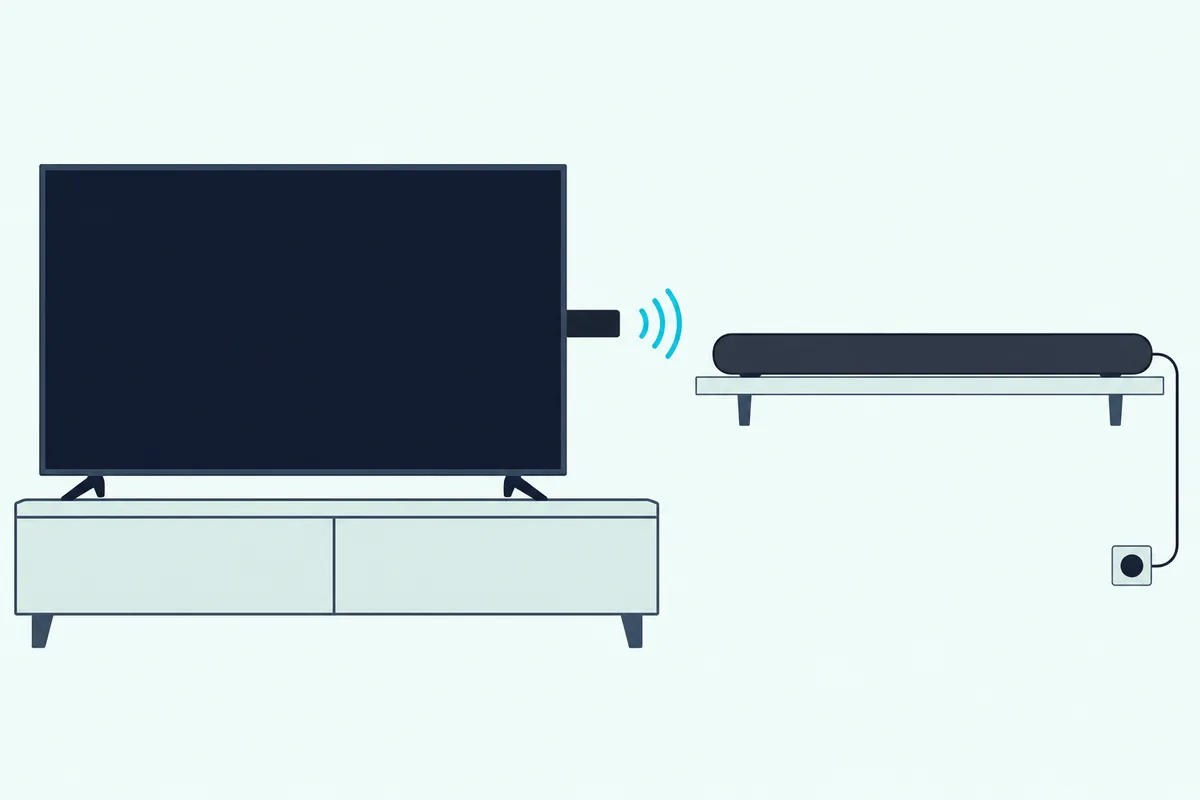
Amazon’s own bars use Bluetooth differently. Their listings describe it for streaming music from a phone or tablet, while the TV connection is the HDMI cable from the first section.
How Do You Connect a Soundbar to a Fire TV Without HDMI ARC?
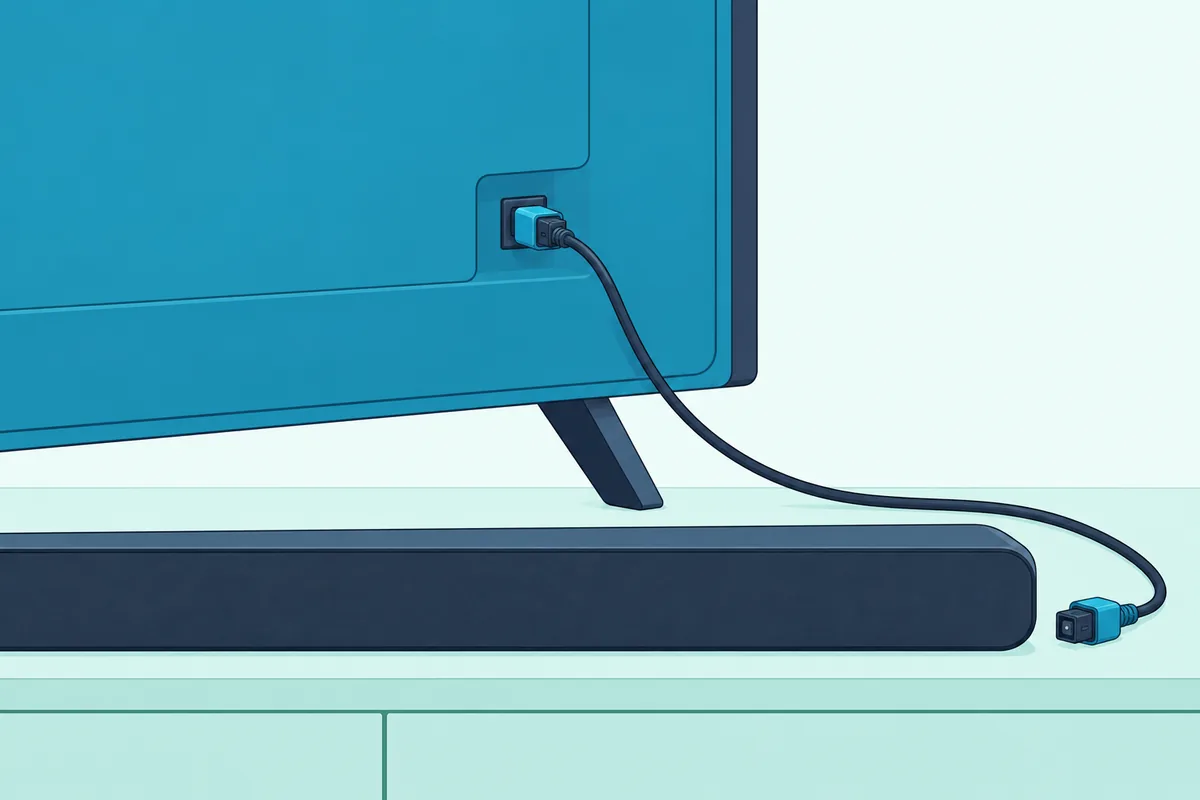
That HDMI cable has a fallback when the TV or bar lacks ARC. Panasonic’s Fire TV article says to run a digital optical cable from the TV’s Digital Audio port to the bar’s optical input, then adjust the Fire TV’s audio output settings so sound goes through it.
On Insignia and Toshiba Fire TVs, Nakamichi checks an optical hookup by switching the bar to its OPTICAL input and watching the lights that show Dolby Digital or DTS.
Panasonic’s Fire TVs add a 3.5mm headphone/subwoofer jack, but that’s for headphones or a powered subwoofer, not a soundbar. The jack supplies no power, so a subwoofer needs its own amplifier.
Does a Fire TV Need Amazon’s Fire TV Soundbar?
Every route above works with any soundbar that has the right input, so no. AFTVnews calls the Fire TV Soundbar an accessory with no Fire TV hardware inside, unlike the earlier Nebula and TCL soundbars that had Fire TV built in.
What it adds is the Fire TV Ready promise of one remote for TV and audio. The Fire TV Soundbar is the 2.0 model, 24 inches long, with DTS Virtual:X and Dolby Audio.
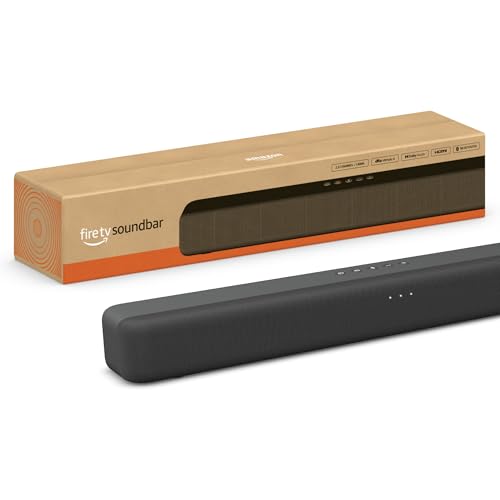
The Fire TV Soundbar
The step up adds a center channel and built-in bass. The Fire TV Soundbar Plus is the 3.1 model, with sound settings in the Fire TV menu on select models.
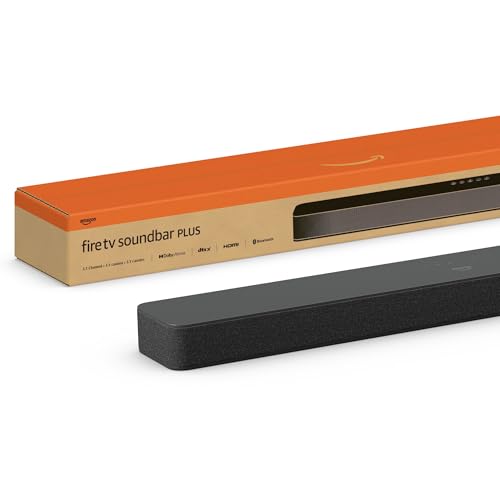
The Fire TV Soundbar Plus
Why Is There No Sound From the Soundbar on Fire TV?
A silent bar traces back to a step above, so work down this list:
| Check | What to do |
|---|---|
| Port | Use the TV’s eARC/ARC port (HDMI 2 on Panasonic Fire TVs, HDMI 1 on the W70) |
| ARC at both ends | Panasonic says the Fire TV and the audio system both need ARC/eARC enabled |
| CEC | Turn HDMI CEC Device Control on under Display & Sounds |
| TV speakers | Set Audio Output > TV Speakers to Off on a Fire TV smart TV |
| Format | Try Auto or Dolby Digital under Digital Audio Format |
| Refresh | Unplug the bar for 2 minutes, then plug it back in |
That refresh is Nakamichi’s fix for a bar that loses its HDMI link after the TV’s scheduled auto-updates.
Frequently Asked Questions
Can I connect my Firestick to my soundbar?
Yes. Plug the Firestick into a TV HDMI input and the soundbar into the TV’s eARC/ARC port, or plug the stick into the bar’s own HDMI input, as Nakamichi and Yamaha document. Then turn on HDMI CEC Device Control under Settings > Display & Sounds; Bluetooth pairing is the wireless option.
How do I set up a Fire TV Soundbar with a non-Fire TV, like a Samsung TV?
The same way as on any TV. Amazon’s listing says to plug the included HDMI cable into the TV’s HDMI eARC/ARC port and that the bar works with smart TVs; then turn on the TV’s own ARC and HDMI-CEC settings.