How to Connect an Insignia Soundbar to a TV
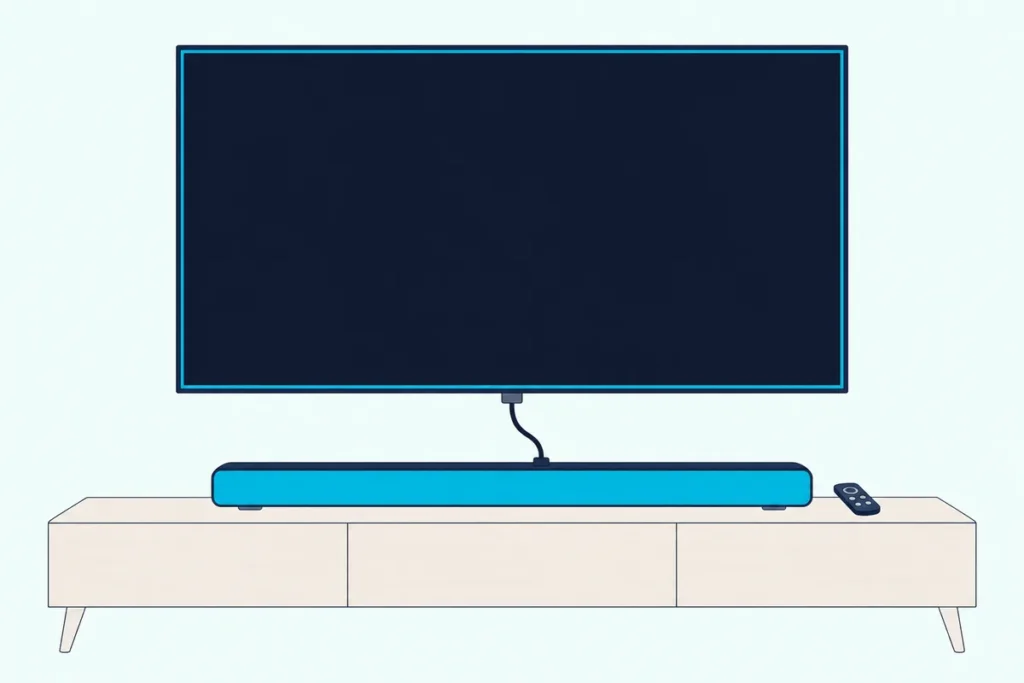
Here’s how to connect an Insignia soundbar to a TV: run an HDMI cable from the bar’s HDMI ARC jack to the TV’s ARC port, set the TV’s audio output to PCM, and press the source button until the light turns white.
Insignia’s guides repeat that PCM step for both the ARC and optical routes, and a TV left on another format sits behind several of their no-sound and buzzing fixes.
Get it right and the TV’s own sound reaches the bar over that one cable, with no second audio cable.
Below are the ports on ten Insignia bars, the cable the box may leave out, and the menus on Insignia and Toshiba Fire TVs, Roku TVs, Samsung and LG.
After that come the optical, AUX and Bluetooth routes, the TV-remote options, the light colors and Insignia’s fixes for a quiet bar.
How to Connect an Insignia Soundbar to a TV
That white light is your proof the ARC route works. The NS-SB21 quick setup guide calls ARC the best connection, ahead of digital optical (better) and AUX (good), and its NS-SB20 and NS-SB20S siblings rank them the same way.
Here’s the order those guides give, with the TV step from the NS-HTSB22 quick setup guide:
- Take the caps off both ends of the HDMI cable, then connect the bar’s ARC jack to the TV’s ARC jack.
- On the TV, turn on CEC and ARC audio control (usually in the system or HDMI settings).
- Change the TV’s audio output to PCM, usually in its audio settings.
- Press the source button on the bar or its remote until the status light turns white.
The guides disagree on when to plug in the power. The NS-SB21 and NS-HTSB2123 guides say to connect the bar’s power before the audio source, while the NS-HTSB22 guide says to plug in the AC power cord only after all other connections are made.
Think of PCM as the plain version of the TV’s sound that every Insignia guide here asks for. The NS-SB21 guide allows PCM or DTS and the 5.1.2-channel NS-SB512 guide PCM, DTS or Dolby, but the other guides ask for PCM alone.
If your TV isn’t covered below, how to connect a soundbar to any TV lists each brand’s ARC and CEC names side by side.
Which Ports Does Your Insignia Soundbar Have?
Those steps need an ARC jack, and six of these ten bars have one. Insignia’s guides list these jacks and box contents:
| Model | ARC jack | Optical jack | AUX jack | ARC cable in box | Optical cable in box |
|---|---|---|---|---|---|
| NS-SB512 (5.1.2, Dolby Atmos) | eARC/ARC | Yes | 3.5 mm | Yes | No |
| NS-SB21 (2.1, subwoofer) | ARC | Yes | 3.5 mm | Yes | No |
| NS-SB20 (2.0) | ARC | Yes | 3.5 mm | Yes | No |
| NS-SB20S (2.0 mini) | ARC | Yes | 3.5 mm | Yes | No |
| NS-HTSB2123 (2.1, wireless subwoofer) | ARC | Yes | 3.5 mm | No | Yes |
| NS-HTSB22 (2.0) | ARC | Yes | 3.5 mm | No | Yes |
| NS-HTSB20S (2.0, 20 in.) | No | Yes | 3.5 mm | No jack | Yes |
| NS-HSB318 (2.0) | No | Yes | RCA | No jack | No |
| NS-HMSB20 (2.0 mini) | No | Yes | RCA | No jack | No |
| NS-SBAR21F20 (2.1) | No | Yes | RCA | No jack | No |
The NS-SB512, NS-SB21, NS-SB20 and NS-SB20S guides carry a 2025 Best Buy copyright, while the NS-HSB318, NS-HMSB20 and NS-SBAR21F20 guides date from 2017 and 2019. Every model also has a USB port and Bluetooth.
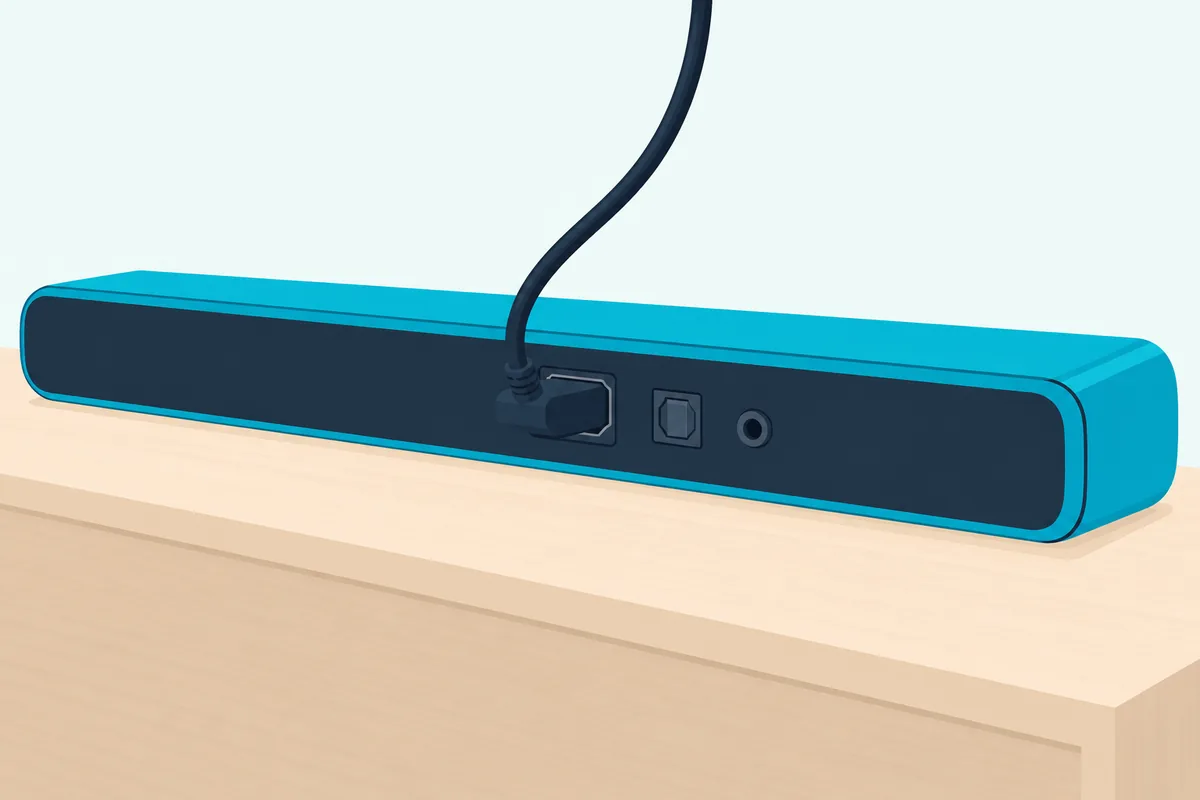
So the model number on the bar’s back label tells you the route before you touch a cable. The three older bars’ guides rank optical as their best connection, ahead of RCA.
Get Studio Tips Weekly
Join 5,000+ creators getting acoustic treatment advice every week.
No spam. Unsubscribe anytime.Do You Need to Buy a Cable for an Insignia Soundbar?
Those two box columns answer it. Buy an HDMI cable for the NS-HTSB22 and NS-HTSB2123, whose guides list it as not included, and an optical cable for the other ARC bars if your TV has no ARC port.
The guides don’t name a cable type, only an HDMI cable between the two ARC jacks. If you need one, Highwings’ 6.6 ft Certified Ultra High Speed HDMI cable is sold as that certified type.
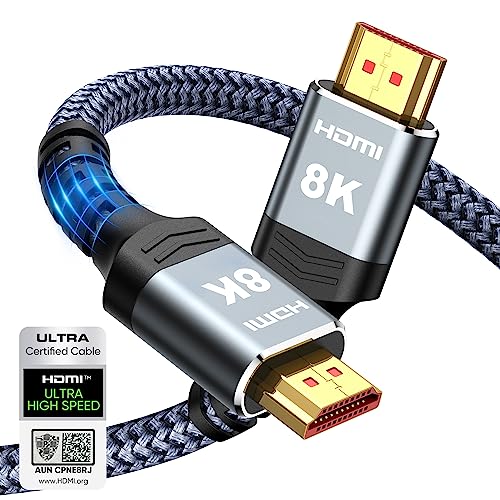
Highwings’ 6.6 ft Certified Ultra High Speed HDMI cable
Optical is the cable the other four ARC bars leave out, and the three older bars too. For those, Amazon Basics’ 6 ft TOSLINK optical cable is sold for sound bars.
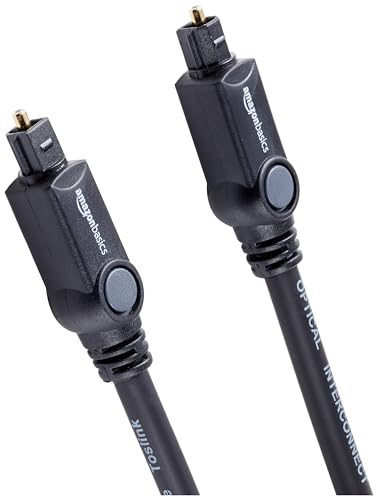
Amazon Basics’ 6 ft TOSLINK optical cable
Which Settings Send an Insignia Fire TV’s Sound to the Bar?
That cable goes into a specific jack on an Insignia Fire TV. The Insignia 24-inch and 32-inch Fire TV quick setup guide says to use the DIGITAL OPTICAL OUTPUT jack or the HDMI1 (ARC) jack, then, from the Home menu, go to Settings > Display & Sounds > Audio Output > Digital Audio Format and choose PCM.
That PCM choice is the same one the bar’s guide asks for, so you set it once on the TV. Toshiba’s 2018 Fire TV guide also puts ARC on HDMI 1 (ARC), so on both brands check the label beside each jack.
Nakamichi’s settings page for a 2020 Insignia Fire TV (reference model NS50DF711SE21) also sets TV Speakers to Off under Settings > Display & Sounds > Audio Output. Its Digital Audio Format pick is Auto, but that page is written for Nakamichi’s own bars, and Insignia’s guides ask for PCM.
For the CEC side, Roku’s guide to HDMI-CEC and ARC settings gives the Fire TV path for any brand: Settings > Display & Sound > HDMI-CEC Devices, with options such as 1-Touch Play and Power Control turned on. It then enables ARC under Settings > Display & Sound > ARC > Enable HDMI ARC.
The two guides spell the menu differently (“Display & Sounds” in Insignia’s, “Display & Sound” in Roku’s), so look for either. If the Fire TV remote’s volume or the sound still won’t behave, Fire TV remote and sound settings for any soundbar has both menus step by step.
What Changes on a Roku TV, Samsung or LG TV?
Those Fire TV menus are one family, and the other brands use their own names for the same two switches. On each TV, turn on CEC and point the sound output at the ARC jack, then keep the TV’s digital audio format on PCM for an Insignia bar.
Here are the paths, from Roku’s guide unless the row names LG’s:
| TV | Name for CEC | Where to turn it on | Where to send the sound |
|---|---|---|---|
| Roku TV | Control other devices (CEC) | Settings > System > Control other devices (CEC) > 1-touch play | Settings > Audio > Audio Output > eARC |
| Samsung | Anynet+ (HDMI-CEC) | Settings > All Settings > Connections > External Device Manager | Not given in Roku’s guide |
| LG (webOS 24, LG’s guide) | SIMPLINK (HDMI-CEC) | Settings > All Settings > General > External Devices > HDMI Settings | Sound > Sound Out > HDMI(ARC) Device |
LG’s guide adds that choosing that Sound Out device turns SIMPLINK on by itself, and it lists Optical Out Device for a TOSLINK cable.
On a Roku TV, hooking a soundbar to a Roku TV covers the audio menu step by step.
How Do You Connect an Insignia Soundbar With an Optical Cable?
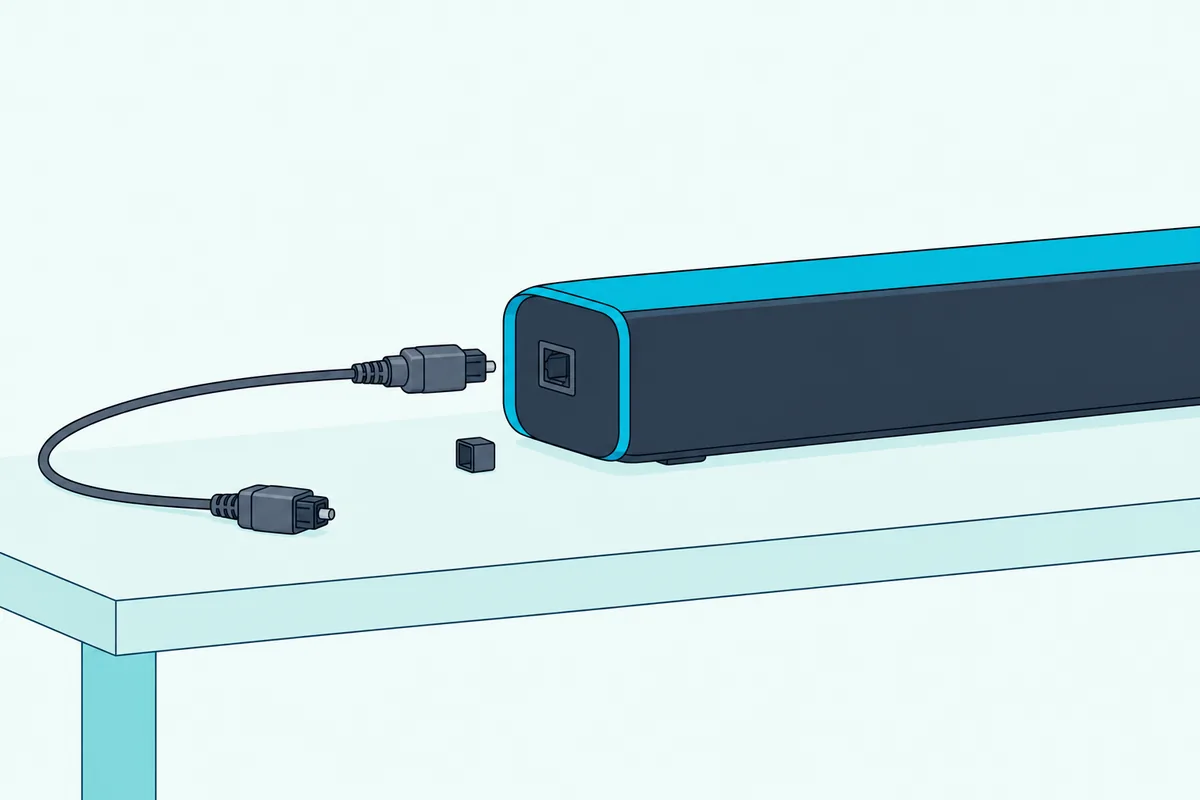
That Optical Out setting is the fallback when the TV has no ARC jack. Run the TOSLINK cable from the TV’s digital optical output to the bar’s OPTICAL jack, set the TV’s output to PCM, and press the source button until the light turns green.
The guides’ order is short:
- Remove the caps from both ends of the optical cable.
- Connect one end to the bar’s OPTICAL jack and the other to the TV’s digital optical output.
- Change the TV’s audio output to PCM.
- Press the source button on the bar or remote until the light turns green.
AUX is the third choice. On the newer bars, connect a 3.5 mm cable from the TV’s headphone or audio output to the AUX jack and pick the yellow light (orange on the NS-HTSB22, NS-HTSB2123 and NS-HTSB20S); the NS-HSB318, NS-HMSB20 and NS-SBAR21F20 take the TV on their red and white RCA jacks instead.
Can the TV Remote Control an Insignia Soundbar?
That optical and AUX route gives up the TV-remote link ARC can bring. Yes, in two ways, depending on the model: over ARC with CEC on the NS-HTSB22 and NS-HTSB2123, or by teaching the bar your TV remote’s buttons, which is the NS-SB20, NS-SB20S and NS-SB21 guides’ answer.
The NS-HTSB22 guide says ARC and CEC let you control the bar with your TV remote, in PCM audio mode only. The NS-HTSB2123 guide says the TV remote runs the bar’s power and volume in sync with the TV.
The NS-SB20, NS-SB20S and NS-SB21 guides answer “My TV remote doesn’t control my soundbar” with learning, not CEC, and say the bar doesn’t turn on automatically with the TV. To teach it, start with the bar off:
- Hold the TV remote and the bar’s remote within 4 in. (10 cm) of the bar’s IR sensor.
- Hold the bar’s power button for three seconds; the light blinks yellow slowly.
- Press the matching TV remote button three times, watching more white lights come on, until the middle light turns from yellow to green.
- The bar moves to the next button in the guide’s order (power, mute, source and then the rest); it stops after 15 buttons, or after 20 seconds with no button pressed.
On the older NS-HSB318, its user guide says an Insignia TV remote or a programmed universal remote can change the volume, but not the source or the sound mode.
How Do You Pair an Insignia Soundbar by Bluetooth?
That remote question doesn’t arise with Bluetooth, where Insignia’s examples are an iPhone and a notebook computer. Select Bluetooth until the light blinks blue, search on the other device, and pick the bar’s model name, such as Insignia NS-SB21 or NS-HTSB22; the light turns solid blue when paired.
The NS-SB21 remote’s play/pause/Bluetooth button starts pairing when held for six seconds, and the NS-HTSB22 and NS-HTSB20S guides say to enter 0000 if a PIN is requested. Range is about 26 ft (8 m) on the NS-SB21 and 30 ft (10 m) on the NS-HTSB22.
The bar also reconnects to the last connected device when you turn it on, if that device is in range, per the NS-HTSB22 guide. Insignia gives no TV-specific Bluetooth steps, so check the TV’s own manual for a Bluetooth audio output first.
What Do the Lights on an Insignia Soundbar Mean?
That blue light is one of six colors on the newer bars. On the NS-SB20, NS-SB20S and NS-SB21, the status light shows white for ARC, green for optical, yellow for AUX, purple for USB, blue for Bluetooth and red when the bar is off.
| Light | NS-SB20, NS-SB20S, NS-SB21 | NS-HTSB22, NS-HTSB2123 |
|---|---|---|
| White | ARC | ARC |
| Green | Optical | Optical |
| Yellow / orange | AUX (yellow) | AUX (orange) |
| Purple | USB | USB |
| Blue | Bluetooth (blinks while pairing) | Bluetooth (blinks while pairing) |
| Red | Off | Off (standby on the NS-HTSB22) |
The NS-SB512 spells it out on a display instead (HDMI, OPT, AUX, BT). On the NS-HTSB22 and NS-HTSB2123, if the indicators blink in different colors, their guides say to set the TV’s audio output to PCM.
Why Is There No Sound From the Insignia Soundbar?
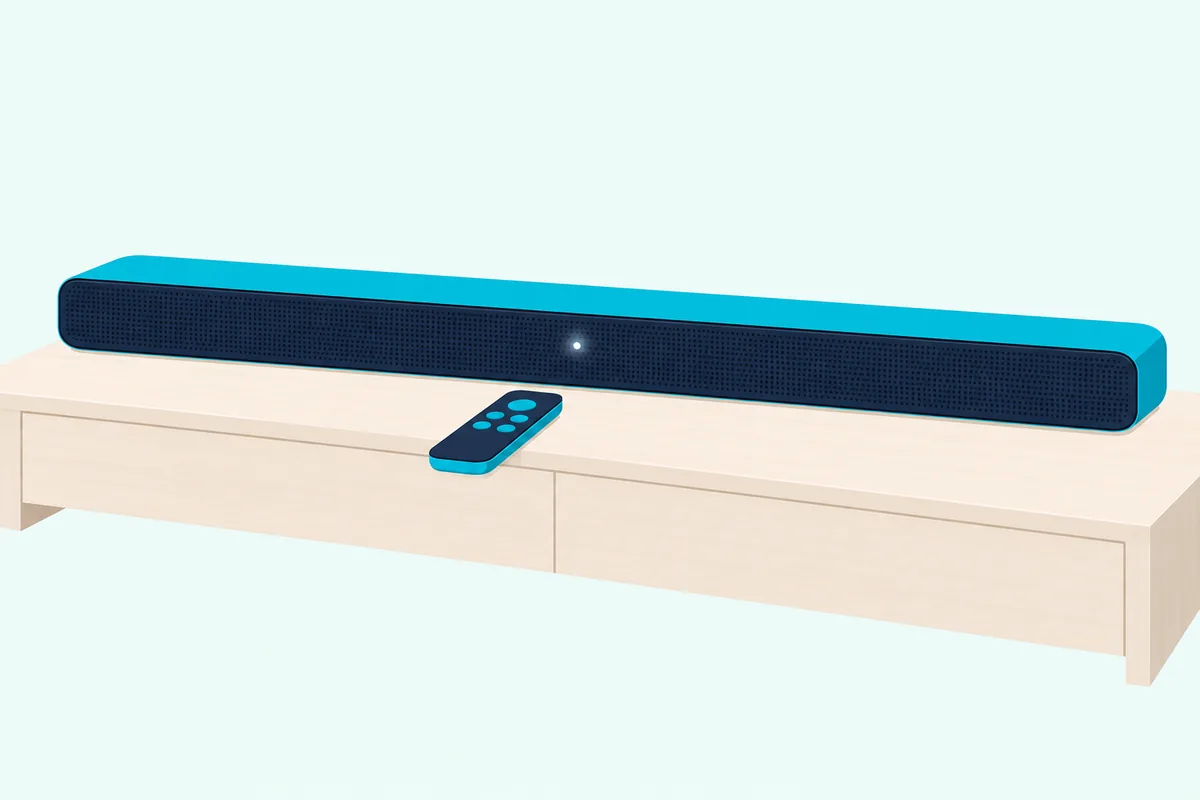
That PCM fix is the first thing to try, and the troubleshooting pages add more. Insignia’s guides trace a silent bar to the wrong source selected, a TV not sending sound to the bar, an input jack used where an output jack belongs, or a format other than PCM.
Work down the list from the NS-SB21, NS-HTSB22 and NS-HTSB2123 guides:
| What you notice | What to check |
|---|---|
| No sound over ARC | Cable in an ARC jack at both ends (plain HDMI jacks won’t work); CEC and ARC audio control on; TV output on PCM |
| ARC still silent | Switch the bar to another source and back to ARC; switch the TV’s input to ARC and back; turn the TV off and on |
| Buzzing or breaking up | Cable in the TV’s audio out jack, not an input; TV on PCM; try optical instead of AUX |
| Echo, or sound from both | Turn off or mute the TV’s speakers |
| Bar off after 15 minutes | No signal for 15 minutes puts the NS-SB20, NS-SB20S and NS-SB21 in standby |
| No bass from the subwoofer | Re-pair it; the NS-SB21 guide keeps it within 19.7 ft (6 m) |
Roku’s guide adds a reset order for a stubborn ARC link: unplug every HDMI device and the TV for about a minute, plug in and turn on the TV first, then the soundbar, then the rest.
A subwoofer can be paired by hand too. On the NS-HTSB2123, with the bar on and next to the subwoofer, hold the bar’s source button for three seconds, then the subwoofer’s PAIRING button for three seconds, and both lights blink turquoise until they link; a wireless subwoofer that won’t link covers other bars.
On the NS-SB21, a factory reset is the last step: with the bar on, hold the source button for 10 seconds until all the lights flash white once.
Frequently Asked Questions
How do I pair my Insignia soundbar to my TV?
Pair it over ARC rather than Bluetooth when the TV has an ARC port: connect the bar’s ARC jack to it with an HDMI cable, turn on the TV’s CEC and ARC settings, and set the audio output to PCM. Insignia’s Bluetooth steps give a phone and a notebook computer as examples, not a TV, so check your TV’s manual before you try that route.
Does it matter which HDMI port you use for a soundbar?
Yes. Insignia’s guides say jacks without ARC won’t work, so use the TV jack labeled ARC, which is HDMI1 on Insignia’s 24-inch and 32-inch Fire TVs and HDMI 1 on Toshiba’s 2018 Fire TVs, and the bar’s own ARC jack.
Is the Insignia soundbar Bluetooth?
Yes, every Insignia bar here pairs by Bluetooth. Select the Bluetooth source until the light blinks blue, then pick the bar’s model name on your phone or other Bluetooth device.
Can I connect an Insignia soundbar to the TV without the remote?
Yes. The power, source and volume buttons on the bar itself do the setup, and the source button cycles the lights until the right one shows, white for ARC or green for optical.