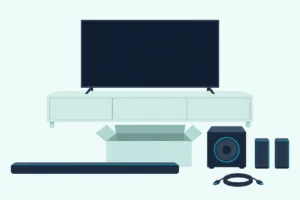
Use Cinema for films and anything you want spread around the room, and Standard to play a source on the channels it carries.
On an LG sound bar, Standard vs Cinema comes down to which drivers play, and the S95TR and S70TY manuals draw it: Standard keeps a stereo show on the front left and right channels, while Cinema sends every source to every speaker in the system.
That’s why wireless rears can sit silent through a stereo sitcom in Standard, while Cinema puts even a newsreader into the up-firing drivers.
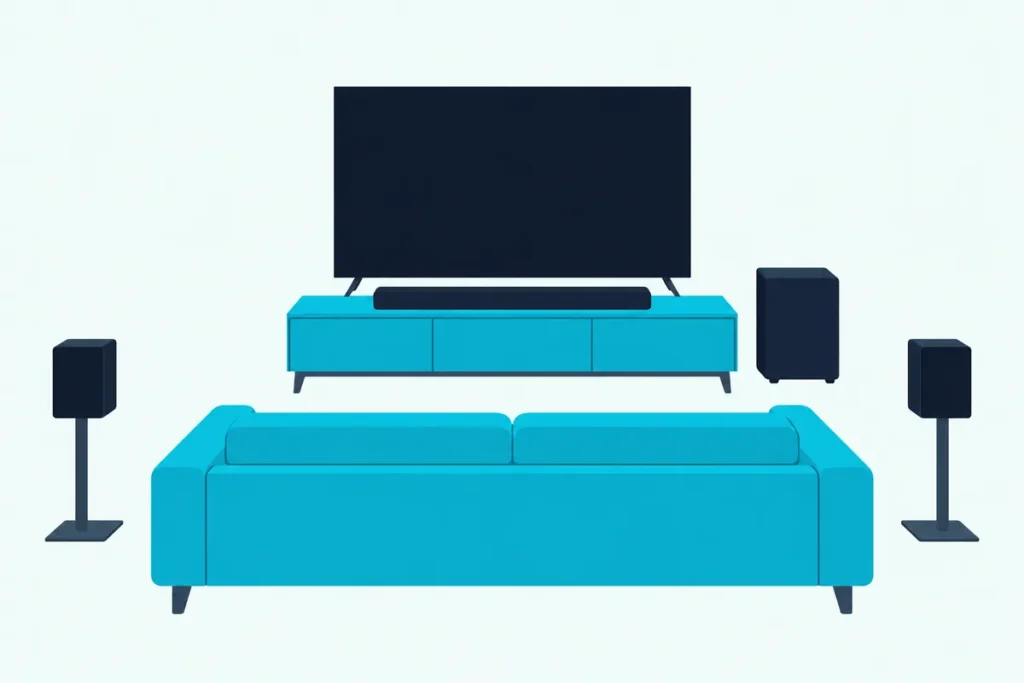
Match the mode to what’s on and you get the full system when a film calls for it, and the source’s own channels when it doesn’t.
Start by finding your bar in LG’s lists, because the S40T has four sound effects while the S70TY and S95TR have eight.
After that come the output tables, the older ASC bars, AI Sound Pro, and a mode for each kind of viewing and listening.
Which Is Better on an LG Sound Bar, Standard vs Cinema?
Those output tables settle it. Neither mode wins everywhere: Cinema is better for films and anything you want spread around the room, and Standard is better when you want a source played on the channels it carries.
The S95TR owner’s manual calls Standard optimized sound and Cinema “Cinematic 3D sound,” and its remote control page says Cinema lets you “Play content with 3D sound similar to a movie theater.”
| Mode | LG’s description (S95TR manual) | A stereo show plays from | Good fit |
|---|---|---|---|
| Standard | Optimized sound | The front left and right channels and the subwoofer | Stereo TV, music, anything you want left as mixed |
| Cinema | “Cinematic 3D sound” | Every driver, up-firing and rear included | Films and big series |
| AI Sound Pro | Artificial intelligence picks the settings to suit the content | Every driver, as in Cinema | Leaving one mode on all evening |
The last column is Burton Acoustix’s reading of LG’s tables, not LG’s own advice.
Standard isn’t a promise of flat, untouched sound, either. The S95TR, S70TY and S40T manuals describe it only as optimized sound, and the older LAS551H manual lists a separate FLAT mode (“Provides balanced sound”) beside STANDARD.
What Is the Difference Between Standard and Cinema Mode on an LG Soundbar?
That stereo column is where the LG soundbar Standard vs Cinema choice splits. The difference is which drivers play: in the S95TR manual’s table of output by input channels, Standard plays a 2.0-channel source on the front left and right channels and the subwoofer only, while Cinema plays every input, stereo included, on all of the bar’s drivers and on the rear speakers when they’re connected.
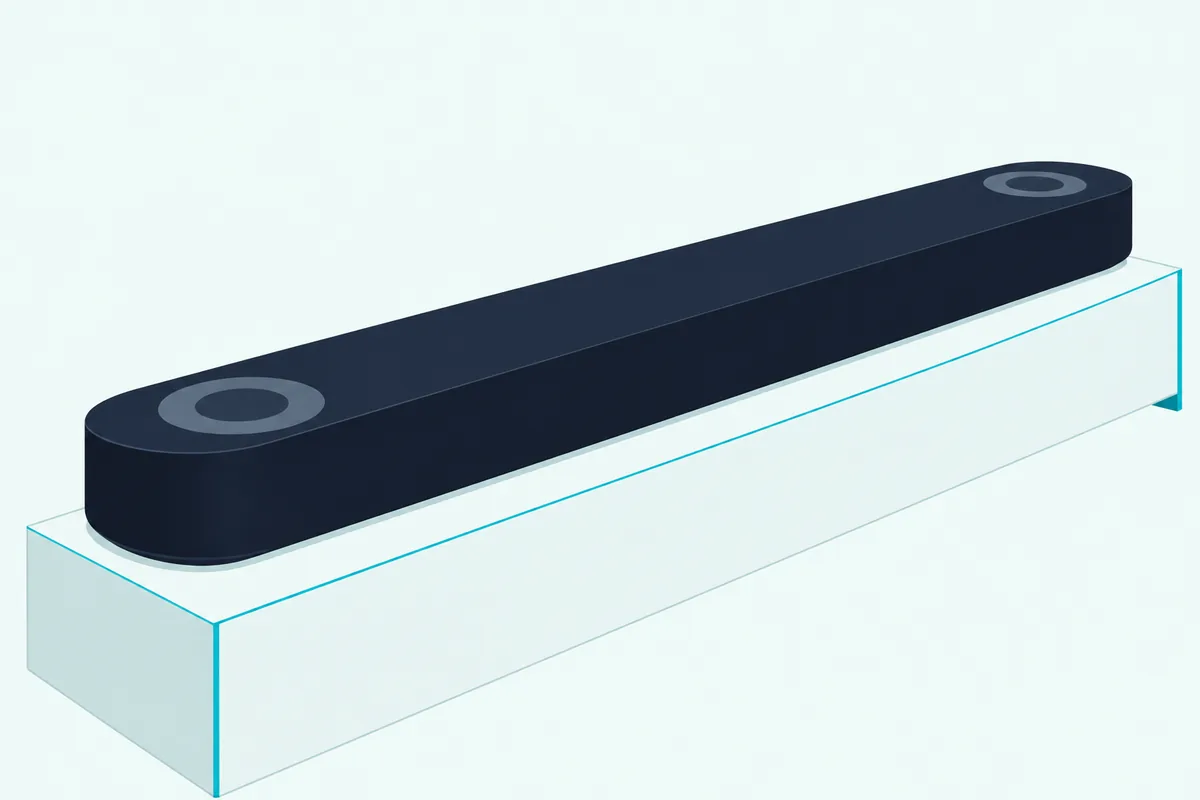
Standard follows the source as its channel count rises. A 5.1 or 7.1 source adds the center, the top center driver and the rears, and only a 7.1.4 source, the table’s row for content with height channels, reaches all of the up-firing drivers.
Cinema doesn’t wait for the source. Its row in the same table shows one layout for every input, from the up-firing drivers on the bar to the top drivers on the rears.
Think of Standard as playing the recording as delivered, and Cinema as staging it for the whole room.
The S70TY owner’s manual shows the same split on a smaller bar with one top center driver. In Standard a stereo source stays on the front left and right channels and the subwoofer, and in Cinema it reaches the center, the top center driver and any rears.
So the gap is widest with stereo and narrows as the channel count rises. With a source that already carries height channels, the 7.1.4 row, Standard uses every driver in both manuals, just as Cinema does.
Does the Surround Setting Change What Standard Plays?
Those silent rears in Standard aren’t the end of the story, because LG adds a separate switch. Yes: the S95TR and S70TY manuals describe a Surround setting that plays “immersive 3D sound produced by multiple audio channels from the speakers, regardless of the channels in the originally recorded content.”
LG’s own example is stereo music in Standard with the rears connected. With Surround off, the S95TR drawing puts that music on the front channels and the subwoofer alone, and with Surround on it plays from all nine positions the manual numbers, subwoofer included.
To switch it on an S95TR, press Settings so LED2 blinks white, choose the surround setting with Left or Right, then press Up or Down. LED1 blinking white means it’s on, and LED3 blinking white means it’s off.
So Standard with Surround on matches Cinema’s driver count, while Standard with Surround off leaves a source on the channels it arrived with. The S40T doesn’t offer the choice, since its manual lists only Auto Power, Night Time and Display under Settings.
Try it with a stereo channel and the rears connected: with Surround off they should stay quiet, and with it on they should join in.
Which Sound Modes Does Your LG Soundbar Have?
That missing switch on the S40T is the first sign that the list depends on the bar. It does: the S95TR and S70TY manuals list eight sound effects, the S40T owner’s manual lists four, and older bars use different names again.

| Bar | Sound effects in LG’s manual | Automatic mode | Movie mode |
|---|---|---|---|
| S95TR | AI Sound Pro, Standard, Cinema, Clear Voice Pro, Sports, Music, Game, Bass Blast (Bass Blast+) | AI Sound Pro | Cinema |
| S70TY | The same eight | AI Sound Pro | Cinema |
| S40T | AI Sound Pro, Cinema, Standard, Game | AI Sound Pro | Cinema |
| SL10YG | ASC, Bass Blast or Bass Blast+, Standard, Movie, Music | ASC | Movie |
| SK5Y | ASC, Standard, Bass Blast or Bass Blast+, DTS Virtual:X | ASC | DTS Virtual:X |
| LAS551H | Standard, Music, Cinema, Flat, Boost, Treble/Bass | None | Cinema |
The names line up more than they look. LG describes the SL10YG’s Movie in the same words as the LAS551H’s Cinema, “You can enjoy more immersive and cinematic surround sound,” and says the SK5Y’s DTS Virtual:X “Selects cinematic surround sound.”
Standard is the one name all six manuals share. If your bar isn’t in the table, look for the sound effect section of its owner’s manual, which is where these six list their modes.
Driver count decides how much Cinema has to work with. The S40T’s manual lists two 50 W front channels and a 200 W subwoofer, while the S95TR’s manual gives 9.1.5 channels for Dolby Atmos or DTS:X with its rears connected, and how a 2.1 bar differs from a 5.1 system explains what those numbers mean in a room.
If you’re still choosing, LG’s current bars compared side by side shows which models have the up-firing drivers and rears that Cinema spreads sound into.
How Does ASC Compare With Cinema on Older LG Soundbars?
The ASC rows in that table are the older bars’ automatic mode. ASC adapts and the movie modes don’t: the SL10YG manual spells it out as Adaptive Sound Control, which “Analyzes the property of the input sound and provides the sound optimized for the content in real time,” while Movie always aims for cinematic surround.
The SK5Y manual gives ASC the same description and pairs it with DTS Virtual:X, shown as DTS V:X on its remote, as its cinematic mode. So on these bars, ASC or Cinema really means letting the bar decide versus always going big.
One limit catches SL10YG owners out. When the bar detects a Dolby Atmos or DTS:X stream, its manual says the sound effect can’t be changed and the display shows NOT SUPPORTED, so the button stays unresponsive while that stream plays.
The S95TR, S70TY and S40T manuals name no ASC, and AI Sound Pro is the mode in them that adapts to the content. That makes it the newer bars’ take on the same idea.
Is LG AI Sound Pro Better Than Cinema or Standard?
AI Sound Pro takes ASC’s place on those three bars. It’s better only if you’d rather not switch, because all three manuals say “Artificial intelligence selects the optimal sound settings to suit your content,” so it changes with the content while Cinema and Standard stay fixed.
In output terms, AI Sound Pro sits with Cinema. The S95TR and S70TY tables show it playing every input, stereo included, on the full layout.
So AI Sound Pro vs Standard is the bigger change of the two pairs, because Standard is the mode that keeps stereo on the front channels. AI Sound Pro vs Cinema is closer: the same drivers, with the bar choosing the settings instead of you.
The S95TR manual doesn’t say which kinds of content the AI tells apart, so judge it by ear. Play a film scene in AI Sound Pro and then Cinema, and a news segment in AI Sound Pro and then Standard, and if neither pair sounds different, leave AI Sound Pro on.
What Mode Should You Use for Movies, TV, Music and Games?
With AI Sound Pro placed, the rest is matching a mode to what’s playing. Use Cinema for watching movies, Clear Voice Pro or Standard for talk-heavy TV, Music or Standard for music and Game for games, with AI Sound Pro as the mode to leave on if you’d rather not switch.
| What’s on | Mode to try first | What LG’s manuals say about it |
|---|---|---|
| A film or series with a surround track | Cinema | 3D sound similar to a movie theater |
| News, talk shows, sitcoms | Clear Voice Pro, or Standard | “improving the quality of voice sound” |
| Music | Music, or Standard | Better sound optimized for music |
| Games | Game | Optimized sound for game |
| Live sport | Sports | “Realistic sound like in a stadium” |
| A bit of everything | AI Sound Pro | Settings chosen to suit the content |
| Late at night | Night Time, under Settings | Quieter overall, with soft sounds raised |
The middle column is Burton Acoustix’s pick, and the last column paraphrases or quotes LG. On an S40T, the four buttons cover most of it: Cinema for films, Game for games, and Standard or AI Sound Pro for the rest, since its manual has no Music or Clear Voice Pro mode.
When Do Clear Voice Pro, Night Time and Bass Blast Help?
Three rows in that table do jobs Standard and Cinema don’t. Clear Voice Pro is for voices you’re missing, Night Time for a sleeping house and Bass Blast for more low end: LG describes them as “Voice sound clear, improving the quality of voice sound,” a setting that “reduces the general sound volume, but raises the volume of soft and delicate sounds,” and “Bass sounds are enhanced.”
Clear Voice Pro is on the S95TR and S70TY, not the S40T. In both tables it plays every input on the full layout, so turning it on doesn’t cost you the surround effect.
If voices still sit low, the center level in Sound Tuning is the next step, and both manuals let you move it from -6 to 6. LG’s manuals describe Clear Voice Pro as improving the quality of voices, and the best LG soundbar settings for dialogue pair it with the Center and WF levels.
Night Time is switched under Settings on the S95TR, S70TY and S40T, apart from the Sound Effects list.
Bass Blast is on the S95TR and S70TY, and the subwoofer level, -15 to 6 on all three current bars, is the finer control. Whichever mode you settle on, the best settings for a soundbar around it start with the tone controls at 0, and the S40T, S70TY and S95TR manuals let you move treble, mid and bass from -6 to 6.
How Do You Switch Sound Modes on an LG Soundbar?
Every mode and setting in the last two sections sits behind one or two buttons. On the S95TR and S70TY, press Sound Effects on the remote to step through the list, while the S40T remote has a separate button for each of its four modes: AI Sound Pro, Cinema, Standard and Game.
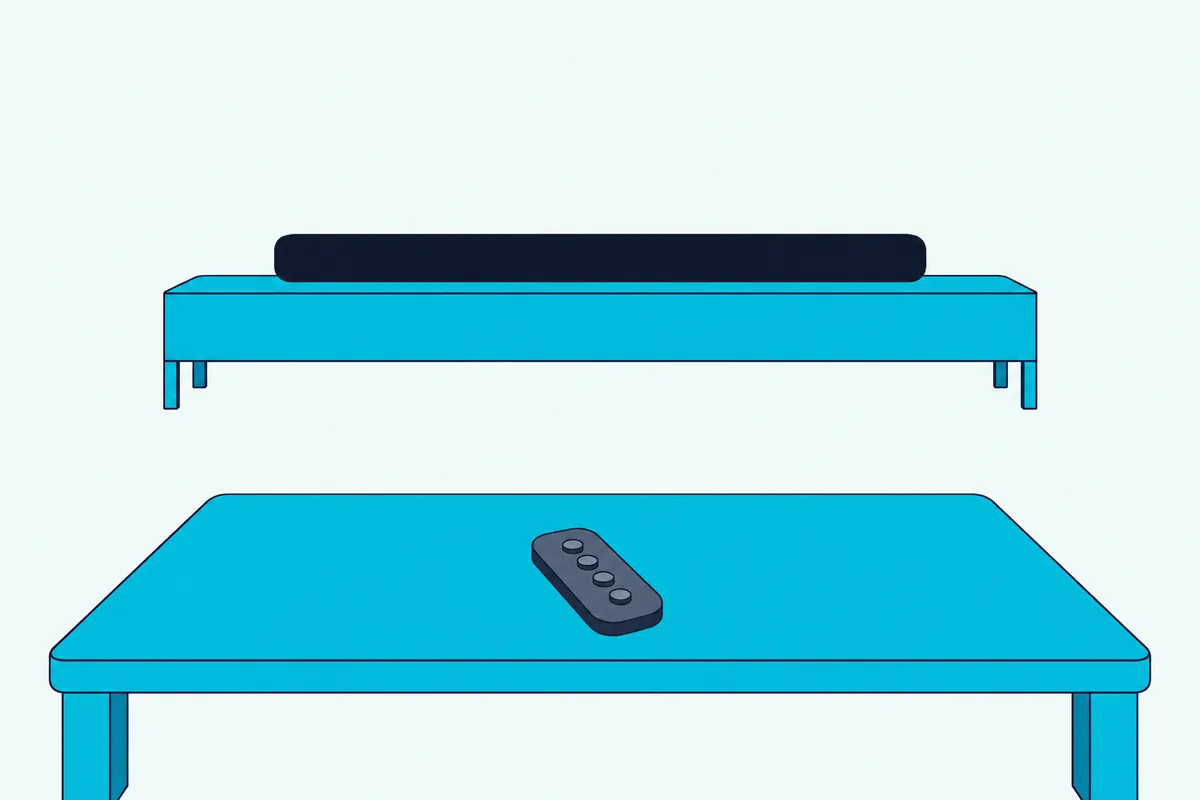
Each press makes LED2 on the bar blink red once, which the three manuals list as the bar’s response to the button. That single blink is a confirmation, and the S95TR manual saves other red signals for other states, such as all LEDs blinking red when the volume reaches maximum.
You can leave the remote in the drawer, too. The S95TR manual says the LG Soundbar app lets you “easily set [Sound Effect] and [Night Time] and adjust the level of each speaker without a remote control.”
The older LAS551H manual adds that you “may need to reset the sound effect mode, after switching the input, sometimes even after the sound file changed.” On a bar like that, set the mode again after changing inputs, and if it still won’t hold, Burton Acoustix’s LG soundbar troubleshooting guide covers the faults beyond the mode button.
Can an LG TV Add Its Own Speakers to the Mix?
Those buttons aren’t the only control if your TV is an LG. Yes, through WOW Orchestra, which the S95TR and S70TY manuals describe as a way “to output sound simultaneously through both of them,” the TV and the soundbar, chosen from the TV’s sound out menu rather than the Sound Effects list.
That makes it a separate choice from Standard or Cinema. Both manuals say it’s “Available on some LG TV and soundbar models” and needs e-ARC enabled on the TV, and the S95TR’s adds that it “can only operate with an HDMI cable connection and LG WOWCAST connection,” where the S70TY’s names the HDMI cable alone.
Pairing an LG soundbar with an LG TV covers the TV’s side of that setup.
The Bottom Line
LG sound bar Standard vs Cinema is a question about drivers first. Standard plays a source on the channels it carries, so stereo stays on the front pair, and Cinema spreads every source across the whole system, up-firing and rear included.
Pick Cinema for films, Standard for stereo you want left alone, Clear Voice Pro when voices slip and AI Sound Pro if you’d rather not switch. On an S70TY or S95TR, the Surround setting changes what Standard does too.
The mode names, descriptions and output layouts come from LG’s owner’s manuals for each bar.
Frequently Asked Questions
What does Cinema mode do on an LG soundbar?
Cinema plays whatever you’re watching through the whole system. LG’s S95TR and S70TY manuals describe it as “Cinematic 3D sound” and as “3D sound similar to a movie theater,” and their output tables show every input, stereo included, reaching the up-firing drivers and any rears. On older bars the same job has other names: Movie on the SL10YG and DTS Virtual:X on the SK5Y.
Is Cinema or Filmmaker Mode better?
Neither, because they do different jobs. Filmmaker Mode is a picture mode on supported Ultra HD TVs, and the Filmmaker Mode site says it disables post-processing such as motion smoothing while preserving the correct aspect ratios, colors and frame rates. Cinema on an LG soundbar is a sound effect. You can use both at once: Filmmaker Mode on the TV for the picture, and Cinema on the bar for the sound.
Does Standard mode use the up-firing drivers?
Only when the source has channels for them. In the S95TR manual’s table, Standard plays a stereo source on the front left and right channels and the subwoofer, adds the top center driver for 5.1 and 7.1 sources, and reaches every up-firing driver only with a 7.1.4 source. The Surround setting changes that, since LG says it plays 3D sound “regardless of the channels in the originally recorded content.”
Can you use Standard mode for music on an LG soundbar?
Yes. On the S95TR and S70TY, Standard plays a stereo track on the front left and right channels and the subwoofer, so the track stays the two-channel mix it was made as. Music, which LG describes as better sound optimized for music, spreads a stereo track across more of the bar but still leaves the rears out. On the S40T, which has no Music mode, Standard and AI Sound Pro are the two to try.