What Makes a Sonos Soundbar Smart? The Features, Model by Model

Ask what makes a Sonos soundbar smart and the answer starts with Wi-Fi and the Sonos app, but what sits on top of that depends on the model you own.
Sonos’s Ray has no built-in voice control, only the two Ultra bars have Bluetooth, and of the five recent bars only the Beam (Gen 2) and original Arc list Google Assistant.
Know which bar does what and you can set up voice, streaming and room tuning without hunting for a setting your soundbar doesn’t have.
The table below sorts the Arc Ultra, Beam Ultra, Beam (Gen 2), Ray and original Arc by Wi-Fi, voice, Bluetooth, AirPlay 2 and Trueplay, from Sonos’s own product pages and guides.
After it come the app, the microphones and how to switch them off, Trueplay, grouping, surrounds, updates and what each feature needs from your network.
What Makes a Sonos Soundbar Smart?
The answer has two layers: what every Sonos bar shares and what only some models add. Every Sonos soundbar is smart in the same basic way, because it joins your home Wi-Fi and runs from the Sonos app, which sets it up, streams your music services, groups it with other Sonos speakers and keeps its software current.
Sonos’s store pages list Wi-Fi and Apple AirPlay 2 for the Arc Ultra, Beam Ultra, Beam (Gen 2), Ray and Arc. Each page’s requirements ask for an internet connection and the latest generation of the Sonos app running on a compatible device.
The second layer is hardware. Built-in voice control needs microphones, Bluetooth needs one of the Ultra bars, and Trueplay’s quick tuning, which listens through the bar instead of your phone, needs the Ultra bars’ own microphones.
Wi-Fi and the app are the part every bar has; the microphones are the part that differs. All five join Wi-Fi, but the Ray’s tech specs list no microphones, and its FAQ sends voice requests through a separate device such as an Amazon Echo Dot.
Sonos itself uses the word unevenly. Its product guides call the Beam “the smart, compact soundbar for your TV” and the Arc “the premium smart soundbar for TV, movies, music, and more,” while the Ray’s guide calls it “the compact soundbar for music, TV, and more.”
Which Smart Features Does Each Sonos Soundbar Have?
Those two layers split Sonos’s five recent bars into three groups. The Arc Ultra and Beam Ultra have the newest Wi-Fi, Bluetooth and Android-friendly Trueplay, the Beam (Gen 2) and Arc carry the widest choice of voice assistants, and the Ray keeps Wi-Fi, AirPlay 2 and the app without built-in voice.
| Sonos soundbar | Wi-Fi | Built-in voice | Bluetooth | AirPlay 2 | Trueplay tuning |
|---|---|---|---|---|---|
| Arc Ultra | Wi-Fi 6, 2.4 and 5 GHz | Sonos Voice Control, Amazon Alexa | Bluetooth 5.3 | Yes | Quick (iOS or Android) or advanced (iOS) |
| Beam Ultra | Wi-Fi 6, 2.4 and 5 GHz | Sonos Voice Control | Bluetooth 5.3 | Yes | Quick (iOS or Android) or advanced (iOS) |
| Beam (Gen 2) | 2.4 GHz, 802.11b/g/n | Sonos Voice Control, Amazon Alexa, Google Assistant | No | Yes | iOS device |
| Ray | 2.4 GHz, 802.11b/g/n | None (no microphones listed) | No | Yes | iOS device |
| Arc | 2.4 GHz, 802.11b/g/n | Sonos Voice Control, Amazon Alexa, Google Assistant | No | Yes | iOS device |
The descriptions come from Sonos’s product pages, guides and support articles.
The Wi-Fi column follows Sonos’s soundbar comparison page, which lists Wi-Fi 6 for the two Ultra bars and Wi-Fi 4 for the Beam (Gen 2) and Ray, and the Arc’s store page, which names any 2.4 GHz 802.11b/g/n router. The Bluetooth column follows Sonos’s Use Bluetooth article, which lists the Arc Ultra and Beam Ultra and no other soundbar, and the Ray’s FAQ, which says it doesn’t have Bluetooth.
Shopping rather than setting up? The guide to which Sonos soundbar fits your room sorts Sonos’s current bars by room size and covers adding a Sub and rear speakers later.
Why Does Everything Start With Wi-Fi and the Sonos App?
Every row in that table assumes the soundbar is already on your network, and the app is how it gets there. Sonos’s setup guide asks for your Wi-Fi network name and password, a phone on that network, the Sonos app and a Sonos account, which you create during setup if you don’t have one.
The app needs iOS or iPadOS 18 or later, Android 10 or later, or Fire OS 7 or later, and Sonos’s app requirements say an iOS or Android device is required to set up a new system or add products. The Android version isn’t supported on x86 devices or Chromebooks.
Your network matters as much as your phone. Sonos’s system requirements ask for a high-speed wired internet connection such as cable, fiber or DSL and a Wi-Fi router, and they list satellite, mobile hotspot and LTE connections, guest networks with a login page, range extenders and routers that only provide 5 GHz as unsupported.
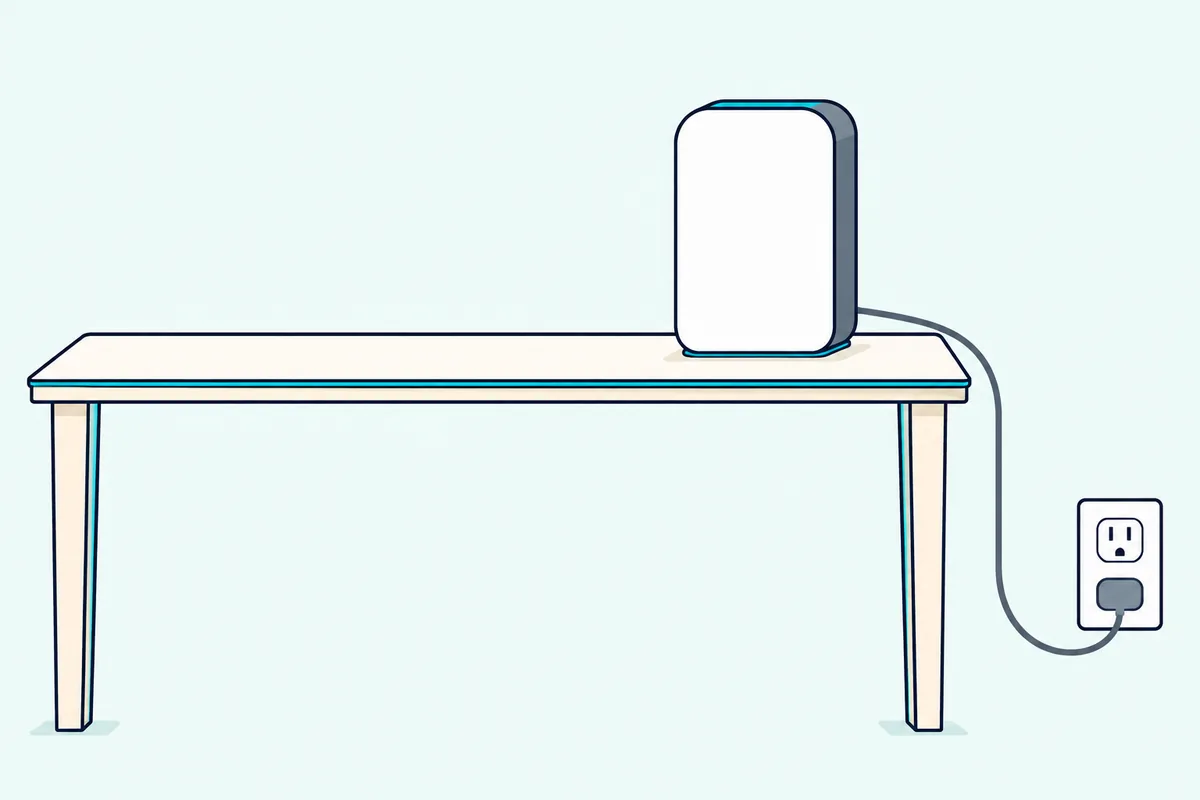
That last point matters for the older bars. The Beam (Gen 2), Ray and Arc join 2.4 GHz networks only, and the Beam and Arc store pages suggest either turning on 2.4 GHz 802.11b/g/n in the router’s settings or wiring a Sonos product.
The Arc Ultra and Beam Ultra connect on 2.4 or 5 GHz with Wi-Fi 6, and Sonos’s Wi-Fi modes article lists all five bars for WPA3 security when they run the latest Sonos app. If your Wi-Fi doesn’t reach every room, Sonos recommends a mesh router rather than an extender.
A cable is the other route. The Arc Ultra, Beam (Gen 2), Ray and Arc guides list an Ethernet port, and the Beam Ultra connects to a router with an Ethernet cable and the Sonos Combo Adapter on its USB-C port.
Wiring one product can also build a separate network. In a wired setup, Sonos says the wired product creates a dedicated wireless network for your Sonos system, though the Arc Ultra is on its list of products that don’t support that network.
You can switch a bar’s Wi-Fi off only while it’s wired to your router. Unplug that cable afterward and Sonos says the soundbar no longer shows up in the app until you plug it back in.
What Can You Stream Through the Sonos App and AirPlay 2?
Once the soundbar is on Wi-Fi, the app becomes its music library. Sonos’s app guide names Apple Music, Spotify, Amazon Music, Audible, Deezer, Pandora, TuneIn, iHeartRadio and YouTube Music among the services you can add, and one search covers all of them.
You can save playlists, artists and stations from any service to Sonos Favorites, set alarms and choose a preferred service that shows first. The Arc’s store page adds Sonos Radio to the mix.
Other apps can skip the Sonos app altogether. Sonos’s setup guide says apps like Spotify, Pandora and Pocket Casts can control Sonos directly, and the Ray’s store page names Spotify Connect beside the Sonos app and AirPlay 2.
Spotify Premium listeners get one more detail. Sonos’s Spotify Lossless article says supported audio streams in up to 24-bit/44.1 kHz FLAC through either the Sonos app or Spotify Connect.
AirPlay 2 works on all five bars, which is why the table’s AirPlay column reads Yes all the way down. Sonos’s AirPlay list includes the Arc, Arc Ultra, Beam (Gen 2), Beam Ultra and Ray, and the store pages ask for an Apple device on iOS 11.4 or higher.
On an iPhone or iPad, open Control Center, select the AirPlay icon on the audio card and choose one or more Sonos products. On a Mac, open System Settings, select Sound and choose a Sonos product under Output.
AirPlay has three limits in Sonos’s own articles. Sonos says it isn’t available on speakers set up as surrounds, it won’t play while the source device is on a phone call, and work-issued iPhones can carry settings that restrict it.
Siri rides on AirPlay 2 rather than on the soundbar’s microphones. Sonos’s guides say you add your AirPlay 2 Sonos speakers to the Apple Home app and ask Siri on an iPhone, iPad or Apple TV, currently for Apple Music only.
Which Sonos Soundbars Have Microphones and Voice Control?
Siri’s route is the exception, because the other assistants listen through a speaker’s own microphones. Four of the five bars have built-in microphones: the Arc Ultra and Beam Ultra have far-field microphone arrays, the Beam (Gen 2) guide describes a “five far-field microphone array,” and the Arc guide lists a four-microphone array.
The assistants differ by model. The Arc Ultra works with Sonos Voice Control and Amazon Alexa, the Beam Ultra’s FAQ lists Sonos Voice Control alone, and the Beam (Gen 2) and Arc store pages list Sonos Voice Control, Amazon Alexa and Google Assistant.
The Ray answers its own voice question with another device. Its FAQ says you can use Sonos Voice Control, Amazon Alexa or Google Assistant through a compatible device such as a Sonos One, an Amazon Echo Dot or a Google Nest Mini.
Sonos Voice Control is Sonos’s own assistant, and it wakes to “Hey Sonos.” Sonos’s setup article for it says it’s available in US English and French and handles music requests, playback control and grouping rooms.
While it listens, the white status light glows brighter and the volume lowers if anything is playing, and a confirmation tone plays once it understands you. For a few seconds afterward, follow-ups such as “Louder” or “Next” work without the wake words.
Alexa needs a little more setup. You enable the Sonos skill in the Alexa app, add Alexa from the Voice Assistants settings in the Sonos app, and make sure the music services you link in the Alexa app are also added in the Sonos app.
Sonos lists Alexa in 16 regions, including the United States, Canada, the United Kingdom and Australia, plus a more limited international version elsewhere. You can run Alexa and Sonos Voice Control on the same speaker.
Google Assistant changed this year. Sonos’s Google Assistant setup article names the Arc and the Beam (Gen 1 and 2) among the Sonos products that have it, and it says that as of September 2026 it can no longer be added from an Android device.
Setups added earlier from Android keep working, but if one is removed, an iOS device is needed to add it again. Google Assistant also can’t share a speaker with Sonos Voice Control, though it can run on a different speaker in the same system.
A newer assistant is arriving in stages. Sonos 27voice is available for Early Access starting in fall 2026 to customers based in the United States, in US English, and Sonos says it can go on any Sonos product with a microphone.
It handles natural requests, timers, weather and general questions as well as music, but it replaces Sonos Voice Control system-wide rather than running beside it. Sonos also says it needs an internet connection and won’t work if your device is offline.
Voice can reach the TV, too. If your TV supports CEC over HDMI and you’ve set up an assistant, Sonos’s FAQs say you can control the TV with your voice, while its TV requirements say that won’t work over an optical connection.
How Do You Turn Off a Sonos Soundbar’s Microphones?
Those four microphone bars each give you a physical way to stop listening. On the Arc Ultra and Beam Ultra, a universal microphone switch on the back turns all the microphones off, and the Arc Ultra’s store page says it disconnects power to the mics.
A voice services button on top of both Ultra bars switches only the assistant. Turn it off and leave the switch on, and Trueplay and other microphone features keep working while voice control stays off.
- Switch on, voice light on: voice control and every microphone feature work.
- Switch on, voice light off: Trueplay and other microphone features work, and voice control is off.
- Switch off: voice services and Trueplay quick tuning are unavailable.
The Beam (Gen 2) and Arc use a microphone touch control on top instead. Tap it to turn the microphone on or off, and the microphone light shows which; Sonos’s specs say that light is hardwired to the voice microphones.
Those two bars also have a push-to-talk option. With a voice service installed and the microphone off, press and hold the microphone button and speak without a wake word, and voice control turns off again when you let go.
Sonos’s guides add that with the microphone light off, microphone-dependent features such as Trueplay are unavailable on these bars. The Sonos app also shows a microphone on/off setting for each soundbar in its room settings.
Keep one trade-off in mind if you use portable surrounds. Sonos says a pair of Sonos Play or Move 2 speakers can work as surrounds only when the Beam (Gen 2), Beam Ultra, Arc or Arc Ultra has its microphone enabled.
What Does Trueplay Tune, and Which Phone Does It Need?
Trueplay is the other job that leans on microphones, either the bar’s or your phone’s. Sonos’s Trueplay article says it measures how sound reflects off walls, furnishings and other surfaces, then fine-tunes the speaker for the spot where you placed it.
The phone you need depends on the model. Most Sonos products need an iOS device, but the Arc Ultra and Beam Ultra can also use quick tuning, which runs on their built-in microphones from either an iPhone or an Android phone.
Advanced tuning on those two still needs iOS, and Android users go straight to quick tuning. The Beam (Gen 2), Ray and Arc store pages each say a supported iOS device is required.
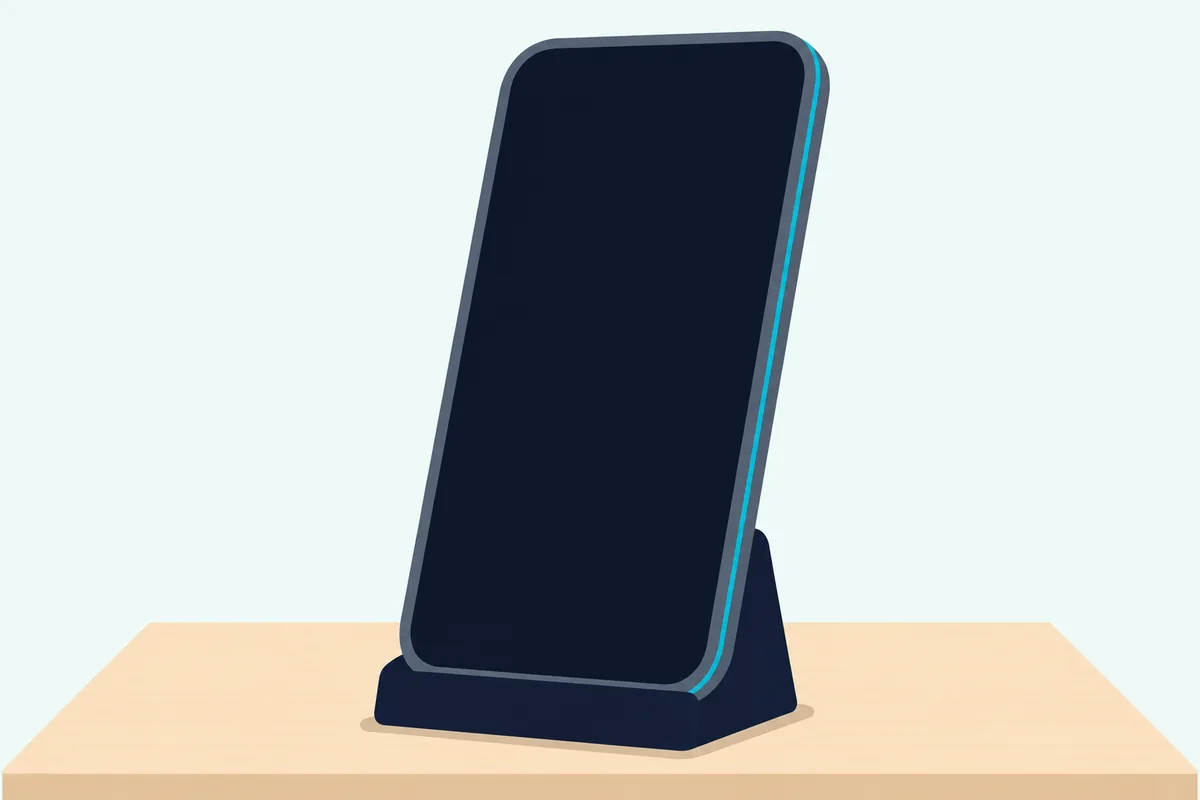
Advanced tuning uses your phone’s microphone as you walk the room. Sonos’s Trueplay article puts a room at about 3 minutes and says tuning is the only time Sonos uses audio collected by your phone’s microphone.
Quiet matters during the sweep. Sonos asks you to minimize talking, footsteps and appliance noise, cover as much of the room as you can, and leave the volume alone while the tuning sound plays.
Not every Apple device qualifies. Sonos’s compatible-devices article lists several iPad models as unsupported, including the iPad (10th generation) and recent iPad Pro and iPad Air models, and it rules out beta versions of iOS and iPadOS.
No supported iPhone at home? Sonos suggests borrowing one, since Trueplay only needs to run once per product as long as it stays in the same location.
Move the soundbar or change the setup, though, and Sonos says to tune again. Trueplay can be toggled on and off in the same menu, and any EQ changes you make sit on top of its adjustments.
Which Sonos Soundbars Have Bluetooth?
Trueplay splits the range the same way Bluetooth does, with the two Ultra bars on one side. The Arc Ultra and Beam Ultra have Bluetooth 5.3, and Sonos’s Use Bluetooth article lists them as its only soundbars with Bluetooth support.
Wi-Fi still comes first. Sonos’s pairing articles say each Ultra bar needs to be set up with the Sonos app on Wi-Fi before it can connect to your phone over Bluetooth.
To pair, press and hold the Bluetooth button (on the back of the Arc Ultra, on top of the Beam Ultra) or choose Pair New Device under Bluetooth in the app. You’ll hear a chime and the status light flashes blue, then turns solid blue once your phone connects.
The Ultra bars keep their Wi-Fi link while they play Bluetooth audio. That lets them share a phone’s Bluetooth stream with the rest of your Sonos system when you group them, as long as they stay grouped.
The Arc Ultra also has an Idle Auto-Disconnect setting that drops a Bluetooth device after 30 minutes of sitting idle. It’s off by default, under Bluetooth in the bar’s settings.
The Ray, Beam (Gen 2) and Arc stream over Wi-Fi instead. The Ray’s FAQ says it doesn’t have Bluetooth and streams over your Wi-Fi network, and the Sonos soundbar pairing steps cover what pairing means on each model.
How Does Multi-Room Grouping Work With a Sonos Soundbar?
Sharing a Bluetooth stream is one kind of grouping, and Sonos builds the whole system around it. You can group two or more Sonos products so they play the same content in sync, and Sonos’s system requirements allow up to 32 products in one system.
In the app, open the Grouping menu from the Now Playing bar, check the rooms you want and select Apply. With three or more products you can choose Everywhere, and the volume slider then sets the whole group or each room in it.
The soundbar’s own touch controls can do it too. Press and hold Play/Pause on any Sonos product to join a room that’s already playing, and press and hold again to leave the group.
The Ultra bars add a second gesture. Hold Play/Pause for about 1 second to group, or about 2 seconds for Sound Swap, which moves what another Sonos speaker is playing onto the soundbar.
TV time has its own rules. By default a home theater bar switches to TV audio when you turn on the TV (TV Autoplay) and drops out of any group it was in (Ungroup on Autoplay), and both sit in the app’s home theater settings.
AirPlay groups can include older speakers as well. The app’s AirPlay setting, Group Non-AirPlay Products, keeps products without AirPlay grouped with AirPlay-compatible ones for multi-room listening.
One limit remains: products in the Sonos S1 Controller app and products in the current Sonos app can’t be grouped. Sonos treats them as two separate systems, each with its own app.
How Do Surrounds and a Sub Join a Sonos Soundbar?
Grouping fills other rooms, while surrounds and a Sub fill the room your soundbar is in, and both connect over the same Wi-Fi. In the app, go to Settings, choose the soundbar’s room and select Set up Surrounds or Connect Sub, then follow the prompts.
Surrounds must already be set up as separate rooms, sit in the same room as the bar with line of sight to it, and be two speakers of the same model. Sonos’s FAQs list which pairs each bar accepts, and each also takes passive speakers powered by an Amp:
- Arc Ultra: Era 300, Era 100, Sonos One (including SL), Five or SYMFONISK (Gen 2).
- Beam Ultra: the same list plus Sonos Play and Move 2.
- Beam (Gen 2): Era 300, Era 100, Sonos One, Five, or Play:1, Play:3 and Play:5 (Gen 2).
- Ray: Era 100, Sonos One, Five, or Play:1, Play:3 and Play:5 (Gen 2).
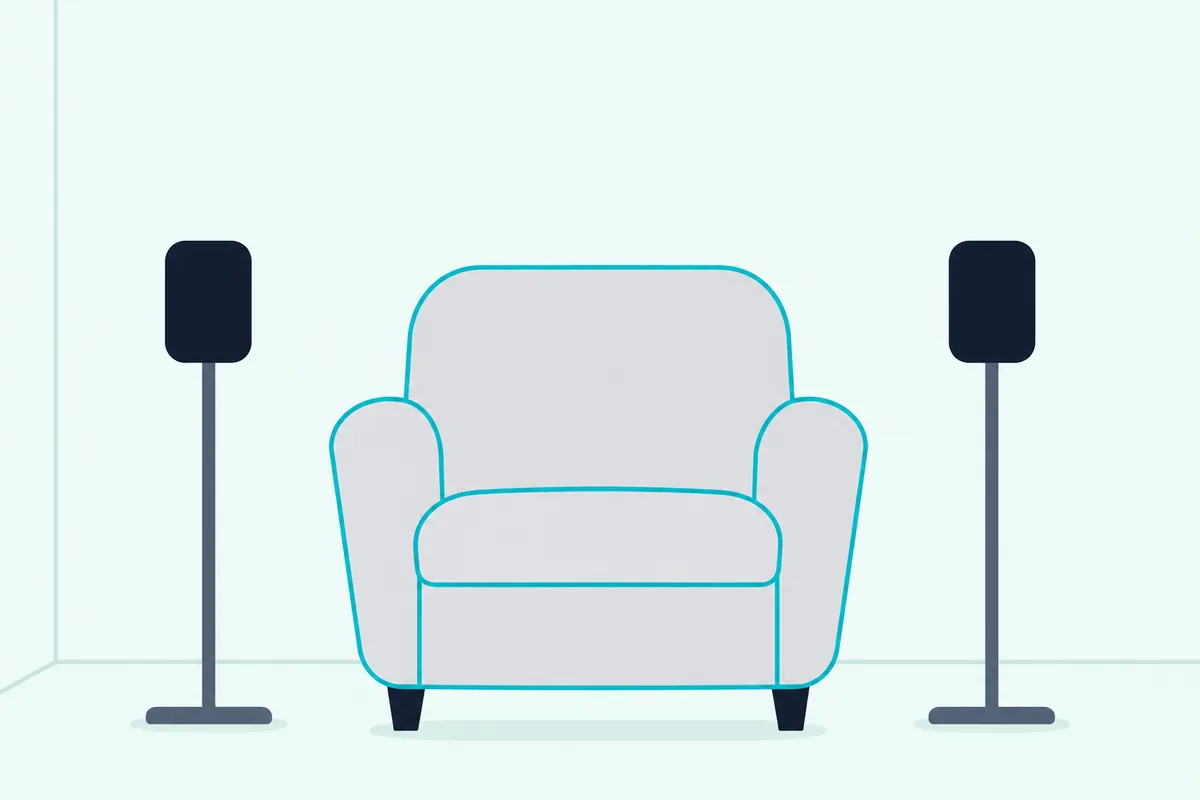
Portable surrounds work differently. Set a matching pair of Sonos Play or Move 2 speakers down and Sonos says they bond as rear surrounds in about eight seconds, then revert to standalone speakers when you carry one away.
That needs a Beam (Gen 2), Beam Ultra, Arc or Arc Ultra with its microphone enabled, the microphone link mentioned earlier. Sonos allows one set per household, and Bluetooth and AirPlay are disabled on the portables while they act as surrounds.
Subwoofers follow a simpler rule. Sonos’s Sub Mini list includes all five bars, the Ray and Beam (Gen 2) FAQs say every generation of Sub works with them, and the Ultra FAQs say a two-Sub setup needs a Sub 4 or Sub (Gen 3).
The app lets you connect up to two subwoofers at a time. The Ray’s FAQ adds that it won’t work with a third-party subwoofer.
How Does a Sonos Soundbar Get Software Updates?
Every feature above, from Sonos Voice Control to portable surrounds, arrives through software, so updates matter. In the Sonos app’s System Updates setting, Check for updates downloads the latest Sonos software, and Update automatically schedules updates in the background.
Sonos’s voice setup articles ask you to update your system before adding Sonos Voice Control or Alexa, and its Trueplay article asks for the latest software before tuning. Automatic updates keep those steps from surprising you.
The app version matters too. The Arc Ultra, Beam Ultra, Beam (Gen 2) and Ray FAQs say each needs the latest generation of the Sonos app rather than the S1 Controller app, and Sonos’s Wi-Fi modes article says products set up with S1 are limited to 802.11b/g connections over 2.4 GHz.
Older bars get a different kind of update. Sonos’s legacy product notice says the Playbar and Playbase get stability-focused updates and have no voice capability or Bluetooth, though they still group and play from the same Sonos app.
What Does Each Smart Feature Need From Your Network?
Updates are one of several jobs that need a working connection, and each feature leans on it differently. Setup, streaming, grouping and updates all run over your Wi-Fi, and the Ray’s FAQ says internet access is what lets it stream higher-fidelity audio over greater distances, group or pair Sonos speakers, and more.
Here’s how the main features line up with what they need:
- Setup and the app: Wi-Fi, an iOS or Android phone on the same network, and a Sonos account.
- AirPlay 2: an Apple device on iOS 11.4 or higher; the Arc Ultra’s store page adds “on WiFi.”
- Alexa and Google Assistant: their own apps and accounts, plus the same music services added in the Sonos app.
- Bluetooth (Ultra bars): a first setup on Wi-Fi, then the Bluetooth button or Pair New Device.
Sonos 27voice is the one feature whose article spells out the offline case: it needs an internet connection and won’t work offline. Sonos’s system requirements article lists a Wi-Fi router and a high-speed internet connection and doesn’t describe running a soundbar without them.
So treat the network as part of the soundbar. If you change your Wi-Fi name or password or replace your router, Sonos’s new-router article says the system needs the updated details, and the app walks you through them with Update Network.
Which TV Settings Live in the Sonos App?
The TV side of a Sonos bar gets smarter through the same app that handles music. Speech Enhancement clarifies dialogue on all five, and on the Arc Ultra and Beam Ultra Sonos says AI detects the human voice, with four levels to choose from.
On the Beam (Gen 2), Ray and Arc, Speech Enhancement boosts voice frequencies instead. Night Sound reduces the intensity of loud sounds and raises quieter ones, and TV Dialogue Sync adjusts the audio delay when speech runs out of step with the picture.
The app also programs your remote. Remote Control Setup pairs a TV remote during setup or later, and Use IR turns infrared remote control on or off.
The connection decides how the remote talks to the bar. Sonos’s Ray FAQ says HDMI eARC passes remote commands through CEC, while the optical-only Ray takes volume and mute from the TV remote by infrared; the steps to control a Sonos soundbar with a TV remote cover each TV brand.
TV Audio Swap is the one setting that involves headphones. Sonos’s comparison page lists it for the Arc Ultra, Beam Ultra, Beam (Gen 2) and Ray, and it swaps TV audio between the soundbar and Sonos headphones.
Does “Smart Soundbar” Mean the Same Thing for Every Brand?
Settings like these fill out Sonos’s version of smart, and other brands use the word in their own ways. Sonos uses it for some bars and not others, as the Beam, Arc and Ray guides showed earlier, and other brands use it as a model name.
Bose, for one, sells a model called the Bose Smart Soundbar, and its store page sums it up as “Control: Voice, remote, or app.” So “smart soundbar” can mean a feature set or a specific product, depending on whose page you’re reading.
On Sonos’s side, the common thread is the network and the app: every bar in the table joins Wi-Fi, plays AirPlay 2 and runs from the Sonos app. For the basics any soundbar shares, from drivers to TV connections, see how a soundbar works in general.
The Bottom Line
That shared core, Wi-Fi plus the Sonos app, is the real answer to the question this page started with. Every Sonos soundbar is smart through it, and the model decides the rest: the microphones and assistants, Bluetooth, and which phone Trueplay needs.
If voice matters, match the assistant to the model. Sonos Voice Control and Alexa run on the Arc Ultra, Sonos Voice Control alone on the Beam Ultra, those two plus Google Assistant on the Beam (Gen 2) and Arc, and none is built into the Ray.
If you want Bluetooth or Trueplay from an Android phone, only the Arc Ultra and Beam Ultra offer them. On any of the five, turn on automatic updates, and on the four with microphones, use the switch or button when you’d like the bar to stop listening.
Frequently Asked Questions
Is a Sonos speaker a smart speaker?
Many are. Sonos’s voice articles cover any voice-enabled Sonos product, and Sonos 27voice’s setup article says it can go on any Sonos product with a microphone. Among the soundbars, the Arc Ultra, Beam Ultra, Beam (Gen 2) and Arc have built-in microphones, while the Ray’s store page lists none and its FAQ points you to a separate voice device. Each of the five still streams over Wi-Fi from the Sonos app and plays AirPlay 2.
Does a Sonos soundbar work with a TCL TV?
Sonos’s TV requirements name connections, not brands. The Ray needs a TV with a digital optical audio output, and the Arc, Arc Ultra and Beam need an HDMI ARC port to use CEC or voice assistants to control the TV. Without one, they can connect to an optical output through the Sonos Optical Audio Adapter, but you won’t be able to control the TV by CEC or voice. Check your TV’s manual for an HDMI ARC or eARC port, or an optical output.
Can you use a Sonos soundbar without the Sonos app?
Not for setup. Sonos’s app requirements say an iOS or Android device is required to set up a new system or add products, and its setup guide includes creating a Sonos account. Once a bar is set up, the TV remote, the bar’s touch controls, AirPlay 2, Spotify Connect, Bluetooth on the Ultra bars and voice assistants on the microphone models can all control it without opening the Sonos app.
Can a Sonos soundbar run Alexa and Sonos Voice Control at once?
Yes, on the bars that list both. Sonos’s setup articles say you can activate Sonos Voice Control and Amazon Alexa on the same speaker, and the Arc Ultra guide says the same. The Arc Ultra, Beam (Gen 2) and Arc list both assistants, while the Beam Ultra’s FAQ lists Sonos Voice Control only. Google Assistant is different: it can’t share a speaker with Sonos Voice Control, though it can run on another speaker in the same system.
Is the original Sonos Arc still a smart soundbar?
Yes. Sonos’s Arc store page lists Wi-Fi, AirPlay 2, Trueplay and voice control with Sonos Voice Control, Amazon Alexa and Google Assistant, and Sonos’s Google Assistant article still names the Arc among the products that have it. It joins 2.4 GHz Wi-Fi only and isn’t on Sonos’s Bluetooth list, which is where the Arc Ultra differs most; the Arc and Arc Ultra side by side covers the rest.