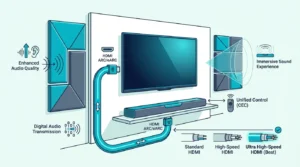
Best Soundbar For PC — Top Picks For Desktop Audio
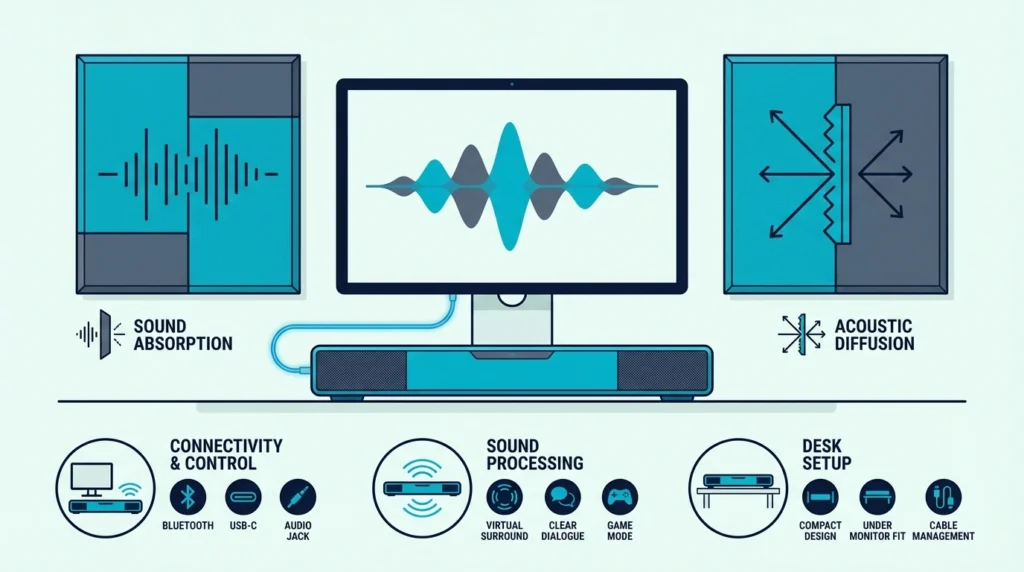
The best soundbar for PC replaces cheap monitor speakers with room-filling audio that actually has bass, clarity, and spatial depth — but most soundbars are built for living rooms, not desks, so picking the wrong one wastes money on features your PC setup cannot use.
The main problem is connectivity — most premium soundbars expect an HDMI eARC connection from a TV, but PCs typically output audio via USB, Bluetooth, 3.5mm aux, or HDMI from a graphics card. A soundbar that sounds amazing with a TV may not even connect to your desktop without adapters.
This guide covers soundbars that connect directly to a PC without workarounds, deliver a meaningful upgrade over built-in monitor speakers, and fit on or near a desk without overwhelming your workspace. You will know exactly which bar works best for your setup and budget.
Start with how the bar connects to your PC — that single factor eliminates half the options before you even compare sound quality.
The best soundbar for most PC setups is the Samsung S60D — it connects via Bluetooth or Wi-Fi, delivers Dolby Atmos in a compact all-in-one package, and fits cleanly under any monitor without a separate subwoofer. For budget buyers, the Hisense HS2100 adds a wireless sub for serious desktop bass at under $100.
How Did We Choose the Best Soundbar for PC?
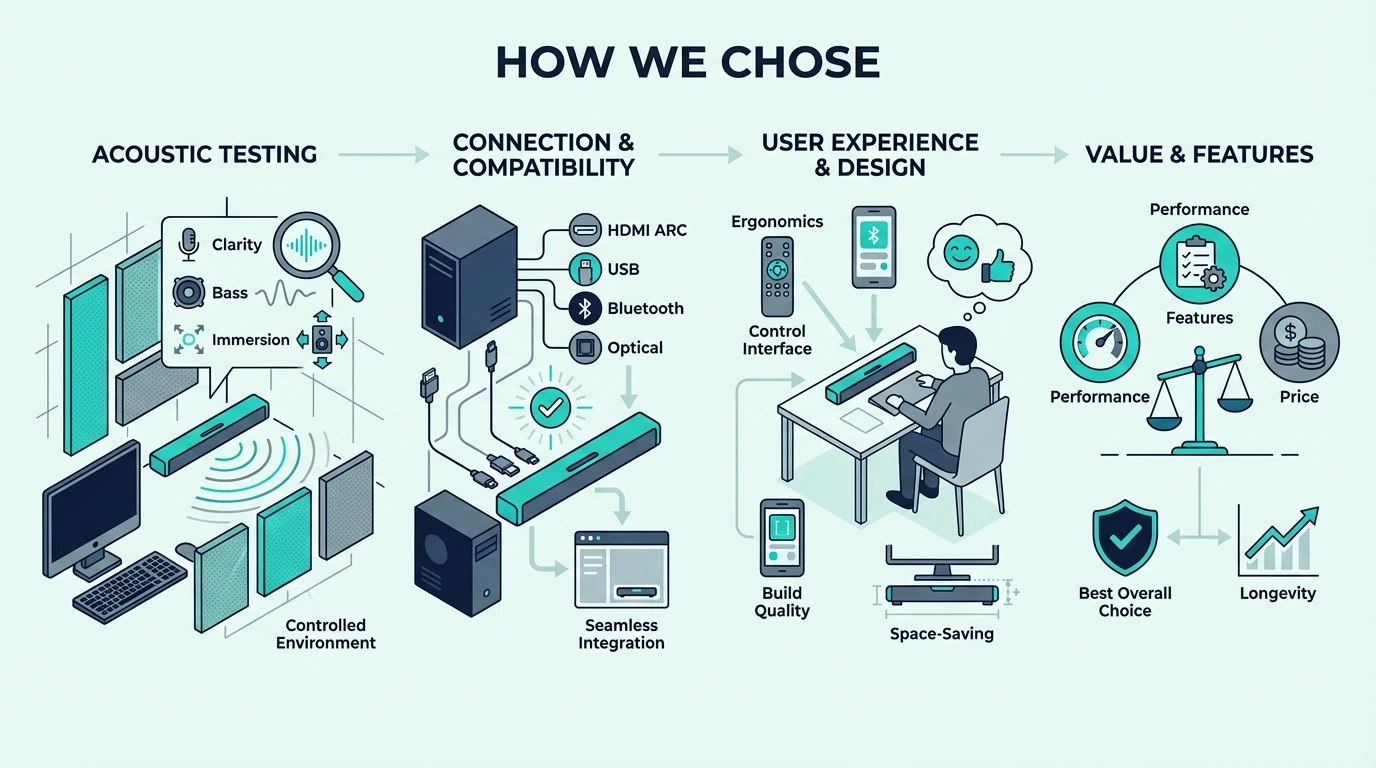
PC soundbar buyers have different needs than TV soundbar buyers. We focused on three factors that matter most for desktop setups — connectivity options, physical size, and whether the bar improves the audio experience at close listening distances.
Connectivity That Works With PCs
The most reliable PC soundbar connections are Bluetooth, USB, and 3.5mm aux. Bluetooth requires no cables and works with every modern PC.
USB provides a clean digital connection with zero perceptible latency, making it the best wired option for competitive gaming and real-time audio editing.
HDMI works if your graphics card has an audio-capable HDMI output, but this ties up a display port. We prioritized bars that offer at least two connection methods so you have flexibility.
Size and Desk Fit
Living room soundbars often span 40 inches or more — too wide for most desk setups. PC soundbars need to fit between monitor stands or under a single display without hanging over the desk edges.
Bars under 30 inches wide work best for standard desk setups. Bars over 35 inches work better on credenzas or shelves behind the desk where width is not constrained.
Close-Range Listening Quality
Soundbars designed for living rooms project sound across 10-15 feet. At desk distance (2-3 feet), that projection is wasted and the sound can actually be worse than at the intended distance.
The best PC soundbars deliver clear, balanced audio at close range without harsh treble or boomy bass. The soundbar guide covers living-room-optimized options for buyers who want dual-purpose desktop and TV use.
Does a Soundbar Work With a PC?
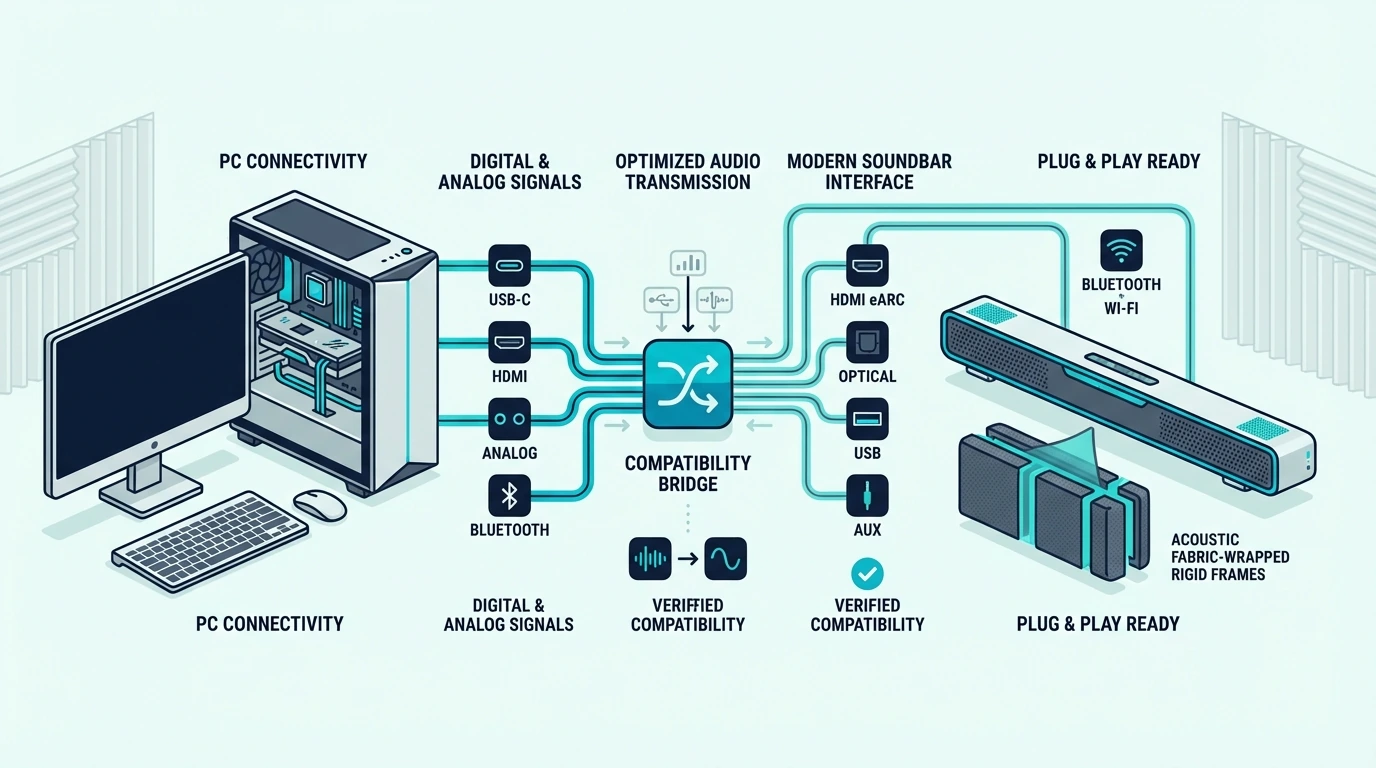
Yes — every soundbar with Bluetooth, USB, 3.5mm aux, or HDMI input works with a PC. The connection method affects latency, audio quality, and ease of setup.
Bluetooth Connection
Bluetooth is the simplest connection — pair the bar once and audio routes automatically. The trade-off is latency, with standard Bluetooth adding 100-200ms of audio delay that is noticeable in gaming but acceptable for music and casual use.
Bars with Bluetooth 5.0 or newer reduce this latency. For gaming, a wired connection (USB, aux, or HDMI) eliminates the delay completely.
USB and Aux Connections
USB connections send digital audio directly to the bar with zero perceptible latency. Not all soundbars support USB audio input, so check the spec sheet before buying.
A 3.5mm aux cable is the universal fallback — every bar with an aux input works with any PC that has a headphone jack. Audio quality depends on your PC’s audio output stage, but for most users the difference is inaudible compared to USB or Bluetooth.
HDMI From A Graphics Card
HDMI carries the highest-quality audio signal, including Dolby Atmos and surround formats. If your graphics card has a spare HDMI port and the soundbar supports HDMI input, this is the best connection for gaming audio and spatial sound.
The soundbar guide covers which Atmos bars deliver the best spatial audio experience when connected to a PC via HDMI.
Get Studio Tips Weekly
Join 5,000+ creators getting acoustic treatment advice every week.
No spam. Unsubscribe anytime.Which Soundbars Work Best for PC Setups?
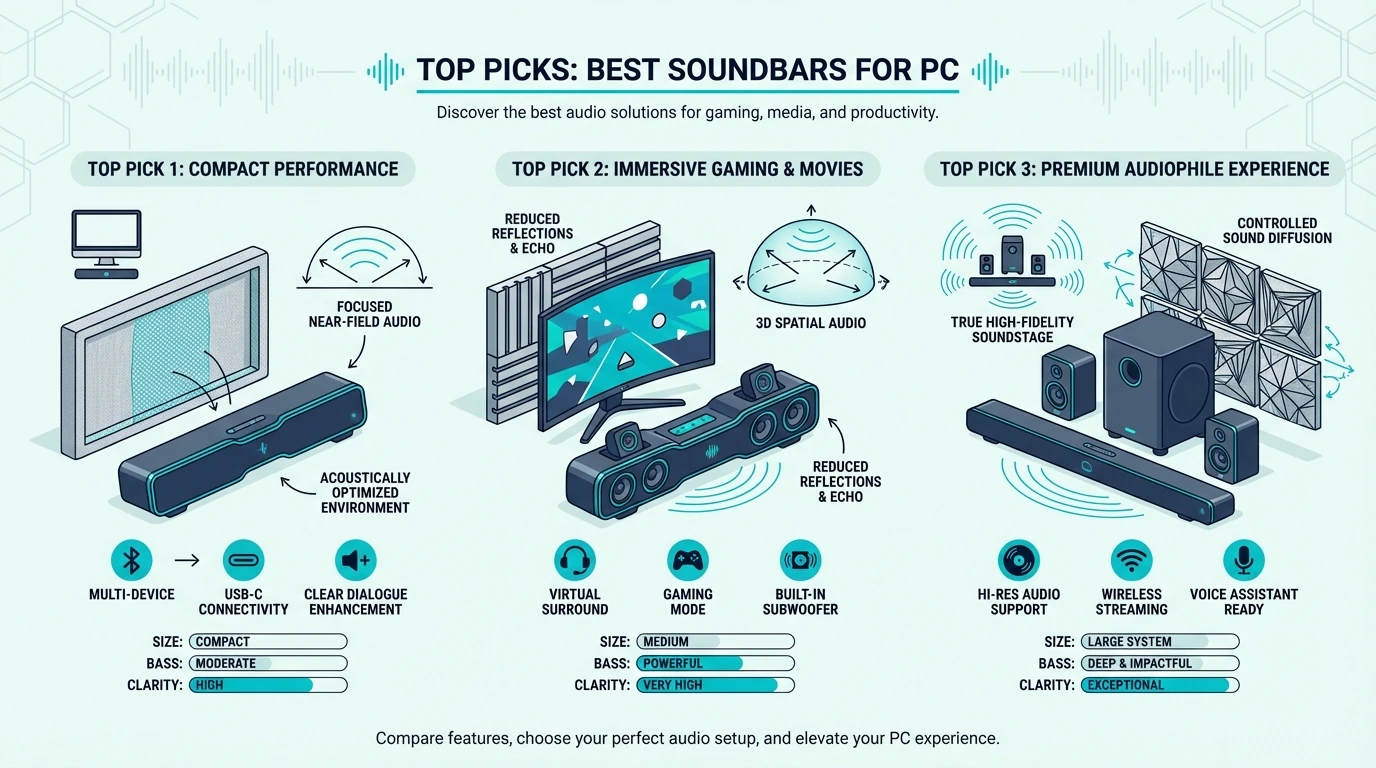
Each pick below works reliably with PC setups and delivers a clear upgrade over built-in monitor or laptop speakers at its price point.
Best Overall For PC: Samsung S60D
The Samsung S60D delivers wireless Dolby Atmos in a compact form factor that fits under any standard monitor. Bluetooth and Wi-Fi connectivity mean no cable management headaches on your desk.

Samsung S60D
The 5.0 all-in-one design requires no separate subwoofer, which keeps your desk setup clean. Bass is adequate for music and gaming at desk distance, though bass-heavy listeners may want a bar with a dedicated sub.
Best Budget For PC: Hisense HS2100
The Hisense HS2100 is the best value PC soundbar available. The 2.1 system includes a wireless subwoofer that adds bass depth no all-in-one bar under $200 can match.
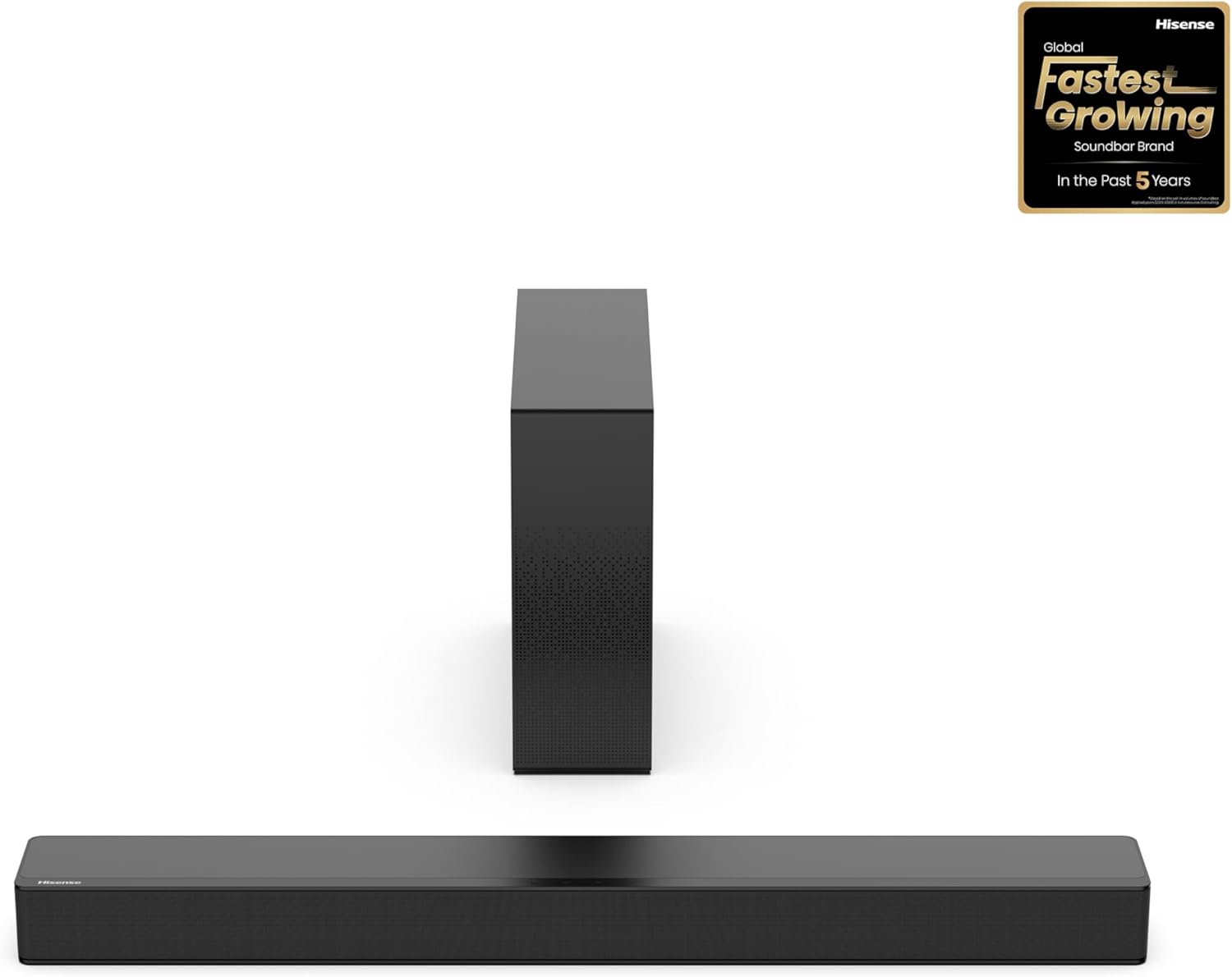
Hisense HS2100
At under $100, this system costs less than most desktop speaker pairs while delivering more bass and cleaner sound. The soundbar guide covers where the HS2100 ranks against other affordable options.
Best For PC Gaming: JBL Bar 700MK2
The JBL Bar 700MK2 is overkill for casual PC use but perfect for dedicated gaming setups where spatial audio matters. The 5.1 Dolby Atmos layout creates genuine surround sound that gives a competitive edge in FPS and horror games.
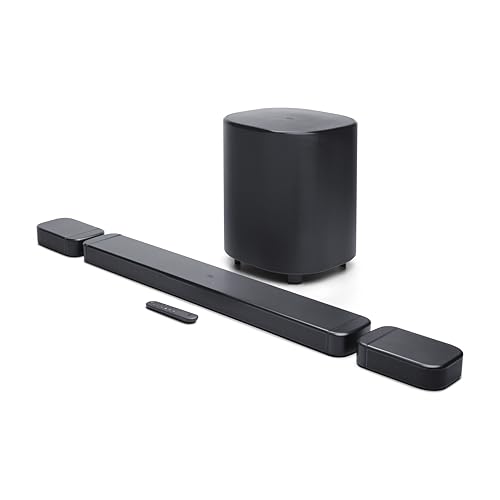
JBL Bar 700MK2
Connect via HDMI from your graphics card for zero-latency Atmos spatial audio. The 10-inch wireless sub delivers movie-grade bass that makes explosions and environmental effects physically felt.
The soundbar guide covers more options optimized for low-latency gaming.
Best Compact For PC: Sony S100F
The Sony S100F is the smallest soundbar on this list at just 23 inches wide. It fits under a single 24-inch monitor with room to spare and connects via Bluetooth, USB, or optical.

Sony S100F
Sound quality is impressive for the size — clear mids and treble with enough bass for casual music and video. It will not replace a dedicated 2.1 system, but it is a massive upgrade over any built-in monitor speaker.
Best With Sub For PC: Polk Audio Signa S4
The Polk Audio Signa S4 delivers true Dolby Atmos with physical up-firing drivers at a mid-range price. The wireless sub adds bass authority that all-in-one bars cannot match at desk distance.
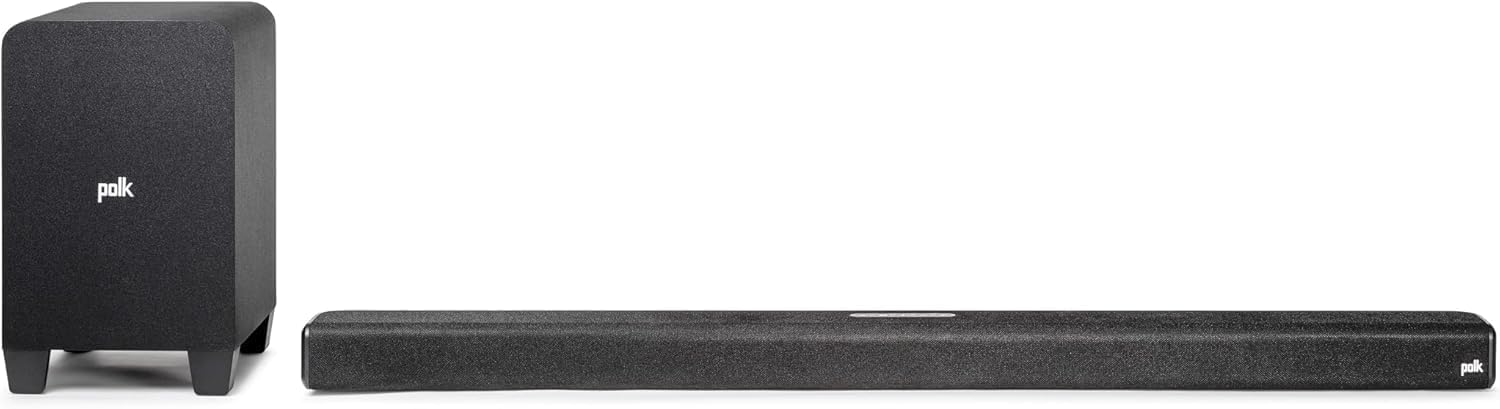
Polk Audio Signa S4
VoiceAdjust boosts dialogue and voice chat independently from game audio, which is essential for multiplayer gaming. The soundbar guide covers more sub-equipped options if the Signa S4’s 35-inch width is too wide for your desk.
Best Fire TV Integration: Amazon Fire TV Soundbar Plus
The Amazon Fire TV Soundbar Plus offers Dolby Atmos at a budget price with built-in Alexa for voice control. Bluetooth connectivity works with any PC, and HDMI provides low-latency audio for gaming.
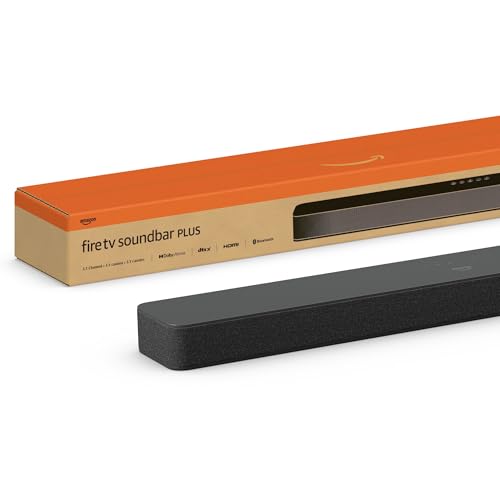
Amazon Fire TV Soundbar Plus
At $190, this bar costs less than most Atmos-capable alternatives. The soundbar guide covers brand-specific alternatives with stronger ecosystem integration for monitor owners who want to compare beyond Fire TV.
The Bottom Line
The best soundbar for PC depends on your desk size, connection preferences, and whether you need gaming-grade spatial audio or just a clean upgrade over monitor speakers.
For most PC users, the Samsung S60D delivers the best balance of sound quality, compact size, and wireless connectivity. Budget buyers get incredible value from the Hisense HS2100’s 2.1 system at under $100. If your desk is shallow or you switch between work, music, and casual gaming throughout the day, an all-in-one bar usually makes more sense than separate desktop speakers and a subwoofer.
Gamers who want spatial Atmos audio should connect the JBL Bar 700MK2 or Polk Signa S4 via HDMI from their graphics card for zero-latency directional surround sound. The soundbar guide ranks all these picks against TV-optimized alternatives for buyers considering dual-purpose setups. For tighter desks, the Sony S100F and Samsung S60D remain the safer choices because they keep the footprint manageable while still sounding far bigger than built-in monitor speakers.
For video calls and conference use where voice clarity matters most, the soundbar guide covers which bars excel at keeping speech clear and natural.
Frequently Asked Questions
Does a soundbar work with a PC?
Yes — any soundbar with Bluetooth, USB, 3.5mm aux, or HDMI input connects directly to a PC. Bluetooth is the simplest option, while HDMI from a graphics card provides the highest quality including Dolby Atmos.
Should I get a soundbar for my gaming PC?
A soundbar is worth it for gaming if you want spatial audio without wearing headphones for extended sessions. Bars with Dolby Atmos or DTS:X create genuine directional sound that helps with positional awareness in competitive games.
Connect via HDMI or USB for the lowest possible latency.
What is the best speaker for PC?
For desktop use, a compact soundbar like the Samsung S60D or Sony S100F delivers better sound than most bookshelf speakers at the same price. The soundbar guide covers options that skip the subwoofer for the cleanest possible desk setup.