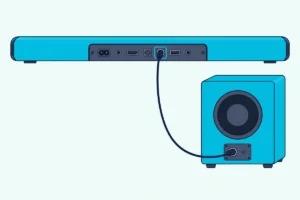
How to Connect an Onn Soundbar to Your TV: HDMI, Optical, Bluetooth
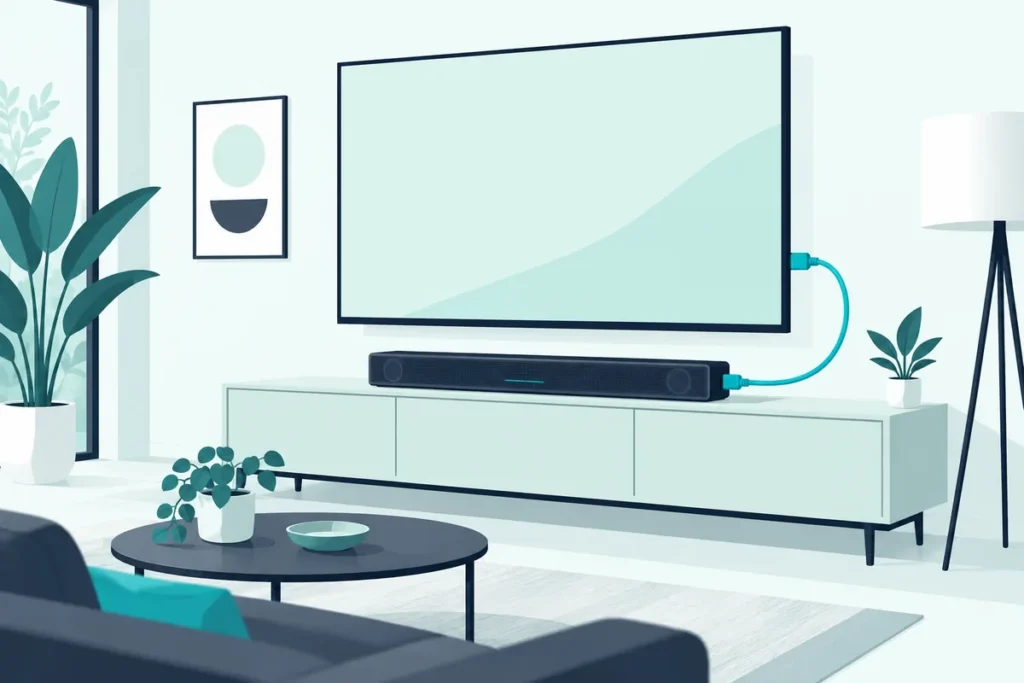
To connect an Onn soundbar, run an HDMI cable from the TV’s HDMI ARC port to the soundbar’s ARC port, turn on HDMI-CEC in the TV’s settings, and set the TV’s audio output to external speakers. If your TV has no ARC port, an optical cable does the same job with one extra step.
The box is open, the bar is under the TV, and the sound still comes out of the TV. That’s the most common way an Onn setup goes wrong, and it’s rarely the cable.
The TV has to be told to send its sound out. Until that setting changes, the bar sits there lit and silent.
The good news is that the fix takes a couple of minutes once you know which port you’re using.
Below you’ll see which connection to pick, the exact steps for each, and what to check when there’s still no sound.
Which Port Should You Use to Connect an Onn Soundbar?
Those couple of minutes start with the back of your TV. Look for an HDMI port labeled ARC or eARC, because that’s the best way to connect an Onn soundbar.
HDMI ARC carries the sound over one cable and lets the TV remote control the bar’s volume. Optical is the next best choice, and an analog AUX cable or Bluetooth covers older or unusual TVs.
Onn’s manual lists the same three wired options: HDMI, optical, and a 3.5 mm-to-RCA cable into the AUX input (Onn soundbar manual). The HDMI and optical cables come in the box with the model it covers, while the AUX cable doesn’t.
Majority’s bars split the same way, with some models adding HDMI ARC and others stopping at optical and RCA, so check which ports your Majority soundbar has before you buy a cable.
If you’re unsure how ARC and optical differ, our breakdown of HDMI vs optical for your soundbar explains what each one carries.
How Do You Connect It With HDMI ARC?
That ARC-labeled port is the one that matters. A regular HDMI input on the TV won’t send sound back out to the bar.
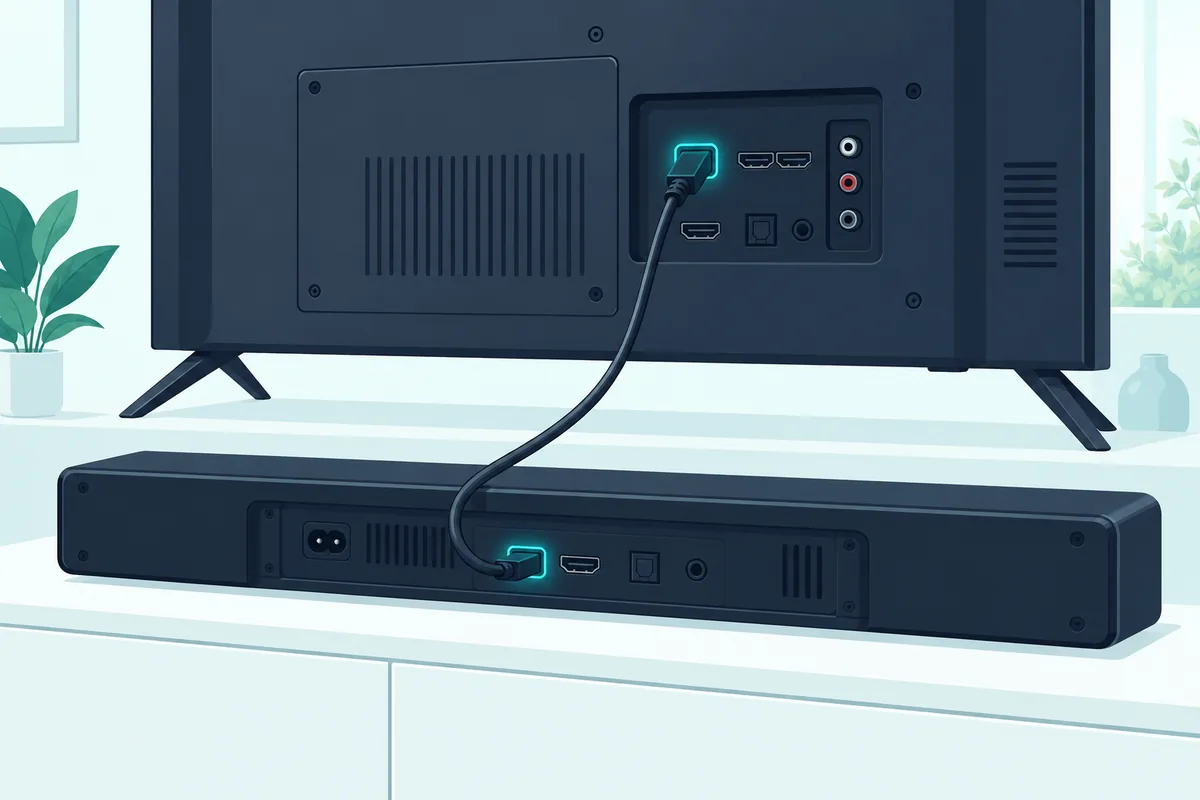
- Turn off the TV and the soundbar.
- Plug the HDMI cable into the TV’s ARC or eARC port and the soundbar’s HDMI ARC port.
- Turn the TV on, then the soundbar.
- Switch the soundbar to its HDMI or ARC input with the remote or the buttons on the bar.
Onn’s manual has you set the TV’s audio output to external speakers or an audio system after connecting. The next two steps cover where that setting lives.
If your HDMI cable is missing or too short, any cable rated for ARC and eARC will do, such as the Silkland 8K HDMI ARC/eARC Cable.
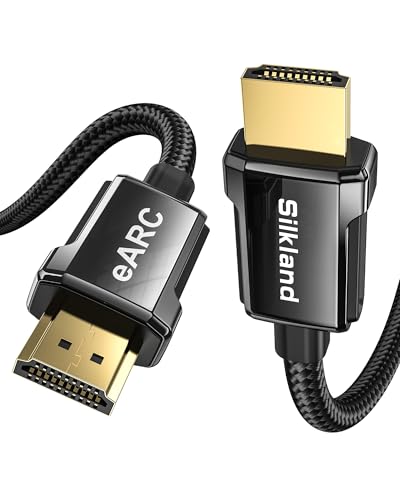
Silkland 8K HDMI ARC/eARC Cable
Turn On HDMI-CEC for Your TV Brand
That volume-from-the-TV-remote feature depends on HDMI-CEC, which each TV brand names differently. Samsung calls it Anynet+, LG calls it SIMPLINK, and Sony calls it BRAVIA Sync.
On a Roku TV, including Onn’s own TVs, look for Control other devices (CEC) in the system settings. Vizio lists it simply as CEC.
Set the TV’s Audio Output
Once CEC is on, open the TV’s sound settings and change the output from TV speakers to external speakers, an audio system, or HDMI ARC. The wording varies, but it’s usually in the same menu as the speaker settings.
If the TV has an option to turn its own speakers off, use it. Otherwise you may hear both at once.
For a deeper walkthrough on any brand, this screen-by-screen guide covers the menus.
Get Studio Tips Weekly
Join 5,000+ creators getting acoustic treatment advice every week.
No spam. Unsubscribe anytime.Which Settings Does Your TV Brand Need?
Those two settings, CEC and audio output, live in different menus on every brand. Here’s where to find them on the TVs most often paired with an Onn soundbar.
Roku TVs, Including Onn’s Own TVs
Onn’s TVs run Roku, so these steps cover them too. Go to Home, Settings, System, Control other devices (CEC), and check the box for ARC, or eARC if your TV has it (Roku support).
In the same menu, check System audio control and 1-touch play. Those let the Roku remote change the soundbar’s volume and mute it, and the TV shows the volume level on screen.
Roku’s audio format setting is under Settings, System, Audio, S/PDIF and ARC. Auto detect is the usual choice, and if the bar stays silent, pick a stereo PCM option if your TV offers one.
Samsung TVs
Samsung calls CEC Anynet+. On 2022 and newer models, go to Settings, Connection, External Device Manager, and turn Anynet+ (HDMI-CEC) on, while older models keep it under General instead of Connection (Samsung support).
Then open Settings, Sound, Sound Output, and choose the soundbar or receiver rather than the TV speakers. If the Onn bar sounds quiet even at high volume, set the TV’s Digital Output Audio Format to PCM, which Samsung recommends for stereo and 2.1 bars.
LG TVs
LG calls CEC SIMPLINK. Turn SIMPLINK (HDMI-CEC) on, then go to All Settings, Sound, Sound Out, and choose HDMI ARC, or Optical if that’s how the bar is connected (LG support).
With SIMPLINK on, LG says the TV remote can power the bar on and off and control its volume over HDMI.
Vizio, Sony and Other Brands
Every brand has the same two settings under different names. Look for CEC, HDMI Control or a brand name such as BRAVIA Sync in the system or external device settings, and look for the speaker or audio output choice in the sound settings.
If the TV has an option to turn its internal speakers off, use it. The walkthrough linked above lists the menu names for more brands.
How Do You Know the Connection Is Working?
Once those settings are in place, a quick check tells you it worked. Play something with clear dialogue and check that the sound comes from the bar while the TV speakers stay quiet.
Then press volume up on the TV remote. If the bar gets louder, CEC is working, and on a Roku TV you’ll also see the volume level on screen.
If the sound plays but the TV remote does nothing, CEC is off, or the bar is connected by optical, which doesn’t carry CEC. In that case, use the Onn remote for volume or turn CEC on in the TV’s settings.
What If Your TV Has No ARC Port?
Without that ARC label, use optical. Connect the TV’s OPTICAL OUT port to the soundbar’s OPTICAL port, switch the bar to its optical input, and set the TV’s audio output to external speakers.
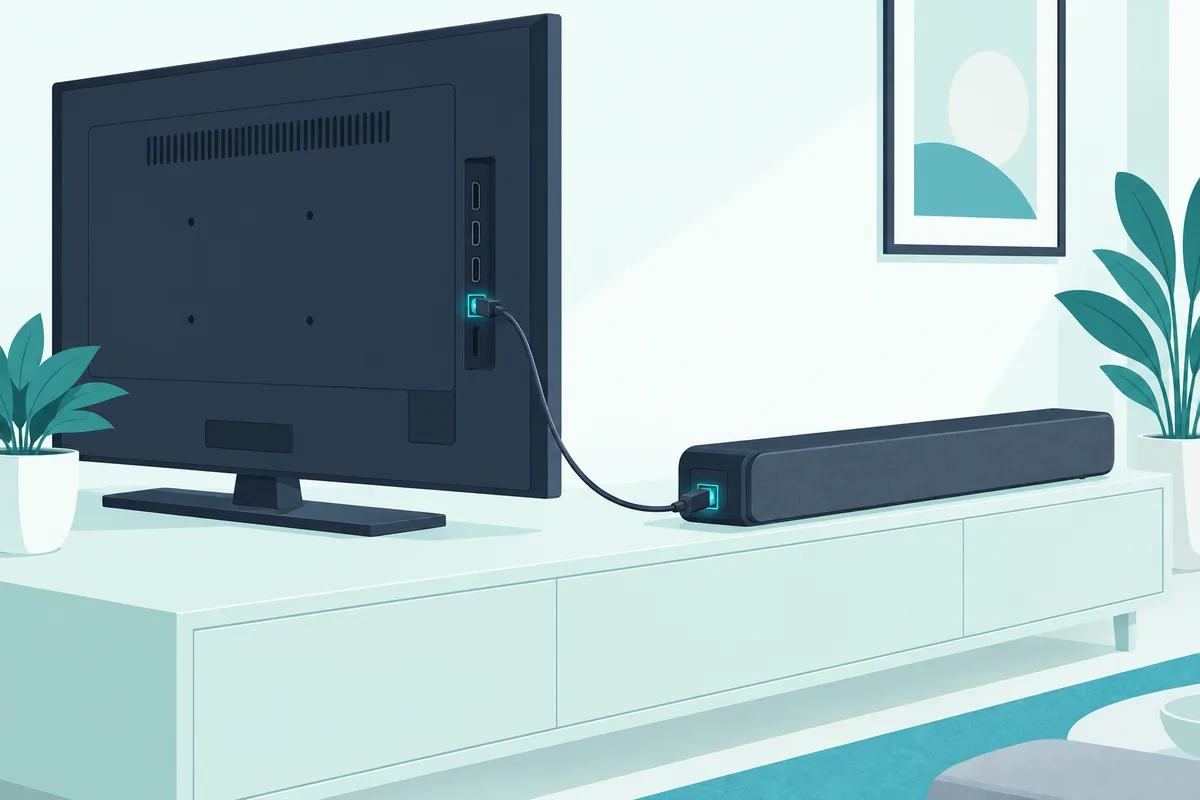
If the optical connection gives you silence, look for the TV’s digital audio format setting. Changing it to PCM usually brings the sound back, because it’s the format any soundbar can play.
An optical cable doesn’t carry CEC. So on this connection, you’ll use the Onn remote for volume instead of the TV remote.
If you need a spare, the KabelDirekt Optical TOSLINK Cable is a 6-foot TOSLINK cable that reaches most TV stands.
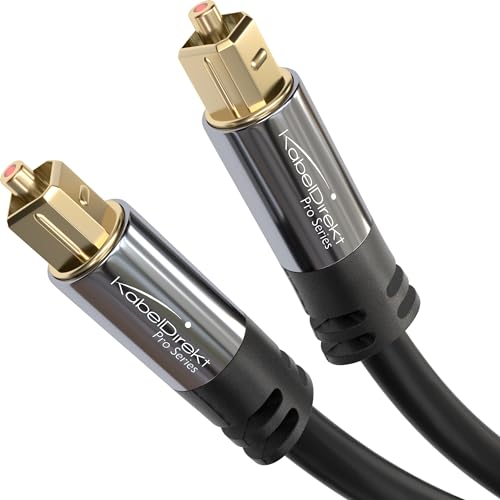
KabelDirekt Optical TOSLINK Cable
Use the AUX Input on Older TVs
Some older TVs have neither ARC nor optical. For those, a 3.5 mm-to-RCA stereo cable from the TV’s audio output to the soundbar’s AUX IN works, though you’ll need to buy the cable separately.
Should You Use HDMI or Optical for an Onn Soundbar?
Both of those cables carry sound well, so the choice comes down to control and formats. HDMI ARC lets the TV remote run the bar through CEC, while optical doesn’t, so you’ll juggle two remotes.
HDMI also carries more formats. If your Onn bar supports Dolby Atmos, it needs HDMI, since Dolby says eARC is required for the full Atmos experience and optical can’t carry it (Dolby).
Optical is still a good fallback. It’s simple, it doesn’t depend on CEC settings, and it avoids the occasional HDMI handshake problem on older TVs.
Can You Connect an Onn Soundbar by Bluetooth?
That AUX route and Bluetooth both skip HDMI, but Bluetooth depends on the TV. Many smart TVs can send audio over Bluetooth, while others only use it for remotes and keyboards.
To try it, put the soundbar on its Bluetooth input so it’s discoverable, then pair it from the TV’s Bluetooth or sound output menu. Expect a slight delay between picture and sound on some TVs, which is why a cable is the better first choice.
If your TV has no Bluetooth audio at all, a transmitter such as the Avantree Oasis Plus 2 adds it, and the Onn bar pairs with the transmitter instead.
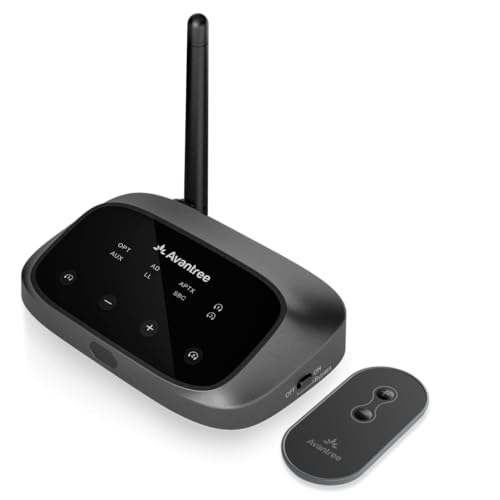
Avantree Oasis Plus 2
Where Should the Onn Soundbar Go?
Once it’s connected, placement decides how clear it sounds. Center the bar under the TV, facing the seats, so voices come from the same place as the picture.
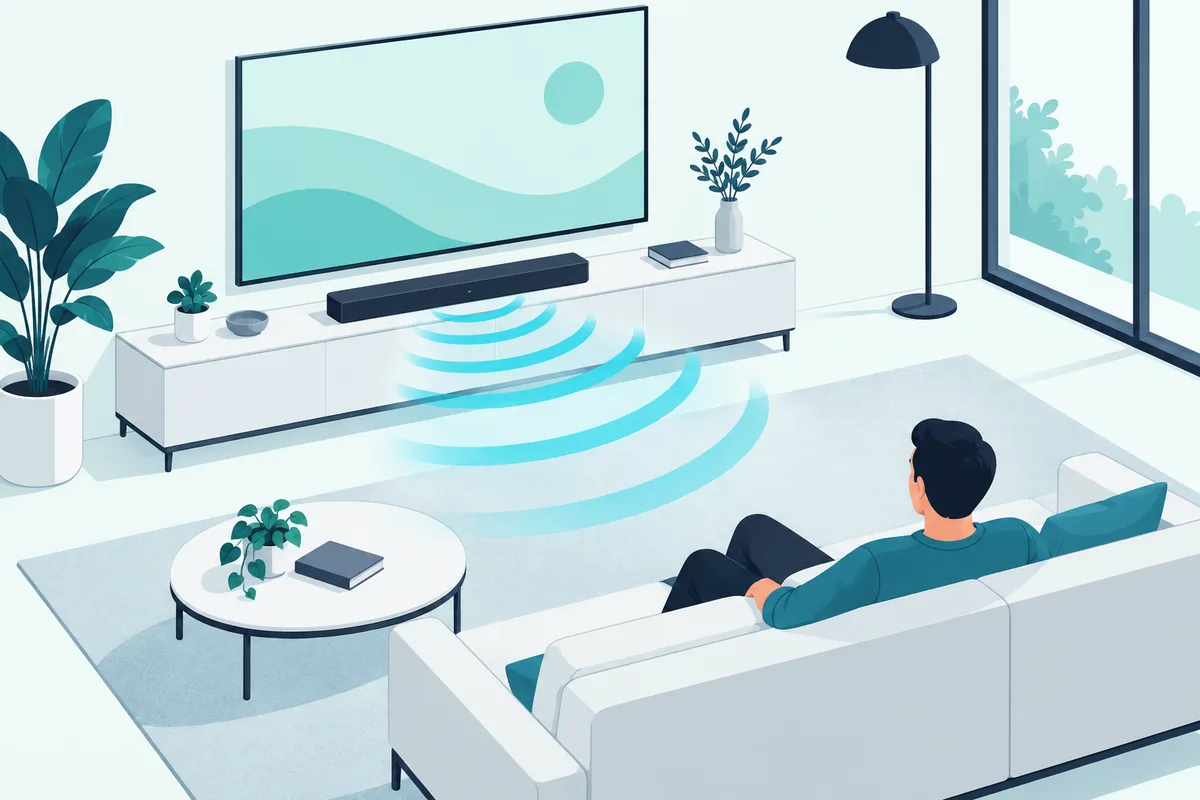
Keep the front of the bar clear. A stand’s raised lip, a row of decorations or a closed cabinet door in front of the drivers muffles dialogue more than any setting can fix.
If the TV is on the wall, a bracket such as the Mounting Dream Soundbar Mount holds a soundbar of up to 15 lbs above or below the screen.
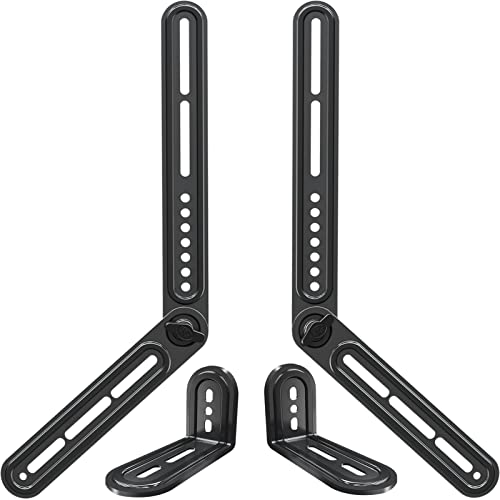
Mounting Dream Soundbar Mount
If your Onn bar came with a subwoofer, start with it on the floor near the front of the room. Move it a little at a time until the bass sounds even from your seat rather than booming in one corner.
Can You Add a Streaming Stick or Game Console Too?
That HDMI ARC link also carries sound from everything plugged into the TV. Connect a streaming stick, console or cable box to the TV’s other HDMI ports, and the TV sends their audio down to the bar.
This is why the bar only needs one HDMI connection. Burton Acoustix’s multi-device setup guide covers the setups for more devices.
Why Is There Still No Sound?
Even with the right port and settings, the TV and bar sometimes fail to agree. Turn both off, unplug them for a minute, then power on the TV first and the soundbar second.
Check that the bar is on the matching input, because an Onn bar left on Bluetooth won’t play the HDMI signal. Then confirm the TV’s audio output didn’t switch back to its own speakers after a software update.
If HDMI ARC still gives you nothing, these TV-side checks go through the settings in order. As a last resort, you can factory reset an Onn soundbar to clear any stuck settings on the bar itself.
Frequently Asked Questions
Does an Onn soundbar work with any TV?
It works with any TV that has an HDMI ARC port, an optical output, an analog audio output, or Bluetooth audio. Almost every TV sold in the last decade has at least one of those.
How do I connect an Onn soundbar to an Onn Roku TV?
Plug the HDMI cable into the TV’s ARC port and the bar’s HDMI ARC port. Then, on the TV, go to Settings, System, Control other devices (CEC), check ARC, and turn on System audio control so the Roku remote controls the bar.
Is HDMI or optical better for an Onn soundbar?
HDMI ARC is better when your TV has it, because the TV remote can control the bar and it carries more audio formats, including Dolby Atmos over eARC. Optical is the simple fallback for TVs without ARC.
Why won’t my TV remote control the Onn soundbar’s volume?
The TV remote only controls the bar over HDMI ARC with CEC turned on. On optical, AUX or Bluetooth, use the Onn remote instead.
Can I use an Onn soundbar with a TV that has no HDMI ARC port?
Yes. Connect it with an optical cable from the TV’s optical output, or with a 3.5 mm-to-RCA cable into the bar’s AUX input on older TVs. You’ll control the volume with the Onn remote, since neither cable carries CEC.
Do I need to buy an HDMI cable for an Onn soundbar?
Often not. Onn’s manual lists the HDMI and optical cables as included for the model it covers, so check the box before buying one, since the AUX cable is the one usually sold separately.