Vizio Sound Bar Not Working? How to Fix It by Symptom
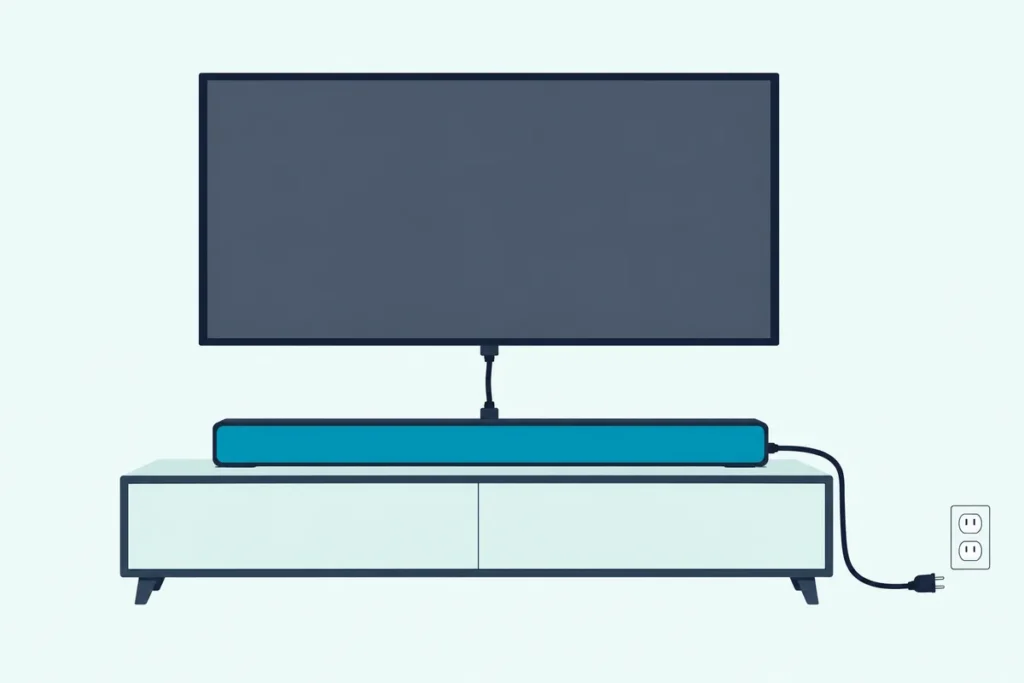
If your Vizio sound bar is not working, match the symptom before you touch anything: no lights points to power, lights but no TV sound points to the input and the TV’s audio menu, and dropouts or a deaf remote each have their own short list.
A bar that looks dead is often fine, because Vizio’s own troubleshooting pages fix it with a cord, a mute, the input or one TV setting, not a repair.
Work in order and you keep every setting, since the factory reset that wipes them comes last.
Start with the lights on the front of the bar, because their color and the way they move tell you which input it’s on and what it’s doing.
Below, each symptom gets Vizio’s steps for HDMI ARC or eARC, optical and Bluetooth, then the light patterns, updates, the subwoofer and the reset.
Why Is My Vizio Sound Bar Not Working?
That first match is the whole method, so here it is in one table. Each row names the symptom, the first thing Vizio’s manuals tell you to check, and the section below that finishes the job.
| What you see or hear | First check, per Vizio’s manuals | Section |
|---|---|---|
| No lights, no response to buttons | Power button, power cord, a test of the wall outlet | Won’t turn on |
| Lights on, no sound from the TV | Volume, mute, the input, the TV’s audio output setting | No sound |
| Sound drops out or the bar switches off | Eco Power Mode, Bluetooth range, loose cables | Cutting out |
| Neither handset changes anything | Batteries, aim at the center of the bar, CEC on the TV | Remote |
| Phone won’t pair | Pairing mode held 3 to 5 seconds, one device at a time | Bluetooth |
| Subwoofer or rear speakers silent | Subwoofer level, re-linking, the Surround setting | Subwoofer |
| Voices out of step with lips | AV Delay on the bar, Lip Sync on the TV | Lip-sync |
Notice that a factory reset appears nowhere in that middle column. Vizio lists it as a way back to default settings, not as a first fix, and it erases the input, pairing and learning setup the other rows depend on.
The models behind these steps fall into two families. The 2021 and 2022 bars, such as the V51x-J6, M51ax-J6, M213ad-K8, V21d-J8, SB2021n-J6 and the Elevate P514a-H6, come with a handset and report through front indicator lights, while the 2025 SV210M-0808 has a single LED, no remote in the box and a phone app instead.
If your bar has never worked since the day it came out of the box, the Vizio soundbar hookup walkthrough covers first-time cabling. The sections below assume it worked once and stopped, or never gave sound from one source.
What Do the Lights on a Vizio Sound Bar Mean?
Those front LEDs are the bar’s only screen, which makes them the quickest test on this page. On the 2021 and 2022 models each input has its own color, and a few patterns flag a fault outright.
| Light pattern | Meaning (model where Vizio documents it) |
|---|---|
| Green | AUX In selected (V51x-J6, M213ad-K8, SB2021n-J6) |
| Red | Digital Optical selected (V51x-J6, M213ad-K8, SB2021n-J6) |
| Magenta | HDMI ARC or HDMI eARC selected (V51x-J6, M213ad-K8, P514a-H6); USB on the SB2021n-J6 |
| Yellow | HDMI In selected (M213ad-K8) |
| Blue | Bluetooth selected (V51x-J6, M213ad-K8, SB2021n-J6) |
| Orange | USB selected (V51x-J6, M213ad-K8) |
| Violet | AUX VA, the voice assistant input (V51x-J6, M213ad-K8) |
| Input LEDs flashing rapidly | Unsupported audio format on a digital input (V51x-J6, M51ax-J6, P514a-H6) |
| LED slowly pulsing or slowly blinking white | Muted (SB2021n-J6, SV210M-0808) |
| LEDs running bottom to top, or left to right, and back | Bluetooth pairing mode, or waiting to learn a TV button (V51x-J6, M213ad-K8) |
| All LEDs flash 3 times | Factory reset done, or the subwoofer re-linked (V51x-J6) |
| All LEDs blink twice | A TV button was learned (V51x-J6, M213ad-K8) |
| Dark blue flashing | Bluetooth pairing mode (SV210M-0808) |
| Orange and green flashing | Firmware being updated (SV210M-0808) |
| Dim white | Standby (SV210M-0808) |
Two of those rows matter most when there’s no sound. A rapid flash on optical or HDMI means the source is sending a format the bar won’t play, and the fix is to set the source to PCM, which the no-sound section walks through.
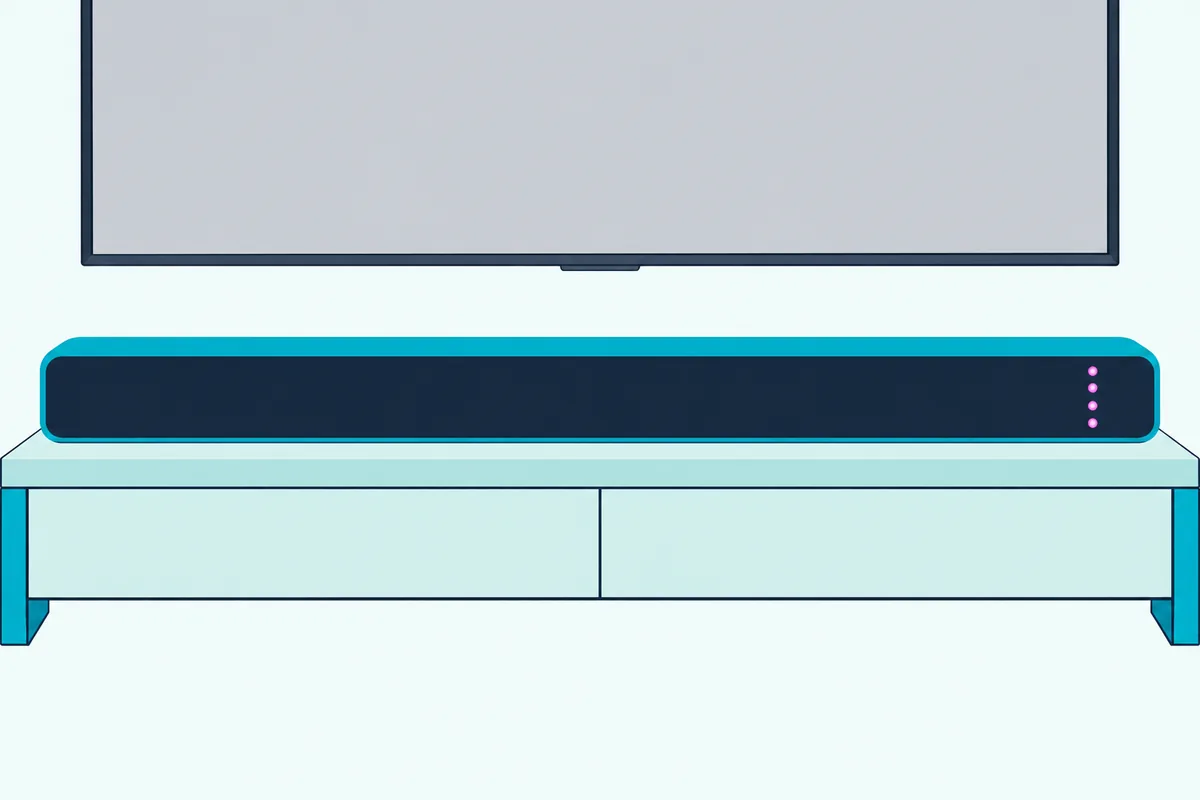
The other is the color itself. If the bar glows red while your TV is plugged into the HDMI ARC port, the bar is listening to the optical jack and will stay silent however loud you set it.
The M51ax-J6 and M213ad-K8 also speak up when the format is wrong, the first announcing “format not supported” and the second giving a voice announcement. Think of the color as a channel number on an old TV: if it’s on the wrong channel, nothing else you adjust will matter.
Get Studio Tips Weekly
Join 5,000+ creators getting acoustic treatment advice every week.
No spam. Unsubscribe anytime.Why Won’t My Vizio Sound Bar Turn On?
No lights at all is the one case where the color test can’t help, so start with power. Vizio’s troubleshooting page for the V51x-J6, M51ax-J6 and P514a-H6 lists three checks: press Power on the remote or on the bar, make sure the power cord is firmly seated, and plug another device into the same outlet to prove the outlet works.
A power strip with its own switch, or an outlet run by a wall switch, fails that outlet test without looking broken. A lamp is the quickest stand-in for the test.
Dark doesn’t always mean off, though. On the V51x-J6 a long press of Mute turns the power LED on or off, and the SETUP menu has a PwrLED setting, so a bar with its light switched off can be on and waiting.
The SV210M-0808 adds a standby state of its own. It drops into standby when the TV powers off, its white LED dims, and a quick press of Power, Bluetooth or Volume + on the side of the bar wakes it.
That model also follows the TV, so it should wake when the TV turns on. On the 2021 and 2022 bars, one that powers on and then drops back off is more likely the Eco Power timer from the cutting-out section than a fault.
Why Is There No Sound From My Vizio Sound Bar?
Once the lights are on, silence comes down to three checks Vizio lists before anything else. Turn the volume up, press Mute to make sure it isn’t muted, and press Input to cycle to the right source while you watch the light color change.
Your TV has a part in this too. Vizio’s bar manuals ask you to confirm the TV’s audio output is Fixed or Standard rather than Variable, and its TV manual explains the analog version of that setting: Variable is for running the volume from the TV, Fixed for letting a sound bar control it.
HDMI ARC or eARC
The HDMI cable has to sit in the right port at both ends. On the TV that’s the port marked ARC or eARC (HDMI 1 on Vizio TVs), and Vizio warns that it must be an audio output, not an input.
On the bar it’s the port labeled HDMI (ARC), or HDMI (eARC) on the Elevate P514a-H6 and M213ad-K8. Those two also have HDMI In ports for a game console or player, and the P514a-H6 manual says plainly not to use HDMI In for first-time setup.
With the cable in place, Vizio’s HDMI ARC steps for a Vizio TV are short (Vizio V51x-J6 manual):
- On the TV, open the Audio menu and set Digital Audio to Dolby Digital or Bitstream (Dolby Digital or Digital on the M213ad-K8).
- Open the System menu and enable CEC and ARC (SAC).
- In the CEC menu, select Device Discovery so the TV registers the bar.
- Press Input on the bar until the light turns magenta.
Other TV makers name CEC differently, as Vizio’s manuals note, so look for System Audio Control or the brand’s own CEC name. If it’s still silent, Vizio’s 2022 V-Series TV manual lists one more fix under no sound: set eARC to Off and use ARC mode (Vizio 2022 V-Series TV manual).
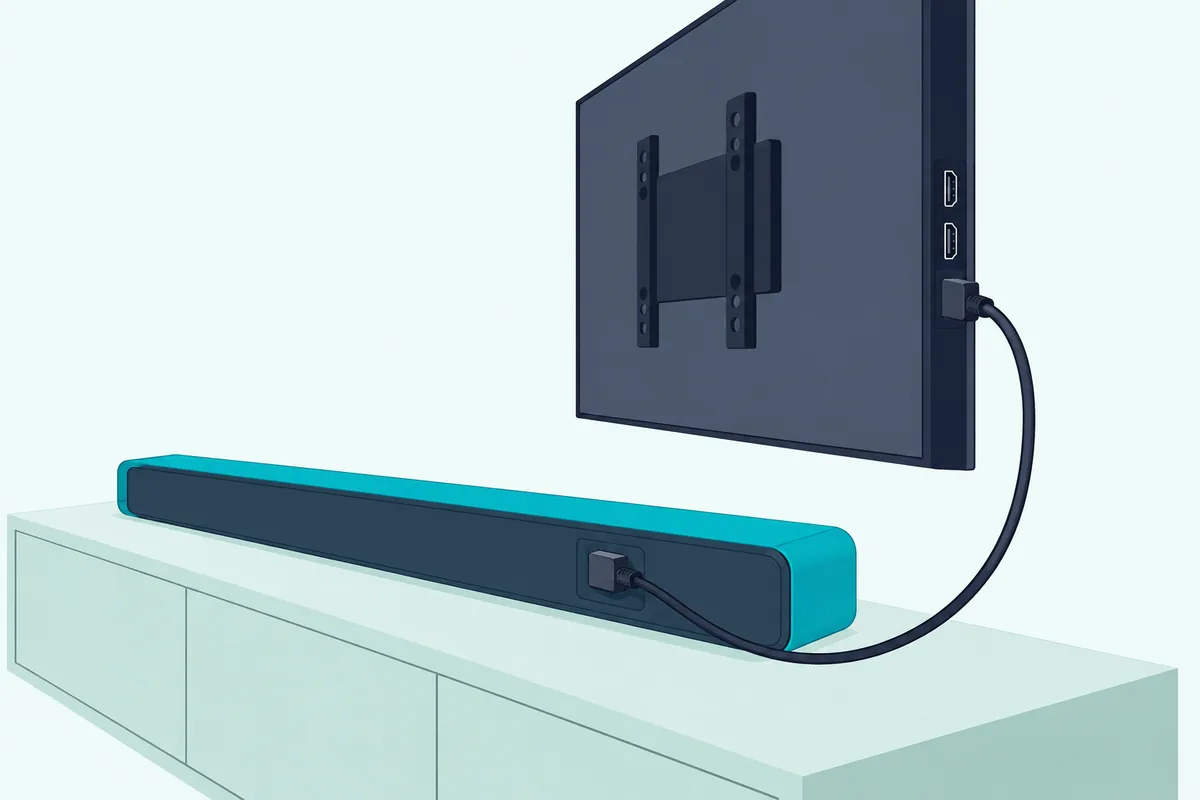
The cable matters only if it’s missing or suspect. Vizio asks for an ARC-compatible cable, or an eARC-compatible one on the P514a-H6, without naming a grade.
If you’ve lost the one from the box or want a spare to rule it out, UGREEN’s 6.6 ft certified HDMI cable is sold as Certified Ultra High Speed. HDMI.org says certified cables carry a label on the package that a phone’s QR code app can scan to confirm it (HDMI.org).

UGREEN’s 6.6 ft certified HDMI cable
Optical
The optical route has its own common snag, and Vizio names it in the troubleshooting pages of the V51x-J6, M51ax-J6, P514a-H6, M213ad-K8 and SB2021n-J6. Some TVs don’t pass digital audio through to the optical jack, so if there’s no sound, set the TV’s output to PCM or plug the player straight into the bar.
That PCM setting is the same cure for the rapid-flash light from the table above. The V51x-J6 manual marks the optical cable as not included, so on that model you may need one before this route works at all.
Amazon Basics’ 6 ft Toslink cable is sold as a digital optical cable for sound bars. Push each plug fully into the TV’s optical output and the bar’s Digital Optical In.
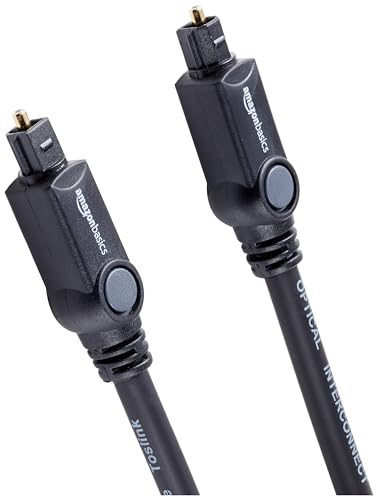
Amazon Basics’ 6 ft Toslink cable
Bluetooth and AUX
On Bluetooth, Vizio’s fix for silence points at the source rather than the bar. Turn up the volume on the phone or tablet and make sure it isn’t muted, since both volumes count.
On the 3.5 mm AUX input, the Fixed-or-Variable setting from earlier is the one to check. If you hear buzzing or humming instead, Vizio says to reseat every cable, try a different source to see if the hum follows it, and move the device to another input.
Why Does My Vizio Sound Bar Keep Cutting Out?
Sound that comes and goes is a timing or a signal problem, and Vizio’s manuals document two causes. The first is Eco Power Mode, which on the V51x-J6 puts the bar into standby after a period of inactivity and turns it off when no audio signal is detected.
That second trigger can catch a paused show. Eco Power is off by default, so if it’s on, hold Power and Volume Down on the bar for 5 seconds to switch it off, or use SETUP > EcoPwr on the display remote.
The second cause is Bluetooth range. Vizio gives Bluetooth a range of up to 30 feet and says break-ups are fixed by moving the phone closer, clearing solid objects from the line between them, and moving or turning off wireless cameras, baby monitors, cordless phones and microwave ovens.
Switching inputs also ends a Bluetooth stream. Vizio’s manuals say a paired phone disconnects when the input changes and reconnects when you switch back to Bluetooth.
The SV210M-0808 has a twist on that. Its Auto HDMI feature switches the bar to TV sound when the TV turns on, and adjusting the TV’s volume with its remote disconnects Bluetooth, so music from a phone can stop the moment someone touches the TV remote.
You can turn Auto HDMI off in the VIZIO mobile app. A third cause is worth ruling out too, a cable that’s worked loose, and the reseat-every-cable step Vizio gives for buzzing covers it.
What If the Remote Won’t Control the Vizio Sound Bar?
Those loose-cable checks have a handset equivalent, and it starts with batteries. Vizio’s troubleshooting page says to replace them, point the remote straight at the center of the bar, and accept that some buttons do nothing in certain streaming apps over Bluetooth.
The manuals even name a brand. Vizio recommends replacing the ones that came with the remote with two new Duracell AAA alkaline batteries.
Duracell’s Coppertop AAA 6-pack covers two remotes with spares left over. Fit them matching the + and – marks, then try it from across the room.
Duracell’s Coppertop AAA 6-pack
The TV remote
If you want the TV remote to run the volume, that comes through HDMI. Vizio’s HDMI ARC steps say to enable System Audio Control from the TV’s CEC menu, the same menu as the Device Discovery step above.
Vizio TV remotes have a shortcut of their own. Holding Power and Volume Up on the bar for 5 seconds turns VIZIO TV remote support on or off, so a Vizio TV that ran the bar yesterday may only need that toggle flipped back.
For a TV on optical, the bar can learn its buttons instead. On the V51x-J6, in SETUP > Prg Remote, choose Learn Vol -, Learn Vol + or Learn Mute, press OK, then press that button on the TV remote while the LEDs run up and down, and all of them blink twice when the code takes.
Vizio adds two tips: turn the TV speakers off first, and aim both remotes at the front of the bar. The full method by model, with the infrared and CEC routes side by side, is in teaching a TV remote to a Vizio bar.
The SV210M-0808 is different again, since it ships without a remote. Vizio says the TV remote controls its volume and mute only while the TV is on, and the app handles everything else.
Why Won’t My Vizio Sound Bar Pair Over Bluetooth?
That app link on the SV210M-0808 is Bluetooth too, and pairing trips people up in the same few ways. On the 2021 and 2022 bars, press and hold the Bluetooth button on the bar or remote until the lights start to move: Vizio says 5 seconds on the V51x-J6 and M213ad-K8 and 3 seconds on the SB2021n-J6.
The lights tell you it worked. They run along the front during pairing and stop once a phone connects, or on the SB2021n-J6 the single LED blinks blue and then turns solid.
Order matters on some models. The SB2021n-J6 and M213ad-K8 manuals say to put your phone into pairing mode before the bar, that the bar stays discoverable for 15 minutes, and that it powers down if no device is found (Vizio M213ad-K8 manual).
That power-down can look like the bar switching itself off. If the bar goes dark mid-pairing, wake it and start the phone’s search first this time.
On the SV210M-0808, a quick press of the Bluetooth button starts pairing, the LED blinks blue rapidly and a tone plays twice. Only one device can stream at a time, so disconnect the first phone in its Bluetooth settings, or hold the bar’s Bluetooth button for 2 seconds, before you pair a second.
That one-device rule applies to the app as well. If a family member’s phone has the VIZIO mobile app open, close it there before you try to control the bar from yours.
Why Is the Vizio Subwoofer Silent, or the Surround Speakers?
Bluetooth isn’t the only wireless link in a Vizio system, and Vizio says a silent subwoofer may need re-linking to the bar. Check the level first, because on the V51x-J6 turning Subwoofer down to the minimum turns the subwoofer off, and on the SB2021n-J6 the minimum mutes it.
If the level is fine, re-link it. Vizio’s steps for the V51x-J6 are:
- Check that the subwoofer’s power LED is lit.
- Press and hold the ON/OFF button on the back of the subwoofer for 5 seconds, until its LED blinks.
- Press and hold Power on top of the bar for 5 seconds; the front LEDs flash 3 times when the link is made.
The subwoofer LED is a status light too. On the SV210M-0808 it’s solid white when connected, blinks slowly when it isn’t paired and blinks rapidly in pairing mode, and Vizio’s hard reset for that subwoofer is to unplug it, wait 5 seconds and plug it back in.
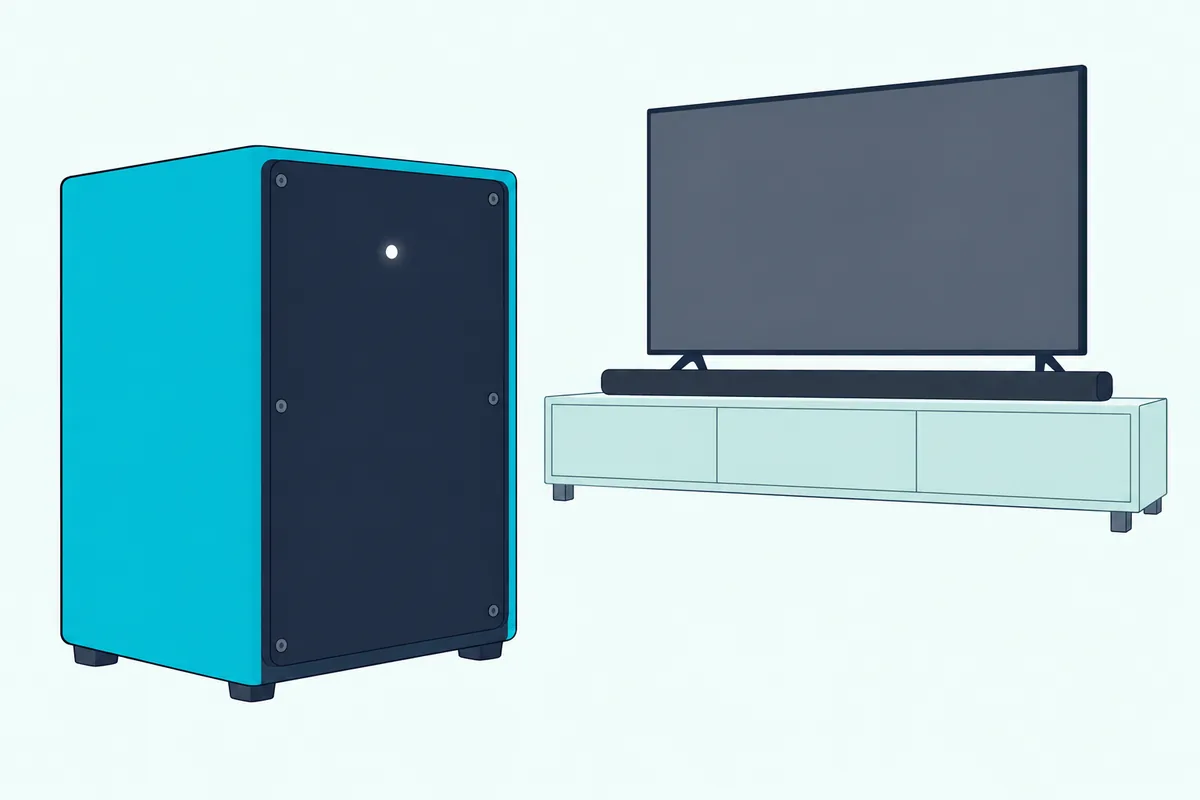
Other models use different buttons, so check yours against re-linking a Vizio subwoofer, model by model before you press anything for 5 seconds.
Silent rear speakers on the V51x-J6 have two things to check. Its Surround setting turns the surround speakers off when set to Off, and the speakers plug into the subwoofer, not the bar, with the blue cable on the left and the gray one on the right.
Vizio’s speaker test checks the lot. Run SETUP > Spkr Test on the V51x-J6, or hold Bluetooth and Volume Up for 5 seconds on the M213ad-K8 and SB2021n-J6, and a voice calls out each speaker in turn.
The SV210M-0808 has the same button combination, and its app version runs pink noise through each speaker.
If a speaker stays silent during that roll call, Vizio’s instruction is to check its connection and run the test again. Same rule as the HDMI port earlier: the cable has to be in the right socket before any setting can help.
How Do You Fix Lip-Sync Delay on a Vizio Sound Bar?
That speaker check tells you every channel plays, but not whether it plays on time. On the V51x-J6, LEVEL > AV Delay adds delay to the bar’s sound with the Next and Previous buttons, and the LEDs climb as the delay grows, with only the bottom LED lit at zero.
Because AV Delay holds the sound back, it fixes audio that runs ahead of the picture. On the SV210M-0808 the same AV Delay setting is in the VIZIO mobile app.
Vizio TVs have their own control. The 2022 V-Series TV manual lists Lip Sync in the Audio menu, to match the picture to the sound.
Here’s a quick test of which side is off. Watch a close-up of someone talking: if you hear the word before the lips move, raise AV Delay on the bar, and if the lips move first, the sound is late, which AV Delay can’t fix and soundbar lip-sync fixes for any brand covers.
Does a Vizio Sound Bar Need a Firmware Update?
Some Vizio bars take firmware updates, and the LED table above already showed what one looks like. The SV210M-0808 flashes orange and green while its firmware updates, and Vizio says the VIZIO mobile app and a customer account are needed to receive system updates (Vizio SV210M-0808 manual).
Leave the bar plugged in while those lights flash. Vizio’s manual doesn’t say what an interrupted update does, so there’s no reason to find out.
The Elevate P514a-H6 gets its updates over Wi-Fi. Its manual says connecting the bar to Wi-Fi through the VIZIO SmartCast Mobile app enables free software updates.
The other bars are a different story. The V51x-J6, M51ax-J6, M213ad-K8, V21d-J8 and SB2021n-J6 manuals describe no update procedure at all, only product registration for update notices, so on those models there’s no documented update to try.
Factory Reset as the Last Step
Only when everything above has failed is a reset worth its cost. On the V51x-J6, M213ad-K8, SB2021n-J6 and SV210M-0808, press and hold Bluetooth and Volume Down on the bar for 5 seconds; on the 2021 and 2022 models the lights flash 3 times when it’s done.
Vizio warns that this erases all settings and preferences. The menu version, Reset All, also unpairs every Bluetooth device and removes any TV buttons the bar has learned.
Plan to redo the work afterward. On the V51x-J6, automatic input detection runs again after a factory reset, then you re-pair the phone, re-teach the TV’s volume buttons and check the subwoofer link.
A few models reset differently, and some from an app or menu. The full Vizio sound bar reset guide lists the buttons and lights for each line.
If the bar still has no power or no sound after a reset, the fault may be in the hardware. Vizio’s limited warranty covers non-commercial use for one year from the date of original purchase, and its manuals point you to Vizio’s support site before warranty service.
Frequently Asked Questions
Why does my Vizio sound bar say format not supported?
The M51ax-J6 announces it, along with a rapid flash of its input lights, when a digital input receives an audio format the bar can’t play; the V51x-J6 and P514a-H6 just flash. Vizio’s fix is the same either way: set the source, usually the TV, to output PCM. On a Vizio TV that’s the Digital Audio Out setting in the Audio menu, which covers both optical and HDMI ARC. If it only happens on one app or disc, that source is likely sending a format the others don’t, so the PCM setting on that device is the one to change.
Why does my Vizio sound bar turn off by itself?
Vizio documents three causes. Eco Power Mode on the V51x-J6 and M213ad-K8 powers the bar down after a period of inactivity, and on the V51x-J6 when no audio signal arrives; hold Power and Volume Down for 5 seconds to switch it off. The SV210M-0808 goes into standby whenever the TV turns off, by design. And the SB2021n-J6 and M213ad-K8 power down if Bluetooth pairing finds no device within 15 minutes. None of these is a fault, and none needs a reset.
Why is my Vizio sound bar connected but there’s no sound?
A connection with no sound usually means the bar is on the wrong input or the TV is sending something it can’t play. Check that the light color matches your cable, magenta for HDMI ARC and red for optical on the V51x-J6. Then set the TV’s digital audio output to PCM, confirm its audio output is Fixed rather than Variable, and on a Vizio TV try setting eARC to Off and using ARC mode, as Vizio’s TV manual suggests. Over Bluetooth, turn up the phone’s own volume.
Can you use a Vizio sound bar without the remote?
Yes. The power, input, Bluetooth and volume buttons are on the top or side of the bar, and the button combinations for Eco Power, VIZIO TV remote support and the factory reset all use those buttons. With HDMI ARC and CEC set up, the TV remote handles power and volume. The SV210M-0808 never came with one: it takes the TV’s handset for volume and the VIZIO mobile app for its settings.
Does a Vizio sound bar work with a non-Vizio TV?
It does, over HDMI ARC, optical or AUX, but the menu names change. Vizio’s manuals say their HDMI ARC steps are written for Vizio TVs, that steps may differ by TV maker, and that CEC naming differs too, so look for System Audio Control or your TV brand’s own CEC name. If CEC never takes, the learning steps in the remote section let the bar copy your TV’s volume and mute buttons instead.